
 US
Isolated Digital Inputs: DIO vs GPIO for IIoT Gateways and Edge Computing
An isolated digital input reads a 24 V field signal through a galvanic barrier, which is what separates industrial DIO from GPIO. This guide covers isolation, IEC 61131-2 input types, NPN and PNP, dry and wet contacts, outputs and how to add DIO.
An isolated digital input reads an on/off field signal, typically 24 V DC, through a galvanic barrier such as an optocoupler or a digital isolator, so that ground loops, surges and electrical noise on the field wiring cannot reach the computer. That isolation is the main difference between the industrial digital I/O (DIO) on a gateway or industrial PC and the general purpose I/O (GPIO) pins on a development board.
Both matter at the edge. Powerful AI computers, energy-efficient IIoT gateways and remote I/O devices are deployed beside machines and sensors to read their state and act on it, and digital I/O is how they do it: a limit switch closes, a door opens, a stack light turns on. Processing that data at the edge, close to where it originates, cuts latency, keeps the process running if the cloud link drops, and reduces the data sent upstream; our range of industrial-grade edge computing is built for that job.
This guide explains GPIO and DIO, what isolation does, how isolated inputs are built and rated, how to wire sinking, sourcing, dry and wet contacts, which outputs to use for which load, and how to add DIO to a computer locally or remotely. It ends with a worked I/O list, a specification checklist and answers to the questions engineers ask most.
Key takeaways
- 01Isolation is the difference
- GPIO pins connect straight to the processor’s logic; isolated DIO puts a barrier rated in kilovolts between the field and the computer.
- 02Voltage levels differ
- GPIO runs at 1.8, 3.3 or 5 V logic; industrial DIO reads and drives 12 V and 24 V DC control circuits.
- 03Inputs follow IEC 61131-2
- Type 1, 2 and 3 inputs set the on and off thresholds that make sensors and PLC inputs interchangeable.
- 04Wiring must match
- Sinking and sourcing, NPN and PNP, dry and wet contacts all have to agree between the sensor and the input.
- 05Pick the output for the load
- Relays switch AC and isolated loads; transistor outputs switch DC loads faster and last longer.
DIO vs GPIO: what is the difference?
The two terms describe the same idea, a channel that is either on or off, built for different places. GPIO is a processor feature; DIO is an industrial interface. The table sets out the practical differences.
| GPIO (general purpose I/O) | Isolated DIO (digital I/O) | |
|---|---|---|
| Signal level | 1.8, 3.3 or 5 V logic (TTL or CMOS) | Typically 12 V or 24 V DC; some inputs accept 3–30 V or AC |
| Isolation | None; pins connect to the processor or an FPGA | Typically 1.5–5 kV between field and logic |
| Input protection | Minimal; overvoltage or ESD can damage the processor | Current limiting, reverse-polarity and surge protection |
| Output current | A few milliamps per pin | 100–500 mA per transistor output, or amps through a relay |
| Configuration | Each pin set as input or output in software | Inputs and outputs usually fixed; some modules configurable |
| Connectors | Pin headers, often push-fit | Terminal blocks, M12, D-sub or SCSI-style connectors with locking |
| Cable length | Centimeters inside an enclosure | Tens of meters of field wiring |
| Standards | None for the electrical interface | IEC 61131-2 input types for 24 V systems |
| Typical hosts | SBCs, development boards, carrier boards | Industrial PCs, IIoT gateways, PLCs and I/O modules |
What is GPIO?
General Purpose Input Output, commonly known as GPIO, is a programmable interface that lets an embedded processor send and receive digital signals from sensors, transducers and actuators. Despite its name, general purpose refers to digital signals only: a GPIO pin cannot accept an analog signal with a varying voltage. Each pin is set in software as an input or an output, and it reads or drives one of two logic levels, on or off. That simple on/off scheme is why no serial or USB protocol is needed, and why GPIO can connect many devices at once, limited only by the pin count and the processor. Our FAQ on what GPIO is covers the basics.
GPIO pins are usually brought out on pin headers or push-fit connectors at the processor’s own logic voltage. That suits buttons, LEDs, chip enables and signals inside the same enclosure, on single board computers and carrier boards. It suits field wiring much less well: a few meters of cable to a 24 V sensor brings voltages, noise and ground differences that the processor was never designed to see.
What is DIO?
DIO stands for digital input/output. It lets an embedded computer read digital signals from connected devices and drive digital outputs to them, at the voltages used in control panels. With automation software, the inputs control the outputs: a sensor detects the position of a robot arm or the level in a tank, and the computer switches a valve, a relay or a stack light in response. An embedded PC with DIO can do this locally, alongside or in place of a small PLC.
Factory floors are full of voltage spikes, ground loops and common-mode noise that confuse electronics, and the losses from corrupted signals can be serious: halted operations, machinery that misbehaves and damaged electronics. Industrial DIO isolates its channels to keep those events on the field side. Opto-isolation does it with light: an LED and a photodetector inside a photocoupler carry the signal across an insulating gap, so the field wiring and the computer share no electrical connection, and electrical interference cannot cross into the automation system.
What is an isolated digital input and how does it work?
An isolated input has two halves that share no copper. The field side takes the signal from the sensor or contact, limits the current and drives the barrier; the logic side receives the signal and passes it to the processor. Between them sits an isolation barrier with a rated test voltage, typically quoted in volts RMS for one minute, and a lower working voltage it can withstand continuously.
Isolation is worth its cost for four reasons. It breaks ground loops when the sensor and the computer are earthed at different points. It blocks common-mode voltage, the offset between field ground and computer ground on large sites. It stops surges and transients from motors, contactors and lightning reaching the processor. And it adds a safety barrier between field wiring and anything a person touches on the computer side. Our FAQ on galvanic isolation explains the principle.
| Specification | What it means | Typical industrial figure | Why it matters |
|---|---|---|---|
| Isolation voltage (test) | Voltage the barrier withstands for a short test | 500 V to 5 kVrms | Headline figure; compare like with like |
| Working voltage | Voltage the barrier withstands continuously | Lower than the test figure | Sets the safe common-mode offset |
| Channel-to-channel isolation | Whether channels are isolated from each other | Groups of 4–8, or every channel | Mixed supplies need channel isolation |
| Logic high and low thresholds | Voltage read as on and as off | On above about 11–15 V, off below about 5 V at 24 V | Must match the sensor’s output |
| Input current | Current drawn when on | About 2–15 mA | Two-wire sensors need enough current |
| Response time | Delay from field change to logic change | Microseconds to a millisecond or so | Matters for counting and fast events |
| Input voltage range | Maximum voltage without damage | Often 30 V, sometimes higher | Covers supply tolerance and spikes |
Real figures vary widely by product. In our range, the Neousys MezIO-D330 isolates its inputs to 2500 Vrms and its outputs to 1500 Vrms, reads logic high from 3.3 to 24 V DC and responds in 0.68 ms, while the Diamond Systems OPMM-1616-XT PC/104 module withstands 500 V between its I/O and the board, with every channel isolated from every other.
Optocoupler vs digital isolator inputs
Two technologies carry an input across the barrier. Optocouplers, also called photocouplers, have been the industrial standard for decades. Digital isolators, which use capacitive or magnetic coupling in a silicon package, are now common in newer designs and in dedicated isolated-input chips.
| Optocoupler input | Digital isolator input | |
|---|---|---|
| How the signal crosses | LED and photodetector across an insulating gap | Capacitive or magnetic coupling across a silicon dioxide or polyimide barrier |
| Speed | Microseconds; fine for switches and sensors | Much faster; suits encoders and high-speed counting |
| Ageing | LED output falls over years, reducing the current transfer ratio | No LED to age |
| Power on the field side | Input current lights the LED | Can run with lower input current |
| Channel density | One channel per device or small arrays | Many channels per package |
| Heat | Input resistor dissipates power at 24 V | Current-limited inputs run cooler |
| Where you meet it | Most I/O modules and many computers | Newer computers, gateways and high-density modules |
For a typical machine signal, a limit switch or a proximity sensor, both are fine. The differences show in high-density designs, fast counting inputs and products that must keep their specification for fifteen years or more.
IEC 61131-2 input types
IEC 61131-2, the PLC equipment standard, defines three types of 24 V DC digital input so that sensors and inputs from different makers work together. Isolated inputs on industrial computers often follow one of these types, and it is the clearest way to check compatibility with a two-wire sensor. The figures below are the usual limits for 24 V DC inputs; check the edition of the standard and the product datasheet.
| Input type | On state | Off state | Typical use |
|---|---|---|---|
| Type 1 | 15–30 V at 2–15 mA | Up to 5 V; leakage up to 0.5 mA | Mechanical contacts and three-wire sensors |
| Type 2 | 11–30 V at 6–30 mA | Up to 5 V; leakage up to 2 mA | Two-wire proximity sensors with higher leakage |
| Type 3 | 11–30 V at 2–15 mA | Up to 5 V; leakage up to 1.5 mA | Two-wire sensors, with lower power than Type 2 |
The off-state leakage column is the one that catches people out. A two-wire sensor passes a small current even when it is off, to keep itself powered, and an input with too low an off-current limit can read that leakage as on.
Sinking vs sourcing inputs and NPN vs PNP sensors
A digital input completes a circuit with the sensor, and the two have to agree on which side switches. A sourcing (PNP) sensor switches the positive supply to the input, so the input must sink current to 0 V. A sinking (NPN) sensor switches the input to 0 V, so the input must source current. Our FAQ on NPN vs PNP covers the sensor side in more detail.
| Sensor output | Also called | Switches | Input must be | Common in |
|---|---|---|---|---|
| PNP | Sourcing | +24 V to the input | Sinking (current flows into the input to 0 V) | Europe and most new machines |
| NPN | Sinking | Input to 0 V | Sourcing (input supplies current) | Asia and many older machines |
| Dry contact | Volt-free contact | Nothing until closed | Either, with the input supplying the wetting voltage | Relays, switches and alarms |
Many isolated modules let you choose per group or per channel. The Neousys MezIO-D230-50 lets inputs 0 to 7 be wired individually for sink or source, NPN or PNP, with inputs 8 to 15 as sink type on a common ground, which helps on a machine that mixes sensor types.
Dry contact vs wet contact
The same question appears in alarm panels, building systems and generator controls as dry contact versus wet contact. A dry contact is a voltage-free switch: a relay contact, a pushbutton or a door switch that simply opens or closes. The input has to supply the current that flows through it, called the wetting voltage. A wet contact arrives with voltage already on it, because the field device supplies the power.
| Dry contact input | Wet contact input | |
|---|---|---|
| Who supplies the voltage | The computer or I/O module | The field device or an external supply |
| Typical voltage | Internal 5–24 V wetting supply | 12 or 24 V DC, sometimes AC |
| Isolation | Isolated wetting supply recommended | Isolated input recommended |
| Typical sources | Relay contacts, volt-free alarm outputs, switches | Sensors, PLC outputs, powered panels |
| What to check | That the input provides a wetting supply | Voltage range and polarity of the input |
Mismatches are common and harmless but confusing: a dry contact on an input that expects a wet signal never reads on, and a wet signal on an input with its own wetting supply may back-feed it. Specify which kind every field device provides on the I/O list.
Choosing digital outputs: relay, transistor or solid state
Outputs are where the load decides. A stack light, a small valve or another PLC input is a DC load that a transistor can switch; a contactor coil, an AC lamp or a circuit on a different supply needs a relay.
| Output type | Switches | Typical rating | Strengths | Watch for |
|---|---|---|---|---|
| Relay, Form A (normally open) | AC or DC | Up to several amps at 30 V DC or 250 V AC | Fully isolated contact, any polarity | Mechanical life, slower switching |
| Relay, Form C (changeover) | AC or DC | Lower current, normally open and closed | Fail-safe wiring with the normally closed contact | Contact wear with inductive loads |
| Transistor, sinking (open collector or drain) | DC only | 100–500 mA per channel | Fast, silent, very long life | Needs a flyback diode on inductive loads |
| Transistor, sourcing | DC only | 100–500 mA per channel | Matches PNP-style inputs | Polarity must suit the load |
| Solid state relay or PhotoMOS | AC or DC, by type | Hundreds of mA to amps | No moving parts, isolated | Leakage current when off |
In our range, the Diamond Systems IR104-PBF PC/104 module drives 20 Form A relays at up to 5 A at 30 V DC or 250 V AC, the OPMM-1616-XT has 16 Form C relays rated for 30 V DC at 2 A, the MezIO-D230-50 sinks up to 500 mA per channel, and the MezIO-D330 outputs switch sink or source at up to 250 mA through PhotoMOS devices. Check that outputs start in a safe state at power-up: well-designed modules hold every relay off and every transistor open until the software sets them.
When is GPIO enough, and when is it not?
GPIO is enough when the signal stays inside the enclosure at logic level: a status LED, a button on the front panel, an enable line to another board. With a buffer or level shifter it can also drive a nearby relay board. It is not enough when the wiring leaves the enclosure, when the voltage is 12 or 24 V, when the far end is earthed somewhere else, or when the environment brings motors, welders and lightning.
Connectors matter too. GPIO push-fit pins can work loose on factory floors and in places prone to shock and vibration, disconnecting sensors without anyone noticing. DIO typically uses locking terminal blocks as a basic requirement, and more rugged computers use locking circular M12 connectors as best practice in harsh environments. A locked connector makes DIO more reliable and ideal for operator switches, machine status signals and limit switches.
| Situation | GPIO | Isolated DIO |
|---|---|---|
| Front-panel button or LED inside the enclosure | Suitable | Not needed |
| Signal to another board in the same chassis | Suitable at matching logic levels | Not needed |
| 24 V sensor on the machine, a few meters away | Not suitable without conversion | Suitable |
| Contact on a different building’s earth | Not suitable | Suitable, with isolation sized for the offset |
| Vehicle signals such as ignition or reverse | Not suitable | Suitable, with a wide input range |
| Vibration and field wiring | Push-fit pins can work loose | Locking terminals or M12 |
Vehicle computers are a common case. An ignition sense input is a digital input that tells the computer when to start and shut down; our FAQ on ignition control explains how it is used.
Local and remote DIO
Digital I/O can be expanded locally or remotely. Local I/O is housed in the same cabinet as the computer and often built into a rugged edge computer or added inside it. Board-level DIO for integration inside an industrial PC or as part of a single board computer stack comes in PCI, PCI Express, PC/104, mini PCIe and M.2 form factors. Remote I/O, in most cases a DIN-mount module, sits away from the computer near the machine, and connects over USB, serial, Ethernet or wireless. Our FAQ on remote I/O explains the trade-offs.
| Connection | How it works | Typical use |
|---|---|---|
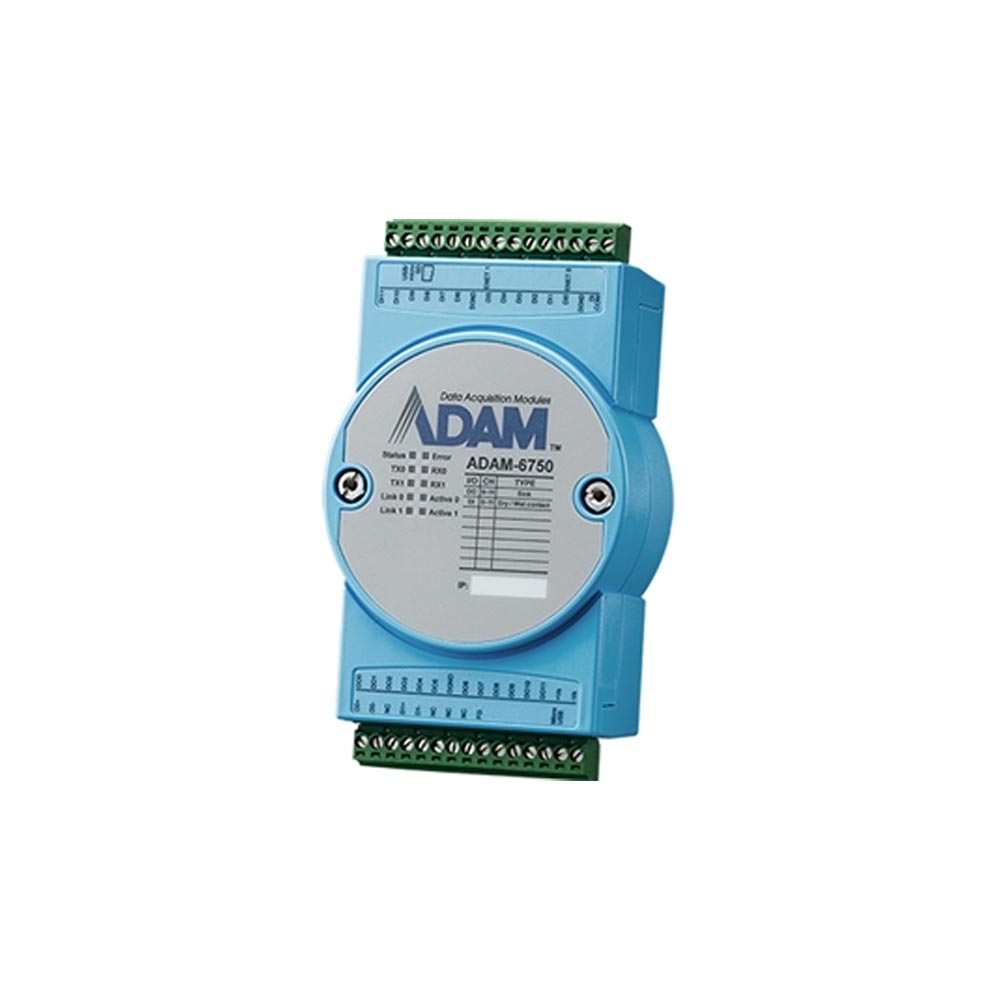
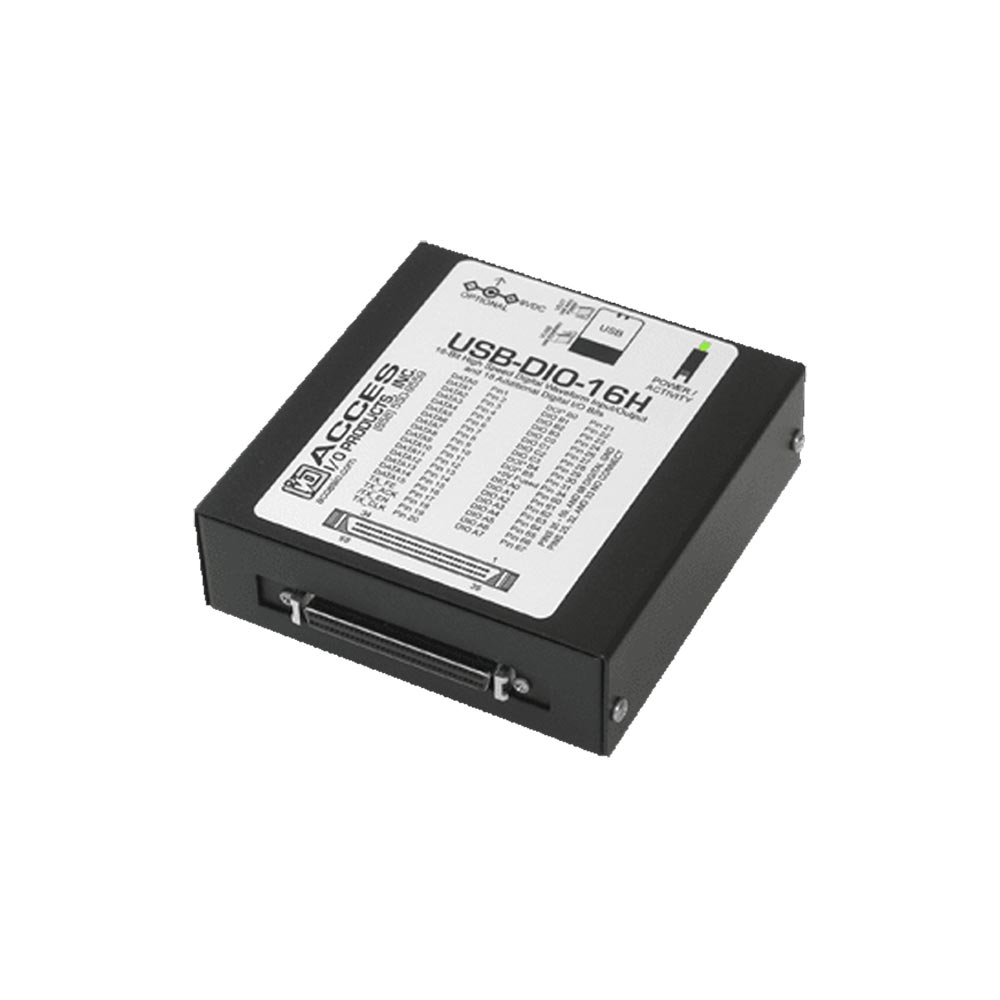
| USB DIO | USB modules provide optically isolated inputs on any USB port, in a case or as a stackable board | Simple local control and test rigs |
| Serial DIO | Modules talk RS-232, RS-422 or RS-485, often with Modbus RTU | Long cable runs and legacy control systems |
| Ethernet DIO | Modules sit on the network, often with Modbus TCP | Monitoring signals anywhere on a plant network |
| Wireless DIO | Wi-Fi, Bluetooth, Zigbee, cellular (LTE, NB-IoT, LTE-M) or LoRaWAN | Remote sites without network cables |
| Mini PCIe or M.2 card | Card in a spare socket on the computer | Adding lines to an SBC or small box PC |
| PC/104 module | Stacks on the computer’s expansion bus | Rugged embedded stacks |
| Mezzanine module | Fits inside the computer on a board-to-board connector | Adding 16–32 isolated channels to a box PC |
Serial and Ethernet I/O usually speak Modbus, and our FAQ on Modbus RTU vs Modbus TCP explains which to choose. Over long serial runs RS-485 is the usual physical layer. The Ethernet I/O and serial I/O ranges cover the remote side; on the computer, a mini PCIe socket takes cards such as the Diamond Systems DS-MPE-GPIO, which adds 36 buffered lines, counters and PWM without a stacking bus.
Expanding IIoT with DIO
Six ways to add digital I/O to an edge computer or gateway.
-
01

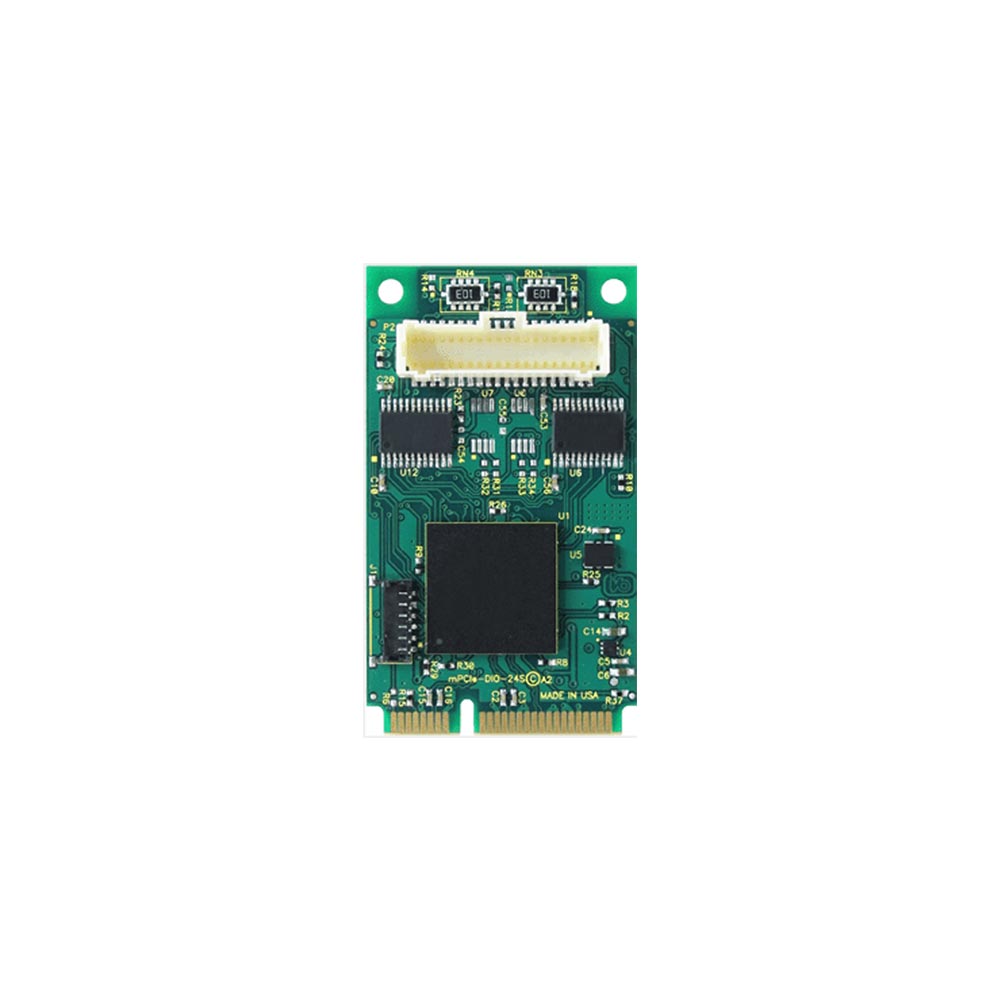
mPCIe DIO
Digital I/O on a mini PCIe card in a spare socket.
-
02
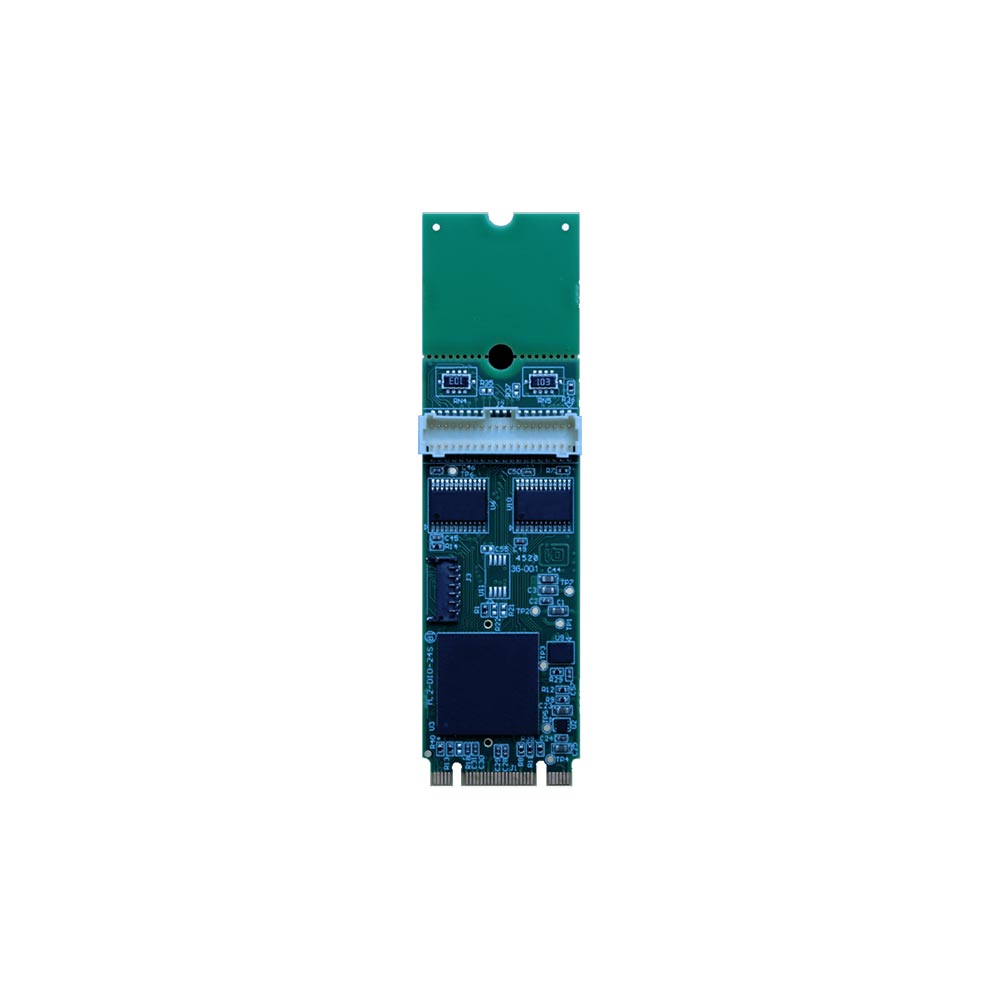
M.2 expansion DIO
Digital I/O on an M.2 card for small computers.
-
03
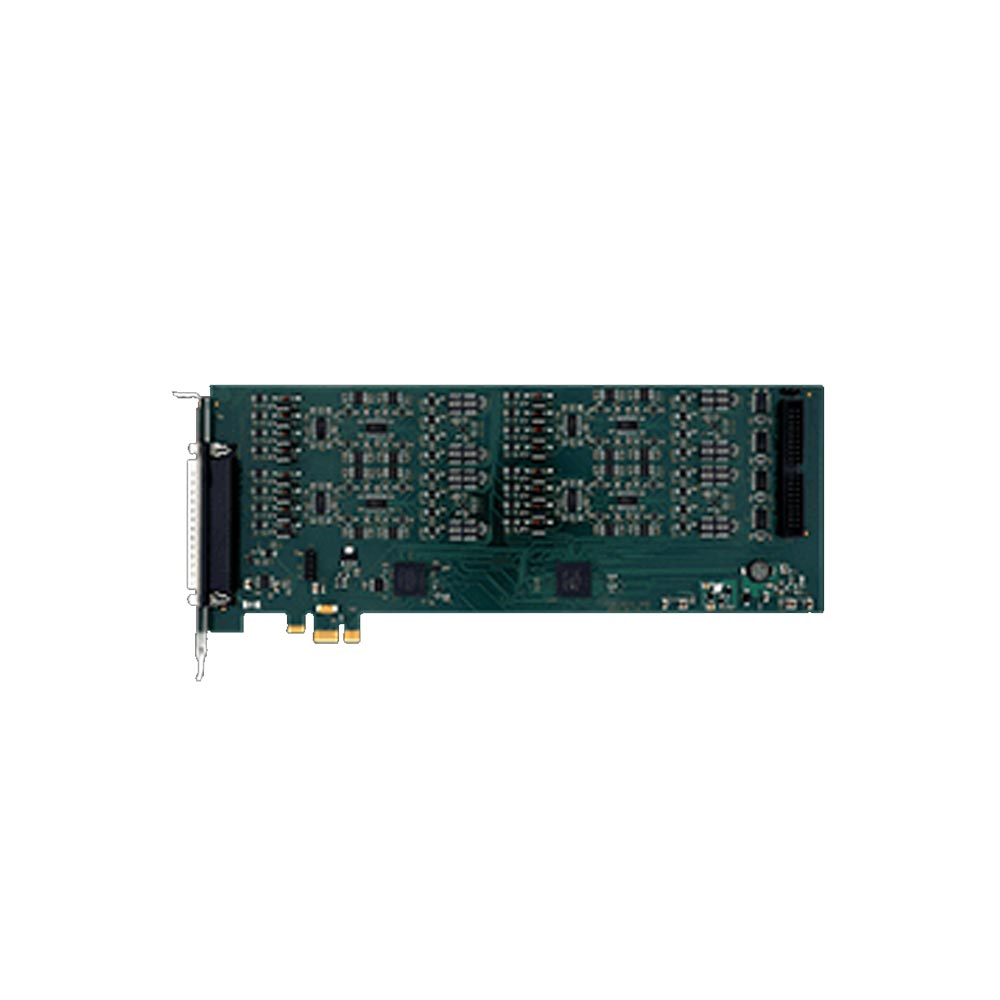
PCI and PCIe expansion DIO
High channel counts on a full-size expansion card.
View range -
04
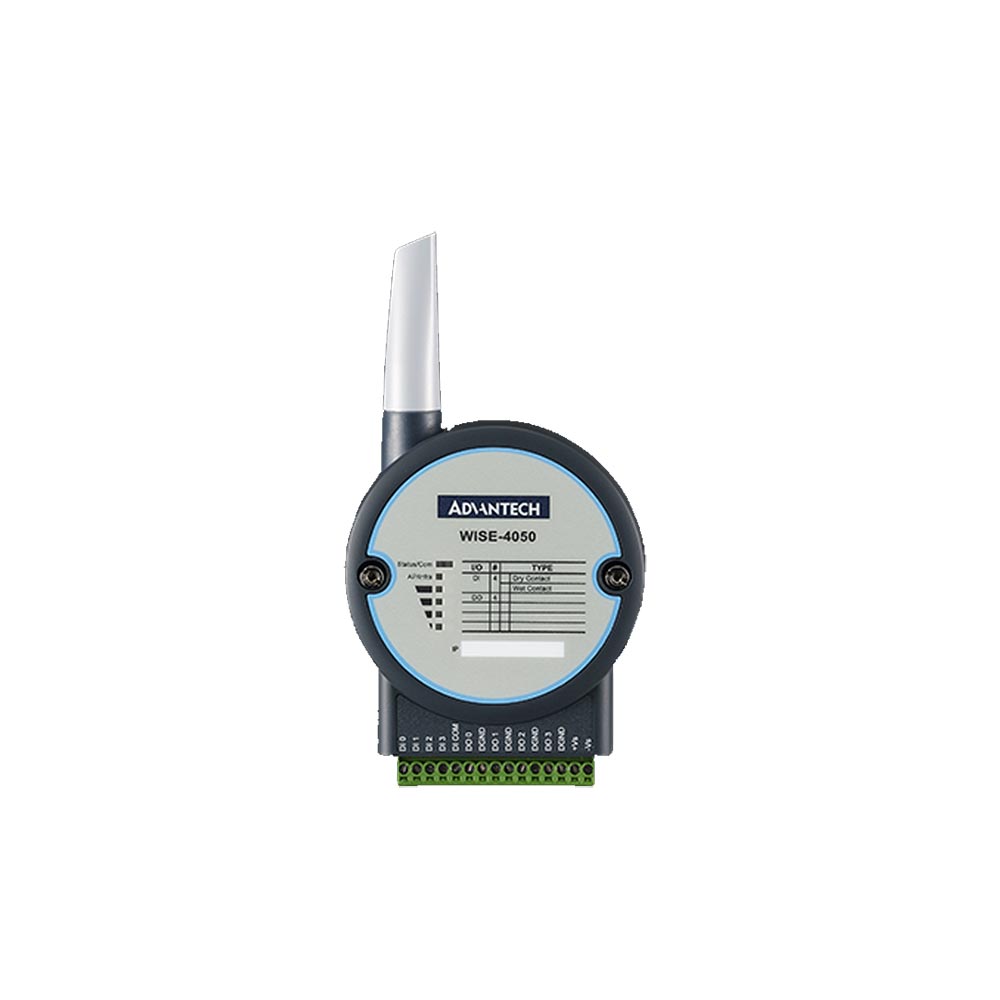
Wireless DIO
Remote I/O over Wi-Fi, cellular or LoRaWAN.
-
05
Ethernet DIO
Remote I/O on the plant network, often with Modbus TCP.
-
06
USB DIO
Isolated inputs on any USB port.
Worked example: specifying DIO for a machine cell
A packaging cell is being retrofitted with an edge AI computer for vision inspection, and the computer will also take over some interlocks and signaling from an ageing relay panel. The I/O list is the starting point.
| Signal | Device | Direction | Electrical type | What the channel needs |
|---|---|---|---|---|
| Guard door closed (×2) | Safety switch auxiliary contact | Input | Dry contact | Wetting supply, isolated |
| Product present (×4) | PNP photoelectric sensor | Input | 24 V wet, sourcing | Sinking input, IEC 61131-2 Type 1 or 3 |
| Reject flap position (×2) | Two-wire inductive sensor | Input | 24 V, leakage when off | Type 2 or 3 input |
| Line running | PLC output | Input | 24 V wet | Sinking input |
| Encoder pulse | NPN encoder | Input | 24 V, sinking | Sourcing input, fast response |
| Reject solenoid (×2) | 24 V DC valve | Output | Inductive DC load | Sinking transistor with flyback protection |
| Stack light (×3) | 24 V DC lamps | Output | DC load | Transistor output |
| Alarm to site system | Volt-free input on another panel | Output | Dry contact required | Relay output, Form A or C |
The cell needs 11 inputs and 6 outputs, with mixed sinking and sourcing inputs, one fast input and one relay. A 16-in, 16-out isolated module with per-channel sink or source selection on some inputs covers it with spare channels, and a small relay module or one relay output handles the volt-free alarm. If the safety switches are part of a safety function, they stay on the safety relay or safety PLC: a standard isolated input on a computer is not a safety-rated input.
Isolated digital I/O to start from
Two Neousys MezIO modules that fit inside Nuvo and POC computers and two Diamond Systems PC/104 modules with optoisolated inputs and relays.
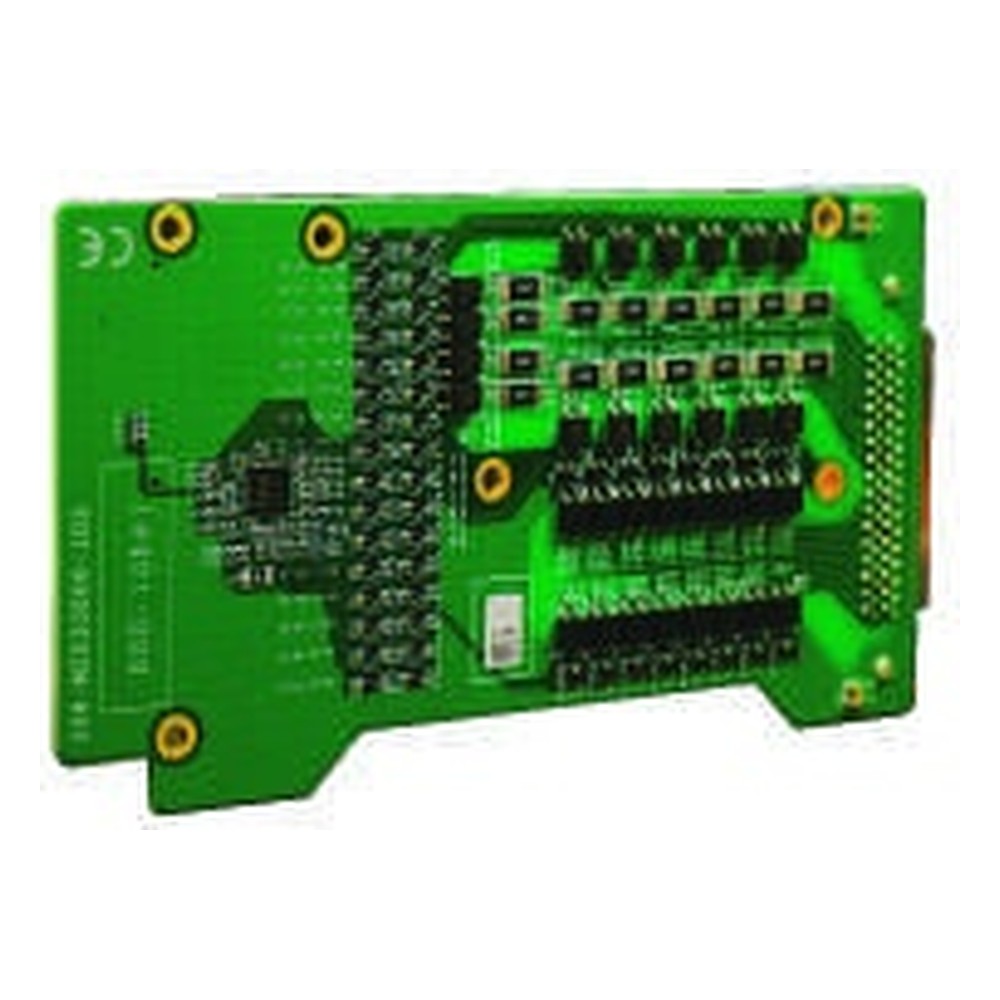
32-Channel Isolated DIO MezIO Module with Sink or Source Outputs
View product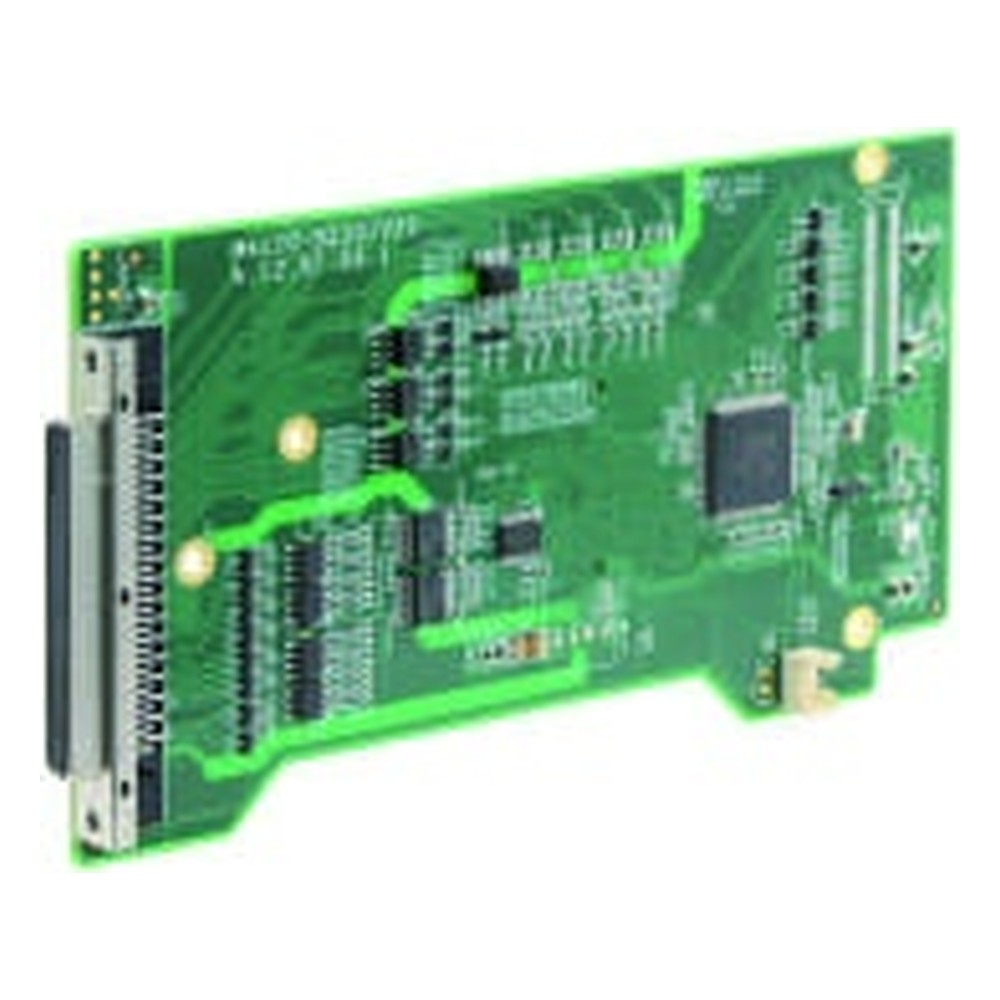
32-Channel Isolated Digital I/O MezIO Module with 16 DI and 16 DO
View product
16-Channel Optoisolated Input & 16-Ch Relay Output PC/104 Module
- Temp
- −40 to +85 °C
- Power
- 5 V DC [Bus]
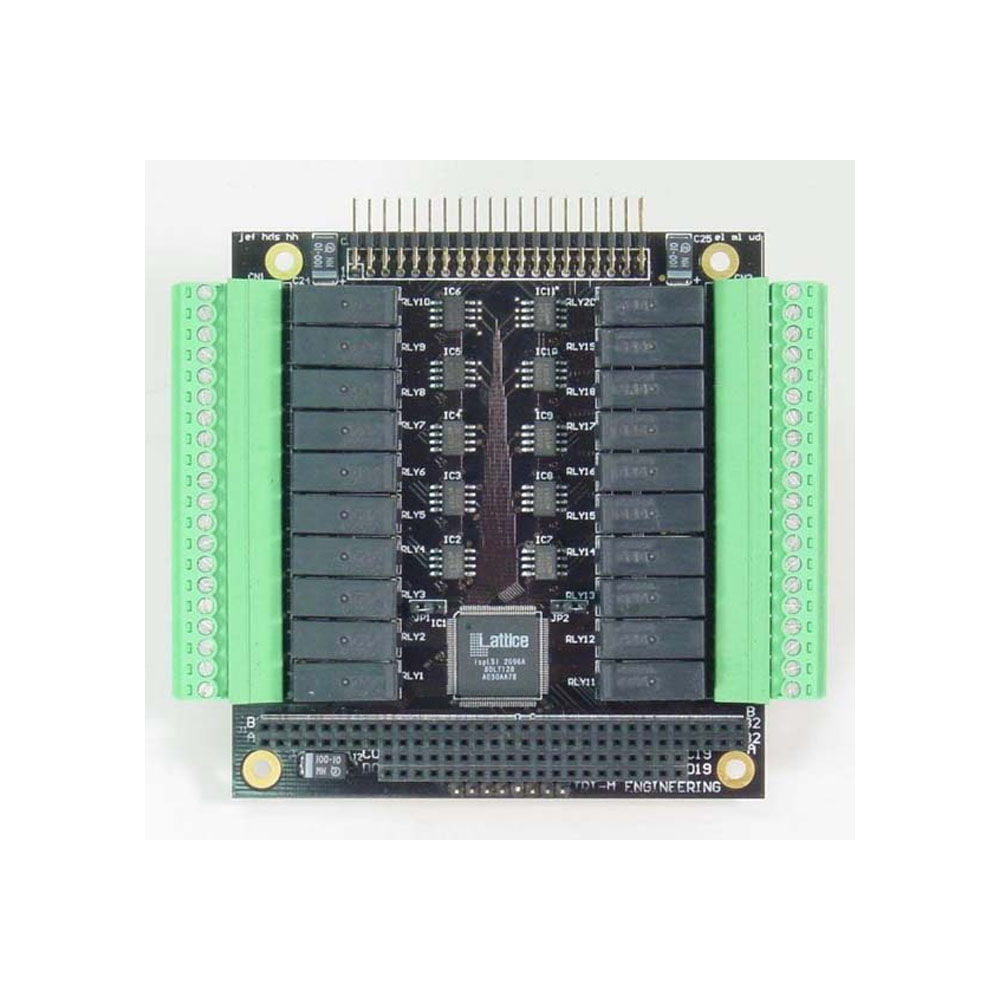
High Density Optoisolated Input + Relay Output PC/104 Module
- Temp
- −25 to +70 °C
- Power
- 5 V DC [Bus]
Industrial-grade computing supporting GPIO and DIO onboard
Computers and boards with digital I/O built in.
-
01
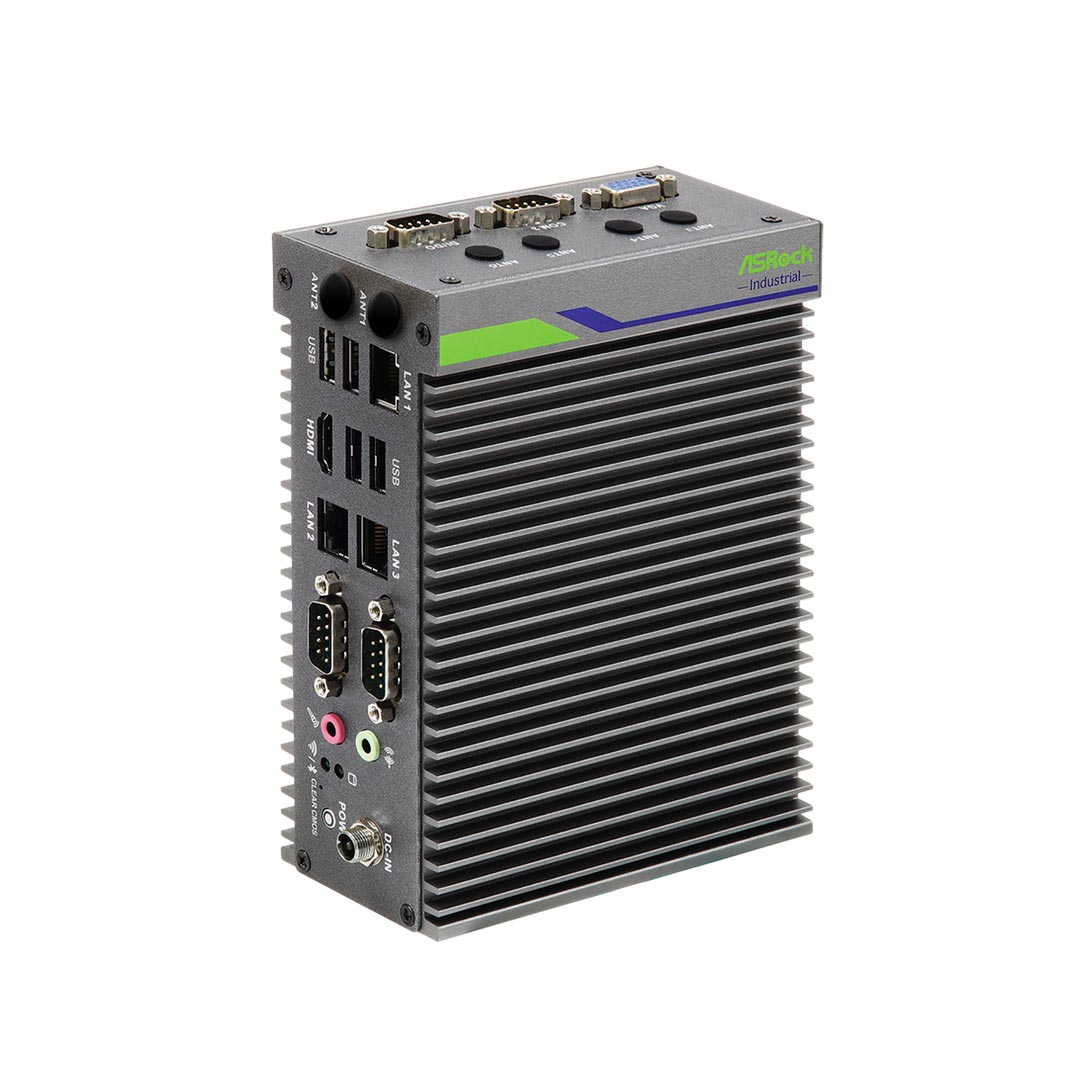
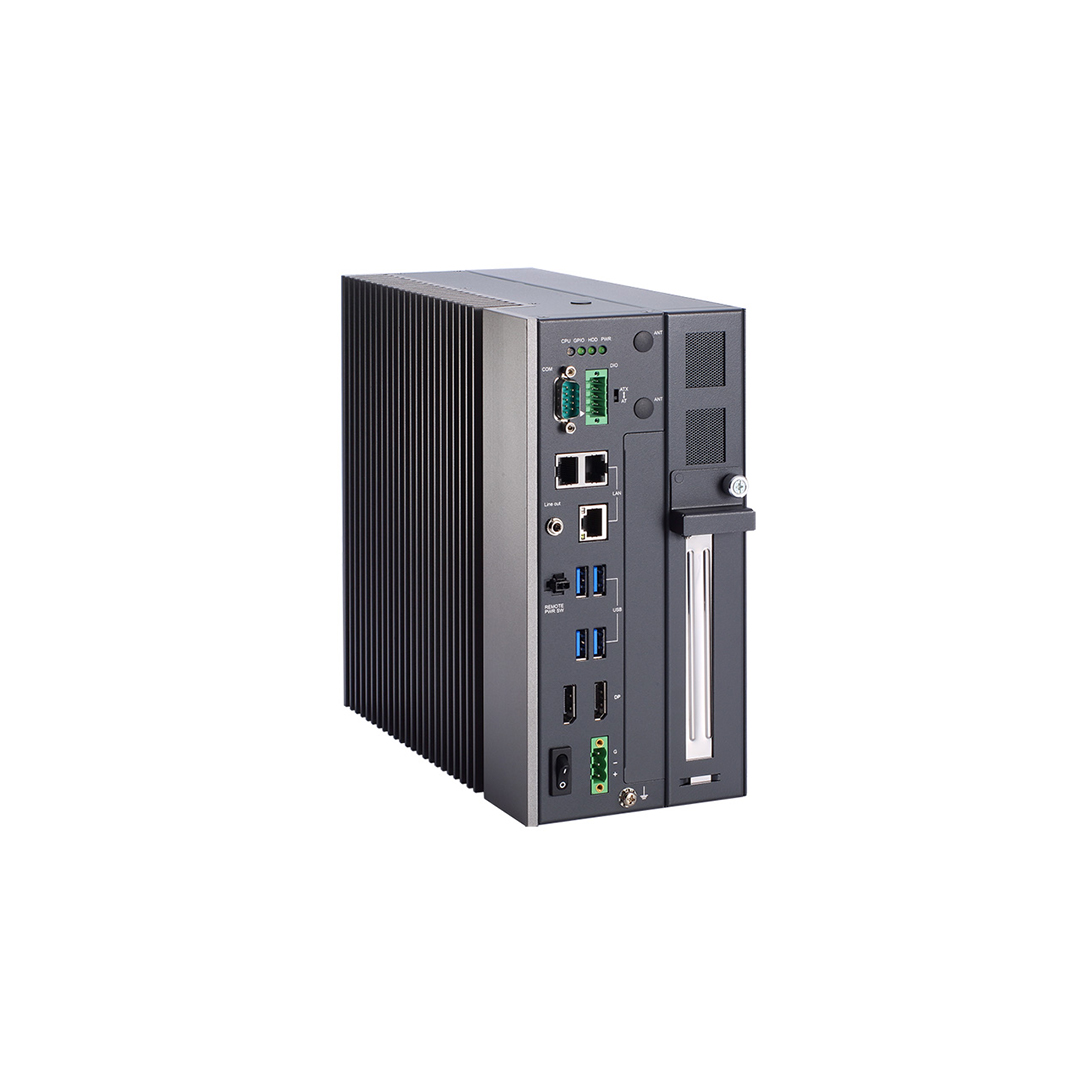
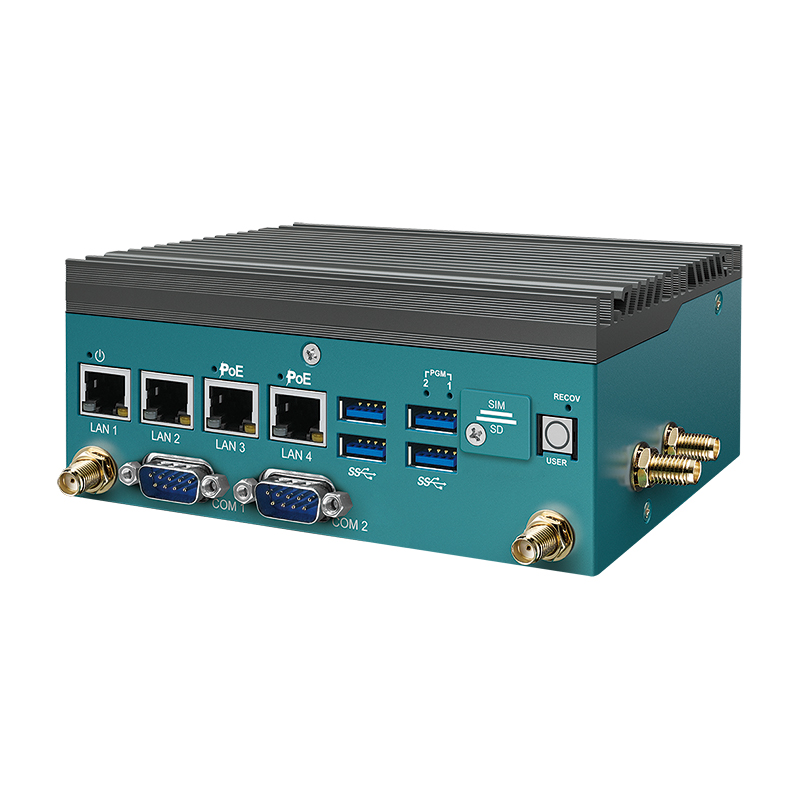
Industrial IoT gateways
Gateways with isolated DIO, serial and wireless for remote sites.
View range -
02
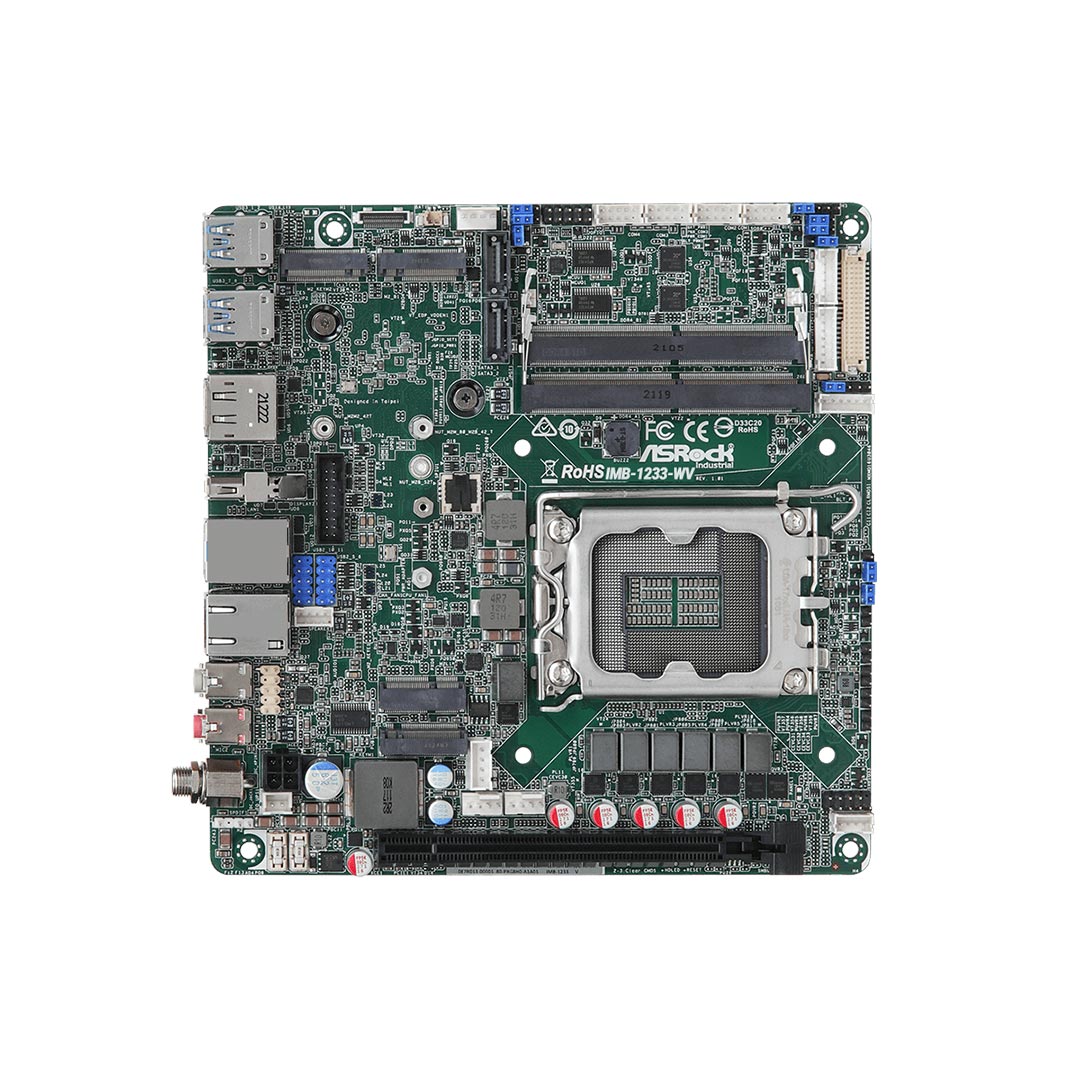
Industrial motherboards
Boards with GPIO headers for custom enclosures.
View range -
03
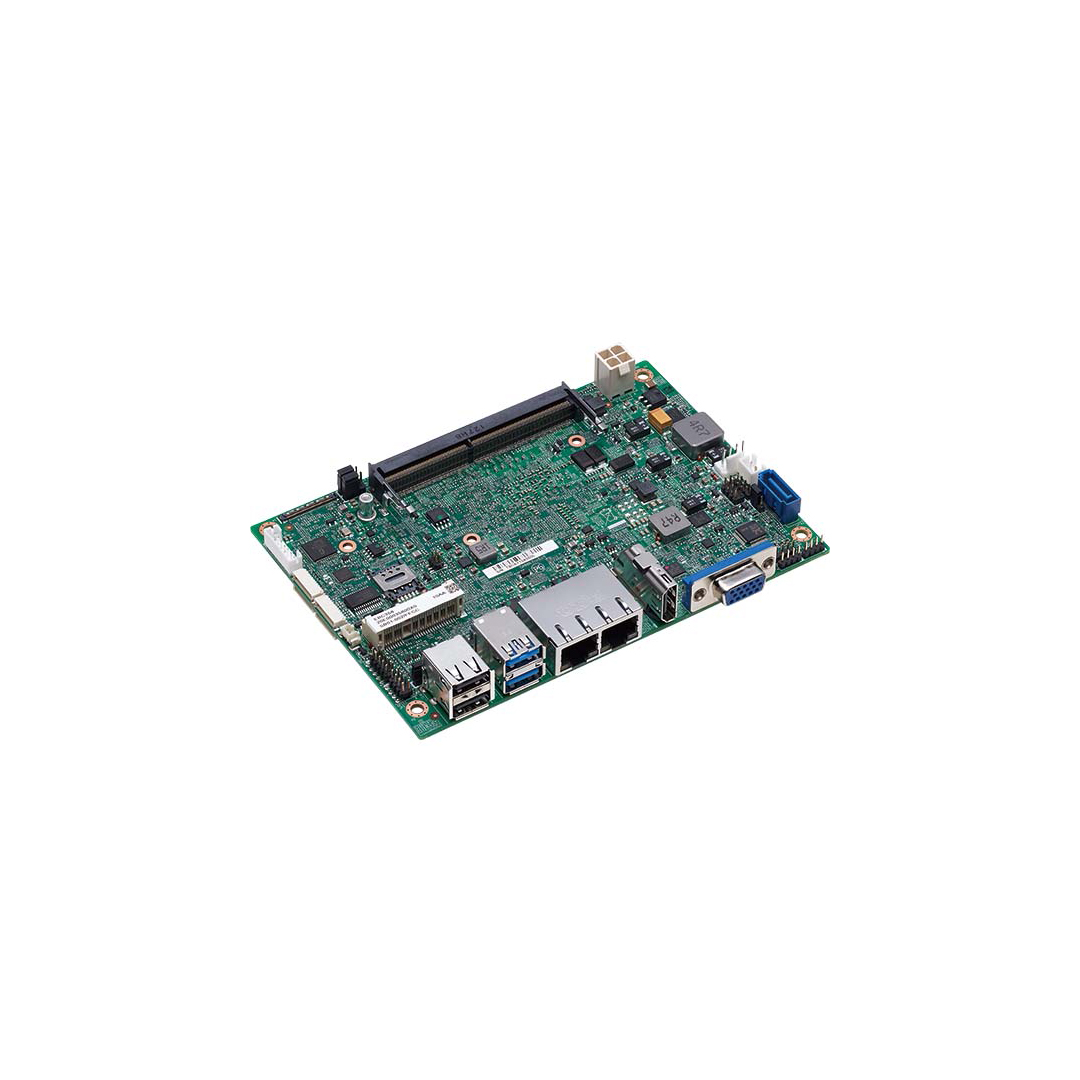
Embedded single board computers
SBCs with GPIO and optional data acquisition.
View range -
04
Industrial automation PCs
Fanless PCs with isolated DIO for machine control.
View range -
05
Jetson PCs
Edge AI computers with DIO for vision and robotics.
View range
Digital I/O across our range
Modules and computers for adding isolated inputs and outputs, from one sensor to a whole machine.
Digital I/O
Isolated digital input, relay and counter modules.
View range
Isolated I/O modules
Neousys MezIO modules with isolated DIO inside Nuvo and POC computers.
View range
PC/104 I/O modules
Stackable digital, analog, serial and CAN modules.
View range
DIN-rail PCs
Cabinet computers with terminal-block I/O beside the PLC.
View range
Data acquisition
Analog, digital, serial, CAN and Ethernet I/O for test and control.
View range
Expansion cards
PCI and PCIe cards that add I/O to box PCs.
View rangeSpecifying isolated digital I/O
Settle these with the I/O list in front of you.
-
01
Channel count
Inputs and outputs by type, plus about 20% spare.
-
02
Voltage and type
Input voltage, IEC 61131-2 type where relevant, and whether each signal is wet or dry.
-
03
Sinking or sourcing
NPN or PNP per sensor, and whether the module can be set per channel or per group.
-
04
Isolation
Test and working voltage, and channel-to-channel isolation where supplies differ.
-
05
Outputs
Load voltage and current, AC or DC, inductive or resistive, and the power-up state.
-
06
Speed
Response time for counting, encoder or fast event inputs.
-
07
Connectors
Terminal blocks, M12 or a single cable to a cabinet terminal rail.
-
08
Environment
Operating temperature, wide DC input and vibration for the computer and the module.
-
09
Software
Drivers or SDK for your operating system and whether inputs can raise interrupts.
How we help
We supply digital I/O as part of a configured system rather than a box of parts. For a computer with built-in or mezzanine I/O, we configure, image and test it with the I/O fitted, and we check the I/O list against the module’s voltages, currents and wiring before we build. For remote I/O we can match the modules to the network, whether digital I/O modules on the bus, PC/104 stacks or Modbus devices on Ethernet. If the application needs analog channels too, our FAQ on data acquisition systems is a good next read.
Isolated digital inputs and DIO vs GPIO: common questions
Quick answers
What is an isolated digital input?
An on/off input with a galvanic barrier between the field wiring and the computer. An optocoupler or digital isolator carries the signal across, so surges and ground loops stay on the field side.
What is the difference between DIO and GPIO?
Isolation and voltage. GPIO runs at processor logic levels with no isolation; industrial DIO runs at 12–24 V with isolation and protection.
What is the difference between an isolated digital input and a digital isolator?
A digital isolator is a component; an isolated input is a complete circuit. The input adds current limiting, thresholds and protection around an isolator or optocoupler.
What is a dry contact input?
An input that reads a voltage-free switch. The input supplies the wetting voltage that flows when the contact closes.
What is the difference between sinking and sourcing inputs?
Which side of the circuit the input connects to. A sinking input suits PNP sensors; a sourcing input suits NPN sensors.
Why use isolated inputs in industrial systems?
To protect the computer and keep readings clean. Isolation blocks ground loops, common-mode voltage and surges from motors and long cable runs.
Digital I/O FAQs
-
What Is GPIO?
GPIO (general-purpose input/output) pins are digital signal lines that software can set as inputs or outputs. As inputs they read on/off signals such as buttons, switches or sensors; as outputs they can drive LEDs, trigger cameras or switch relays through a driver. Embedded boards use them to connect simple signals without a dedicated interface.
-
What Is Galvanic Isolation?
Galvanic isolation separates two circuits so that no current can flow directly between them, while power or data still passes across the gap by light, a magnetic field or an electric field. It breaks ground loops, blocks damaging voltages and noise, and protects people and equipment wherever circuits at different potentials have to connect.
-
NPN vs PNP: What Is the Difference?
NPN and PNP are the two output types of a three-wire DC sensor. A PNP (sourcing) output switches +24 V to the load, so current flows out of the sensor. An NPN (sinking) output switches the load to 0 V, so current flows into the sensor. Each must be wired to an input of the opposite type.
-
What Is Remote I/O?
Remote I/O is input and output hardware installed near the sensors and actuators it serves and connected to the controller over a network or fieldbus, rather than wired back to the controller’s own rack. It cuts field wiring on large machines and sites, and it works with PLCs, industrial PCs and gateways.
-
What Is a Data Acquisition System?
A data acquisition (DAQ) system measures real-world signals such as voltage, current, temperature, pressure or vibration and turns them into digital data a computer can store, display and analyze. It combines sensors, signal conditioning, an analogue-to-digital converter and a computer running acquisition software.
-
What Is a PLC?
A PLC (programmable logic controller) is a rugged industrial computer that controls machines and processes. It reads inputs from sensors and switches, runs a control program in a fast repeating cycle and switches outputs such as motors, valves and lamps. PLCs replaced hard-wired relay panels and now run most factory, utility and building automation.
-
What Is Modbus?
Modbus is an open communication protocol that lets industrial devices such as PLCs, sensors, meters, drives and HMIs exchange data. First published by Modicon in 1979, it uses a simple request and response model: one device asks for or writes values, and another replies. It runs over serial lines as Modbus RTU and over Ethernet as Modbus TCP.
Adding isolated digital I/O to a system?
Send us your I/O list with the voltages, sensor types and loads, and we will recommend a computer or module with the right isolated inputs and outputs, then configure, image and test the system before it ships.