
 US
US 
Key Features for Choosing a Sunlight Readable Display
A sunlight readable display stays legible in direct sun by pairing a 1,000 nit or brighter backlight with low reflection. Here is how much brightness each environment needs, why contrast matters more than nits and which technologies help.
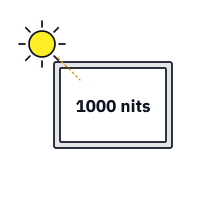
A sunlight readable display is a screen that stays legible in direct sunlight, typically by combining a high-brightness backlight of 1,000 nits (cd/m²) or more with ways of cutting reflected light, such as optical bonding and anti-reflective glass. Standard industrial screens at 250 to 400 nits wash out outdoors, because the sunlight reflected off the glass is brighter than the image behind it.
When you are outdoors on a bright day it can be difficult, if not impossible, to read the display or HMI you are trying to operate. There are two reasons: the screen is not bright enough, and the outer glass reflects the sun back at you. Sunlight readable displays, also called high bright or high brightness displays, deal with both. This guide explains how brightness is measured, how much you need for each environment, why contrast matters more than nits, the technologies that make a display readable, and how heat, power, dimming and touch affect the choice.
Key takeaways
- 01Brightness is the starting point
- About 1,000 nits is the usual threshold for direct sunlight on an HMI; outdoor signage often runs at 2,500 nits or more.
- 02Contrast decides readability
- What the eye needs is the image standing out from reflected light, so cutting reflections can matter as much as adding brightness.
- 03Bonding and AR glass help most
- Optical bonding removes internal reflections and anti-reflective glass cuts the front one, raising contrast without extra power.
- 04Heat comes with brightness
- High-brightness backlights draw more power and heat the panel, so high-TNI liquid crystal and good thermal design matter.
- 05Dim for the night
- An ambient light sensor and a wide dimming range keep a bright screen comfortable after dark.
How is screen brightness measured?
Display brightness is the luminance of the screen, the amount of light each square meter of screen sends towards the viewer. It is measured in candela per square meter (cd/m²), the SI measure of luminance, and usually quoted in nits, a common name for the same quantity:
1 nit = 1 cd/m²
The candela itself is one of the seven SI base measures, covering luminous intensity. It descends from the old “candlepower” measured against a standard candle, but it is now defined precisely in physical terms, so cd/m² and nits are exact, interchangeable measures. You will see both on our datasheets for high bright sunlight readable displays. Our explainer on what nits are covers how the figures are measured.
Datasheet brightness is normally the panel’s typical luminance at the centre of the screen, at full white, with the backlight at maximum and without a touch screen. A touch sensor or protective glass in front of the panel reduces what reaches the viewer, often by 10 to 20% for a resistive touch screen, so compare like with like.
How an LCD makes an image
LCD technology is widely used in commercial and industrial displays because it offers a good balance of brightness, resolution, power and price. Traditionally lit by fluorescent tubes, most LCDs now use edge-lit or direct LED backlights. The layers behind an LCD, before protective glass or a touch screen is added, are shown below.
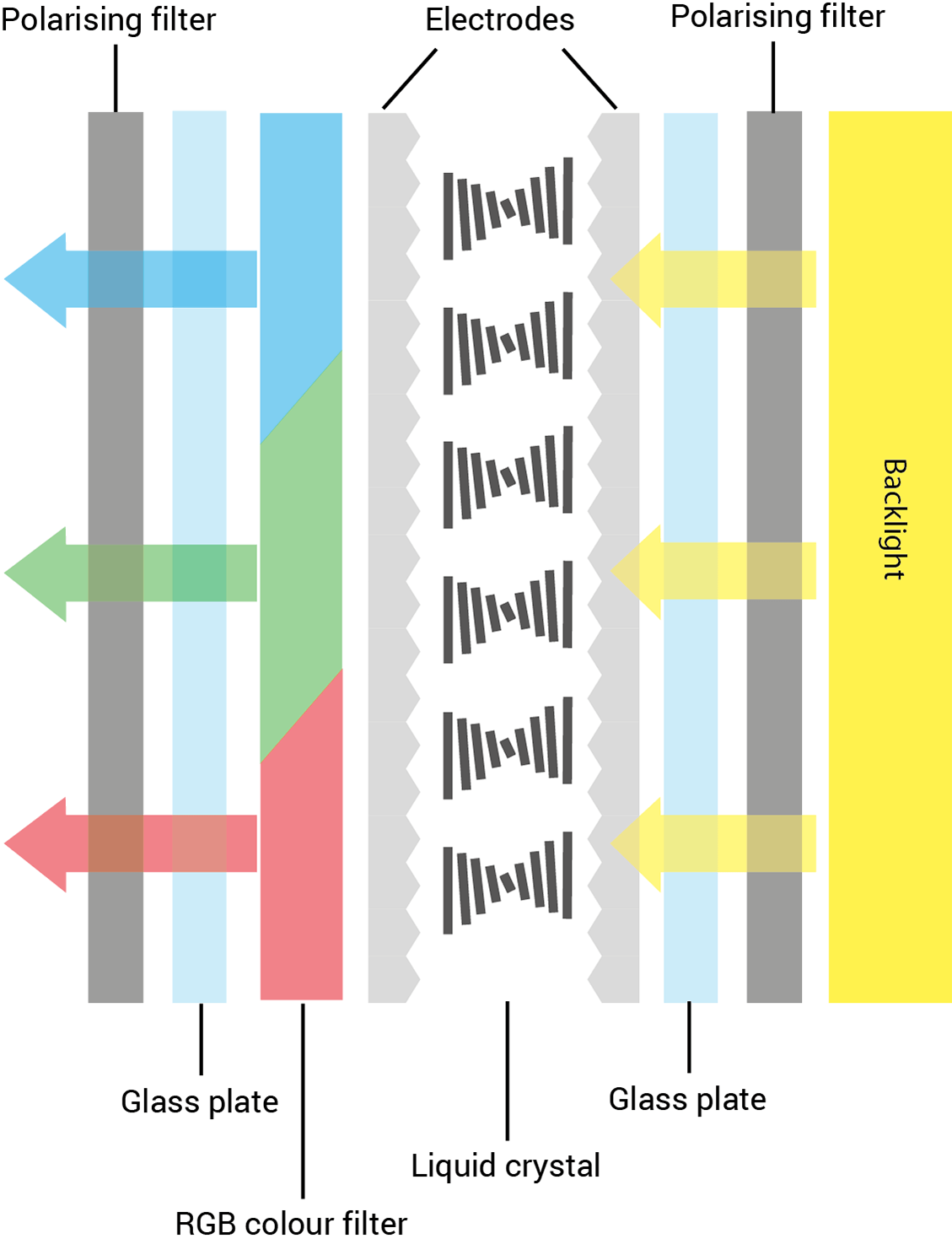
- High brightness options up to about 6,000 nits for signage
- Resolutions up to 4K and beyond
- A good balance of brightness and contrast
- Low power consumption at standard brightness
For the difference between LCD and LED in display specifications, see LCD vs LED.
How many nits does a sunlight readable display need?
The brightness you need depends on how much light falls on the screen and whether the sun can reach it directly. The figures below are typical guidance for industrial HMIs and monitors, not guarantees; screen angle, shading and reflections change the answer for every site.
| Environment | Typical display brightness | Notes |
|---|---|---|
| Indoor office or control room | 250 to 400 nits | Standard industrial monitors |
| Bright indoor, near windows, retail and factory floors | 500 to 700 nits | Glare from lighting and windows |
| Shaded outdoor, covered platforms, indirect daylight | 700 to 1,000 nits | Overcast sky, canopies, vehicle cabs out of direct sun |
| Direct sunlight on an HMI or vehicle display | 1,000 to 1,500 nits | Add optical bonding and anti-reflective glass |
| Harsh direct sun, south-facing, high ambient light | 1,500 to 2,500 nits | Outdoor kiosks, marine bridges, open machinery |
| Outdoor signage viewed from a distance | 2,500 to 5,000 nits or more | Large-format displays and window signage |
Higher is not always better. A brighter backlight uses more power, makes more heat and can dazzle at night, so the right specification combines enough brightness with the lowest practical reflection. Choosing the screen is one part of choosing an industrial HMI; for outdoor positions the sealing matters as much, and our IP rating chart explains front IP65 and IP66 ratings. For a quick explanation of the threshold, see what makes a display sunlight readable.
High brightness vs sunlight readable: are they the same?
Not quite. High brightness describes the backlight: a high brightness display or monitor is one rated well above the 250 to 350 nits of an office screen, typically 700 to 1,000 nits or more. Sunlight readable describes the result: the image stays legible in direct sun. Brightness is the biggest part of that, but a very bright panel behind a reflective cover glass can still wash out, while a moderately bright panel with optical bonding and an anti-reflective front may read well.
Datasheets and suppliers use the terms loosely, and “daylight readable” usually means the same as sunlight readable. When you compare high brightness and sunlight readable models, look past the label to the nits figure, the surface reflection and how the front glass is bonded.
| Term | What it describes | Typical figures | What to check |
|---|---|---|---|
| High brightness display | Backlight output | 700 to 1,000 nits and above | Measured nits at the screen, not the backlight alone |
| Sunlight readable display | Legibility in direct sun | Usually 1,000 nits or more with low reflection | Optical bonding, anti-reflective or anti-glare front, contrast in sunlight |
| Daylight readable display | Usually the same as sunlight readable | As above | The same figures, whatever the label |
| Outdoor display | A complete outdoor screen or signage display with brightness, sealing and cooling | Often 2,500 nits or more for signage in full sun | IP rating, operating temperature, high-TNI panel |
| Transflective display | A panel that reflects sunlight to light the image | Moderate backlight, readability rises with ambient light | Color and viewing angle in shade and at night |
For an industrial screen in direct sun, treat high brightness as a starting point rather than a guarantee: specify the nits you need for the site, then check that the front is bonded and treated to keep reflections down.
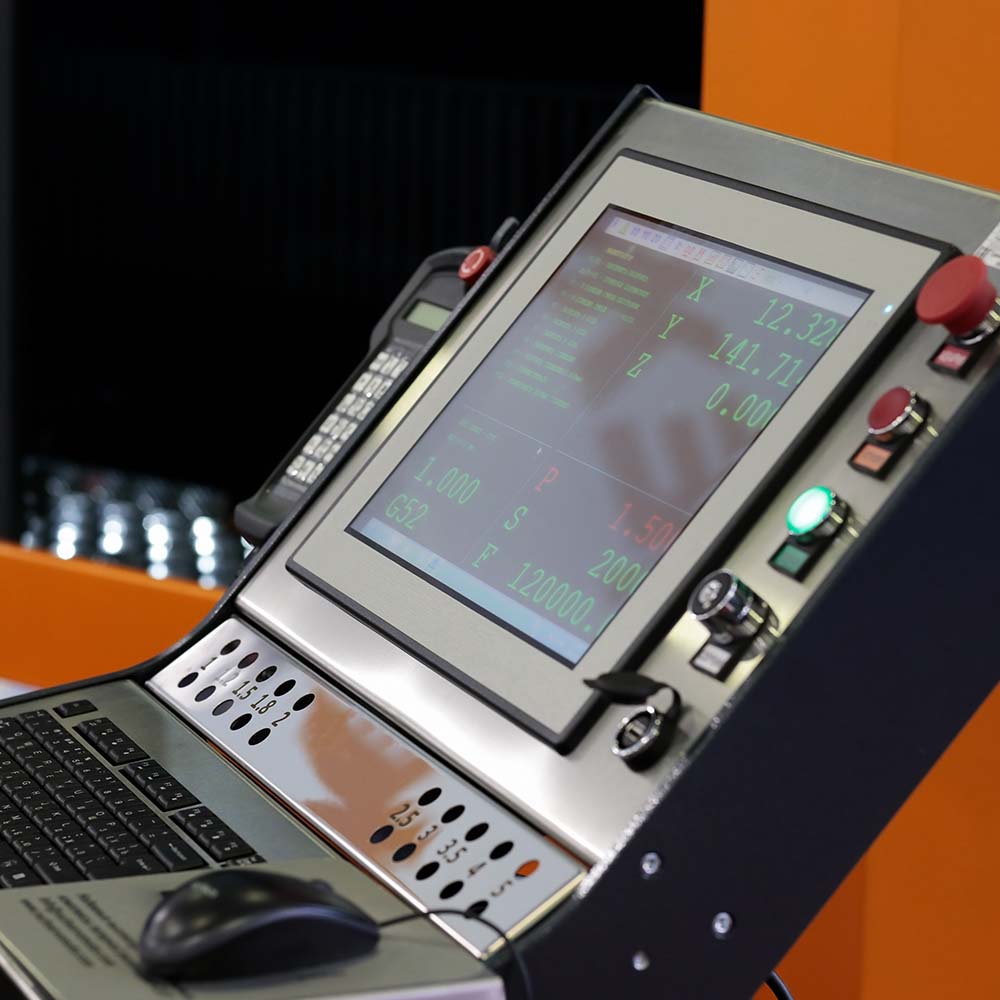
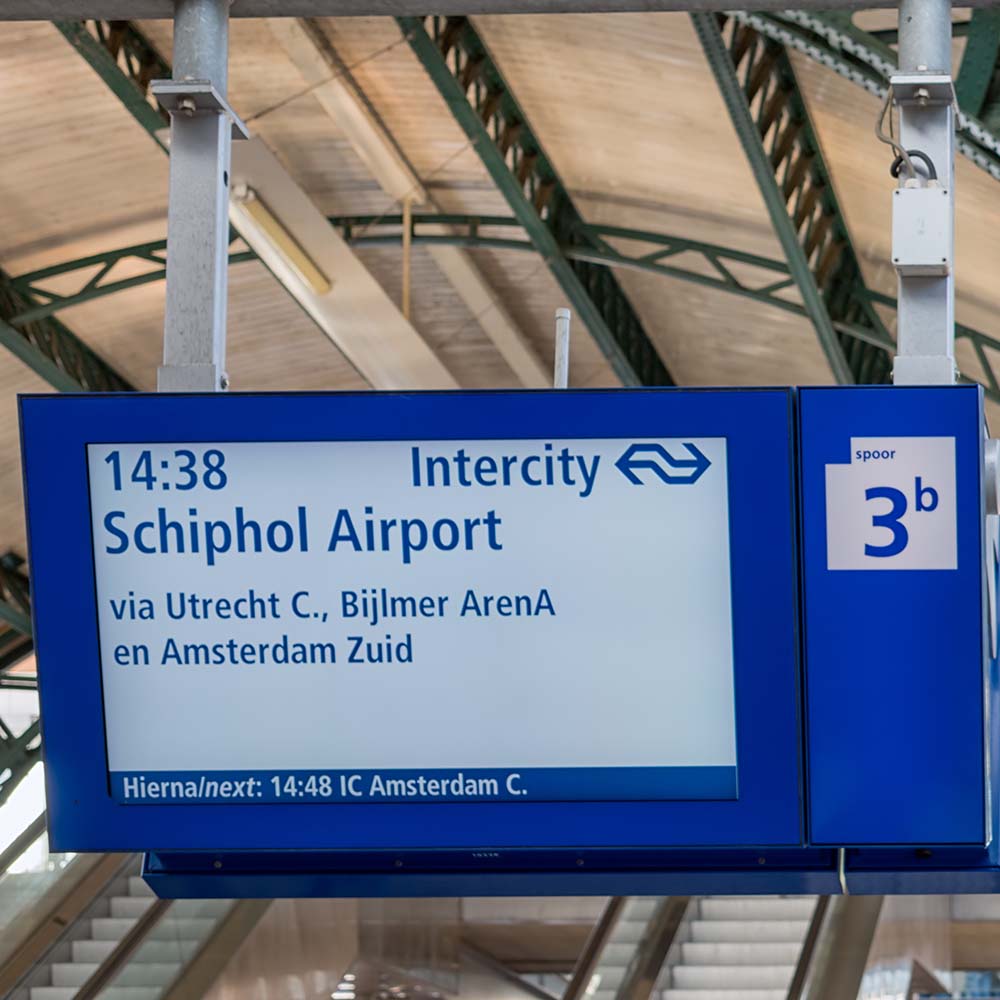
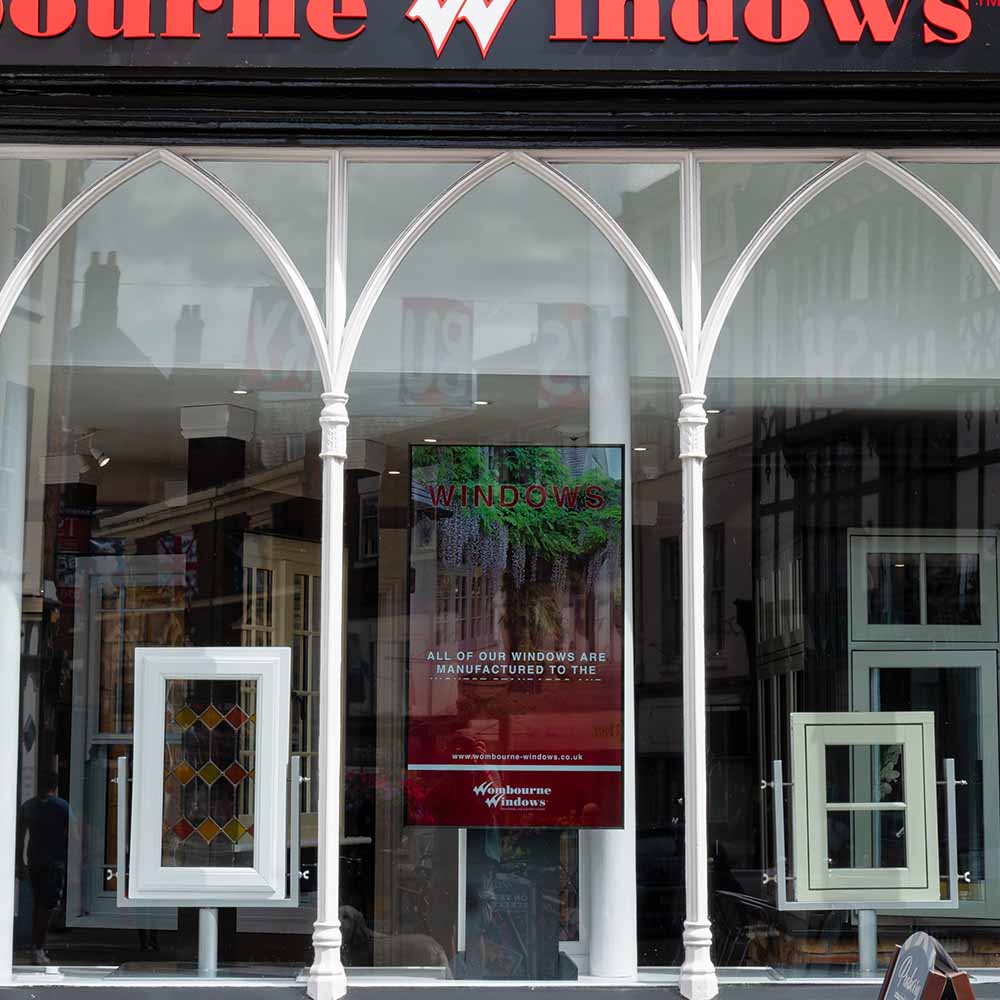
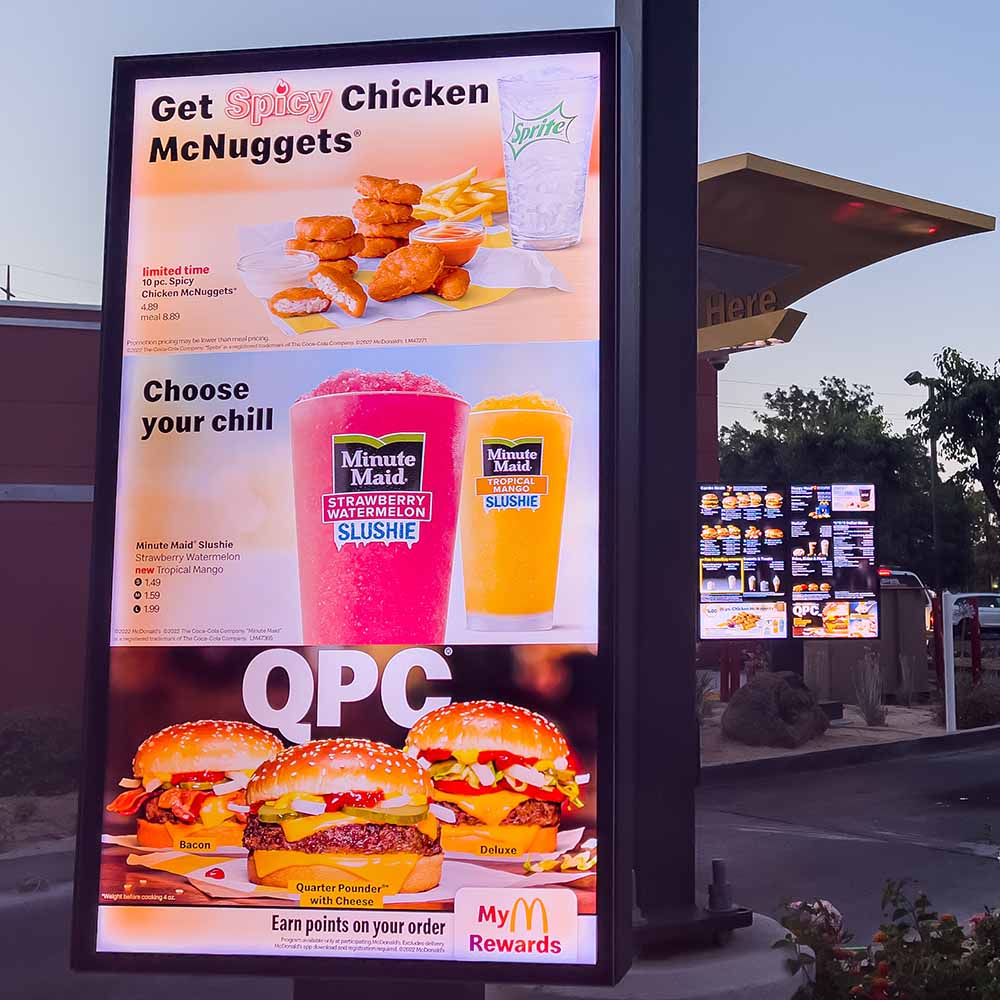
Recommended screen brightness for industrial display applications
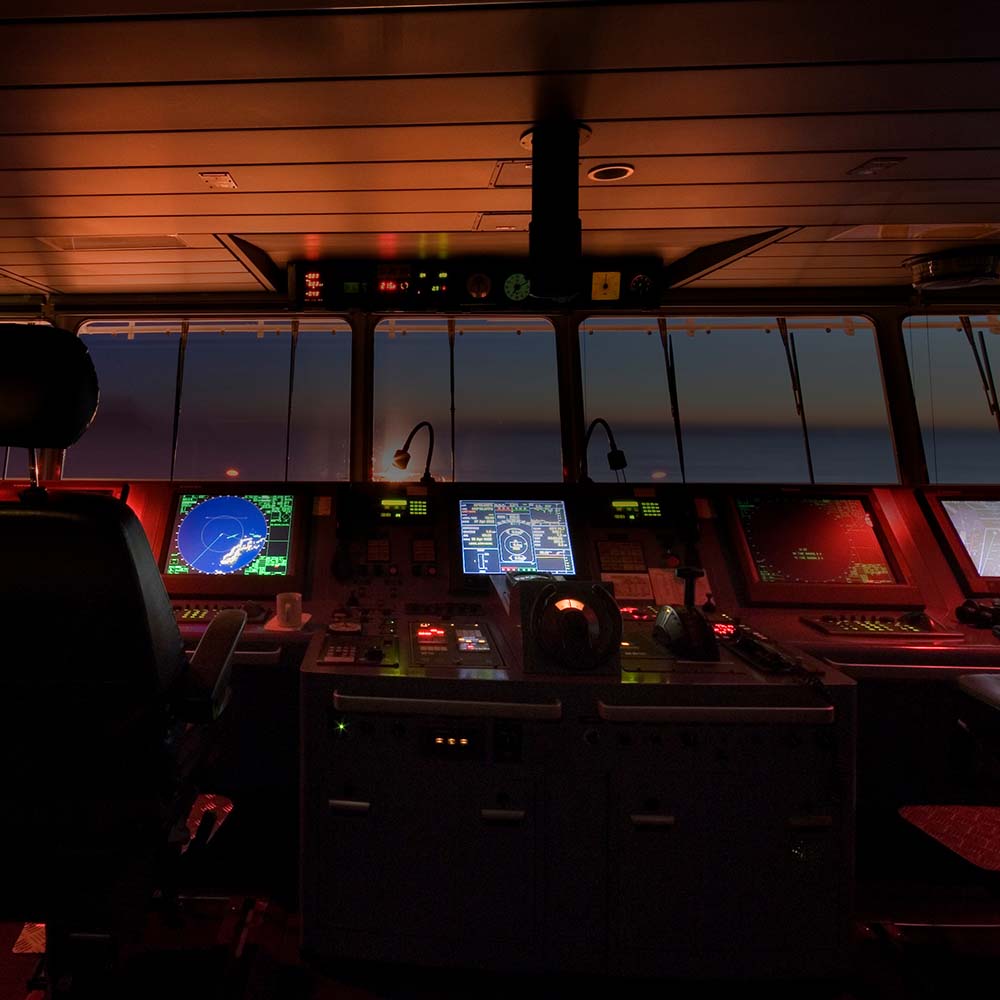
Typical brightness by setting, from a night-time ship’s bridge to a screen in full sun.
-
01

Night-time marine bridge
From dusk to dawn, bridge displays must dim to very low levels so they do not spoil the crew’s night vision, while staying readable for navigation.
-
02
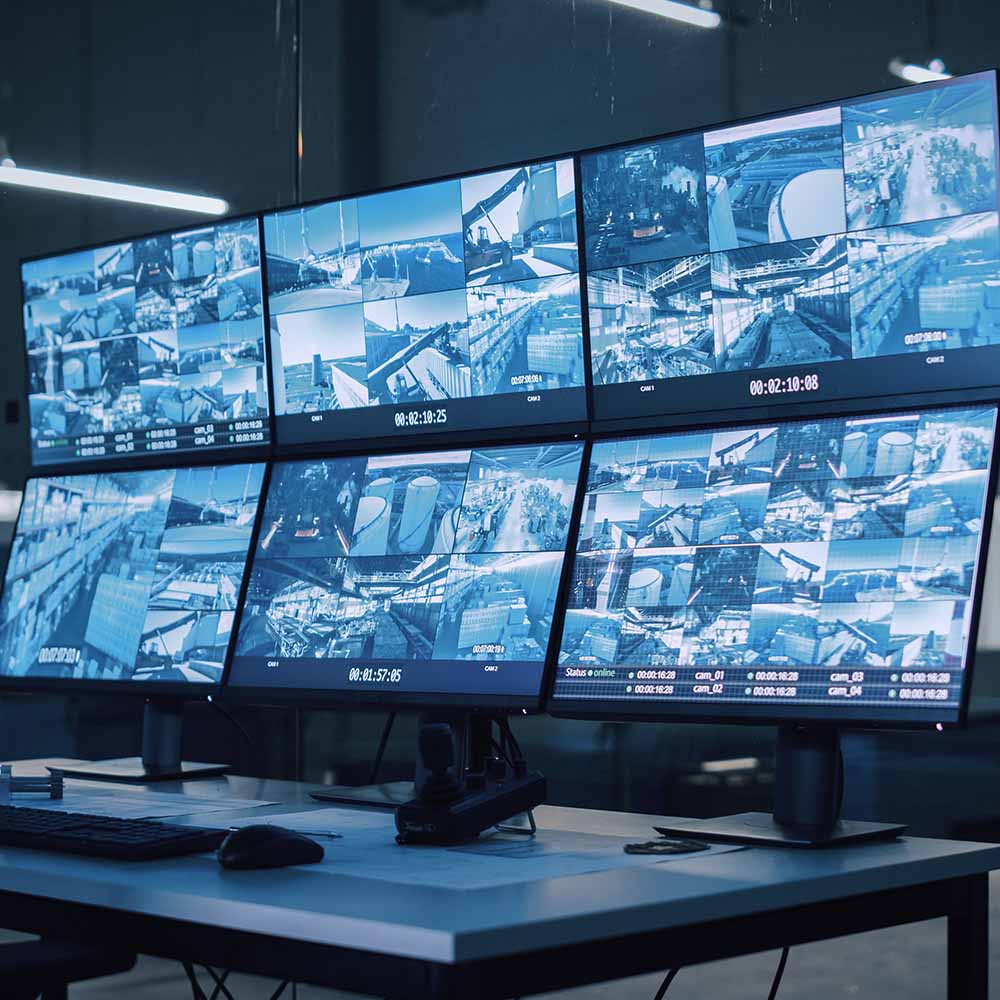
Indoor with controlled light
In moderately lit buildings and surveillance rooms, a display of up to about 300 nits gives clear, comfortable viewing.
-
03
Bright shops and factory floors
Under strong indoor lighting, away from windows, up to about 500 nits keeps point-of-sale and shop-floor screens clear.
-
04
Overcast sky or indirect sunlight
Near windows or at sheltered stations and stops, about 750 to 1,000 nits is usually enough.
-
05
Window displays and direct sunlight
Screens behind glass in direct sun typically need 1,000 to 3,500 nits, with the higher end for south-facing windows.
-
06
Outdoor displays in direct sunlight
Screens in full sun need the most: 1,500 nits or more for HMIs and up to 3,500 to 6,000 nits for signage, ideally with a high-TNI panel.
Why contrast matters more than nits
In bright light the eye does not judge a screen by its brightness, but by how much the image stands out from the light reflected off its surface. That is the ambient contrast ratio:
Ambient contrast ratio = (Lwhite + Lreflected) ÷ (Lblack + Lreflected)
Lwhite and Lblack are the luminance of the screen showing white and black, and Lreflected is the luminance of the light the screen reflects. Indoors, Lreflected is small and the native contrast ratio of perhaps 1,000:1 is what you see. In sunlight, Lreflected can be larger than Lwhite, and contrast collapses towards 1:1.
A worked example
Take a screen in bright daylight with 50,000 lux falling on it, and treat the reflection as diffuse, so reflected luminance is roughly reflectance × illuminance ÷ π. The figures are simplified but show the pattern.
| Display | Brightness (white / black) | Total reflectance | Reflected luminance | Ambient contrast |
|---|---|---|---|---|
| Standard air gap display | 400 / 0.4 nits | About 8% | About 1,270 nits | About 1.3:1, unreadable |
| High-brightness air gap display | 1,000 / 1 nits | About 8% | About 1,270 nits | About 1.8:1, hard to read |
| High-brightness, optically bonded, AR glass | 1,000 / 1 nits | About 1% | About 160 nits | About 7:1, readable |
| 1,500 nit, optically bonded, AR glass | 1,500 / 1.5 nits | About 1% | About 160 nits | About 10:1, comfortable |
Cutting reflections from about 8% to about 1% does more for readability than raising the backlight from 1,000 to 1,500 nits. A ratio of roughly 3:1 to 5:1 is often quoted as the minimum for legible text, which is why sunlight readable specifications pair brightness with optical bonding and an anti-reflective cover glass.
What is sunlight readable display technology?
There are several ways to make a screen more viewable and reliable in sunlight. The primary one is a backlight bright enough to overcome the surroundings. Others reduce reflections or use the ambient light itself: optical bonding, transflective panels, direct backlighting with local dimming, and anti-reflective or anti-glare treatments. Most sunlight readable displays combine two or three.
| Technology | How it helps | Power and heat | Relative cost | Best for |
|---|---|---|---|---|
| High-brightness LED backlight | Raises Lwhite above the reflected light | Higher; more heat in the panel | Medium | Most outdoor HMIs and vehicle displays |
| Optical bonding | Removes two internal reflecting surfaces | None added | Medium | Outdoor, vehicle, marine and military screens |
| Anti-reflective (AR) glass | Cuts the front-surface reflection from about 4% to below 1% | None added | Low to medium | Direct sun, with bonding |
| Anti-glare (AG) finish | Scatters reflections so they do not mirror | None added | Low | Bright indoor lighting, fingerprints |
| Transflective LCD | Reflects ambient light back through the image | Lower; can run a dimmer backlight | Medium | Small outdoor screens with limited power |
| Local dimming backlight | Dims zones behind dark areas of the image | Lower average power and heat | Higher | Large displays and signage |
| High-TNI liquid crystal | Keeps the panel working at high temperature | None added; tolerates heat | Low to medium | Displays in full sun or sealed enclosures |
Optical bonding to reduce reflection
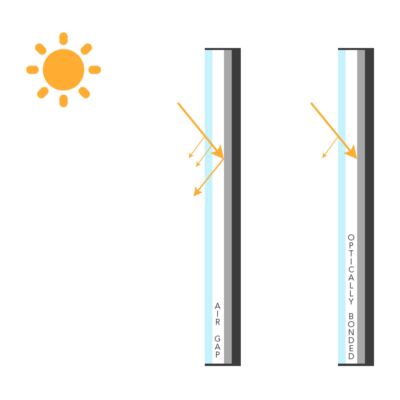
Optical bonding fills the gap between the cover glass or touch screen and the LCD panel with a clear adhesive, making a solid laminate with no air pockets. In an air gap display, light reflects at each surface where it crosses between air and glass, about 4% each time, and those internal reflections come back to the viewer as glare. Bonding removes two of them, so more of the light that reaches the viewer is the image. It helps a screen look brighter and more contrasted without changing the backlight, and it also stops internal condensation.
The adhesive is either a liquid resin or a film of optically clear adhesive. For the front surface, a coating does the rest: the difference between anti-glare and anti-reflective explains which suits direct sun.
Transflective LCDs and local dimming
Transflective enhanced LCDs
A transflective, meaning transmissive-reflective, panel adds a partly reflective layer behind the liquid crystal. Ambient light passes through the image, reflects off that layer and comes back out, so the brighter the surroundings, the brighter the picture. Indoors the backlight does the work as normal. It lets a display stay readable in strong light with a lower-power backlight and less heat, which suits small screens, battery-powered equipment and open frame displays built into kiosks, though colors are usually less vivid than on a high-brightness transmissive panel.
Local dimming to reduce heat and save energy
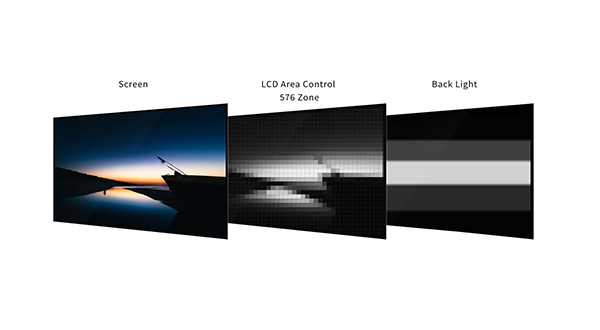
Local dimming uses a direct LED backlight split into zones that can be dimmed independently. Zones behind dark areas of the image turn down while bright areas stay at full output, which raises dynamic contrast, cuts average power and reduces the heat a very bright display generates. It is most common on large-format screens and digital signage, and on large format industrial monitors.
High-TNI LCD panels prevent displays blackening under the sun
LCDs are sensitive to heat and ultraviolet light. Over time, UV radiation from the sun can degrade the panel and its polarisers until image quality becomes unacceptable; UV and infrared filters and films reduce the damage. Some outdoor monitors offer a UV film as an option for solar radiation protection.
Heat has a faster effect. Liquid crystal only works below its clearing point, the nematic-isotropic transition temperature (TNI). Above it, the crystals lose their alignment and the affected area turns black until the panel cools. Standard panels typically have a TNI of about 70 to 80 °C, which a dark screen in full sun or a display in a sealed, unventilated enclosure can reach. High-TNI panels raise the clearing point to around 100 to 110 °C, so the image survives the surface temperatures of window displays, outdoor kiosks and vehicle dashboards.
Thermal design matters as much as the panel. A brighter backlight adds heat inside the enclosure, so fanless sunlight readable displays rely on conduction to the housing, and a heater may be needed at the other end of the range: some outdoor monitors extend their operating range down to −25 °C with an optional heater. Our guide to outdoor enclosures covers sun loading and ventilation.
Sunlight readable displays can be dimmed at night
A screen bright enough for midday sun is uncomfortable, and on a ship’s bridge or in a vehicle cab can be dangerous, after dark. Most industrial displays and panel PCs with sunlight readable LCDs offer manual or automatic dimming. An ambient light sensor on the front bezel measures the incoming light and adjusts the backlight to match, so the display is bright in the day and comfortable at night without the operator touching it.
Look at the dimming range as well as the peak brightness.
| Setting | Daytime need | Night-time need | What to specify |
|---|---|---|---|
| Ship’s bridge | 1,000 nits or more in sun and glare off the water | Very low levels for night watch | Wide dimming range, manual and automatic control |
| Military vehicle or cockpit | Sunlight readable day mode | NVIS mode compatible with goggles | MIL-STD-3009 NVIS compatibility |
| Road vehicle cab | 1,000 nits for windscreen sun | Low enough not to distract the driver | Ambient light sensor and fast dimming |
| Outdoor signage | 2,500 nits or more | Reduced to cut light pollution and power | Scheduled or sensor-based dimming |
Bridge, cockpit and cab screens all need low-level dimming that stays stable and flicker-free. Marine bridge equipment must dim to very low levels for night watch, and military vehicle and cockpit displays may need a separate NVIS mode compatible with night vision goggles, as covered under MIL-STD-3009. Our marine monitors and military monitors list the dimming and NVIS options for each model.
Touch, power and reliability in sunlight
Touch screens in direct sunlight
Touch adds layers in front of the panel, and each layer can add reflection. Projected capacitive (PCAP) touch sits behind a single cover glass and bonds well, which keeps reflections low; many outdoor PCAP screens add glove and water-rejection modes so rain and gloved hands do not cause false touches. Resistive touch works with any glove or stylus but places a flexible film over the image, which reflects more light and reduces brightness.
| Touch option | Effect in sunlight | Gloves and water | Typical use |
|---|---|---|---|
| Bonded PCAP behind AR glass | Lowest added reflection | Glove and water modes on many models | Outdoor HMIs, kiosks, vehicle terminals |
| Air gap PCAP | Two extra internal reflections | As above | Indoor and shaded positions |
| 5-wire resistive | More reflection and some brightness loss from the film | Any glove or stylus | Heavy gloves, legacy HMIs |
| Protective glass, no touch | Lowest loss; bonded glass protects the panel | Not applicable | Display-only screens |
For HMIs in sunlight, PCAP touch monitors with bonded glass are the usual starting point. Our guide to touch technologies and the resistive vs capacitive comparison cover the trade-offs.
Polarised sunglasses
LCDs emit polarised light, so a screen can appear dark when viewed through polarised sunglasses at certain angles. For drivers, pilots and outdoor operators, ask whether the panel’s polariser orientation or an added retarder film keeps the screen visible in both portrait and landscape.
Power draw
Backlight power rises roughly with brightness, so a 1,000 nit panel can draw two to three times the backlight power of a 300 nit version of the same size. Wide viewing angles matter too for screens read from the side; an IPS panel keeps colors and contrast steadier off-axis. On vehicles and solar-powered sites, check the display’s maximum power draw against the supply, and use dimming to cut average consumption.
High MTBF and 16/7 or 24/7 operation
Most of our industrial and commercial sunlight readable monitors are designed for at least 16/7 operation, 16 hours a day, seven days a week, which covers long shifts. Some models are rated for 24/7 continuous use, which suits signage and retail screens that run around the clock. Backlight lifetime, often quoted as hours to half brightness, and the panel’s MTBF are worth comparing for screens that never switch off.
Where sunlight readable displays are used
The brightness, sealing and dimming a screen needs follow from where it is installed.
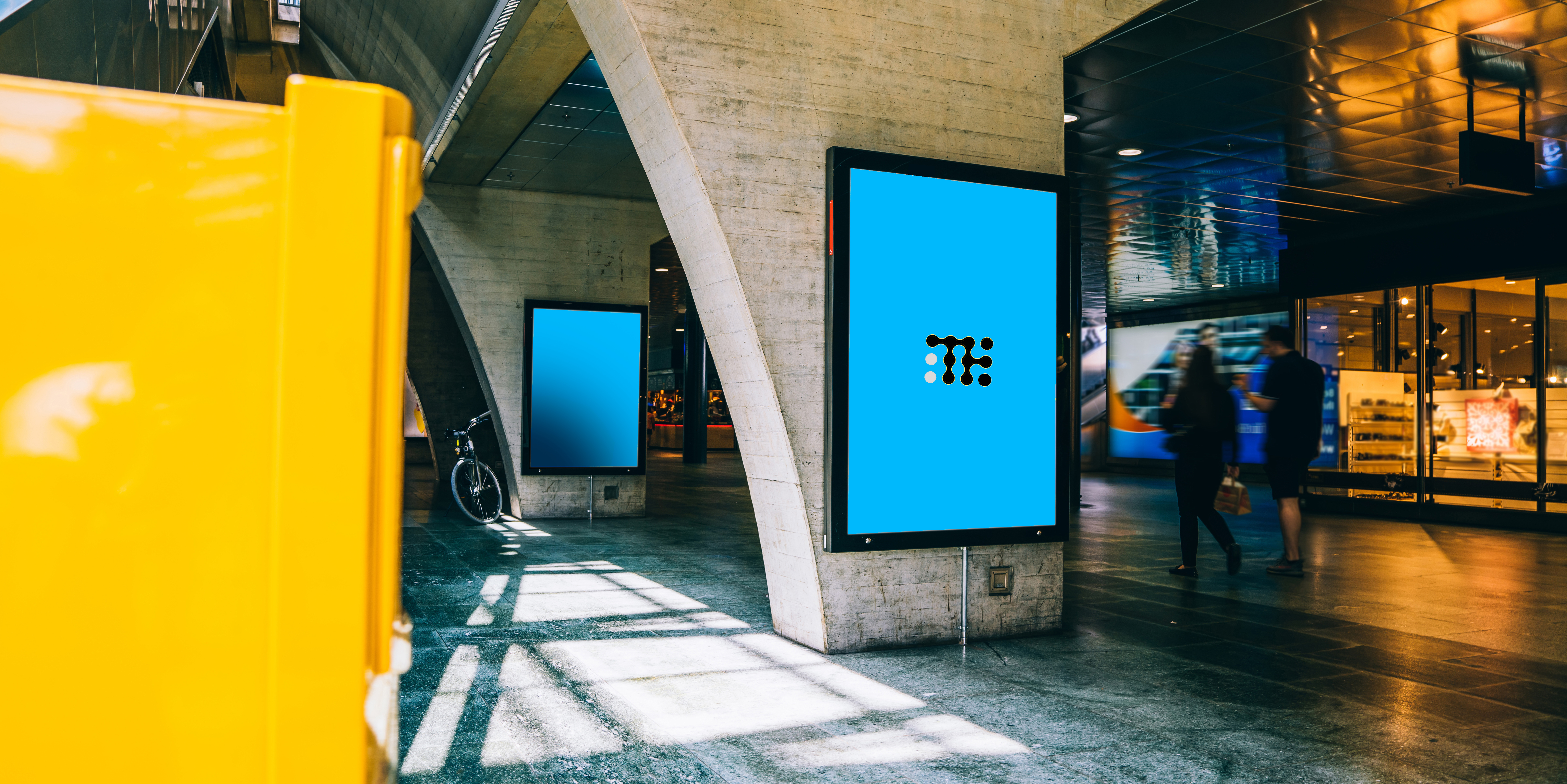
Outdoor kiosks and signage
Ticket machines, parcel lockers and signage in direct sun, usually 1,500 nits or more with a front IP65 rating.
View range
Ship bridges and decks
Bridge displays that stay readable at midday and dim for night watch.
View range
Vehicle cabs
Cab displays in agricultural, construction and emergency vehicles, often on 9 to 48 V DC with ignition sensing.
View range
Defense and NVIS
Military screens with day and NVIS modes, sealed against water and dust.
View range
Rail and platforms
Driver desks and platform screens in changing light, built to railway standards.
View range
Built-in displays
Open frame high-brightness and transflective monitors for OEM enclosures and kiosks.
View rangeImprove readability with our high bright displays and panel PCs
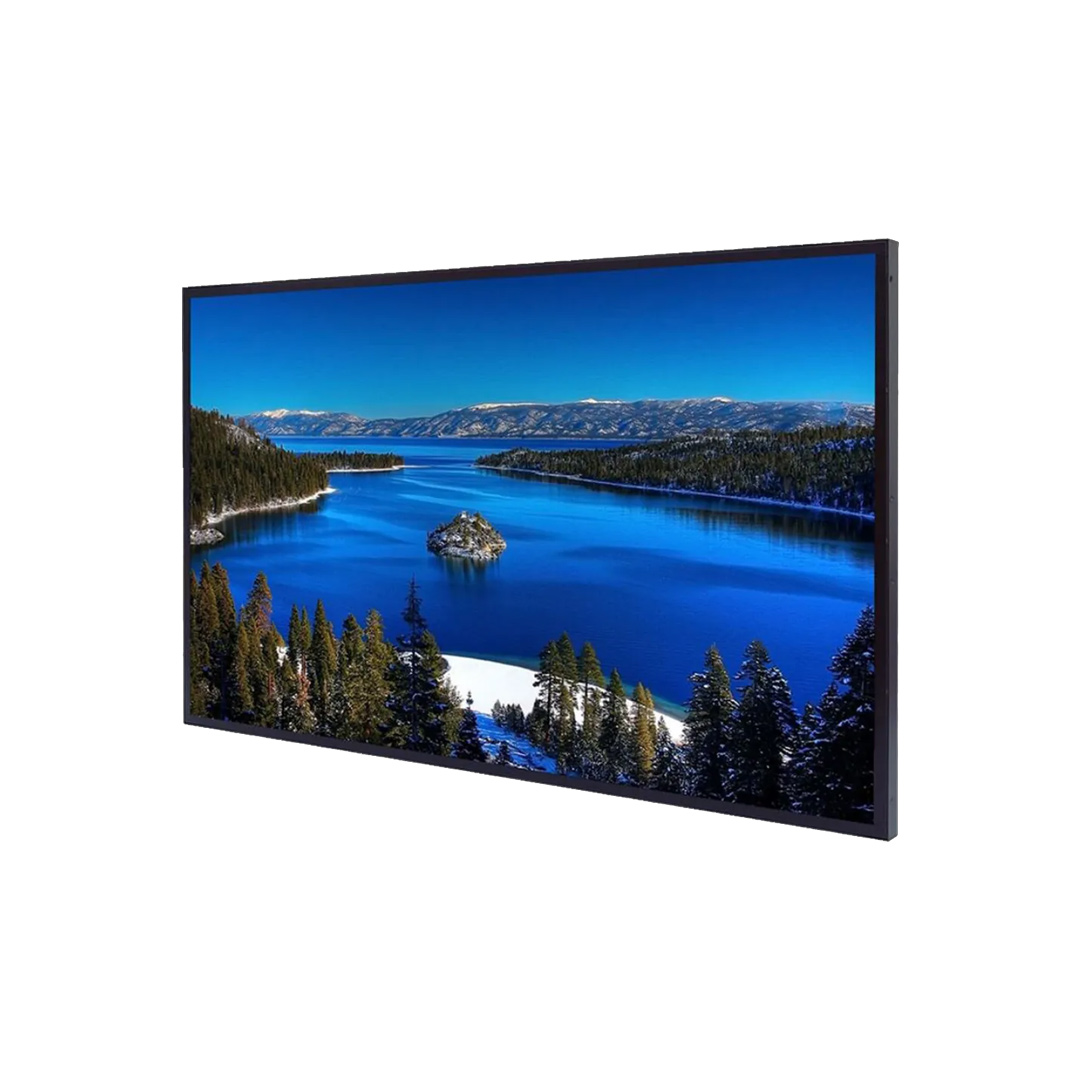
Sunlight readable monitors from 7 inch to 55 inch (7" to 55"), and panel PCs with 1,000 nit screens or more, with optical bonding, anti-reflective glass and front IP65 options.
Sunlight readable displays to start from
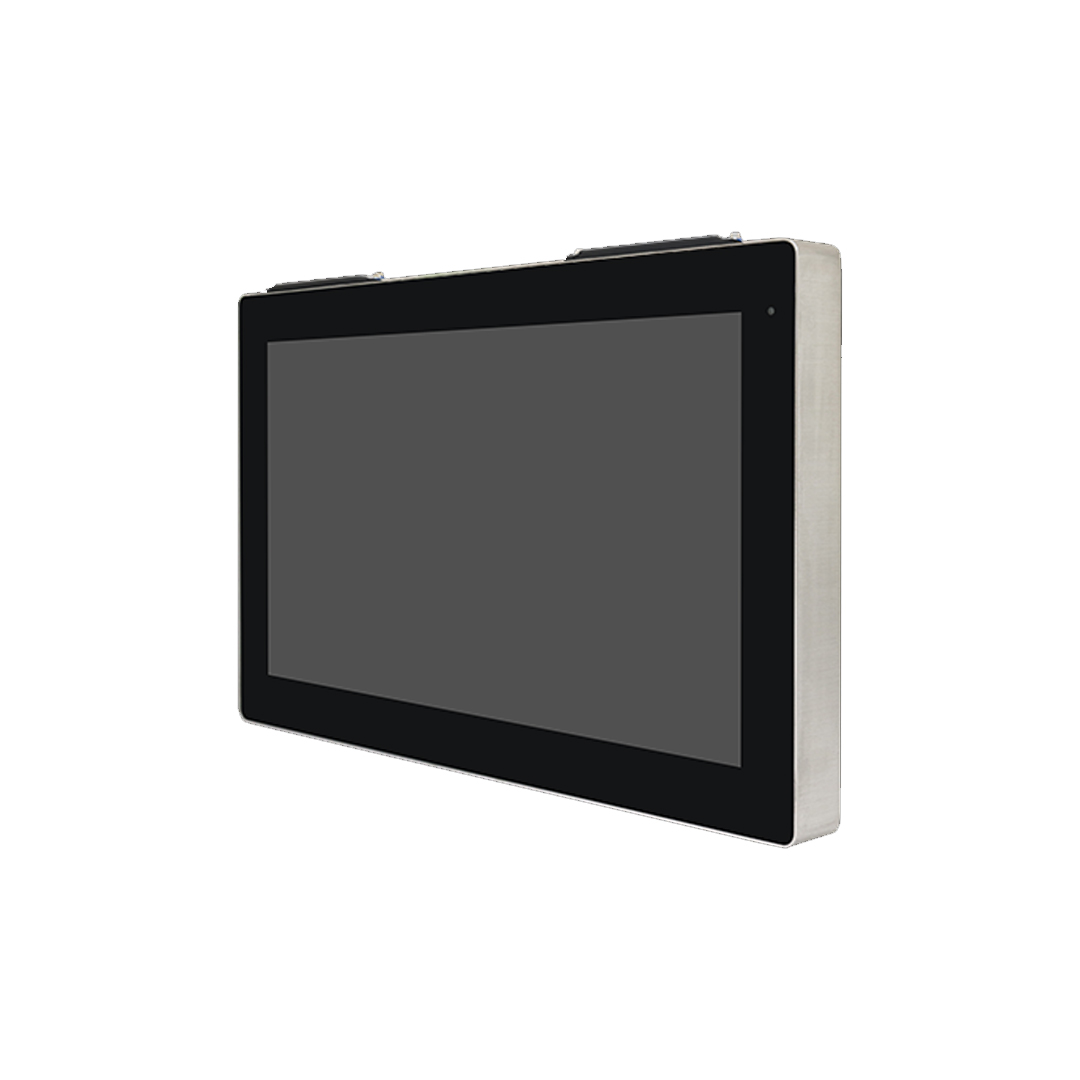
Four examples of different approaches: a 15 inch (15") 1,500 nit PCAP touch monitor with a front IP65 bezel and 9 to 48 V DC ignition sensing; a 32" 1500 nit PCAP monitor with a UV film option and a heater for −25 °C; a 12.1 inch transflective open frame monitor at 600 nits; and a 12.3" 1000 nit panel mount HMI panel PC.
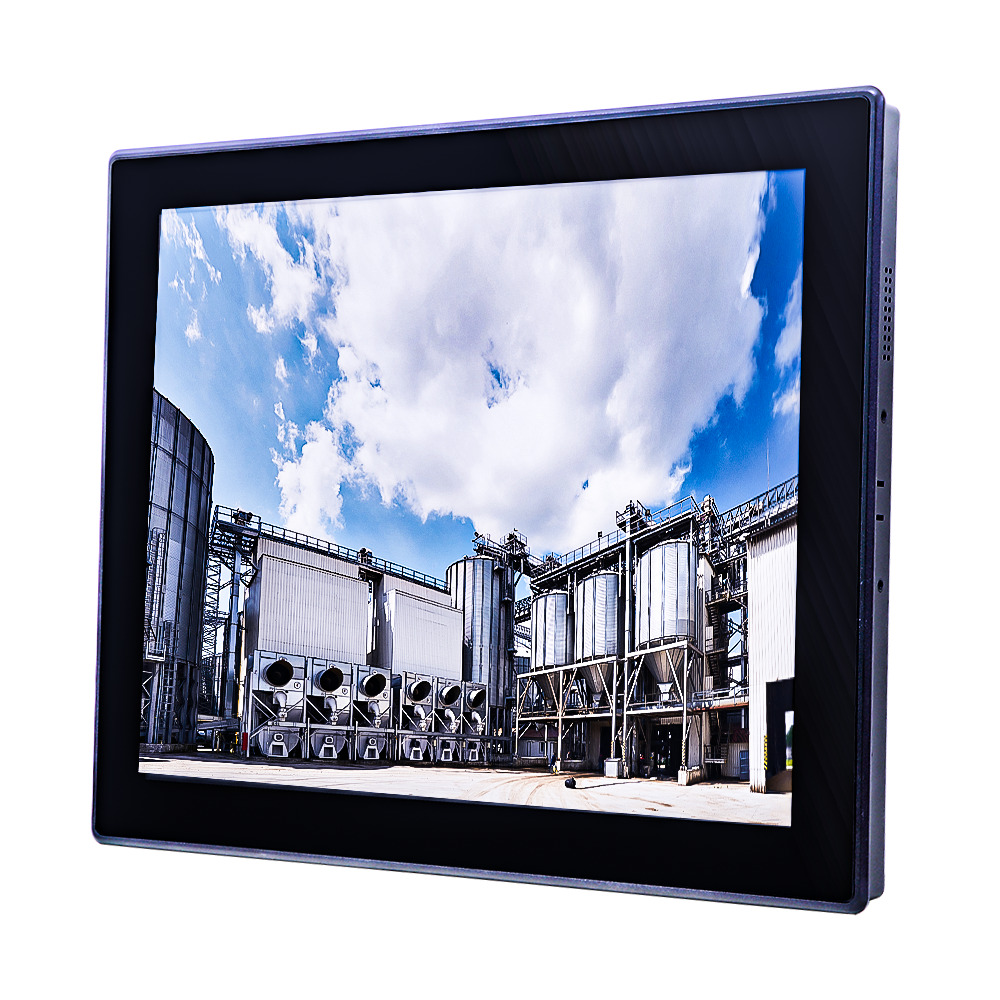
15″ PCAP Sunlight Readable Touch Screen Monitor with 1,500 Nit XGA LCD and Front IP65
- Display
- 15″ (4:3, 1024×768 XGA)
- Brightness
- 1500 nits
- Touch
- Projective Capacitive Touch
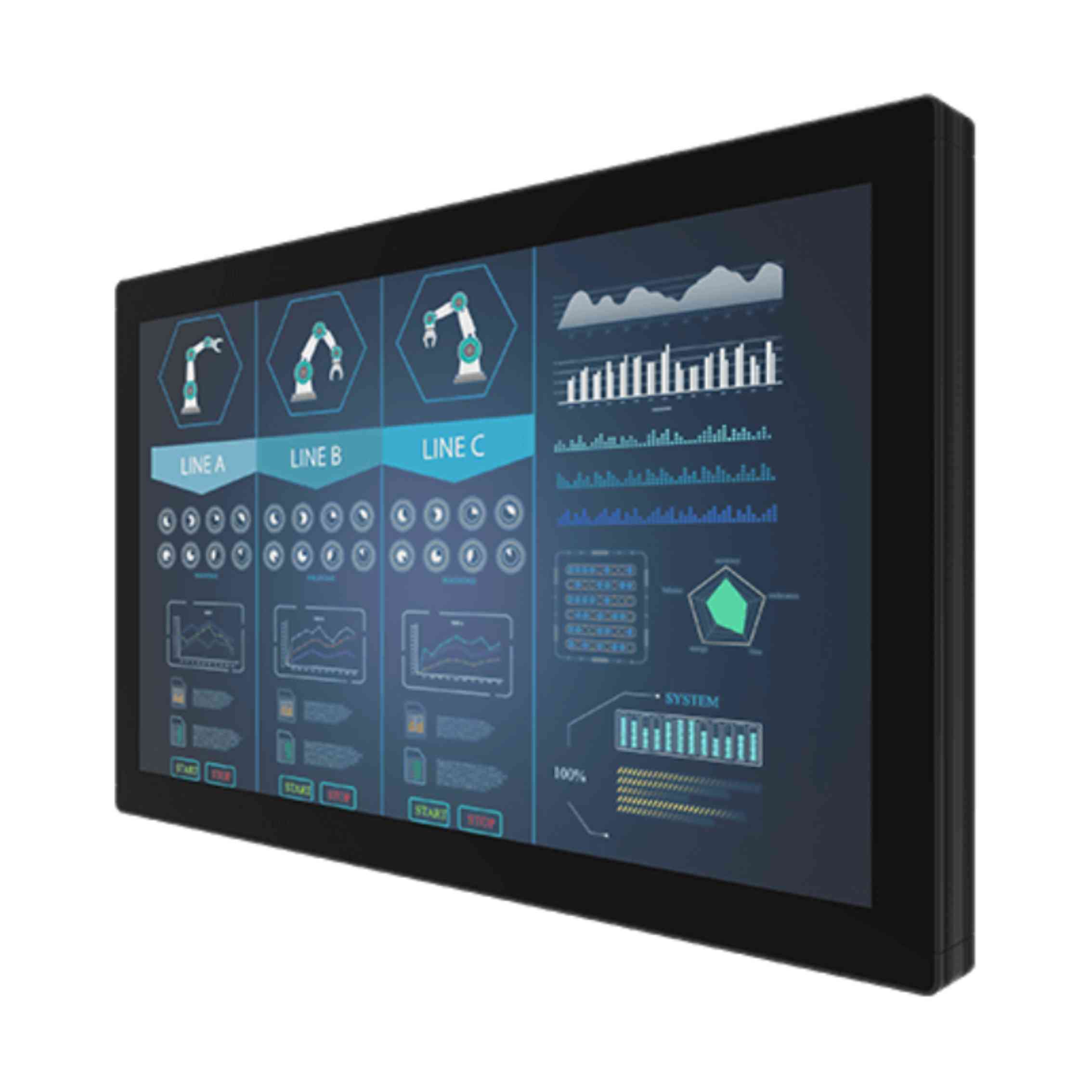
32″ Sunlight Readable PCAP Touch Monitor with 1500 Nits and IP65 Front
- Display
- 32″ (16:9, 1920×1080, FHD)
- Brightness
- 1500 nits
- Touch
- Multi Touch PCAP
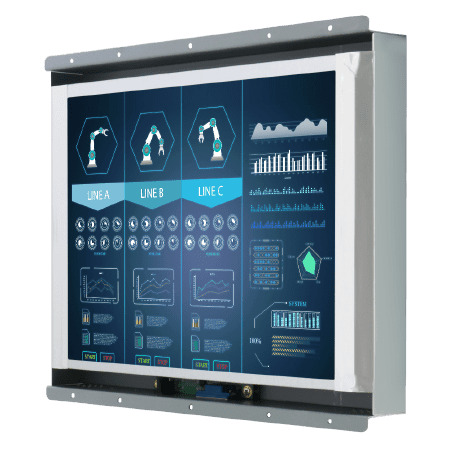
12.1″ Transflective Open Frame Monitor with 600 Nit XGA LCD
- Display
- 12.1″ (5:3, 1280×800, WXGA)
- Brightness
- 600 nits
- Touch
- Optional Resistive Touch
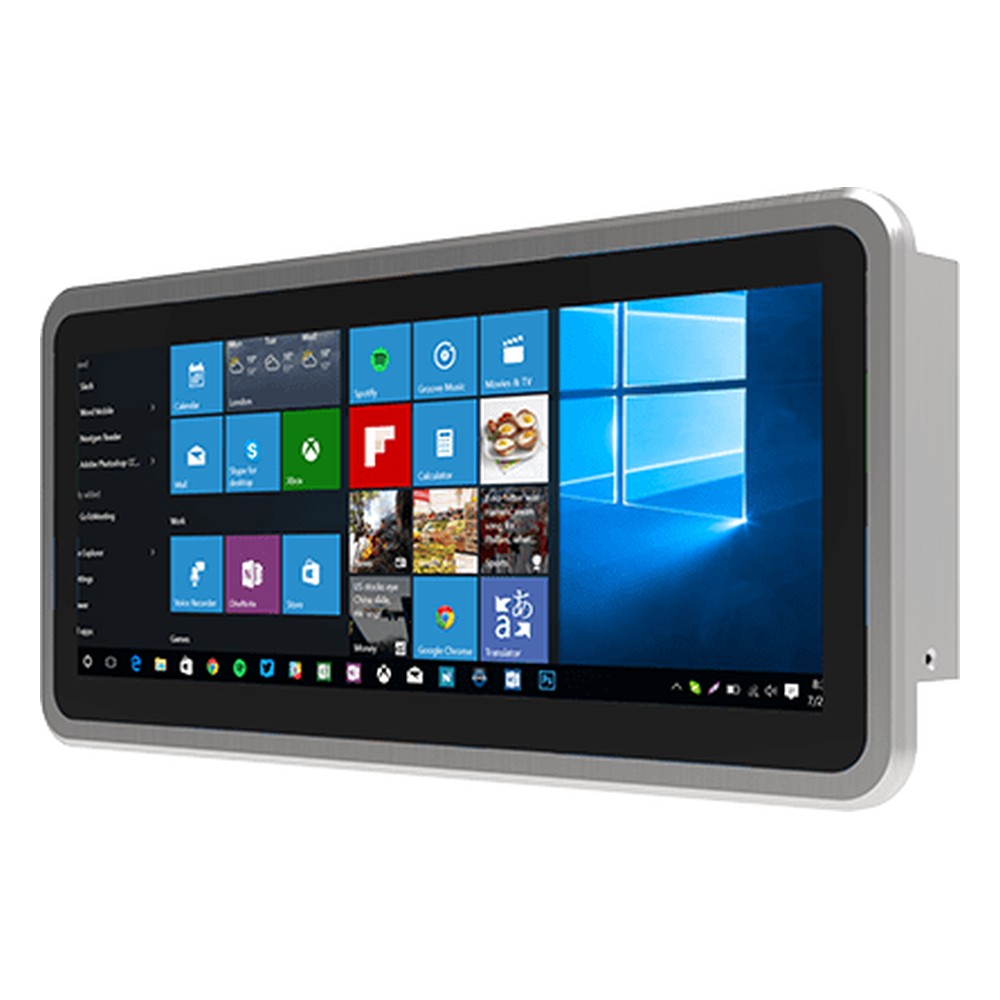
12.3″ Panel Mount HMI with Intel Celeron N6211 and 1000 Nit Display
- Display
- 12.3″ (, 1920×720, FHD)
- Brightness
- 1000 nits
- Touch
- Multi Touch PCAP
Specifying a sunlight readable display
Six questions that set the brightness, the optics and the build.
-
01
Light
Will the sun fall directly on the screen? Indirect daylight usually needs 700 to 1,000 nits; direct sun 1,000 to 1,500 nits or more.
-
02
Reflections
Ask for optical bonding and anti-reflective glass for direct sun; anti-glare suits bright indoor lighting.
-
03
Heat
For full sun or sealed enclosures, ask for a high-TNI panel, the operating range at full brightness and any UV protection.
-
04
Night use
Check the dimming range, an ambient light sensor and, for defense, NVIS compatibility.
-
05
Touch and gloves
PCAP with glove and water modes for most HMIs; resistive where heavy gloves or a stylus are the norm.
-
06
Size and mounting
Screen size in inches, aspect ratio, VESA, panel or open frame mounting, and the front IP rating the position needs.
Sunlight readable displays: common questions
Quick answers
What makes a display sunlight readable?
High brightness plus low reflection. A backlight of about 1,000 nits or more, combined with optical bonding and anti-reflective glass, keeps the image brighter than the sunlight reflected off the screen.
How many nits is sunlight readable?
About 1,000 nits and up. 1,000 to 1,500 nits suits most HMIs and vehicle screens in direct sun; outdoor signage often uses 2,500 nits or more.
What is a transflective display?
An LCD that reflects ambient light back through the image. The brighter the surroundings, the brighter it looks, so it stays readable outdoors with a lower-power backlight.
What is optical bonding?
Filling the gap behind the cover glass with clear adhesive. It removes internal reflections and condensation, raising contrast in bright light without extra power.
What is the difference between high brightness and sunlight readable?
Brightness is one ingredient. A high-brightness display has a brighter backlight; a sunlight readable display also controls reflections, so the image stays legible in direct sun.
Do sunlight readable displays use more power?
Usually, at full brightness. A brighter backlight draws more power, but automatic dimming, transflective panels and local dimming reduce average consumption.
Can you use a touchscreen in direct sunlight?
Yes, with the right build. Bonded PCAP touch with anti-reflective glass keeps reflections low, and glove and water modes keep it usable outdoors.
What is a high-TNI LCD?
A panel with a higher clearing temperature. Its liquid crystal works up to about 100 to 110 °C, so it does not black out in full sun or hot enclosures.
Sunlight readable display FAQs
-
What Makes a Display Sunlight Readable?
A sunlight readable display stays clear in bright light because it combines high brightness, typically 1,000 nits or more for direct sun, with low reflection. Optical bonding removes the air gap behind the cover glass, and anti-reflective or anti-glare treatment cuts surface glare, so contrast holds up outdoors and in bright vehicle cabs.
-
What Are Nits? Display Brightness Explained
A nit is the standard measure of display brightness: one nit equals one candela per square meter (cd/m²). The higher the figure, the brighter the screen. A typical office monitor gives 250 to 350 nits, while a display meant for direct sunlight usually needs 1,000 nits or more, combined with low reflection.
-
What Is the Difference Between Anti-Glare and Anti-Reflective?
Anti-glare (AG) is a textured, matte surface that scatters reflections so they no longer form a sharp mirror image. Anti-reflective (AR) is a thin-film coating that cancels reflected light, cutting it to a fraction of plain glass while keeping the image sharp. AG suits bright indoor lighting; AR suits direct sunlight.
-
What Is Optically Clear Adhesive (OCA)?
Optically clear adhesive (OCA) is a transparent, double-sided adhesive film used to bond a cover glass or touch panel to a display with no air gap. It is laminated with pressure, often in a vacuum, in a process called dry optical bonding. Its liquid counterpart, LOCA, is dispensed as a liquid and cured with UV light or heat.
-
What Is Monitor Contrast Ratio?
Monitor contrast ratio is the brightness of the whitest white divided by the brightness of the darkest black the screen can show, written as a ratio such as 1,000:1. Higher is better. IPS panels typically reach around 1,000:1 and VA panels 3,000:1 or more, but room light reflecting off the screen lowers the contrast you actually see.
-
LCD vs LED: What Is the Difference?
An LED monitor is an LCD. The LCD panel makes the image and LEDs light it from behind. The difference in LCD vs LED is the backlight: older LCDs used fluorescent CCFL tubes, while LED-backlit LCDs are thinner, brighter, more efficient and dim further. True self-lit LED displays, such as OLED and LED walls, are a separate technology.
-
What Makes a Touch Screen Vandal-Proof?
A vandal-proof touch screen combines strengthened cover glass, a touch technology that senses through that glass, and a sealed, rigid housing with hidden fixings. Its impact resistance is graded with an IK rating under IEC 62262: IK07 withstands a 2 joule impact and IK10 a 20 joule impact.
Need help choosing a sunlight readable monitor?
Tell us where the screen will be installed, the light and temperature it faces and how operators will use it. We will recommend the right size, brightness and mounting, then configure and test it before it ships.