
 US
US 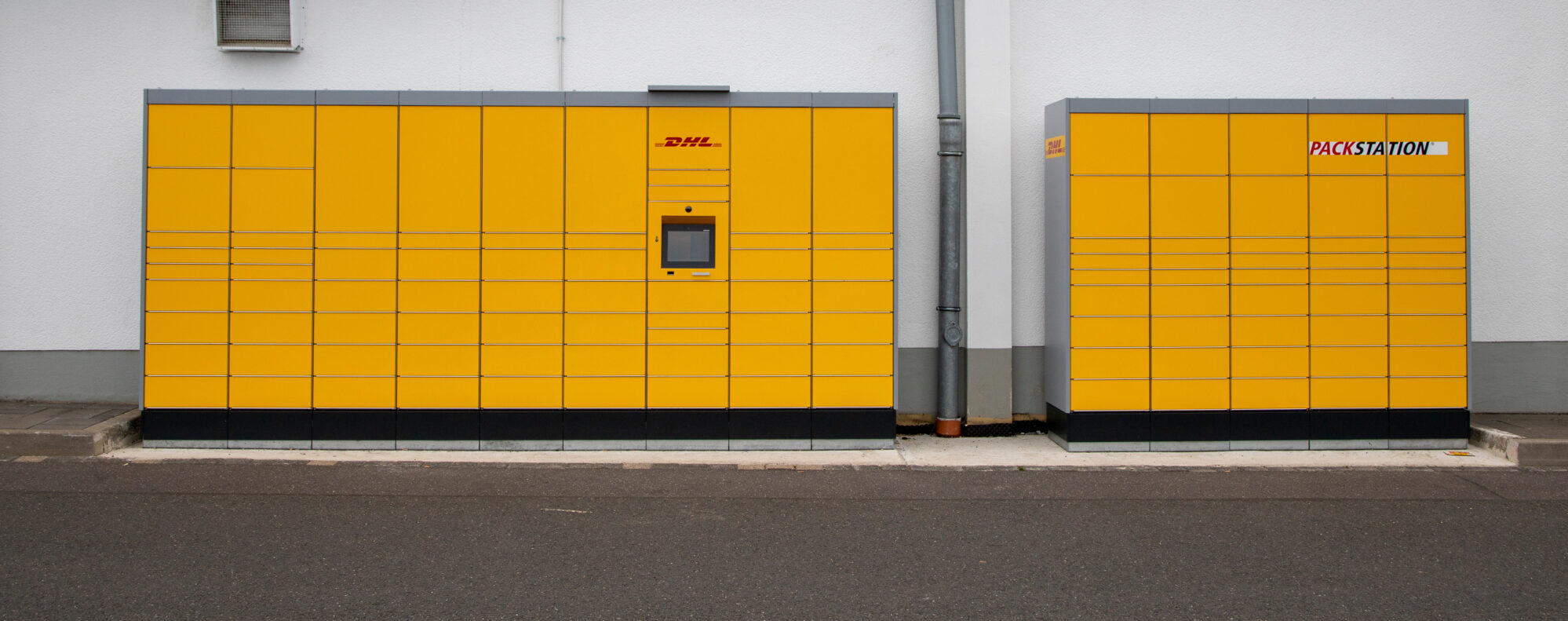
What Is Optical Bonding? Benefits, Process and Uses in Industrial Displays
Optical bonding fills the air gap between a display and its cover glass or touch panel with a clear adhesive. Here is how it works, what it does for readability, condensation, durability and touch, and how dry and liquid bonding compare.
Optical bonding is the process of fixing a display’s cover glass or touch sensor directly to the LCD panel with a layer of optically clear adhesive, so there is no air gap between them. Removing the air removes two reflecting surfaces inside the screen, which keeps it readable in bright light, stops it fogging up on the inside, makes the glass harder to break and improves touch accuracy.
It is standard on most outdoor, vehicle, marine and military displays, and an option on many indoor industrial monitors and panel PCs. This guide explains how optical bonding works, the bonding process, dry and liquid methods, how it compares with an air gap display and with anti-glare and anti-reflective glass, and where bonded displays are used.
Key takeaways
- 01It removes the air gap
- A clear adhesive, matched to the refractive index of glass, replaces the air between the LCD and the cover glass or touch sensor.
- 02Better contrast in daylight
- Each air-to-glass surface reflects about 4% of the light that hits it; bonding removes two of them inside the screen.
- 03No internal condensation
- With no air inside the stack, there is nowhere for moisture to collect and fog the screen.
- 04Stronger, more accurate touch
- Glass supported across its whole area resists impacts, and touch sits closer to the image, reducing parallax.
- 05Dry or liquid
- Dry bonding laminates an OCA film; liquid bonding dispenses and cures LOCA. Each suits different sizes and builds.
How optical bonding works
A standard display is built in layers: the LCD panel at the back, and in front of it a cover glass, a touch sensor, or both. In a conventional build these layers are held apart by a gasket around the edge, leaving a thin air gap across the whole screen. This is called an air gap or air bond construction.
Optical bonding replaces that air with a transparent adhesive whose refractive index is close to that of glass. The adhesive is either a pre-formed film, called optically clear adhesive (OCA), or a liquid resin, called LOCA, that is dispensed into the gap and cured. Once bonded, the display, touch sensor and cover glass behave optically and mechanically as a single piece.

Air gap vs optical bonding
| Air gap display | Optically bonded display | |
|---|---|---|
| Between LCD and cover glass | Air | Clear adhesive |
| Internal reflections | Two extra reflecting surfaces | Largely removed |
| Contrast in bright light | Washes out sooner | Stays higher |
| Condensation inside the screen | Possible | Not possible |
| Impact resistance | Glass flexes into the gap | Glass supported across its area |
| Touch parallax | Noticeable at an angle | Reduced |
| Cost and repair | Lower; layers replaceable | Higher; harder to rework |
Benefits of an optically bonded display
Bonding changes how the screen behaves in four ways, which is why it is specified on most displays that work outdoors, in vehicles and in public spaces.
-
01 / 04No condensation
Optical bonding prevents condensation
Condensation forms when moist air inside a display meets cold glass, such as a screen carried from a cold store into a warm loading bay. In an air gap display it fogs the inside of the cover glass, where it cannot be wiped away. Bonding removes the air, so there is nothing to condense.

Fig. 01 Optical bonding prevents condensation -
02 / 04Impact resistance
Optical bonding increases durability
Air gap cover glass is supported only at its edges, so an impact flexes it into the gap. Bonded glass is supported across its whole area, which spreads the force and resists knocks, vibration and vandalism. If the glass does break, the adhesive helps hold it together.
Fig. 02 Optical bonding increases durability -
03 / 04Sunlight readability
Optical bonding reduces glare
About 4% of light reflects every time it crosses between air and glass, and an air gap adds two of those surfaces inside the screen. Bonding removes them, raising the contrast the operator sees. With a high-brightness panel, it is what makes a screen readable in direct sunlight.
Fig. 03 Optical bonding reduces glare -
04 / 04Touch accuracy
Touch screen optical bonding improves accuracy
With an air gap, the touch surface sits slightly in front of the image, so a touch seen at an angle lands off target. Bonding brings the touch sensor tight to the LCD, reducing this parallax and giving a stiffer, more consistent feel. See our guide to touch technology.
Fig. 04 Touch screen optical bonding improves accuracy


Optical bonding benefits at a glance
Each benefit follows from the same change: replacing the air gap with a solid, clear layer.
| Benefit | Why it happens | Where it matters most |
|---|---|---|
| Higher contrast in bright light | Two internal air-to-glass reflections are removed, so less ambient light bounces back at the viewer | Outdoor kiosks, vehicle cabs, ship bridges |
| No internal fogging | There is no trapped air for moisture to condense from | Cold stores, outdoor sites, washdown areas |
| Impact and vibration resistance | The cover glass is supported across its whole area rather than only at the edges | Public spaces, vehicles, rail, defense |
| More accurate touch | The touch surface sits tight to the image, reducing parallax | HMIs, kiosks, PCAP touch panels |
| Better viewing angles | Fewer internal reflections means less image ghosting at an angle | Wide control rooms, shared screens |
| Safer if broken | The adhesive helps hold broken glass in place | Public access and vehicle displays |
Bonding does not make the backlight any brighter. Because less light is lost and reflected inside the stack, the image looks clearer and more contrasted, which is why bonded screens can often run at a lower backlight level for the same readability. Direct sunlight still needs a high-brightness panel; see our explainer on display brightness in nits.
The optical bonding process
Optical bonding is done in clean, controlled conditions, because a single trapped particle or bubble shows as a visible flaw across the screen.
-
Prepare
Clean and inspectThe LCD, touch sensor and cover glass are cleaned and inspected in a cleanroom environment.
-
Apply
OCA or LOCAAn optically clear adhesive film is laminated onto one surface, or a measured bead of liquid adhesive is dispensed.
-
Join
Align under vacuumThe layers are aligned and brought together, usually under vacuum, to push out air and avoid bubbles.
-
Cure
UV, heat or autoclaveLiquid adhesives are cured with UV light or heat; films may be finished in an autoclave to clear micro-bubbles.
-
Inspect
Optical checksThe finished stack is checked for bubbles, particles, uneven areas and optical distortion before the display is built into its enclosure.
Dry vs liquid optical bonding
Both methods achieve the same result, a display with no air gap, but they suit different builds.
| Dry optical bonding | Liquid optical bonding | |
|---|---|---|
| Adhesive | OCA film (optically clear adhesive) | LOCA (liquid optically clear adhesive) |
| How it is applied | Laminated with pressure, usually under vacuum | Dispensed as a liquid and cured with UV light or heat |
| Best for | Flat, small to medium displays; consistent thickness | Larger or uneven surfaces; fills gaps and tolerances |
| Strengths | Clean process, uniform layer, fast | Excellent gap filling; soft gels help absorb shock |
| Limits | Less forgiving of uneven surfaces | More complex process and cure time |
Liquid optical bonding
Liquid bonding dispenses a silicone, acrylic or similar resin into the gap and cures it with UV light or heat. Because it flows, it fills uneven surfaces and variations in the gap, which suits larger displays and assemblies with a touch sensor and a cover glass. Soft, gel-like silicone adhesives also cushion the LCD against shock and vibration.
Dry optical bonding
Dry bonding laminates a sheet of optically clear adhesive (OCA) between the layers with pressure, usually in a vacuum, sometimes followed by an autoclave cycle to remove micro-bubbles. The film gives a uniform, repeatable thickness and a clean process, which suits flat displays in volume production.
Because the layers are permanently joined, bonding is done before the display is built into its enclosure, and replacing a cracked cover glass usually means replacing the bonded assembly. It is rarely practical to bond an existing air gap display afterwards, so specify a bonded model or build from the start.
Optical bonding vs anti-glare vs anti-reflective
Optical bonding is often specified alongside a front-surface treatment, and the three do different jobs. Bonding removes the reflections inside the screen; anti-glare and anti-reflective treatments deal with the reflection from the front surface. The difference between anti-glare and anti-reflective decides how the screen looks in bright light.
| Treatment | What it does | Effect on the image | Best for |
|---|---|---|---|
| Optical bonding | Removes the air gap and its two internal reflecting surfaces | Higher contrast, no internal fogging | Outdoor, vehicle and marine screens |
| Anti-glare (AG) | A textured, matte surface that scatters reflections | Softens mirror-like glare; slightly less sharp | Bright indoor lighting, fingerprints |
| Anti-reflective (AR) | A thin-film coating that cancels reflected light | Keeps the image sharp and dark | Direct sunlight, with high brightness |
For direct sunlight, the strongest combination is a high-brightness panel, optical bonding and an anti-reflective cover glass. Among our displays and panel PCs, anti-reflective glass and anti-glare treatments are listed alongside optical bonding in each product’s specification.
Where optical bonding is used
Bonding earns its extra cost wherever light, temperature changes or impacts would defeat an ordinary screen.
Outdoor kiosks and lockers
Parcel lockers, ticket machines and outdoor kiosks face direct sun, cold mornings and rough handling; bonding keeps them readable, fog-free and tougher against vandalism.
View range
Vehicles and cold stores
Forklifts moving between cold stores and warm docks, and cab displays in daylight, need screens that neither fog nor wash out, and that shrug off vibration.
View range
Ships and bridges
Bridge and deck displays face glare off the water and salt-laden air; bonded, high-brightness screens stay readable from night watch to midday sun.
View range
Military and defense
Vehicle and console displays need readability in daylight, resistance to shock and vibration, and in some cases night-vision compatible dimming.
View range
Rail
Driver desks and platform displays combine vibration, temperature swings and direct sun, all of which bonding helps with.
View range
Industrial HMIs
Machine HMIs near windows, under bright lighting or in wet areas benefit from the glare and condensation resistance of a bonded PCAP screen.
Read guideDisplays and panel PCs with optical bonding
Optical bonding is standard on many of our outdoor, marine and high-brightness models and available as an option on others through our display partners. If the model you need is not listed as bonded, ask us.
-
01

Sunlight readable panel PCs
1,000 nit panel PCs for outdoor and in-cab use, many with bonded screens.
View range -
02

Marine panel PCs
Bridge and deck panel PCs, most with optically bonded displays.
View range -
03
Waterproof panel PCs
Sealed panel PCs with bonded glass for washdown and outdoor HMIs.
View range -
04
Touchscreen monitors
Industrial touch monitors with bonded PCAP options.
View range
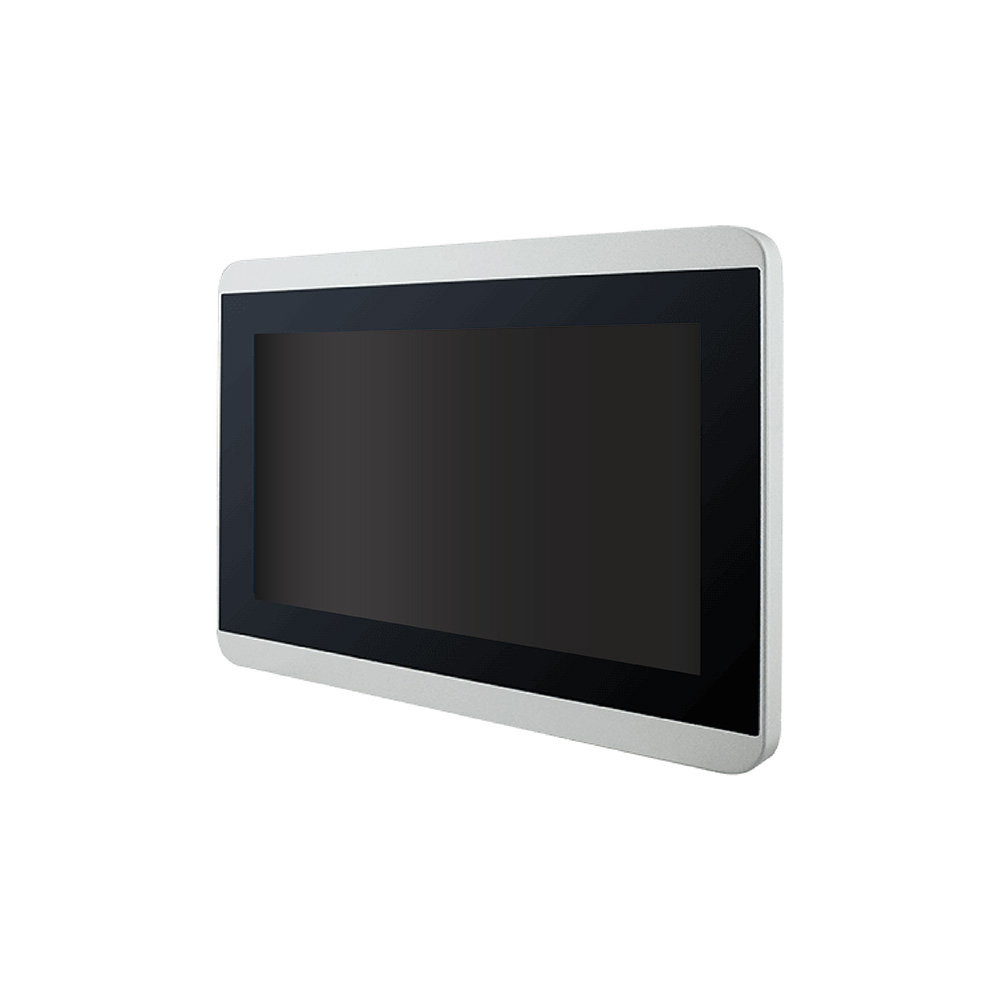
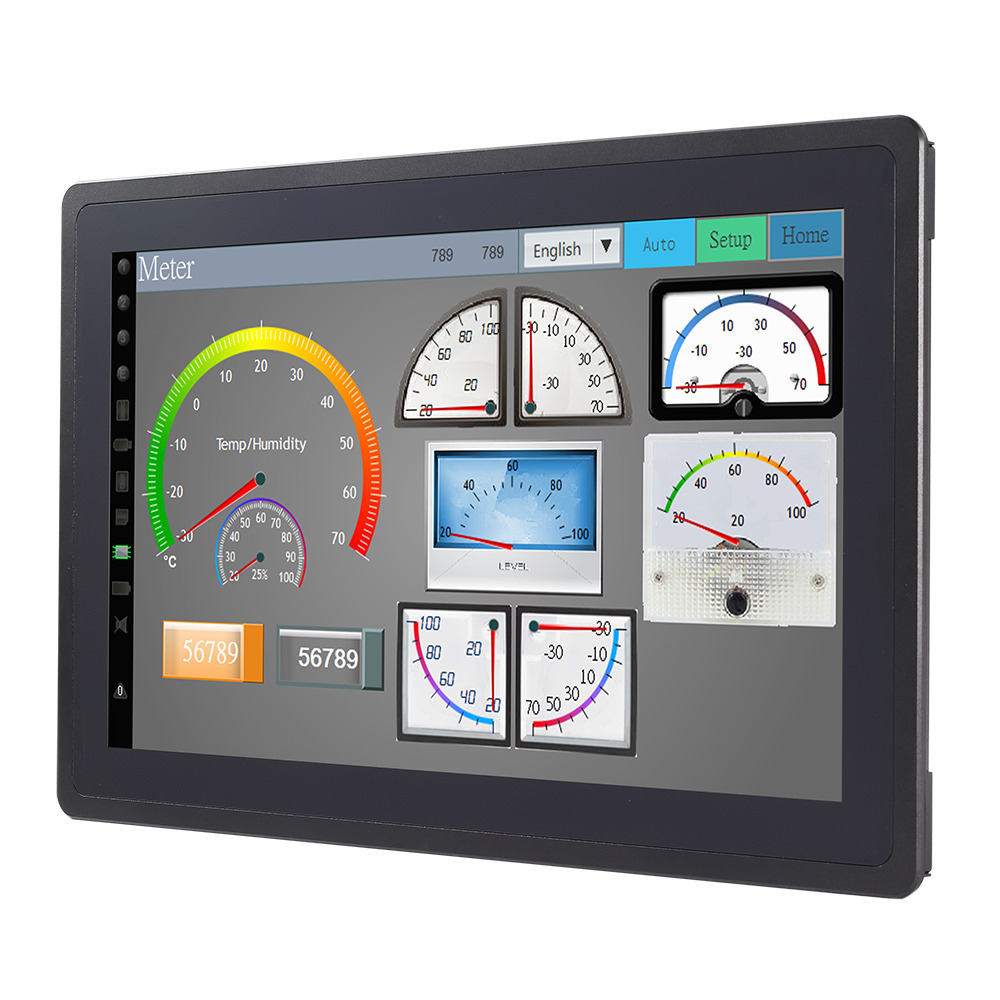
Optically bonded displays to start from
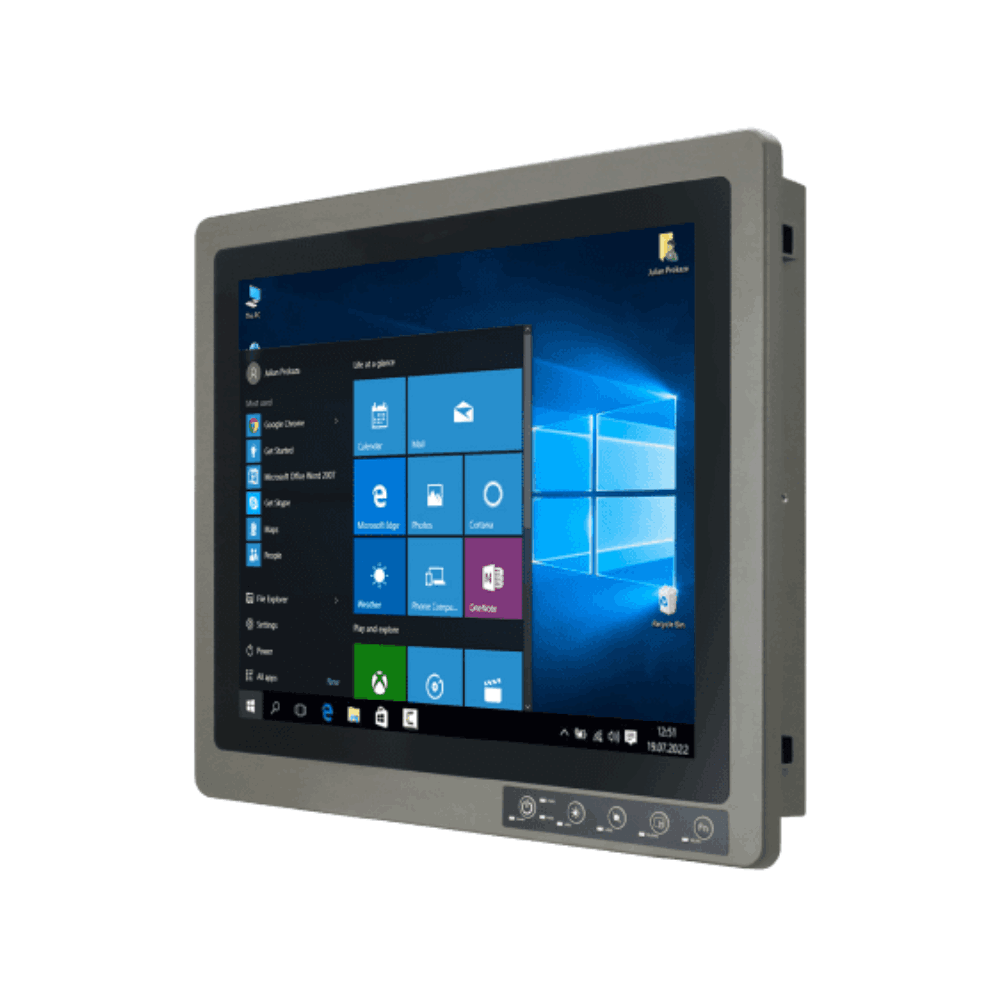
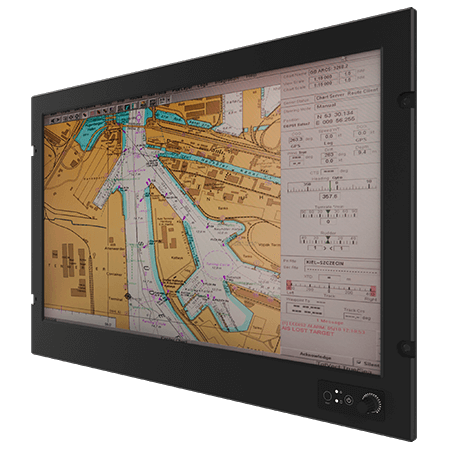
Four examples from the range: a 1,000-nit sunlight readable panel PC with an optically bonded touchscreen, a vehicle mount computer with a bonded Full HD display, a 19 inch NVIS defense monitor with bonded PCAP touch and a stainless steel IP69K panel PC with optical bonding as an option.
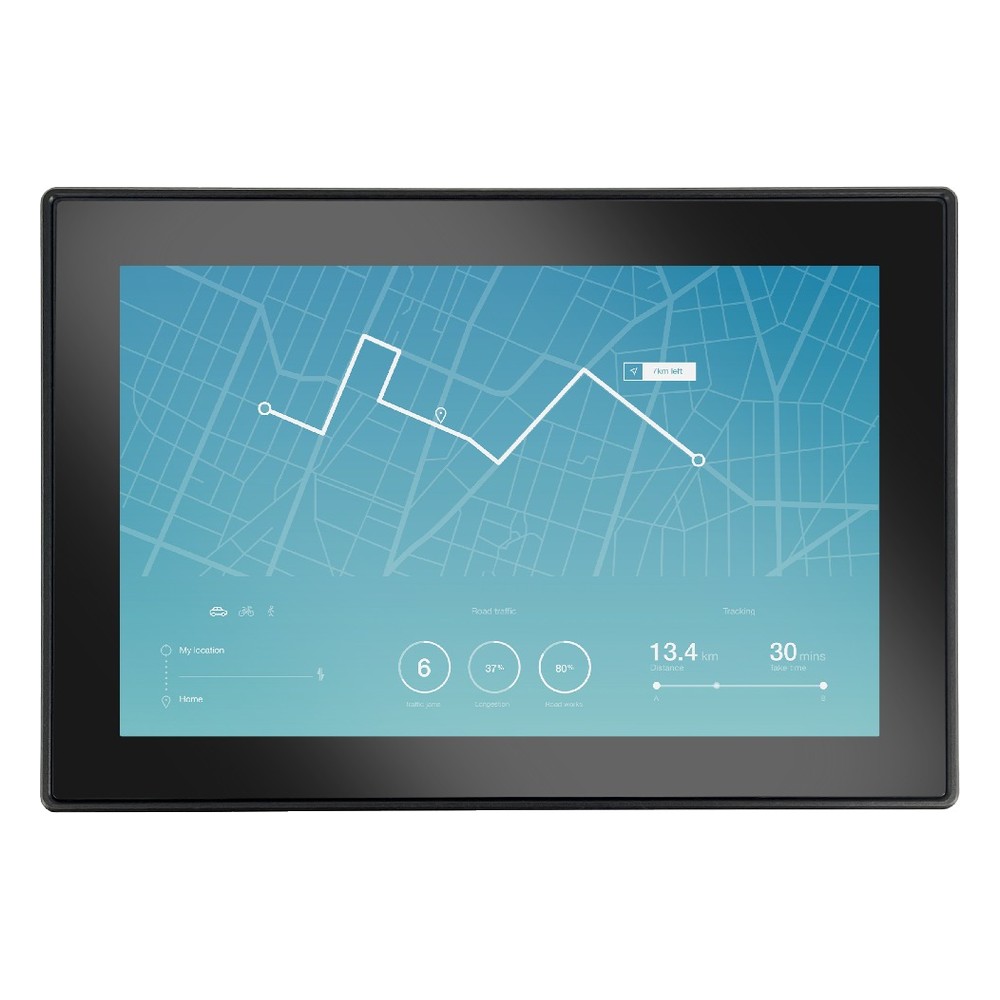
NXP i.MX 8QuadXPlus 10.1″ Sunlight Readable Panel PC with Optically Bonded 1000-Nit Touchscreen
- Display
- 10.1″ (5:3, 1280×800, WXGA)
- Brightness
- 1000 nits
- Touch
- Multi Touch PCAP
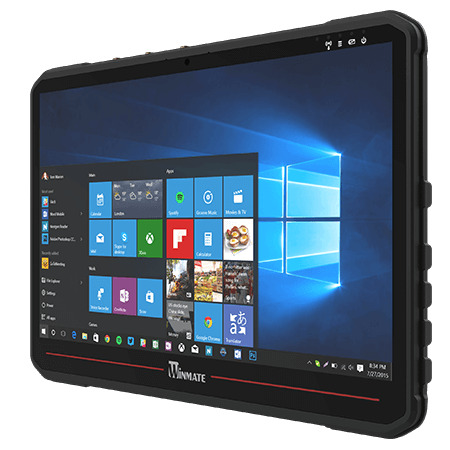
14″ IP65 Vehicle Mount Computer with Intel Core i5-1235U and Bonded FHD Display
- Display
- 14″ (16:9, 1920×1080, FHD)
- Brightness
- 700 nits
- Touch
- Multi Touch PCAP
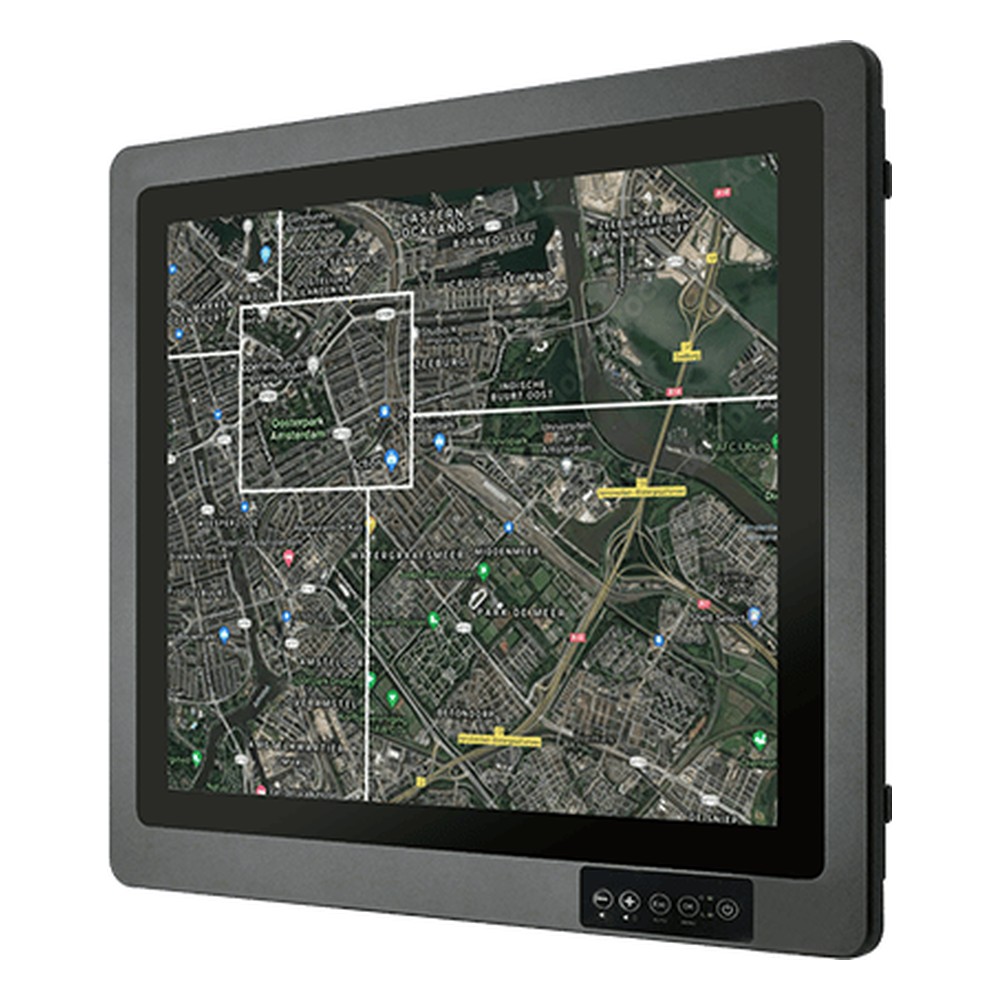
19″ NVIS Defense Monitor with NVIS Mode and MIL-STD-810G
- Display
- 19″ (5:4, 1280×1024, SXGA)
- Brightness
- 1000 nits
- Touch
- Multi Touch PCAP
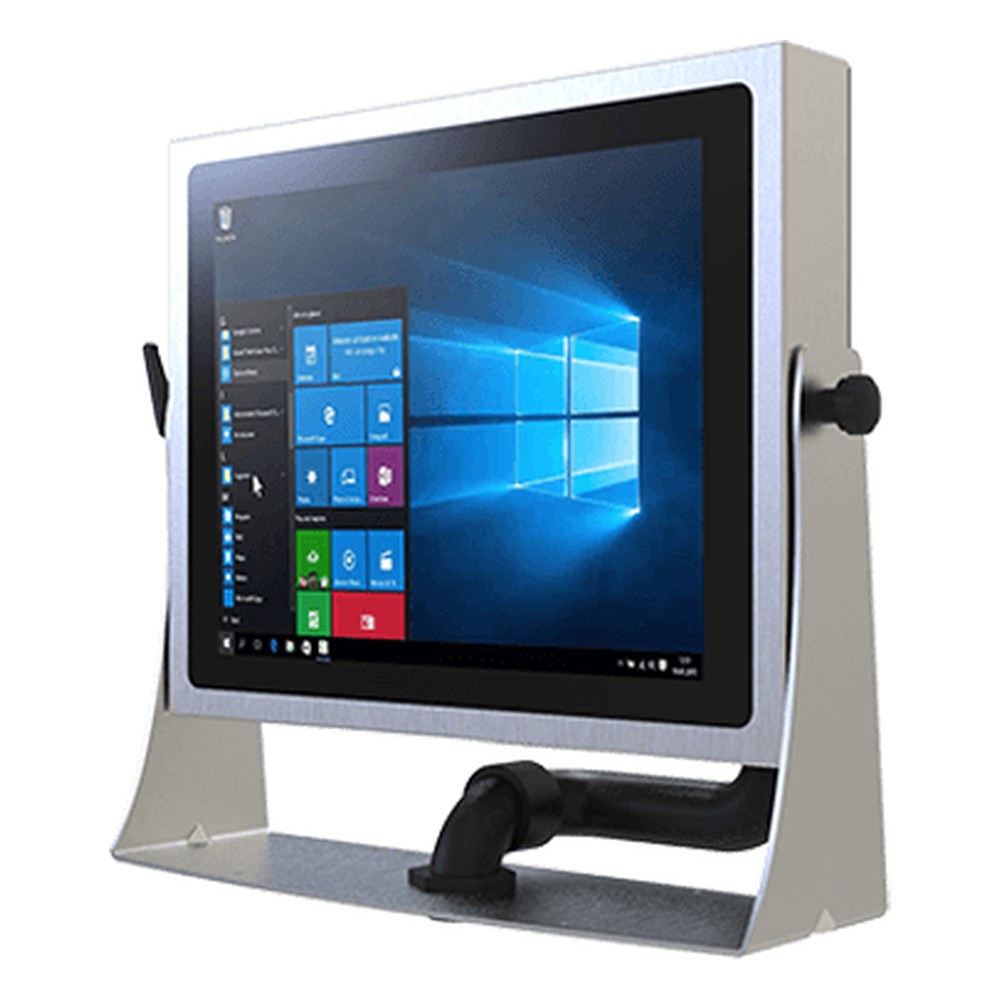
15″ Stainless Steel IP69K Panel PC with 12th Gen Intel Core i5 and PCAP Touch
- Display
- 15″ (4:3, 1024×768, XGA)
- Brightness
- 300 nits
- Touch
- Multi Touch PCAP
Specifying an optically bonded display
Four questions decide whether a display needs bonding and which build to ask for.
-
01
Light
Match brightness to the position: 1,000 nits or more for direct sun, with bonding and an anti-reflective coating.
-
02
Temperature
Where screens move between cold and warm areas or sit outdoors, bonding prevents internal fogging; check the adhesive's operating range too.
-
03
Impact
For public or rough environments, combine bonding with a thicker or toughened cover glass.
-
04
Touch and size
Bonded PCAP suits most HMIs; larger or uneven assemblies usually use liquid bonding. Ask which method a model uses.
Optical bonding: common questions
Quick answers
Is optical bonding worth it?
Outdoors, in vehicles and in public spaces, yes. Where a screen faces sunlight, temperature swings or impacts, bonding pays for itself in readability and fewer failures. For an indoor screen in stable conditions, an air gap display is usually enough.
Does optical bonding make a screen sunlight readable?
It helps, but not on its own. Bonding raises contrast by removing internal reflections; direct sunlight also needs a high-brightness panel of 1,000 nits or more and an anti-reflective coating.
Can an optically bonded screen be repaired?
Rarely in the field. The layers are permanently joined, so a cracked cover glass usually means replacing the bonded assembly rather than just the glass.
Does optical bonding affect touch?
It improves it. Bonding reduces parallax and stiffens the stack, giving more accurate, consistent touch on PCAP and resistive screens.
Which industries use optical bonding?
Anywhere screens face light, cold or knocks. Military, marine, transport, medical, retail kiosks and outdoor signage are the largest users, along with food processing and cold storage where screens move between temperatures.
Does optical bonding make a screen brighter?
It looks brighter, but the backlight is unchanged. Less light is lost and reflected inside the screen, so contrast rises and the image appears clearer in bright conditions.
What adhesive is used for optical bonding?
Silicone, acrylic or polyurethane. It comes either as a pre-formed optically clear adhesive (OCA) film or as a liquid (LOCA) that is cured with UV light or heat.
Can an existing display be optically bonded?
Rarely. Bonding is done when the display is built, so it is far simpler to choose a bonded model, or a bonded version of a model, from the start.
Optical bonding FAQs
-
What Is Optically Clear Adhesive (OCA)?
Optically clear adhesive (OCA) is a transparent, double-sided adhesive film used to bond a cover glass or touch panel to a display with no air gap. It is laminated with pressure, often in a vacuum, in a process called dry optical bonding. Its liquid counterpart, LOCA, is dispensed as a liquid and cured with UV light or heat.
-
What Is the Difference Between Anti-Glare and Anti-Reflective?
Anti-glare (AG) is a textured, matte surface that scatters reflections so they no longer form a sharp mirror image. Anti-reflective (AR) is a thin-film coating that cancels reflected light, cutting it to a fraction of plain glass while keeping the image sharp. AG suits bright indoor lighting; AR suits direct sunlight.
-
What Are Nits? Display Brightness Explained
A nit is the standard measure of display brightness: one nit equals one candela per square meter (cd/m²). The higher the figure, the brighter the screen. A typical office monitor gives 250 to 350 nits, while a display meant for direct sunlight usually needs 1,000 nits or more, combined with low reflection.
-
What Makes a Display Sunlight Readable?
A sunlight readable display stays clear in bright light because it combines high brightness, typically 1,000 nits or more for direct sun, with low reflection. Optical bonding removes the air gap behind the cover glass, and anti-reflective or anti-glare treatment cuts surface glare, so contrast holds up outdoors and in bright vehicle cabs.
-
How Do You Prevent Condensation on Electronics?
Condensation forms when a surface is colder than the dew point of the air around it, so moisture in the air turns to water on it. To prevent it on electronics, keep their surfaces above the dew point with steady heat or a heater, seal the enclosure, control humidity with desiccants or breather vents, and protect boards with conformal coating.
-
What Makes a Touch Screen Vandal-Proof?
A vandal-proof touch screen combines strengthened cover glass, a touch technology that senses through that glass, and a sealed, rigid housing with hidden fixings. Its impact resistance is graded with an IK rating under IEC 62262: IK07 withstands a 2 joule impact and IK10 a 20 joule impact.
-
What Is an IK Rating?
An IK rating grades how well an enclosure resists mechanical impact, from IK00 (no protection) to IK10, which withstands a 20 joule impact. It is defined by IEC 62262 (EN 62262) and is used alongside the IP rating to specify displays, panel PCs and enclosures for public and industrial sites.
Need a display that stays readable?
Tell us where the screen will be installed, the light and temperature it faces and how operators will use it. We will recommend displays and panel PCs with the right brightness, bonding and touch, then configure and test them before they ship.