
 UK
UK Industrial Computing Designed, Built and Supported
Industrial computing for factories, process plants, warehouses and energy sites, from standard systems to computers engineered to order. Our specialists work with you to define, design and build the right industrial PC, then support it for the life of the project.
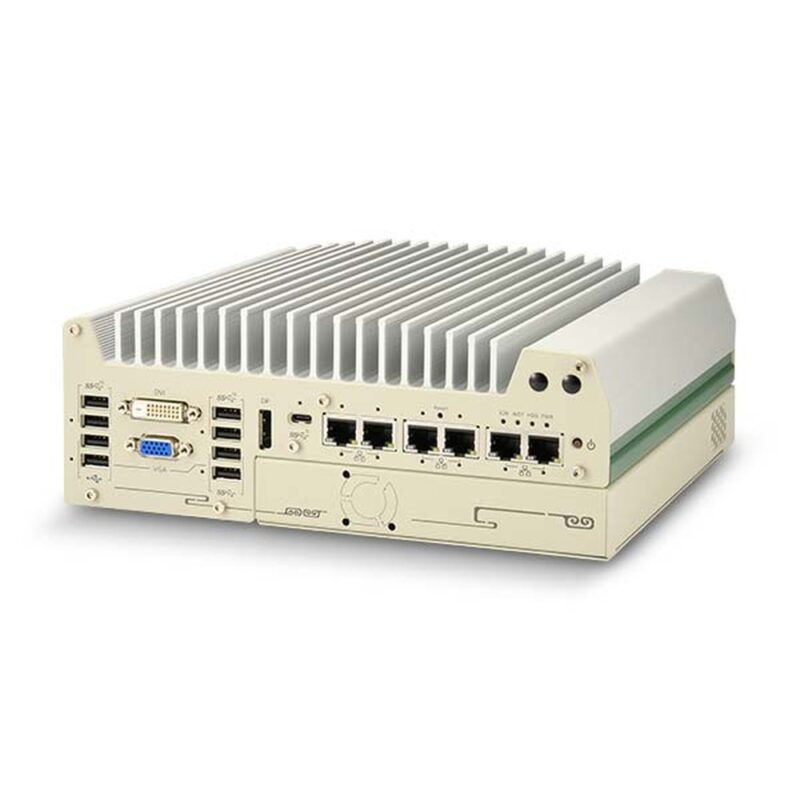
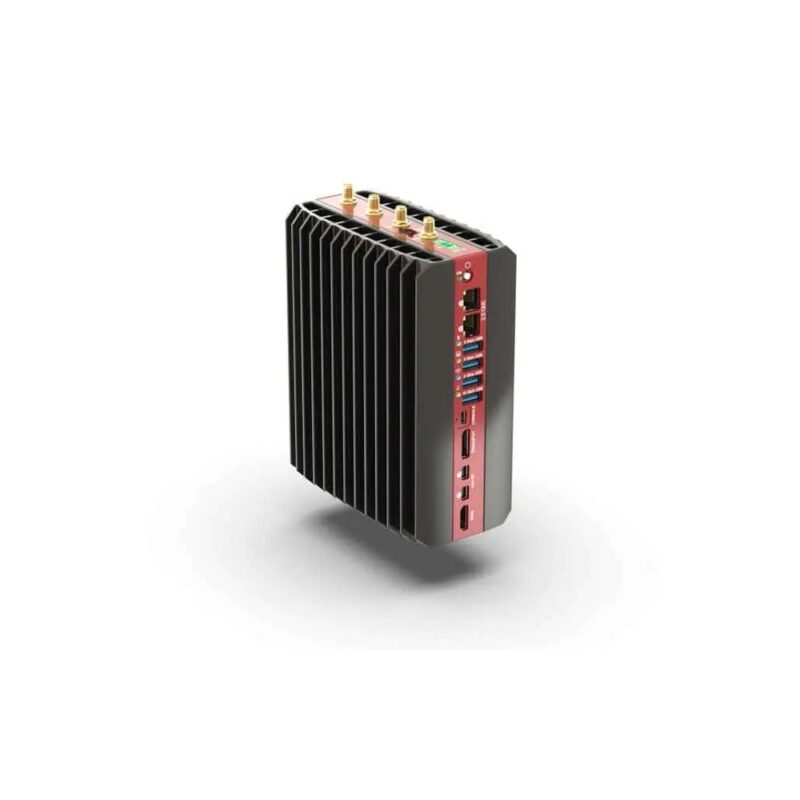
Fanless computers cool themselves passively, through a finned heatsink chassis and heat pipes, instead of a fan. With no moving parts and no airflow drawing in dirt, they are more reliable in dusty or vibrating places, completely silent, low maintenance and easy to seal, which is why they are the standard choice for industrial and embedded use. What Are the Advantages of Fanless Computers?
What makes a computer industrial
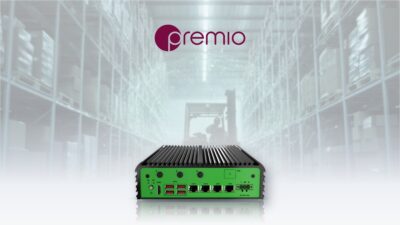
An industrial computer is defined by the cabinet or site it lives in, the equipment it has to talk to and how long the same build stays available. We look at all three before the processor. Here is how that looks on a fanless expansion box PC built for machines and control cabinets.
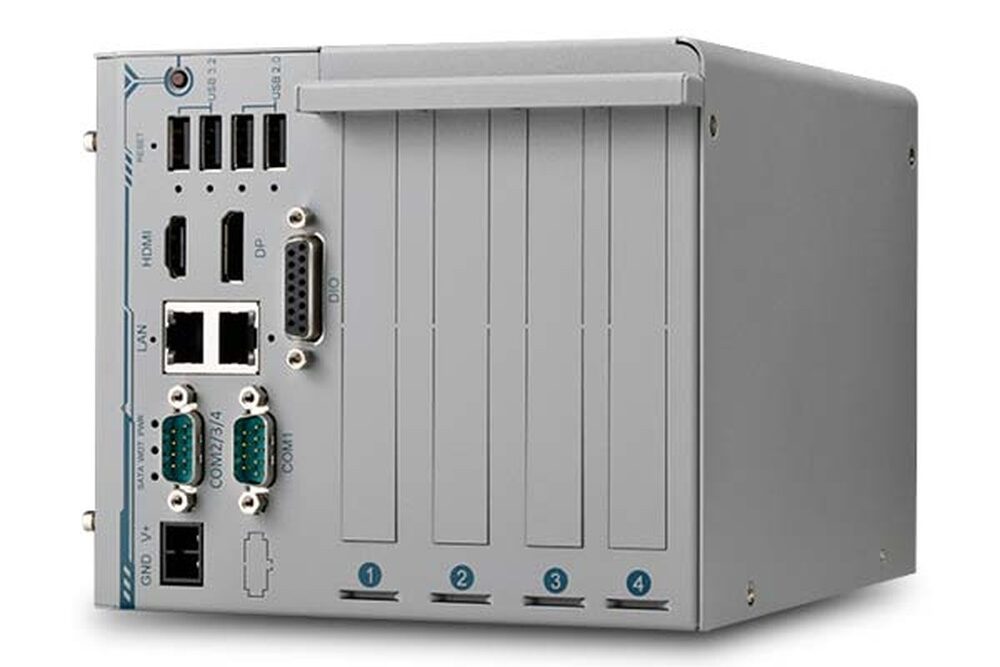
Two PCI and two PCIe slots
Two 5 V PCI and two PCIe x4 slots take frame grabbers, motion cards and data acquisition boards, so a machine built around a legacy PCI card keeps running on a current processor.
Four serial ports
One RS-232/422/485 and three RS-232 ports talk to PLCs, drives and older instruments without USB adapters.
Four-channel isolated DI and DO
Isolated digital inputs and outputs switch sensors, indicators and actuators directly, while the isolation keeps plant-side electrical noise away from the computer.
12–24 V DC with remote on/off
Power is 12 V to 24 V DC on a terminal block, with a connector for remote on/off control and status LEDs on the cabinet door.
Screw-lock USB and GbE for cameras
Two Intel GbE ports and screw-lock USB 3.2 ports connect machine vision cameras, and screw-lock USB 2.0 ports hold licence dongles in place.
Fanless, with MIL-STD-810H vibration
The enclosure runs fanless from −10 °C to 60 °C, or to 70 °C with the optional fan kit, and is tested to MIL-STD-810H for vibration and shock.
Where industrial computing is deployed
Industrial computers run the plant, not the office: control cabinets, production lines, washdown areas, hazardous zones and remote energy sites. Each one sets its own power, sealing, I/O and approval requirements, so the right system differs from one to the next.
01Factory automation

Industrial PCs for machine control and production lines
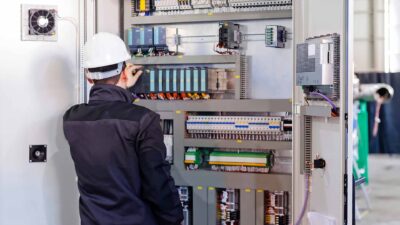
Production lines run HMIs, data collection and machine vision on fanless industrial PCs in the control cabinet or on the machine. Serial ports, isolated digital I/O and TSN connect them to PLCs and drives, and DIN rail mounting keeps them beside the equipment they control.
See our manufacturing solutions02Food and beverage

Stainless steel panel PCs for washdown areas
Food and beverage plants clean their lines with high-pressure, high-temperature water and chemicals. Fully sealed IP69K stainless steel panel PCs and monitors with M12 connectors sit on the line itself, with hygienic designs that leave nowhere for residue to collect.
See our food and beverage solutions03Oil, gas and hazardous areas

Computers and HMIs for hazardous areas
Refineries, wastewater plants and chemical sites need panel PCs and computers specified for ATEX Zone 2 or Class 1 Division 2 areas, with the certification the area classification calls for. We check the approval on the manufacturer datasheet before a system is shortlisted.
See our oil and gas solutions04Energy and utilities

Industrial PCs for substations and energy sites
Substations, solar farms and battery storage sites put a fanless DIN rail PC in an unheated cabinet, collecting data from meters and protection relays over serial and Ethernet. Wide-temperature components and a cellular link keep a remote site reporting with no routine maintenance.
See our power and energy solutions05Ports and marine

Industrial computers for ports and marine sites
Ports, terminals and vessels combine salt air, vibration and bright sunlight. Sealed industrial PCs and sunlight-readable displays run cargo handling, monitoring and navigation systems, specified against the marine standards each installation calls for.
See our marine solutionsHow we design and build industrial computers
A single system is rarely right for every application. We supply standard products where they fit and engineer to order where they do not, and every system ships as a complete build with your image loaded and the hardware tested together.
-
Scope
Benchmark and select the hardware
We start with a technology analysis of your application, then select the hardware and benchmark its performance against your workload, so the processor, memory and storage are sized from measurements rather than a datasheet.
-
Design
Configure the I/O and connectivity
We configure the I/O to the installation, integrate peripheral cards and make up custom cable harnesses. For connected sites we fit and configure SIM cards and cellular modules, and finalise the prototype so the build repeats across a large rollout.
-
Build
Image, build and document in the UK
Systems are assembled in our UK antistatic engineering facility. We modify the BIOS where needed, create a “golden image” with Windows or Linux, preload your software and functionally test the complete build, with the build specification documented with photographs.
-
Lifecycle
Support for the life of the project
Warranties of up to five years, a global RMA service with local returns and repairs, after-warranty repair and free lifetime technical support from our UK team, with EOL and PCN management for every system component.
An extension of your engineering team
Our engineers work alongside yours, checking the I/O, power and cabinet conditions against your application before you commit to a build.
Custom branding and white label
Custom I/O labelling, chassis colours and OEM packaging, with white-label direct delivery, while keeping the manufacturer’s serial number and nameplate.
Stock and call-off
We can hold stock on your behalf, with call-off or pre-agreed inventory under a project SLA, so systems arrive when the rollout or production line needs them.
BOM and asset tracking
We scan and track every BOM component, recording the contents, warranty status and delivery address of each system we ship.
Industrial hardware we build on
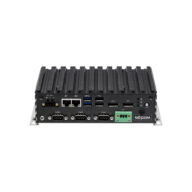
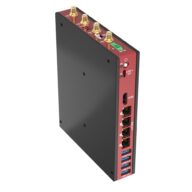
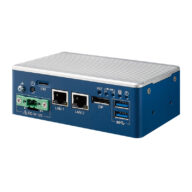
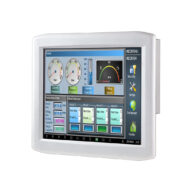
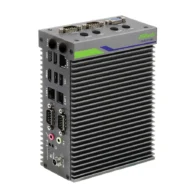
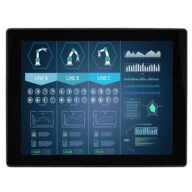
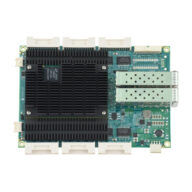
Seven product families cover most industrial projects, from industrial PCs and DIN rail systems to panel PCs, monitors and the Ethernet switches that connect them.
-

-
-
-
-
-
-
Industrial case studies, guides and FAQs
Industrial systems we have built for steelworks, food plants and smart factories, and our guides to specifying fanless and UL listed industrial PCs.
-

-
-
-
-
-


What is the industrial temperature range?
The industrial temperature range is −40 to 85 °C: the grade an electronic component must operate across to be called industrial, compared with 0 to 70 °C for commercial parts. Rugged computers built from industrial-grade components typically run from −25 or −40 °C up to 70 °C as a complete system.
Industrial temperature rangeHow does an HMI work with a PLC?
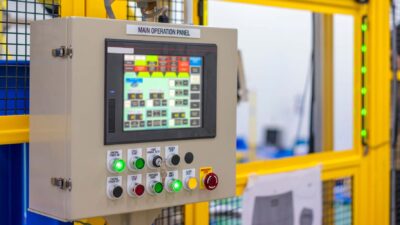
A PLC runs the control logic of a machine; the HMI is the screen operators use to see and change it. The HMI connects to the PLC over an industrial network, usually Ethernet with a protocol such as Modbus TCP, EtherNet/IP, PROFINET or OPC UA, or over RS-485 serial, reading values and writing setpoints and commands back.
HMI and PLCWhat is the difference between HMI and SCADA?
An HMI is the operator screen for one machine or process. SCADA (supervisory control and data acquisition) is a system that gathers data from many PLCs and sites, stores history, manages alarms and lets operators supervise a whole plant or network. SCADA software includes HMI screens, but an HMI does not need SCADA.
HMI vs SCADASpeak to an industrial computing specialist.
Tell us about your application, the cabinet or site the system will live in, how it is powered and what it needs to connect to, and a member of the team will get right back to you. We will recommend the right industrial PC to start from, then configure, image and test it before it ships.