
 UK
Industrial PCs
Industrial PCs for AI, Automation and the IIoT
An industrial PC (IPC) is a computer built to run around the clock in control cabinets, on machines and at remote sites, with industrial-grade components, wide temperature ratings and a long product lifecycle that an office PC does not have. Industrial computers are built for AI inference beside cameras and sensors, machine and factory automation, and IIoT data collection, from compact fanless systems to expandable GPU builds with serial, CAN and isolated I/O for machinery.
Options include DIN rail and wall-mount industrial box PCs, small form factor systems for crowded cabinets and processors from low-power Atom to Core Ultra with a built-in NPU, suited to production lines, machine vision, utilities and transport, where a failed computer stops the process it controls.
Speak to an industrial PC specialist to match the processor, I/O and mounting to your machine.


Browse Our Industrial Box PCs
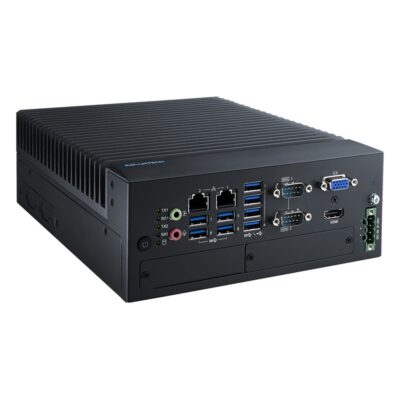
-
MIC-770V3H-E0A1
MIC-770V3H-E0A1 with H610E chipset, Raptor Lake support, i-Module expansion and Extreme chassis -
MIC-770V3H-00A1
MIC-770V3H-00A1 with H610E chipset, dual Intel GbE, three displays and Standard chassis -
MIC-770V3W-00A1
MIC-770V3W-00A1 with R680E chipset, ECC DDR5, NVMe Gen4, RAID and Standard chassis -
MIC-770V3W-E0A1
MIC-770V3W-E0A1 with R680E chipset, Core Series 2 support, i-Module expansion and Extreme chassis
- CPU: Intel Core 14th Gen Raptor Lake Refresh, Intel Core Series 2 Bartlett Lake, Intel Pentium G Series Alder Lake, Intel Processor Series Raptor Lake, Intel Core 12th Gen Alder Lake, Intel Core 13th Gen Raptor Lake, Intel Celeron G Series Alder Lake
- Memory: 2x DDR5 4800MHz SO-DIMM Slot, 128GB
- OS: Linux Ubuntu 24.04, Linux, Linux Ubuntu 22.04, Windows 11
- Display Outputs: 1x HDMI, 1x VGA
- Ethernet: 2x GbE LAN [RJ45]
- Serial: 2x RS232/422/485 [DB9]
- Power: 9-36V DC Input [Terminal Block]
- IP Rating: IP40
- Certification: BSMI, CB, CCC, CE, FCC, UL
- Mounting Options: Desktop, DIN Mount, Wall Mount
- USB: 4x USB 2.0 [Type A], 4x USB 3.2 Gen 1 [Type A]
- mPCIe: 1x mPCIe [PCIe/USB/SIM]
- Storage: 1x 2.5" HDD/SSD, 1x mSATA
- Temp: -20°C to 70°C [-4°F to 158°F]
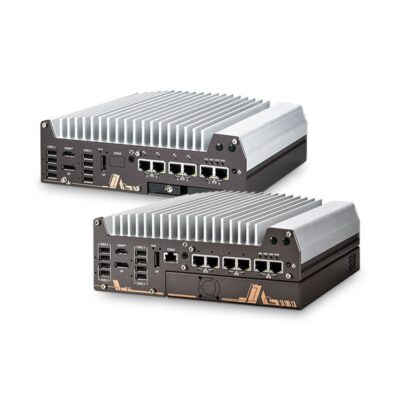
-
Nuvo-11006E
NUVO-11000 with single-slot PCIe Cassette, 6 LAN ports, PoE+ and 10GbE options -
Nuvo-11002E
NUVO-11000 with single-slot PCIe Gen4 x16 Cassette, 2.5GbE plus GbE -
Nuvo-11002LP
NUVO-11000 with hot-swap 2.5" drive tray, 2.5GbE plus GbE -
Nuvo-11006DE
NUVO-11000 with dual-slot PCIe Cassette, 6 LAN ports, PoE+ and 10GbE options -
Nuvo-11006LP
NUVO-11000 with hot-swap 2.5" drive tray, 6 LAN ports, PoE+ and 10GbE options
- CPU: Intel Core Ultra Series 2 Arrow Lake-S
- GPU / AI Accelerator: Intel NPU
- AI Performance: 13 TOPS
- Memory: 2x DDR5 6400MHz SO-DIMM Slot, 64GB
- OS: Linux, Windows 10, Windows 11
- Serial: 2x RS232 [DB9], 2x RS232/422/485 [DB9]
- mPCIe: 2x mPCIe [PCIe/USB]
- RAID: RAID 0, RAID 1
- Power: 8-48V DC [Terminal Block]
- Ignition Sensing: Supports Ignition Control
- Certification: CE, EN55032, FCC
- Mounting Options: DIN Mount, Wall Mount
- Display Outputs: 1x HDMI, 2x Display Port
- Ethernet: 1x 10 GbE LAN [RJ45], 1x GbE LAN [RJ45], 5x 2.5 GbE LAN [RJ45]
- USB: 1x USB 2.0 [Type A], 8x USB 3.2 Gen 2 [Type A]
- M.2: 1x M.2 M-Key [PCIe x4 Gen5] [2280]
- PCIe: 1x PCIe [x16 Slot] [1x16 Signal or 2x8 Signal] [Gen4]
- Storage: 1x M.2 SSD [PCIe], 2x 2.5" HDD/SSD [SATA]
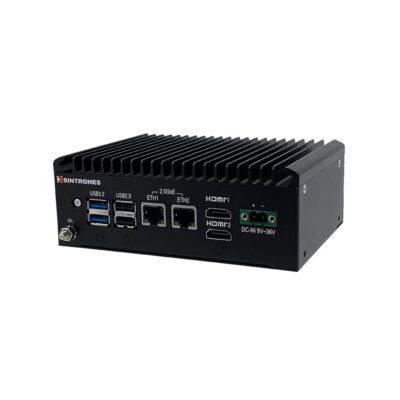
- CPU: Intel Atom X Series Amston Lake, Intel Processor N Series Twin Lake
- Memory: 1x DDR5 4800MHz SO-DIMM, 16GB
- OS: Linux, Windows 10, Windows 11
- Display Outputs: 2x HDMI
- Ethernet: 2x 2.5 GbE LAN [RJ45]
- M.2: 1x M.2 B-Key [PCIe x1/USB/SIM] [3042/3052], 1x M.2 E-Key [2230]
- Storage: 1x M.2 SSD [SATA]
- Power: 19-36V DC [Terminal Block]
- Temp: -40°C to 70°C [-40°F to 158°F]
- Certification: IEC 62368-1, CE, FCC, UKCA
- Mounting Options: DIN Mount, VESA Mount, Wall Mount
- USB: 2x USB 2.0 [Type A], 2x USB 3.2 Gen 1 [Type A]
- Serial: 1x RS232 [DB9], 2x RS232/422/485 [DB9]
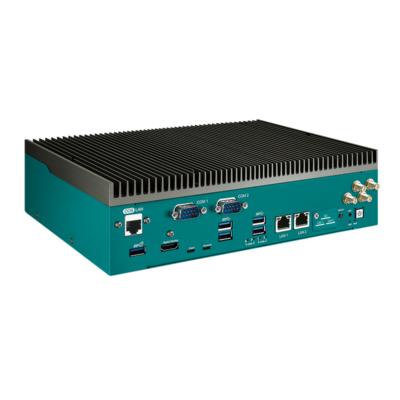
- Display Outputs: 1x HDMI
- Ethernet: 2x GbE LAN [RJ45], 4x GbE LAN [RJ45] [PoE]
- USB: 1x USB 3.2 Gen 2 [Type A], 4x USB 3.1 Gen 1 [Type A]
- Serial: 2x RS232/422/485 [DB9]
- CANbus: 2x Isolated CANbus, DB9
- M.2: 1x M.2 B-Key [PCIe x2/USB 3.0/SATA] [3042/3052], 1x M.2 E-Key [PCIe x1/USB 2.0] [2230], 2x M.2 M-Key [PCIe x4/SATA] [2280]
- PCIe: 1x PCIe [x8 Slot][Gen4]
- Storage: 1x Micro SD, 2x M.2 SSD, 64GB eMMC
- Power: 9-50V DC Input, Terminal Block
- Ignition Sensing: Supports Ignition Control
- Temp: -20°C to 70°C [-4°F to 158°F]
- Certification: CE, EN50121-3-2, EN50155, FCC
- Mounting Options: Desktop, DIN Mount, Wall Mount
- AI Performance: 275 TOPS
- SOM: NVIDIA Jetson AGX Orin 64GB
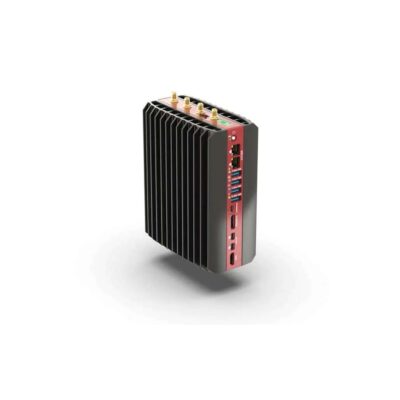
- CPU: AMD Ryzen Embedded 8000 Series, AMD Ryzen PRO 8000 Series, AMD Ryzen
- GPU / AI Accelerator: Hailo-10 AI Accelerator, AMD Ryzen AI NPU, Hailo-8 AI Accelerator
- AI Performance: 16–40 TOPS
- Memory: 2x DDR5 5600MHz SO-DIMM Slot, 96GB
- OS: Linux, Windows 11
- Display Outputs: 1x Display Port, 1x HDMI, 2x Mini Display Port
- Ethernet: 4x 2.5 GbE LAN [RJ45]
- USB: 4x USB 3.2 Gen 2 [Type A]
- Serial: Optional Serial Modules
- M.2: 1x M.2 A/E-Key [SATA] [2230], 1x M.2 B-Key [PCIe x2/USB 3.0/SATA] [3042/3052], 1x M.2 E-Key [PCIe x1/USB 2.0] [2230], 3x M.2 M-Key [PCIe x4] [2280]
- Storage: 3x M.2 SSD
- Power: 12-60V DC Input [Terminal Block]
- Temp: -40°C to 85°C [-40°F to 185°F]
- Certification: CE, FCC, RoHS
- Mounting Options: Desktop, DIN Mount, VESA Mount, Wall Mount
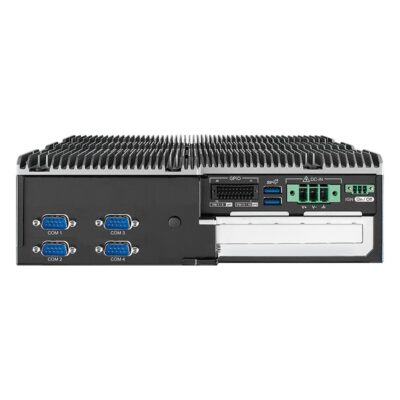
- CPU: Intel Core 14th Gen Raptor Lake Refresh, Intel Core Series 2 Bartlett Lake, Intel Core 12th Gen Alder Lake, Intel Core 13th Gen Raptor Lake
- Memory: 2x DDR5 5200MHz SO-DIMM Slot, 96GB
- OS: Linux, Windows 11
- Display Outputs: 1x DVI, 1x HDMI, 2x Display Port
- USB: 1x USB 3.2 Gen 2x2 [Type C], 6x USB 3.2 Gen 2 [Type A]
- Serial: 4x RS232/422/485 [DB9]
- M.2: 1x M.2 B-Key [PCIe/USB 3.0/USB] [2280/3042], 1x M.2 B-Key [PCIe/USB 3.0/USB] [2280/3052], 1x M.2 E-Key [USB/PCIe] [2230], 1x M.2 M-Key [PCIe x4] [2280]
- mPCIe: 1x mPCIe [PCIe/USB/SIM]
- PCIe: 1x PCIe [x16 Slot]
- Storage: 1x M.2 SSD, 2x 2.5" HDD/SSD [SATA]
- Front Accessible Storage: Front Accessible Storage
- RAID: RAID 0, RAID 1
- Power: 9-50V DC Input [Terminal Block]
- Ignition Sensing: Supports Ignition Control
- Temp: -40°C to 55°C [-40°F to 131°F], -40°C to 75°C [-40°F to 167°F]
- Certification: CE, EN50121-3-2, EN50155, FCC
- Mounting Options: DIN Mount, Rack Mount, VESA Mount, Wall Mount
- Ethernet: 2x GbE LAN [RJ45]
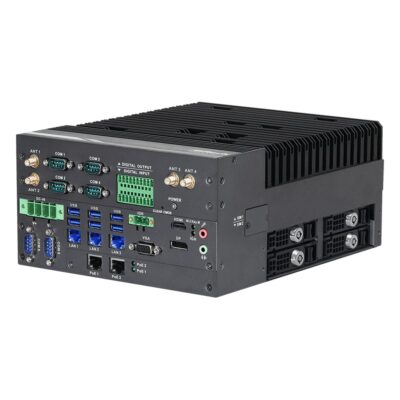
- CPU: Intel Core Series 2 Bartlett Lake
- Memory: 2x DDR5 5600MHz SO-DIMM Slot, 96GB
- OS: Linux, Windows 11
- Display Outputs: 1x Display Port, 1x HDMI, 1x VGA
- Ethernet: 2x 2.5 GbE LAN [RJ45] [PoE], 3x 2.5 GbE LAN [RJ45]
- USB: 1x USB 2.0 [Board], 6x USB 3.2 Gen 2 [Type A]
- Serial: 2x RS232 [DB9], 4x RS232/422/485 [DB9]
- M.2: 1x M.2 B-Key [PCIe x1/USB 3.2 Gen 1/USB 2.0/SIM] [3042/3052], 1x M.2 B-Key [PCIe x1/USB 3.2/USB 2.0/SIM] [2280/3042/3052], 1x M.2 E-Key [PCIe x1 Gen3/USB 2.0] [2230], 1x M.2 M-Key [PCIe x4 Gen3] [2242/2280/22110/25110], 1x M.2 M-Key [PCIe x4 Gen4] [2242/2260/2280]
- Storage: 1x CFAST, 2x M.2 SSD, 4x 2.5" HDD/SSD
- RAID: RAID 0, RAID 1, RAID 5, RAID 10
- Power: 9-36V DC Input [Terminal Block]
- Ignition Sensing: Supports Ignition Control
- Temp: -40°C to 50°C [-40°F to 122°F]
- Certification: CE, FCC, LVD
- Mounting Options: Desktop
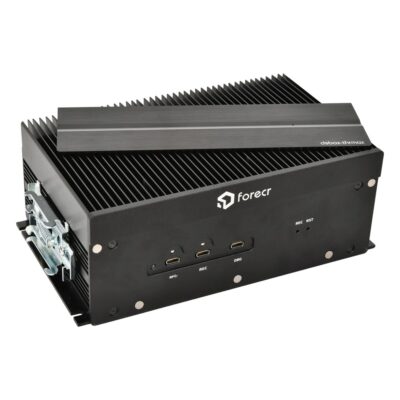
- OS: Linux Ubuntu 24.04, Linux
- Display Outputs: 2x HDMI
- Ethernet: 4x 25GbE LAN [QSFP28], 1x GbE LAN [RJ45]
- USB: 2x USB 3.2 [Type C]
- Serial: 1x RS232/422/485 [Terminal Block]
- CANbus: 2x CAN FD [Terminal Block]
- M.2: 1x M.2 M-Key [PCIe x2 Gen5] [2242], 1x M.2 M-Key [PCIe x4 Gen5] [2280]
- Storage: 1x M.2 M-Key [PCIe x4 Gen5] [2280], 1x M.2 M-Key [PCIe x2 Gen5] [2242]
- Power: 18-32V DC Input [Terminal Block]
- Temp: -25°C to 55°C [-13°F to 131°F]
- Mounting Options: DIN Mount
- AI Performance: 2,070 TOPS
- SOM: NVIDIA Jetson T5000
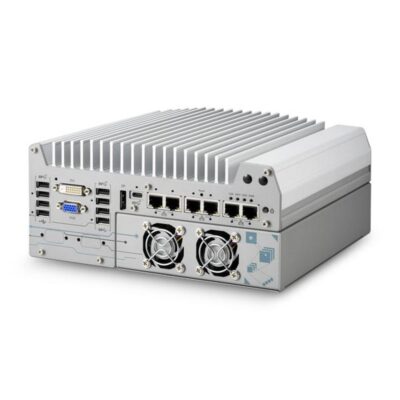
- CPU: Intel Pentium G Series Alder Lake, Intel Core 12th Gen Alder Lake, Intel Core 13th Gen Raptor Lake, Intel Celeron G Series Alder Lake
- GPU / AI Accelerator: Discrete GPU (PCIe)
- GPU: NVIDIA RTX PRO 2000 Blackwell, NVIDIA RTX PRO 4000 Blackwell SFF, NVIDIA RTX 2000E Ada
- AI Performance: 142–770 TOPS
- Memory: 2x DDR5 4800MHz SO-DIMM Slot, 64GB
- OS: Linux, Windows 10, Windows 11
- Display Outputs: 1x Display Port, 1x DVI, 1x VGA
- Ethernet: 1x GbE LAN [RJ45], 5x 2.5 GbE LAN [RJ45]
- USB: 1x USB 3.2 Gen 2x2 [Type C], 2x USB 2.0 [Type A], 2x USB 3.2 Gen 1 [Type A], 4x USB 3.2 Gen 2 [Type A]
- Serial: 2x RS232 [DB9], 2x RS232/422/485 [DB9]
- M.2: 1x M.2 B-Key [PCIe x1/USB/SIM] [3042/3052], 1x M.2 M-Key [PCIe x4 Gen4] [2280]
- mPCIe: 1x mPCIe [PCIe/USB]
- PCIe: 1x PCIe [x16 Slot] [x16 Signal] [Gen3]
- Storage: 1x M.2 SSD [M-Key 2280, PCIe Gen 4 x4], 2x 2.5" HDD/SSD [SATA]
- RAID: RAID 0, RAID 1
- Power: 8-48V DC [Terminal Block]
- Temp: -25°C to 60°C [-13°F to 140°F]
- Certification: CE, FCC
- Mounting Options: Wall Mount
-
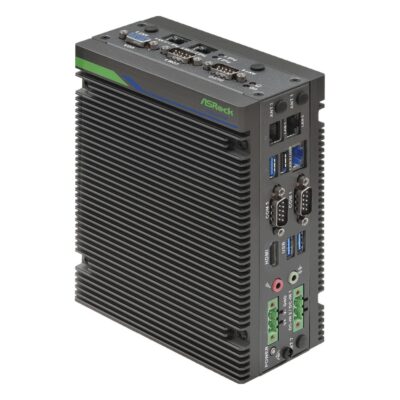
iEP-7040E-025
iEP-7040E-025 with Core Ultra 7 255H, isolated 8DI/8DO, 4DI/4DO and three COM -
iEP-7040E-020
iEP-7040E-020 with Core Ultra 7 255H, three 2.5GbE, 4DI/4DO, three COM and Wi-Fi option -
iEP-7040E-021
iEP-7040E-021 with Core Ultra 7 255H, two 802.3af PoE ports and five LAN in total -
iEP-7040E-022
iEP-7040E-022 with Core Ultra 7 255H, five LAN ports, three COM and Wi-Fi option -
iEP-7040E-023
iEP-7040E-023 with Core Ultra 7 255H, five LAN ports and 5G or 4G LTE option -
iEP-7040E-024
iEP-7040E-024 with Core Ultra 7 255H, optional 5G or 4G LTE, Wi-Fi and three 2.5GbE
- CPU: Intel Core Ultra Series 2 Arrow Lake-H
- GPU / AI Accelerator: Intel NPU
- AI Performance: 13 TOPS
- Memory: 2x DDR5 5600MHz SO-DIMM Slot, 96GB
- OS: Linux, Windows 11
- Display Outputs: 1x HDMI, 1x VGA
- USB: 1x USB 2.0 [Type A], 3x USB 3.2 Gen 2 [Type A]
- Serial: 3x RS232/422/485 [DB9]
- M.2: 1x M.2 B-Key [PCIe/USB] [3042/3052], 1x M.2 E-Key [PCIe x1 Gen3/USB 2.0] [2230/2260], 1x M.2 M-Key [PCIe x4 Gen4] [2280]
- Storage: 1x M.2 SSD, 1x Micro SD
- Temp: -25°C to 50°C [-13°F to 122°F]
- Certification: CE, FCC, LVD
- Ethernet: 3x 2.5 GbE LAN [RJ45]
- Power: 9-36V DC Input [Terminal Block]
- Mounting Options: DIN Mount, VESA Mount, Wall Mount
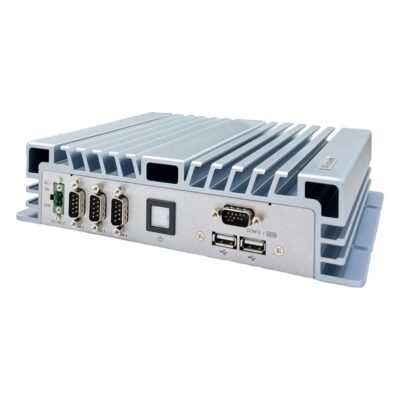
- CPU: Intel Core 12th Gen Alder Lake
- Memory: 2x DDR4 3200MHz SO-DIMM Slots, 64GB
- OS: Linux, Windows 11
- Display Outputs: 2x HDMI
- Ethernet: 2x 2.5 GbE LAN [RJ45]
- USB: 2x USB 2.0 [Type A], 4x USB 3.2 Gen 2 [Type A]
- Serial: 4x RS232/422/485 [DB9]
- M.2: 1x M.2 E-Key [USB/PCIe] [2230], 1x M.2 M-Key [PCIe x4/SATA] [2280]
- mPCIe: 1x mPCIe [PCIe/USB/SIM]
- Storage: 1x 2.5" HDD/SSD [SATA], 1x M.2 SSD [PCIe & SATA]
- RAID: RAID 0, RAID 1
- Power: 9-36V DC Input [Terminal Block]
- Temp: -20°C to 60°C [-4°F to 140°F]
- Certification: CE, FCC
- Mounting Options: Wall Mount
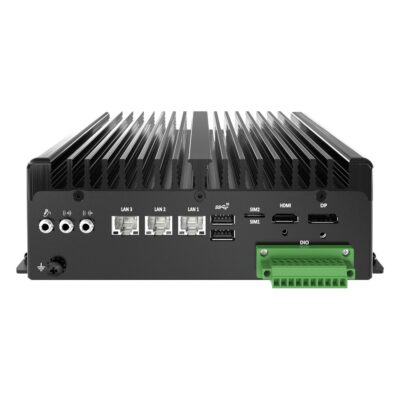
- Memory: 1x DDR5 4800MHz SO-DIMM, 16GB
- OS: Linux, Linux Ubuntu 22.04, Windows 11
- Display Outputs: 1x Display Port, 1x HDMI
- Serial: 1x RS232 [DB9], 1x RS232/422/485 [DB9]
- Storage: 1x 2.5" HDD/SSD, 1x M.2 SSD [PCIe & SATA]
- Temp: 0°C to 50°C [32°F to 122°F]
- Mounting Options: DIN Mount, Wall Mount
- CPU: Intel Atom X Series Amston Lake
- Ethernet: 3x 2.5 GbE LAN [RJ45]
- USB: 2x USB 2.0 [Type A], 2x USB 3.2 Gen 2 [Type A]
- M.2: 1x M.2 B-Key [PCIe x1/USB 3.2 Gen 1/SATA/SIM] [2242/3042], 1x M.2 E-Key [PCIe x1/USB 2.0] [2230]
- Power: 12-36V DC Input [Terminal Block]
- Certification: IEC 62368-1, CB, CE, FCC, IC (ICES-003), UKCA, UL 62368-1
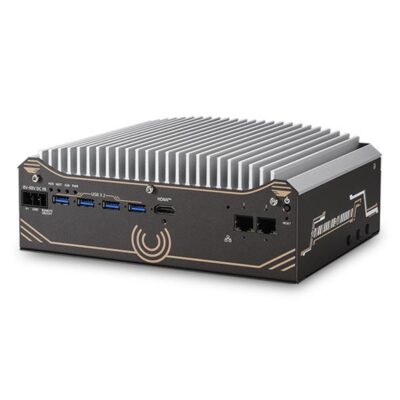
- CPU: Intel Core Ultra Series 2 Arrow Lake-S
- GPU / AI Accelerator: Intel NPU
- AI Performance: 13 TOPS
- Memory: 1x DDR5 6400MHz SO-DIMM Slot, 64GB
- OS: Linux, Windows 10, Windows 11
- Display Outputs: 1x Display Port, 1x HDMI
- Ethernet: 2x 2.5 GbE LAN [RJ45]
- USB: 2x USB 2.0 [Type A], 4x USB 3.2 Gen 1 [Type A]
- Serial: 1x RS422/485 [DB9], 1x RS232/422/485 [DB9], 3x RS232 [DB9]
- M.2: 1x M.2 E-Key [PCIe x1/USB 2.0] [2230]
- mPCIe: 2x mPCIe [PCIe/SIM/USB]
- Storage: 1x 2.5" HDD/SSD, 1x M.2 SSD [M-Key 2280, PCIe Gen 4 x4]
- Power: 8-48V DC [Terminal Block]
- Temp: -10°C to 60°C [14°F to 140°F]
- Certification: CE, FCC
- Mounting Options: DIN Mount, Wall Mount
-
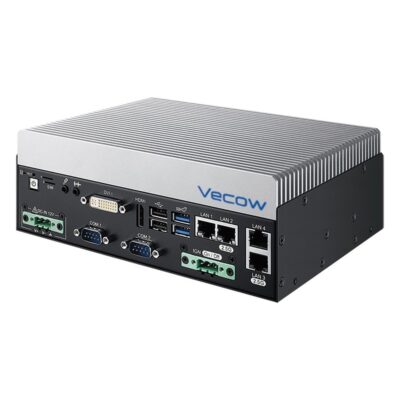
VCM-2000AF
VCM-2000AF with 65W fan sink, Core 200S or 12th-14th Gen and 9-36V DC -
VCM-2000
VCM-2000 with 35W Intel Core T/TE, 3x 2.5GbE, 4x COM, 2x SIM and 12V DC -
VCM-2000A
VCM-2000A with 35W Intel Core T/TE, 9-36V DC, 3x 2.5GbE and 4x COM -
VCM-2000F
VCM-2000F with 65W fan sink, Core 200S or 12th-14th Gen, 3x 2.5GbE and 12V DC
- Memory: 2x DDR5 5600MHz SO-DIMM Slot, 96GB
- OS: Linux, Windows 11
- Display Outputs: 1x DVI, 1x HDMI
- Ethernet: 1x GbE LAN [RJ45], 3x 2.5 GbE LAN [RJ45]
- USB: 2x USB 2.0 [Type A], 2x USB 3.2 Gen 2 [Type A]
- Serial: 4x RS232/422/485 [DB9]
- M.2: 1x M.2 B-Key [PCIe x1/USB 3.2/USB 2.0/SIM] [2280/3042/3052], 1x M.2 E-Key [PCIe x2/USB] [2230], 1x M.2 M-Key [PCIe x4] [2242/2280]
- mPCIe: 1x mPCIe [PCIe/USB/SATA], 1x mPCIe [PCIe/USB/SIM/SATA]
- Storage: 2x M.2 SSD, 2x mSATA, 2x SATA Ports
- Ignition Sensing: Supports Ignition Control
- Temp: -40°C to 60°C [-40°F to 140°F]
- Certification: CE, EN50121-3-2, EN50155, FCC, IC (ICES-003)
- Mounting Options: DIN Mount, VESA Mount, Wall Mount
- CPU: Intel Core 14th Gen Raptor Lake Refresh, Intel Core Series 2 Bartlett Lake, Intel Core 12th Gen Alder Lake, Intel Core 13th Gen Raptor Lake
- Power: 9-36V DC Input [Terminal Block]
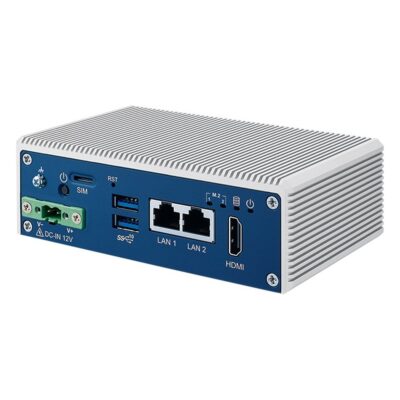
- CPU: Intel Atom X Series Amston Lake
- Memory: 1x DDR5 4800MHz SO-DIMM, 16GB
- OS: Linux, Windows 11
- Display Outputs: 1x HDMI
- Ethernet: 2x 2.5 GbE LAN [RJ45]
- USB: 2x USB 3.2 Gen 2 [Type A]
- Serial: 2x RS232/422/485 [DB9]
- M.2: 1x M.2 B-Key [PCIe x2/USB 3.0] [2280/3042/3052], 1x M.2 E-Key [PCIe x1/USB 2.0] [2230]
- Storage: 1x M.2 SSD, 1x SATA Port
- Power: 12V DC [Terminal Block]
- Temp: -40°C to 70°C [-40°F to 158°F]
- Certification: CE, EN50121-3-2, EN50155, FCC, IC (ICES-003)
- Mounting Options: DIN Mount, Wall Mount
Beyond Industrial PCs: Fanless, Rugged, Vehicle, GPU and Jetson
 Fanless Industrial PCsPassively cooled systems with no fan to clog, for dusty cabinets, machine frames and production lines.
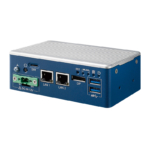 Industrial Mini PCsSmall form factor computers for kiosks, gateways and cabinets with little free space.
 Industrial PCs With GPUDiscrete NVIDIA graphics in an industrial chassis for machine vision, inspection and AI inference at the line.
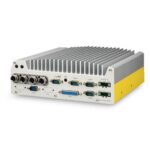 Intel Industrial PCsAtom, Core and Core Ultra systems, from low-power gateways to vision computers with a built-in NPU.
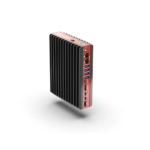 AMD Industrial PCsRyzen Embedded, Ryzen AI and EPYC systems with strong integrated Radeon graphics for HMI and vision.
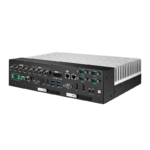 Rugged Industrial ComputersSealed, shock-rated systems for outdoor cabinets, ports, mines and defence.
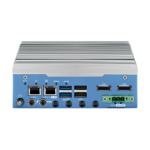 Industrial Vehicle ComputersIgnition power control, wide DC input and E-Mark options for fleets.
 Waterproof Industrial PCsIP66 to IP69K sealed systems with M12 connectors for washdown areas, outdoor plant and wet machinery.
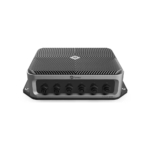 Industrial NVIDIA Jetson ComputersJetson Orin and Thor systems for robots, smart cameras and AI inference.
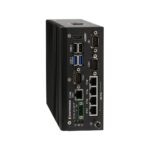 PoE Industrial PCsPoE and PoE+ ports that power IP cameras and sensors over one cable.
 Industrial Panel PCsThe computer and a touch screen in one housing for a cabinet door or an arm, with a sealed front rated to IP65 or higher for washdown and dusty areas.
 Industrial DIN Rail PCsClip onto the same top-hat rail as the PLC, power supply and terminals, so the computer sits inside the control cabinet with short cable runs.
 Industrial IoT GatewaysFanless gateways that collect data from machines and sensors and pass it on over Ethernet, Wi-Fi or 4G.
Industrial PC vs Commercial PC
What makes a PC industrial is the hardware around the processor: industrial-grade components, fanless cooling and a wide-range DC input that keep it running around the clock in a hot cabinet or on a vibrating machine. An industrial grade PC is built on embedded processors that chip makers support for many years, so one configuration can ship for the life of a machine.
A commercial PC often has a faster processor for the money, but it is built for an office, office hours and a short model life.
| Feature | This categoryIndustrial PC | Commercial PC |
|---|---|---|
| Operating temperature | Typically 0 to 50 °C, with wide temperature models from −40 to 70 °C |
Usually 10 to 35 °C in a ventilated room |
| Cooling | Mostly fanless, through the chassis; sealed versions keep dust and water out |
Fans and vents that draw in dust |
| Power input | Wide-range DC, often 9 to 36 V, with surge and reverse polarity protection |
Mains adapter or ATX supply |
| I/O | Serial, CAN, isolated DIO, several LAN ports and PoE |
USB, display outputs and one or two LAN ports |
| Mounting | DIN rail, wall, VESA, panel or rack |
Desk or VESA |
| Shock and vibration | Designed against IEC 60068 profiles on many models |
Rarely specified |
| Product lifecycle | Typically five to ten years of supply, with change notices |
Often 12 to 18 months before the model changes |
| Duty cycle | Continuous, around the clock |
Office hours |
| Operating system | Windows IoT Enterprise LTSC and long-term Linux releases |
Home or Pro editions with frequent feature updates |
| Choose it when | It controls a process or must stay identical across a fleet of machines. | It can be swapped without stopping anything. |
The purchase price is the smallest part of the cost. A failed computer on a production line costs the lost output and an engineer’s visit, and a model change means revalidation and new images for every machine in the fleet.
Industrial PC vs PLC and HMI
A PLC, an HMI and an industrial box PC often share a cabinet, but each does a different job.

PLC
A programmable logic controller runs deterministic control logic on a fixed scan cycle. It keeps hard real-time control of the machine, and an emergency stop stays in the PLC or a safety controller.

HMI
The operator’s window onto the process: a touch screen showing alarms, trends and controls. Where the HMI and the computer are one device, an industrial panel PC puts both behind one touch screen.
Industrial PC
An industrial PC runs a full operating system, so it takes the jobs a PLC is not built for: machine vision, data logging, OPC UA and MQTT gateways and edge AI. It polls the PLC over Modbus, PROFINET or EtherNet/IP and runs the analytics or vision.
Industrial Computers: Processors, Graphics and I/O
The processor decides what an industrial computer can run, how much power it draws and how much heat the chassis has to shed. Most systems use Intel or AMD x86 processors; Arm processors from NXP, TI and Qualcomm suit industrial IoT gateways, and NVIDIA Jetson runs AI on a module.
| Processor class | Atom / N-series | Core / Core Ultra | Xeon / EPYC | Arm / Jetson |
|---|---|---|---|---|
| Typical use | Gateways, HMIs and data logging |
Machine control and multi-camera vision |
Heavier on-site work: edge servers, AI training and video storage |
IoT gateways and protocol conversion on Arm; AI on a module with Jetson |
| Power | A few watts: the N150 is rated at 6 W and the N97 at 12 W |
Typically 15–65 W, from mobile to socketed processors |
The highest of the four, sized for server workloads |
Arm gateways run on a few watts; Jetson from 7 W on Orin Nano to 130 W on AGX Thor |
| Graphics and AI | Integrated Intel graphics for an operator display |
Integrated graphics, an NPU on Core Ultra for low-power AI, and discrete NVIDIA cards or MXM modules on expandable systems |
Discrete GPUs, with dual GPU slots on edge servers |
Jetson runs AI on the module’s NVIDIA GPU; Arm gateways are built for I/O rather than graphics |
| I/O and expansion | 2.5GbE, COM ports and digital I/O, with M.2 for 5G or 4G, Wi-Fi and NVMe |
Several GbE or 2.5GbE ports, often with PoE+ for cameras, plus PCIe slots or cassettes on expandable models |
10G SFP+, U.2 storage and GPU slots |
Serial, CAN, isolated DIO and LTE or 5G on gateways; GMSL camera inputs and PoE+ on Jetson |
| Example applications | Data loggers, protocol gateways and HMIs beside the line |
Vision cells, machine control and inspection controllers |
On-site AI training and video storage |
Remote telemetry, robots, drones and AI video recorders |
Integrated Intel and Ryzen Embedded Radeon graphics drive operator displays and light vision inside a fanless industrial PC. For deep learning at the line, an industrial PC with GPU takes a discrete NVIDIA card or MXM module.
Whatever the processor, expect isolated RS-232/422/485 COM ports, USB and digital I/O, and out-of-band management on systems you cannot visit.
How to Choose an Industrial Computer
An industrial PC is chosen by where it will run, not by its processor. Check the environment it has to survive, the I/O and power it has to connect to, and the software it has to run for the life of the machine, and the right processor usually follows.

Environment
Note the highest and lowest temperature where the computer will be mounted, including a closed cabinet in summer, and any dust, water or vibration. That decides between a standard fanless system, a wide temperature computer and a sealed rugged industrial computer.

I/O and Power
List every device it connects to, allow for the next change, and check the supply on site: 24 V DC in most cabinets, 12 or 24 V in vehicles, sometimes PoE.
Software and Lifecycle
Confirm the operating system, drivers and any vision or AI packages, which decide whether you need a GPU or an NPU. Then ask how long the configuration will be supplied unchanged.

Mounting and Space
Measure the space and decide how it will be fixed: an industrial box PC on a wall or DIN rail, a panel PC in the cabinet door or a rackmount system in a control room. Leave room for cables and airflow.
Industrial-grade components are rated −40 °C to 85 °C. What counts is the rating of the whole system, which on wide temperature industrial PCs is typically −40 °C to 70 °C. What Is the Industrial Temperature Range?
Industrial PC Manufacturers We Work With
We work with the leading industrial computer manufacturers, and the series below are our hand-picked selections from their ranges: the ones we specify most often for machine builders, system integrators and plant engineers. As a value-added industrial PC supplier in the UK, we build each system to order with the memory, storage, modules and operating system your machine needs. Each card covers one series, with the processor, I/O and expansion that made it our choice, so you can compare them side by side or ask us for a shortlist.
Neousys rugged industrial computers are designed in Taipei to run fanless, with wide-temperature operation, ignition-aware DC power and PoE+ camera ports standard across the range. The Nuvo and POC series below take PCIe cards through Cassette modules, or extra LAN, serial and isolated I/O through MezIO, within the same chassis.
SolidRun industrial PCs belong to the Bedrock line, designed in Israel around AMD Ryzen, Ryzen Embedded and Ryzen AI processors. Each one sits in a conduction-cooled chassis rated −40 to 85 °C, with a wide 12–60 V DC input and M.2 slots that take NVMe storage or Hailo AI accelerators.
Forecr industrial PCs are designed in Tallinn, Estonia, by a company that builds only on NVIDIA Jetson. The same Jetson module runs through its whole line-up, from a bare industrial carrier board to a sealed MIL-STD mission computer, with no change of software.
Vecow machine vision computers are designed in Taiwan for inspection, traffic and robotics, from slim fanless PCs to expandable ECX systems with PCIe slots for capture cards or a full graphics card. AI runs three ways across the picks below: an on-chip NPU, an onboard Hailo-8 accelerator or a discrete GPU.
Sintrones industrial AI computers are designed in Taiwan for vehicles, rail and transport. The ABOX and SBOX picks below bring the same build to factories and camera networks, with multi-LAN and PoE+ options, wide DC input, M12 or IP66 versions, and MXM graphics on ABOX for multi-camera inference.
Premio industrial box PCs run from fanless DIN rail PCs and super-rugged RCO systems to GPU-ready KCO and VCO edge AI computers. Premio’s modular EDGEBoost I/O and EDGEBoost Nodes add PoE, M12 LAN, 10GbE, 5G, hot-swap NVMe or an NVIDIA GPU to the base system without a change of chassis.
DFI industrial embedded computers come from a manufacturer that has designed industrial motherboards in Taipei since 1981 and supports its products for up to 15 years. The EC and ED series below are compact systems, most of them fanless, with 2.5GbE, several COM ports and, on newer models, DFI Out-of-Band management.
ASRock Industrial computers are designed in Taipei by a company that began as ASRock’s industrial division and has run independently within the Pegatron group since 2018. Its range runs from NUC and Mini-ITX boards to fanless box PCs and Jetson Orin systems.
Arestech industrial box PCs are designed and manufactured in Taiwan by a company that has built IP-rated panel PCs, touch monitors and fanless computers since 2011. Its range is organised by ingress protection, from front-sealed builds to full IP66 and IP69K stainless steel.
Axiomtek industrial embedded computers are designed by one of Taiwan’s major manufacturers of industrial and embedded computers. Its range spans fanless box PCs, panel PCs and HMIs, railway and in-vehicle computers, single board computers and edge AI systems on Intel, AMD and NVIDIA Jetson.
Advantech industrial grade PCs are designed by a company that has built industrial computers in Taipei since 1983, from embedded boards and industrial PCs to rackmount systems and GPU servers. Its range also covers NVIDIA GPU cards and fanless MIC edge AI systems.
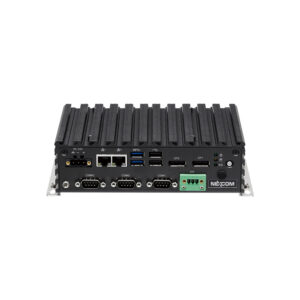
Nexcom fanless industrial PCs are designed by a company that has built industrial computers in Taipei since 1992, with more than 300 R&D engineers across six business divisions. Its embedded range covers fanless computers, signage players, gateways, boards, panel PCs and touch monitors.
Winmate industrial PCs are designed and manufactured in New Taipei City by a company that has built rugged computers since 1996. Its range is built in Taiwan to IP, MIL-STD-810 and ATEX requirements for logistics, maritime, defence, healthcare and process industries.
EverFocus industrial computers are designed in Taiwan by a company known for surveillance and edge AI vision platforms for transport, retail, fleets and mobile robots. Its range includes edge AI cameras, mobile video recorders and vision computing platforms on NVIDIA Jetson.
Diamond Systems industrial box PCs are designed and manufactured in Sunnyvale, California, by a specialist in rugged, I/O-rich embedded computing. Products are qualified across their full temperature range during design and backed by lifecycles of seven years or more.
Yuan industrial embedded computers are designed by a company that has built video capture hardware in Taiwan since 1990 and describes its business as image acquisition, conversion, streaming and analysis. Its range runs from capture cards and AV over IP to NVIDIA Jetson edge AI systems.
Stereolabs fanless industrial PCs are designed by a company that builds AI stereo and monocular cameras for robots, autonomous machines and spatial analytics. ZED cameras, ZED Link capture cards and ZED Box computers share the ZED SDK’s depth sensing, positional tracking and object detection.
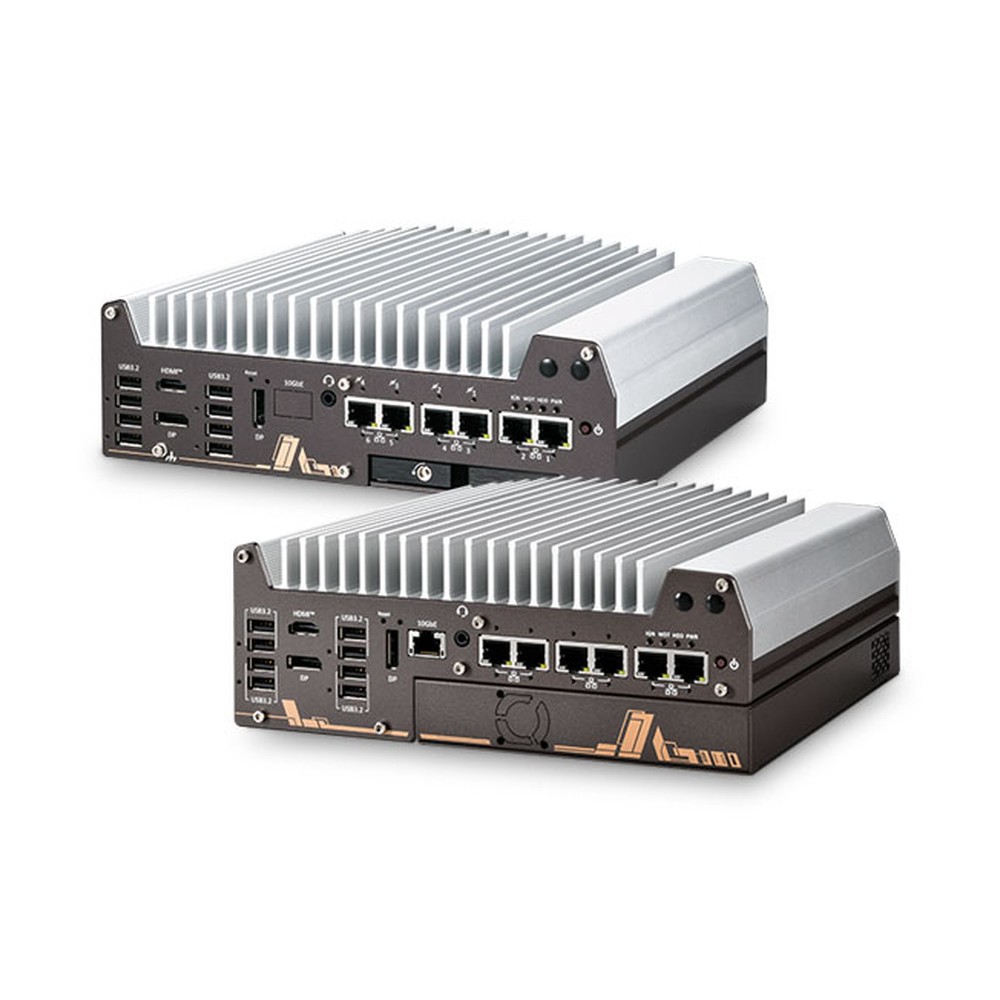
Nuvo-11000 Neousys Industrial Computer
Our pick for inspection and machine vision lines moving to Core Ultra 200S, with an on-chip NPU, a PCIe Gen4 x16 Cassette, up to six LAN ports and fanless operation.
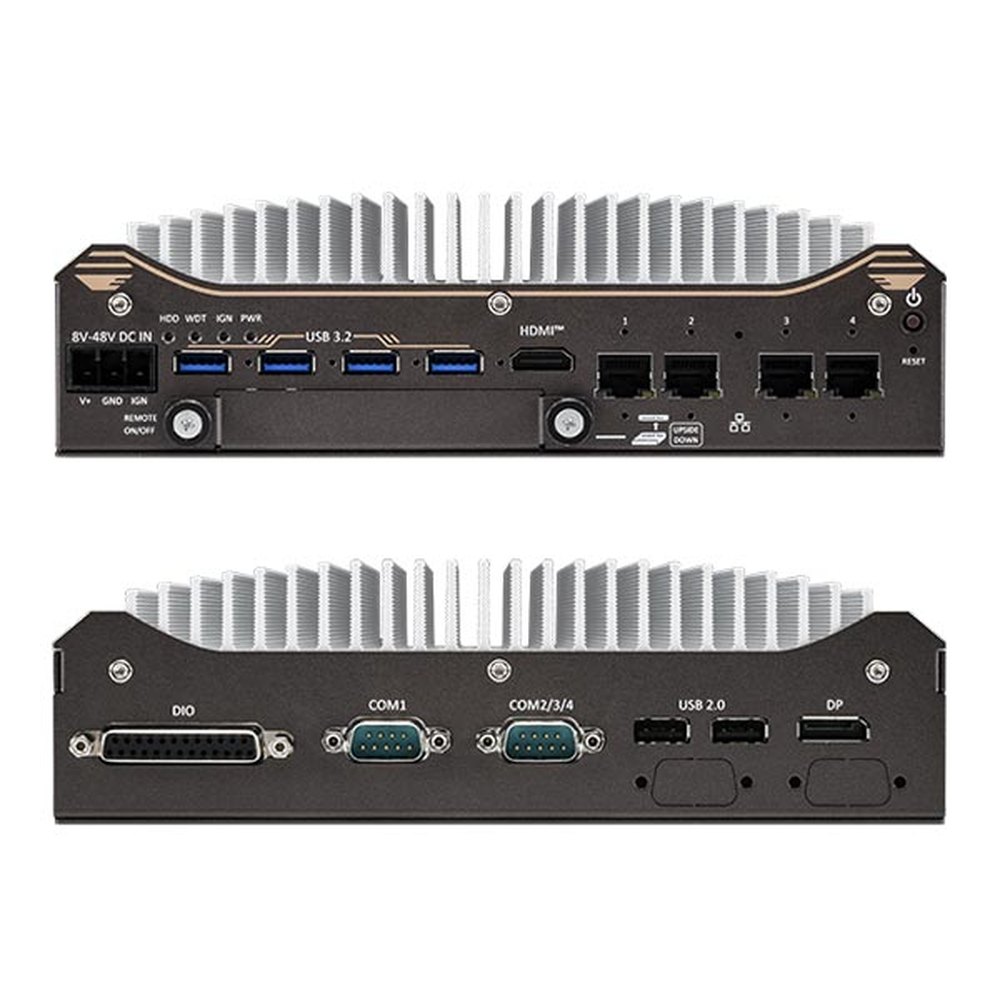
Nuvo-11531/11588 Neousys Edge Computer
Chosen for robot arms and AMRs that need Core Ultra 200S with an NPU, four 2.5GbE ports with PoE+ options, isolated DIO and an 8 to 48 V DC input.
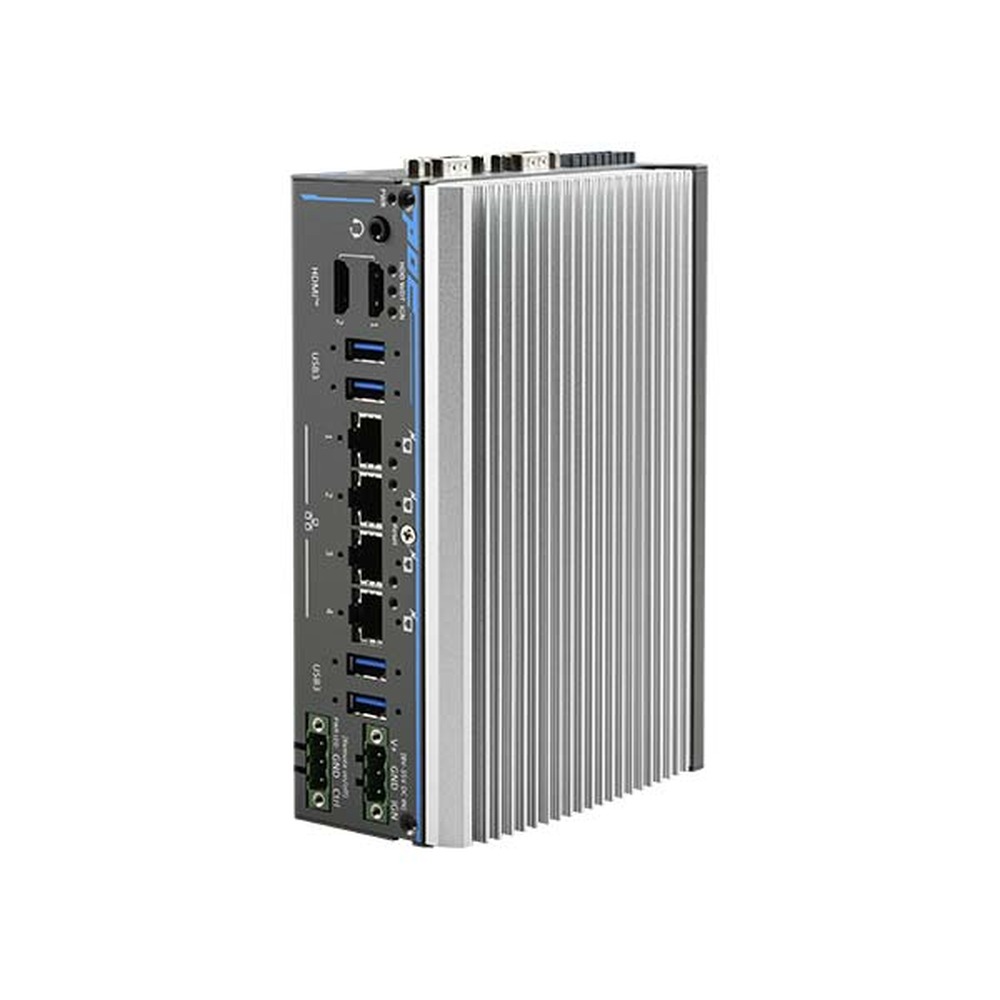
POC-900 Neousys DIN Rail PC
Picked for cabinet-mounted edge AI, pairing the AMD Ryzen PRO 8640U and its 16 TOPS NPU with four PoE+ GbE ports, isolated DIO and MezIO expansion.
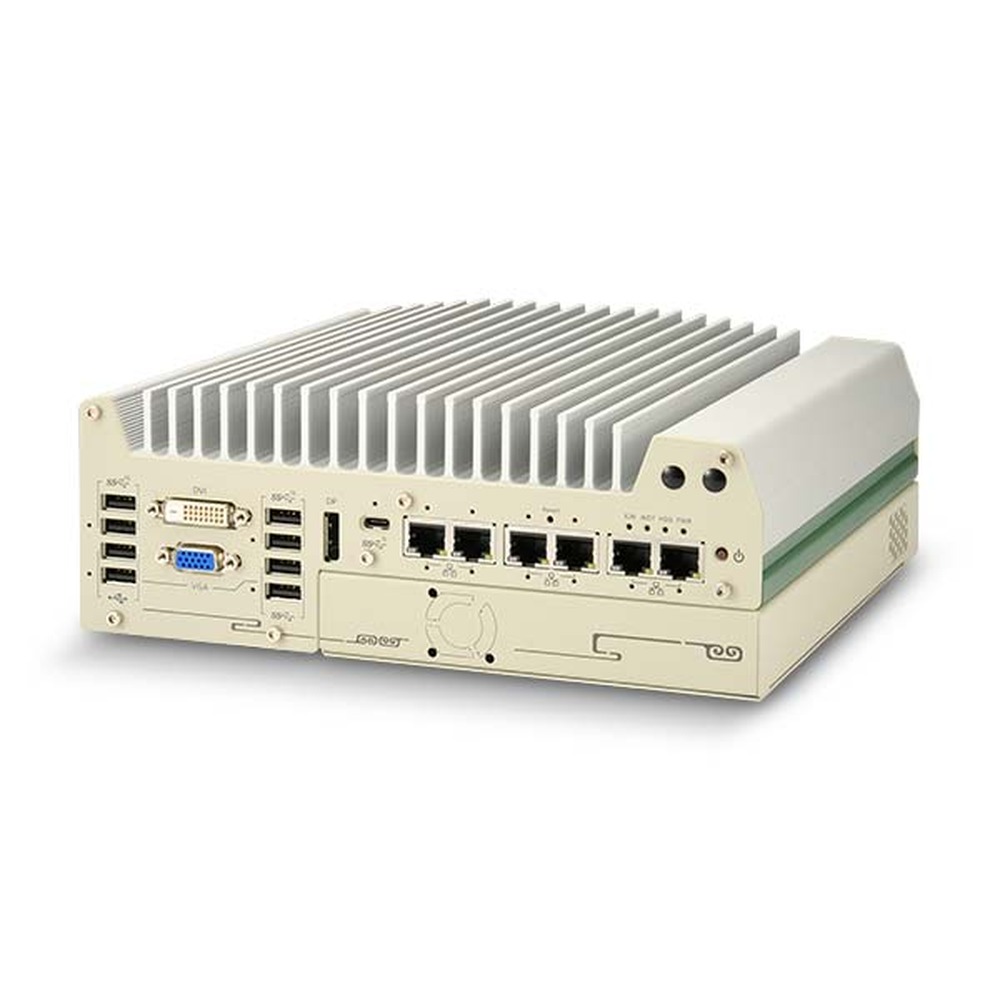
Nuvo-9000 Neousys Expandable PC
A favourite for machine vision and test stations on 12th to 14th Gen Core, adding PCIe or legacy PCI Cassette slots and up to six LAN ports.
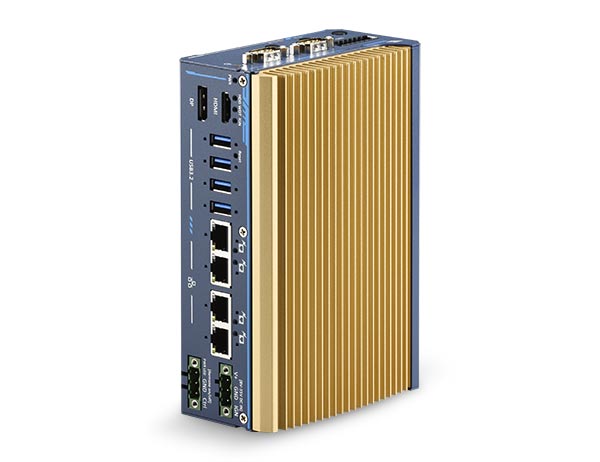
POC-700 Neousys Industrial Embedded Computer
We reach for this Core i3-N305 or Atom x7425E DIN rail system in control cabinets that need four GbE with PoE+ options, isolated DIO and UL-certified builds.
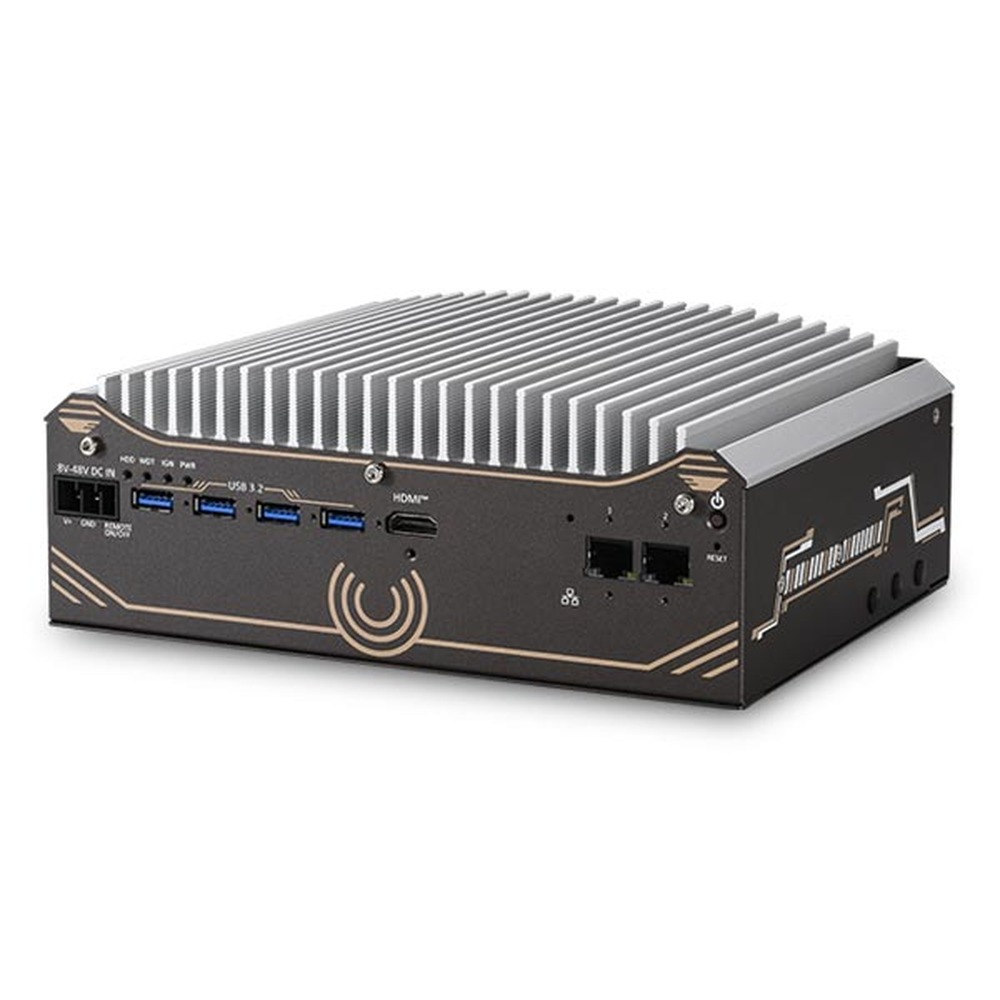
Nuvo-11501 Neousys Compact PC
A sensible choice for vision and automation cells that only need Core Ultra 200S, two 2.5GbE ports and a drive bay for images or video, all fanless.
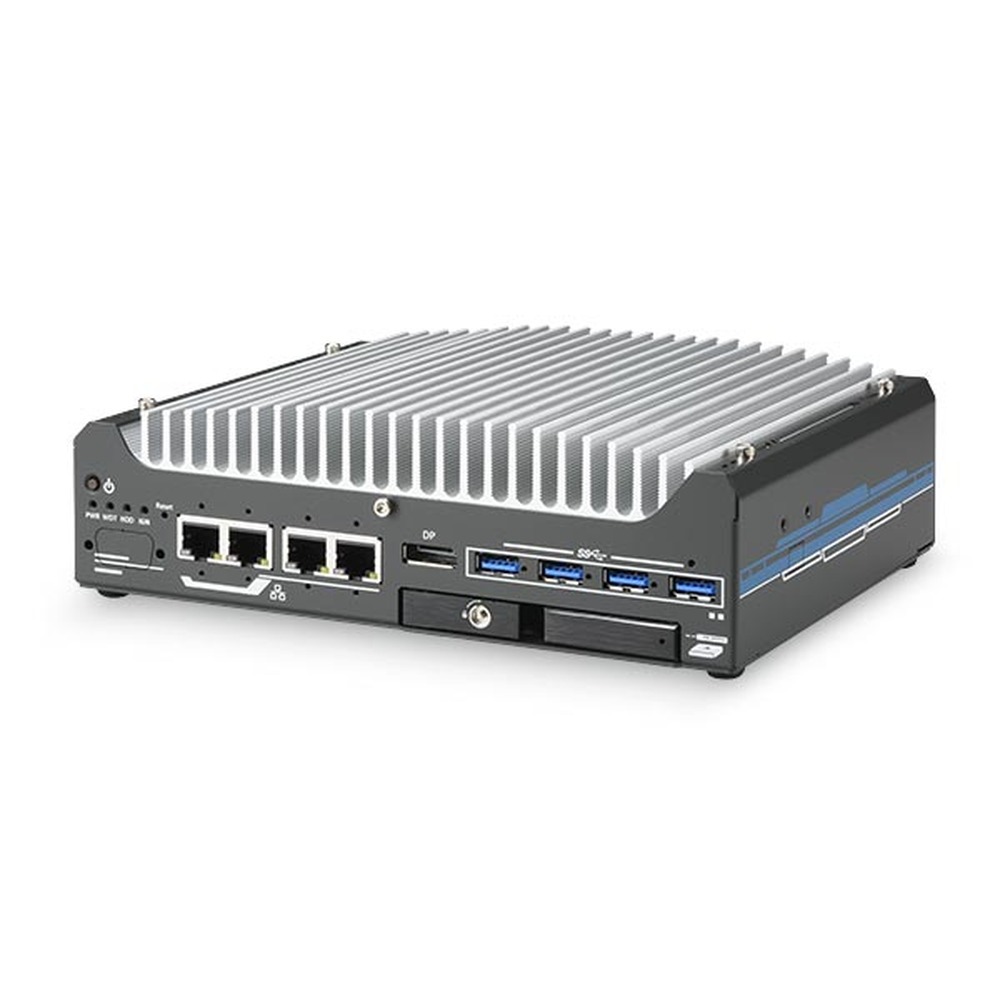
Nuvo-9531 Neousys Fanless PC
Where space is tight on robot arms and AMRs, this 12th to 14th Gen Core system brings four 2.5GbE with PoE+ options, a hot-swap drive tray and isolated DIO.
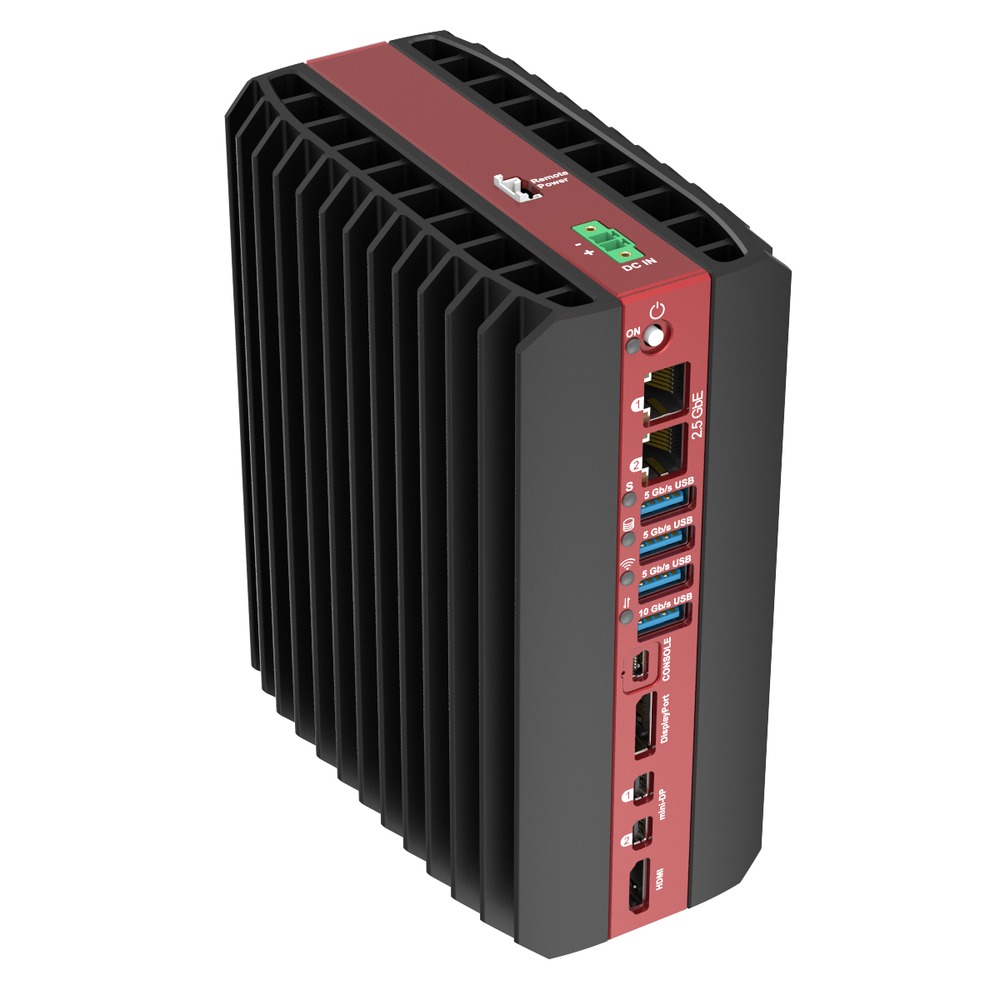
RAI300 SolidRun Edge Computer
Our pick for fanless edge AI where the NPU matters, with the Ryzen AI 9 HX 370 and its 50 TOPS NPU plus M.2 sockets for Hailo-8 or Hailo-10 modules.
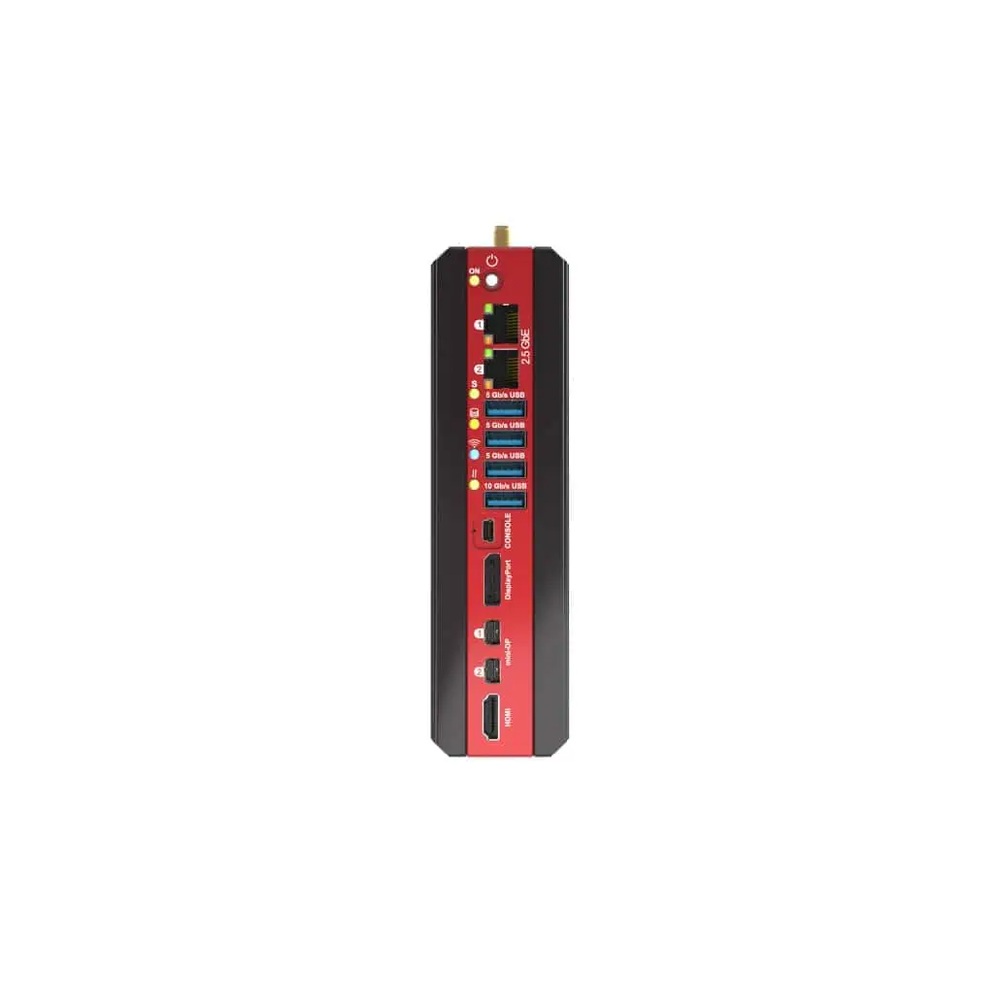
Bedrock R8000 SolidRun DIN Rail PC
Chosen for control cabinets that need vision and AI on one strip of DIN rail, with Ryzen 8000 processors, ECC memory, four 2.5GbE ports and Hailo module options.
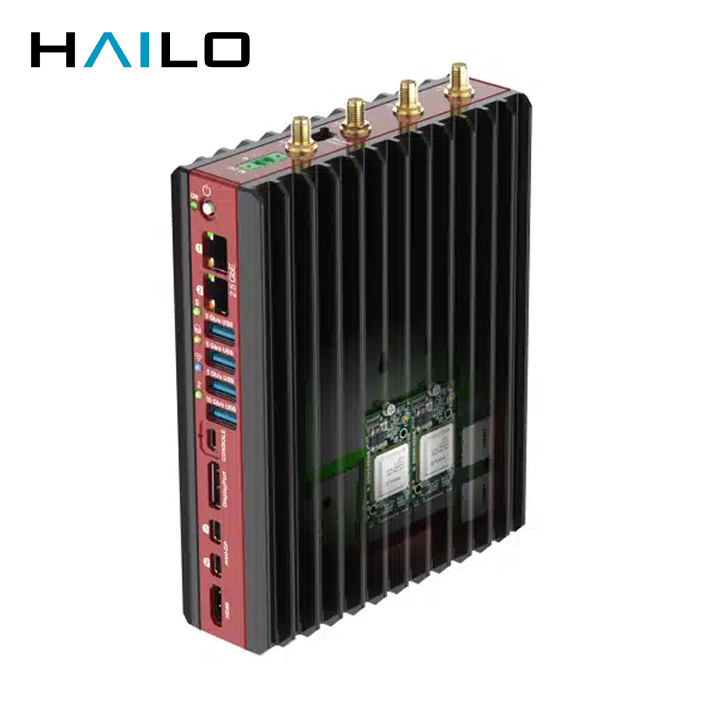
BEDROCK R7000 EDGE AI SolidRun Fanless PC
Built around Ryzen 7 7040 processors with up to three Hailo-8 modules, this is the one we suggest for vision, robotics and smart city inference in a fanless aluminium case.
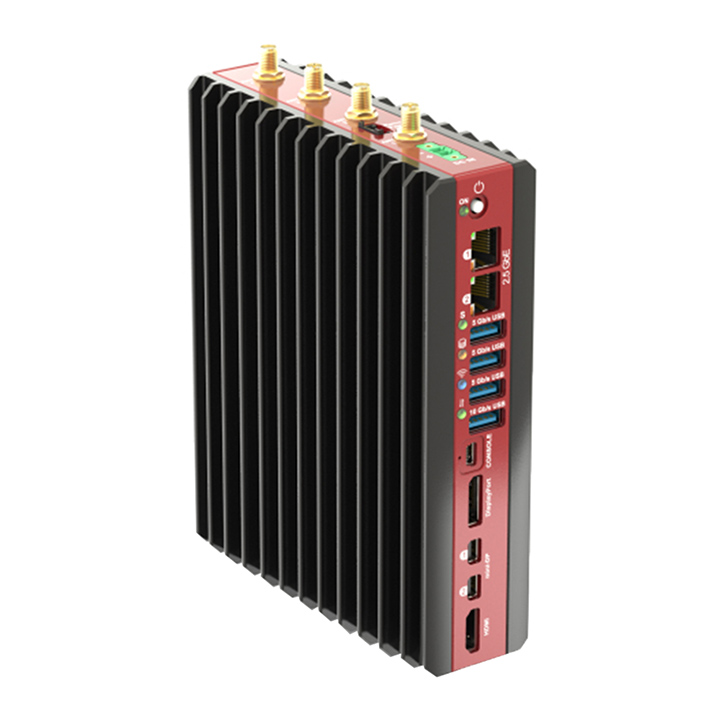
BEDROCK R7000 BASIC SolidRun Industrial PC
A good fit for machine control and outdoor cabinets, pairing a Ryzen 7 7840U or 7840HS with Radeon 780M, four display outputs, triple NVMe and wide DC input.
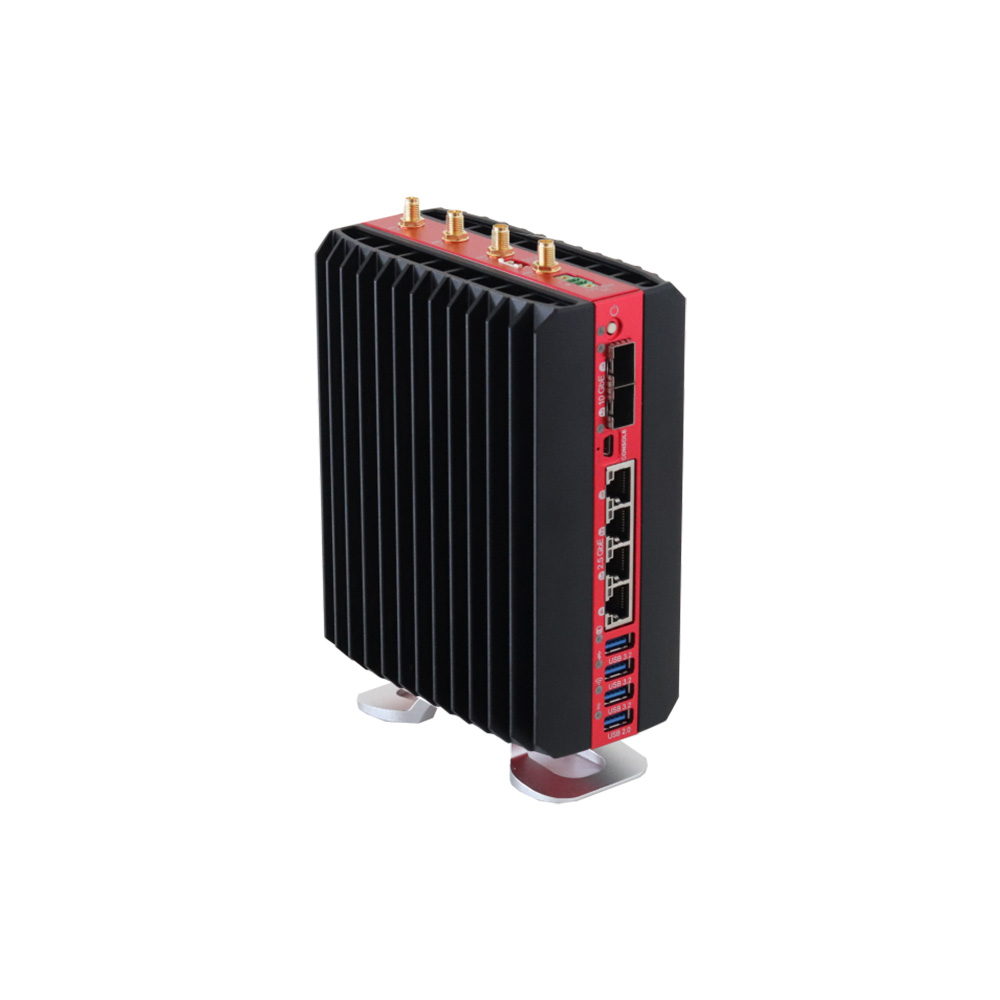
BEDROCK V3000 BASIC SolidRun Industrial Computer
Preferred for headless networking and virtualised edge workloads, with Ryzen Embedded V3000, ECC DDR5, dual 10GbE SFP+, four 2.5GbE ports and a 12 to 60 V DC input.
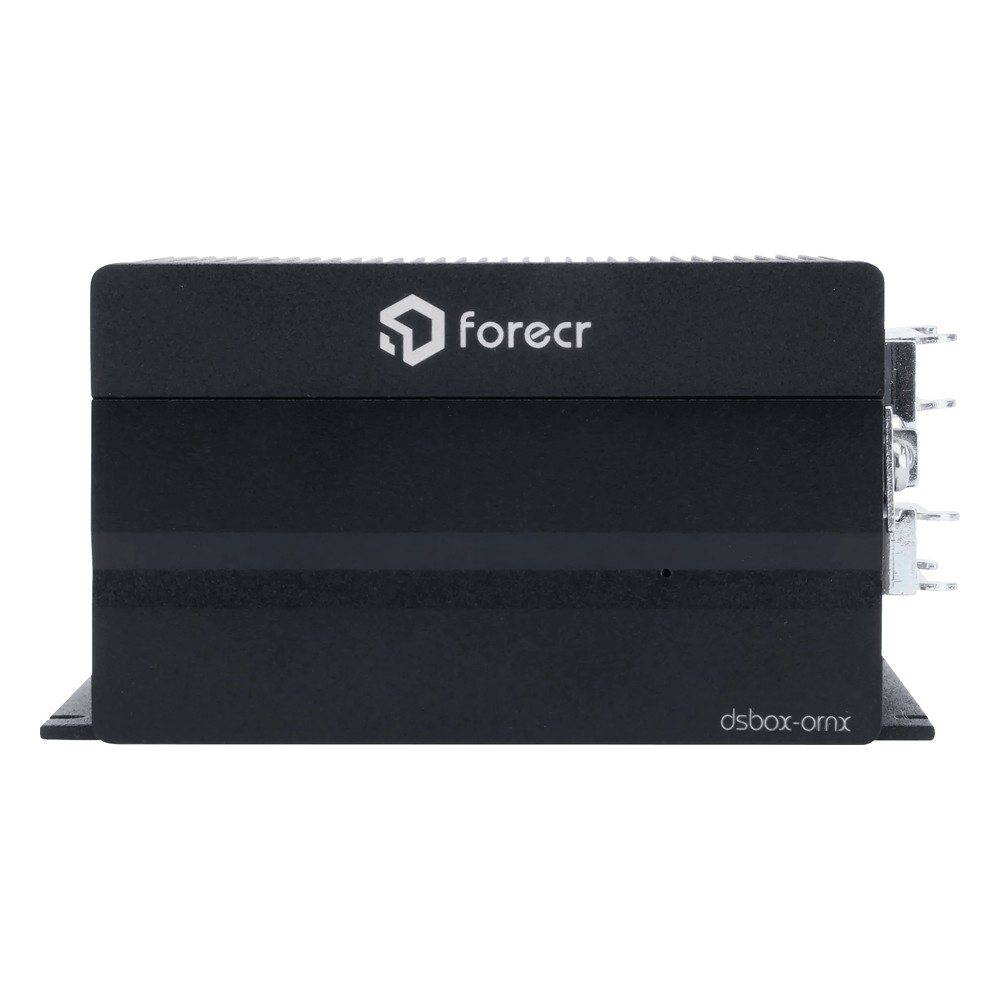
DSBOX-ORNX Forecr Industrial Box PC
Our pick for a small fanless Jetson build in an industrial setting, with Orin NX or Orin Nano modules up to 100 TOPS, two M.2 SSD slots, CAN bus and RS-232 or RS-422.
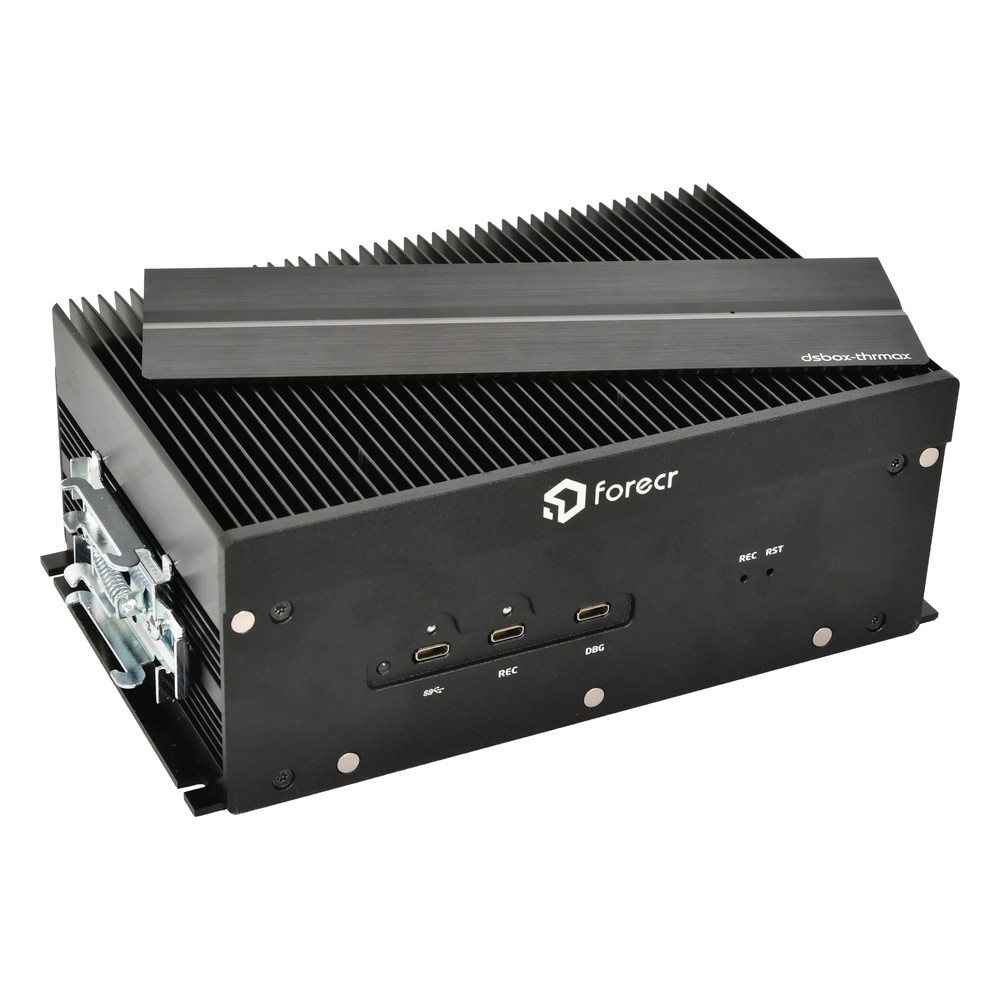
DSBOX-THRMAX Forecr Industrial Computer
Chosen for autonomy and vision systems that need Jetson Thor bandwidth, pairing T5000 or T4000 modules with a QSFP28 port carrying four 25GbE links and PCIe Gen5 NVMe storage.
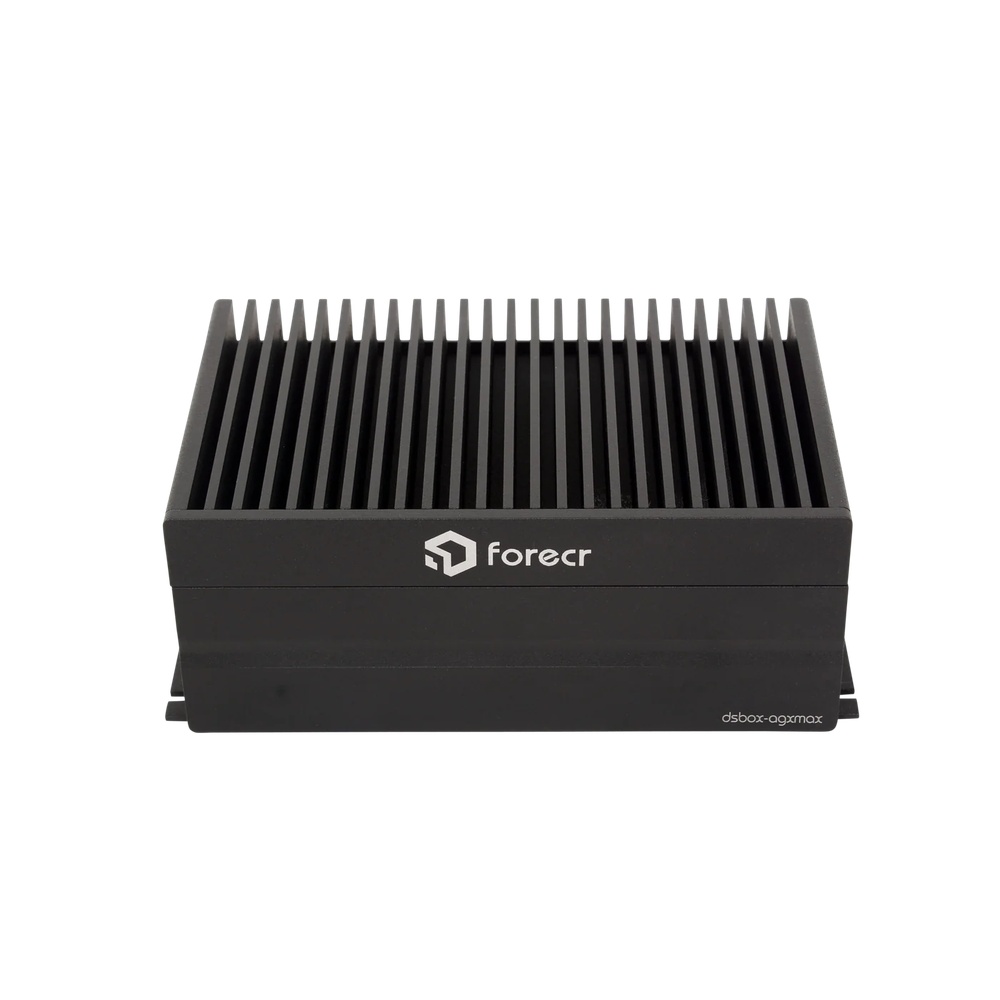
DSBOX-AGXMAX Forecr Industrial Grade PC
Picked for machine vision and robotics on Jetson AGX Orin, including the Industrial module rated from −40 °C, with a 10G SFP+ port and an internal connector for eight-channel GMSL2.
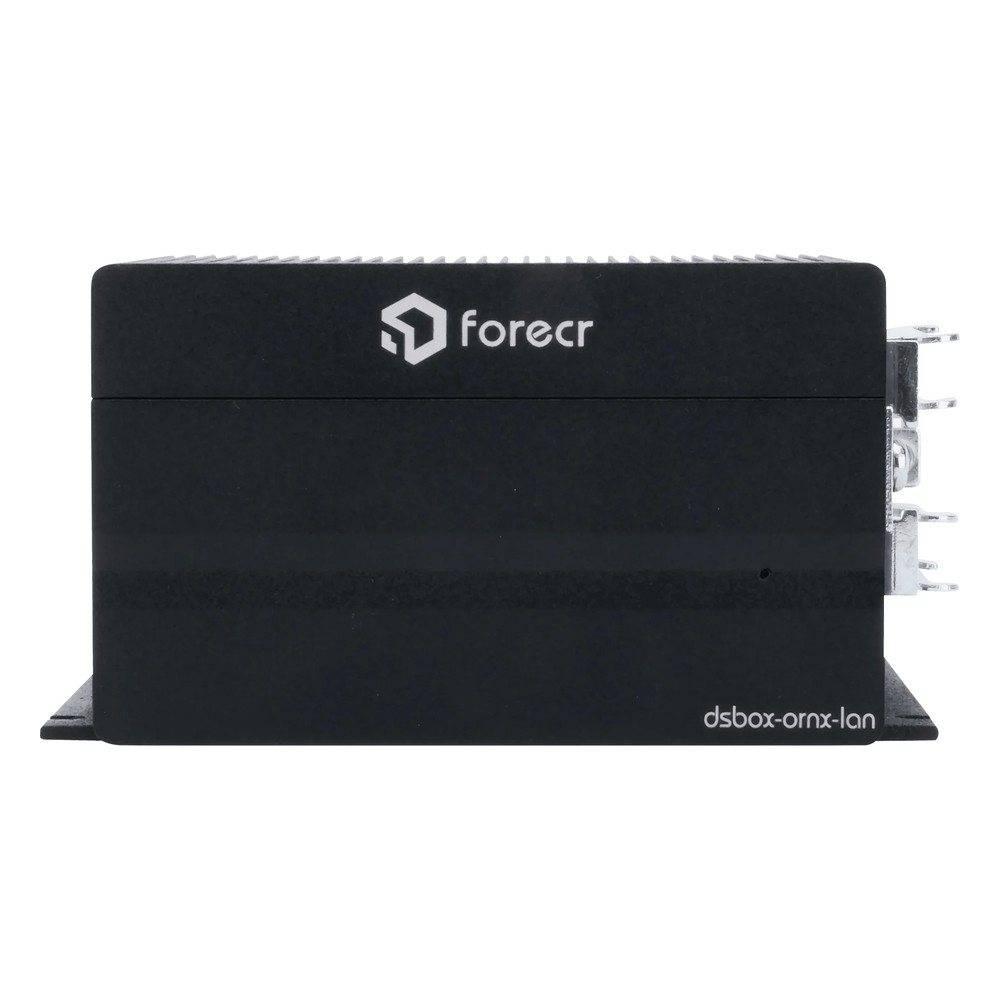
DSBOX-ORNX-LAN Forecr Industrial PC
Selected when a Jetson system has to join a machine network and a plant network, with two Gigabit Ethernet ports, three USB-C ports and RS-422 on Orin NX or Orin Nano.
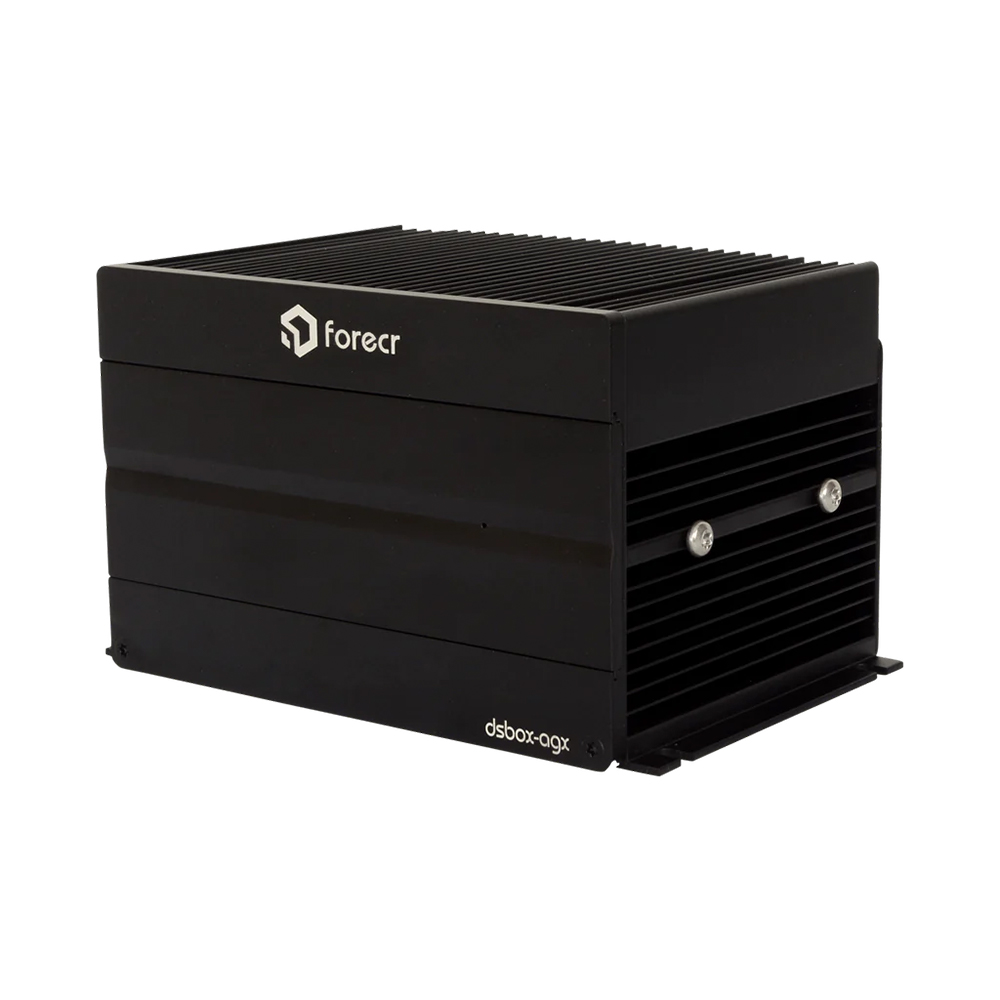
DSBOX-AGX Forecr Fanless Industrial PC
Picked for robotics and manufacturing AI on Jetson AGX Orin 32GB or 64GB rated up to 275 TOPS, with CAN, a configurable RS-232/422/485 port and 4K HDMI.
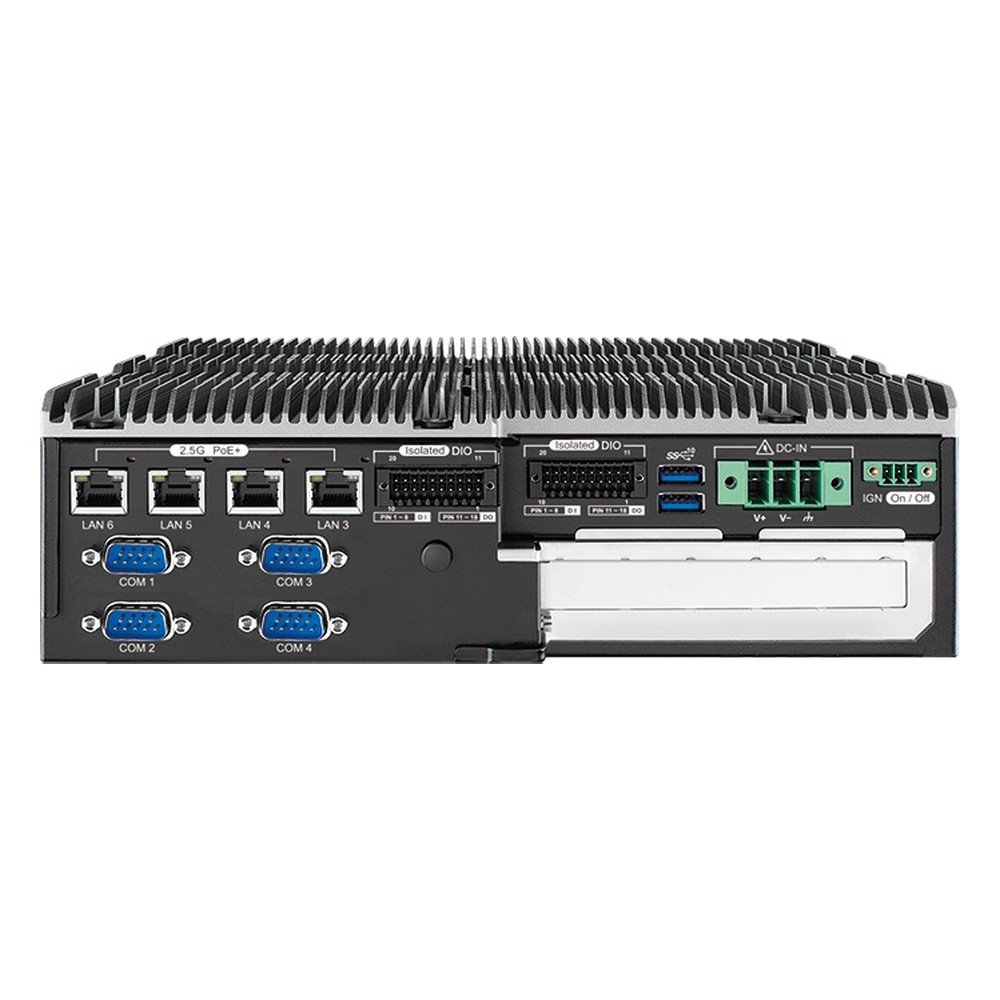
ECX-3200 Vecow Expandable PC
A favourite for AMRs and machine control that need a PCIe x16 slot beside Core 200S or 12th to 14th Gen processors, four COM ports and fanless -40 °C operation.
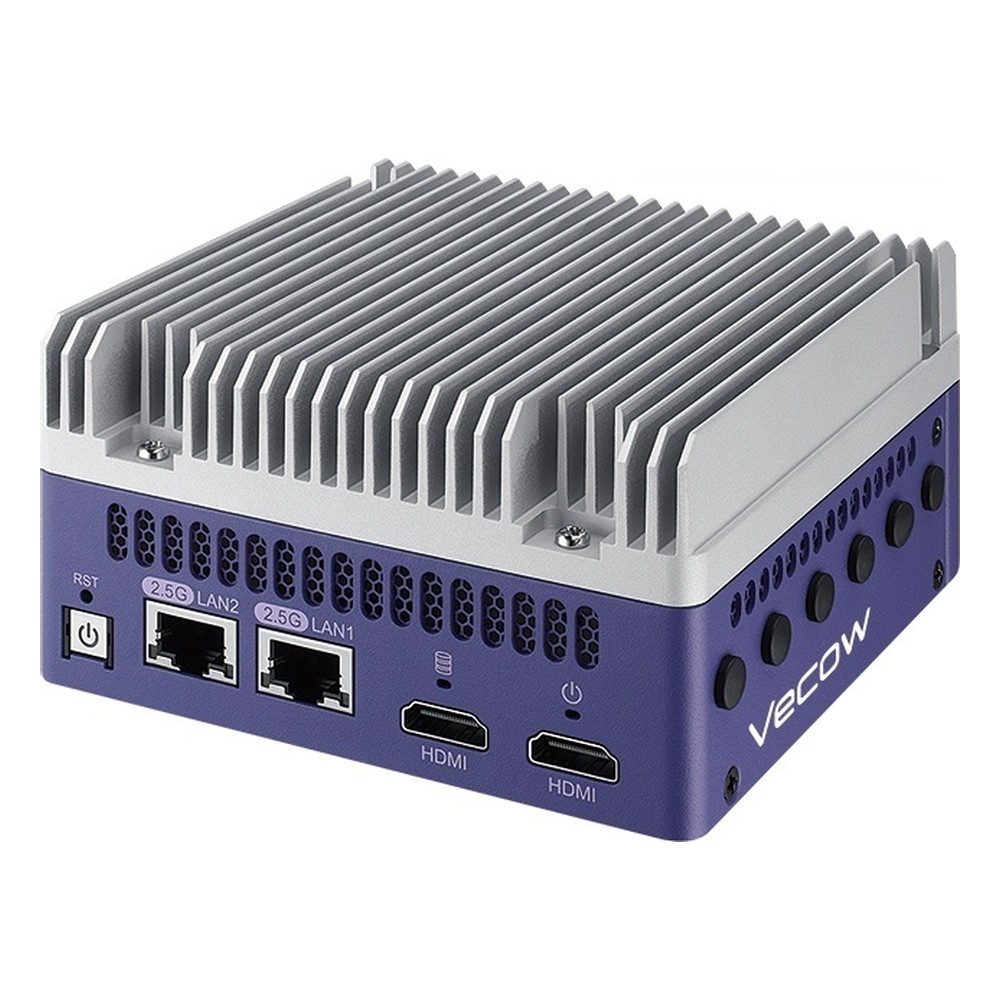
TGS-2000 Vecow Edge Computer
Our first suggestion for medical imaging and smart city AI on Core Ultra Series 3, with an NPU of up to 50 TOPS, dual 2.5GbE and optional MXM graphics.
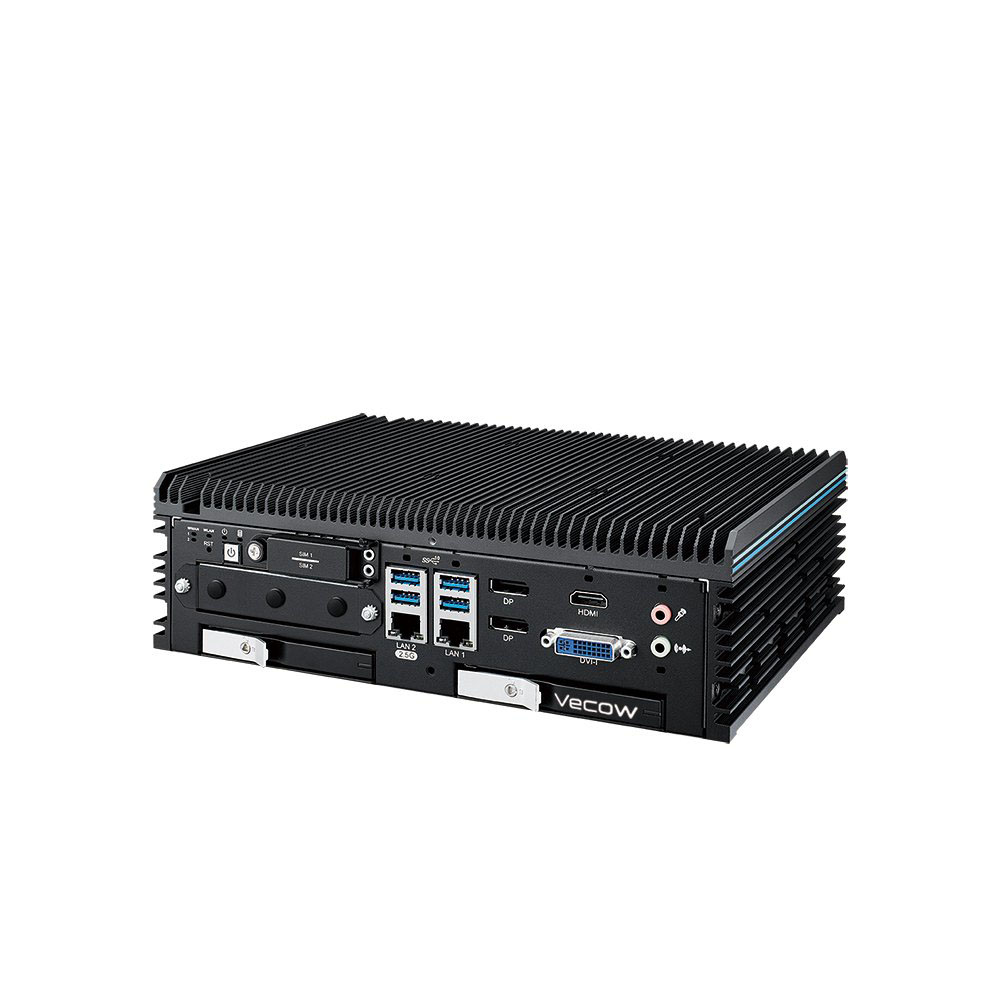
ECX-4000 Vecow Fanless PC
Recommended for inspection and intelligent transport on Core Ultra 200S, combining up to 36 TOPS of NPU and graphics with up to four PoE+ ports and dual 10GbE SFP+ options.
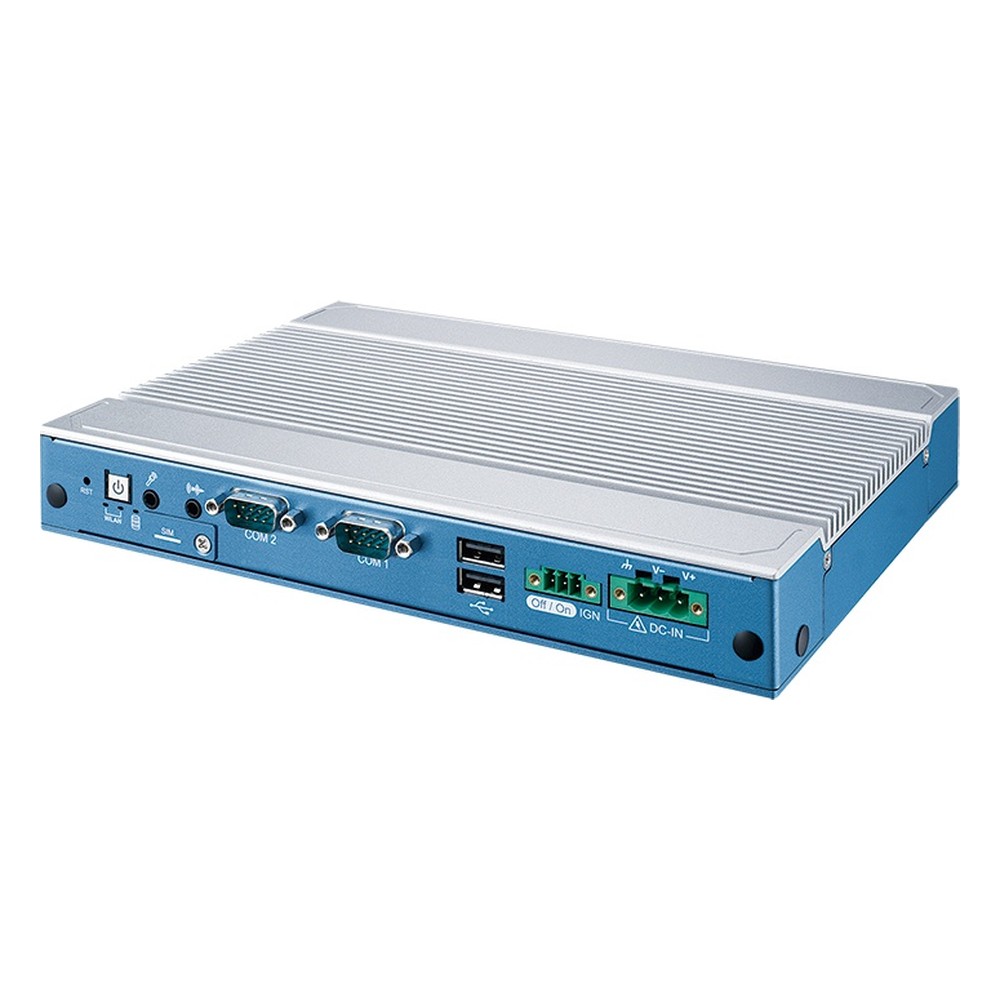
ABP-4000 Vecow Fanless PC
Well suited to signage and kiosks driving several screens, with 13th Gen Core U-series, four HDMI plus USB-C DisplayPort, dual 2.5GbE TSN and an ultra-slim fanless case.

ECX-3000 AI Vecow Edge Computer
Selected for traffic vision and real-time AOI, pairing a 13th Gen Core i9-13900E with an onboard Hailo-8 accelerator, up to four 2.5GbE PoE+ and front-access drive trays.
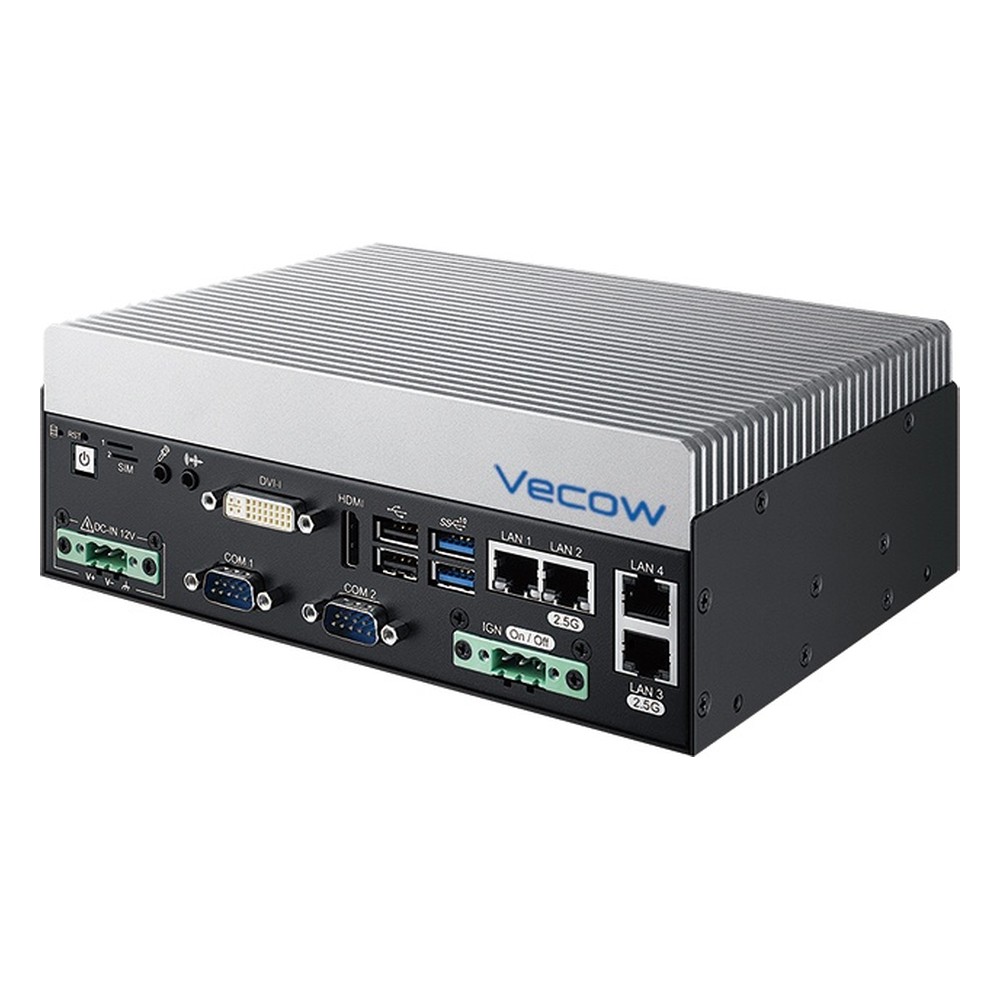
VCM-2000 Vecow Compact PC
Handy for transport and AMR builds on socketed Core 200S or 12th to 14th Gen, with three 2.5GbE ports, four COM ports, dual SIM and fanless or fan-sink cooling.
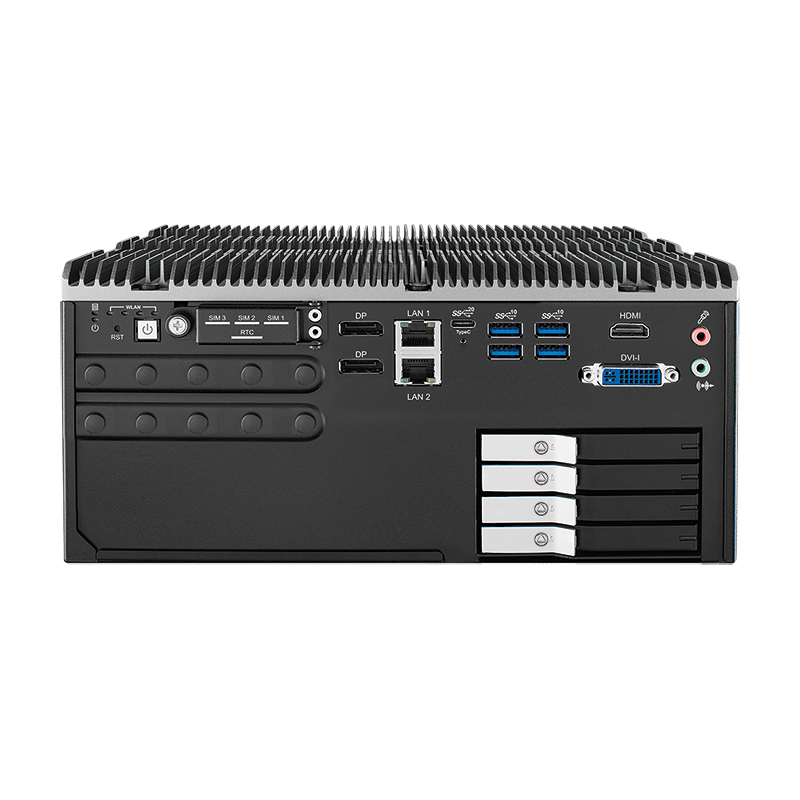
ECX-3000 PEG Vecow Expandable IPC
Where a full graphics card is needed, this R680E platform takes an NVIDIA or AMD GPU within a 200 W budget, with up to four PCIe slots and PoE+.
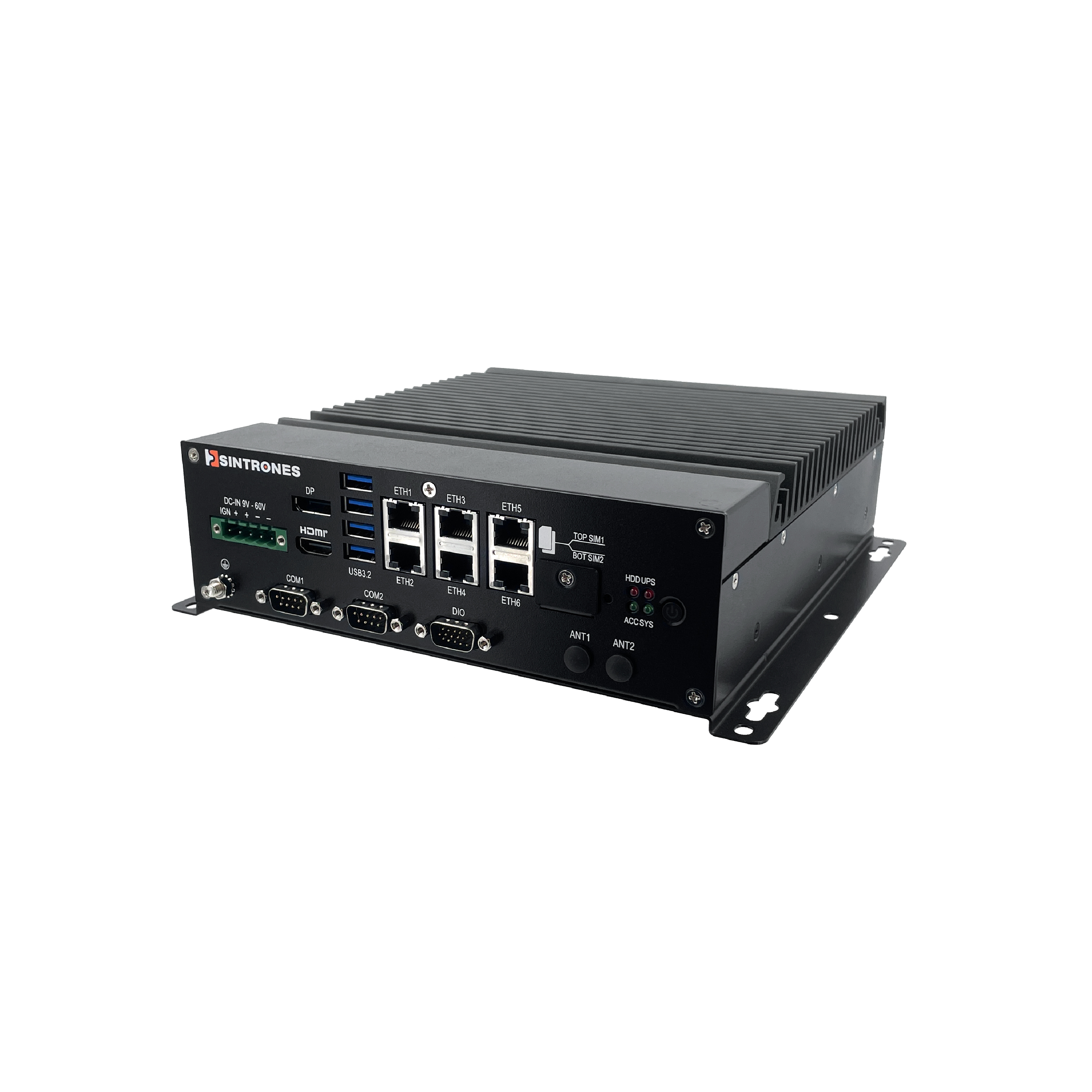
ABOX-5222 Sintrones Fanless PC
Chosen for multi-camera monitoring and vehicle work, with Core Series 2, six 2.5GbE ports with PoE+ options, 5G, GNSS and CAN FD expansion and ignition detection.
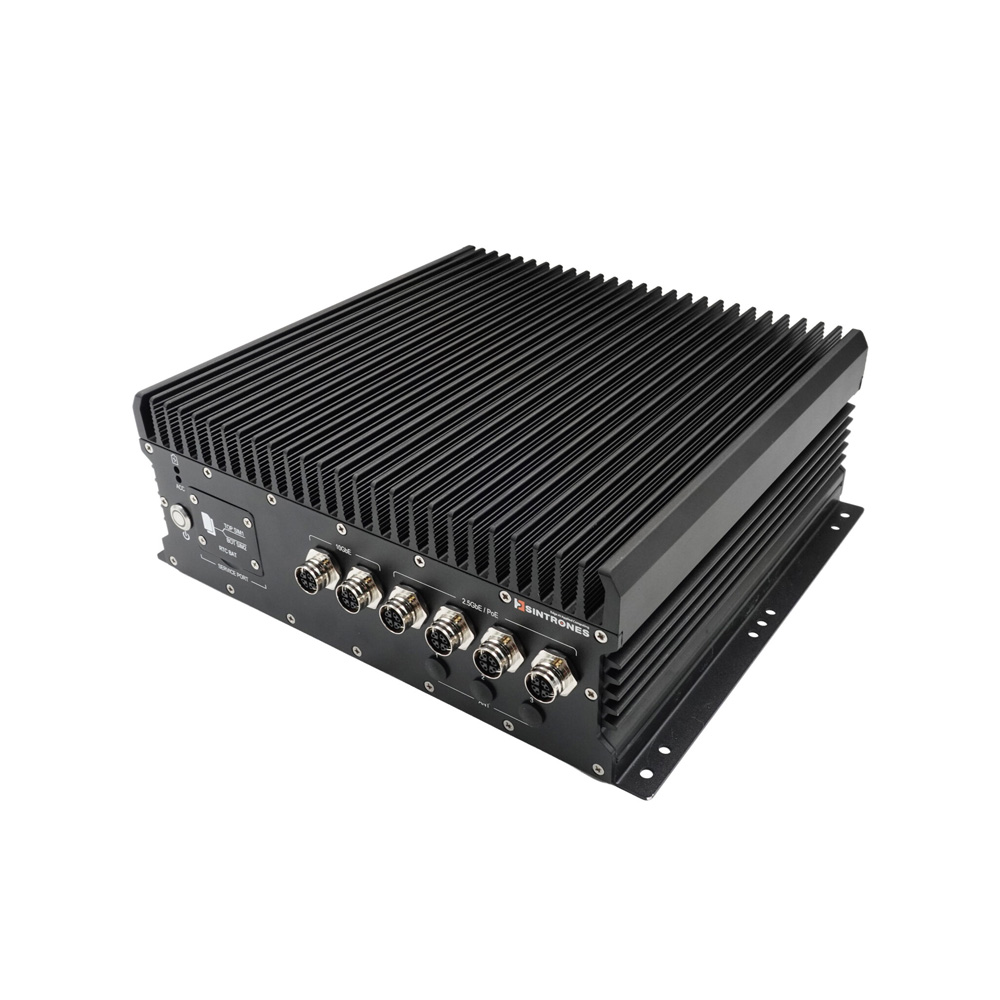
ABOX-5221-IP66 Sintrones Rugged Industrial PC
Our pick where there is no cabinet, sealing Core Series 2 to IP66 with M12 connectors for dual 10GbE, four 2.5GbE with PoE+ options and MXM graphics.
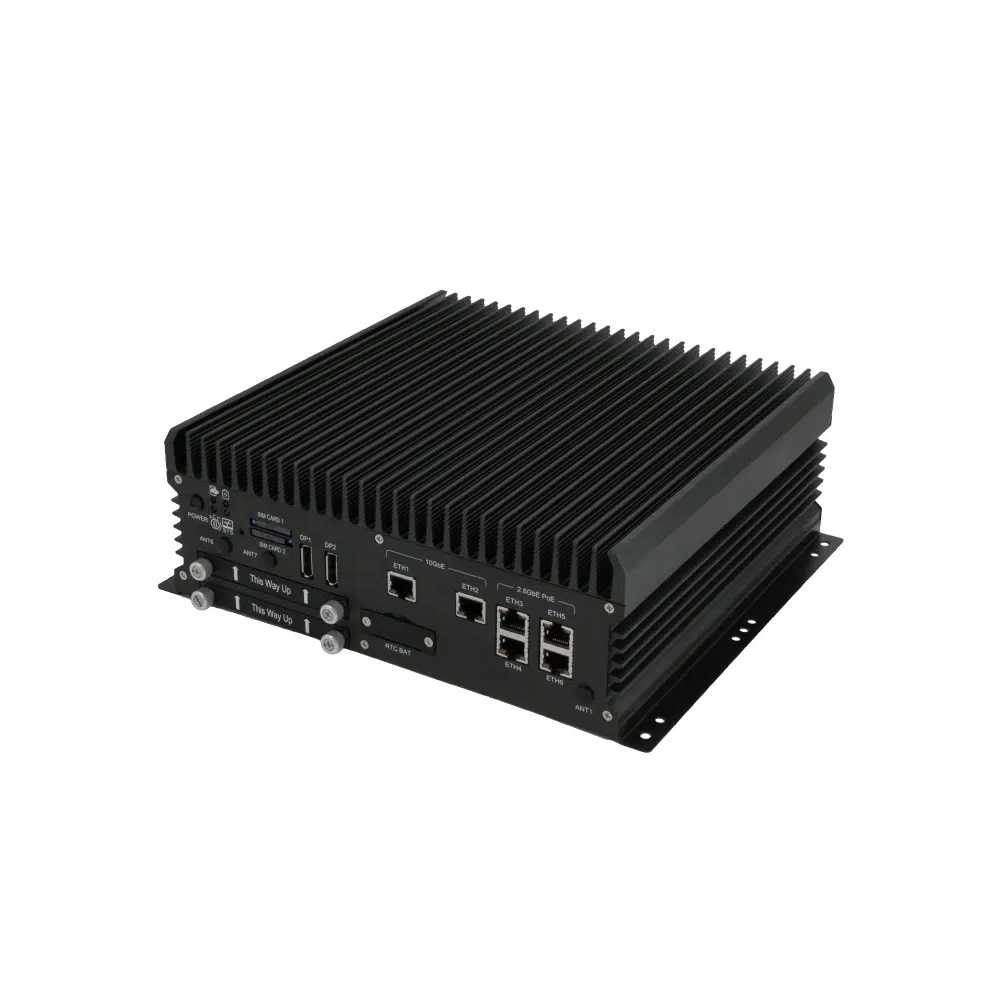
ABOX-5221 Sintrones Industrial Computer
A favourite for multi-camera analytics needing 10GbE uplinks, with 14th Gen Core up to the i9-14900T, four 2.5GbE with PoE+ or M12 options and an optional RTX Ada MXM GPU.
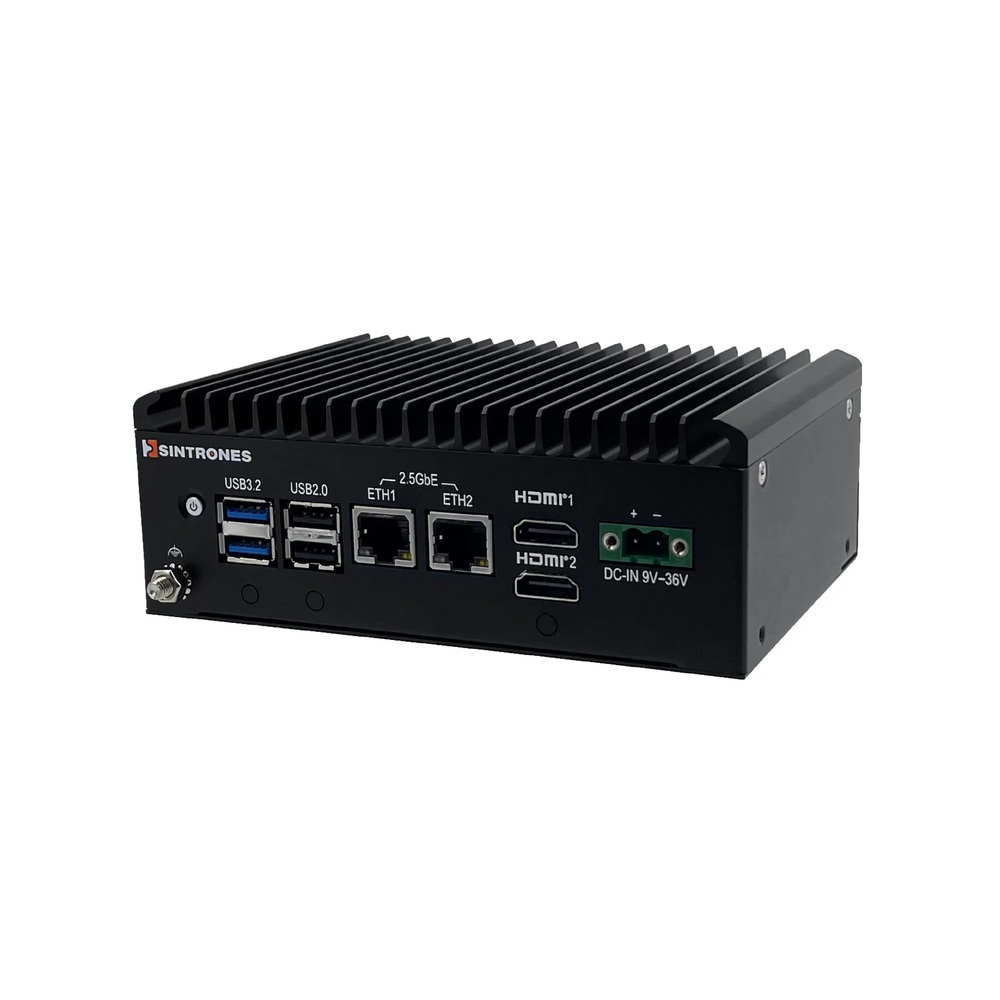
SBOX-2625 Sintrones Compact PC
A good fit for serial gateways and machine control in tight spaces, with an N150, Core 3 N355 or Atom x7433RE, dual 2.5GbE and M.2 slots for 5G or Wi-Fi.
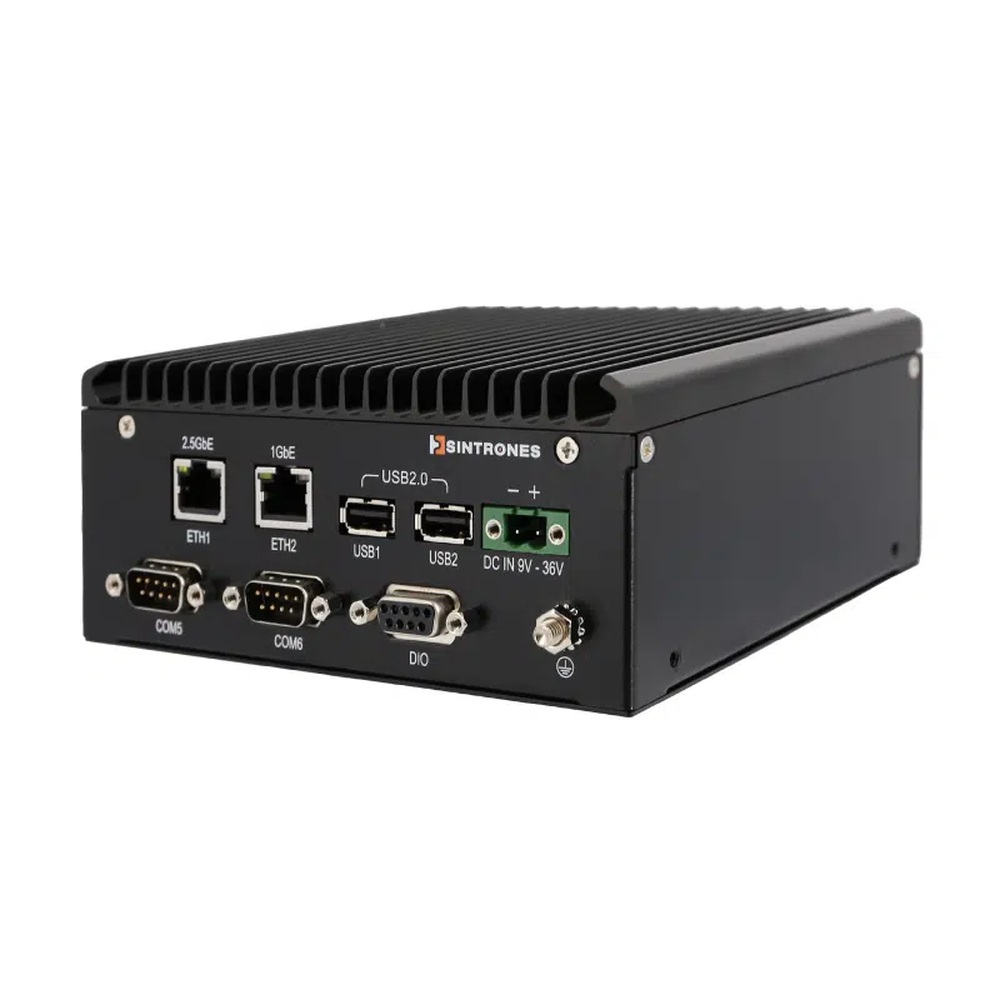
SBOX-2624 Sintrones Box PC
Our suggestion for small camera networks and rail gateways, with a Ryzen Embedded R2312, EN 50155 compliance, 2.5GbE and a choice of six COM ports or four PoE ports.
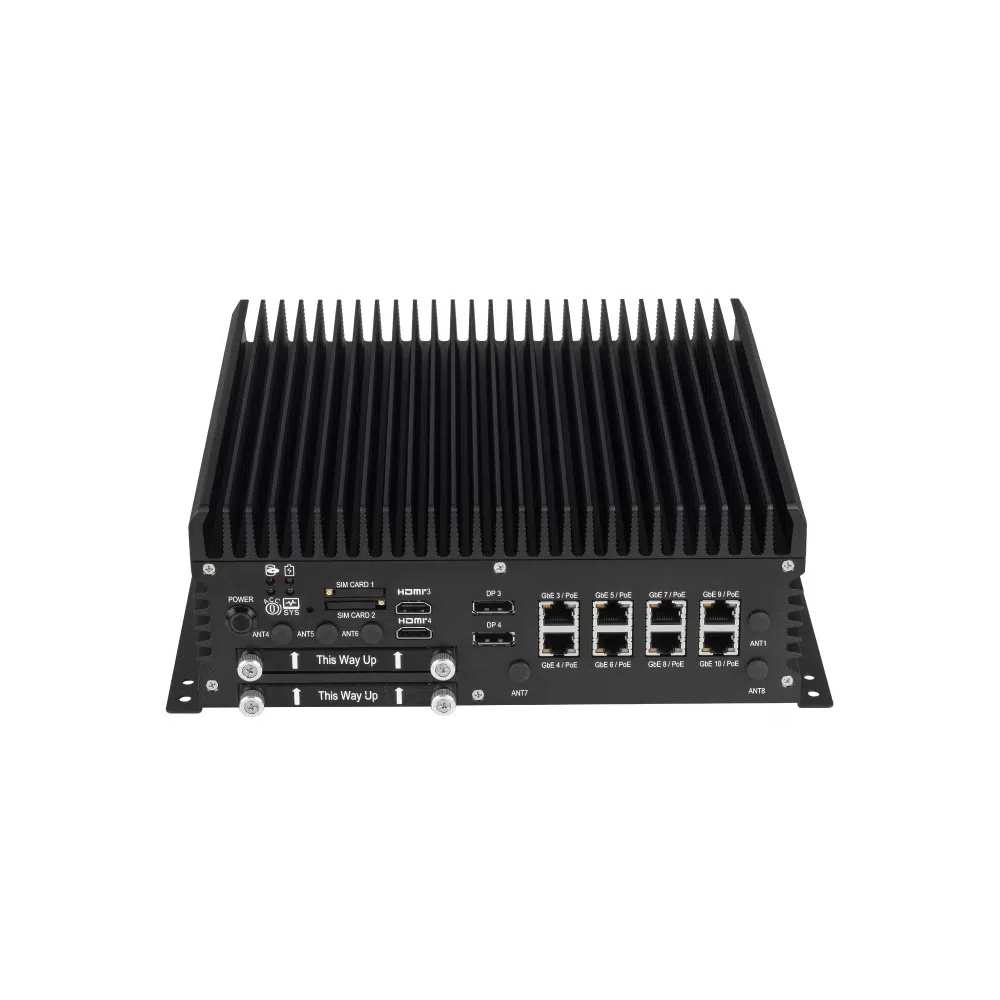
ABOX-5220 Sintrones Box PC
Selected when one computer has to serve many ports, with 14th Gen Core, ten LAN ports including PoE+ or M12 options, four COM ports and dual WWAN.
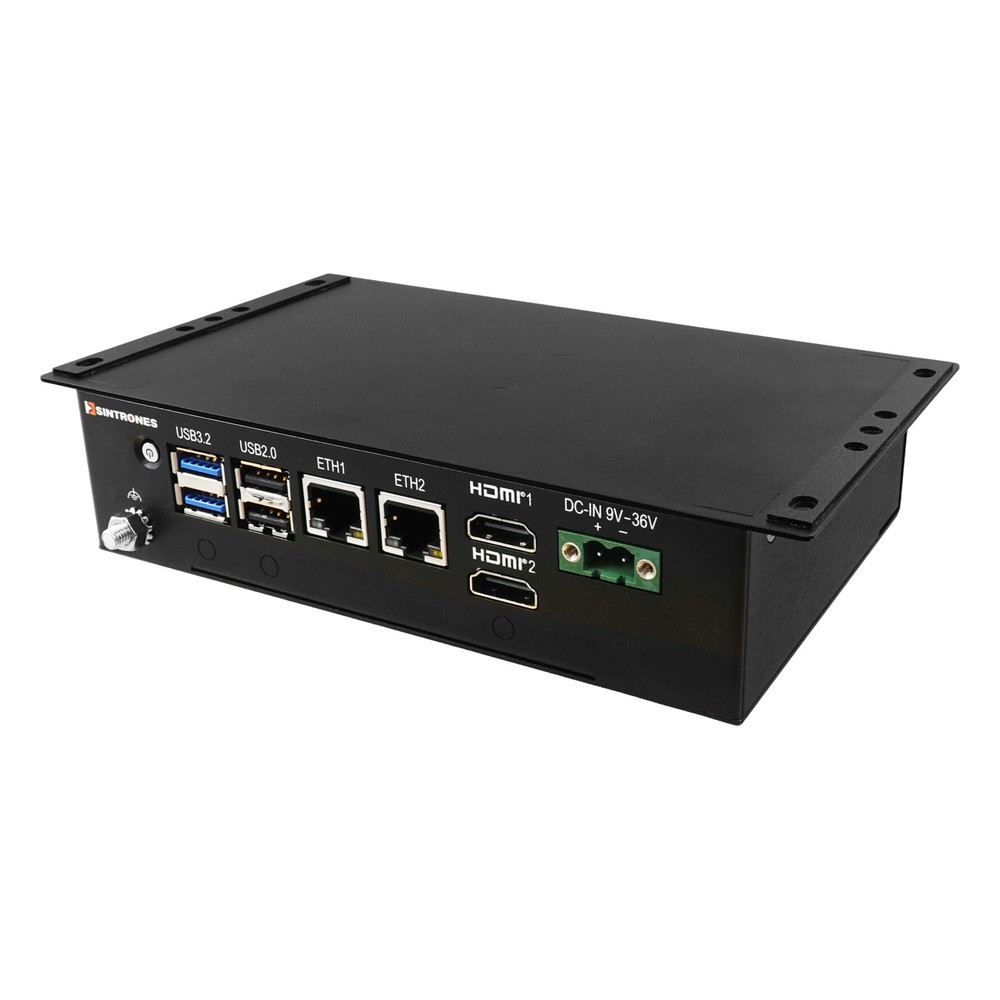
SBOX-2625-SF Sintrones Industrial Embedded Computer
Picked for retail, kiosk and signage cabinets, running an Intel N150 with dual 2.5GbE, two 4K HDMI outputs and extra USB, digital I/O or COM options.
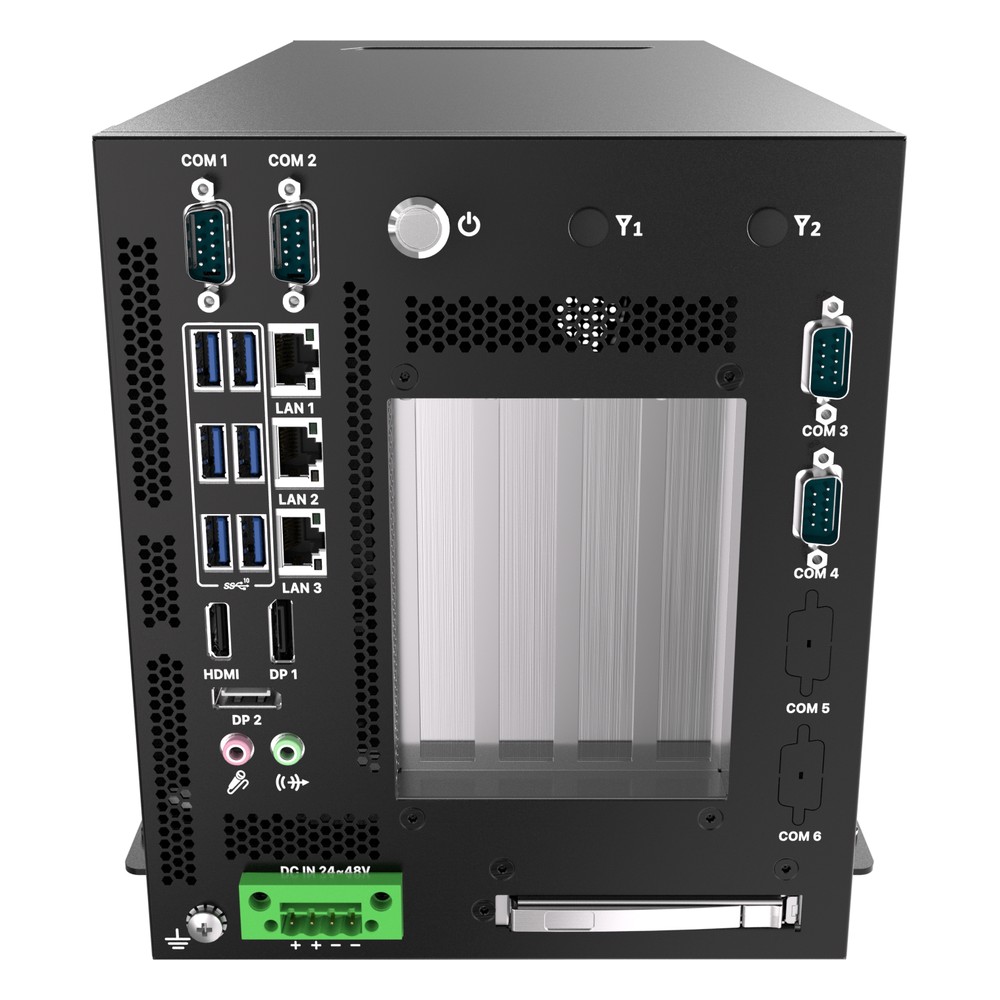
KCO-6000-ARL Premio Edge Computer
Our pick for edge AI that spreads work across CPU, NPU and GPU, with Core Ultra Series 2, PCIe Gen5 risers and three 2.5GbE ports.
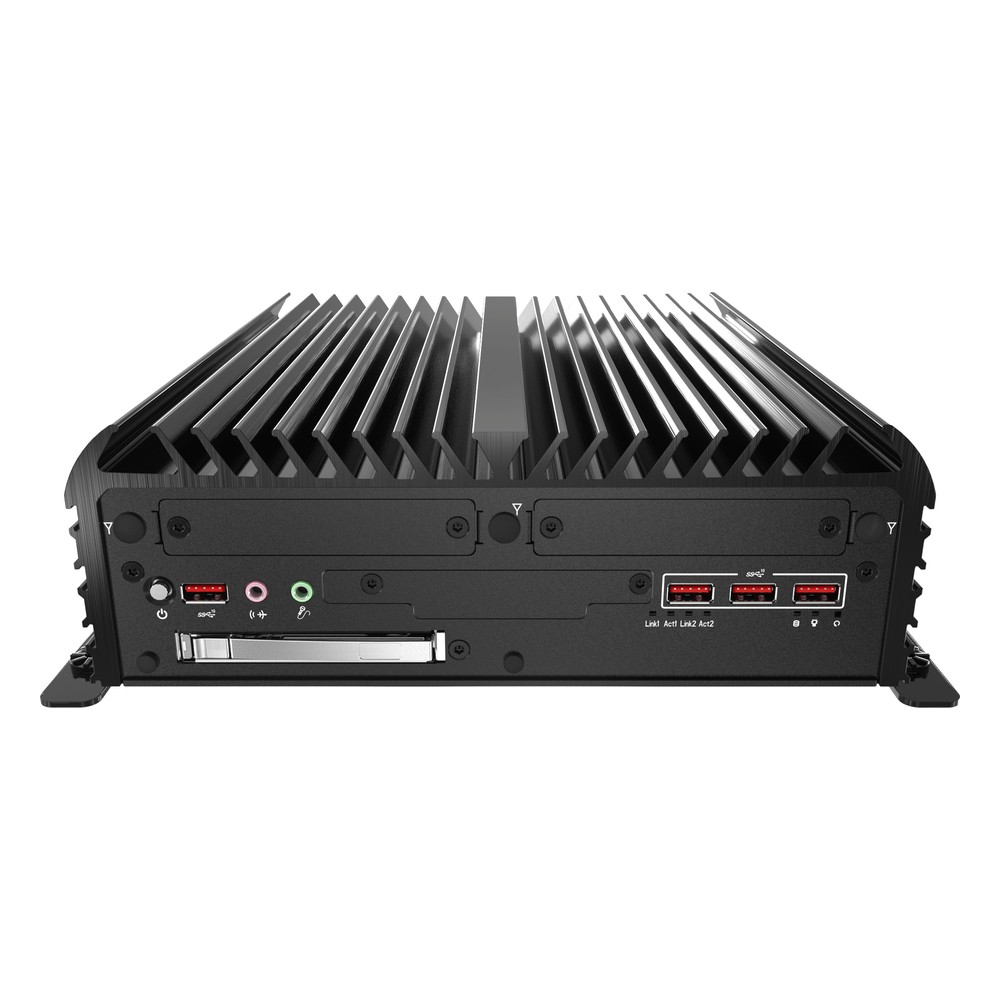
RCO-6000-RPL Premio Expandable PC
Chosen for in-vehicle and machine vision builds on Core Series 2 or 12th to 14th Gen, adding EDGEBoost Nodes for NVIDIA RTX GPUs or hot-swap NVMe storage.
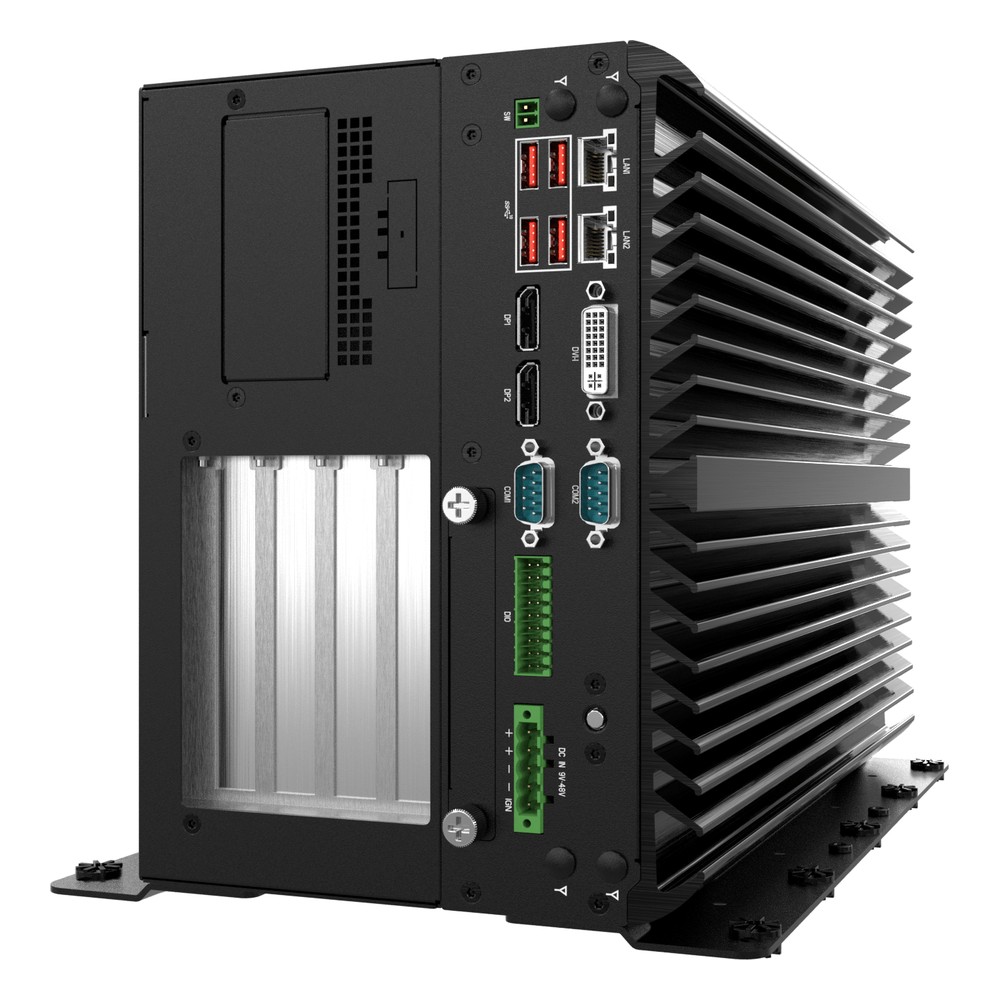
VCO-6000-RPL Premio Machine Vision PC
Picked for GPU-heavy vision and inference, with a 600 W GPU power board, three or four PCIe slots, ECC DDR5 and Core Series 2 or 12th to 14th Gen processors.
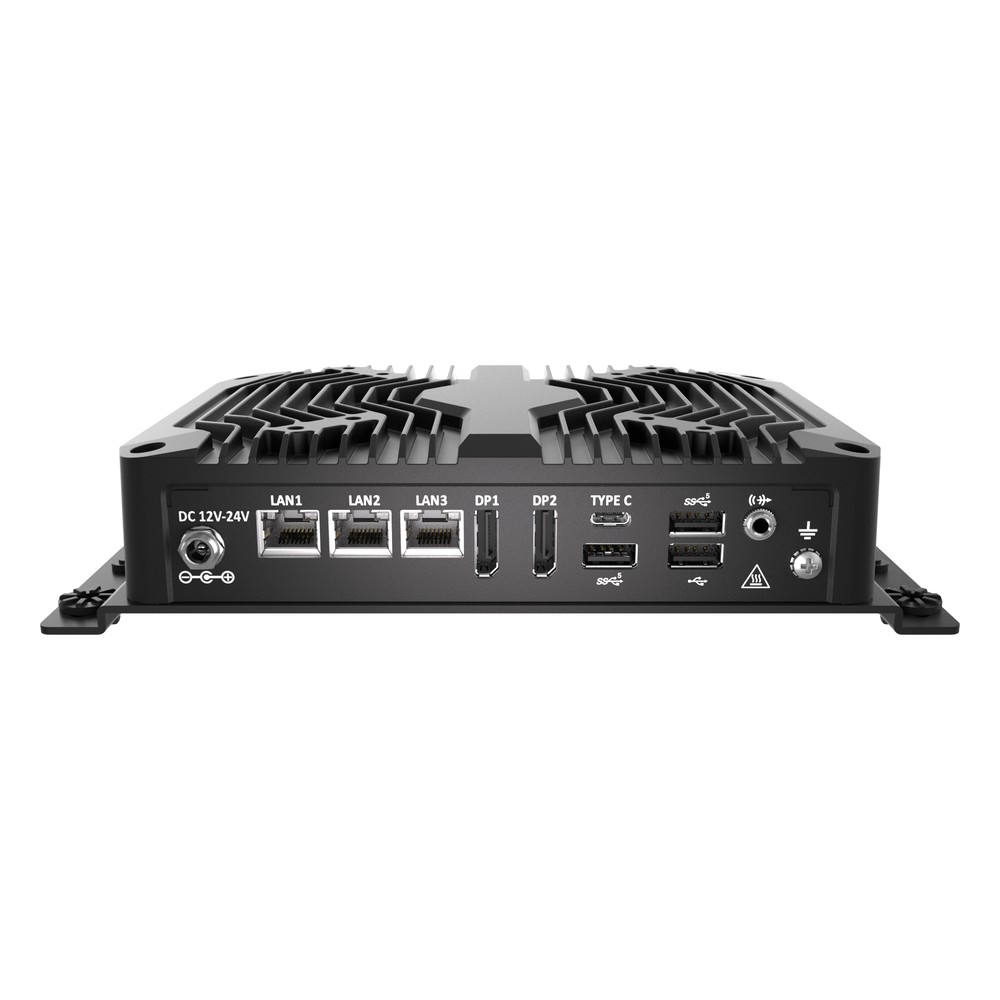
BCO-500 Premio Industrial Box PC
Picked for signage and light automation, with a choice of Core Ultra with NPU, N97, Core i3-N305 or Rockchip Arm, plus 2.5GbE options, two COM ports and 4K output.
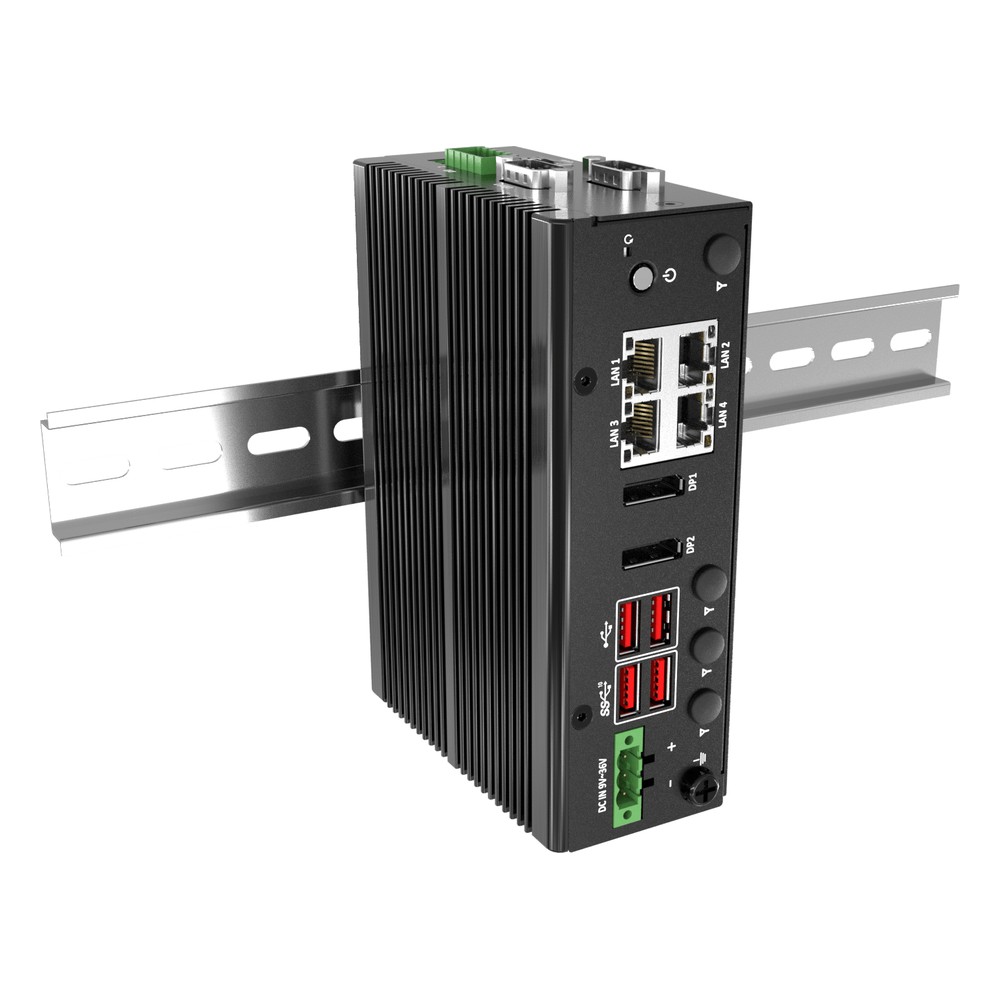
DCO-1000-ASL Premio DIN Rail PC
Our pick for control cabinets needing four 2.5GbE ports with TSN, using a fanless Amston Lake Atom with isolated DIO, two COM ports and optional 4G or 5G.
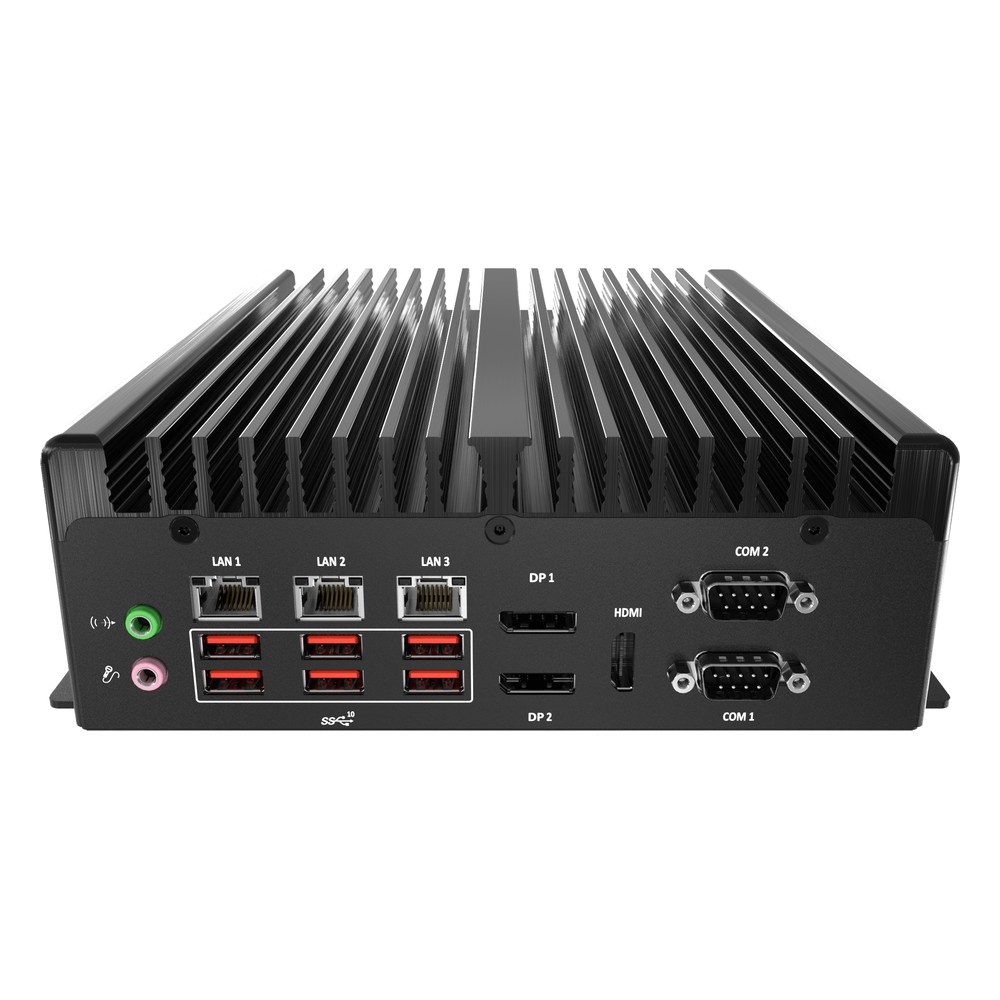
BCO-3000-RPL Premio Industrial PC
A favourite for factory lines and control cabinets, running 35 W 12th to 14th Gen Core fanless with three 2.5GbE, four COM ports, isolated DIO and triple display.
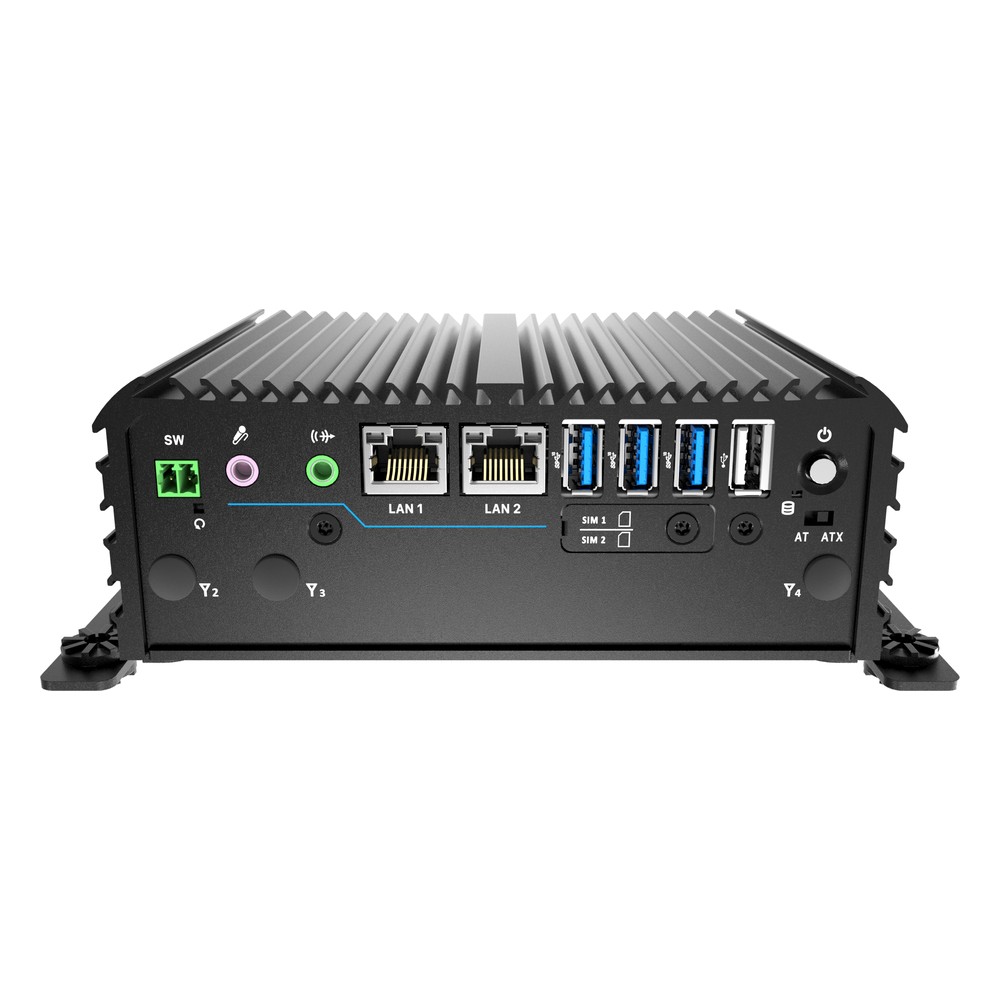
RCO-1000-ASL Premio Compact PC
Suited to outdoor cabinets and factory floors, with an Atom x7433RE or x7835RE, dual 2.5GbE, internal CAN, EDGEBoost I/O or out-of-band options and -40 to 70 °C operation.
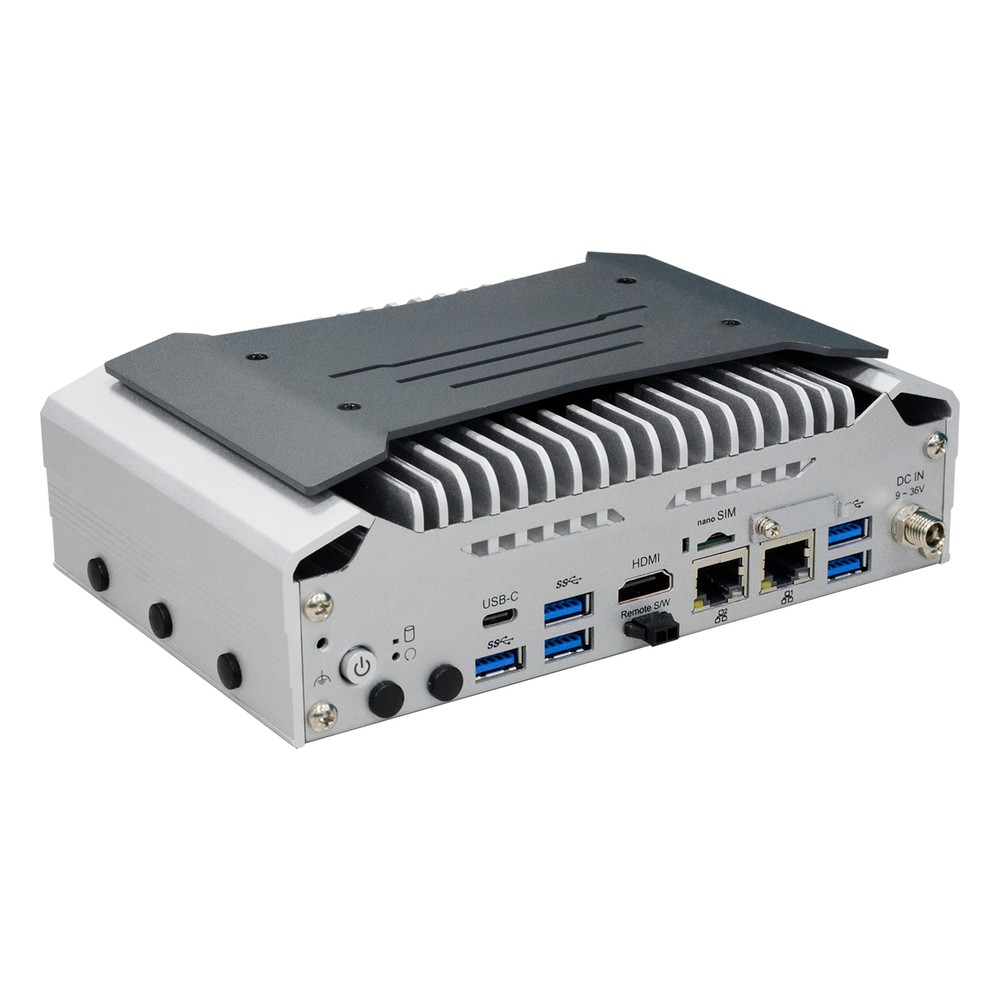
EC70A-MTH DFI Edge Computer
Our pick for AMR and AGV control on Core Ultra 5 or 7 with an integrated NPU, two 2.5GbE plus GbE, DFI Out-of-Band management and fanless or fan-cooled builds.
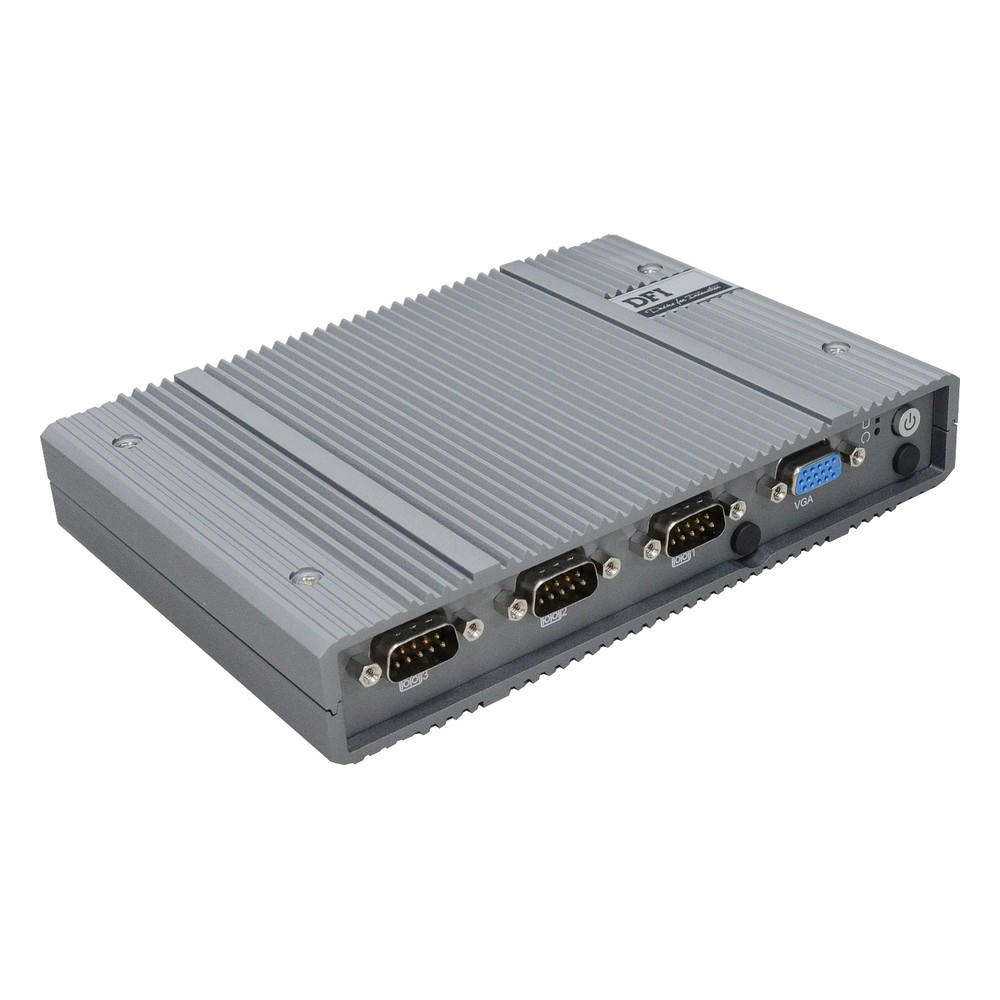
EC700-ASL DFI Industrial Computer
Picked for outdoor cabinets and unheated plant rooms, running Atom x7000RE fanless from -40 °C with DFI Out-of-Band management, two 2.5GbE ports and four COM ports.
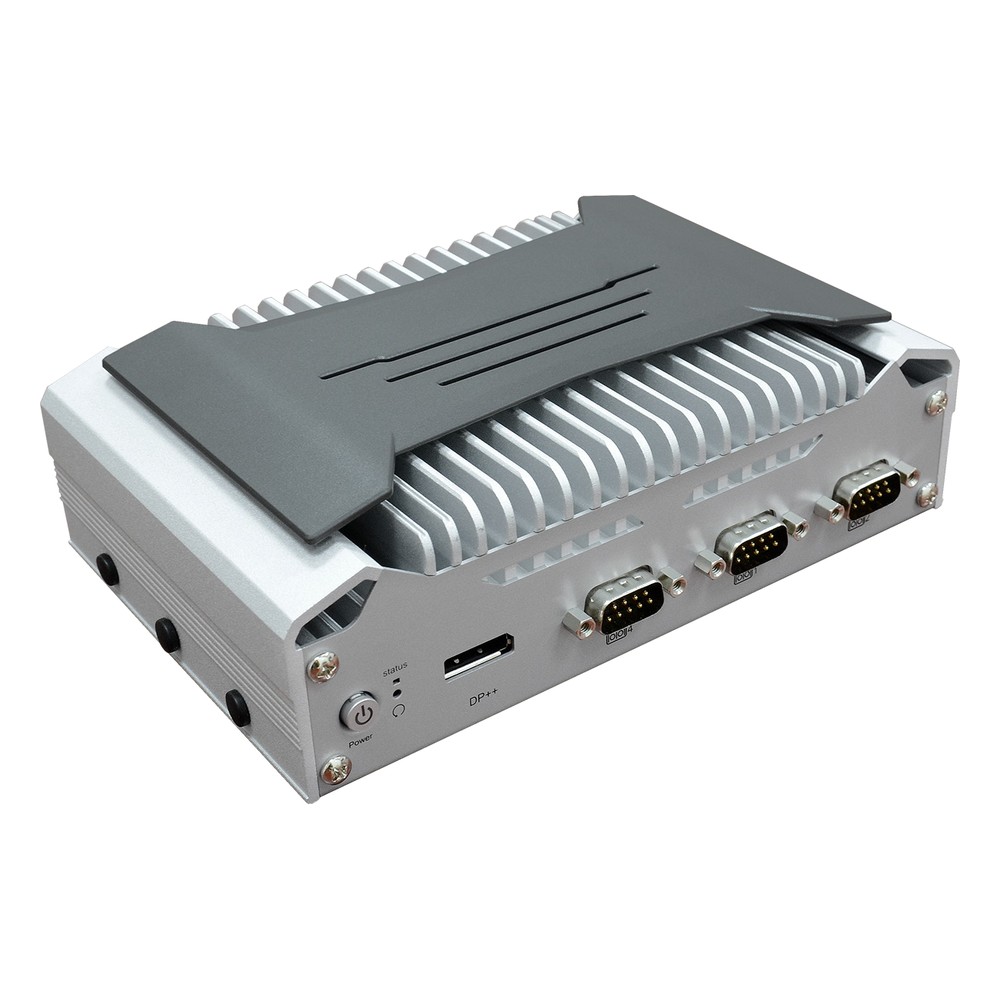
EC70A-ADP DFI Box PC
Chosen for HMI and vision inspection on 12th Gen Core Alder Lake-P, with 2.5GbE plus two GbE, four COM ports, three M.2 slots and fanless or fan-cooled options.
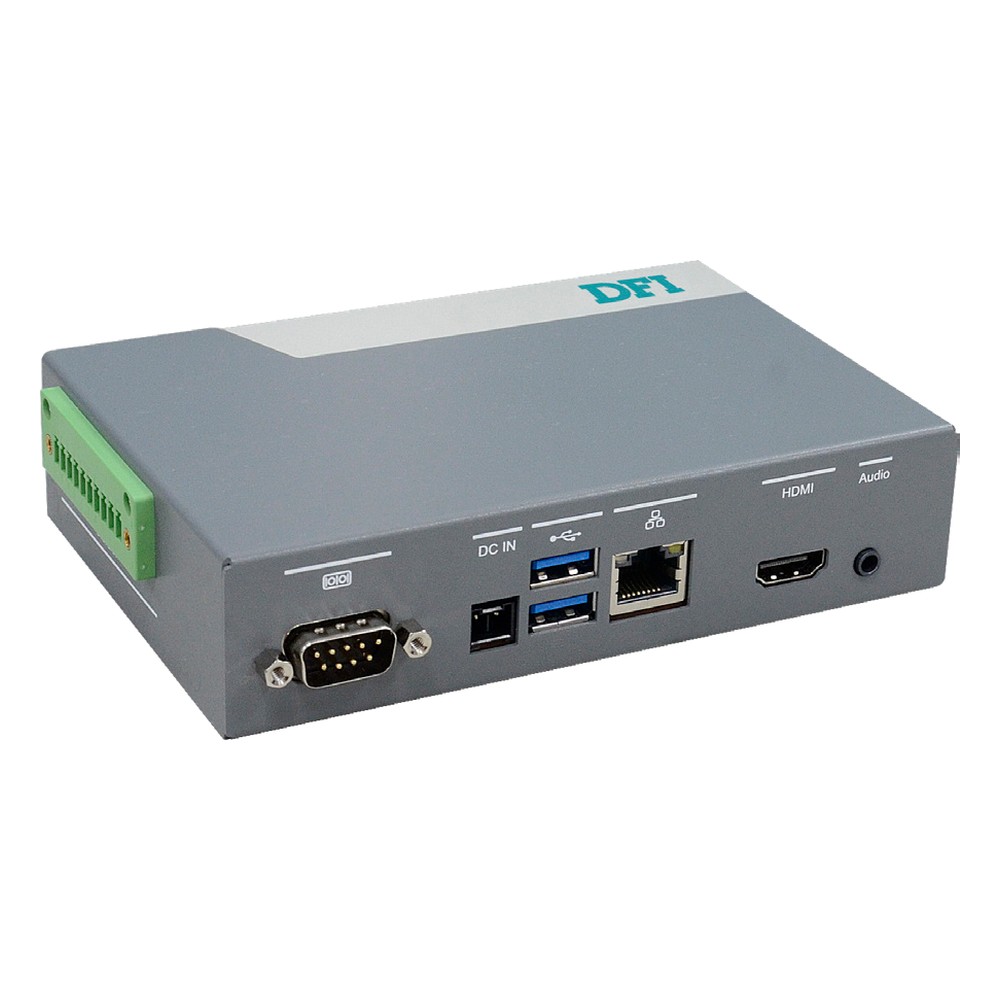
EC900-QCS DFI Arm Industrial Computer
Our Arm choice for machine-side AI in a control cabinet: the eight-core Qualcomm QCS6490 carries a 12 TOPS NPU, so vision or anomaly models run on the DIN rail without an x86 processor or a separate accelerator.
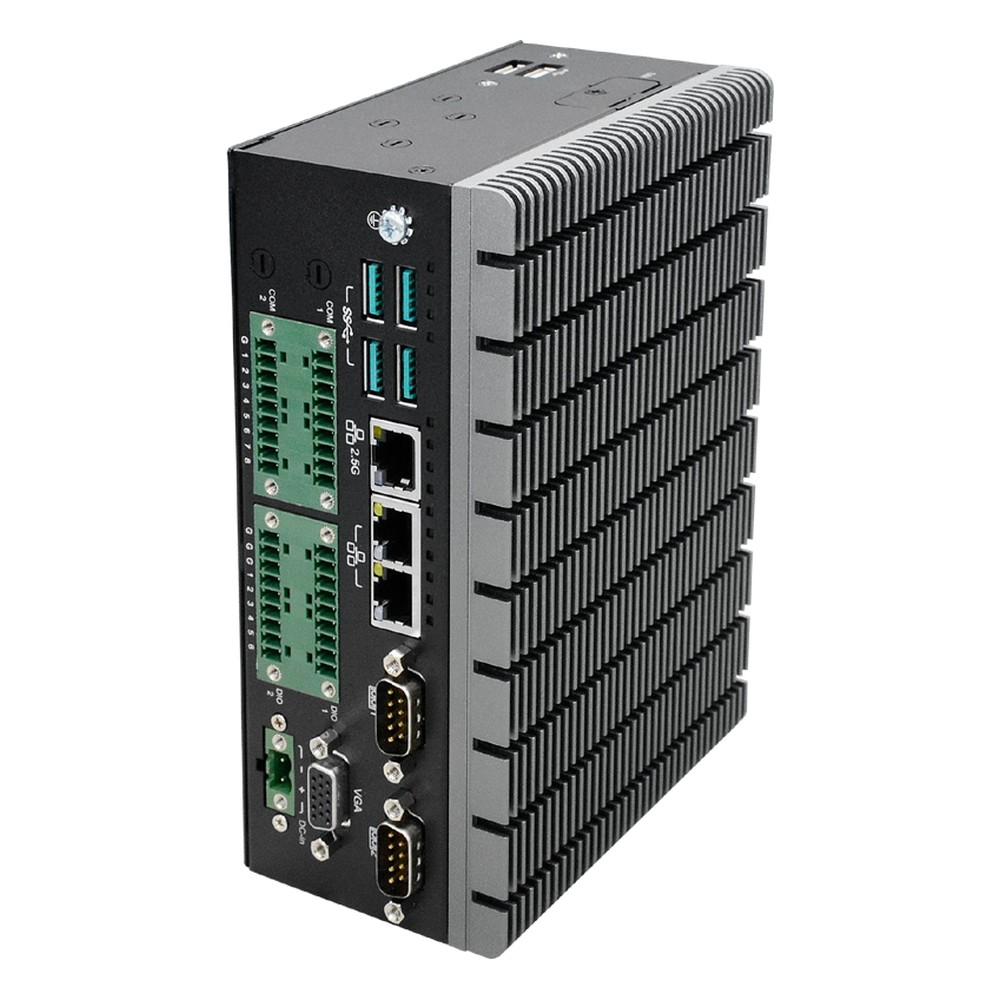
ED700-EHL DFI DIN Rail PC
Picked for control panels and machine gateways, with an Elkhart Lake Celeron or Atom, a 2.5GbE TSN port plus GbE, dual SIM for 5G and terminal-block DC input.
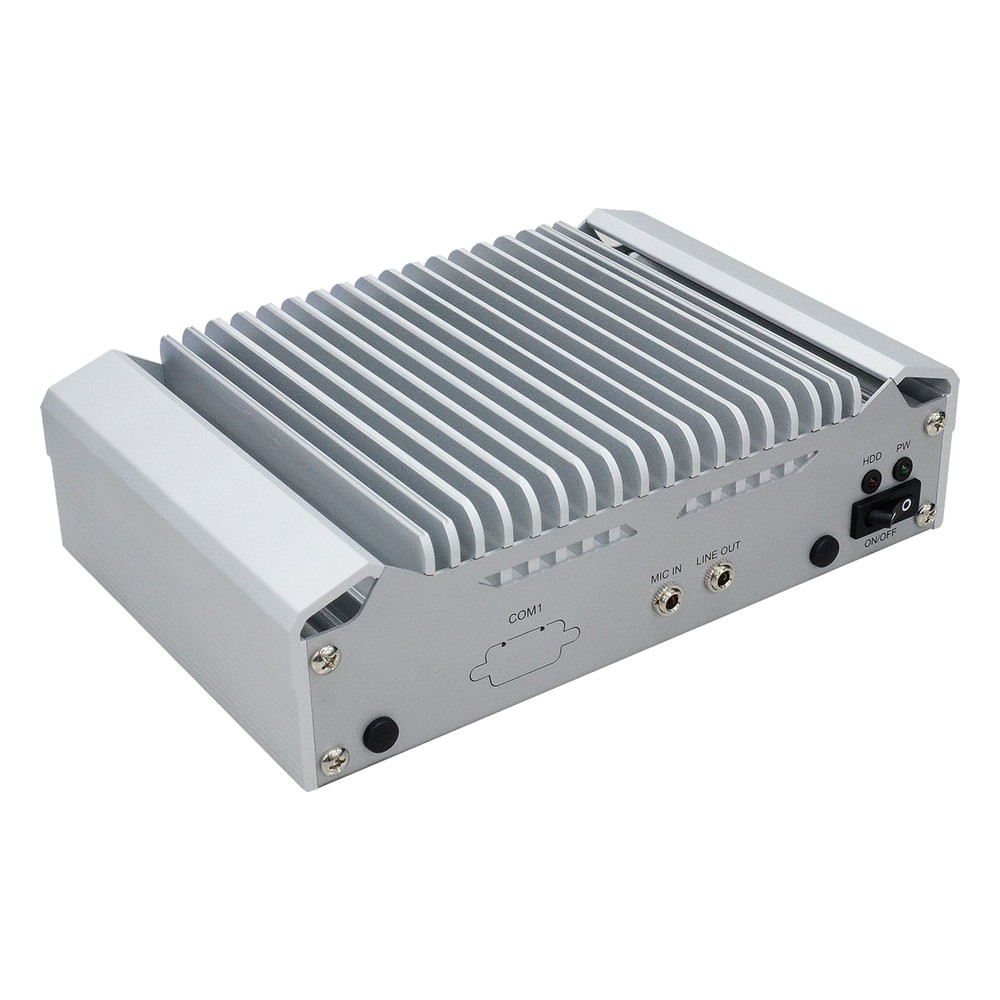
EC70A-ADN DFI Compact PC
A favourite for vision cells and line-side stations, with an 8-core Core i3-N305, three 2.5GbE ports, hardware video decode and wall, VESA or DIN rail mounting.
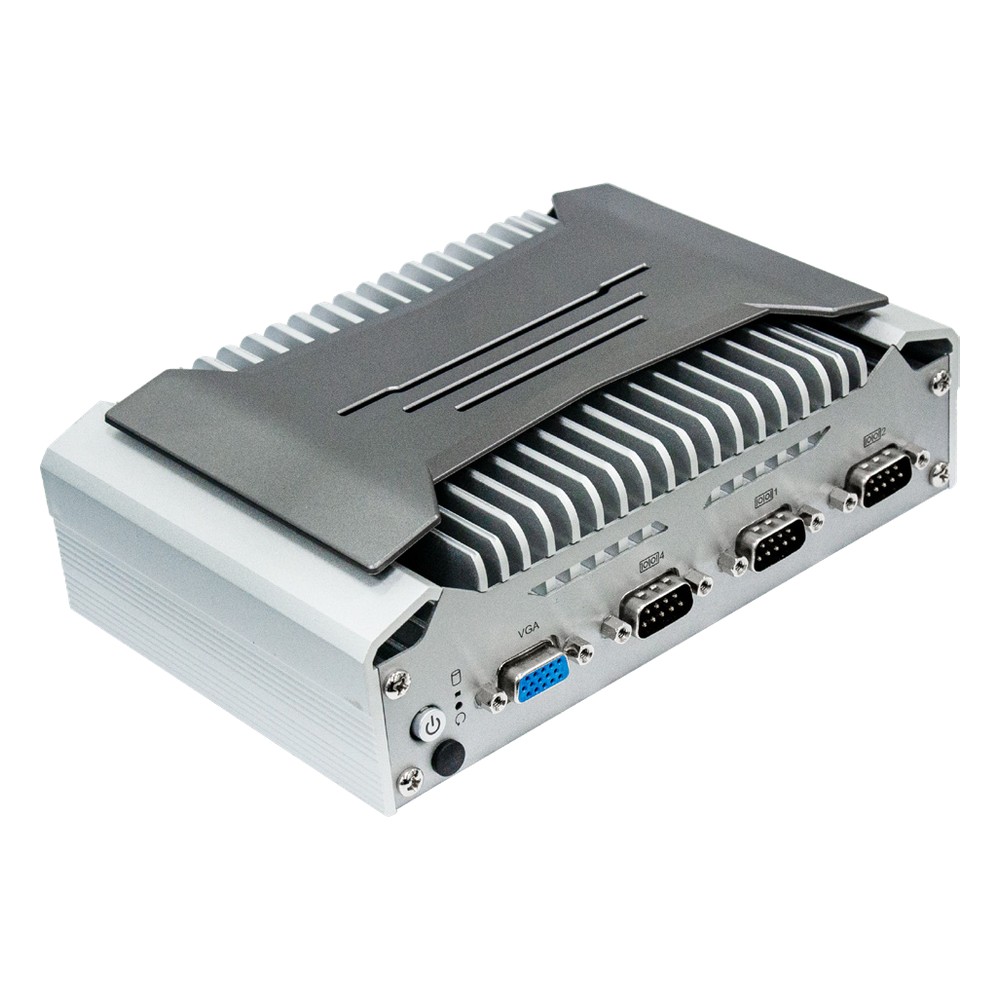
EC70A-TGU DFI Fanless PC
Recommended for HMI, signage and gateways on 11th Gen Core or Celeron at 15 W, with two to four GbE, four COM ports and three displays.
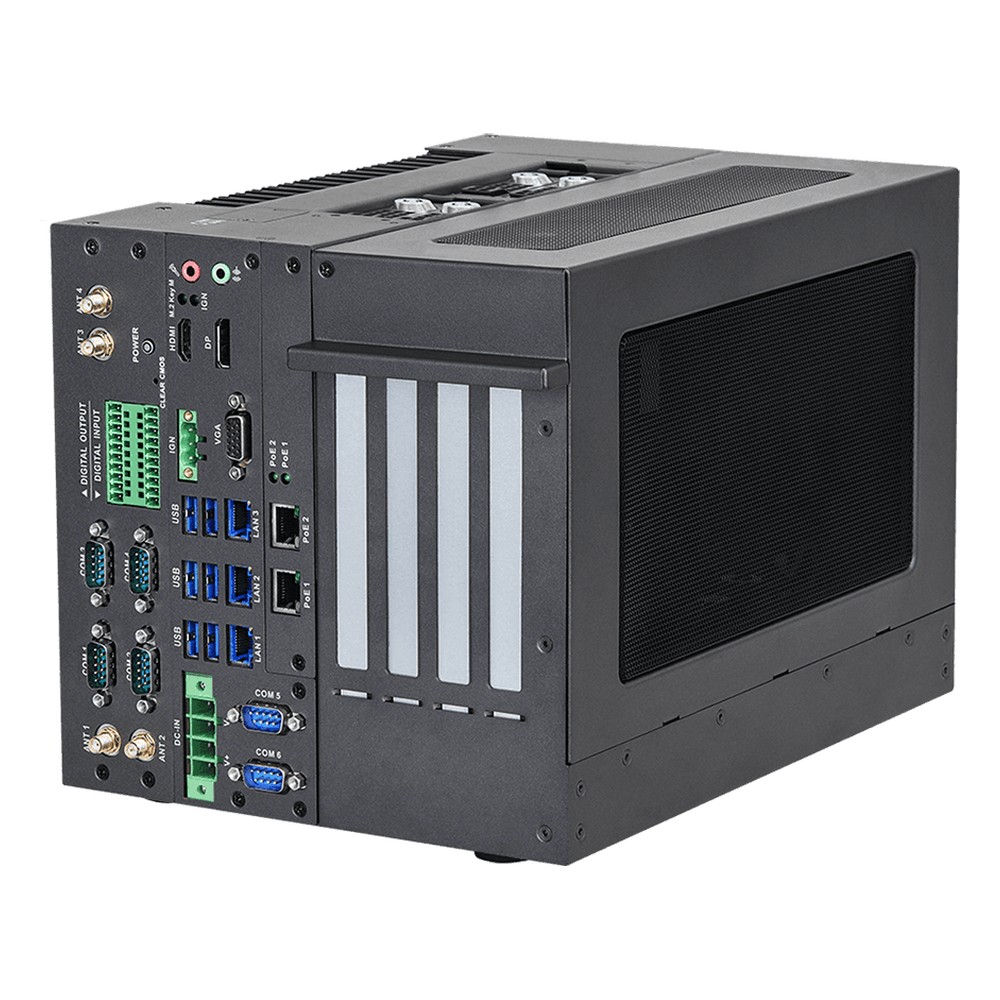
iEPF-9040S-EW4 ASRock Industrial Expandable PC
Picked for inspection and AI lines that need a full graphics card on a socketed Core Series 2 Bartlett Lake processor, with four PCIe slots on the R680E chipset and RTX Ada GPU support inside the chassis.
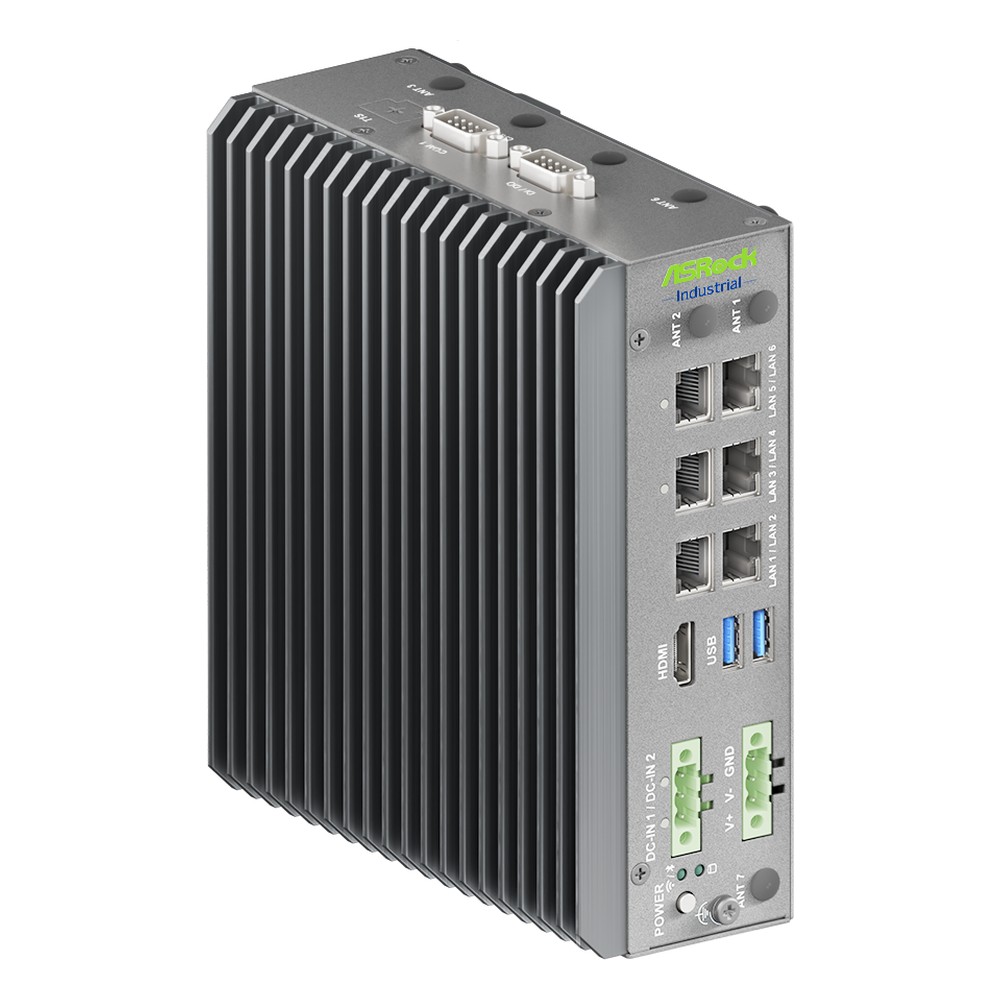
iEP-7050E ASRock Industrial DIN Rail PC
Chosen for control cabinets that want the newest Intel platform on a DIN rail, running the Core Ultra X7 358H fanless with In-Band ECC memory, six or more LAN ports and TSN for deterministic networks.
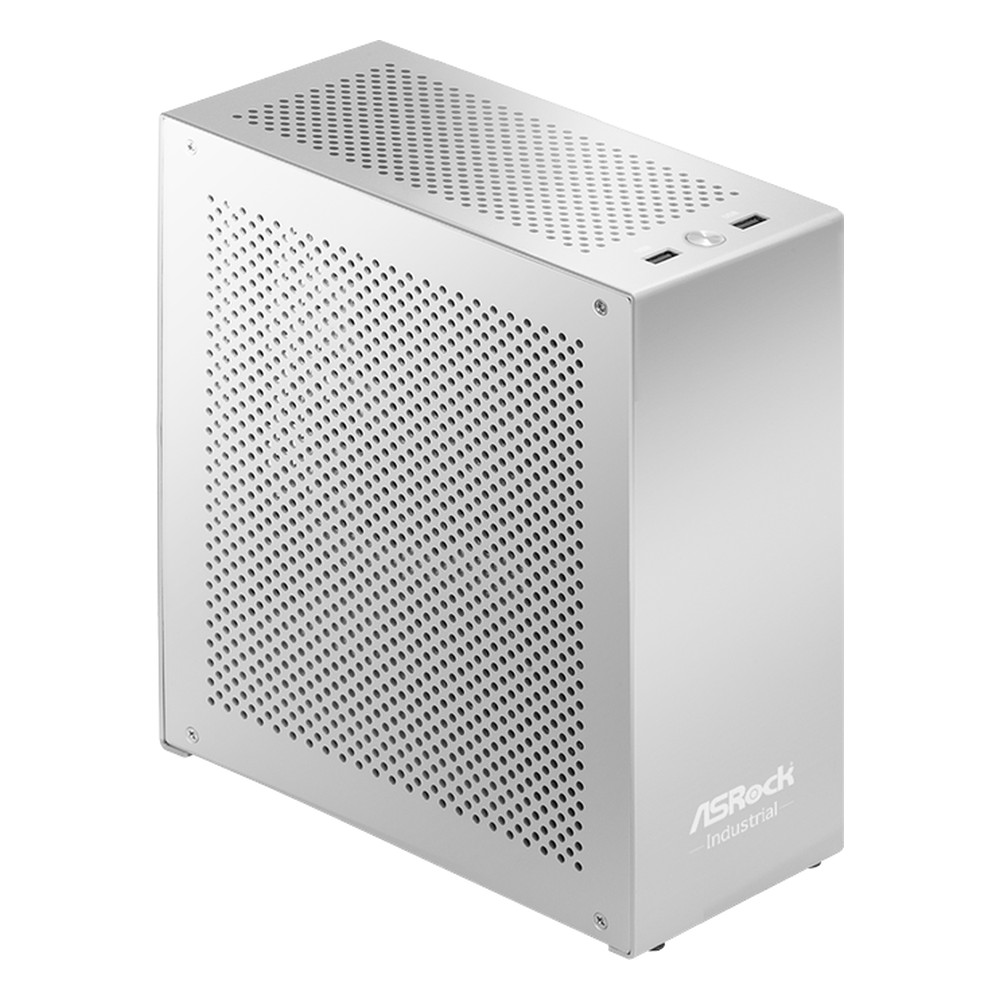
AI BOX-A395 ASRock Industrial Edge Computer
Our suggestion when an on-site model needs more memory than a typical edge box, pairing the 16-core Ryzen AI Max+ 395 with up to 128 GB of LPDDR5X, Radeon 8060S graphics and a 10GbE port.
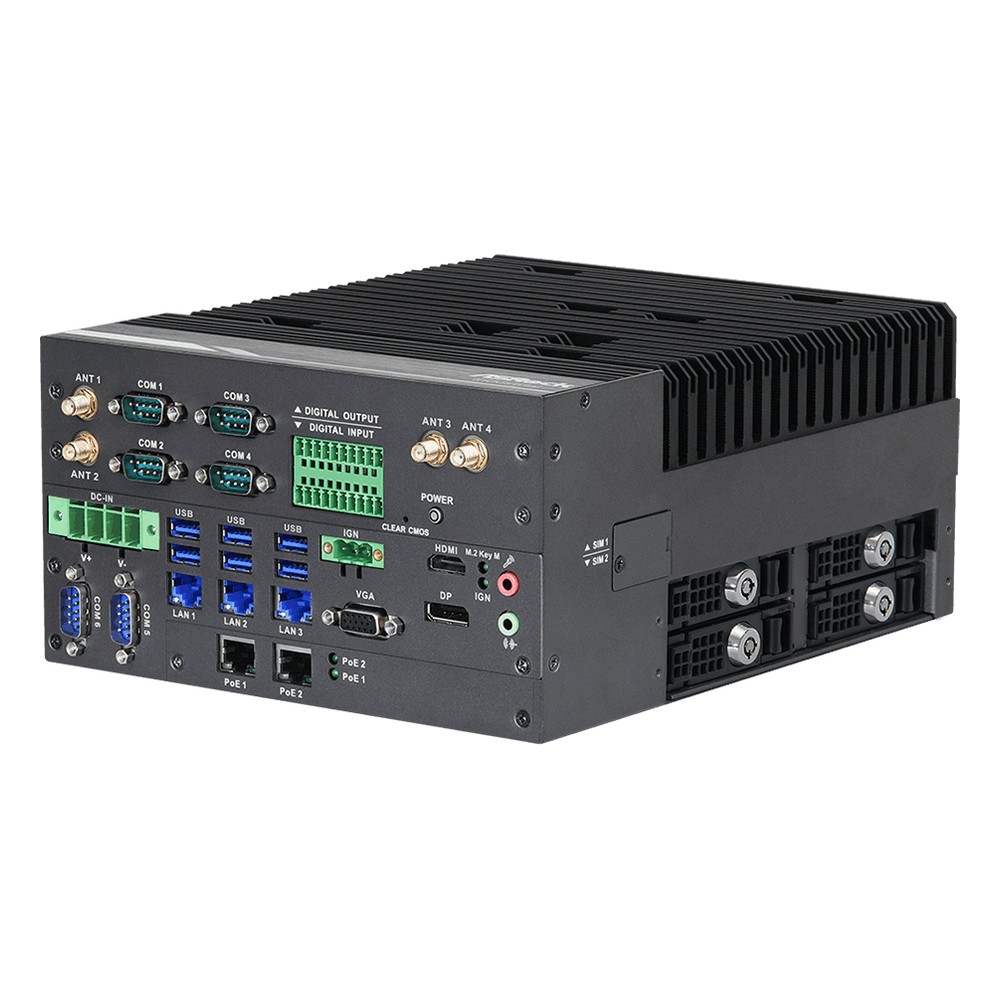
iEP-9040E ASRock Industrial Fanless Industrial PC
A strong fit for lines and vehicles that power PoE devices from the computer, with a Core Series 2 Bartlett Lake processor on R680E, five 2.5GbE ports and ignition control in a fanless chassis.
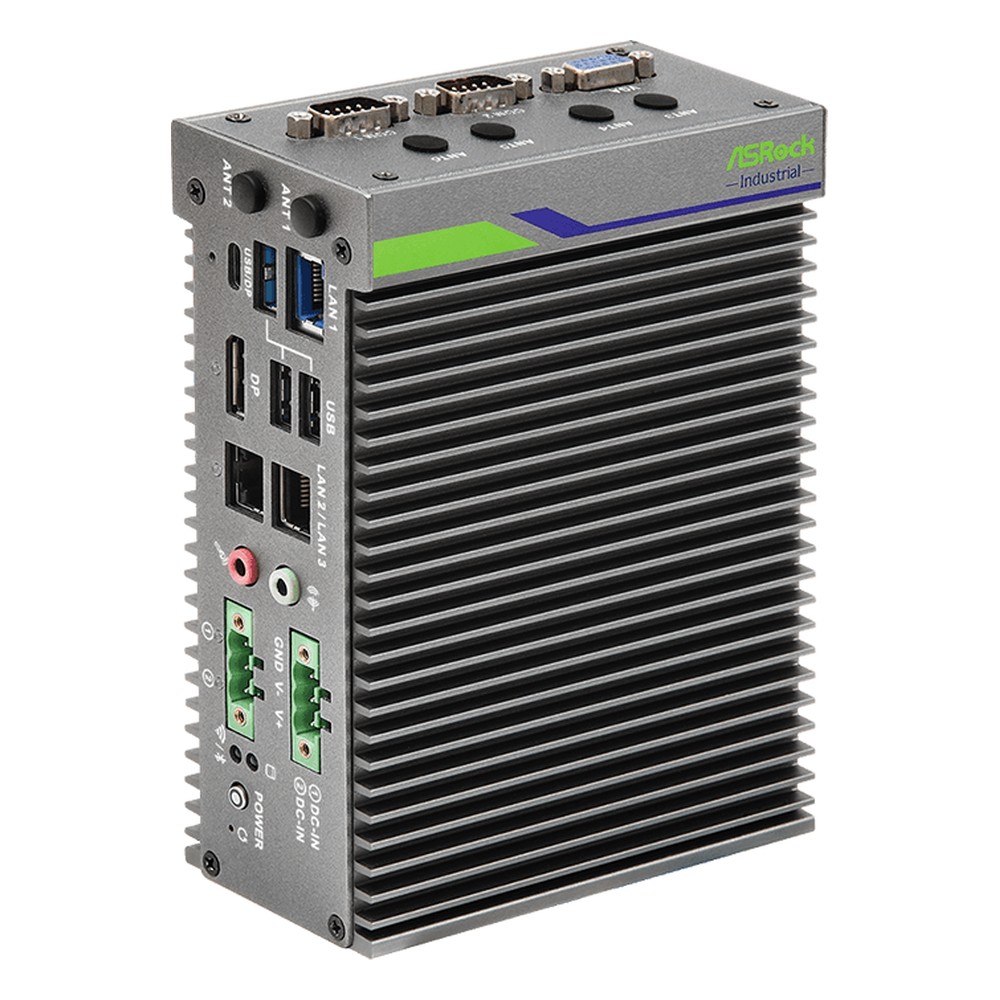
iEP-5020G ASRock Industrial IPC
Well suited to machine-side data collection, running the quad-core Atom x7433RE with In-Band ECC DDR5, two RS-232/422/485 ports and basic, PoE, five-LAN, 5G or isolated DIO builds.
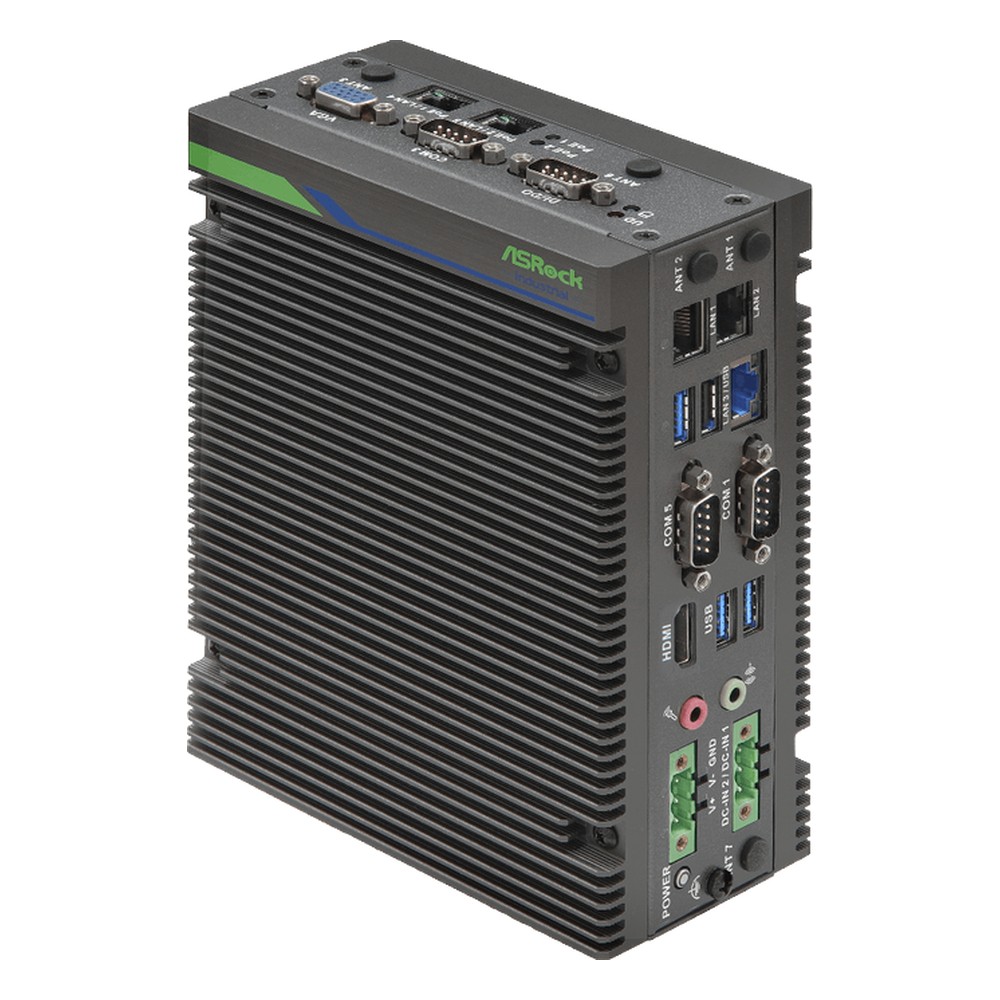
iEP-7040E ASRock Industrial DIN Rail IPC
Chosen for cabinets that pair inference with plant signals, running a Core Ultra 7 255H and its NPU on DIN rail with three serial ports, 4DI/4DO and In-Band ECC DDR5.
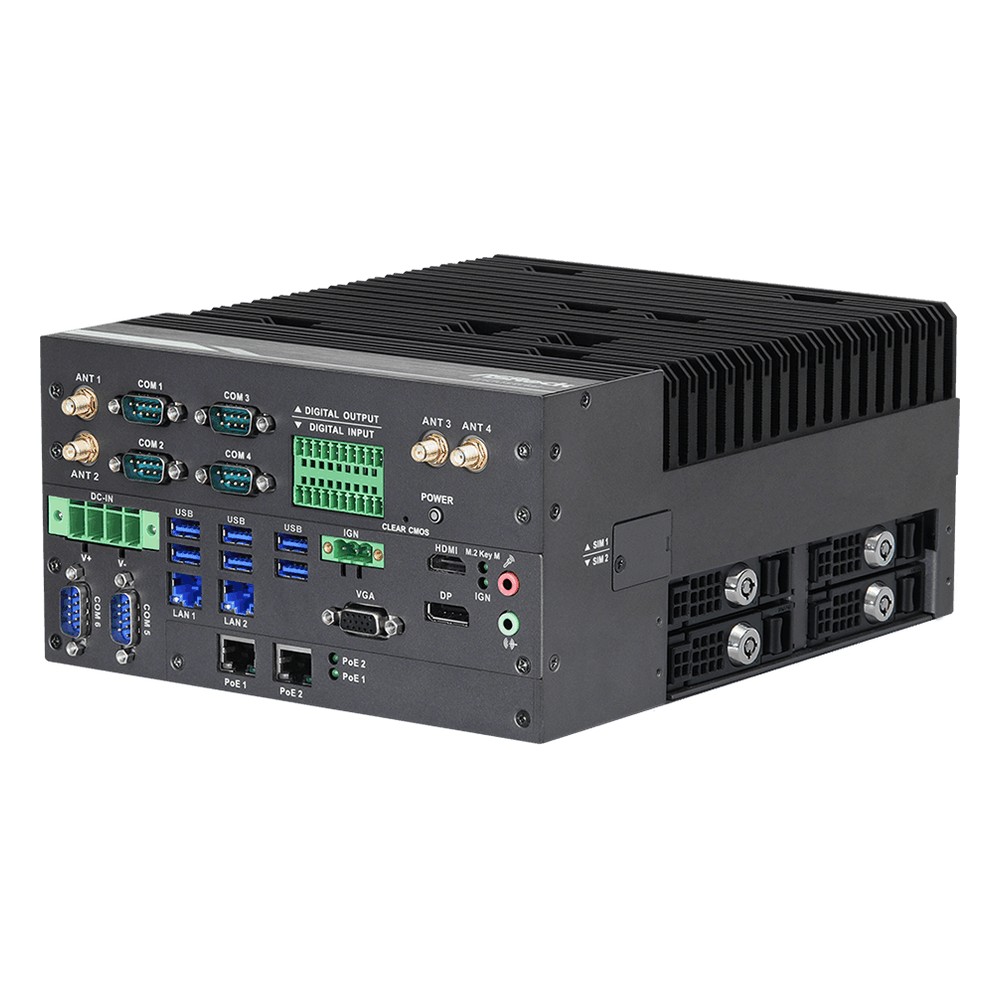
iEP-9042E ASRock Industrial Fanless IPC
Picked for line-side and vehicle jobs that need PoE and ignition more than a big port count, on Core Series 2 Bartlett Lake with H610 and two PoE+ ports among four 2.5GbE.
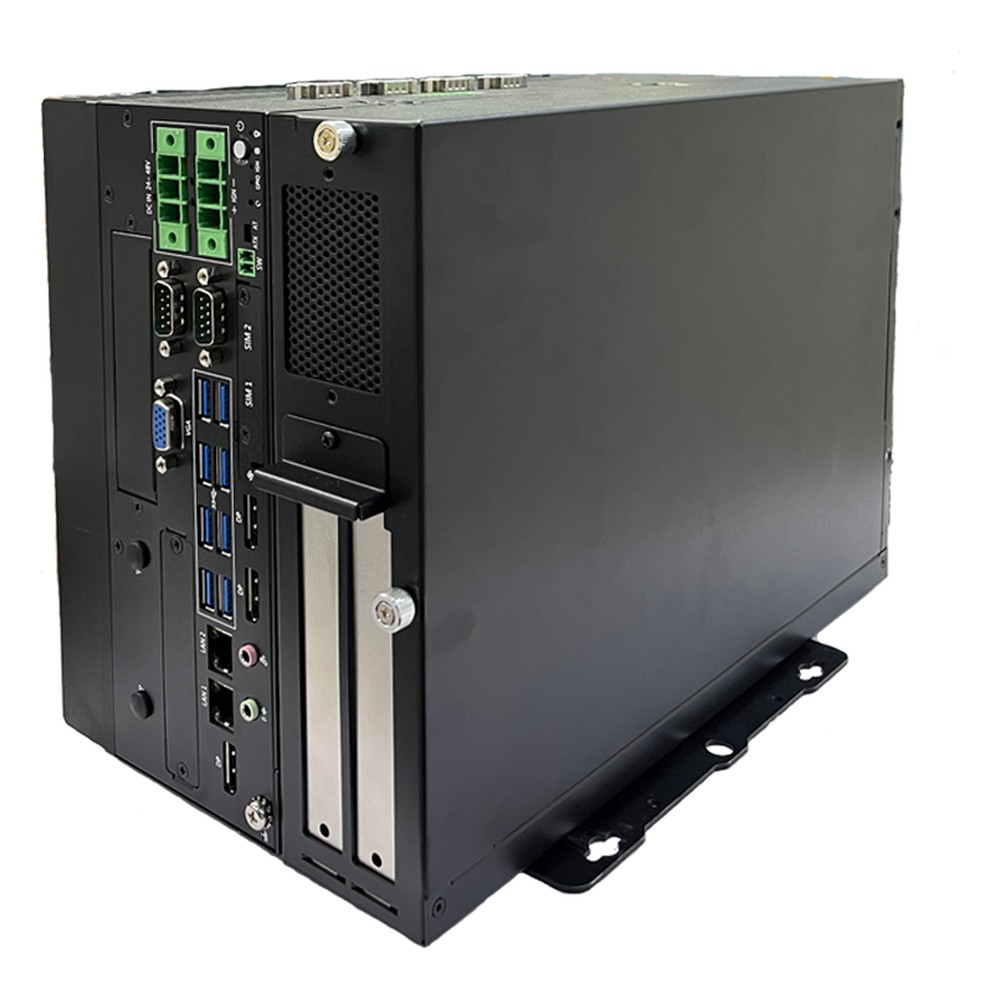
SE-5010 Arestech Industrial Computer
Our pick when an industrial PC must carry a graphics card as well as plant I/O: socketed 14th Gen Core on R680E with a PCIe x16 GPU slot, six COM ports and isolated DIO.
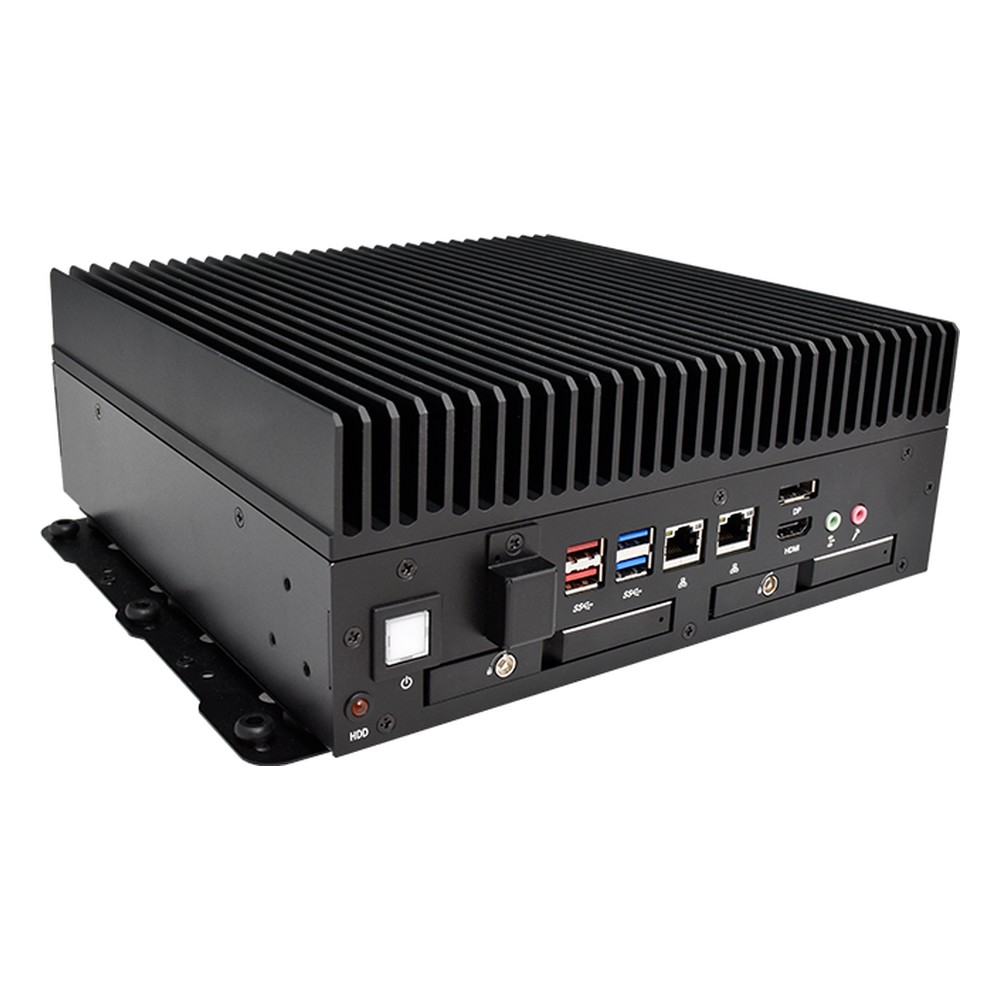
SB-5516 Arestech Industrial Box PC
Chosen for defect detection and motion control cells moving to Core Ultra 200S, using its NPU for inference alongside removable SSD trays and an optional block of 16 isolated inputs and 16 outputs.
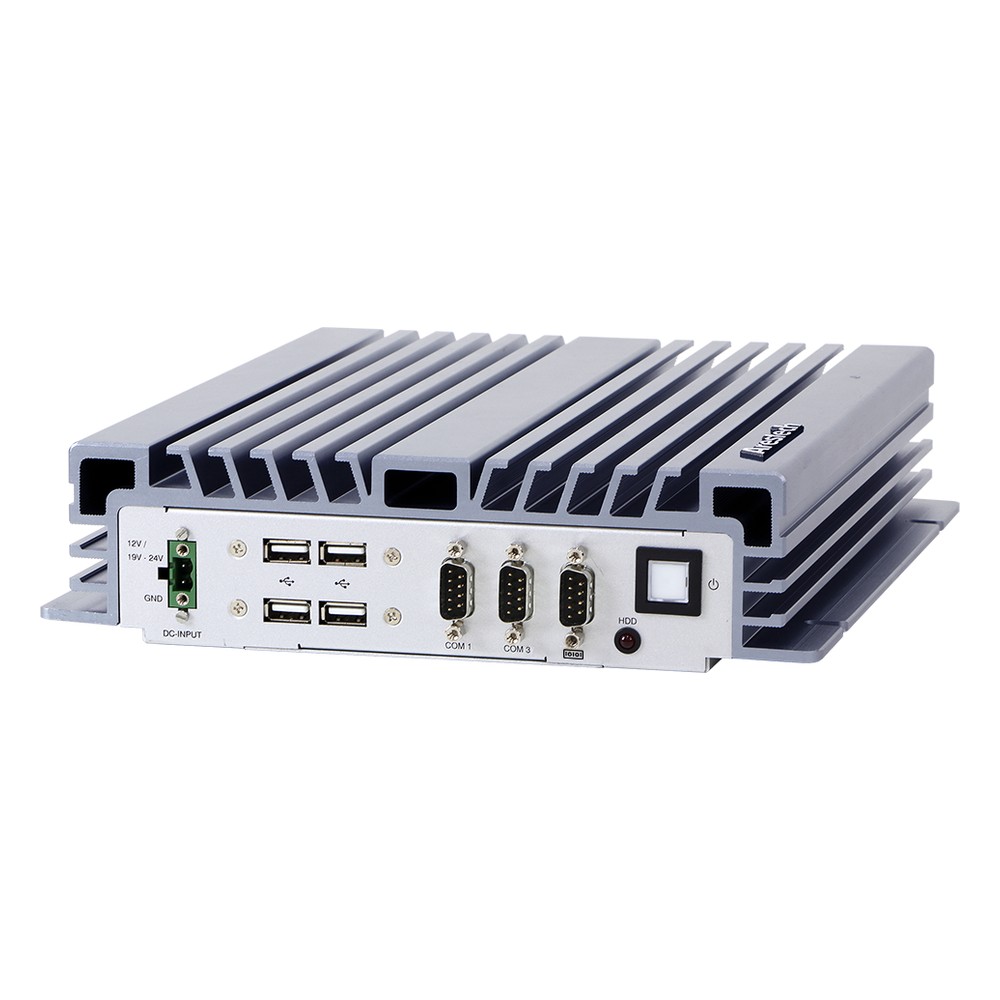
BPC-5112 Arestech Compact PC
Picked for vision and automation cells that need socketed Core performance in a small chassis, taking Core Series 2 or 14th Gen processors in LGA1700 with three displays and four M.2 slots.
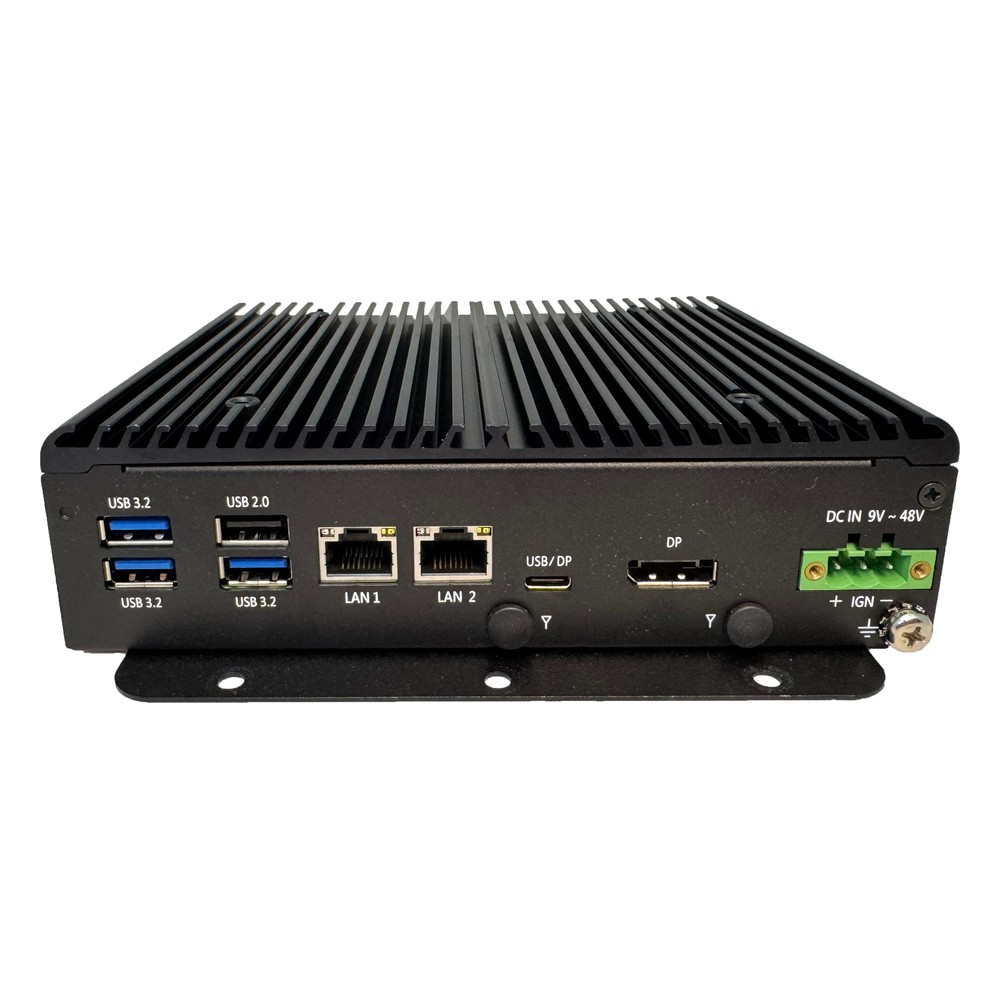
PM-2200/2250 Arestech Industrial Embedded Computer
Selected for HMIs and kiosks built from modules, with an Intel N97 or eight-core Core i3-N305 behind two 2.5GbE ports, isolated DIO and operation from −40 to 70 °C.
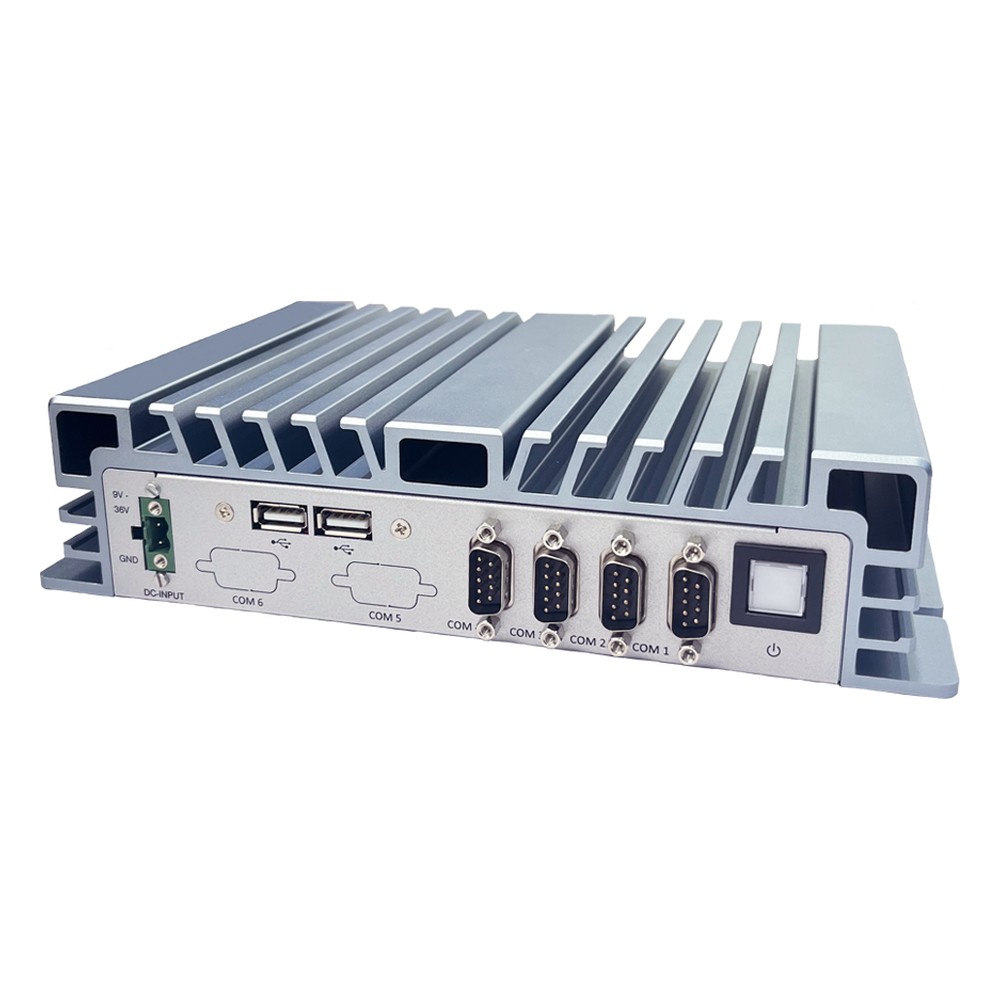
BPC-3064 Arestech DIN Rail PC
A practical choice for retrofit data collection, putting four COM ports beside dual GbE or dual 2.5GbE on a fanless Celeron J6412, with a cellular M.2 slot on one version.
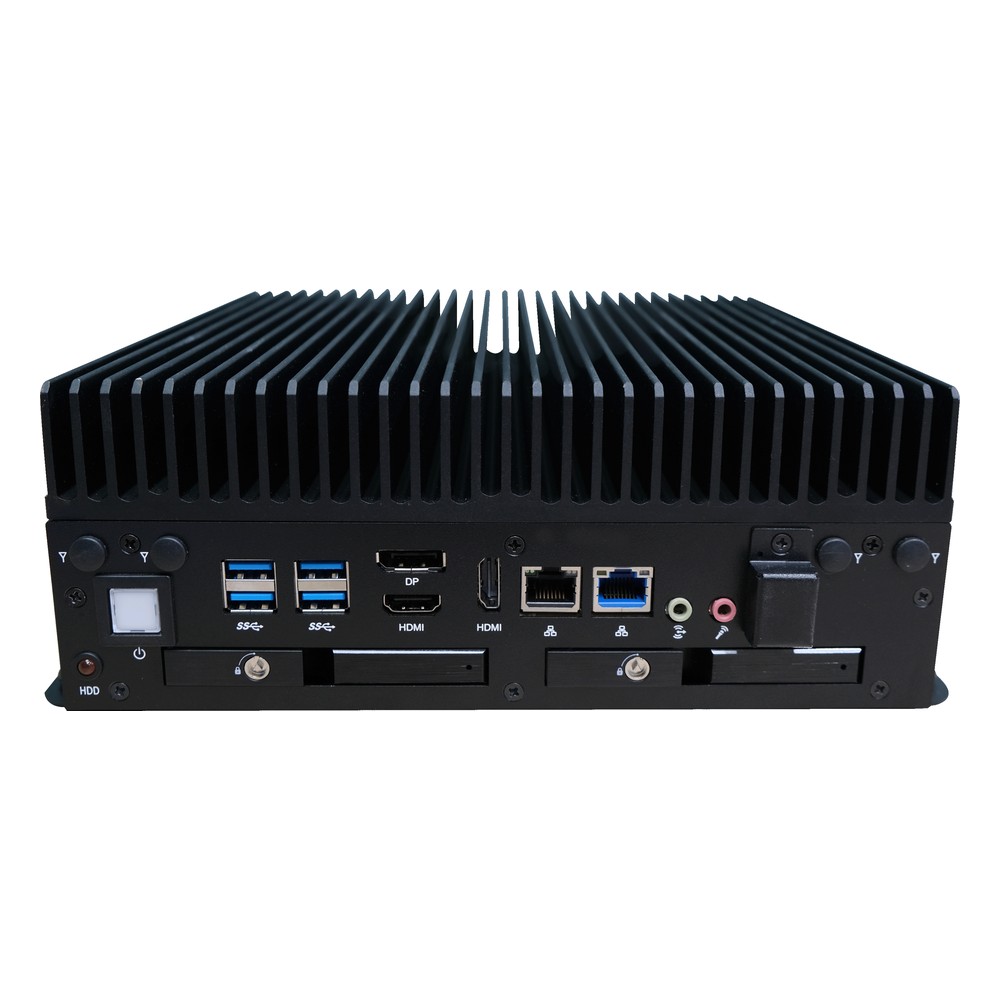
SB-5512 Arestech Fanless Industrial PC
Picked for industrial vision on the Bartlett Lake platform, with a socketed Core Series 2 or 14th Gen processor, three display outputs and two flexible I/O windows for extra ports.
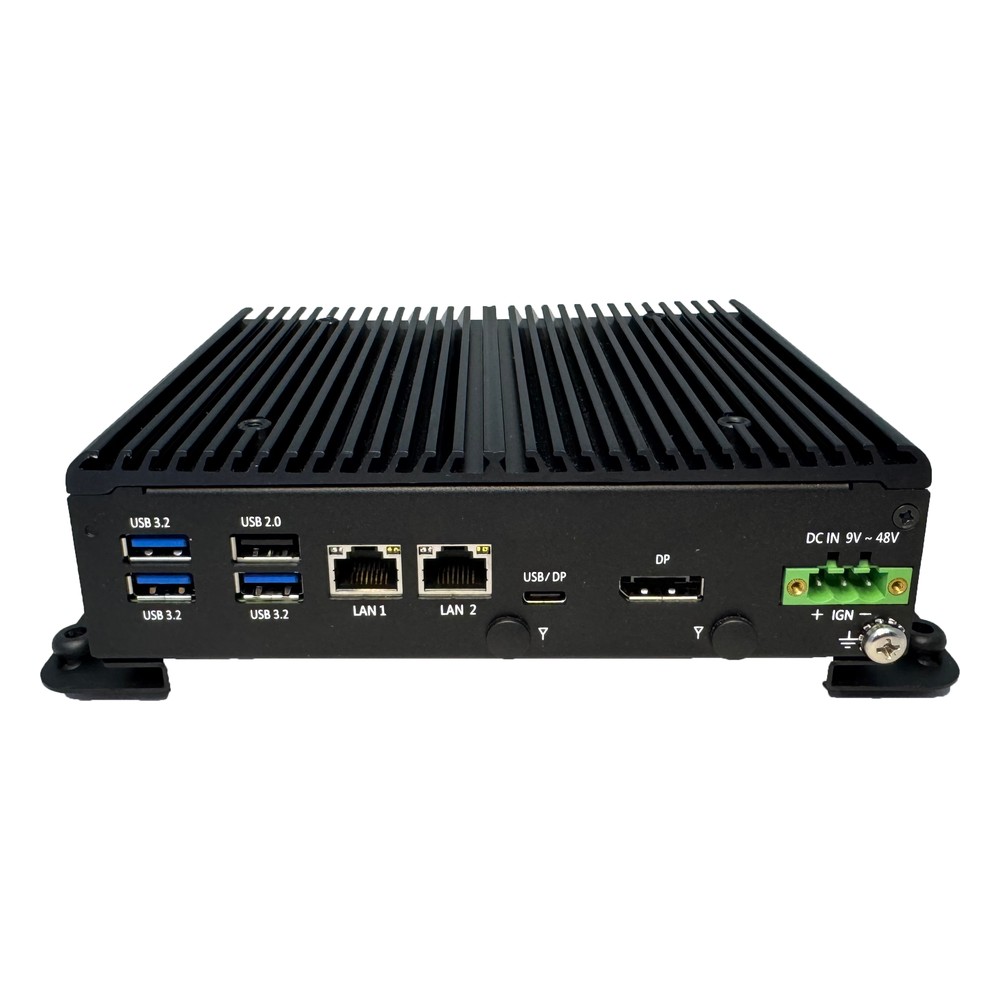
CB-2210/2260 Arestech Rugged Industrial PC
A small rugged-leaning PC for carts and mobile machines, with a Twin Lake N150 or Core i3-N355, two DisplayPort outputs, TPM 2.0 and a removable SSD.
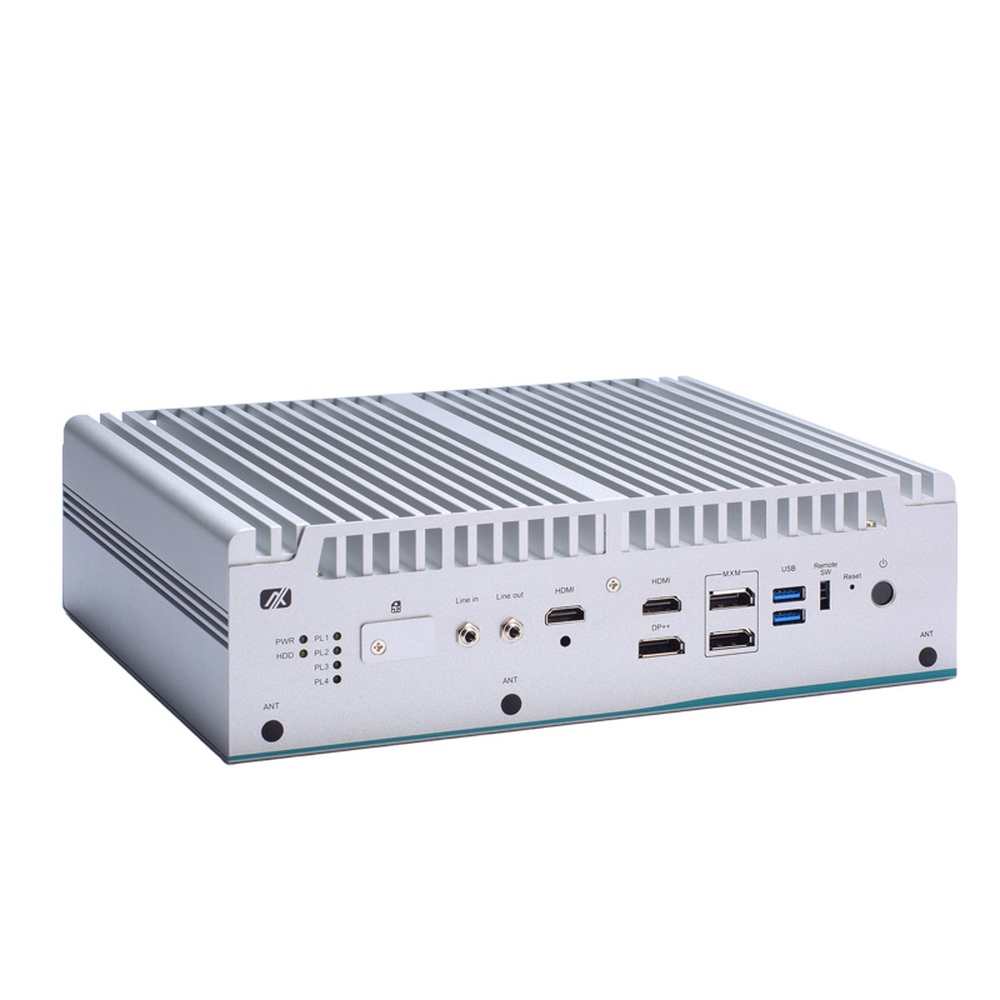
eBOX671B Axiomtek Industrial GPU Computer
Our pick for vision inspection that needs discrete graphics without a desktop card, taking an MXM 3.1 Type A GPU module beside 12th to 14th Gen Core processors and three 2.5GbE ports.
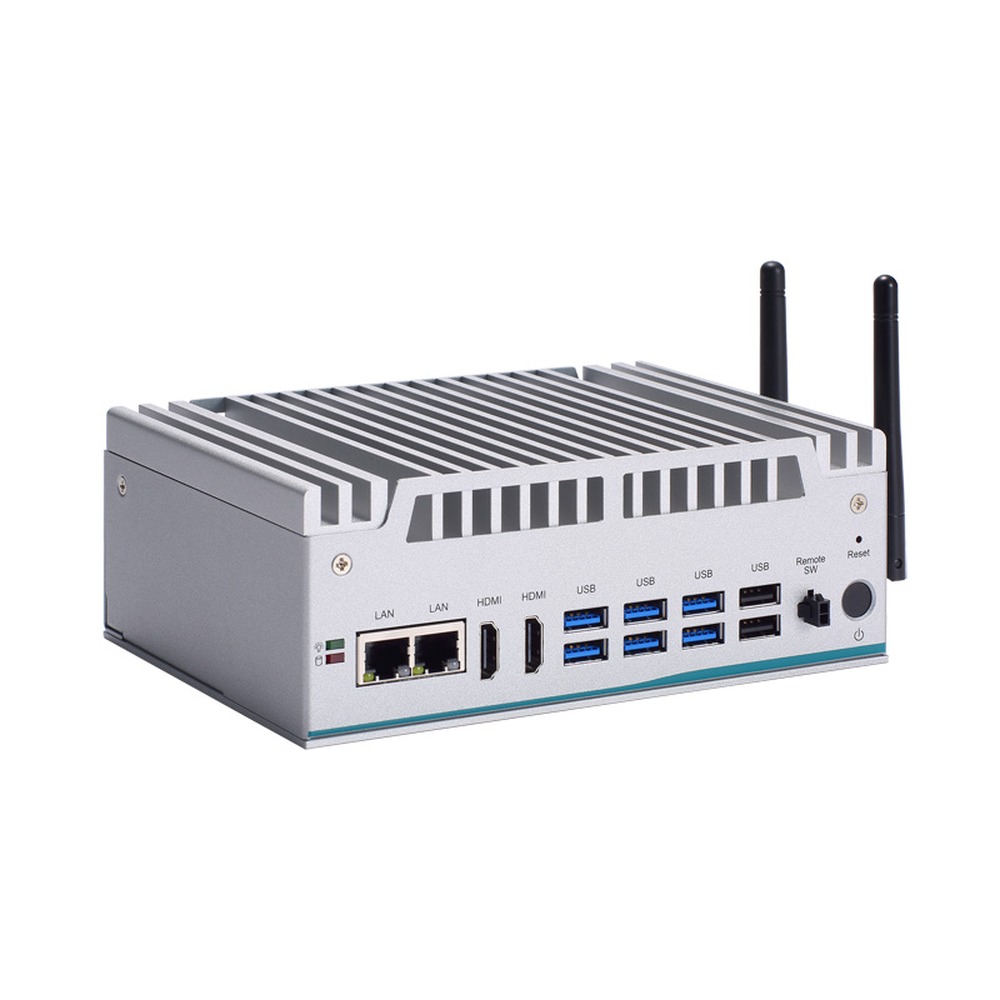
eBOX570 Axiomtek Industrial PC
Picked for mobile robots and machine control that start in the cold, running a 15 W 13th Gen Core i7, i5 or U300E fanless from −40 to 70 °C, with eight USB ports and two COM ports.
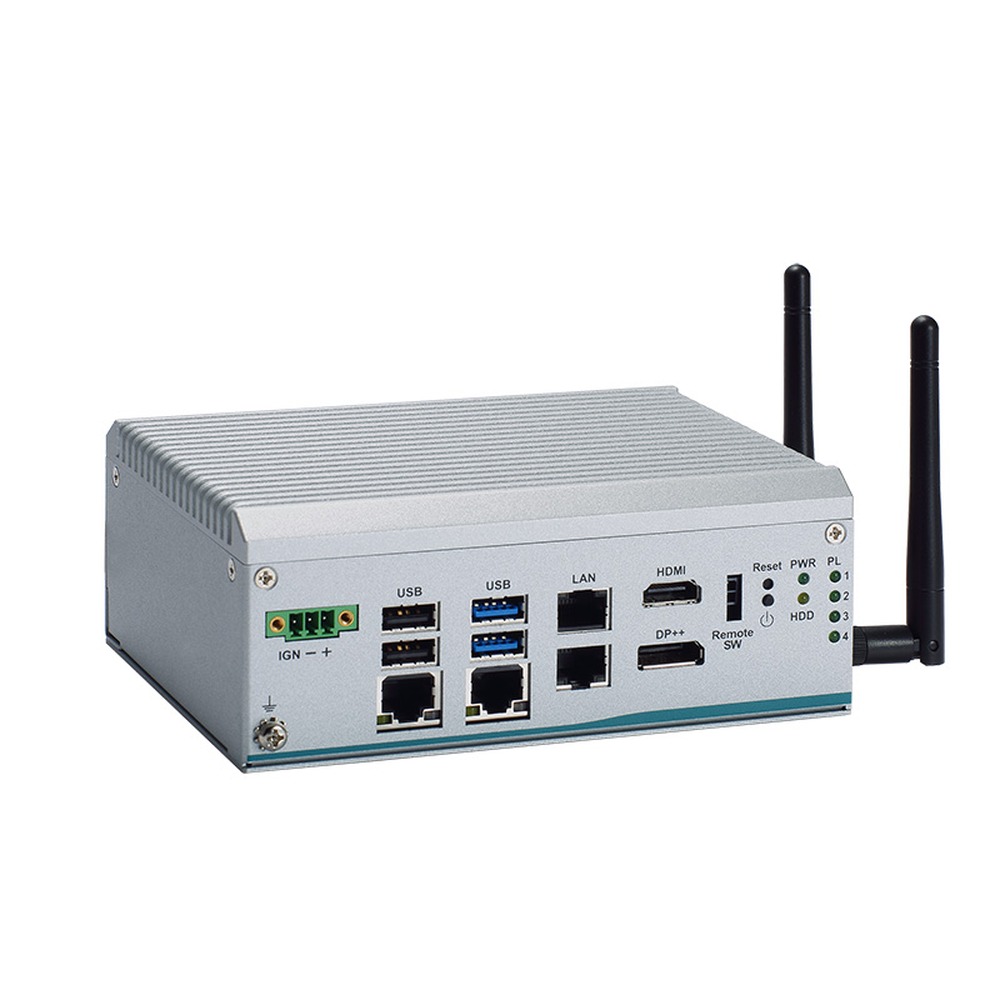
eBOX100A Axiomtek Compact PC
A straightforward fit for transport cabinets and machine gateways, with a quad-core Intel N97, two or four 2.5GbE ports and a 9 to 36 V DC input with ignition sensing.
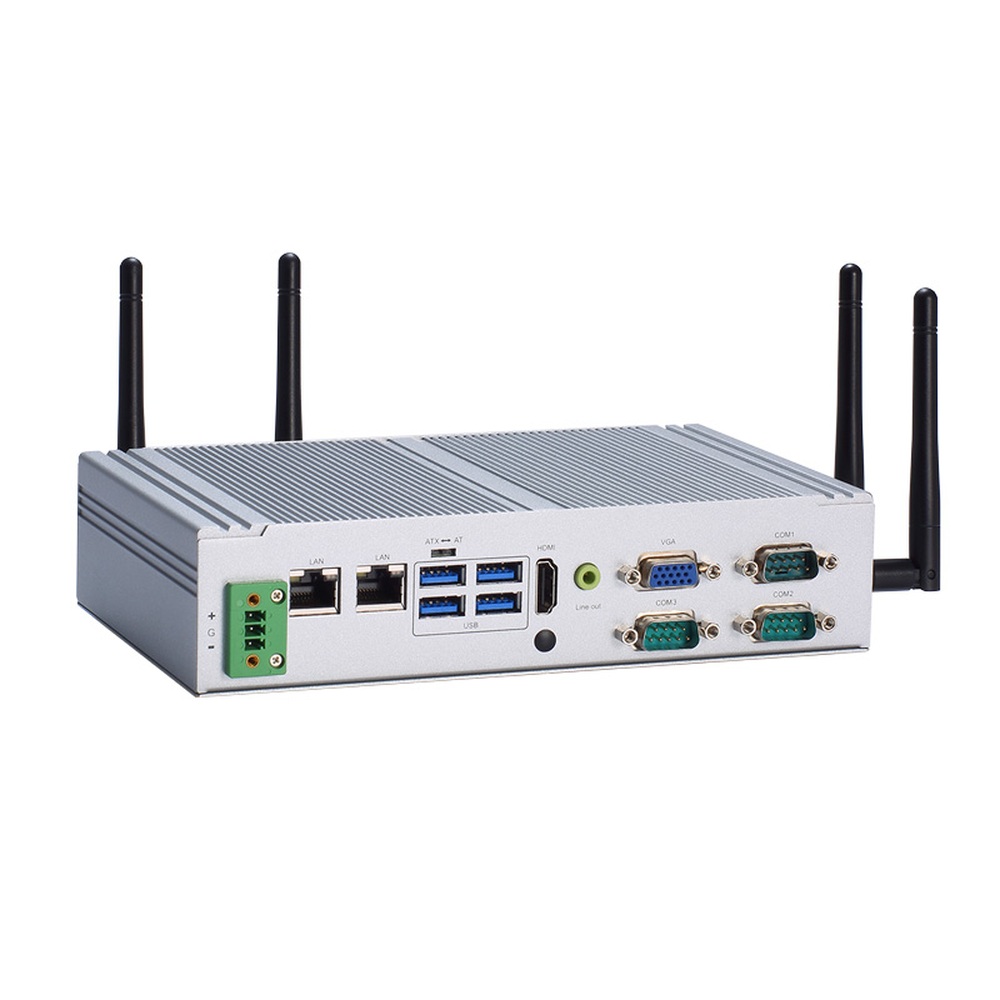
eBOX626A Axiomtek Industrial Embedded Computer
Picked for upgrades where the old PC sat in a shallow space, keeping VGA and three COM ports beside 2.5GbE on a fanless Celeron J6412 low-profile chassis.
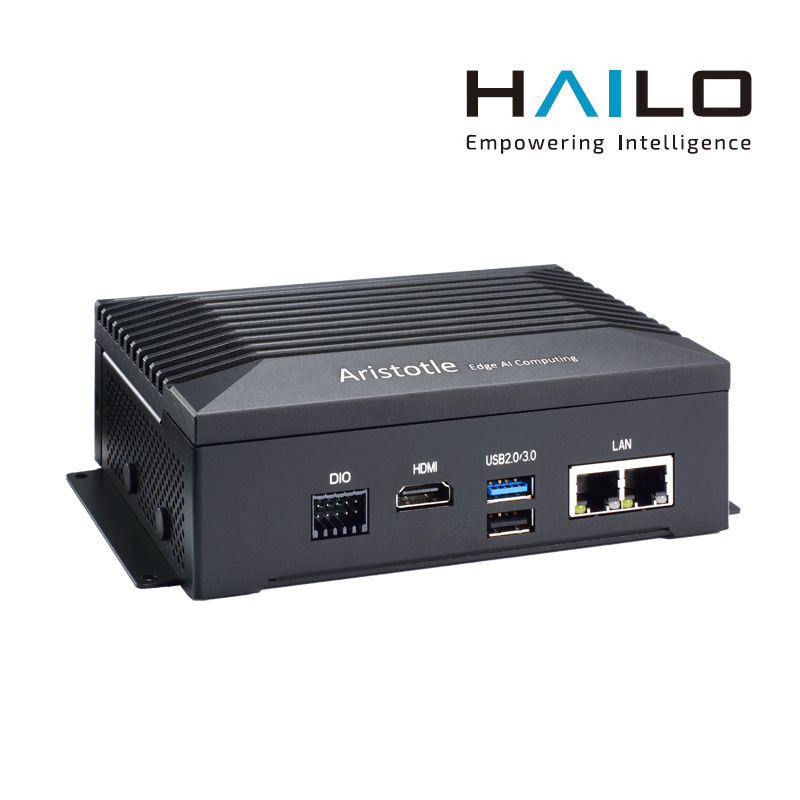
RSC101 Axiomtek Edge Computer
Selected for camera analytics where a GPU is overkill, splitting work between a Celeron J6413 and a Hailo-8 accelerator of up to 26 TOPS, with 8-channel DIO and 5G or Wi-Fi slots.
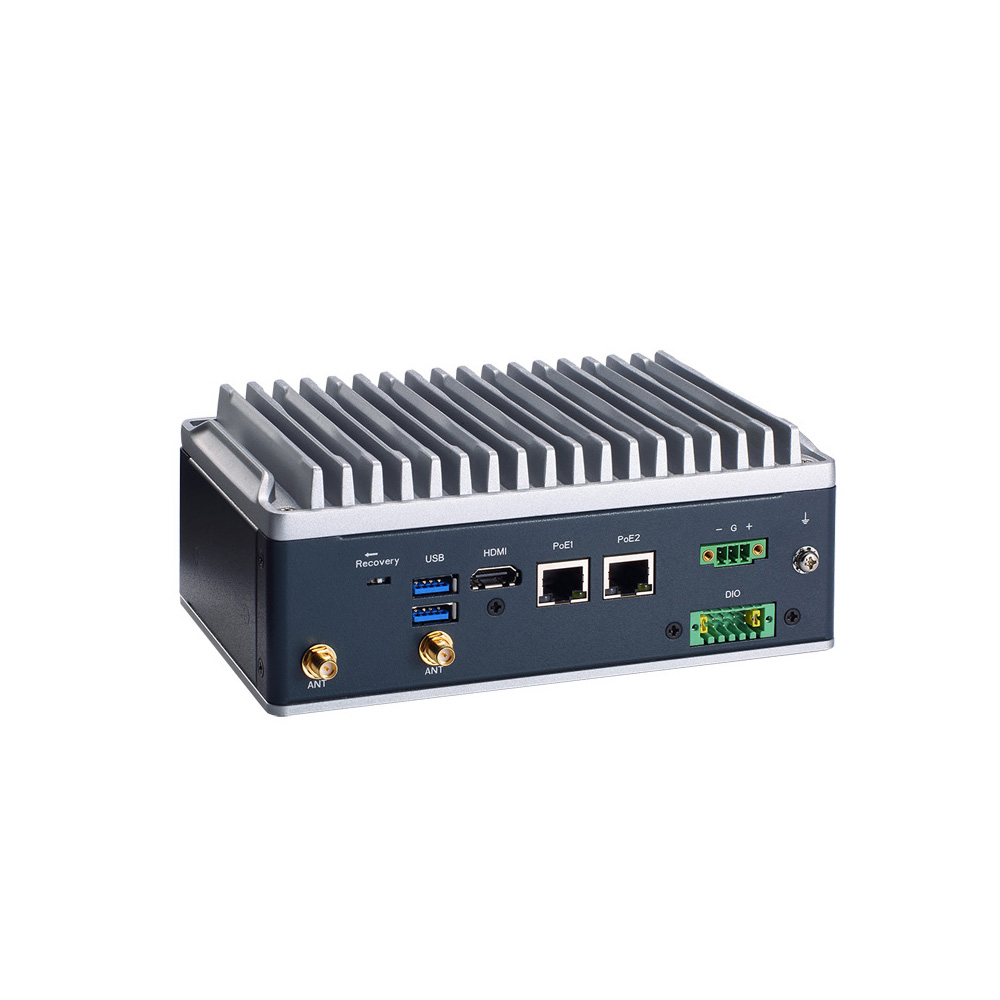
AIE510-ONX Axiomtek Industrial Box PC
Picked for robots and vehicles that want Jetson in an industrial box, with an Orin NX 16GB, a PoE GbE port for a camera, 2.5GbE and an ignition-aware power input.
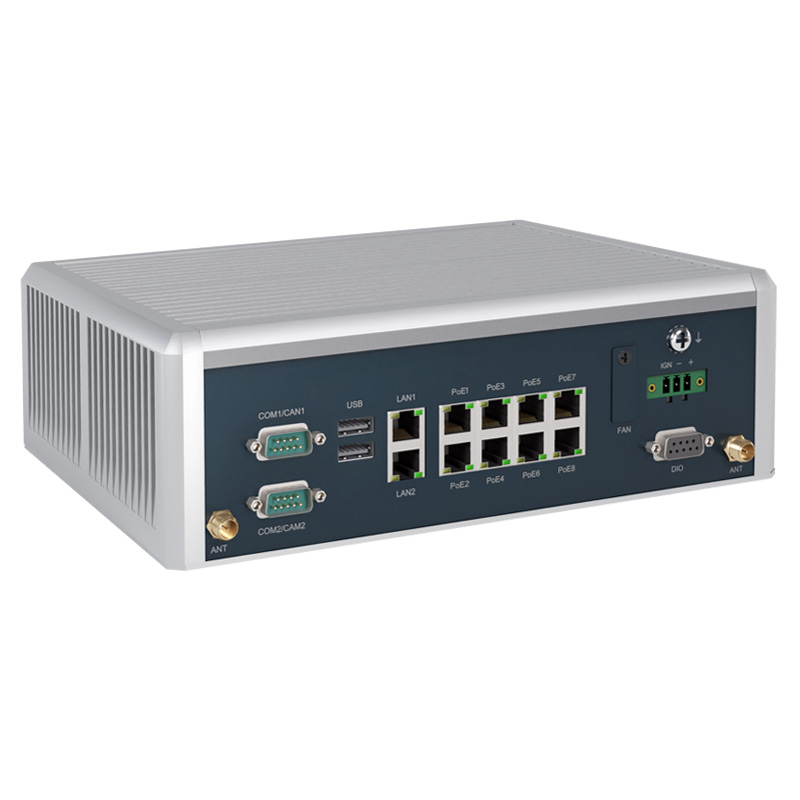
AIE900A Axiomtek Industrial Computer
Chosen for large autonomous machines that feed many cameras into one computer, with eight PoE ports and two 2.5GbE on Jetson AGX Orin 32GB in a fanless case.
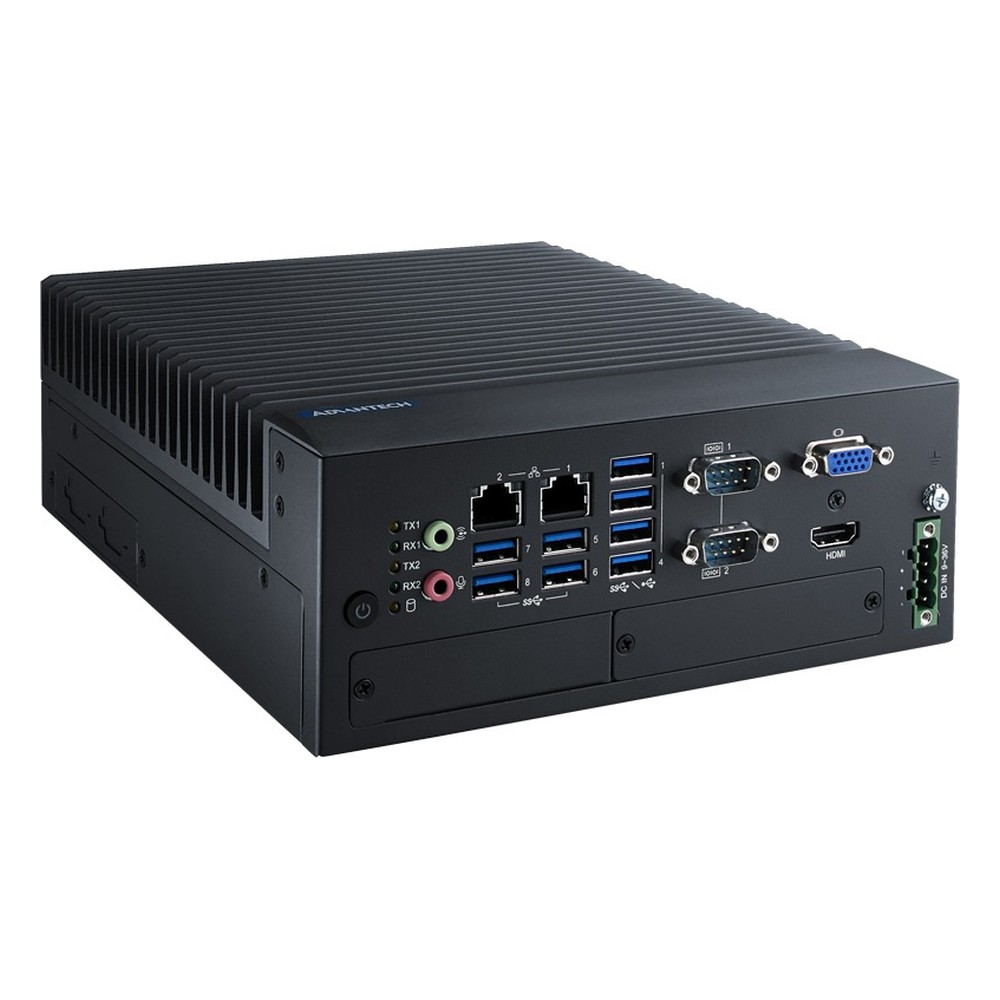
MIC-770 V3 Advantech Industrial PC
Our pick for test stands and machine control that need socketed performance, taking 12th to 14th Gen Core or Core Series 2 on R680E or H610E, with i-Module PCIe expansion on Extreme models.
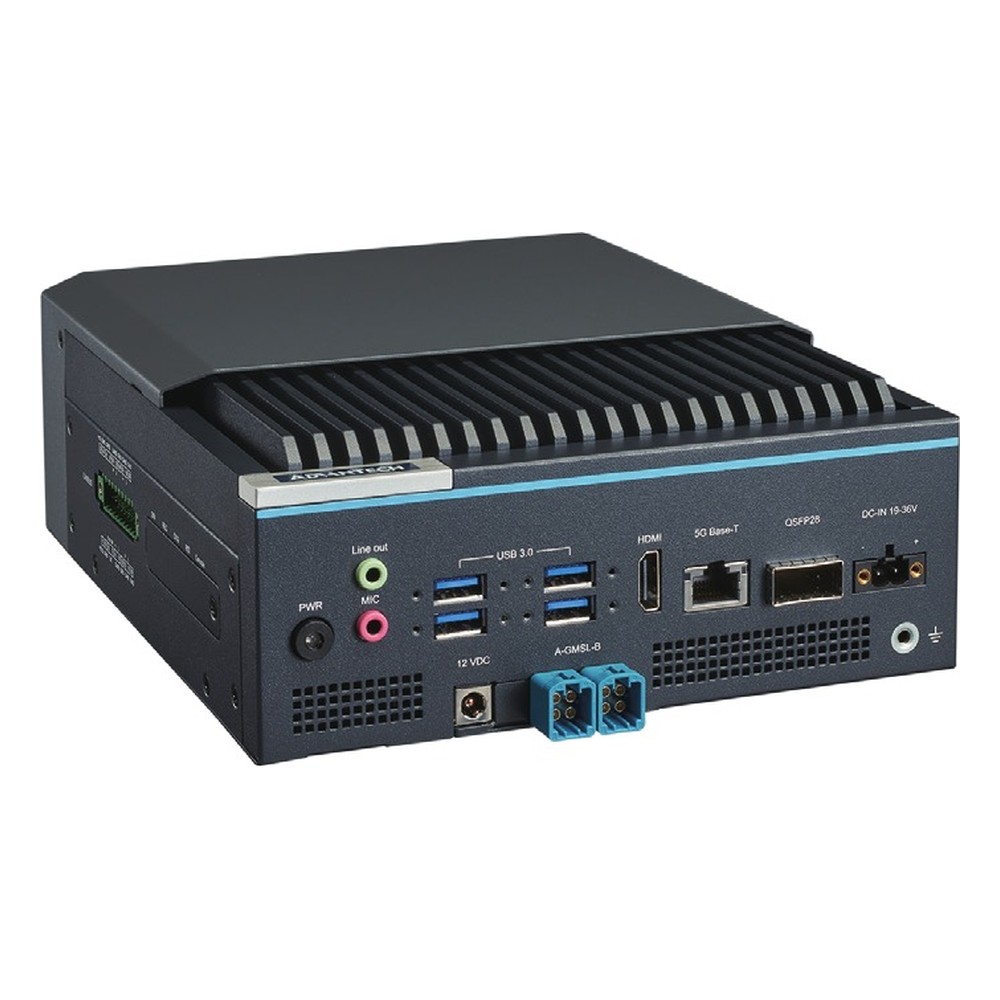
MIC-742-AT Advantech Edge Computer
Chosen for robotics and multi-camera inspection moving to Jetson Thor, with T5000 or T4000 modules, up to four 25GbE links on one QSFP28 port and an optional eight-channel GMSL2 frame grabber.
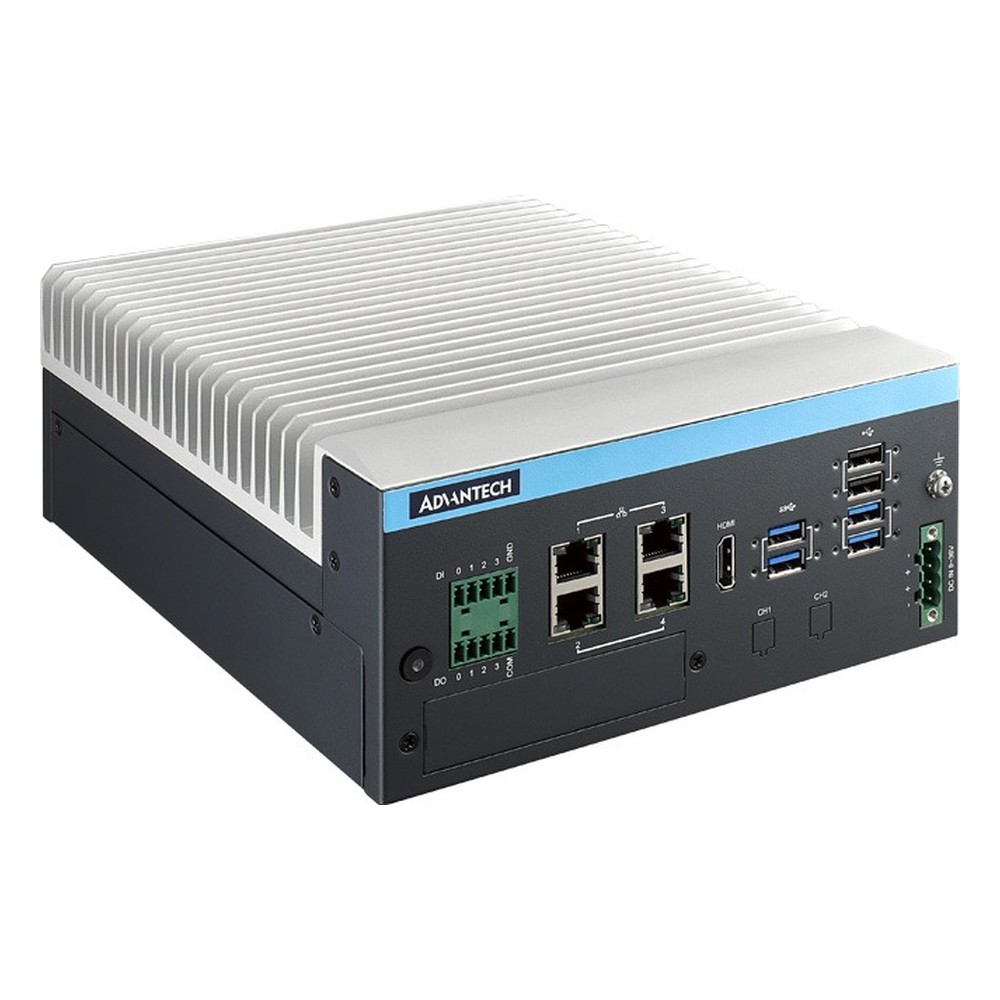
MIC-733-AO Advantech Industrial Computer
A good fit for robot guidance and multi-camera vision on Jetson AGX Orin 32GB or 64GB, with four GbE ports, dual mPCIe sockets and an optional PCIe expansion module.
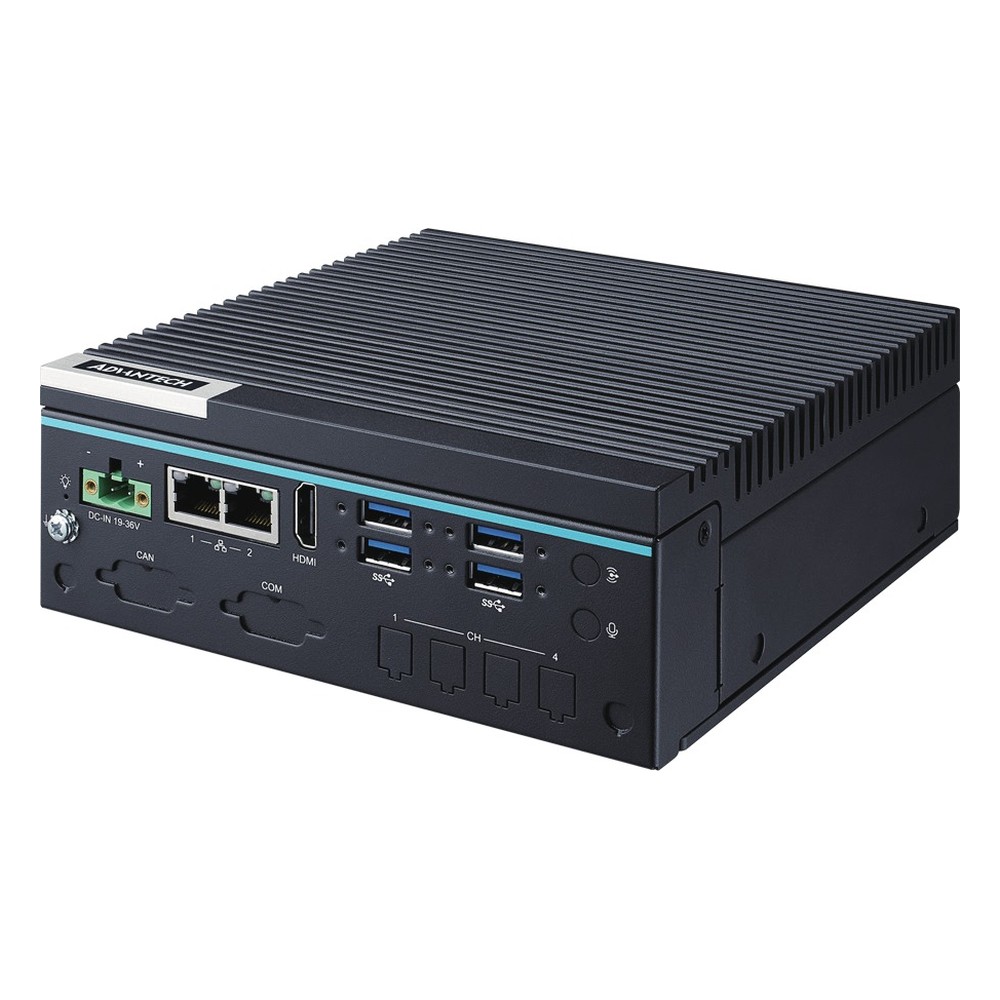
MIC-712 Advantech Industrial Box PC
Picked for security video and mobile equipment, running Jetson Orin NX or Orin Nano fanless from −25 to 70 °C, with six PoE ports on P versions and built-in out-of-band management.
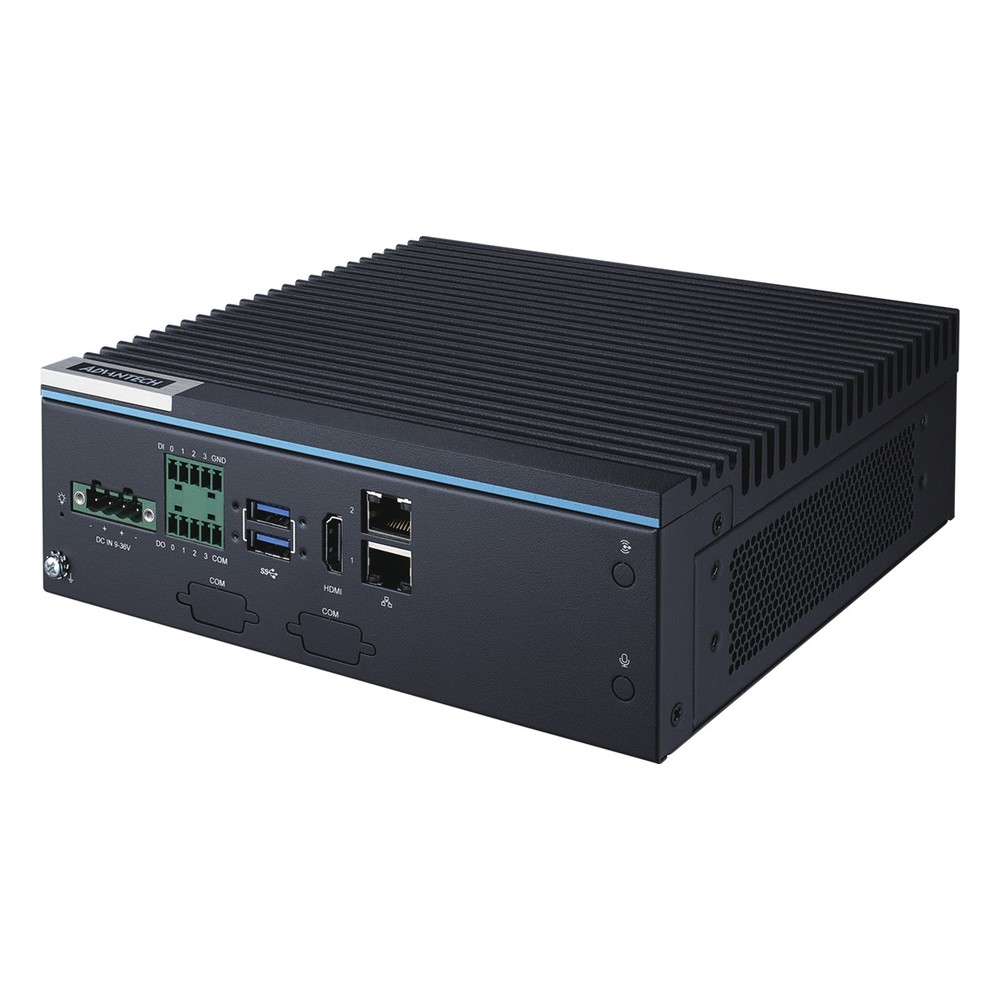
MIC-713 Advantech IPC
Selected for line-side analytics and robot cells on Jetson Orin NX or Orin Nano, with CAN FD, four isolated digital inputs and outputs and six USB 3.2 Gen 2 ports.
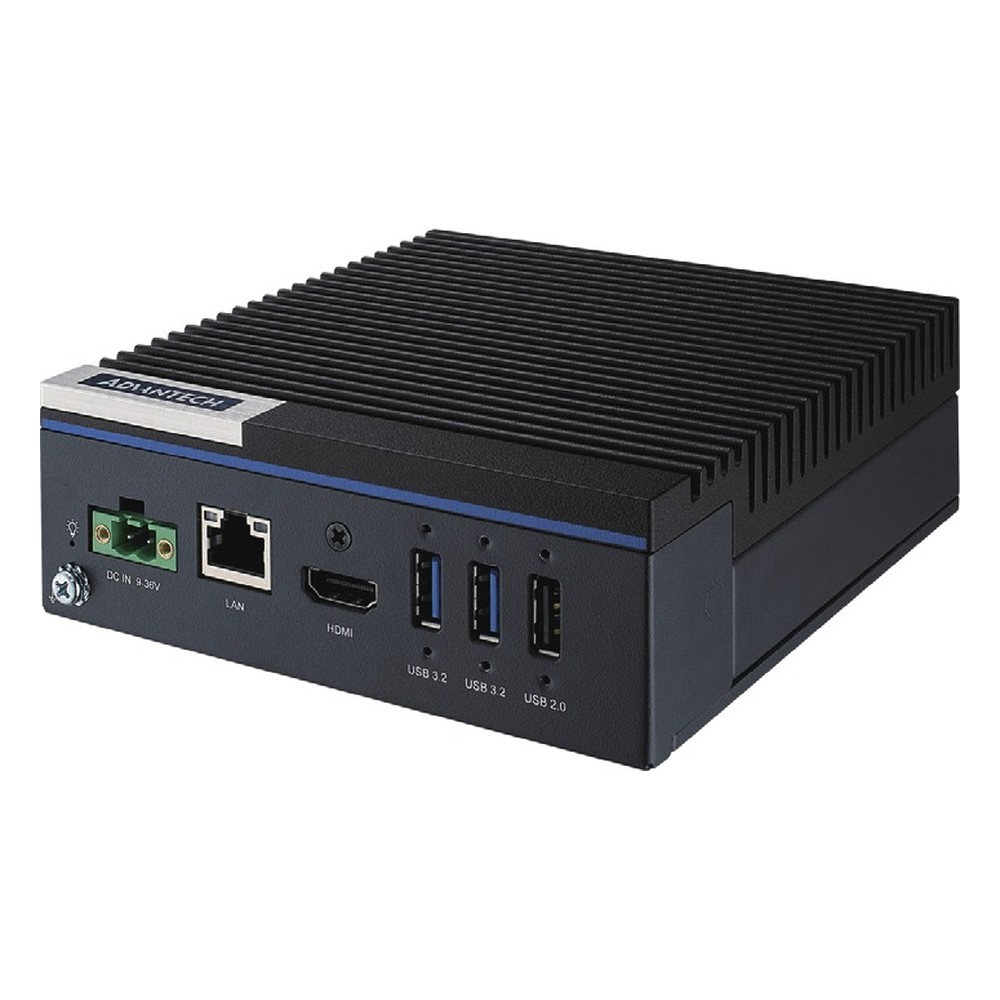
MIC-711-OX Advantech Compact PC
A small Jetson industrial PC for single-camera stations, with an Orin NX 8GB or 16GB, mPCIe, an M.2 slot for a 5G modem and a 9 to 36 V DC input.
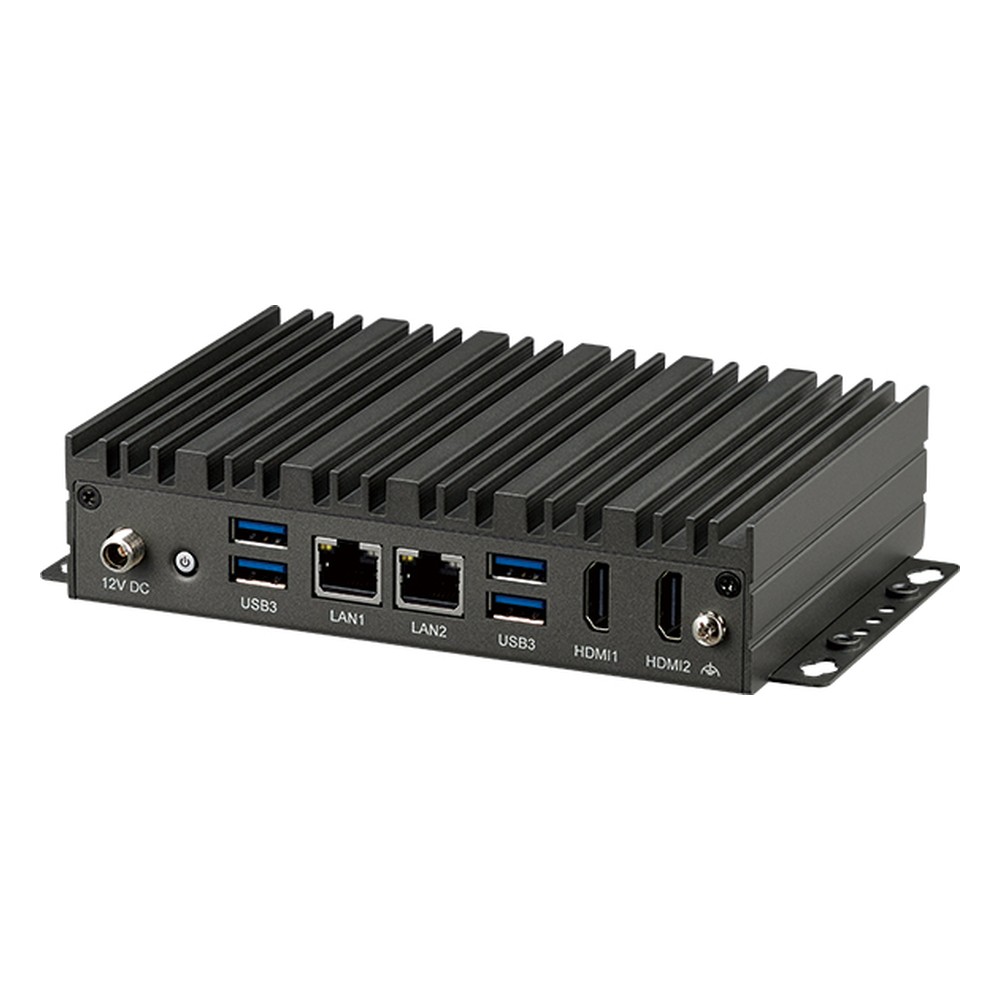
Neu-X102 Nexcom Industrial PC
Our choice for gateways and kiosks that want eight cores in a small fanless box, offering the Core i3-N305, N97 or N50 with two 2.5GbE ports and dual 4K HDMI.

NISE 70 Nexcom Industrial Computer
Chosen for multi-screen control and Modbus gateways on Tiger Lake, driving four HDMI outputs from a Core i7-1185G7E, Core i5 or Celeron, with three Intel GbE ports and TPM 2.0.
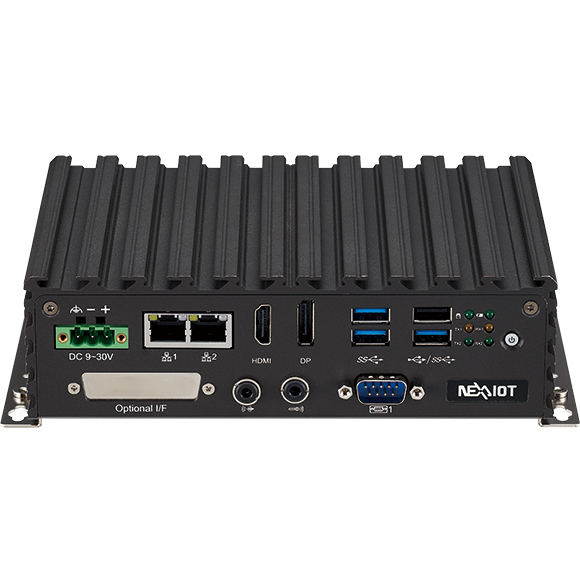
NISE 109 Nexcom IPC
Selected for factory lines full of serial devices, with four COM ports, two Intel I210-IT GbE ports and a 9 to 30 V DC input on an Elkhart Lake Atom or Celeron.
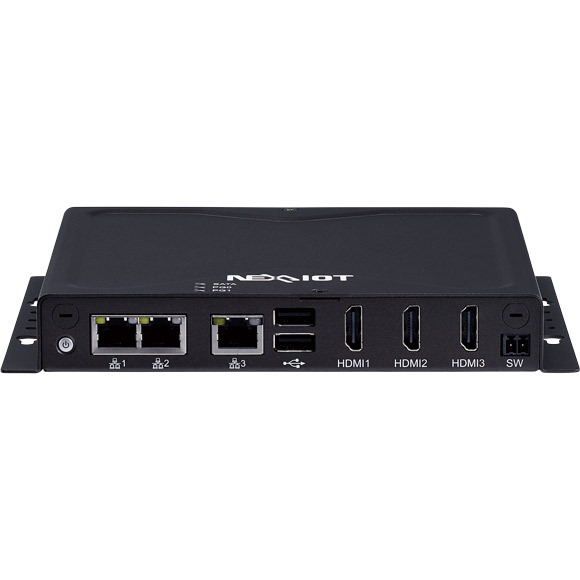
NISE 53 Nexcom Compact PC
A low-power option for automation and smart city IoT, with three GbE ports, three HDMI outputs and two RS-232/485 ports on a Celeron J6413 or Atom x6211E, fanless.

Neu-X101-6C-DC Nexcom Industrial Box PC
Picked for pay stations, access panels and vending machines full of serial devices, with six front COM ports, dual GbE and a 9 to 24 V DC input on a Celeron J3455.
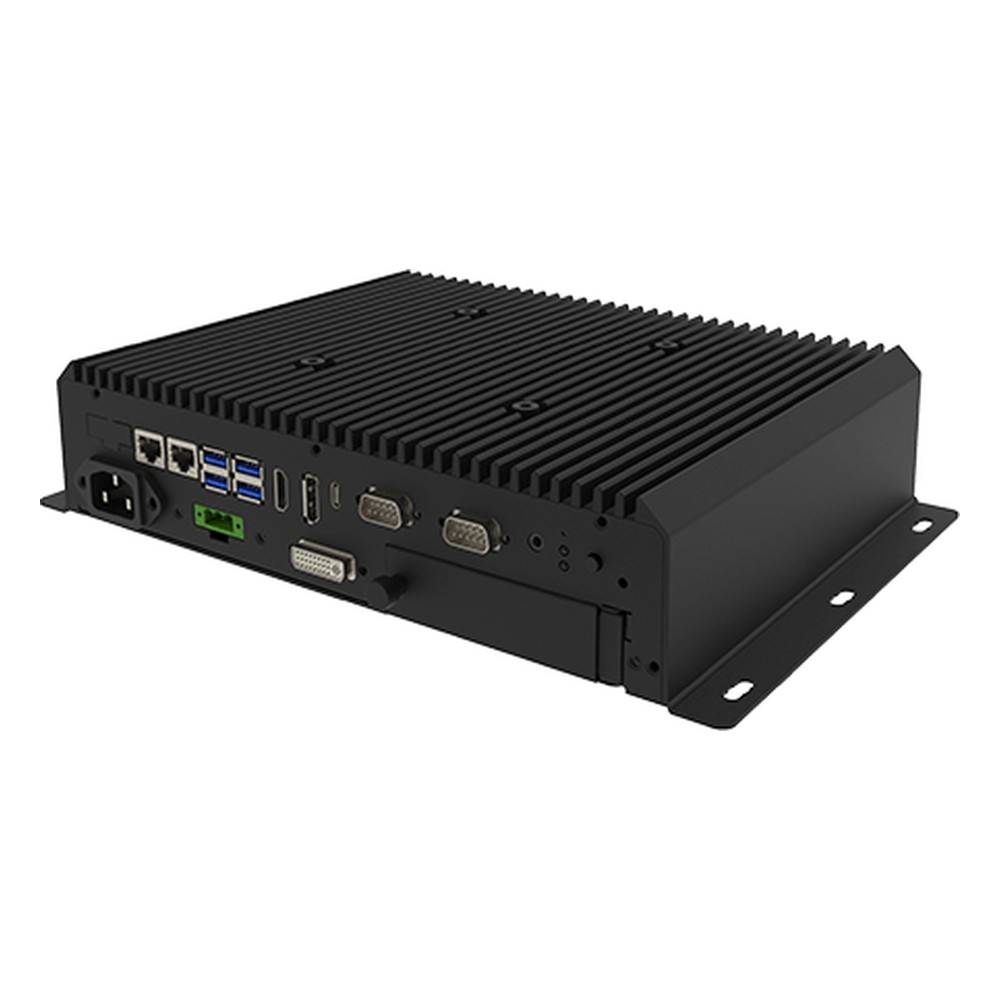
I330EAC-IMT Winmate Industrial Computer
Our pick for ships and coastal plant that need Core Ultra in a fanless box, with eight NMEA 0183 ports on the I330EAC-IMT and six Gigabit LAN ports on the -6L version.
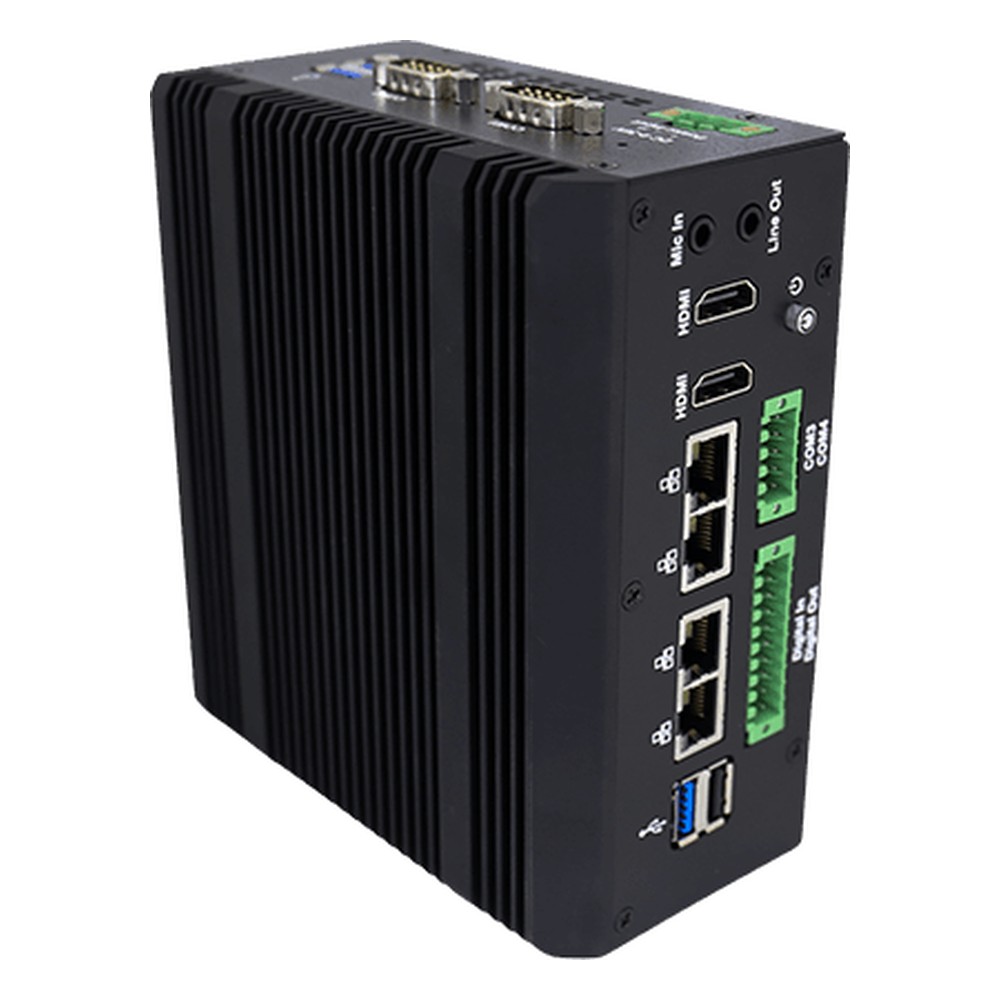
IRDRW500 Winmate DIN Rail PC
Chosen for inference in the cabinet beside the PLC, clipping a 13th Gen Core i5-1335U onto DIN rail with four 2.5GbE ports and an optional Hailo-8 AI module, rated −20 to 60 °C.
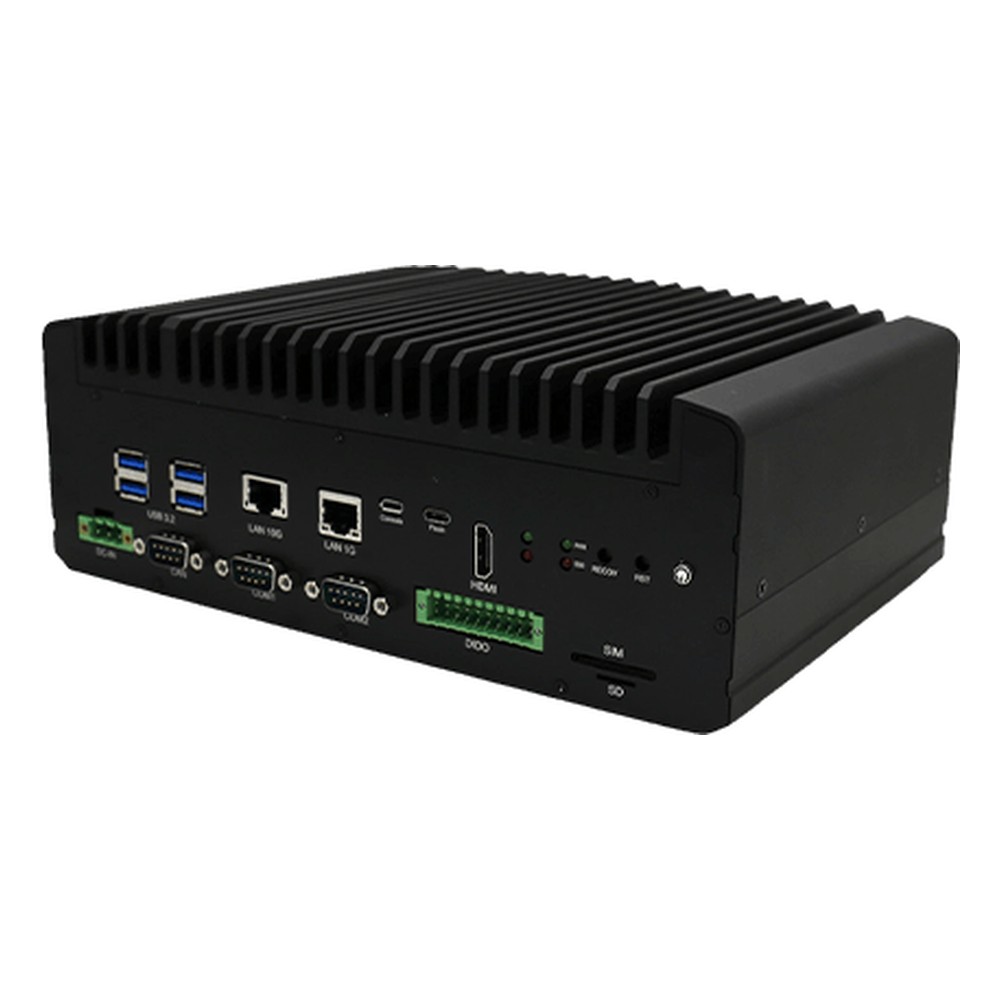
WNAI-E600 Winmate Edge Computer
Picked for vision cells and vehicle test rigs that run heavy inference, with a Jetson AGX Orin module of up to 275 TOPS, 10GbE and optional GMSL2 camera inputs, fanless.
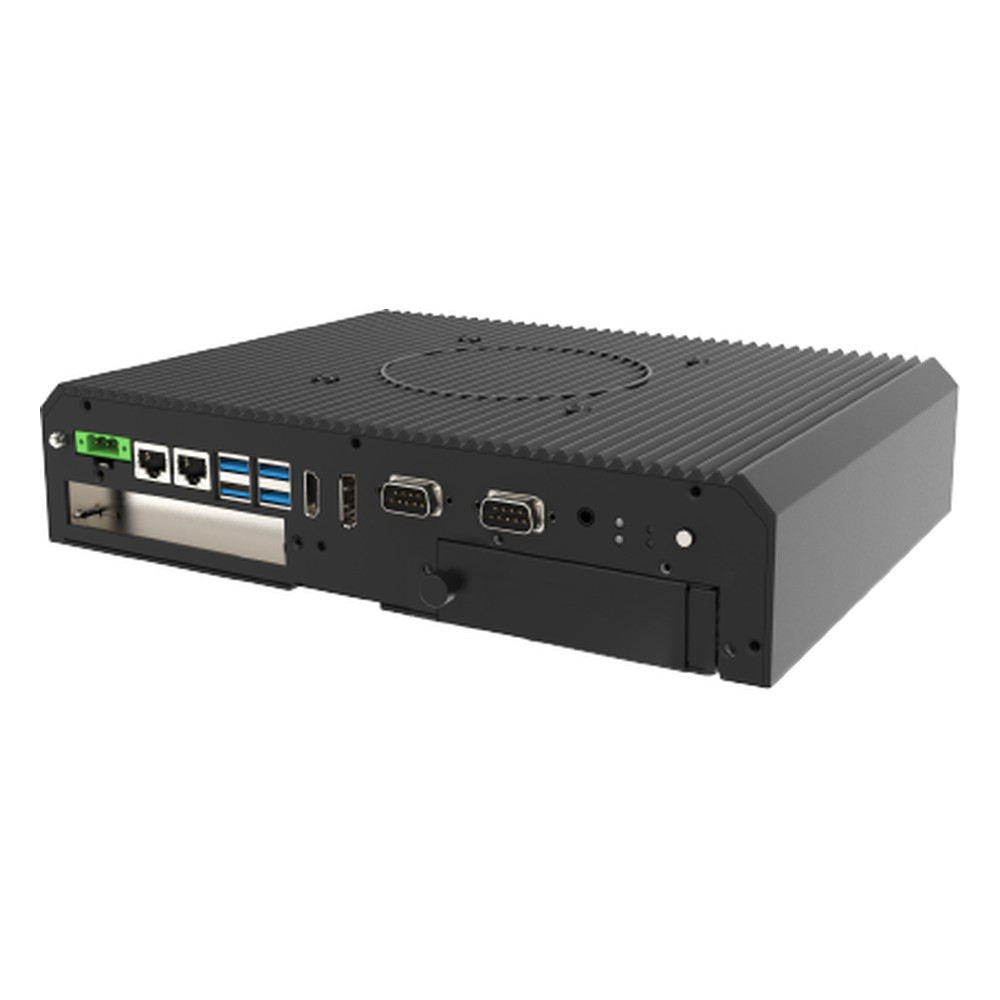
ITMH100 Winmate Industrial Box PC
Selected when a fanless box still needs a capture or fieldbus card, keeping a PCIe slot beside an 11th Gen Core i5-1135G7, with six Gigabit LAN ports on the -6L model.
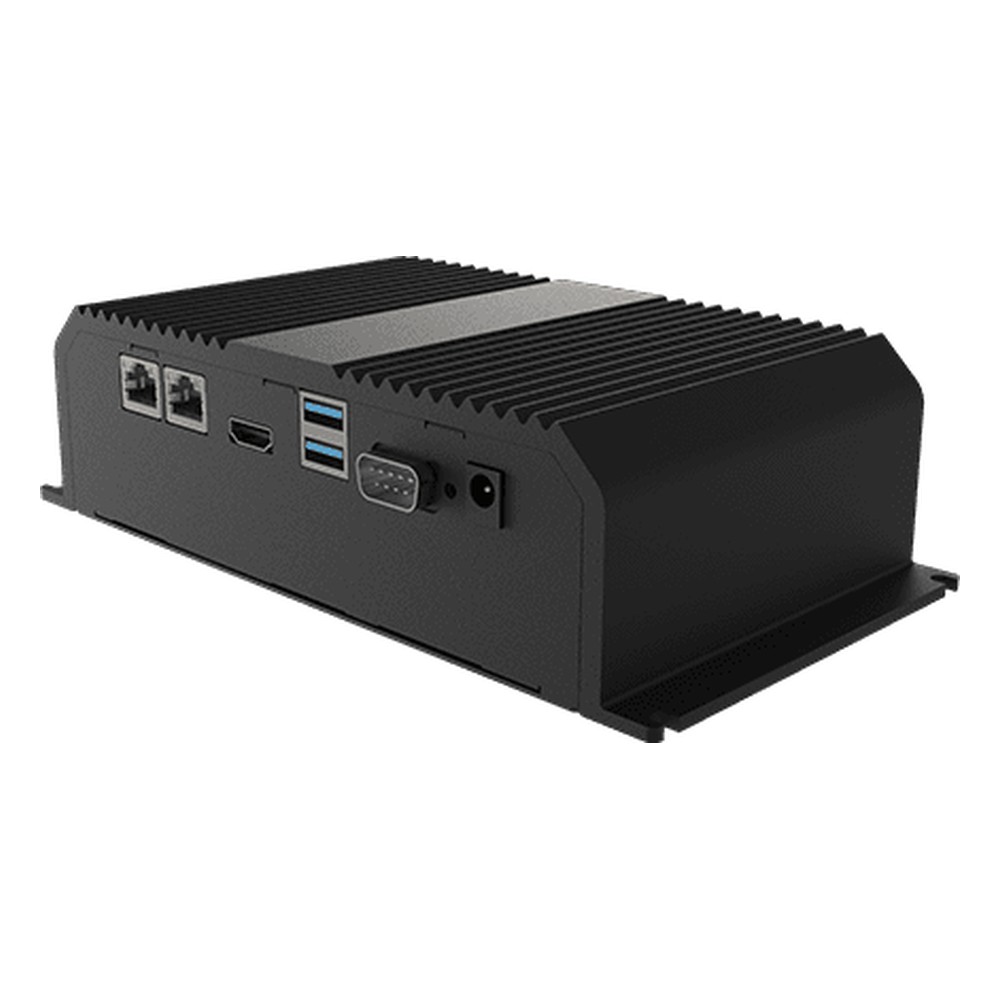
IE32SB3-101 Winmate Fanless Industrial PC
A quiet low-power pick for protocol gateways and line data collectors, with an Elkhart Lake Celeron N6211, TPM 2.0 and dual 2.5GbE, or six LAN ports on the -6L version.
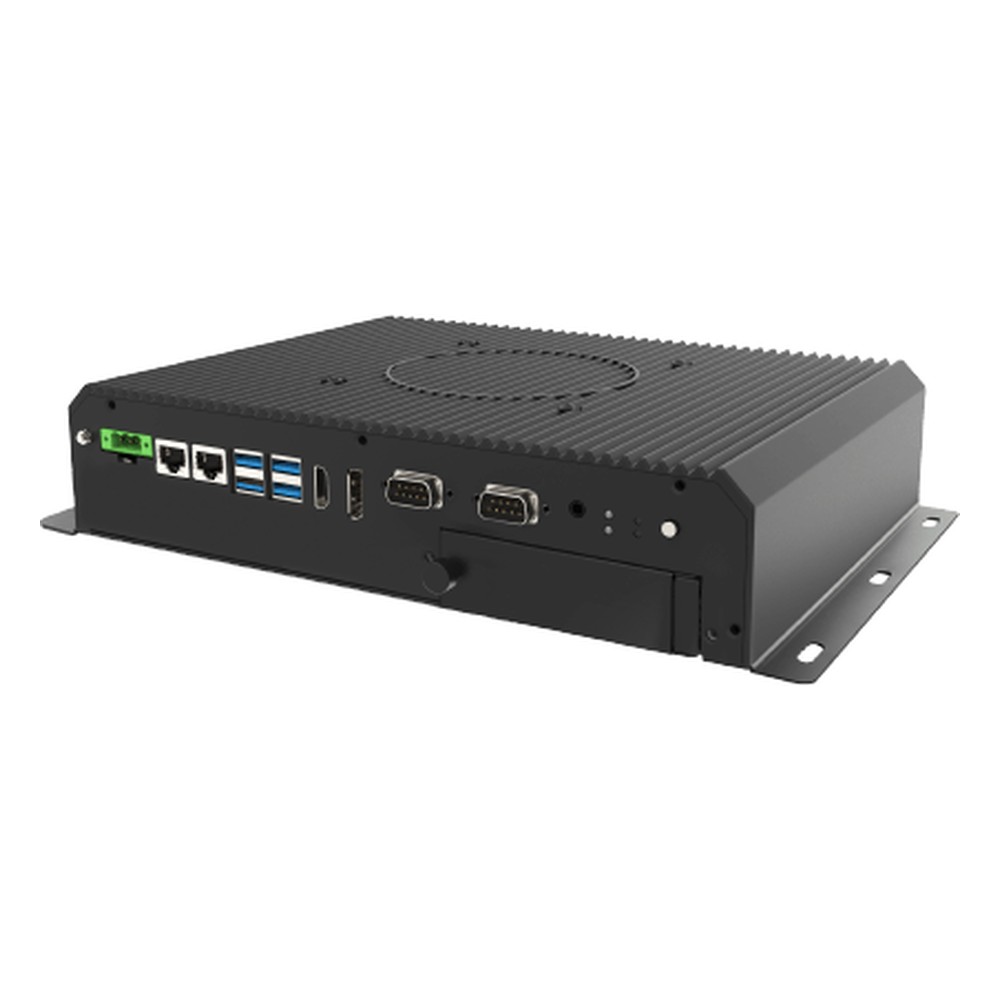
ITMH200 Winmate Industrial Embedded Computer
Chosen where recipe data, quality records or video stay on the line, pairing an 11th Gen Core i5-1135G7 with an NVMe SSD and two swappable 2.5-inch drive bays, fanless.
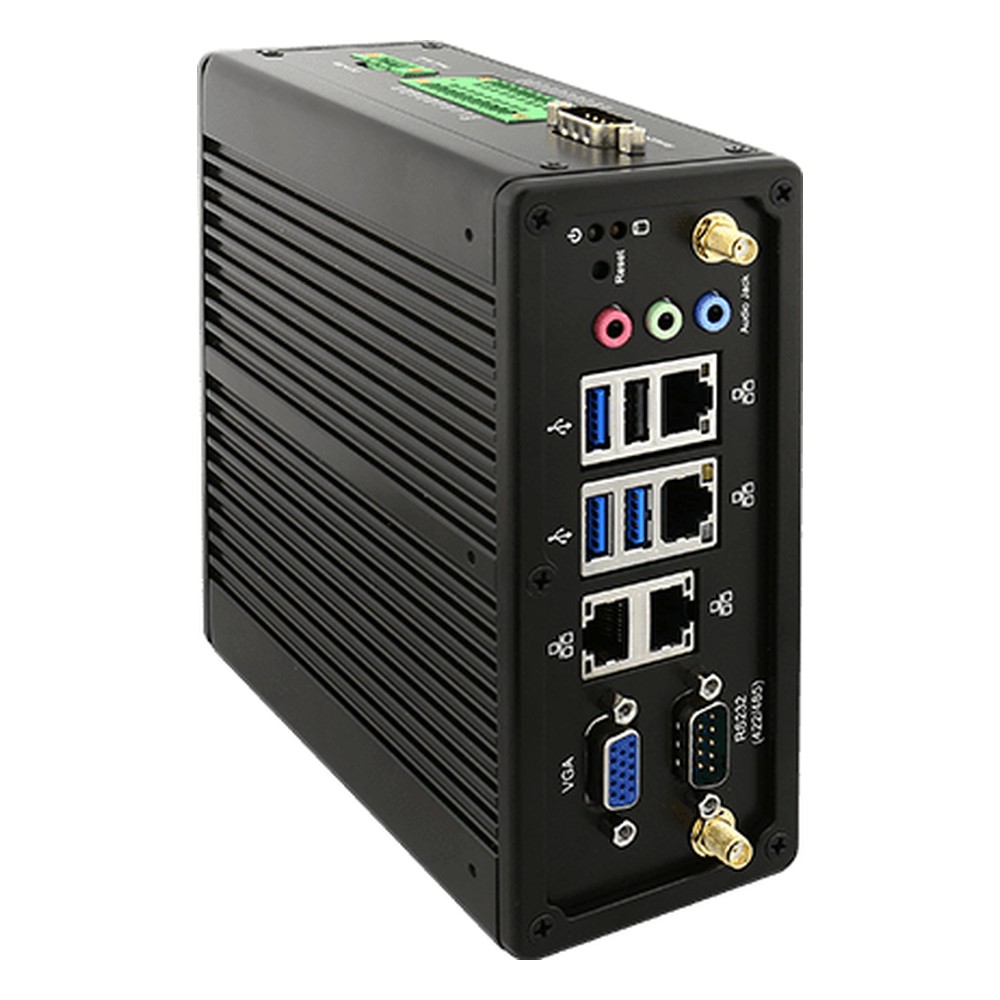
IBDRW100-EL Winmate DIN Rail IPC
Picked for machine builders who want a computer on the same rail as the PLC and drives, with an Elkhart Lake Celeron N6211, isolated I/O and four 2.5GbE ports for cell networks.
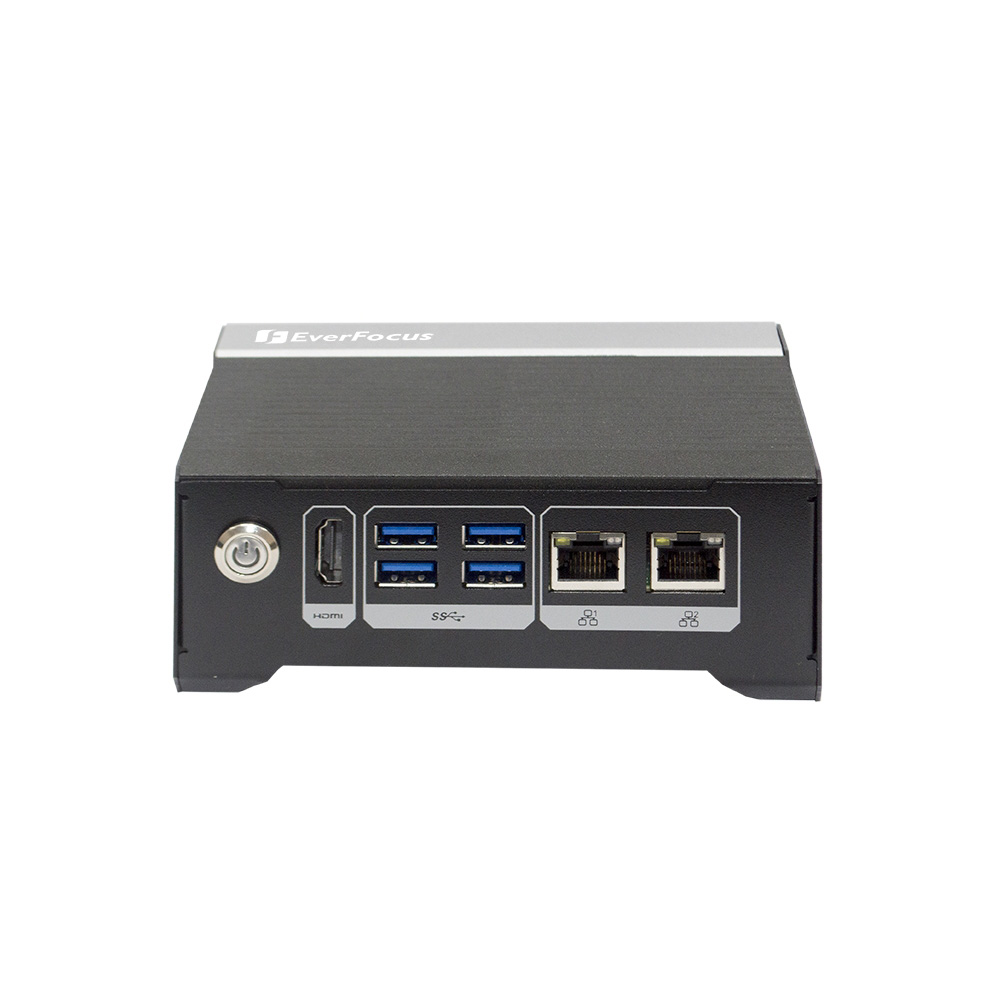
eNVP-JOX-AI EverFocus DIN Rail PC
Selected for factory safety and machine vision on Jetson Orin NX 8GB or 16GB, with RS-485 and CAN FD on terminal blocks, two Gigabit LAN ports and a 9 to 36 V DC input.
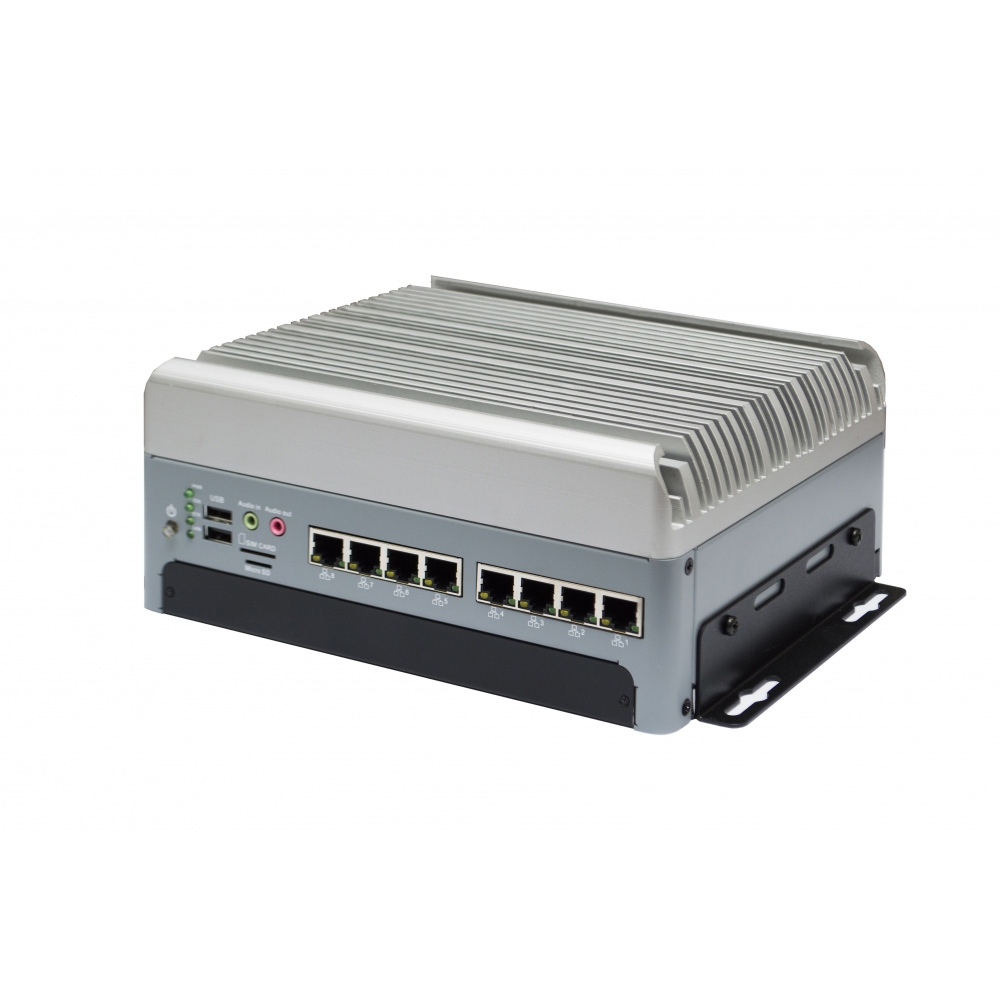
eNVP-JAO-AI EverFocus Industrial Computer
Our pick where eight cameras need analysing on site, powering them from eight PoE ports and running inference on Jetson AGX Orin 32GB or 64GB, with 10GbE for the uplink.
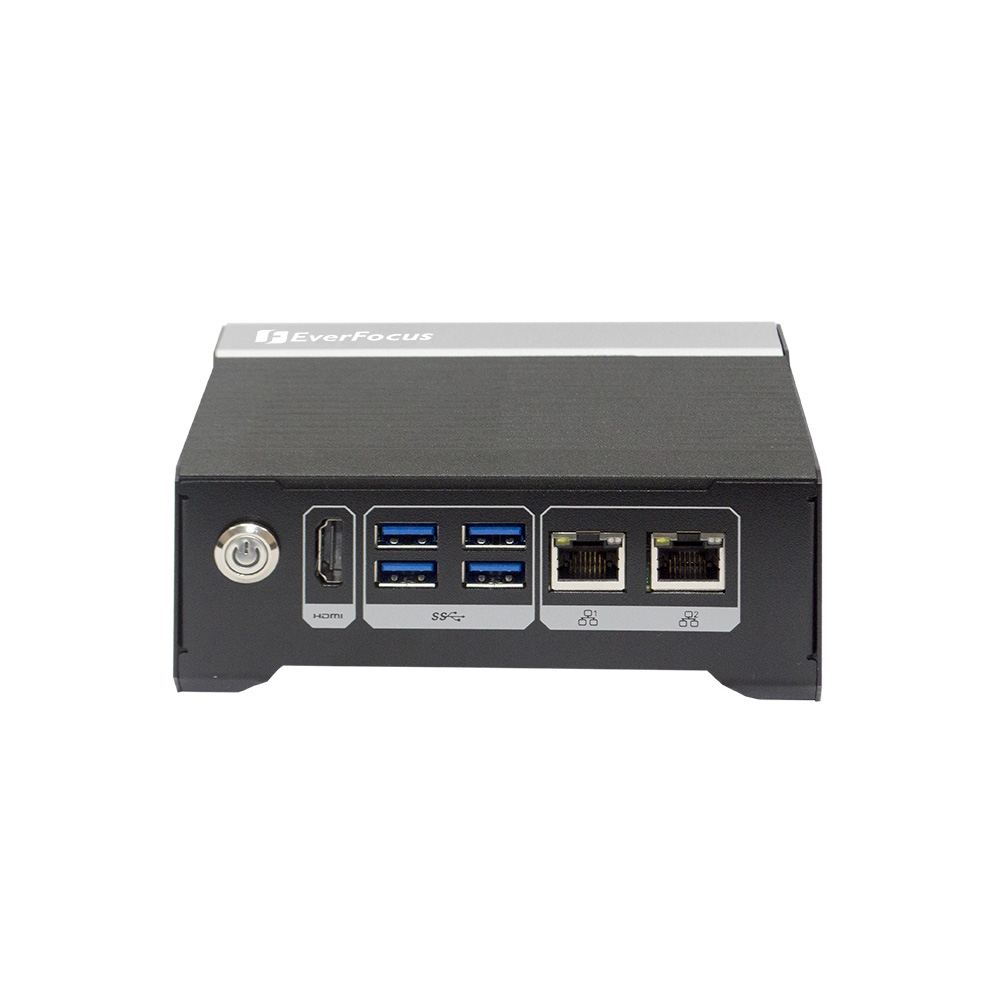
eNVP-JON-AI EverFocus Edge Computer
A sensible entry to Jetson for factory monitoring and kiosks, on Orin Nano 4GB or 8GB with RS-485 and CAN FD terminal blocks, four USB 3.1 ports and HDMI 2.0.
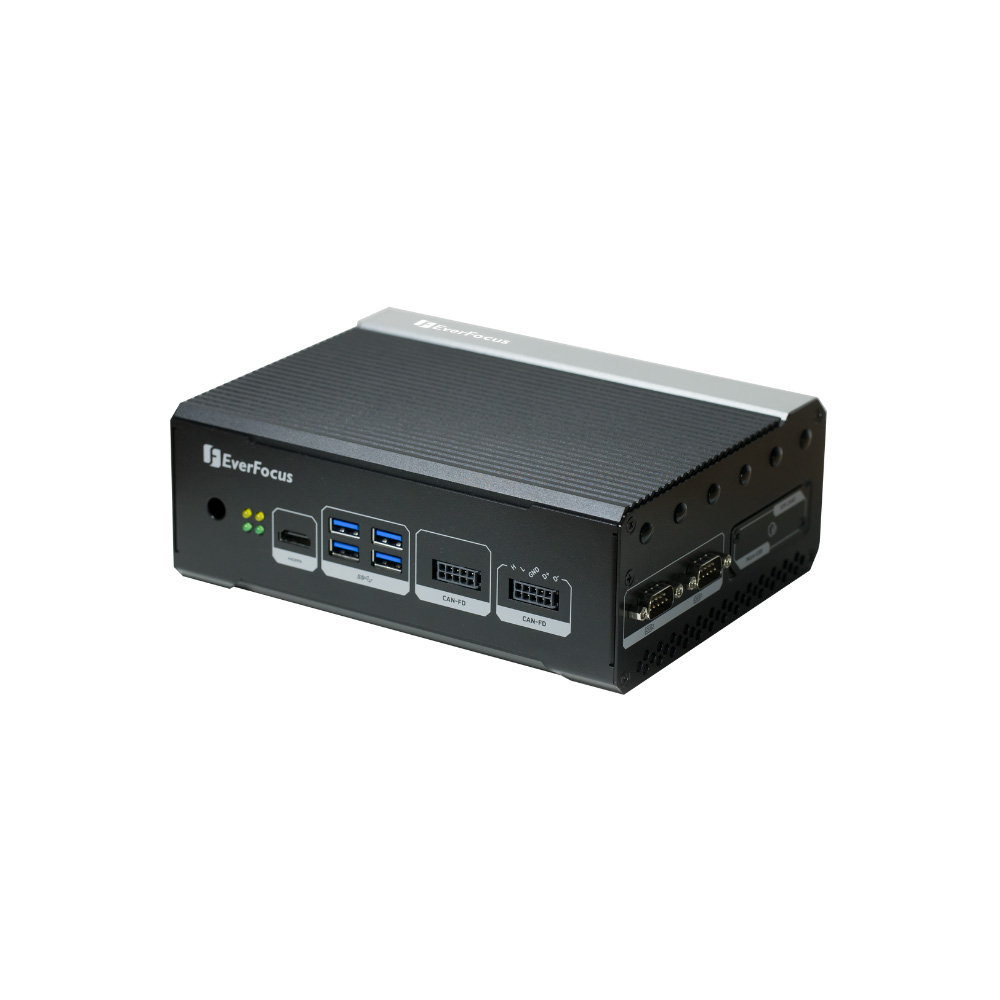
eNVP-JOX-IV EverFocus Industrial Box PC
Chosen for roadside and car park vision, with Jetson Orin NX, PoE ports for cameras, a PoE-PD input or 9 to 48 V DC supply and eight alarm I/O.
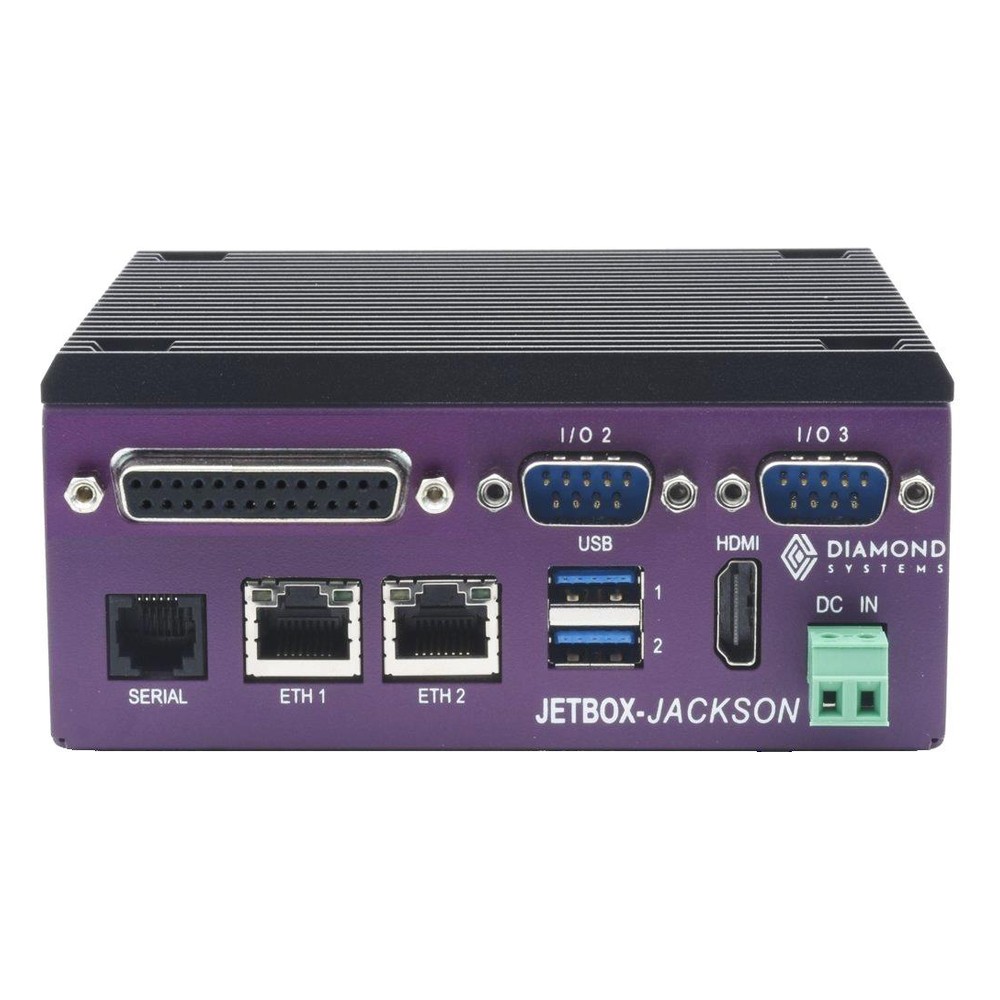
JETBOX-JACKSON Diamond Systems DIN Rail PC
Chosen for smart cabinets and inspection that want Jetson on DIN rail, on Orin NX or Orin Nano with a 1 TB NVMe SSD, 16 GPIO and two serial ports.
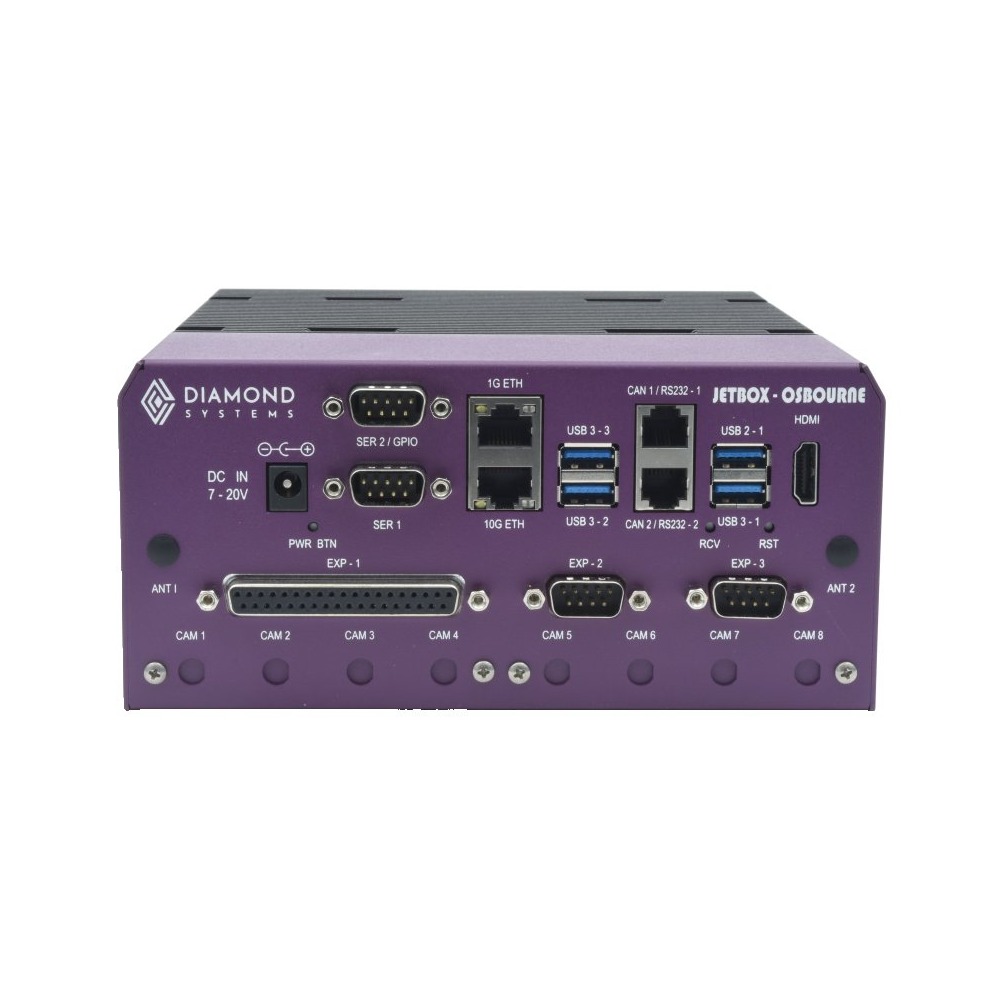
JETBOX-OSBOURNE Diamond Systems Industrial Computer
Picked for industrial inspection on Jetson AGX Orin, including the Industrial 64GB module for extended temperatures, with a 10GbE port, a 7 to 20 V DC input and DIN rail mounting.
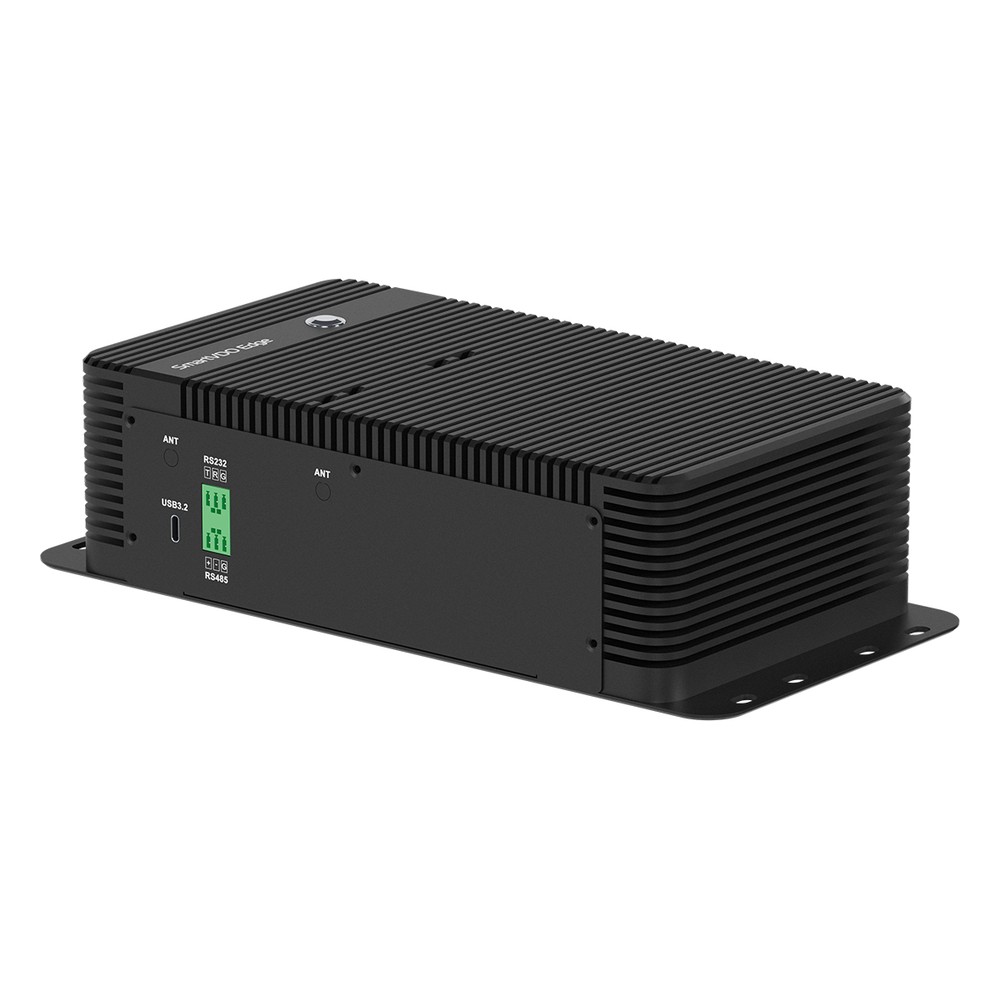
VPP6N0-S Yuan Edge Computer
Our pick for video analytics on a shelf or in a cabinet, pairing a Jetson Orin NX Super or Orin Nano with two HDMI outputs and three M.2 slots in a fanless box.
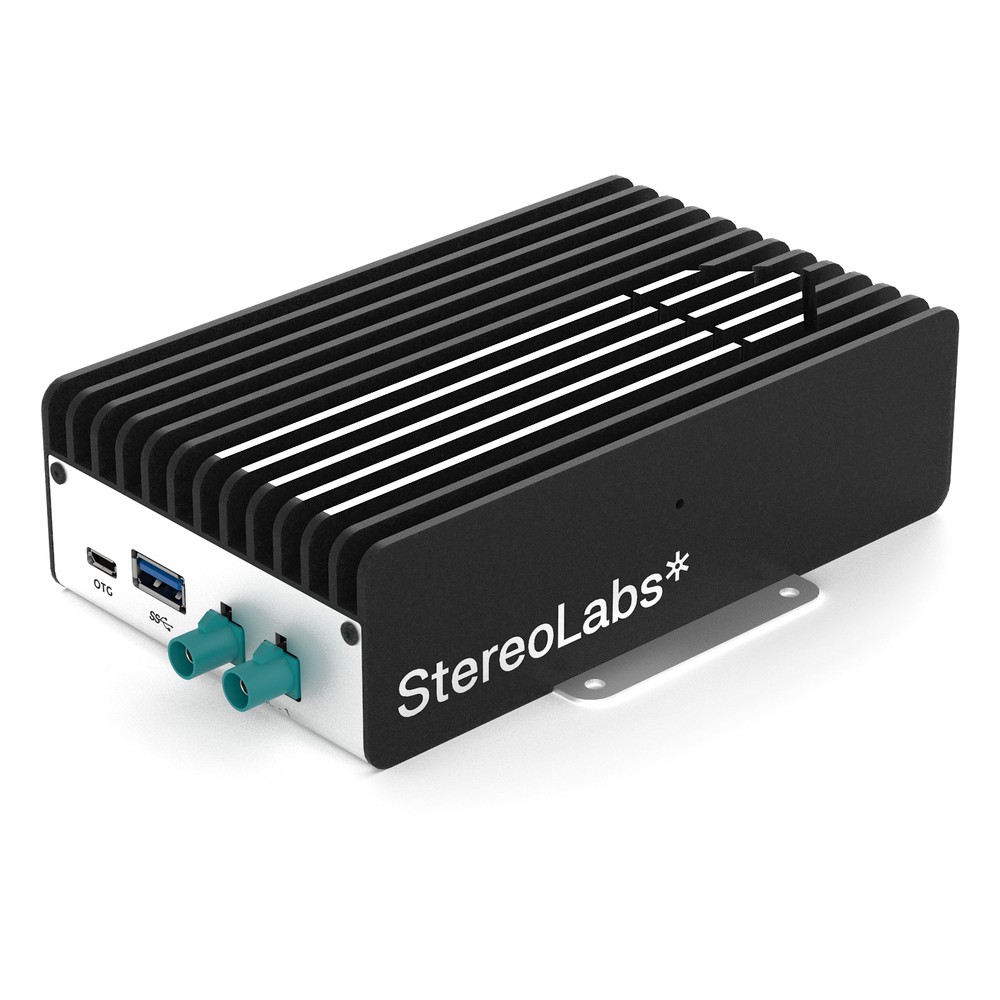
ZED-BOX-MINI Stereolabs Industrial Box PC
Chosen for industrial robots and inspection cameras built on ZED stereo optics, with Gigabit Ethernet, HDMI and a 256 GB NVMe drive beside two GMSL2 camera inputs.
Not sure which range fits? Tell us the application and we will recommend the right model.
Industrial PC Innovation & Automation Insights
















Industrial PC FAQs
What is an industrial PC?
An industrial PC, also called an industrial embedded computer, is designed to run continuously in harsh or hard-to-reach places such as control cabinets, machines and remote sites. It uses industrial-grade components, is usually fanless, accepts a wide DC input range and carries machine I/O such as serial, CAN and isolated digital I/O. It is also supplied unchanged for longer than an office PC, so a design stays the same for years.
What is an industrial grade computer?How is an industrial box PC different from a desktop PC?
A desktop PC is built for an office: fans, a mains supply, consumer ports and a model that changes every year or so. An industrial PC is sealed or fanless, rated for wider temperatures, shock and vibration, powered from DC, fitted with machine interfaces and mounted on a DIN rail, wall or panel. It is designed for continuous duty rather than office hours.
Is an industrial PC worth it over a commercial PC?
Usually, when the computer controls a process, sits in a cabinet or must stay identical across many machines. A commercial PC costs less to buy, but fans, a short model life and an office-grade supply raise the chance of failure and the cost of a stoppage. Reliability figures such as MTBF help you compare what each design is likely to cost over its life.
What is MTBF?What is the difference between an industrial PC and a PLC?
A PLC is a dedicated controller that executes the same logic every scan, very reliably, and does nothing else. An industrial PC is a general-purpose computer, so it handles machine vision, data logging, databases, gateways and edge AI. The two usually work together, with the PLC keeping real-time control and the computer collecting its data and running the heavier software. Our comparison of a DIN rail PC and a PLC shows when each fits inside the cabinet.
What is a PLC?Should an industrial PC be fanless or fan-cooled?
Fanless where you can. A fanless industrial PC has no fan to clog or fail and can be sealed against dust, which suits cabinets and machines. Fan-cooled or fan-assisted systems are the better fit for discrete GPUs and high-power processors, where airflow is managed through a filtered path. Check the operating temperature against the warmest place the system will be mounted.
How does a fanless PC work?Should an industrial PC run Windows or Linux?
Either works, and the choice usually follows the software. Windows IoT Enterprise LTSC suits HMI, SCADA and vision packages, with long support and no feature updates to disturb a validated system. Linux, often Ubuntu LTS or Yocto-based builds, suits gateways, containers and edge AI stacks. Check that the drivers for your I/O and expansion cards support the version you choose.
What is LTSC?How long does an industrial PC last?
An IPC is typically designed for many years of continuous operation, and manufacturers usually keep a configuration in supply for five years or more. Real service life depends on temperature, power quality and how the system is mounted: heat is the biggest factor. Planning spares and a last-time-buy before the design changes keeps a fleet of machines consistent.
How long do computers last?Who are the main industrial PC manufacturers?
Industrial PCs are made by specialist manufacturers that design their own boards, chassis and thermal systems for long-term supply, many of them based in Taiwan, Europe and the US. They differ in processor choice, expansion and sealing more than in quality, so the right make depends on the application. The ranges on this page show the manufacturers we work with.
How do I choose the right industrial computer for my application?
Start with the installation: the temperature range, dust, water and vibration, the space and mounting, and the power supply. Then size the processor to the software and the attached equipment, with some headroom for later changes. Finally, ask how many years the build will stay available, especially if the industrial embedded PC goes into a machine you sell.
Do you offer TAA and NDAA compliant industrial PCs?
Yes, where the manufacturer declares it. Several ranges carry TAA and NDAA declarations from their makers, and many systems are certified to UL 61010-1 or UL 62368-1. We don’t offer any system as Buy American Act compliant or made in the USA. Ask us which models carry the declaration you need, and we’ll confirm it against the datasheet.
What does TAA compliant mean?Can you supply industrial PCs configured and tested?
Yes. As a UK industrial PC supplier, we treat integration as standard: every system is configured and tested before it ships. We fit the memory, storage and wireless, 4G or 5G modules, install and image the operating system, set the BIOS for your installation and match brackets and power leads to the site, so the system arrives ready to fit.
Speak to an Industrial PC Specialist.
Tell us the workload, the machines it connects to and where it will be mounted. We will recommend the right industrial computer for the job and the environment.