
 UK
Industrial GPU Computers
Industrial PCs With NVIDIA GPUs for Vision and AI
An industrial PC with GPU puts a discrete NVIDIA graphics processor inside a computer built for factories, vehicles and outdoor cabinets, so machine vision, AI inference and multi-camera video analytics run beside the process instead of in a server room.
Industrial GPU computers range from compact box PCs with low-profile cards and embedded industrial GPU PCs with MXM modules to expandable systems that take one or more cards up to the RTX PRO 6000 Blackwell, on Intel Core, Core Ultra and Xeon or AMD Ryzen PRO and EPYC processors.
They suit quality inspection, robotics, traffic and surveillance analytics, and any job where the model needs more than an integrated GPU or NPU can give: an embedded computer with GPU, PoE+, 10GbE and GMSL2 camera inputs and wide DC power in one system.


Browse Our Industrial PCs With GPU
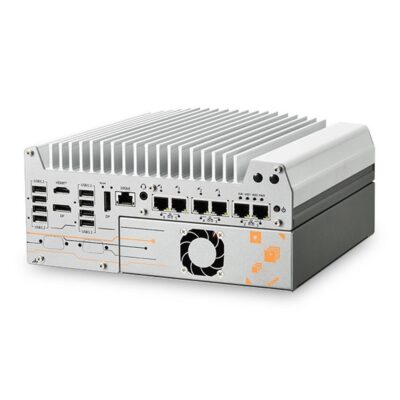
- CPU: Intel Core Ultra Series 2 Arrow Lake-S
- GPU / AI Accelerator: Discrete GPU (PCIe)
- AI Performance: 13 TOPS
- Memory: 2x DDR5 6400MHz SO-DIMM Slot, 64GB
- OS: Linux, Windows 10, Windows 11
- Display Outputs: 1x HDMI, 2x Display Port
- Ethernet: 1x GbE LAN [RJ45], 5x 2.5 GbE LAN [RJ45]
- USB: 1x USB 2.0 [Type A], 8x USB 3.2 Gen 2 [Type A]
- Serial: 2x RS232 [DB9], 2x RS232/422/485 [DB9]
- M.2: 1x M.2 M-Key [PCIe x4 Gen5] [2280]
- mPCIe: 2x mPCIe [PCIe/USB]
- PCIe: 1x PCIe [x16 Slot] [1x16 Signal or 2x8 Signal] [Gen4]
- Storage: 1x M.2 SSD [PCIe], 2x 2.5" HDD/SSD [SATA]
- RAID: RAID 0, RAID 1
- Power: 8-48V DC [Terminal Block]
- Temp: -25°C to 60°C [-13°F to 140°F]
- Certification: CE, EN55032, FCC
- Mounting Options: Wall Mount
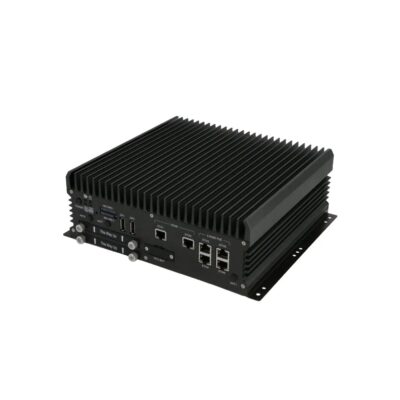
-
ABOX-5221PG-M12X
ABOX-5221PG-M12X with MXM GPU option and M12 PoE+ 10GbE -
ABOX-5221
ABOX-5221 with dual 10GbE, 4x 2.5GbE and Intel UHD Graphics 770 -
ABOX-5221-M12X
ABOX-5221-M12X with M12 X-coded dual 10GbE and 4x 2.5GbE -
ABOX-5221G
ABOX-5221G with MXM GPU option, dual 10GbE and Intel 14th Gen Core -
ABOX-5221G-M12X
ABOX-5221G-M12X with MXM GPU option and M12 X-coded 10GbE -
ABOX-5221P
ABOX-5221P with 4x 2.5GbE PoE+, dual 10GbE and Intel 14th Gen Core -
ABOX-5221P-M12X
ABOX-5221P-M12X with M12 PoE+ on 4x 2.5GbE and dual 10GbE -
ABOX-5221PG
ABOX-5221PG with MXM GPU option, 4x 2.5GbE PoE+ and dual 10GbE
- CPU: Intel Core 14th Gen Raptor Lake Refresh
- Memory: 2x DDR5 5600MHz SO-DIMM Slot, 96GB
- OS: Linux, Linux Ubuntu 22.04, Windows 11
- USB: 8x USB 3.2 Gen 2 [Type A]
- Serial: 2x RS232/422/485 [DB9]
- M.2: 1x M.2 B-Key [SIM] [3042/3052], 1x M.2 M-Key [PCIe/SATA] [2280], 1x M.2 E-Key [2230], 2x M.2 M-Key [PCIe] [2280]
- mPCIe: 2x mPCIe [PCIe/USB]
- Storage: 2x 2.5" HDD/SSD [SATA], 3x M.2 SSD
- RAID: RAID 0, RAID 1, RAID 5
- Power: 9-60V DC Input [Terminal Block]
- Ignition Sensing: Supports Ignition Control
- Certification: IEC 62368-1, CE, E-Mark, EN45545-2, EN50155, FCC, UKCA
- Mounting Options: Wall Mount
- GPU / AI Accelerator: Discrete GPU (MXM), Discrete GPU (PCIe)
- GPU: NVIDIA RTX 2000 Ada Embedded (MXM), NVIDIA RTX 3500 Ada Embedded (MXM), NVIDIA RTX 5000 Ada Embedded (MXM), Intel Arc A370E
- AI Performance: 56–682 TOPS
- Display Outputs: 2x Display Port, 2x HDMI
- Ethernet: 2x 10 GbE LAN [M12], 4x 2.5 GbE LAN [M12] [PoE]
- Temp: 0°C to 60°C [32°F to 140°F]
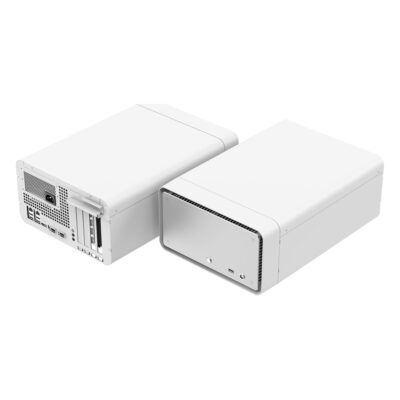
- GPU: NVIDIA RTX PRO 6000 Blackwell Max-Q
- AI Performance: 2,070–3,511 TOPS
- SOM: IGX T7000
- Memory: 128GB Soldered On-board
- Display Outputs: 4x Display Ports
- Ethernet: 2x 100GbE LAN [QSFP112], 2x GbE LAN [RJ45]
- USB: 1x USB 3.2 Gen 2 [Type C], 4x USB 3.2 Gen 2 [Type A]
- M.2: 1x M.2 E-Key [PCIe x1/USB 2.0] [2230], 1x M.2 M-Key [PCIe x2 Gen5] [2280]
- PCIe: 1x PCIe [x16 Slot] [x8 Signal] [Gen5]
- Storage: 4x SATA Ports
- Power: 100-240V AC
- Temp: 5°C to 45°C [41°F to 113°F]
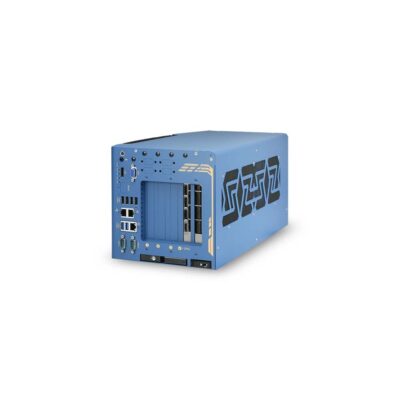
- CPU: Intel Pentium G Series Alder Lake, Intel Core 12th Gen Alder Lake, Intel Core 13th Gen Raptor Lake, Intel Celeron G Series Alder Lake
- GPU / AI Accelerator: Discrete GPU (PCIe)
- GPU: NVIDIA RTX PRO 4000 Blackwell, NVIDIA RTX PRO 4500 Blackwell, NVIDIA RTX PRO 5000 Blackwell, NVIDIA RTX PRO 6000 Blackwell Max-Q
- AI Performance: 1,290–3,511 TOPS
- Memory: 2x DDR5 4800MHz SO-DIMM Slot, 128GB
- OS: Linux, Windows 10, Windows 11
- Display Outputs: 1x Display Port, 1x VGA
- Ethernet: 1x 10 GbE LAN [RJ45], 1x GbE LAN [RJ45], 2x 2.5 GbE LAN [RJ45]
- USB: 1x USB 2.0 [Board], 6x USB 3.2 Gen 2 [Type A]
- Serial: 2x RS232/422/485 [DB9]
- M.2: 1x M.2 B-Key [PCIe x1/USB/SIM] [2242/3052], 1x M.2 M-Key [PCIe x4 Gen4] [2280]
- mPCIe: 2x mPCIe [PCIe/SIM/USB]
- PCIe: 1x PCIe [x16 Slot] [x16 Signal] [Gen4], 3x PCIe [x8 Slot][4-Lane Signal][Gen3]
- Storage: 1x 2.5" HDD/SSD [SATA], 1x M.2 SSD
- Front Accessible Storage: Front Accessible Storage
- Hot Swappable Storage: Hot Swappable SSD Support
- Power: 8-48V DC [Terminal Block]
- Ignition Sensing: Supports Ignition Control
- Temp: -25°C to 60°C [-13°F to 140°F]
- Certification: CE, FCC
- Mounting Options: Wall Mount
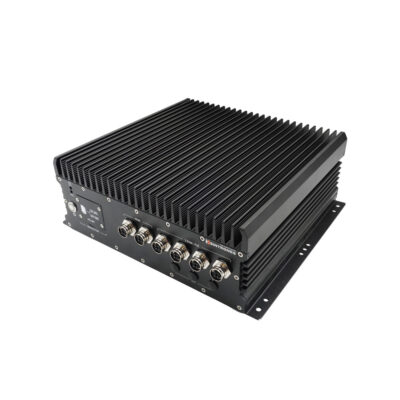
-
ABOX-5221PG-IP66
ABOX-5221PG-IP66 with IP66 sealing, MXM GPU option and M12 PoE+ -
ABOX-5221-IP66
ABOX-5221-IP66 with IP66 sealing, M12 dual 10GbE and Core Series 2 -
ABOX-5221G-IP66
ABOX-5221G-IP66 with IP66 sealing, MXM GPU option and M12 10GbE -
ABOX-5221P-IP66
ABOX-5221P-IP66 with IP66 sealing, 4x M12 PoE+ and dual 10GbE
- CPU: Intel Core Series 2 Bartlett Lake
- Memory: 2x DDR5 5600MHz SO-DIMM Slot, 96GB
- OS: Linux Ubuntu 26.04, Linux, Windows 11
- Display Outputs: 2x HDMI
- USB: 2x USB 3.2 Gen 2 [Type A]
- Serial: 2x RS232/422/485 [M12]
- M.2: 1x M.2 B-Key [SIM] [3042/3052], 1x M.2 M-Key [PCIe/SATA] [2280], 1x M.2 E-Key [2230], 2x M.2 M-Key [PCIe] [2280]
- mPCIe: 2x mPCIe [PCIe/USB]
- Storage: 2x 2.5" HDD/SSD [SATA], 3x M.2 SSD
- Power: 18-60V DC Input [M12]
- Ignition Sensing: Supports Ignition Control
- IP Rating: IP66
- Certification: IEC 62368-1, CE, E-Mark, EN45545-2, EN50155, FCC, UKCA
- Mounting Options: Wall Mount
- GPU / AI Accelerator: Discrete GPU (MXM), Discrete GPU (PCIe)
- GPU: NVIDIA RTX 2000 Ada Embedded (MXM), NVIDIA RTX 3500 Ada Embedded (MXM), NVIDIA RTX 5000 Ada Embedded (MXM), Intel Arc A370E
- AI Performance: 56–682 TOPS
- Ethernet: 2x 10 GbE LAN [M12], 4x 2.5 GbE LAN [M12] [PoE]
- Temp: 0°C to 60°C [32°F to 140°F]
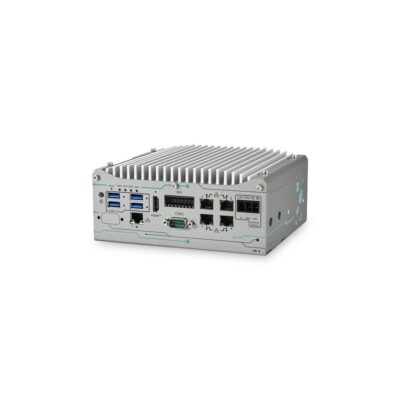
- CPU: AMD Ryzen PRO 8000 Series
- GPU / AI Accelerator: AMD Ryzen AI NPU
- GPU: NVIDIA RTX PRO 2000 Blackwell
- AI Performance: 16–545 TOPS
- Memory: 1x DDR5 5600MHz SO-DIMM Slot, 32GB
- OS: Linux, Windows 10, Windows 11
- Display Outputs: 1x HDMI
- USB: 4x USB 3.2 Gen 2 [Type A]
- Serial: 1x RS232/422/485 [DB9]
- M.2: 1x M.2 M-Key [PCIe x4 Gen3] [2280]
- mPCIe: 2x mPCIe [PCIe/SIM/USB]
- PCIe: 1x PCIe [x16 Slot] [x8 Signal] [Gen4]
- Storage: 1x M.2 SSD
- Power: 12-35V DC [Terminal Block]
- Ignition Sensing: Supports Ignition Control
- Temp: -25°C to 60°C [-13°F to 140°F]
- Certification: CE, FCC
- Mounting Options: Wall Mount
- Ethernet: 1x 2.5 GbE LAN [RJ45], 4x GbE LAN [RJ45] [PoE]
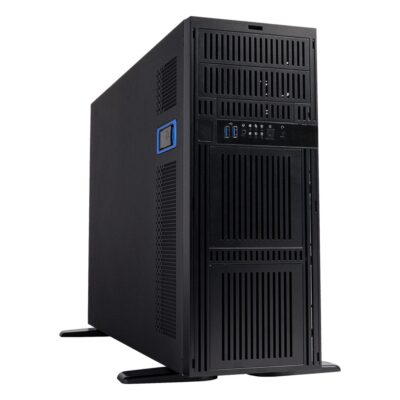
- CPU: Intel Xeon 600 Series Granite Rapids-WS
- GPU / AI Accelerator: Discrete GPU (PCIe)
- GPU: Intel Arc A770, Intel Arc B580, Intel Arc Pro B50, Intel Arc Pro B60, Intel Arc Pro B65, Intel Arc Pro B70, AMD Radeon AI PRO R9700, NVIDIA RTX PRO 2000 Blackwell, NVIDIA RTX PRO 5000 Blackwell 72GB, NVIDIA RTX PRO 4000 Blackwell, NVIDIA RTX PRO 4000 Blackwell SFF, NVIDIA RTX PRO 4500 Blackwell, NVIDIA RTX PRO 5000 Blackwell, NVIDIA RTX PRO 6000 Blackwell Max-Q
- AI Performance: 170–3,511 TOPS
- Memory: 8x DDR5 6400MHz LONG-DIMM Slots, 2TB
- OS: Linux, Windows 11
- Display Outputs: 1x VGA
- Ethernet: 2x GbE LAN [RJ45]
- USB: 2x USB 3.2 Gen 1 [Board], 3x USB 2.0 [Board], 4x USB 3.2 Gen 1 [Type A], 4x USB 3.2 Gen 2 [Type A]
- Serial: 1x RS232 [Board], 1x RS232 [DB9]
- M.2: 1x M.2 M-Key [PCIe x4 Gen4] [2242/2280], 1x M.2 M-Key [PCIe x4 Gen5] [2242/2280/3052/25110]
- PCIe: 1x PCIe [x8 Slot] [Gen5], 2x PCIe [x16 Slot] [x16 Signal] [Gen5], 4x PCIe [x16 Slot] [x16 Signal] [Gen5]
- Storage: 1x 3.5" HDD [SATA], 2x M.2 SSD, 8x SATA Ports
- RAID: RAID 0, RAID 1, RAID 5, RAID 10
- Power: 100-240V AC, AC Power Supply Included
- Mounting Options: 19" Rack Mount, Desktop
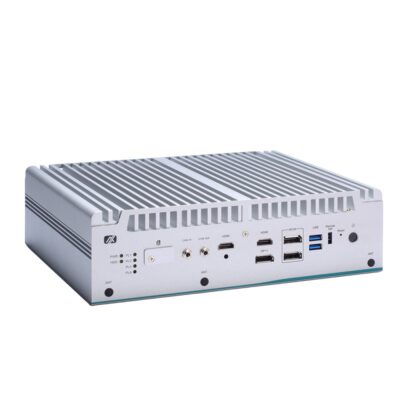
- CPU: Intel Core 12th Gen Alder Lake, Intel Core 13th Gen Raptor Lake
- GPU / AI Accelerator: Discrete GPU (MXM)
- GPU: NVIDIA RTX A2000 Embedded (MXM)
- Memory: 2x DDR5 4800MHz SO-DIMM Slot, 64GB
- OS: Linux Ubuntu 22.04, Windows 10, Windows 11
- Display Outputs: 2x HDMI, 3x Display Port
- Ethernet: 1x GbE LAN [RJ45], 3x 2.5 GbE LAN [RJ45]
- USB: 6x USB 3.2 Gen 2 [Type A]
- Serial: 2x RS232 [DB9], 2x RS232/422/485 [DB9]
- M.2: 1x M.2 B-Key [PCIe x2] [3052], 1x M.2 E-Key [USB] [2230], 1x M.2 M-Key [PCIe x4] [2280]
- mPCIe: 1x mPCIe [PCIe/USB/SIM/SATA]
- Storage: 1x M.2 SSD, 1x mSATA, 2x 2.5" HDD/SSD
- Power: 9-36V DC Input [Terminal Block]
- Ignition Sensing: Supports Ignition Control
- Temp: -40°C to 65°C [-40°F to 149°F]
- Certification: CE, FCC, UKCA
-
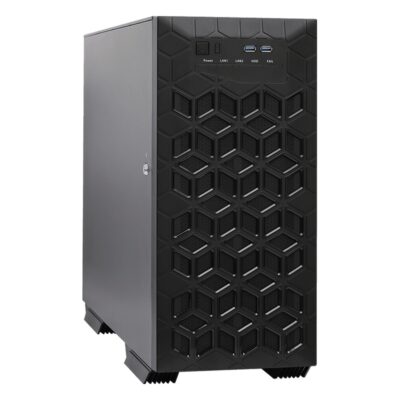
iEPF-10000S-W680
iEPF-10000S-W680 with Bartlett Lake or 14th Gen Core, ECC memory, three 2.5GbE and PoE+ -
iEPF-10000S-Q670
iEPF-10000S-Q670 with Bartlett Lake or 14th Gen Core, three 2.5GbE, PoE+ and seven PCIe slots -
iEPF-10000S-Q870
iEPF-10000S-Q870 with Core Ultra 200S, Q870 chipset, two GPU cards and six PCIe slots -
iEPF-10000S-W880
iEPF-10000S-W880 with Core Ultra 200S, W880 chipset, ECC memory and seven PCIe slots
- GPU / AI Accelerator: Discrete GPU (PCIe)
- GPU: Intel Arc A770, Intel Arc B580, Intel Arc Pro B50, Intel Arc Pro B60, Intel Arc Pro B65, Intel Arc Pro B70, AMD Radeon AI PRO R9700, NVIDIA RTX PRO 2000 Blackwell, NVIDIA RTX PRO 5000 Blackwell 72GB, NVIDIA RTX PRO 4000 Blackwell, NVIDIA RTX PRO 4000 Blackwell SFF, NVIDIA RTX PRO 4500 Blackwell, NVIDIA RTX PRO 5000 Blackwell, NVIDIA RTX PRO 6000 Blackwell Max-Q
- OS: Linux, Windows 11
- Serial: 2x RS232/422/485 [DB9], 4x RS232 [Board]
- RAID: RAID 0, RAID 1, RAID 5, RAID 10
- Power: 100-240V AC, AC Power Supply Included
- Mounting Options: Desktop
- CPU: Intel Core 14th Gen Raptor Lake Refresh, Intel Core Series 2 Bartlett Lake, Intel Core 13th Gen Raptor Lake
- AI Performance: 170–3,511 TOPS
- Memory: 4x DDR5 4400MHz LONG-DIMM Slots, 192GB
- Display Outputs: 1x Display Port, 1x HDMI, 1x VGA
- Ethernet: 1x 2.5 GbE LAN [RJ45] [PoE], 2x 2.5 GbE LAN [RJ45]
- USB: 1x USB 3.2 Gen 2x2 [Type C], 2x USB 2.0 [Board], 2x USB 2.0 [Type A], 2x USB 3.2 Gen 1 [Type A], 5x USB 3.2 Gen 2 [Type A]
- M.2: 1x M.2 B-Key [PCIe x1/USB 3.2 Gen 1/USB 2.0/SIM] [3042/3052], 1x M.2 E-Key [PCIe x1/USB 2.0] [2230], 1x M.2 M-Key [PCIe x4 Gen4] [2280]
- PCIe: 2x PCIe [x16 Slot] [1x16 Signal or 2x8 Signal] [Gen5], 2x PCIe [x4 Slot] [Gen4], 3x PCIe [x1 Slot] [Gen3]
- Storage: 1x M.2 SSD, 5x 3.5" or 2.5" HDD/SSD [SATA]
- CPU: Intel Core 14th Gen Raptor Lake Refresh, Intel Core 12th Gen Alder Lake, Intel Core 13th Gen Raptor Lake
- GPU / AI Accelerator: Discrete GPU (PCIe)
- GPU: NVIDIA RTX 4000 SFF Ada, NVIDIA RTX PRO 2000 Blackwell, NVIDIA RTX PRO 4000 Blackwell SFF, NVIDIA RTX 2000 Ada
- AI Performance: 192–770 TOPS
- Memory: 4x DDR4 2666MHz LONG-DIMM Slots, 128GB
- OS: Linux, Windows 11
- Display Outputs: 4x Display Ports
- Ethernet: 1x 2.5 GbE LAN [RJ45], 1x GbE LAN [RJ45]
- USB: 1x USB 3.2 Gen 2x2 [Type C], 2x USB 3.2 Gen 1 [Board], 4x USB 2.0 [Type A], 6x USB 3.2 Gen 2 [Type A]
- Serial: 1x RS232/422/485 [Board], 2x RS232 [DB9], 3x RS232 [Board]
- M.2: 1x M.2 E-Key [PCIe x1 Gen3/USB 2.0] [2230], 1x M.2 M-Key [PCIe x4 Gen4/SATA] [2242/2260/2280], 1x M.2 M-Key [PCIe x4 Gen4] [2242/2260/2280]
- PCIe: 1x PCIe [x16 Slot] [Gen5], 1x PCIe [x16 Slot] [x4 Signal] [Gen4], 1x PCIe [x4 Slot] [Gen3], 1x PCIe [x4 Slot] [Gen4]
- Storage: 1x 2.5" HDD/SSD, 2x M.2 SSD, 4x SATA Ports
- Hot Swappable Storage: Hot Swappable SSD Support
- RAID: RAID 0, RAID 1, RAID 5, RAID 10
- Power: 100-240V AC, AC Power Supply Included
- Temp: 0°C to 40°C [32°F to 104°F]
- Certification: IEC 62368-1, CB, CE, FCC, IC (ICES-003), UKCA, UL 62368-1
-
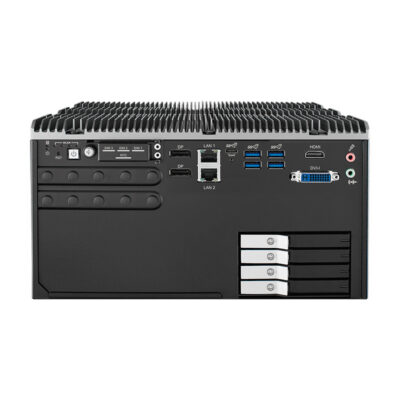
ECX-3800 PEG
ECX-3000 PEG with 4x PCIe slots, 4x 2.5GbE PoE+ and 4 SSD trays with RAID 5/10 -
ECX-3100 PEG
ECX-3000 PEG with PCIe x16 slot, 2x GbE LAN and 16 GPIO -
ECX-3200 PEG
ECX-3000 PEG with PCIe x16 slot, 4x 2.5GbE PoE+ on RJ45 and 32 isolated DIO -
ECX-3200MX PEG
ECX-3000 PEG with PCIe x16 slot, 4x 2.5GbE PoE+ on M12 and 32 isolated DIO -
ECX-3400 PEG
ECX-3000 PEG with PCIe x16 plus x4 slots, 4x 2.5GbE PoE+ and RAID 5/10 -
ECX-3600 PEG
ECX-3000 PEG with 3x PCIe slots, 4x 2.5GbE PoE+ and 4 SSD trays with RAID 5/10
- CPU: Intel Core 12th Gen Alder Lake, Intel Core 13th Gen Raptor Lake
- Memory: 2x DDR4 2400MHz SO-DIMM Slots, 64GB
- OS: Linux
- Display Outputs: 1x DVI, 1x HDMI, 2x Display Port
- USB: 1x USB 3.2 Gen 2 [Type C], 6x USB 3.2 Gen 2 [Type A]
- Serial: 4x RS232/422/485 [DB9]
- M.2: 1x M.2 B-Key [PCIe/USB 3.0/USB] [2280/3042], 1x M.2 B-Key [PCIe/USB 3.0/USB] [2280/3052], 1x M.2 E-Key [USB/PCIe] [2230], 1x M.2 M-Key [PCIe x4] [2280]
- mPCIe: 1x mPCIe [PCIe/USB/SATA]
- Power: 12V-50V DC Input [Terminal Block]
- Temp: -20°C to 45°C [-4°F to 113°F]
- Certification: CE, EN50155, FCC, UKCA
- Mounting Options: Rack Mount, VESA Mount, Wall Mount
- Ethernet: 2x GbE LAN [RJ45], 4x 2.5 GbE LAN [RJ45] [PoE]
- PCIe: 2x PCIe [x4 Slot] [Gen4], 2x PCIe [x8 Slot][1x8 Signal or 2x4 Signal] [Gen4]
- Storage: 1x M.2 SSD, 4x 2.5" HDD/SSD, 4x SATA Ports
- RAID: RAID 0, RAID 1, RAID 5, RAID 10
- CPU: Intel Core 14th Gen Raptor Lake Refresh, Intel Core 12th Gen Alder Lake, Intel Core 13th Gen Raptor Lake
- GPU / AI Accelerator: Discrete GPU (PCIe)
- GPU: NVIDIA RTX 4000 SFF Ada, NVIDIA RTX PRO 2000 Blackwell, NVIDIA RTX PRO 4000 Blackwell, NVIDIA RTX PRO 4000 Blackwell SFF, NVIDIA RTX 2000 Ada, NVIDIA RTX 4000 Ada
- AI Performance: 192–1,290 TOPS
- Memory: 4x DDR4 2666MHz LONG-DIMM Slots, 128GB
- OS: Linux, Windows 11
- Display Outputs: 4x Display Ports
- Ethernet: 1x 2.5 GbE LAN [RJ45], 1x GbE LAN [RJ45]
- USB: 1x USB 3.2 Gen 2x2 [Type C], 2x USB 3.2 Gen 1 [Type A], 4x USB 2.0 [Type A], 6x USB 3.2 Gen 2 [Type A]
- Serial: 1x RS232/422/485 [Board], 2x RS232 [DB9], 3x RS232 [Board]
- M.2: 1x M.2 E-Key [PCIe x1 Gen3/USB 2.0] [2230], 1x M.2 M-Key [PCIe x4 Gen4/SATA] [2242/2260/2280], 1x M.2 M-Key [PCIe x4 Gen4] [2242/2260/2280]
- PCIe: 1x PCIe [x16 Slot] [Gen5], 1x PCIe [x16 Slot] [x4 Signal] [Gen4], 1x PCIe [x4 Slot] [Gen3], 1x PCIe [x4 Slot] [Gen4]
- Storage: 2x 2.5" HDD/SSD, 2x M.2 SSD, 4x SATA Ports
- RAID: RAID 0, RAID 1, RAID 5, RAID 10
- Power: 100-240V AC, AC Power Supply Included
- Temp: 0°C to 50°C [32°F to 122°F]
- Certification: IEC 62368-1, CB, CE, FCC, IC (ICES-003), UKCA, UL 62368-1
- Mounting Options: Desktop, Rack Mount
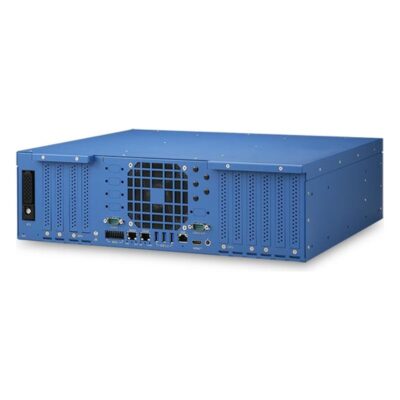
- CPU: AMD EPYC 9005 Series Turin
- GPU: NVIDIA RTX PRO 6000 Blackwell Max-Q, NVIDIA RTX PRO 6000 Blackwell Server
- AI Performance: 3,511–4,000 TOPS
- Memory: 6x DDR5 6000MHz LONG-DIMM Slots, 384GB
- OS: Linux Ubuntu 24.04, Linux, Windows 11
- Display Outputs: 1x HDMI
- Ethernet: 1x GbE LAN [RJ45], 2x 10 GbE LAN [RJ45]
- USB: 3x USB 3.2 Gen 1 [Type A]
- Serial: 1x RS232/422/485 [DB9], 3x RS232 [DB9]
- M.2: 2x M.2 M-Key [PCIe x4 Gen4] [2280]
- mPCIe: 2x mPCIe [PCIe/SIM/USB]
- PCIe: 1x PCIe [x16 Slot] [x8 Signal] [Gen5], 2x PCIe [x16 Slot] [x16 Signal] [Gen5], 4x PCIe [x16 Slot] [x16 Signal] [Gen5]
- Storage: 1x 2.5" U.2 NVMe SSD, 2x M.2 SSD [M-Key 2280, PCIe Gen 4 x4]
- Front Accessible Storage: Front Accessible Storage
- Power: 9-32V DC [Terminal Block]
- Ignition Sensing: Supports Ignition Control
- Temp: -25°C to 60°C [-13°F to 140°F]
- Certification: CE, FCC
- Mounting Options: 19" Rack Mount, Wall Mount
-
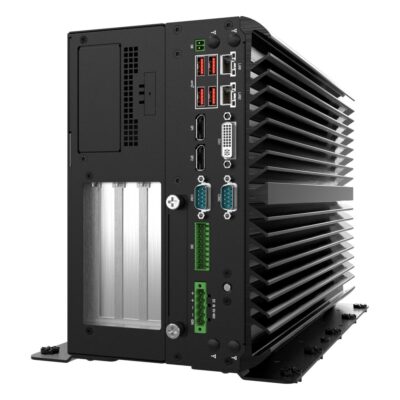
VCO-6000-RPL-3-2PWR-4B
VCO-6000-RPL-3-2PWR-4B with 16-lane PCIe x16 Gen4, 600W GPU power and six SATA bays -
VCO-6000-RPL-3-2PWR
VCO-6000-RPL-3-2PWR with 16-lane PCIe x16 Gen4, 600W GPU power and two SATA bays -
VCO-6000-RPL-3-2PWR-2B
VCO-6000-RPL-3-2PWR-2B with 16-lane PCIe x16 Gen4, 600W GPU power and four SATA bays -
VCO-6000-RPL-3-2PWR-2N
VCO-6000-RPL-3-2PWR-2N with 16-lane PCIe x16 Gen4, 600W GPU power and two U.2 NVMe bays -
VCO-6000-RPL-4-2PWR
VCO-6000-RPL-4-2PWR with dual PCIe x16 Gen4 slots, 600W GPU power and two SATA bays -
VCO-6000-RPL-4-2PWR-2B
VCO-6000-RPL-4-2PWR-2B with dual PCIe x16 Gen4, 600W GPU power and four SATA bays -
VCO-6000-RPL-4-2PWR-2N
VCO-6000-RPL-4-2PWR-2N with dual PCIe x16 Gen4, 600W GPU power and two U.2 NVMe bays -
VCO-6000-RPL-4-2PWR-4B
VCO-6000-RPL-4-2PWR-4B with dual PCIe x16 Gen4, 600W GPU power and six SATA bays
- CPU: Intel Core 14th Gen Raptor Lake Refresh, Intel Core Series 2 Bartlett Lake, Intel Core 12th Gen Alder Lake, Intel Core 13th Gen Raptor Lake
- GPU / AI Accelerator: Discrete GPU (PCIe)
- GPU: NVIDIA RTX 4000 SFF Ada, NVIDIA RTX 4500 Ada, NVIDIA RTX 5000 Ada, NVIDIA RTX A1000, NVIDIA RTX PRO 2000 Blackwell, NVIDIA RTX PRO 4000 Blackwell, NVIDIA RTX PRO 4000 Blackwell SFF, NVIDIA RTX PRO 4500 Blackwell, NVIDIA RTX PRO 5000 Blackwell, NVIDIA RTX PRO 6000 Blackwell Max-Q, NVIDIA RTX 2000 Ada, NVIDIA RTX 4000 Ada
- AI Performance: 54–3,511 TOPS
- Memory: 2x DDR5 5600MHz SO-DIMM Slot, 96GB
- OS: Linux, Windows 11
- Display Outputs: 1x DVI, 2x Display Port
- Ethernet: 2x 2.5 GbE LAN [RJ45]
- USB: 2x USB 3.2 Gen 1 [Board], 4x USB 3.2 Gen 2 [Type A]
- Serial: 2x RS232/422/485 [DB9], 4x RS232/422/485 [Board]
- M.2: 1x M.2 B-Key [PCIe/USB/SIM] [2242/3042/3052], 1x M.2 E-Key [PCIe x1/USB 2.0] [2230]
- mPCIe: 1x mPCIe [PCIe/USB/SIM/SATA]
- Front Accessible Storage: Front Accessible Storage
- Hot Swappable Storage: Hot Swappable SSD Support
- Power: 48V DC [Terminal Block], 9-48V DC Input [Terminal Block]
- Ignition Sensing: Supports Ignition Control
- Temp: -25°C to 70°C [-13°F to 158°F]
- Certification: IEC 62368-1, CB, CE, FCC, IC (ICES-003), UKCA, UL 62368-1
- Mounting Options: Wall Mount
- PCIe: 1x PCIe [x16 Slot] [x16 Signal] [Gen4], 2x PCIe [x4 Slot] [x1 Signal] [Gen2]
- Storage: 1x M.2 SSD, 1x mSATA, 6x 2.5" HDD/SSD
- RAID: RAID 0, RAID 1, RAID 5, RAID 10
-
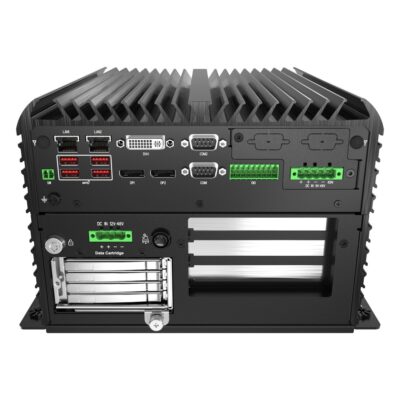
RCO-6000-RPL-4N
RCO-6000-RPL-4N with 4-bay removable U.2 NVMe canister, PCIe x16 GPU slot and dual 2.5GbE -
RCO-6000-RPL
RCO-6000-RPL with LGA1700 Intel Core, dual 2.5GbE, 8x USB 3.2 and EDGEBoost I/O brackets -
RCO-6000-RPL-2E16
RCO-6000-RPL-2E16 with PCIe x16 Gen4 and x1 node, dual 2.5GbE and fanless design -
RCO-6000-RPL-2E16-2B15M
RCO-6000-RPL-2E16-2B15M with 2x hot-swap SATA bays, PCIe x16 Gen4 slots and dual 2.5GbE -
RCO-6000-RPL-2E16-2N15M
RCO-6000-RPL-2E16-2N15M with 2x hot-swap U.2 NVMe bays, PCIe x16 Gen4 slots and dual 2.5GbE -
RCO-6000-RPL-2E16-2PWR
RCO-6000-RPL-2E16-2PWR with PCIe x16 Gen4 node, dedicated GPU power input and dual 2.5GbE -
RCO-6000-RPL-2E16-4B7M
RCO-6000-RPL-2E16-4B7M with 4x hot-swap SATA bays, PCIe x16 Gen4 slots and dual 2.5GbE -
RCO-6000-RPL-2E8
RCO-6000-RPL-2E8 with dual eight-lane PCIe Gen4 node, dual 2.5GbE and fanless design -
RCO-6000-RPL-2E8-2B15M
RCO-6000-RPL-2E8-2B15M with 2x hot-swap SATA bays, dual PCIe x8 Gen4 slots and dual 2.5GbE -
RCO-6000-RPL-2E8-2N15M
RCO-6000-RPL-2E8-2N15M with 2x hot-swap U.2 NVMe bays, dual PCIe x8 Gen4 slots and dual 2.5GbE -
RCO-6000-RPL-2E8-2PWR
RCO-6000-RPL-2E8-2PWR with dual PCIe x8 Gen4 node, dedicated GPU power input and dual 2.5GbE -
RCO-6000-RPL-2E8-4B7M
RCO-6000-RPL-2E8-4B7M with 4x hot-swap SATA bays, dual PCIe x8 Gen4 slots and dual 2.5GbE -
RCO-6000-RPL-2N
RCO-6000-RPL-2N with 2-bay removable U.2 NVMe canister, PCIe x16 GPU slot and dual 2.5GbE -
RCO-6000-RPL-4NH
RCO-6000-RPL-4NH with 4x hot-swap U.2 NVMe, hardware RAID 0/1/5/6/10 and dual 2.5GbE -
RCO-6000-RPL-4NH-1E
RCO-6000-RPL-4NH-1E with 4-bay U.2 NVMe canister, optional hardware RAID and two PCIe Gen4 slots -
RCO-6000-RPL-4NS
RCO-6000-RPL-4NS with 4x hot-swap U.2 NVMe, software RAID and dual 2.5GbE -
RCO-6000-RPL-8NS
RCO-6000-RPL-8NS with 8x hot-swap U.2 NVMe, software RAID and dual 2.5GbE
- CPU: Intel Core 14th Gen Raptor Lake Refresh, Intel Core Series 2 Bartlett Lake, Intel Core 12th Gen Alder Lake, Intel Core 13th Gen Raptor Lake
- Memory: 2x DDR5 5600MHz SO-DIMM Slot, 96GB
- OS: Linux, Windows 11
- Display Outputs: 1x DVI, 2x Display Port
- Ethernet: 2x 2.5 GbE LAN [RJ45]
- USB: 1x USB 2.0 [Board], 8x USB 3.2 Gen 2 [Type A]
- Serial: 2x RS232/422/485 [DB9], 4x RS232/422/485 [Board]
- CANbus: 2x CANbus [Board]
- M.2: 1x M.2 B-Key [PCIe/USB/SIM] [2242/3042/3052], 1x M.2 E-Key [PCIe x1/USB 2.0] [2230]
- mPCIe: 1x mPCIe [PCIe/USB/SATA]
- Front Accessible Storage: Front Accessible Storage
- Hot Swappable Storage: Hot Swappable SSD Support
- Power: 9-48V DC Input [Terminal Block]
- Ignition Sensing: Supports Ignition Control
- Certification: IEC 62368-1, CB, CE, FCC, IC (ICES-003), UKCA, UL 62368-1
- Mounting Options: Wall Mount
- GPU / AI Accelerator: Discrete GPU (PCIe)
- GPU: NVIDIA RTX 4000 SFF Ada, NVIDIA RTX A1000, NVIDIA RTX PRO 2000 Blackwell, NVIDIA RTX PRO 4000 Blackwell SFF, NVIDIA RTX 2000 Ada
- AI Performance: 54–770 TOPS
- PCIe: 1x PCIe [x16 Slot] [x8 Signal] [Gen3], 1x PCIe [x4 Slot] [x1 Signal] [Gen3]
- Storage: 1x M.2 SSD, 1x mSATA, 2x 2.5" HDD/SSD, 4x 2.5" U.2 NVMe SSD
- RAID: RAID 0, RAID 1, RAID 5
- Temp: -25°C to 45°C [-13°F to 113°F]
Beyond the Industrial PC: NVIDIA, Edge AI and Rugged GPU Computers
 NVIDIA Embedded GPUsEvery NVIDIA platform we supply in one place, from Jetson modules to MXM, RTX A-series, RTX Ada, L4 and RTX PRO Blackwell systems.
 NVIDIA L4 ComputersSystems built around the NVIDIA L4, the single-slot Ada inference GPU for many video streams in a compact or sealed computer.
 RTX PRO 6000 Servers and PCsComputers and servers on NVIDIA RTX PRO Blackwell, from the compact RTX PRO 2000 to the RTX PRO 6000 for the largest models on site.
 MXM GPU ComputersFanless and vehicle computers that take an MXM graphics module instead of a full-size card, for sealed and compact GPU builds.
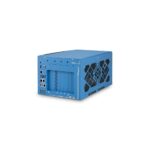 Edge AI ServersRackmount and short-depth servers with 300 W and larger GPUs for on-site training, large models and dozens of camera streams.
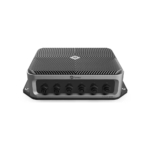 Rugged GPU ComputersSealed, shock-tested GPU systems for vehicles, rail, defence and washdown sites where an industrial cabinet is not enough.
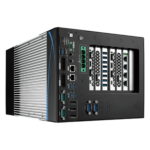 Edge AI ComputersJetson, Hailo and NPU systems that run inference next to the cameras on far less power than a discrete GPU needs.
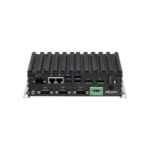 Industrial PCsFanless, mini and box industrial computers for jobs where integrated graphics or an NPU is enough and no discrete GPU is needed.
Industrial GPU Computer vs GPU Workstation vs Cloud GPU
The same NVIDIA GPU can sit in a desk workstation, a rented cloud instance or an industrial computer on the line. Where it runs decides the cooling, the power, the I/O and how far each camera stream travels.
| Feature | This categoryIndustrial GPU Computer | GPU Workstation | Cloud GPU |
|---|---|---|---|
| Where It Runs | On the machine, in a control cabinet or on a vehicle, beside the cameras |
Under a desk or in an office or lab |
In a remote data centre, reached over the network |
| GPU Options | MXM modules and PCIe cards from 70 W to 600 W, with up to four cards on the largest systems |
Full-height desktop and professional cards, often several |
Data-centre GPUs rented by the hour, from one card to large clusters |
| Temperature | Fanless builds rated from −25 to 55 °C, wider on selected models |
Office temperatures, with fans and dust filters |
Climate-controlled halls run by the provider |
| Shock and Vibration | GPU locking brackets and damping mounts hold the card in place |
Not designed for shock or vibration |
Not a concern, as the hardware never leaves the data centre |
| Power | Wide DC inputs such as 8 to 48 V, with a separate GPU power input on some |
Mains AC through a desktop power supply |
No local power, paid for in the usage charge |
| Cameras and Data | PoE+, 10GbE and GMSL2 inputs on the computer, with video kept on site |
Cameras can connect, but few line I/O or field ports |
Every stream crosses the network, adding latency and bandwidth |
| Choose it when | the GPU has to run beside the machine or the cameras, in heat, dust or vibration, all day. | the work is development, rendering or model training at a desk or in a lab. | models are trained in bursts, or the workload can live with network latency and upload costs. |
When the model fits on an NPU or a Jetson module, an edge AI computer does the same job on far less power and with no discrete card to cool.
Industrial PC GPU Options From MXM to RTX PRO Blackwell
The GPU class sets the size, power and cooling of the whole system, from sealed modules on the board to several full-size cards in one chassis.
MXM GPU Modules
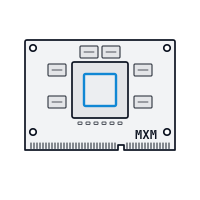
Modules such as the RTX A2000, RTX 2000 Ada and RTX 5000 Ada Embedded mount flat on the board and cool through the case, so fanless and in-vehicle systems keep a discrete GPU with no open card slot.

Low-Profile Cards
Compact box PCs take low-profile cards up to 70 W, such as the RTX PRO 2000 Blackwell or RTX 2000 Ada, for robot cells, kiosks and cabinets with no room for a full-height GPU.
Cassette-Cooled RTX Cards
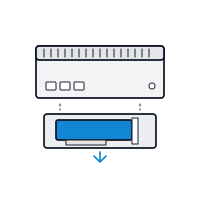
An expansion cassette holds a dual-slot RTX card up to 150 W with its own airflow, kept apart from the passively cooled processor, which suits inspection cells and mobile robots.

NVIDIA L4 for Video
The L4 is a single-slot Ada data-centre GPU built for inference on many video streams at once, used in sealed and cabinet systems for traffic, surveillance and inspection analytics.

High-Power RTX PRO Cards
Larger systems budget up to 600 W for one card such as the RTX PRO 6000 Blackwell, with a dedicated GPU power board or input, for large models, 3D vision and simulation.

Two to Four GPUs
Expandable towers and short-depth servers run two cards for training and inference side by side, and up to four on Xeon platforms with as much as 2 TB of ECC memory.
How to Choose an Embedded Computer With GPU
Choosing an embedded computer with GPU starts with the model and the cameras, then the power, the cooling, the I/O and the software stack.

Workload and GPU Class
Size the GPU from the model, the image resolution and the number of streams. TOPS and TFLOPS figures help compare cards, but a benchmark on your own model is the reliable test, so leave headroom for model updates.

Power and Cooling
Add the GPU, the processor and any PoE load to find the power budget, then match the cooling: passive for MXM modules and low-power cards, cassette airflow or fans above that. Check the rating at full load.

Cameras and Expansion
Count the cameras and their interface, whether GigE with PoE+, 10GbE, USB3 or GMSL2, and the PCIe slots left free after the GPU for frame grabbers, network cards or a second GPU.

CUDA Software and Drivers
Confirm the NVIDIA driver, CUDA and TensorRT versions your software needs on Windows 11 IoT Enterprise or Ubuntu, and pick a processor with enough cores to decode video and keep the GPU fed.
A standard module format that puts a discrete GPU flat on the board, for fanless and in-vehicle builds. What Is an MXM GPU?
Industrial GPU Computer Manufacturers We Work With
We work with the leading industrial GPU computer manufacturers, and the series below are our hand-picked selections: the GPU industrial PCs we specify most often for machine vision, robotics, video analytics and edge AI. Every card names the GPU, processor and expansion that made it our choice, so you can compare series side by side or ask us for a shortlist.
Neousys industrial GPU computers are designed and built by a Taipei manufacturer that specialises in rugged embedded computing for machine vision, vehicles and robotics. Its computers run on Intel, AMD, NVIDIA Jetson and Arm processors, with wide-temperature operation standard across the range.
ASRock Industrial PCs with GPU are designed in Taipei by a company that began as ASRock’s industrial division and has run independently within the Pegatron group since 2018. Its range runs from NUC and Mini-ITX boards to fanless box PCs and Jetson Orin systems.
Premio GPU industrial PCs are designed by a company that has built computers in Greater Los Angeles since 1989. Research and engineering for its rugged range sit in Taipei, where C&T Solution became Premio Taiwan in January 2026.
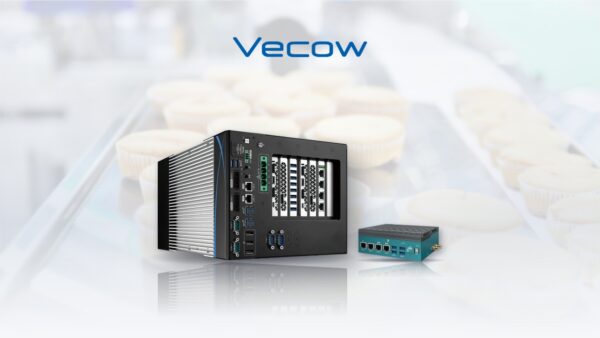
Vecow industrial computers with GPU are designed in Taiwan by a manufacturer of rugged edge AI and embedded computing for machine vision, robotics, rail and vehicles. Its wider range runs on Intel, AMD, NVIDIA Jetson, Qualcomm and NXP processors, with fanless, wide-temperature designs across much of it.
Sintrones embedded computers with GPU are designed in Taiwan by a manufacturer that focuses on vehicles, rail and transport. Most of its range is designed to E-Mark, EN 50155 or EN 45545-2 requirements, with ignition sensing, wide DC input and M12 connector options.
Axiomtek industrial PCs with NVIDIA GPUs are designed by one of Taiwan’s major manufacturers of industrial and embedded computers. Its range spans fanless box PCs, panel PCs and HMIs, railway and in-vehicle computers, single board computers and edge AI systems on Intel, AMD and NVIDIA Jetson.
Yuan industrial GPU PCs are designed by a company that has built video capture hardware in Taiwan since 1990 and describes its business as image acquisition, conversion, streaming and analysis. Its range runs from capture cards and AV over IP to NVIDIA Jetson edge AI systems.
Nuvo-10108GC Neousys Industrial GPU Computer
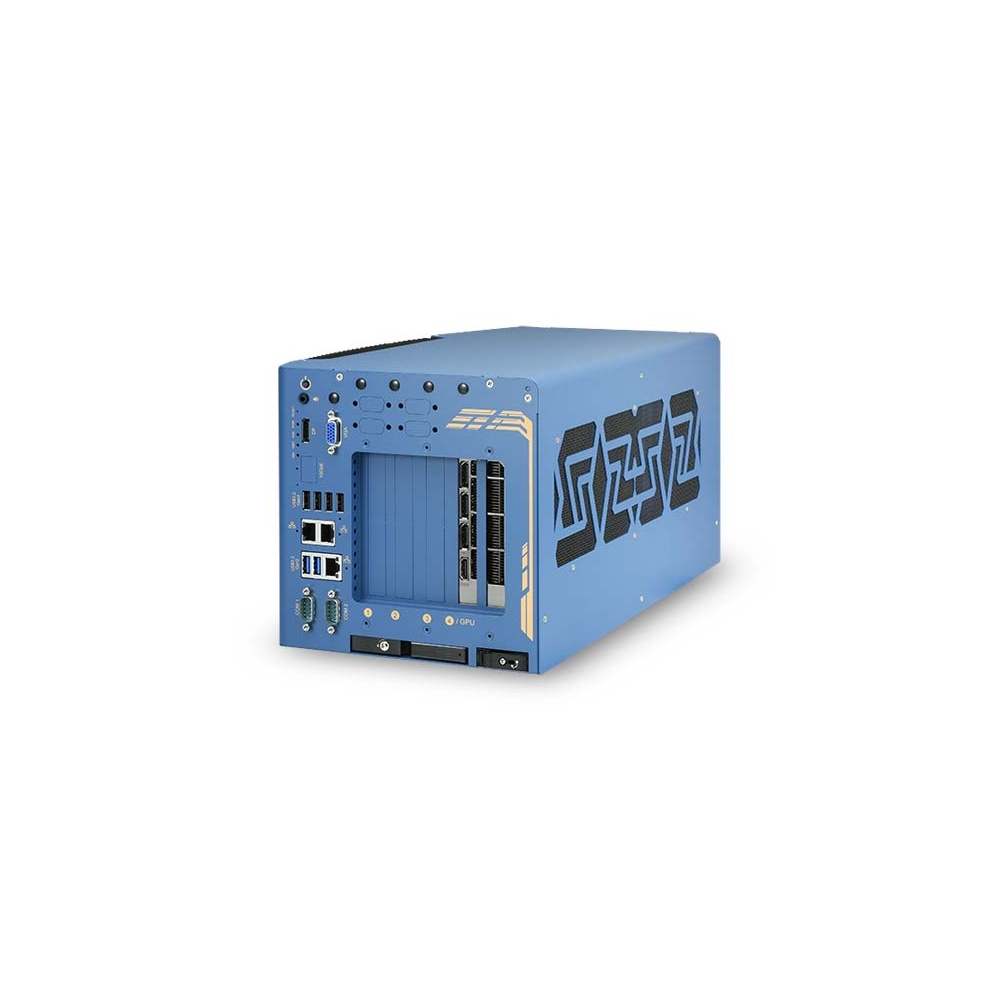
Our lead Neousys pick, with a GPU locking bracket and damping mount that hold an RTX PRO card in its Gen4 x16 slot, up to 100 TFLOPS with the RTX PRO 6000 Max-Q, beside 14th Gen Core and three slots for frame grabbers.
Nuvo-11160GC Neousys Industrial PC With GPU
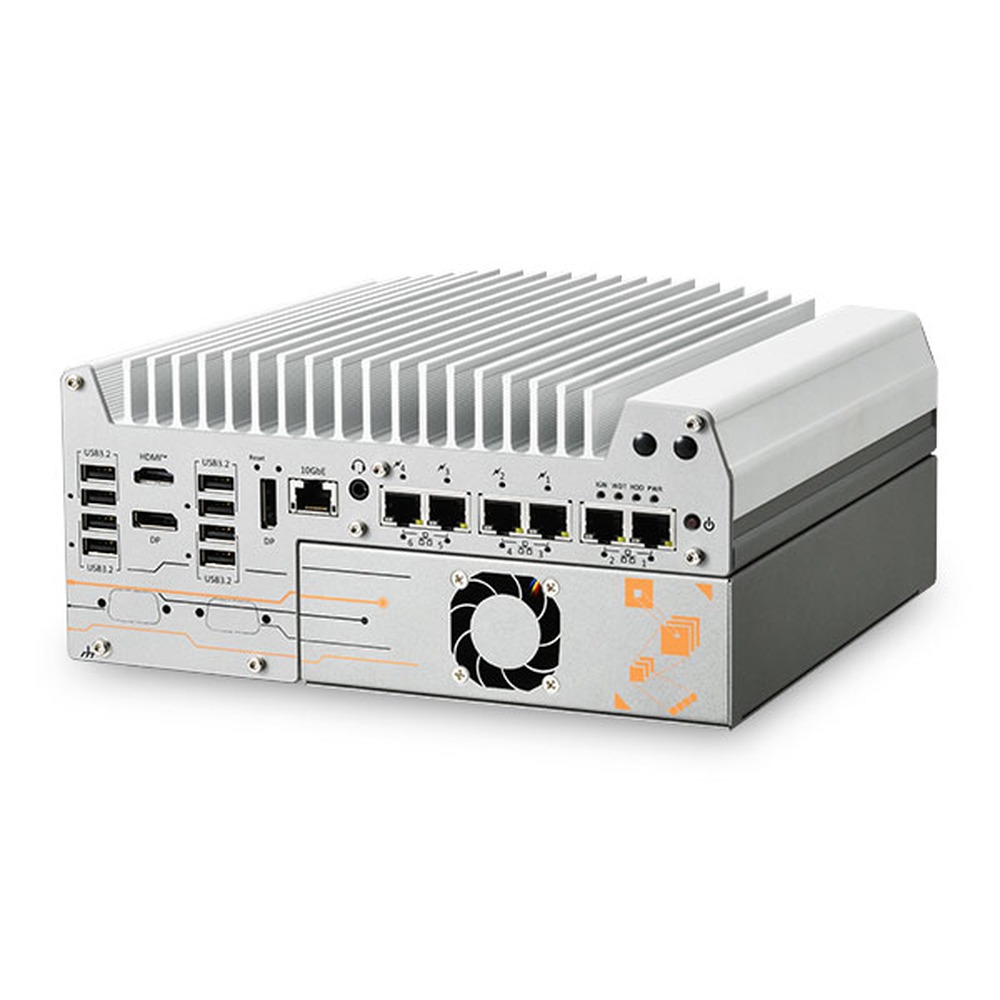
The newest processor in the Neousys range: Core Ultra 200S with its own NPU beside an RTX GPU up to 150 W, Blackwell cards included, in a cassette with an upgraded fan, plus five 2.5GbE ports and optional PoE+.
RGS-9805GC Neousys Industrial Computer With GPU
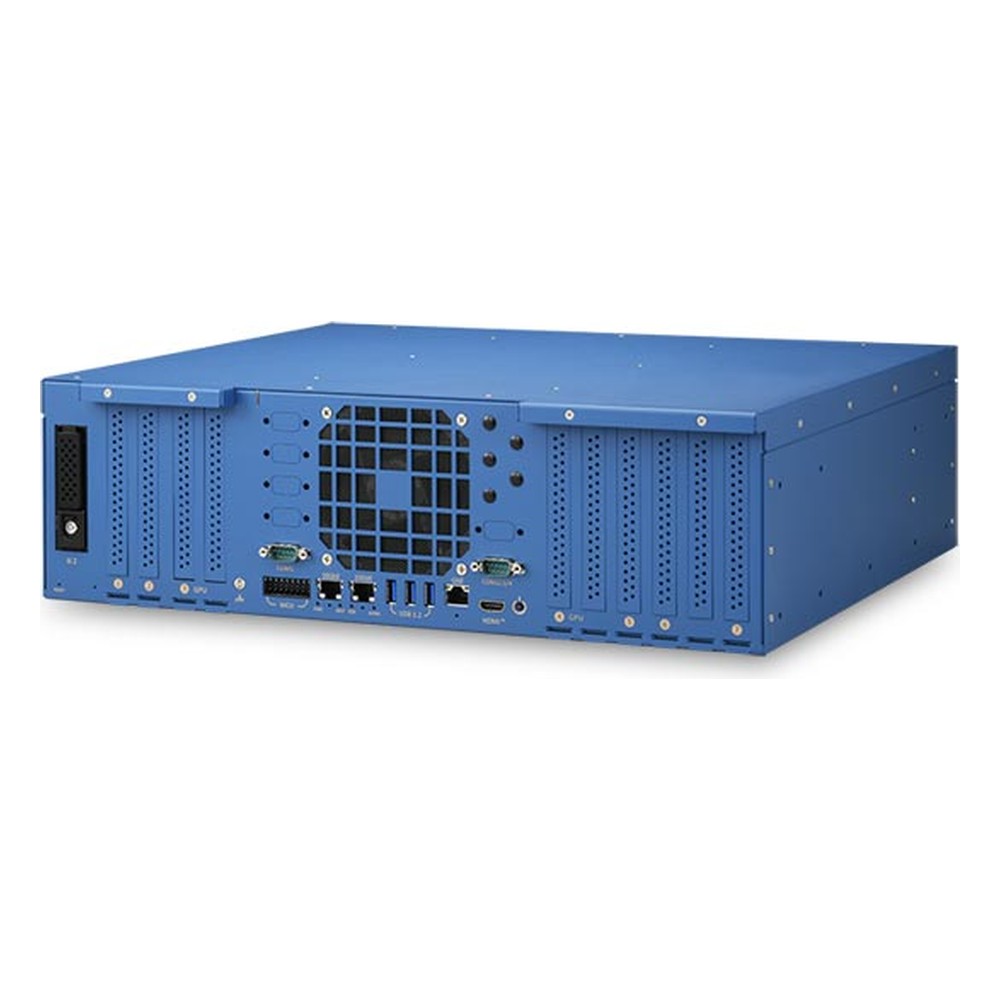
Chosen for the heaviest on-site work: an AMD EPYC 9005 with up to 160 cores and two RTX PRO 6000 Blackwell Max-Q cards in a short-depth 3U chassis, with five more PCIe Gen5 slots for camera frame grabbers.
POC-960GC Neousys GPU Box PC
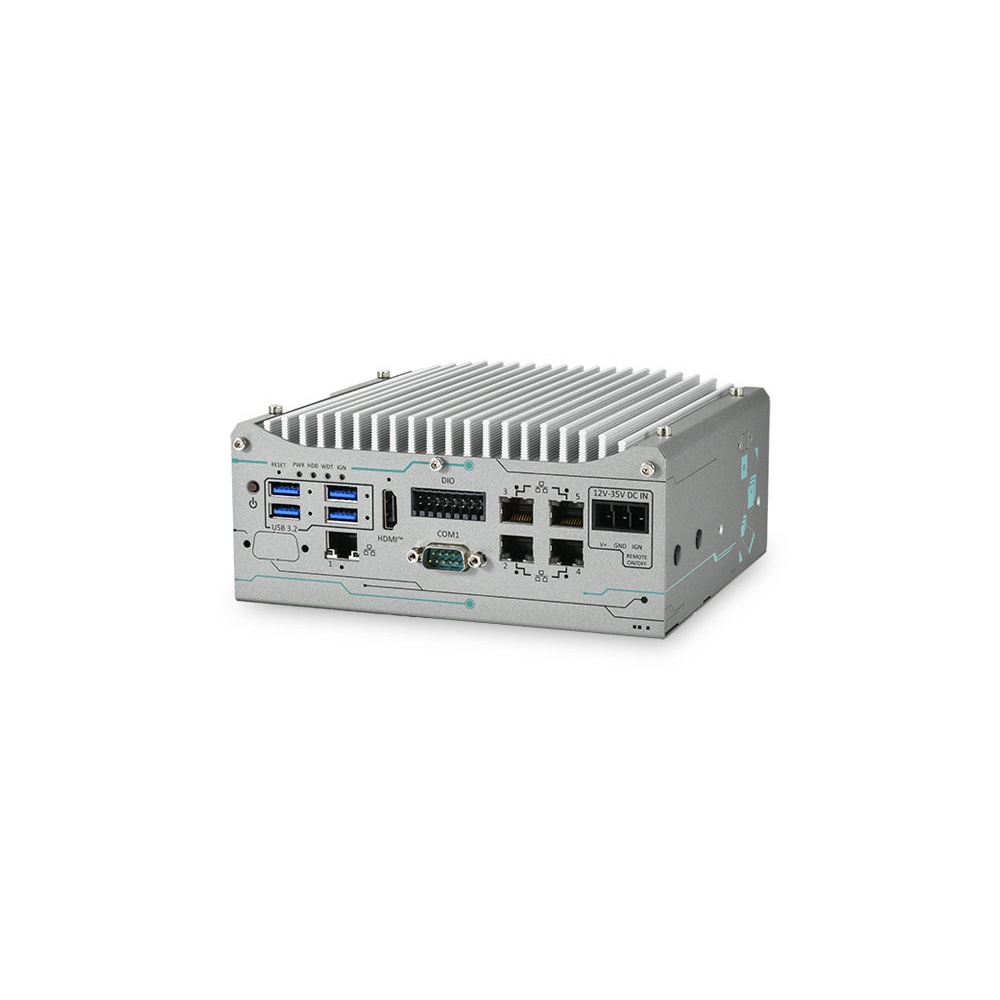
A palm-sized choice for robot arms and kiosks: the Ryzen PRO 8640U handles sensor data and control while a low-profile card up to 70 W takes the inference, with GigE camera ports, screw-lock USB and isolated DIO.
Nuvo-9160GC Neousys GPU Industrial PC
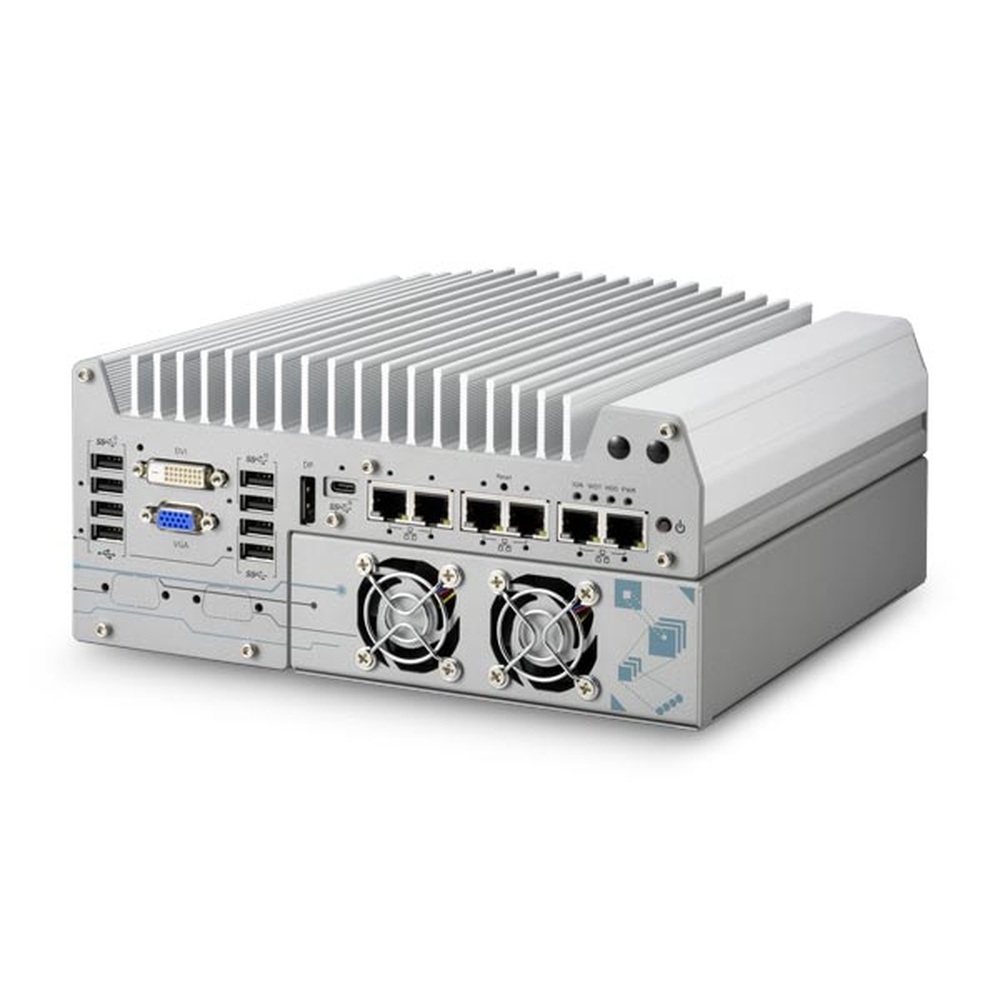
A 150 W RTX card in a ventilated cassette beside a passively cooled 14th Gen Core board, with inputs for six GigE and six USB3 cameras, four COM ports and a MezIO port for extra line I/O.
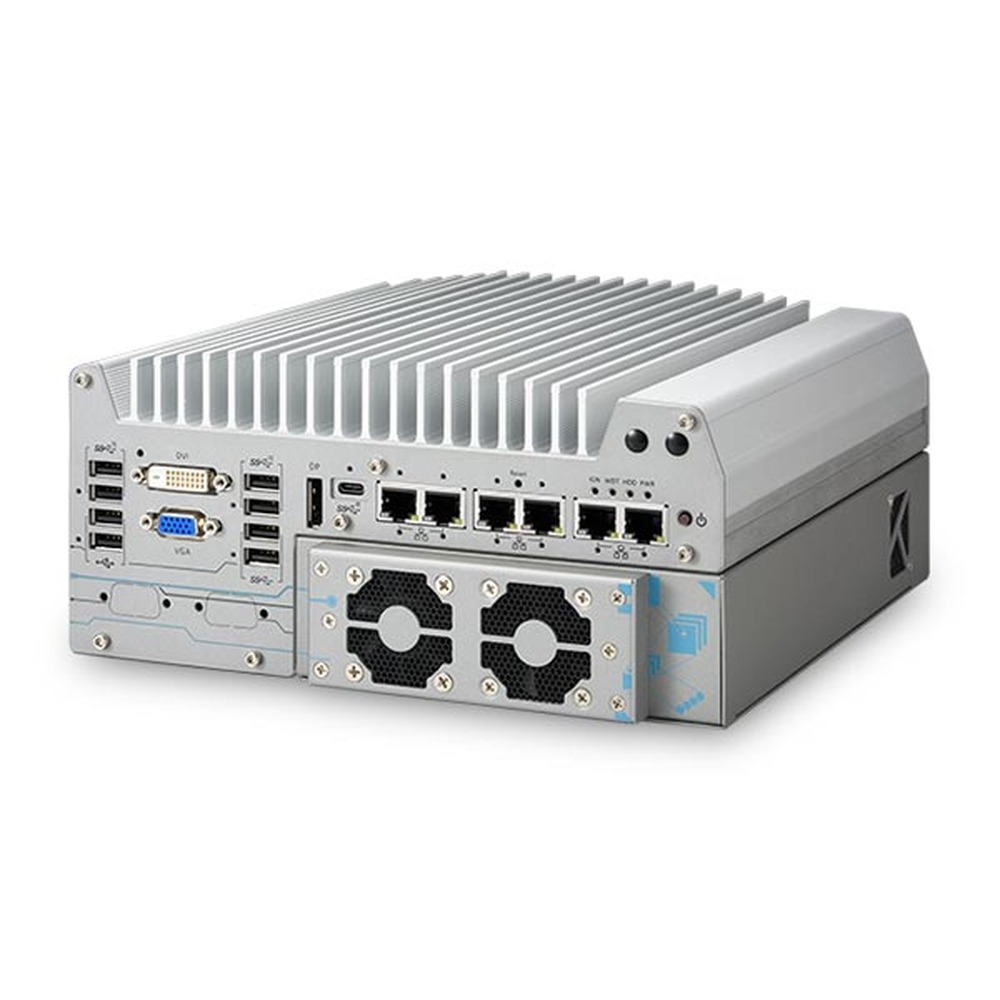
Nuvo-9166GC Neousys Industrial PC With NVIDIA GPU
Built around the NVIDIA L4 with up to 485 TOPS of INT8, plus a second PCIe slot for a frame grabber, so one inspection system can grow to fourteen GigE or eighteen USB3 cameras. A UL-certified build is offered too.
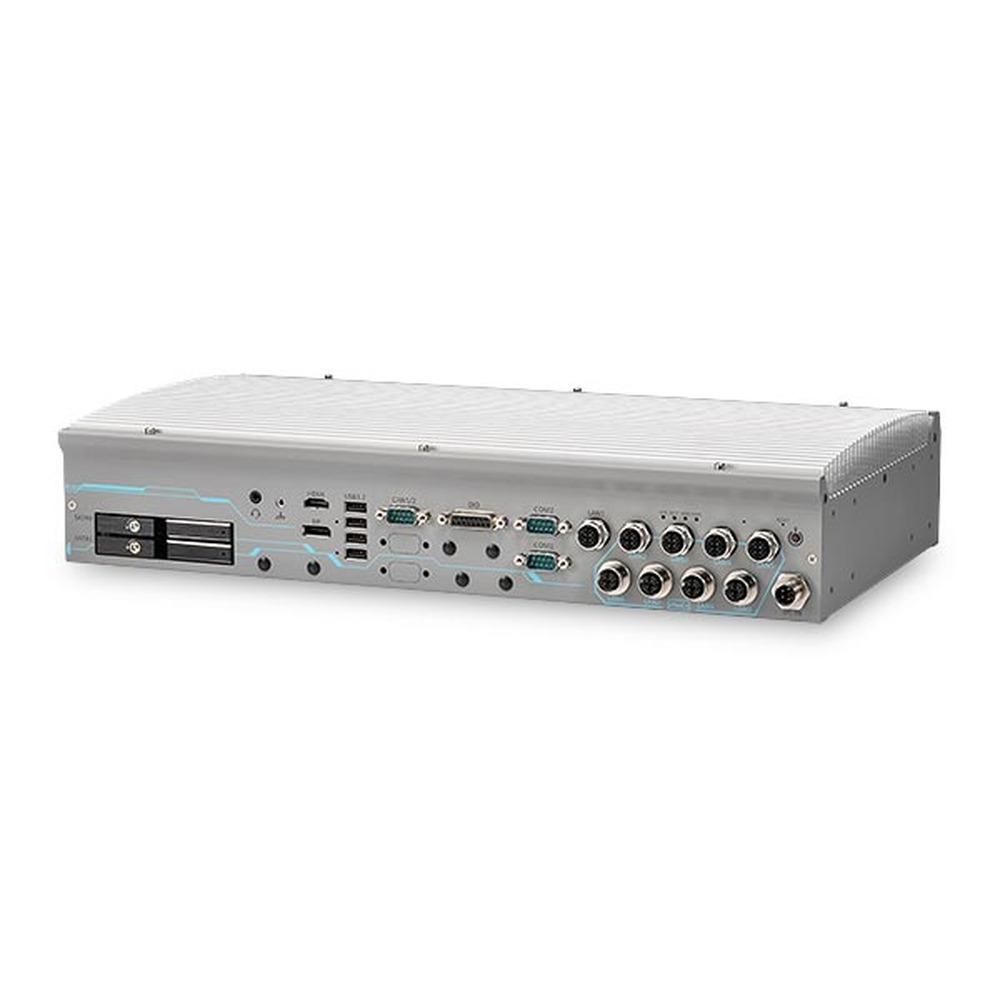
GT-92GC Neousys Industrial GPU PC
A 2U rackmount computer that cools an RTX 2000 Ada and a 14th Gen Core processor with no fans from −25 to 55 °C, with eight M12 PoE+ camera ports and two hot-swap drive trays.
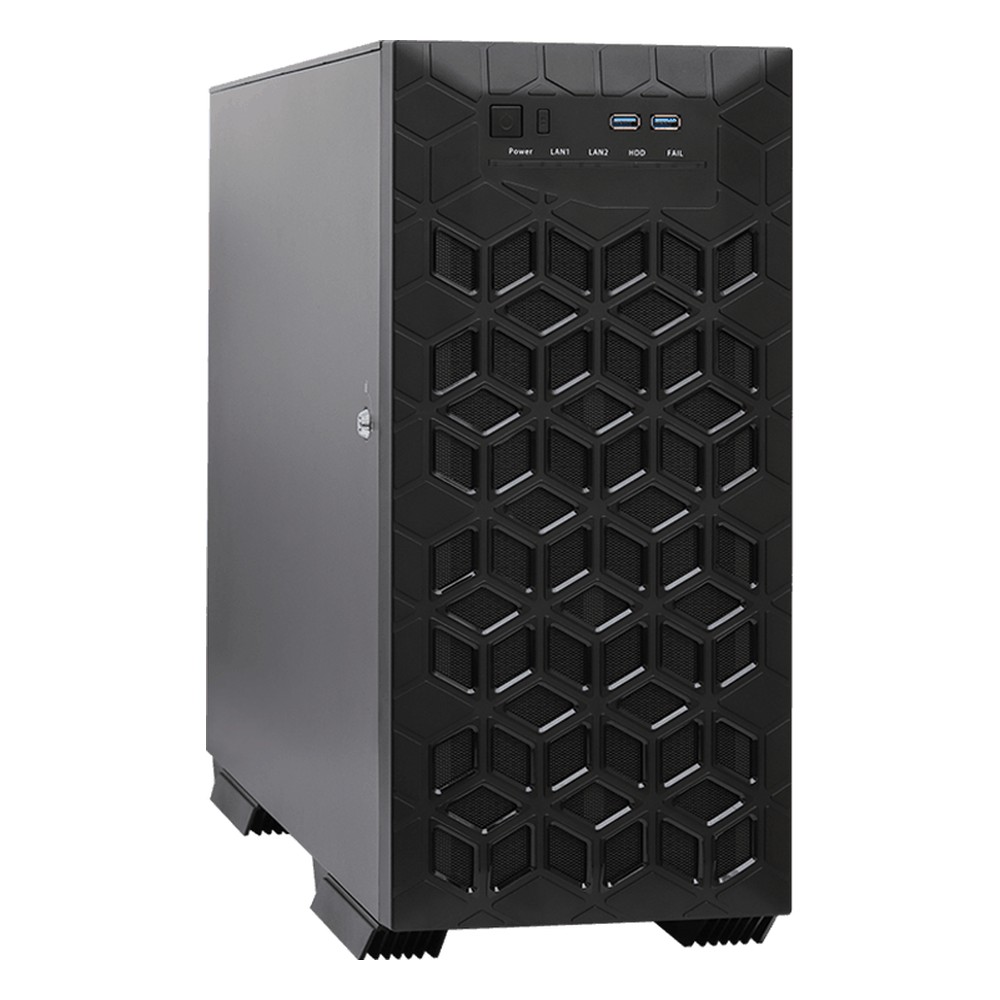
iEPF-10000S ASRock Industrial Embedded Computer With GPU
Our lead ASRock Industrial pick: Core Ultra 200S or 14th Gen processors, up to 256 GB of ECC memory on the W-series builds and room for two RTX PRO Blackwell cards, plus seven PCIe slots for capture and network cards.
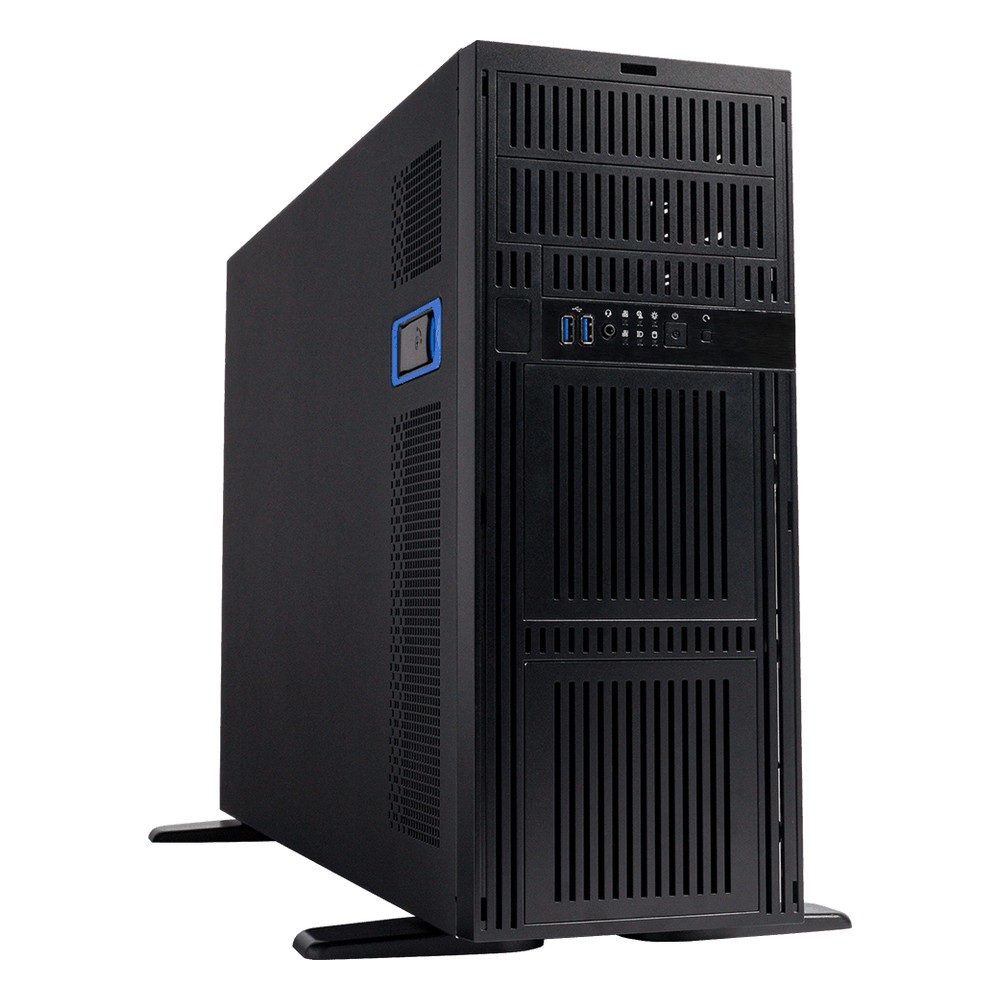
iEPF-11000S ASRock Industrial Embedded Industrial GPU PC
Chosen when one chassis must hold more cards than a tower usually takes: Xeon 600 processors, up to 2 TB of ECC DDR5 and seven PCIe Gen5 slots for up to four RTX PRO Blackwell cards.
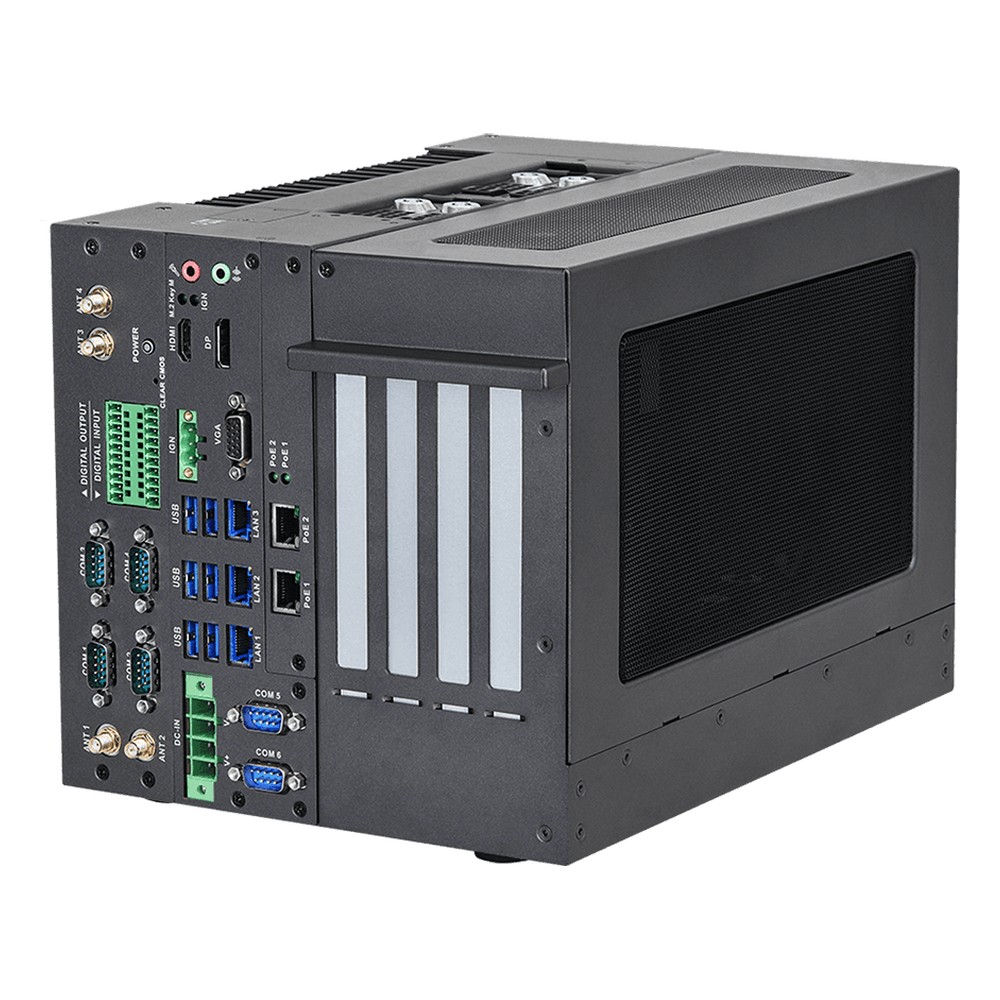
iEPF-9040S-EW4 ASRock Industrial GPU Industrial PC
A Bartlett Lake Core Series 2 system with a PCIe Gen5 x16 slot and three more slots, an internal fan and a power cable for a card up to 180 W, such as the RTX 4000 Ada or RTX 2000 Ada.

iEPF-9022S-EY4 ASRock Industrial Embedded Computer With GPU
A single-slot 13th Gen Core build for one card up to 255 W, with four 2.5GbE ports, two of them with PoE, six serial ports, 8 DI/8 DO and TSN under Yocto in an extended temperature case.
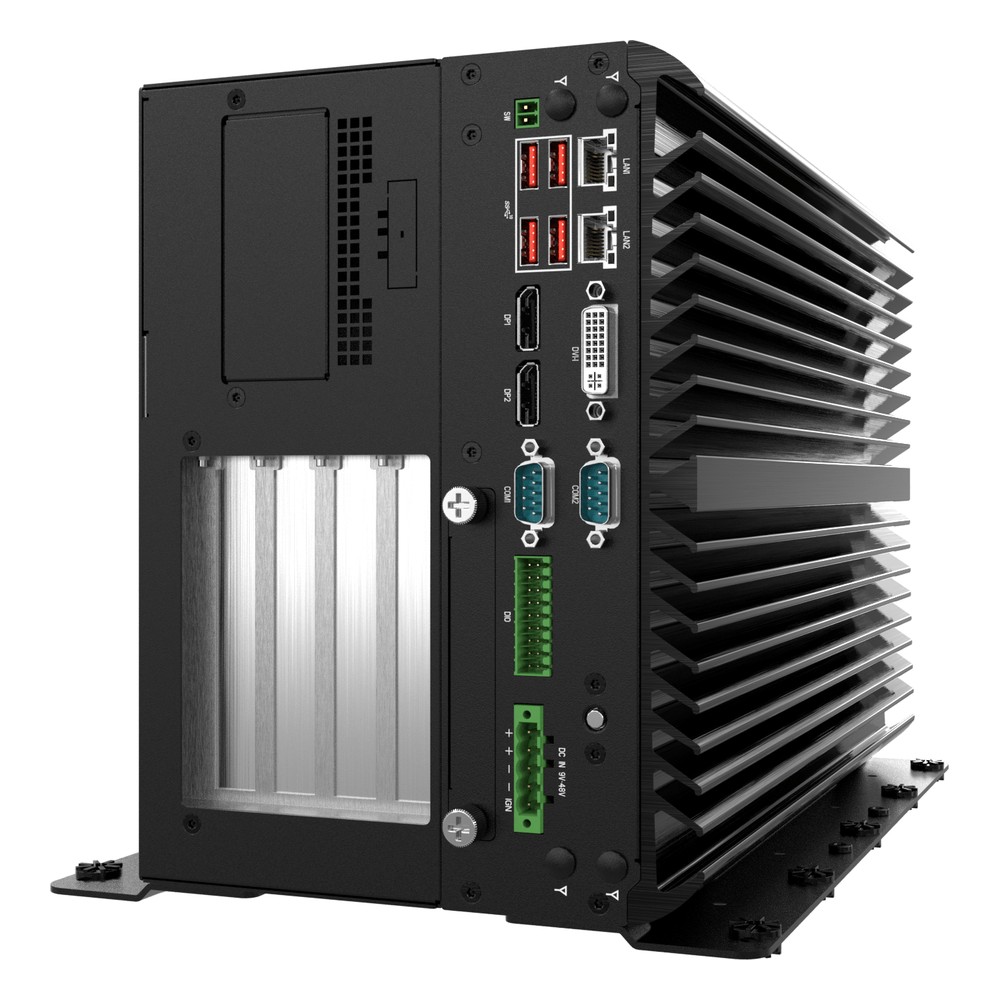
VCO-6000-RPL Premio Industrial PC With GPU
Our lead Premio pick for machine vision cells: two PCIe x16 Gen4 slots on a 600 W GPU power board for cards up to the RTX PRO 6000 Blackwell Max-Q, with isolated 8-in/8-out DIO and six serial ports.
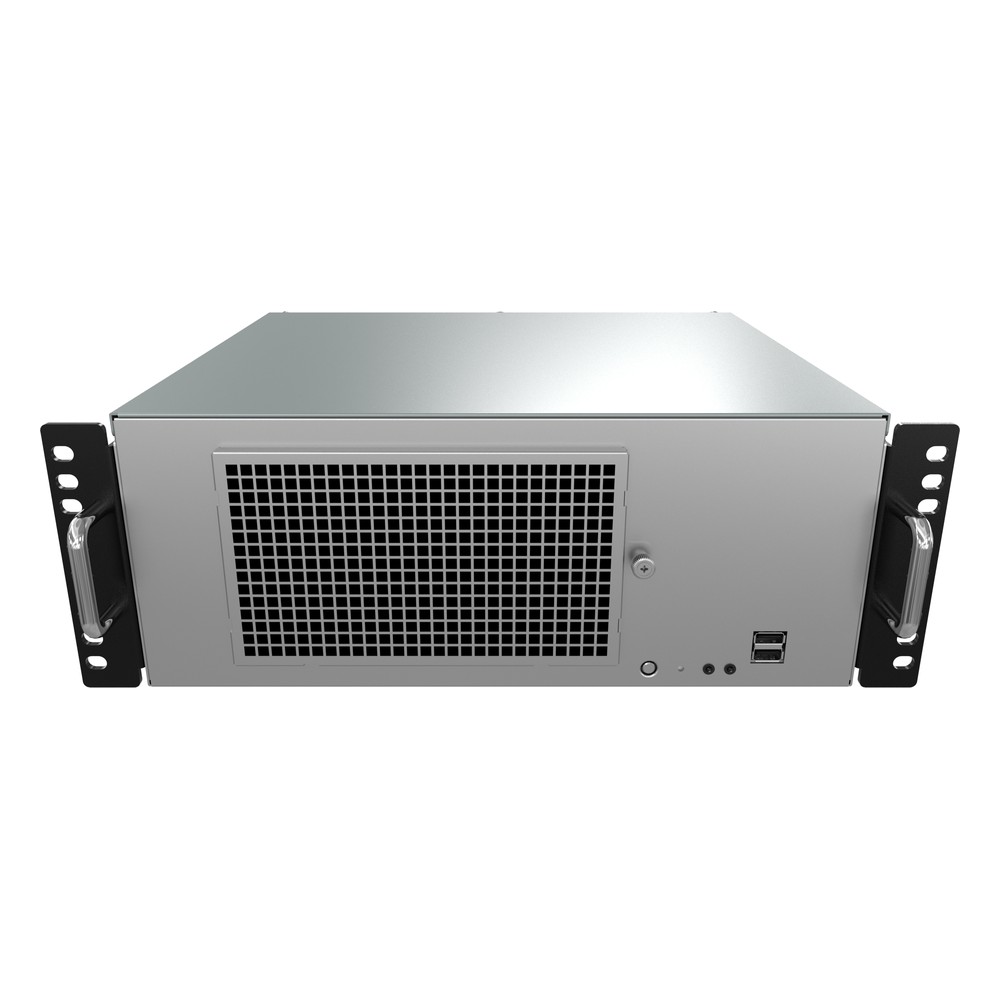
KCO-3000-RPL Premio Industrial GPU Computer
Picked when a project moves from the lab to the site: one or two RTX PRO 4000 Blackwell or RTX 4000 Ada cards, a PCIe Gen5 x16 slot, an internal 500 W supply, serial ports and digital I/O.
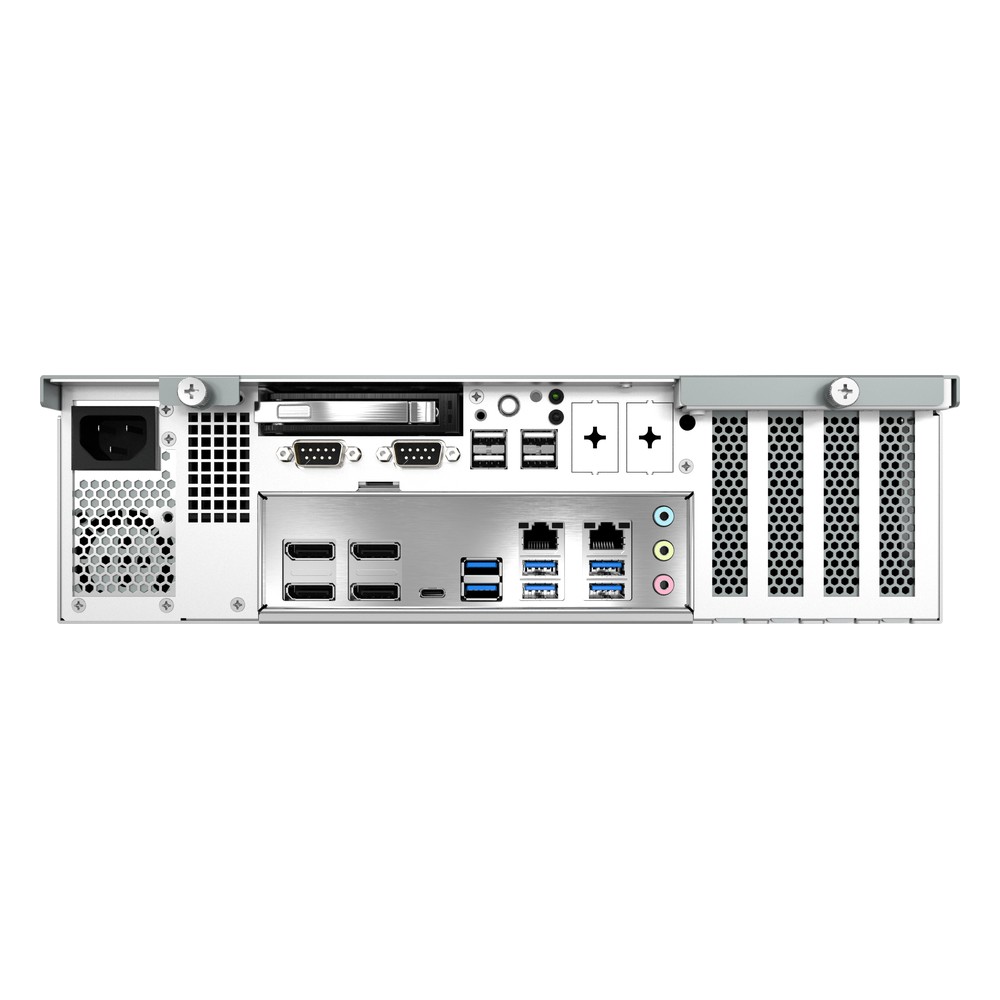
KCO-2000-RPL Premio GPU Box PC
A smaller sibling for a single low-profile card such as the RTX PRO 4000 Blackwell SFF or RTX 2000 Ada, with a PCIe Gen5 x16 slot, a 250 W internal supply and up to 128 GB of memory.
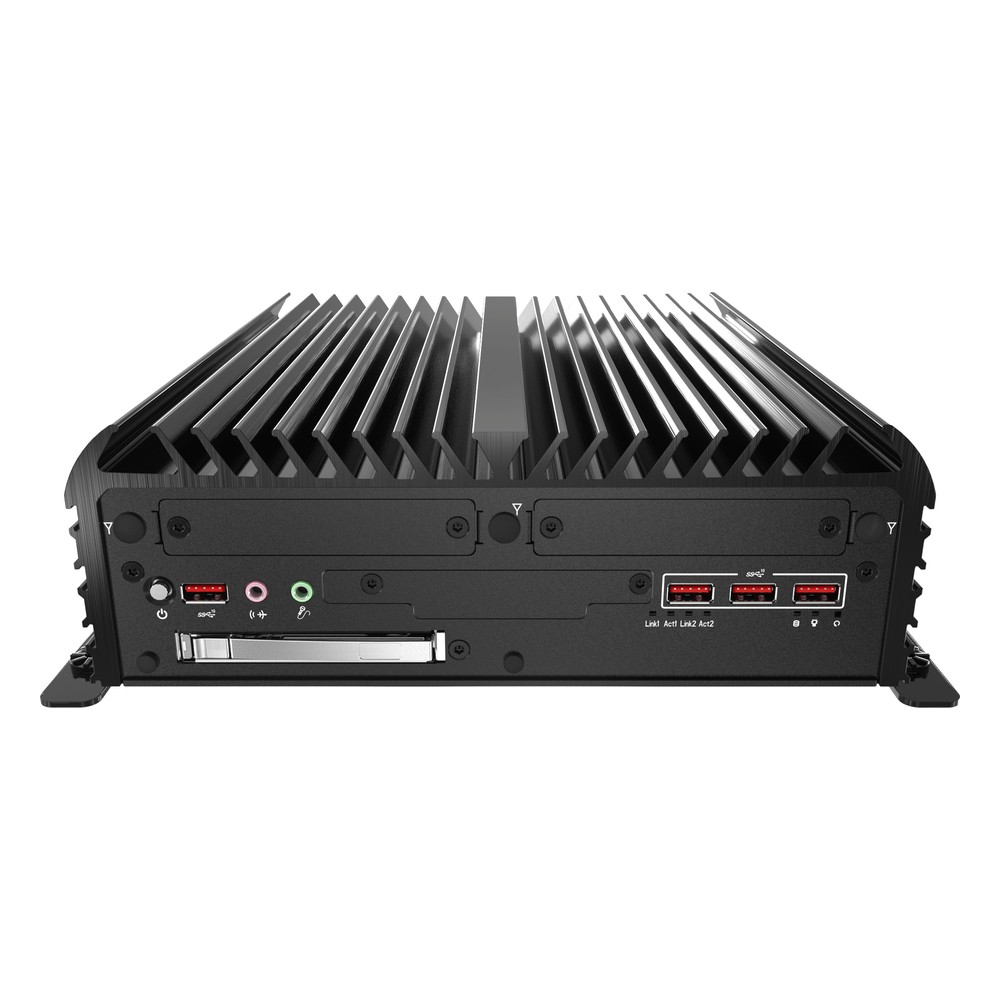
RCO-6000-RPL Premio Industrial Computer With GPU
Chosen for cabinets and vehicles with a tight power budget, as the 2PWR build gives the GPU its own power input, beside TSN 2.5GbE, CAN, isolated DIO and U.2 NVMe or SATA drive bays on other builds.
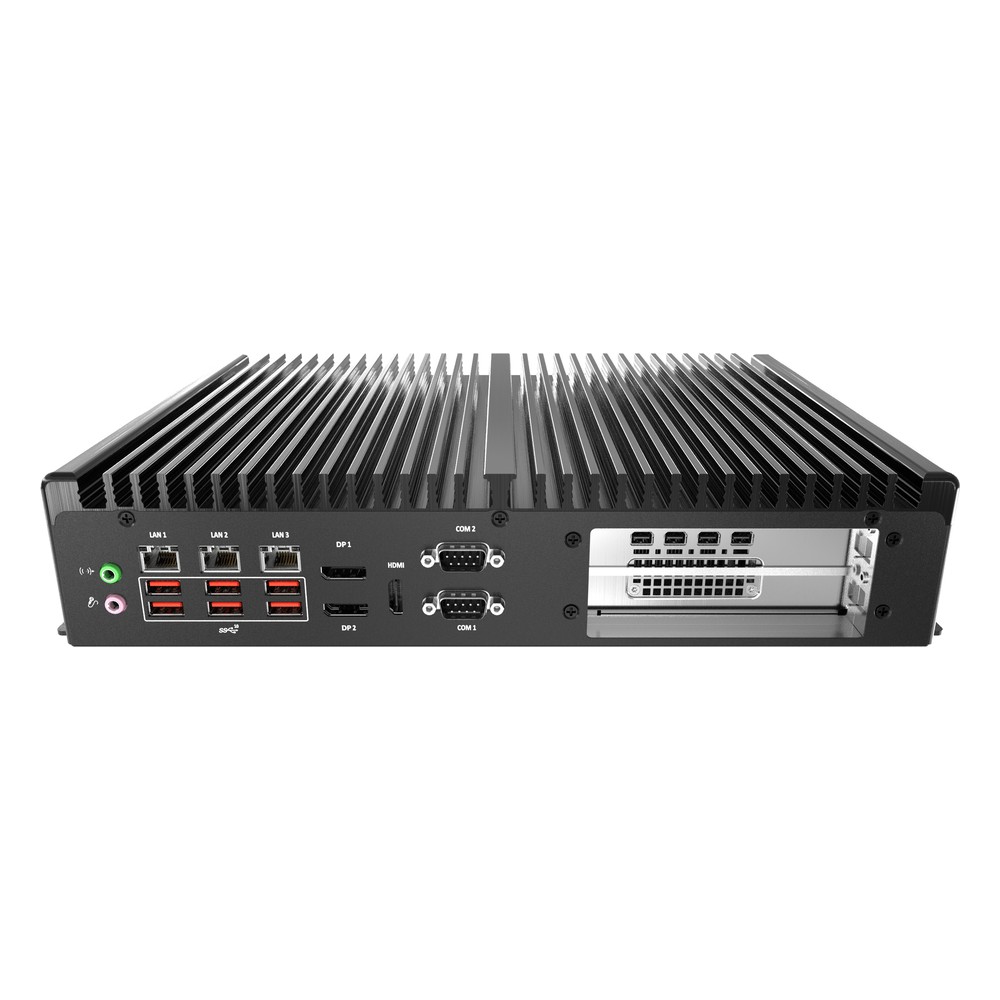
BCO-6000-RPL Premio Industrial GPU PC
A compact option for one 70 W card such as the RTX PRO 2000 Blackwell, or two PCIe x8 slots on the 2E8 build, with three 2.5GbE ports, four COM ports and readiness for a Hailo-8 module.
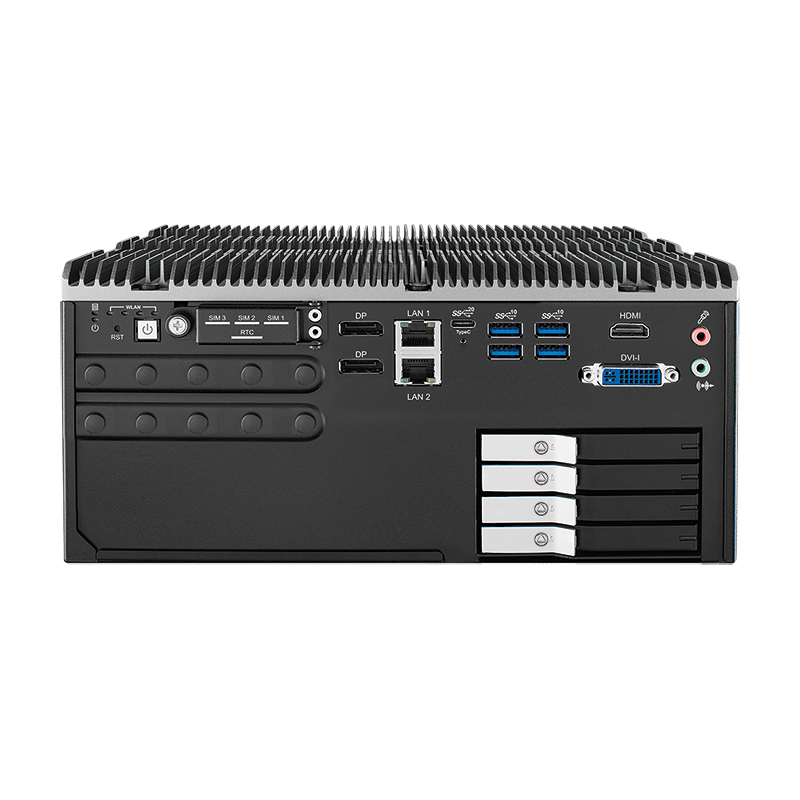
ECX-3000 PEG Vecow Industrial GPU PC
Our lead Vecow pick, with builds from one to four PCIe slots and a GPU budget of up to 200 W on 12th to 14th Gen Core or Bartlett Lake processors, four PoE+ ports and SSD trays on the larger models.
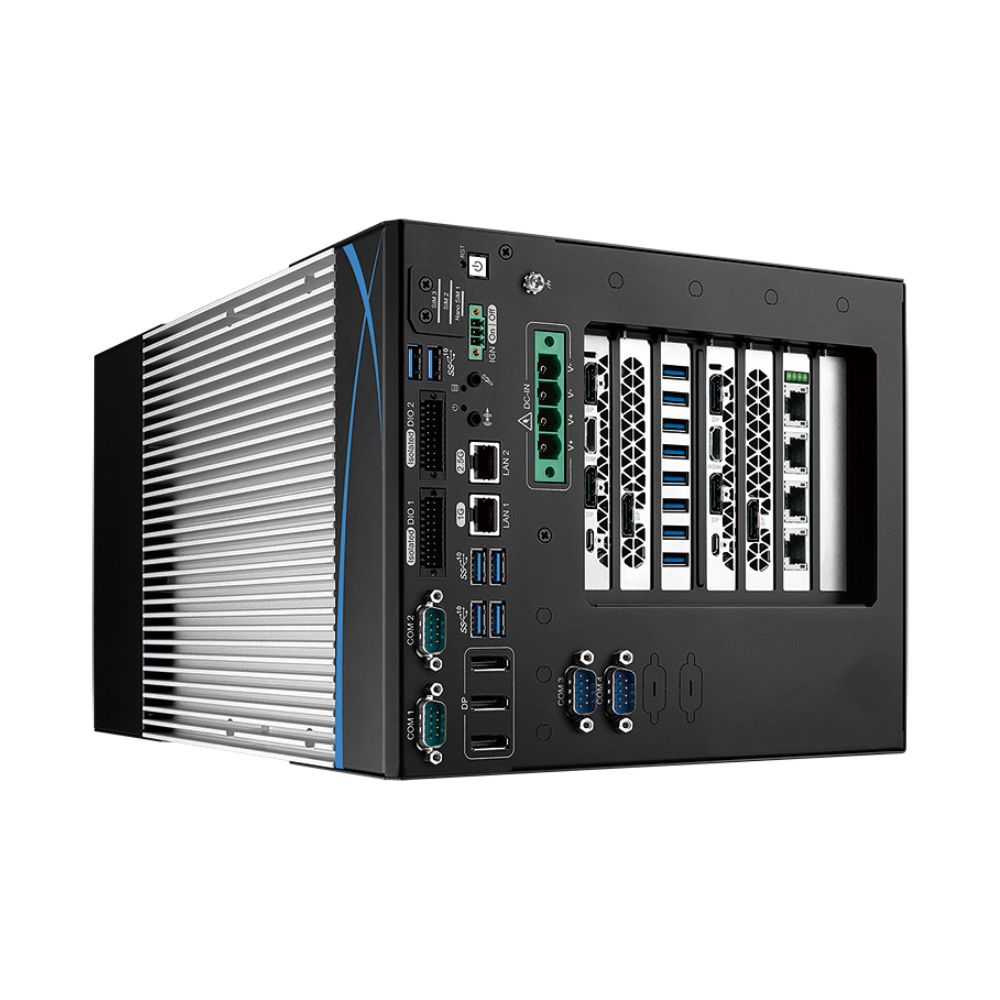
RCX-2700 PEG Vecow Industrial Computer With GPU
Picked for dual-GPU inspection: two PCIe Gen4 slots take a pair of three-slot cards within a 1500 W budget, on a Xeon W-1350 or Core i7-11700, with three more x16 slots for frame grabbers.
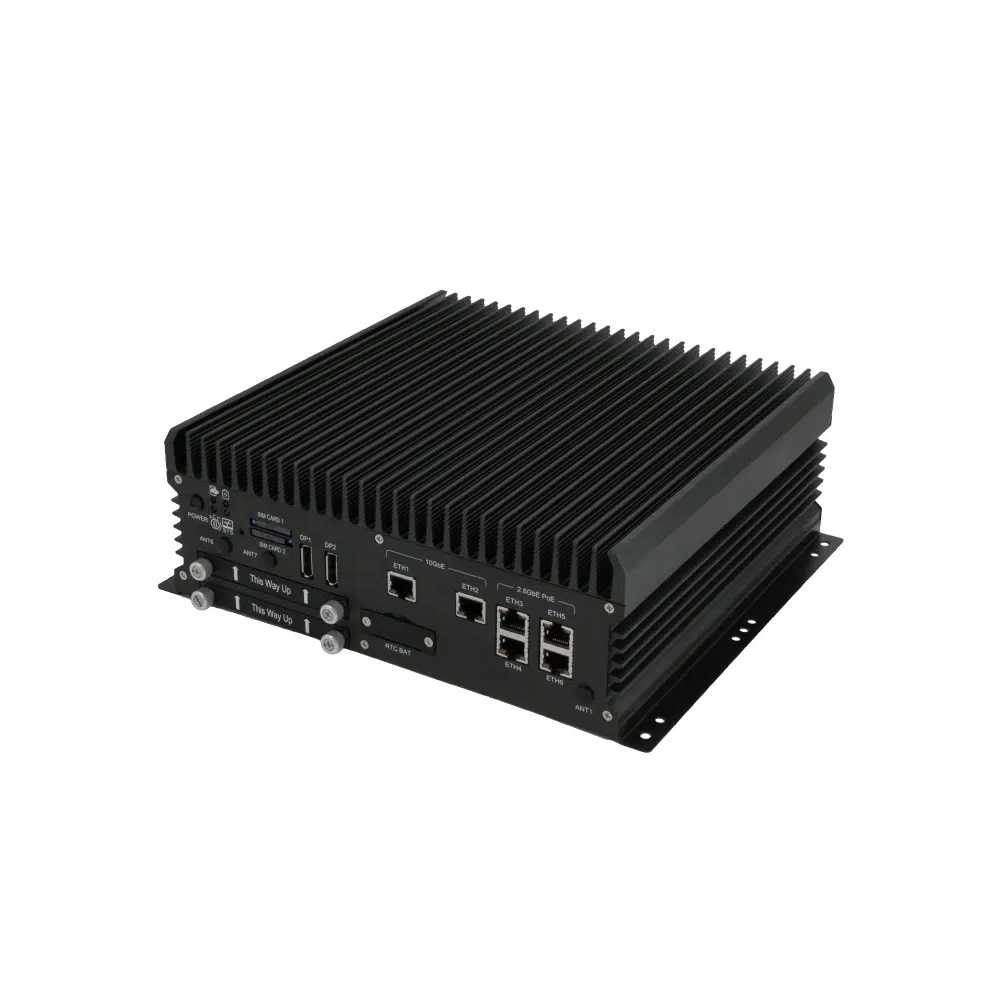
ABOX-5221 Sintrones Industrial PC With NVIDIA GPU
Our lead Sintrones pick: 14th Gen Core with an RTX 5000 Ada, 3500 Ada or 2000 Ada Embedded MXM module, or Intel Arc A370E, plus two 10GbE ports and M12 and PoE+ builds for camera networks.
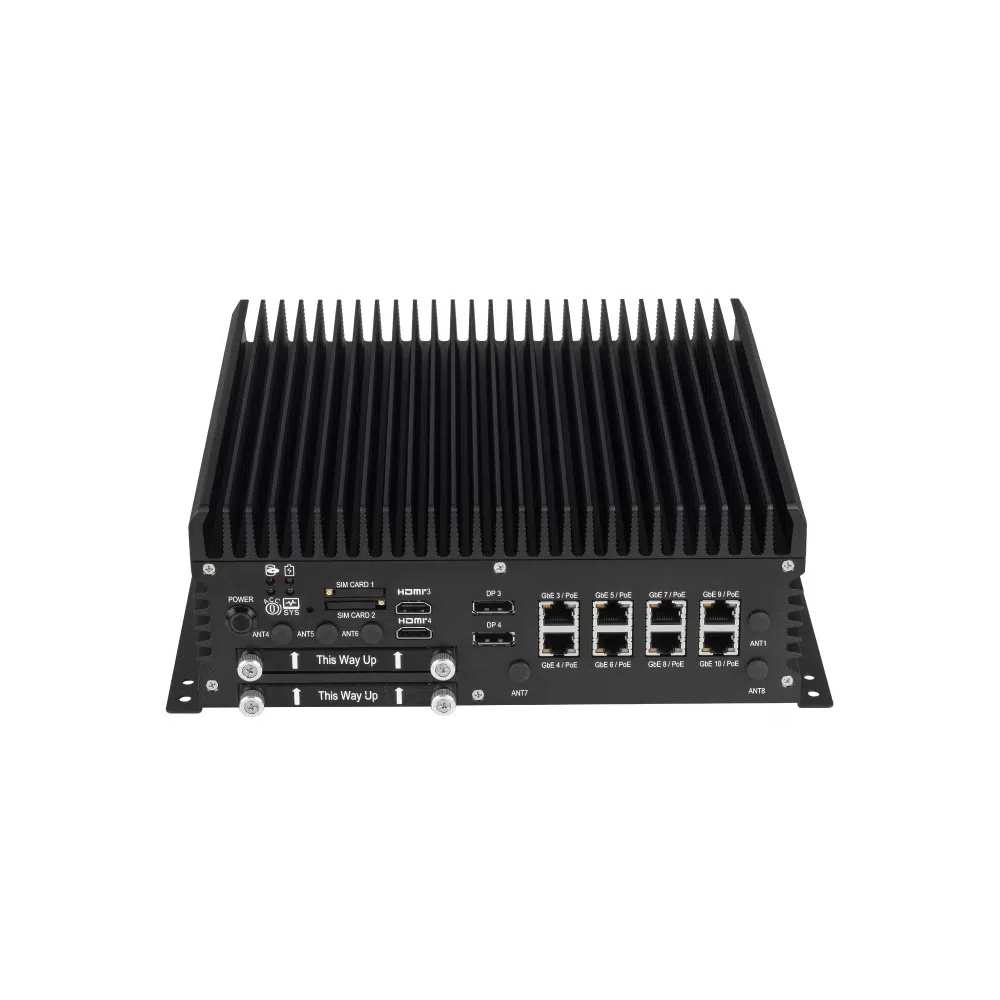
ABOX-5220 Sintrones Embedded Computer With GPU
Chosen when vision has to sit beside plenty of field wiring: the same MXM GPU options with ten LAN ports, four COM ports and two WWAN slots for reporting over cellular networks.
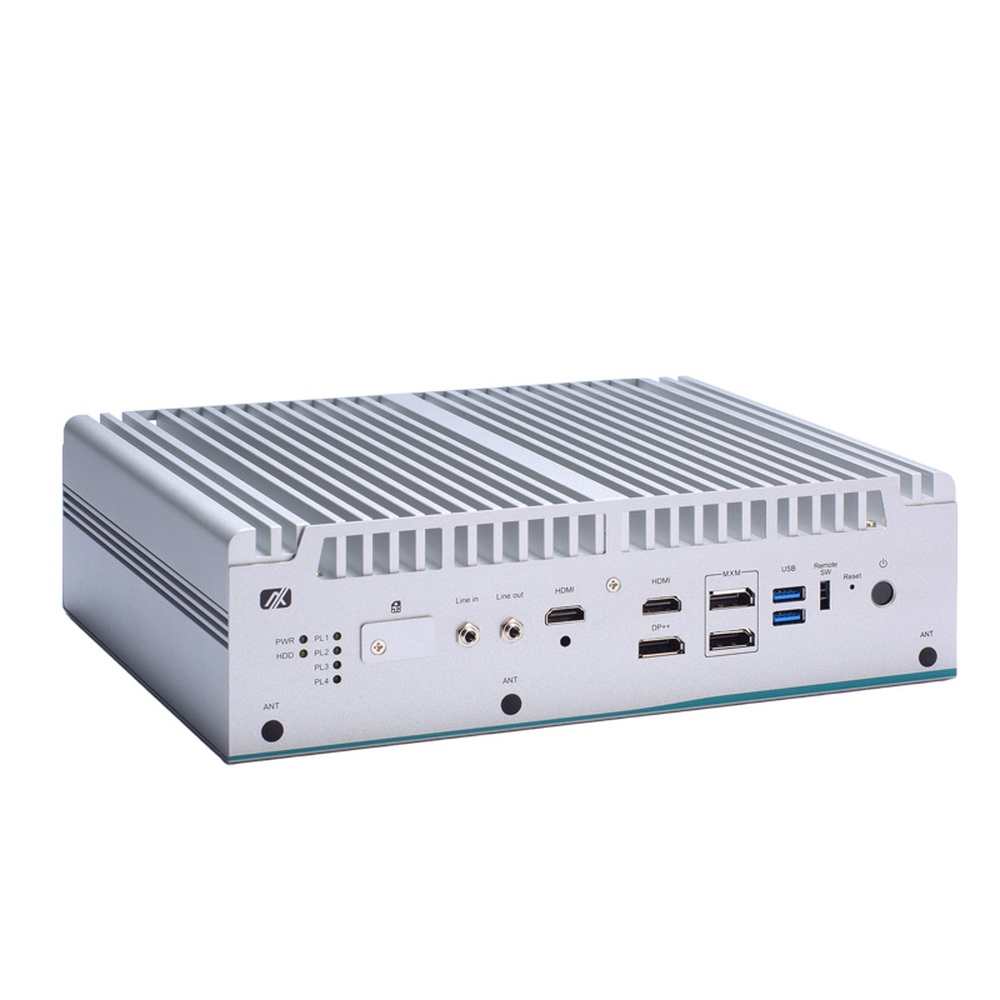
eBOX671B-ALD-GbE Axiomtek Industrial GPU Computer
Our pick from Axiomtek for a closed GPU build: an MXM 3.1 slot for the RTX A2000, T1000 or A500 beside 12th to 14th Gen Core or Bartlett Lake processors, with three 2.5GbE ports in an aluminium and steel housing.
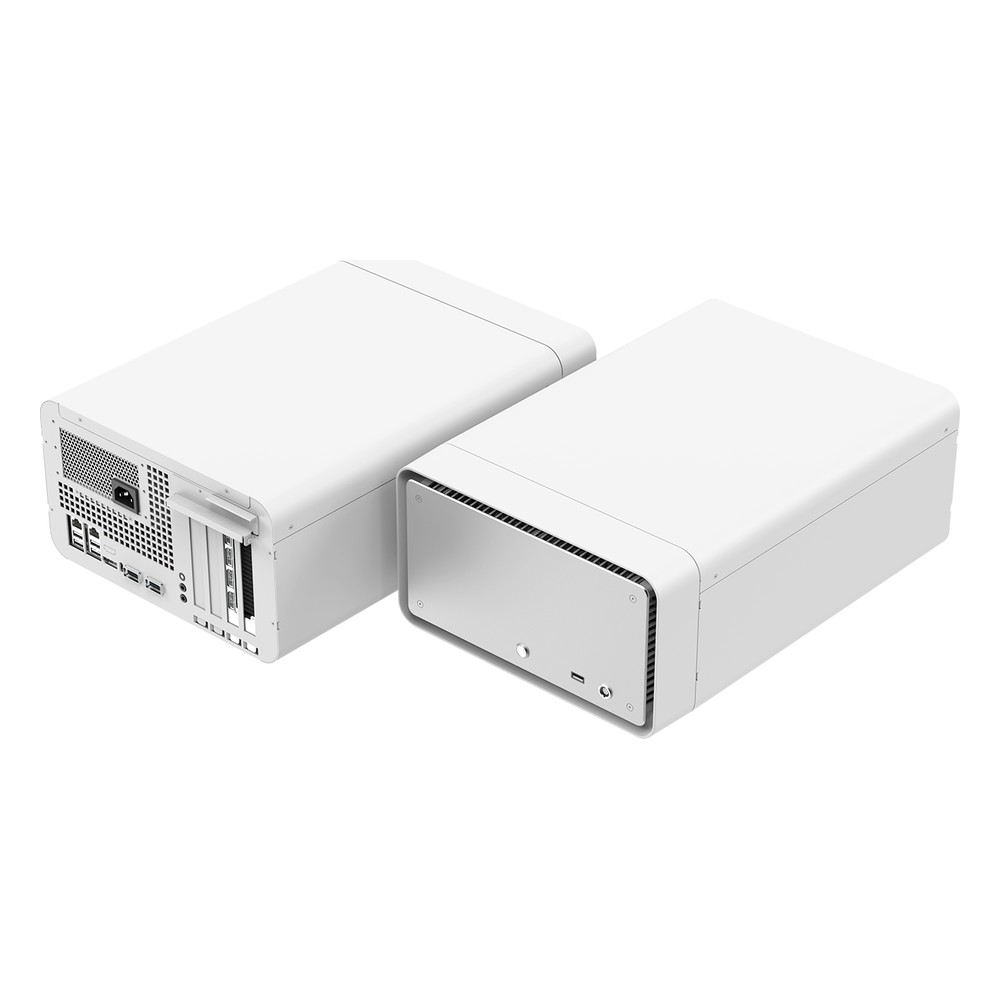
NEAR T7X Yuan Industrial PC With GPU
Picked for sensor-heavy video pipelines: IGX Thor T7000 compute takes HDMI and SDI feeds over Ethernet through Holoscan Sensor Bridge, and a discrete RTX PRO 6000 Max-Q card can be added for larger models.
Not sure which range fits? Tell us the application and we will recommend the right model.
Industrial GPU Computing Projects and Guides














Industrial GPU FAQs
What is an industrial PC with GPU?
An industrial PC with GPU is an industrial computer with a discrete graphics processor, either a PCIe card or an MXM module, for parallel work such as AI inference, machine vision and video analytics. Unlike a gaming PC, an industrial GPU PC is built for cabinets, machines and vehicles, with wide DC power, locking connectors and field I/O.
GPU vs CPU: what is the difference?Do I need a discrete GPU, or is an integrated GPU enough?
An integrated GPU or NPU handles display, video decode and light AI models well. A discrete GPU becomes necessary when the model is large, the resolution is high or several camera streams run at once, because it brings its own memory and many more cores. If an integrated part already meets the frame rate on your model, a discrete card only adds power and heat.
iGPU vs dGPU: what is the difference?Which NVIDIA GPU suits an industrial PC?
It depends on the space, the power budget and the model. Embedded GPU modules in MXM form, such as the RTX A2000 and RTX 2000 Ada, suit fanless and vehicle systems, low-profile 70 W cards suit compact box PCs, and the L4 suits multi-stream video inference. Full-size RTX PRO Blackwell cards, up to the RTX PRO 6000, handle large models and 3D vision in expandable systems.
What is a graphics card?Do you need a GPU industrial computer for edge AI applications?
Not always. NPUs in current processors and NVIDIA Jetson modules run many detection and classification models on a few watts. A GPU industrial computer earns its place when models are large, streams are many, or the system also trains, visualises or runs several models at once. Platforms such as IGX Thor pair a discrete GPU with NVIDIA Holoscan sensor pipelines. Our answer on what GPU edge computing is sets out the options, from Jetson modules to PCIe cards.
How many TOPS does an NPU need?Can an industrial GPU computer be fanless?
Yes, with the right GPU. MXM modules and some low-profile cards are cooled through the enclosure, and fanless rackmount builds run a compact RTX card from −25 to 55 °C. Higher-power cards need airflow, usually a GPU cassette with its own fan. Our guide to whether a GPU computer can be fanless explains the limits.
What is conduction cooling?How much power does an industrial computer with GPU need?
Add the GPU board power, the processor TDP, memory, storage and any PoE cameras, then leave headroom for start-up peaks. Many models take wide DC inputs, and some give the GPU its own power input from the vehicle or cabinet supply, so the card never shares a rail with the processor.
What is a computer power supply?What does an industrial PC with GPU for machine vision need?
Camera inputs and bandwidth come first: GigE with PoE+, 10GbE, USB3 or GMSL2, and PCIe slots for frame grabbers. Then a GPU sized for the inspection model at line speed, isolated digital I/O for triggers and reject signals, and accurate timing between cameras and lighting.
What is machine vision?Is an industrial GPU PC for surveillance systems different from an NVR?
Yes. An NVR records and plays back camera streams, and many run only light analytics. An industrial GPU PC for surveillance systems runs heavier video analytics on many streams at once, such as people and vehicle detection, plate recognition and virtual fences, and passes the results to an existing VMS. It also suits outdoor cabinets, vehicles and sites with no server room. To size the GPU, see how many cameras one GPU can handle; if the same system also records, our guide to NVR storage per camera sizes the drives.
What is video analytics?Can an embedded PC with GPU run Windows and Linux?
Yes. x86 systems run Windows 11 IoT Enterprise or Ubuntu with NVIDIA drivers, CUDA and TensorRT, so models built on a workstation or in the cloud move across with little change. Containers and frameworks such as PyTorch, ONNX Runtime and DeepStream run on both. Check the driver branch and the long-term support release your software needs before you choose.
Do you offer TAA and NDAA compliant industrial GPU computers?
Yes, where the manufacturer declares it. Some industrial GPU computer makers publish TAA or NDAA declarations for selected models, which matters for US federal, defence and infrastructure projects. Check that it covers the GPU as well. No system here is sold as made in the USA or as Buy American Act compliant. Share the contract clause and we will compare it.
What does TAA compliant mean?Can you supply industrial GPU computers configured and tested?
Yes. Integration is standard: every industrial GPU computer we supply is configured and tested before it ships. The GPU, memory, storage and wireless modules are fitted first, then the operating system image with NVIDIA drivers, CUDA and TensorRT, and the network and camera settings, so each system arrives ready to run your model.
Speak to an Industrial GPU Computer Specialist.
Tell us the model you need to run, the cameras it reads and where the system will be installed. We will recommend the right GPU and industrial computer for the job.