
 UK
UK OPS Computers
OPS PCs for Interactive Flat Panels and Classroom Displays
An OPS computer slides into the rear slot of an interactive flat panel or display and draws its power and video through the 80-pin JAE connector, so the screen and the PC install, service and swap as one unit with no cables or separate box behind the wall. The range runs from everyday Core i3 players to AI-ready modules with a built-in NPU.
Options include 4K, 5K and 8K output through the slot, extra HDMI and DisplayPort on the module front, DDR4 or DDR5 memory, NVMe storage and optional Wi-Fi, suited to classrooms, meeting rooms, retail screens and digital signage players where the display has to run Windows or Linux apps, video calls or content players without a separate PC. For panels built around Intel’s larger slot, see our smart display modules.
Speak to an OPS PC specialist to match the processor, memory and display outputs to your panels.


Browse Our OPS Modules and Slot-in PCs
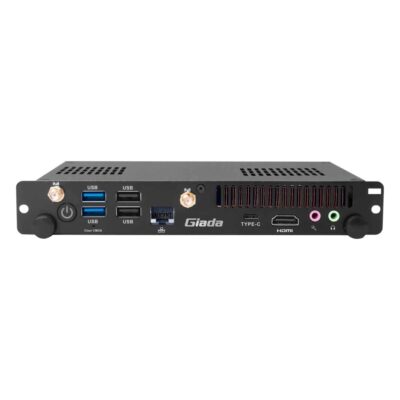
- CPU: Intel Core 12th Gen Alder Lake
- Memory: 2x DDR4 3200MHz SO-DIMM Slots, 32GB
- OS: Linux, Windows 11
- Display Outputs: 1x HDMI
- Ethernet: 1x GbE LAN [RJ45]
- USB: 1x USB 3.2 Gen 2 [Type C], 2x USB 2.0 [Type A], 2x USB 3.2 Gen 2 [Type A]
- M.2: 1x M.2 E-Key [2230], 1x M.2 M-Key [2242/2280]
- Storage: 1x M.2 SSD
- Power: 12-19V DC [Barrel Connector]
- Temp: 0°C to 45°C [32°F to 113°F]
- Certification: CE, FCC, UKCA
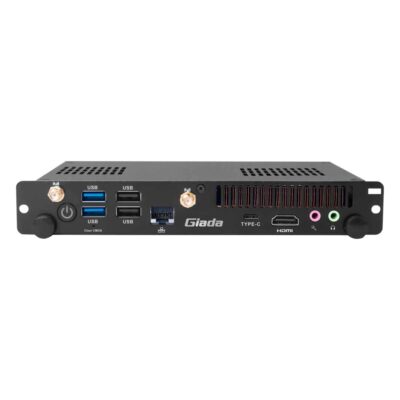
- CPU: Intel Core 13th Gen Raptor Lake
- Memory: 2x DDR4 3200MHz SO-DIMM Slots, 64GB
- OS: Linux, Windows 11
- Display Outputs: 1x HDMI
- Ethernet: 1x GbE LAN [RJ45]
- USB: 1x USB 3.2 Gen 2 [Type C], 2x USB 2.0 [Type A], 2x USB 3.2 Gen 2 [Type A]
- M.2: 1x M.2 E-Key [2230], 1x M.2 M-Key [2242/2280]
- Storage: 1x M.2 SSD
- Power: 12-19V DC [Barrel Connector]
- Temp: 0°C to 45°C [32°F to 113°F]
- Certification: CE, FCC, RoHS
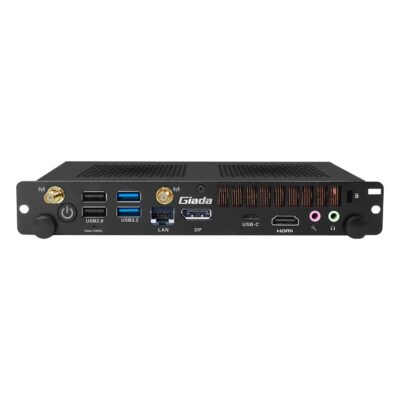
-
PC615-125H
PC615-125H with 14-core Core Ultra 5 125H, Intel Arc graphics, NPU and 5K output -
PC615-125U
PC615-125U with Core Ultra 5 125U, NPU, DDR5 and 5K output through the JAE slot -
PC615-155H
PC615-155H with 16-core Core Ultra 7 155H, Intel Arc graphics, NPU and DDR5 -
PC615-155U
PC615-155U with Core Ultra 7 155U, NPU, up to 96 GB DDR5 and 5K output
- CPU: Intel Core Ultra Series 1 Meteor Lake
- GPU / AI Accelerator: Intel NPU
- AI Performance: 11 TOPS
- Memory: 2x DDR5 5600MHz SO-DIMM Slot, 96GB
- OS: Linux, Windows 11
- Display Outputs: 1x Display Port, 1x HDMI
- Ethernet: 1x GbE LAN [RJ45]
- USB: 1x USB 3.2 Gen 2 [Type C], 2x USB 2.0 [Type A], 2x USB 3.2 Gen 2 [Type A]
- M.2: 1x M.2 E-Key [2230], 1x M.2 M-Key [PCIe x4 Gen4/SATA] [2242/2280], 1x M.2 M-Key [PCIe x4 Gen4] [2280]
- Storage: 1x M.2 SSD [PCIe & SATA], 1x M.2 SSD [PCIe]
- Power: 12-19V DC [Barrel Connector]
- Temp: 0°C to 45°C [32°F to 113°F]
- Certification: CE, FCC, RoHS
Beyond OPS: Signage Players and SDM
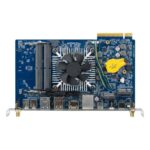
OPS Computer Ranges Configured by Things Embedded
We work with the leading manufacturers of OPS computers, so the ranges below are the ones we specify for interactive flat panels, meeting room screens and classroom displays. Compare them by processor and output resolution, then browse the models above or ask an OPS specialist which range suits your panels.
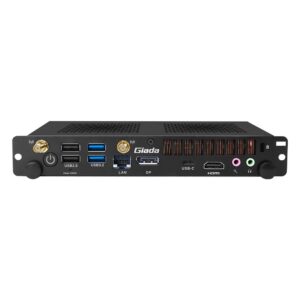
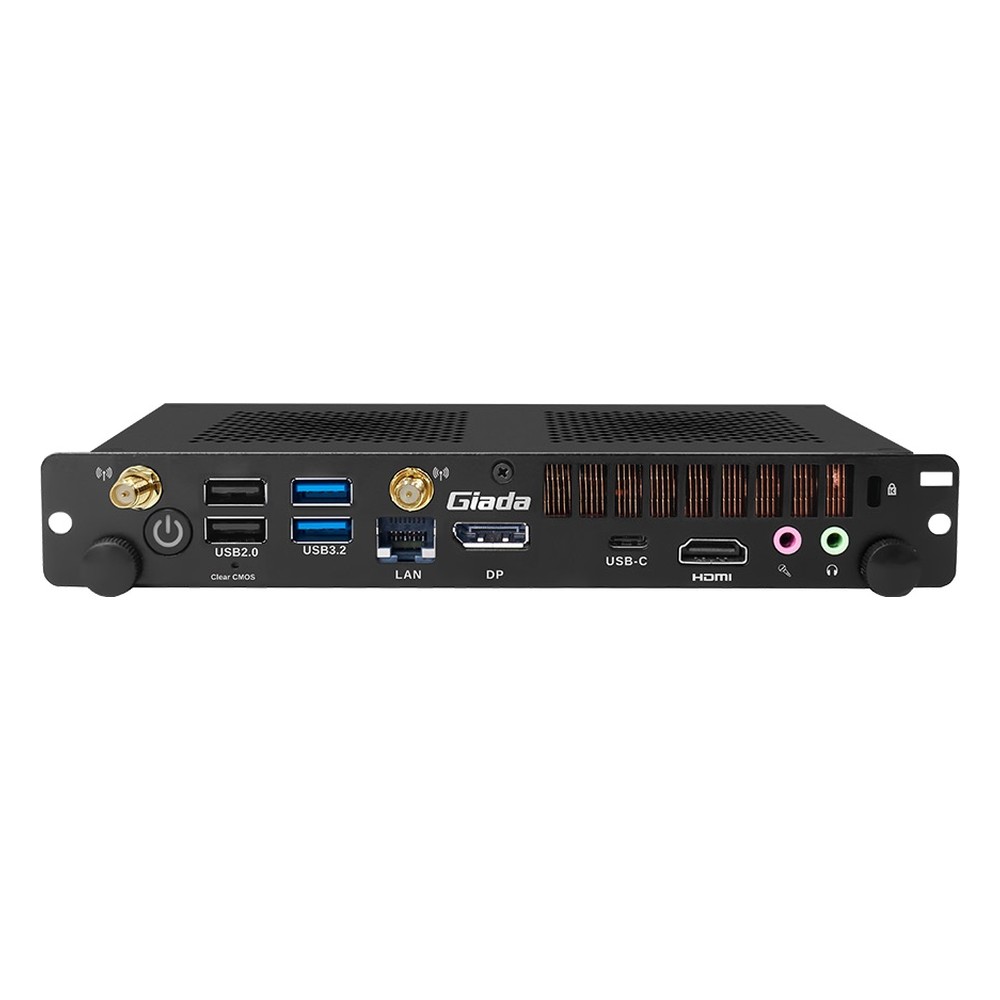
PC615 Giada Core Ultra OPS PCs
Meteor Lake slot-in PCs with an NPU and Intel Arc graphics on the H builds, driving up to 5K through the JAE connector.
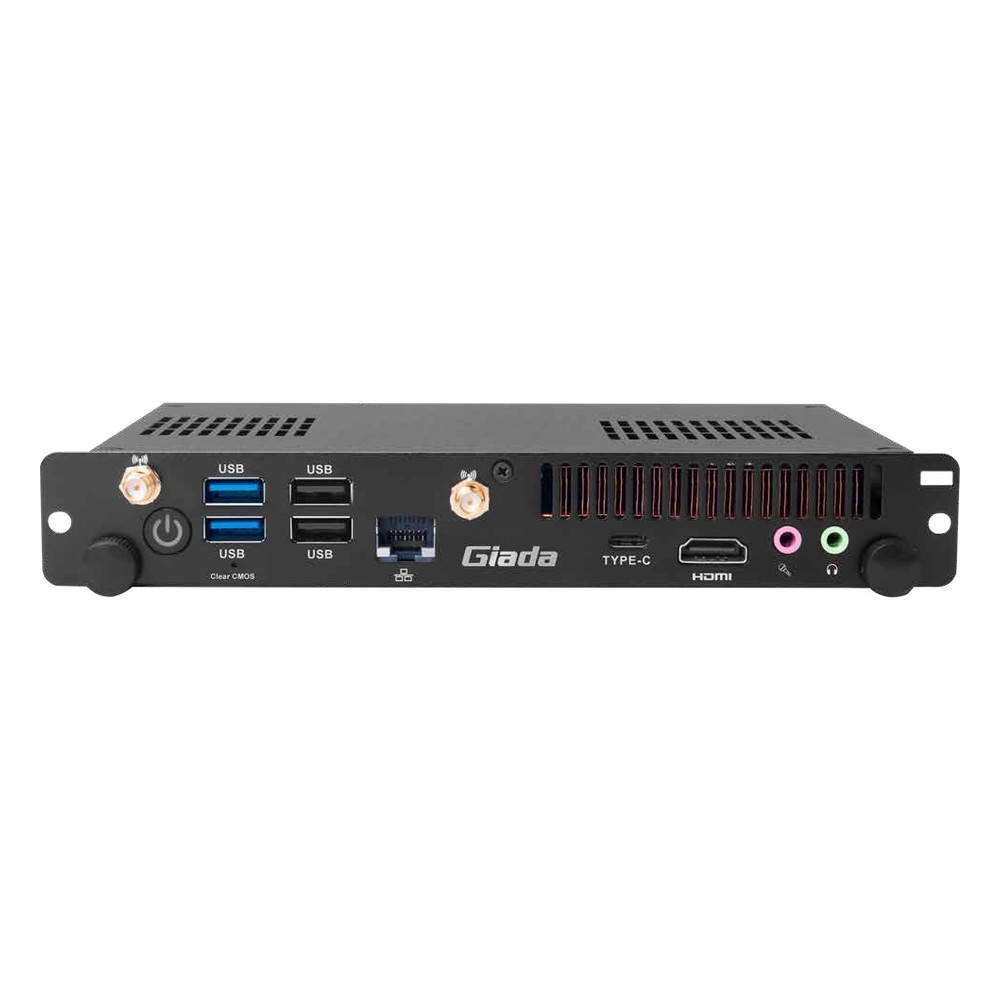
PC613 Giada 13th Gen OPS Computers
Raptor Lake Core i3, i5 and i7 modules with 8K output over the JAE slot and front HDMI and DisplayPort.
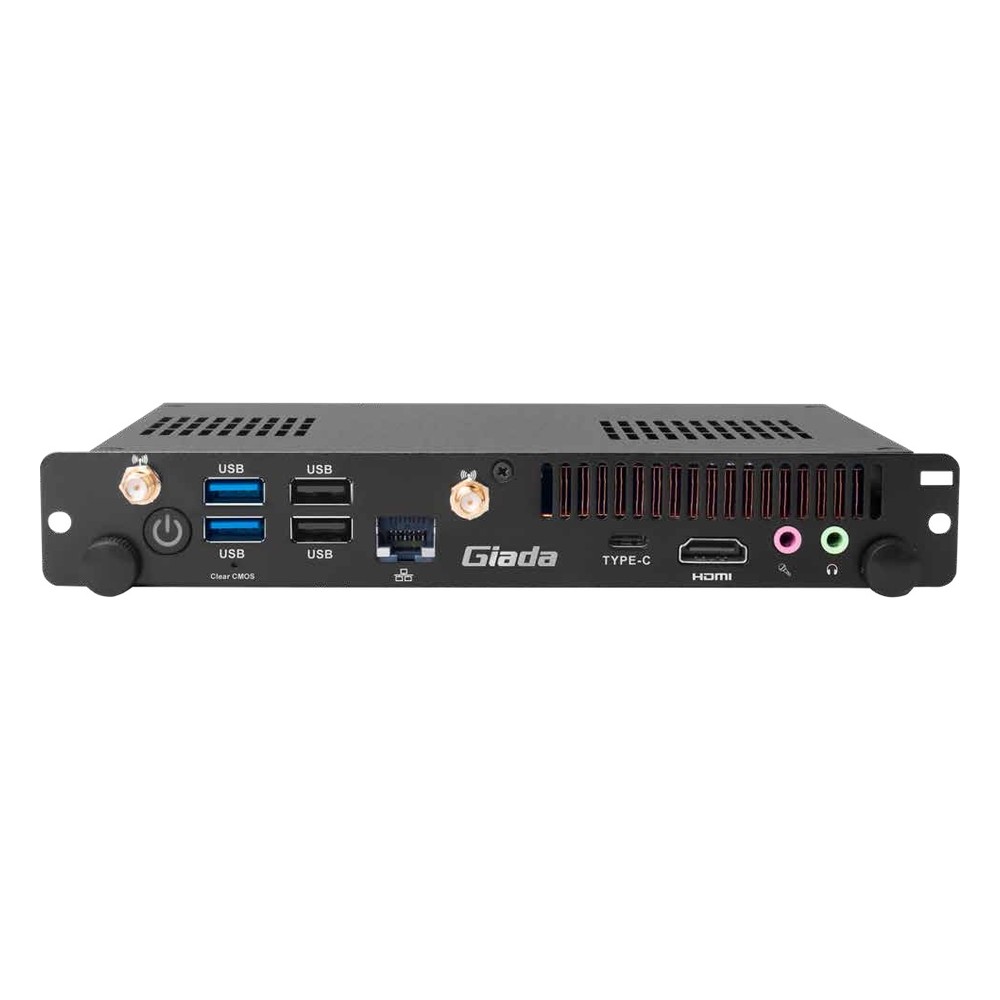
PC612 Giada 12th Gen OPS Modules
Alder Lake Core i3, i5 and i7 builds for panels that need 8K output and dual SO-DIMM memory.
Not sure which range fits? Tell us the application and we will recommend the right model.
What to Specify in an OPS Module
Our digital signage specialists check every OPS PC against the panel it slides into, the content it runs and the network it joins. These are the choices we work through with you before recommending a module.
Slot Fit
OPS uses the 80-pin JAE connector and a standard module size; check the panel supports OPS and the module's output modes.

Output Resolution
Most panels take 4K through the slot; 8K and 5K need a module and panel that both support it over JAE.

Processor and NPU
Core i3 to i7 covers players and video calls; Core Ultra adds an NPU for on-device AI features.

Memory and Storage
Dual SO-DIMM slots take DDR4 or DDR5; M.2 NVMe sizes depend on the apps and content held locally.
Wireless Options
An M.2 E-Key slot takes an optional Wi-Fi and Bluetooth card, with antennas routed to the module front.
Operating System
Windows 11 or Linux is installed and tested before it ships, ready for your content or meeting software.
OPS Computer Innovation & Interactive Display Insights
Speak to an OPS PC Specialist.
Tell us which panels the module will go into, the content or software it will run and the network it joins. We will recommend the right OPS or SDM module, then configure and test it with your operating system image before it ships.