
 UK
UK DIN Rail PCs
DIN Rail Computers for Control Cabinets
A DIN rail PC is a full computer that clips onto the same top-hat rail as the PLCs, relays and power supplies in a control cabinet, so it needs no shelf, bracket or extra enclosure. DIN rail PCs run Windows or Linux software right beside the machine: HMI, data logging, protocol conversion, vision and edge AI.
Options include slim fanless DIN rail mini PCs on Atom and Arm processors, Core Ultra and Ryzen models with an NPU, and NVIDIA Jetson systems for camera analytics, with serial, isolated digital I/O, CAN and PoE ports and 24 V DC inputs.
They suit machine builders, utilities, water and energy sites, transport and building automation: anywhere a DIN rail embedded system has to live in the panel, from a heated factory cabinet to an unheated trackside or outdoor enclosure.


Browse Our DIN Rail PCs
-
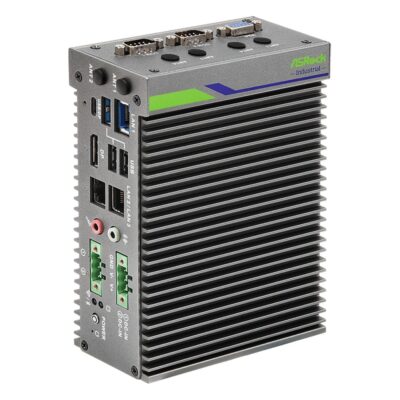
iEP-5020G-024
iEP-5020G-024 with isolated 8DI/8DO, triple LAN, Wi-Fi slot and 6-36V DC -
iEP-5020G-020
iEP-5020G-020 with Atom x7433RE, triple LAN, Wi-Fi and 4G/5G slots, 6-36V DC -
iEP-5020G-021
iEP-5020G-021 with two 802.3af PoE ports, five LAN, Wi-Fi slot and 19-36V DC -
iEP-5020G-022
iEP-5020G-022 with five LAN ports, Wi-Fi 6E slot and 6-36V DC -
iEP-5020G-023
iEP-5020G-023 with five LAN ports, 4G/5G slot with Nano SIM and 6-36V DC
- Mounting Options: DIN Mount
- CPU: Intel Atom X Series Amston Lake
- Memory: 1x DDR5 4800MHz SO-DIMM, 16GB
- OS: Linux, Windows 11
- Display Outputs: 1x Display Port, 1x USB Type C, 1x VGA
- USB: 1x USB 2.0 [Type A], 1x USB 3.2 Gen 2 [Type C], 2x USB 3.2 Gen 2 [Type A]
- Serial: 2x RS232/422/485 [DB9]
- Storage: 1x M.2 SSD, 1x Micro SD
- Certification: CE, FCC, LVD
- Mounting Options: Wall Mount
- Ethernet: 1x 2.5 GbE LAN [RJ45], 2x GbE LAN [RJ45]
- M.2: 1x M.2 E-Key [PCIe x1 Gen3/USB 2.0] [2230/2260], 1x M.2 M-Key [PCIe x2 Gen3] [2280]
- Power: 6-36V DC Input [Terminal Block]
- Temp: -40°C to 70°C [-40°F to 158°F]
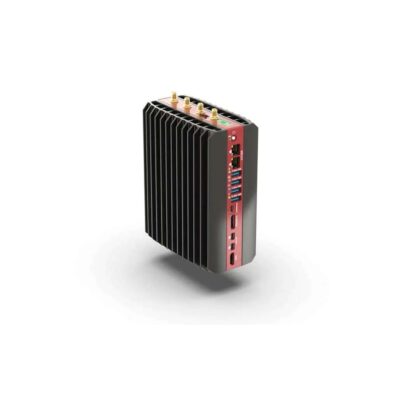
- Mounting Options: DIN Mount
- CPU: AMD Ryzen Embedded 8000 Series, AMD Ryzen PRO 8000 Series, AMD Ryzen
- GPU / AI Accelerator: Hailo-10 AI Accelerator, AMD Ryzen AI NPU, Hailo-8 AI Accelerator
- AI Performance: 16–40 TOPS
- Memory: 2x DDR5 5600MHz SO-DIMM Slot, 96GB
- OS: Linux, Windows 11
- Display Outputs: 1x Display Port, 1x HDMI, 2x Mini Display Port
- Ethernet: 4x 2.5 GbE LAN [RJ45]
- USB: 4x USB 3.2 Gen 2 [Type A]
- Serial: Optional Serial Modules
- M.2: 1x M.2 A/E-Key [SATA] [2230], 1x M.2 B-Key [PCIe x2/USB 3.0/SATA] [3042/3052], 1x M.2 E-Key [PCIe x1/USB 2.0] [2230], 3x M.2 M-Key [PCIe x4] [2280]
- Storage: 3x M.2 SSD
- Power: 12-60V DC Input [Terminal Block]
- Temp: -40°C to 85°C [-40°F to 185°F]
- Certification: CE, FCC, RoHS
- Mounting Options: Desktop, VESA Mount, Wall Mount
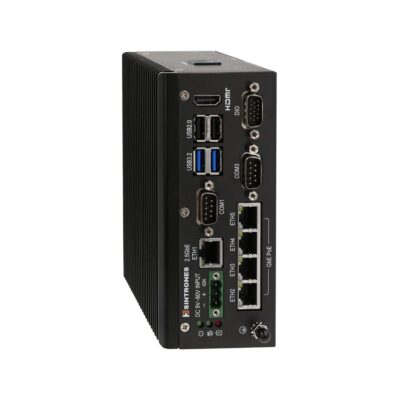
- Mounting Options: DIN Mount
- CPU: Intel Atom X Series Amston Lake
- Memory: 1x DDR5 4800MHz SO-DIMM, 16GB
- OS: Linux, Windows 11
- Display Outputs: 1x HDMI
- USB: 2x USB 2.0 [Type A], 2x USB 3.2 Gen 2 [Type A]
- Serial: 2x RS232/422/485 [DB9], Optional Serial Modules
- CANbus: 1x CAN FD [DB9]
- M.2: 1x M.2 B-Key [3042/3052], 1x M.2 E-Key [2230], 1x M.2 M-Key [PCIe x1] [2280], 1x M.2 M-Key [SATA] [2280]
- Storage: 2x M.2 SSD
- Ignition Sensing: Supports Ignition Control
- Temp: -40°C to 70°C [-40°F to 158°F]
- Certification: EN62368-1, CE, E-Mark, EN45545-2, EN50155, FCC, UKCA
- Mounting Options: Wall Mount
- Ethernet: 1x 2.5 GbE LAN [M12] [PoE], 4x GbE LAN [M12] [PoE]
- Power: 9-60V DC Input [M12]
-
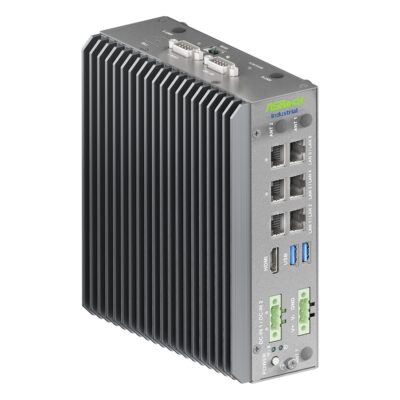
iEP-7050E-025
iEP-7050E-025 with Core Ultra X7 358H, out-of-band management port and seven LAN -
iEP-7050E-020
iEP-7050E-020 with Core Ultra X7 358H, six LAN ports, 4DI/4DO and Wi-Fi option -
iEP-7050E-021
iEP-7050E-021 with Core Ultra X7 358H, two 802.3af PoE ports and eight LAN in total -
iEP-7050E-022
iEP-7050E-022 with Core Ultra X7 358H, optional 5G or 4G LTE, Wi-Fi and six LAN -
iEP-7050E-023
iEP-7050E-023 with Core Ultra X7 358H, isolated 8DI/8DO, 4DI/4DO and six LAN -
iEP-7050E-024
iEP-7050E-024 with Core Ultra X7 358H, dual CAN bus, 4DI/4DO and six LAN
- CPU: Intel Core Ultra Series 3 Panther Lake
- GPU / AI Accelerator: Intel NPU
- AI Performance: 50 TOPS
- Memory: 2x DDR5 7200MHz SO-DIMM Slot, 128GB
- OS: Linux Ubuntu 26.04, Linux, Windows 11
- Display Outputs: 1x HDMI
- USB: 2x USB 3.2 Gen 2 [Type A]
- Serial: 1x RS232/422/485 [DB9]
- M.2: 1x M.2 B-Key [PCIe/USB] [3042/3052], 1x M.2 E-Key [PCIe x1 Gen3/USB 2.0] [2230/2260], 1x M.2 M-Key [PCIe x4 Gen5] [2280]
- Storage: 1x M.2 SSD, 1x Micro SD
- Temp: -25°C to 60°C [-13°F to 140°F]
- Certification: CE, FCC, LVD
- Mounting Options: DIN Mount
- Ethernet: 3x 2.5 GbE LAN [RJ45], 4x GbE LAN [RJ45]
- Power: 9-36V DC Input [Terminal Block]
- Mounting Options: VESA Mount, Wall Mount
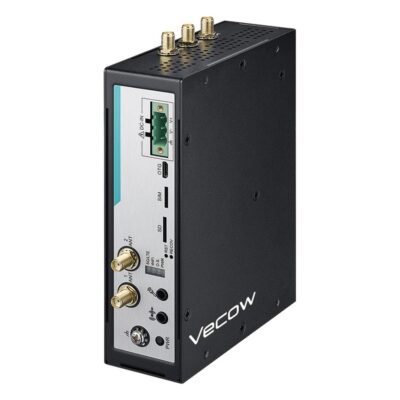
- Mounting Options: DIN Mount
- CPU: Qualcomm Dragonwing IQ-615
- Memory: 8GB Soldered On-board
- OS: Linux
- Display Outputs: 1x HDMI
- Ethernet: 2x GbE LAN [RJ45]
- USB: 2x USB 3.0 [Type A]
- Serial: 2x RS232/485 [Terminal Block]
- M.2: 1x M.2 B-Key [3052], 1x M.2 E-Key [2230]
- Power: 9-50V DC Input [Terminal Block]
- Temp: -30°C to 70°C [-22°F to 158°F]
- Certification: CE, EN50121-3-2, EN50155, FCC, RoHS
- Mounting Options: Wall Mount
- Storage: 1x Micro SD, 64GB eMMC
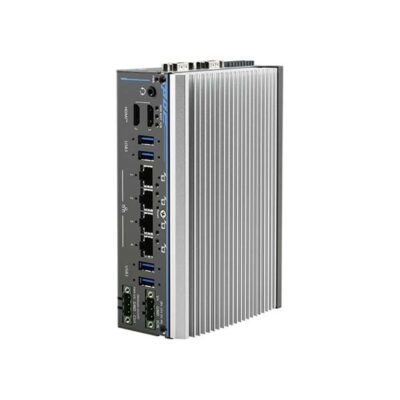
- Mounting Options: DIN Mount
- CPU: AMD Ryzen PRO 8000 Series
- GPU / AI Accelerator: AMD Ryzen AI NPU
- AI Performance: 16 TOPS
- Memory: 1x DDR5 5600MHz SO-DIMM Slot, 32GB
- OS: Linux, Windows 10, Windows 11
- Display Outputs: 2x HDMI
- Ethernet: 4x GbE LAN [RJ45] [PoE]
- USB: 4x USB 3.2 Gen 2 [Type A]
- Serial: 1x RS232/422/485 [DB9], 3x RS232 [DB9]
- M.2: 1x M.2 M-Key [PCIe x4] [2280]
- mPCIe: 1x mPCIe [PCIe/USB/SIM]
- Storage: 1x M.2 SSD [PCIe]
- Power: 8-35V DC [Terminal Block]
- Temp: -25°C to 70°C [-13°F to 158°F]
- Certification: IEC 62368-1, CE, EN55032, FCC, UL 62368-1
- Mounting Options: Wall Mount
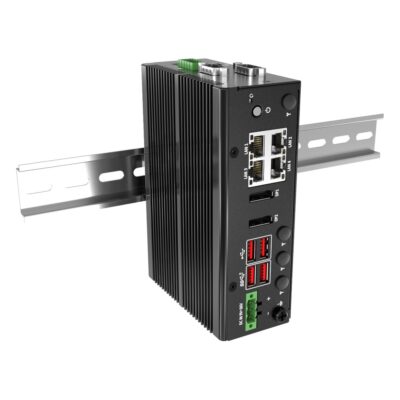
- Mounting Options: DIN Mount
- CPU: Intel Atom X Series Amston Lake
- Memory: 1x DDR5 4800MHz SO-DIMM, 16GB
- OS: Linux, Linux Ubuntu 22.04, Windows 11
- Display Outputs: 2x Display Port
- Ethernet: 4x 2.5 GbE LAN [RJ45]
- USB: 2x USB 2.0 [Type A], 2x USB 3.2 Gen 2 [Type A]
- Serial: 2x RS232/422/485 [DB9]
- M.2: 1x M.2 B-Key [2242], 1x M.2 B-Key [USB/SIM] [3042/3052], 1x M.2 E-Key [PCIe x1/USB 2.0] [2230]
- Storage: 1x M.2 SSD [PCIe]
- Power: 9-36V DC Input [Terminal Block]
- Temp: -40°C to 55°C [-40°F to 131°F]
- Certification: CAN/CSA C22.2, CE, FCC, IC (ICES-003), REACH, RoHS, UKCA, UL 61010-1, UL 61010-2-201
- Mounting Options: Wall Mount
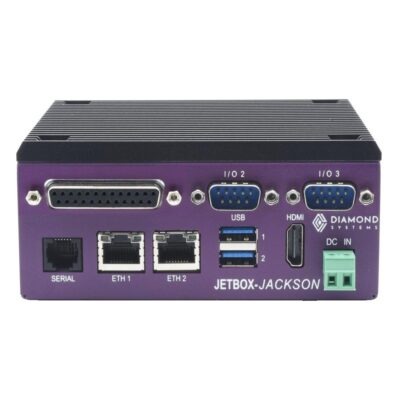
- Mounting Options: DIN Mount
- OS: Linux
- Display Outputs: 1x HDMI
- USB: 2x USB 3.2 [Type A]
- Serial: 1x RS232 [DB9], 1x RS232/485 [RJ11]
- M.2: 1x M.2 E-Key [PCIe x1/USB 2.0] [2230], 1x M.2 M-Key [PCIe x4] [2242/2280]
- mPCIe: 1x mPCIe [PCIe/USB/SIM]
- Storage: 1x M.2 SSD [PCIe]
- Power: 8-20V DC [Terminal Block]
- Temp: -25°C to 80°C [-13°F to 176°F]
- Certification: RoHS
- Mounting Options: Desktop
- AI Performance: 40 TOPS
- SOM: NVIDIA Jetson Orin Nano 8GB
- Memory: 8GB Soldered On-board
- Ethernet: 1x GbE LAN [RJ45]
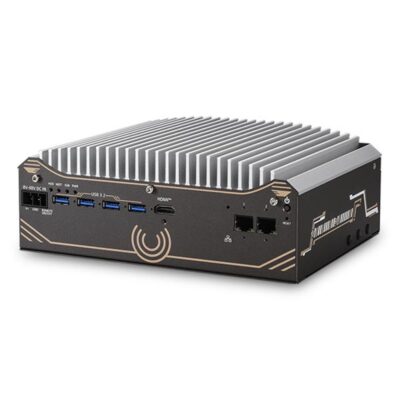
- Mounting Options: DIN Mount
- CPU: Intel Core Ultra Series 2 Arrow Lake-S
- GPU / AI Accelerator: Intel NPU
- AI Performance: 13 TOPS
- Memory: 1x DDR5 6400MHz SO-DIMM Slot, 64GB
- OS: Linux, Windows 10, Windows 11
- Display Outputs: 1x Display Port, 1x HDMI
- Ethernet: 2x 2.5 GbE LAN [RJ45]
- USB: 2x USB 2.0 [Type A], 4x USB 3.2 Gen 1 [Type A]
- Serial: 1x RS422/485 [DB9], 1x RS232/422/485 [DB9], 3x RS232 [DB9]
- M.2: 1x M.2 E-Key [PCIe x1/USB 2.0] [2230]
- mPCIe: 2x mPCIe [PCIe/SIM/USB]
- Storage: 1x 2.5" HDD/SSD, 1x M.2 SSD [M-Key 2280, PCIe Gen 4 x4]
- Power: 8-48V DC [Terminal Block]
- Temp: -10°C to 60°C [14°F to 140°F]
- Certification: CE, FCC
- Mounting Options: Wall Mount
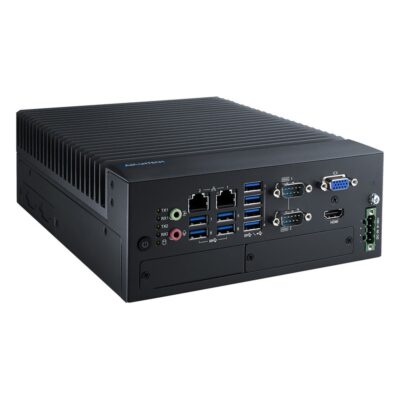
-
MIC-770V3H-E0A1
MIC-770V3H-E0A1 with H610E chipset, Raptor Lake support, i-Module expansion and Extreme chassis -
MIC-770V3H-00A1
MIC-770V3H-00A1 with H610E chipset, dual Intel GbE, three displays and Standard chassis -
MIC-770V3W-00A1
MIC-770V3W-00A1 with R680E chipset, ECC DDR5, NVMe Gen4, RAID and Standard chassis -
MIC-770V3W-E0A1
MIC-770V3W-E0A1 with R680E chipset, Core Series 2 support, i-Module expansion and Extreme chassis
- Mounting Options: DIN Mount
- CPU: Intel Core 14th Gen Raptor Lake Refresh, Intel Core Series 2 Bartlett Lake, Intel Pentium G Series Alder Lake, Intel Processor Series Raptor Lake, Intel Core 12th Gen Alder Lake, Intel Core 13th Gen Raptor Lake, Intel Celeron G Series Alder Lake
- Memory: 2x DDR5 4800MHz SO-DIMM Slot, 128GB
- OS: Linux Ubuntu 24.04, Linux, Linux Ubuntu 22.04, Windows 11
- Display Outputs: 1x HDMI, 1x VGA
- Ethernet: 2x GbE LAN [RJ45]
- Serial: 2x RS232/422/485 [DB9]
- Power: 9-36V DC Input [Terminal Block]
- IP Rating: IP40
- Certification: BSMI, CB, CCC, CE, FCC, UL
- Mounting Options: Desktop, Wall Mount
- USB: 4x USB 2.0 [Type A], 4x USB 3.2 Gen 1 [Type A]
- mPCIe: 1x mPCIe [PCIe/USB/SIM]
- Storage: 1x 2.5" HDD/SSD, 1x mSATA
- Temp: -20°C to 70°C [-4°F to 158°F]
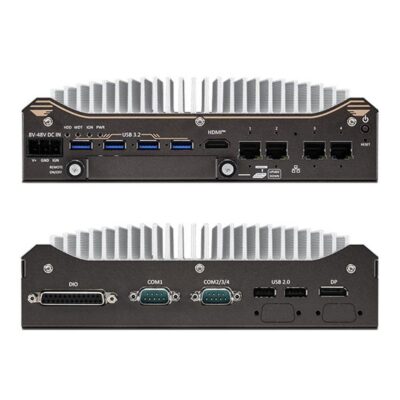
- Mounting Options: DIN Mount
- CPU: Intel Core Ultra Series 2 Arrow Lake-S
- GPU / AI Accelerator: Intel NPU
- AI Performance: 13 TOPS
- Memory: 1x DDR5 6400MHz SO-DIMM Slot, 64GB
- OS: Linux, Windows 10, Windows 11
- Display Outputs: 1x Display Port, 1x HDMI
- Ethernet: 4x 2.5 GbE LAN [RJ45] [PoE]
- USB: 2x USB 2.0 [Type A], 4x USB 3.2 Gen 1 [Type A]
- Serial: 1x RS422/485 [DB9], 1x RS232/422/485 [DB9], 3x RS232 [DB9]
- M.2: 1x M.2 E-Key [PCIe] [2230], 1x M.2 M-Key [PCIe x4] [2280]
- mPCIe: 2x mPCIe [PCIe/SIM/USB]
- Storage: 1x 2.5" HDD/SSD [SATA], 1x M.2 SSD [PCIe]
- Front Accessible Storage: Front Accessible Storage
- Hot Swappable Storage: Hot Swappable SSD Support
- Power: 8-48V DC [Terminal Block]
- Ignition Sensing: Supports Ignition Control
- Temp: -25°C to 60°C [-13°F to 140°F]
- Certification: CE, EN55032, FCC
- Mounting Options: Wall Mount
-
ECX-4071
ECX-4000 with 2x 10GbE SFP+, 4x 2.5GbE PoE+ and internal SATA storage -
ECX-4000-2G
ECX-4000 with 2.5GbE and GbE LAN -
ECX-4000-2R
ECX-4000 with 2.5GbE and GbE LAN and dual SSD trays -
ECX-4000-6G
ECX-4000 with 5x 2.5GbE and 1x GbE LAN -
ECX-4000-6R
ECX-4000 with 5x 2.5GbE, 1x GbE LAN and dual SSD trays -
ECX-4000-PoE
ECX-4000 with 5x 2.5GbE including 4x PoE+ -
ECX-4000-PoER
ECX-4000 with 5x 2.5GbE including 4x PoE+ and dual SSD trays -
ECX-4025
ECX-4000 with 8x 2.5GbE including 4x PoE+ -
ECX-4025R
ECX-4000 with 8x 2.5GbE including 4x PoE+ and dual SSD trays -
ECX-4071R
ECX-4000 with 2x 10GbE SFP+, 4x 2.5GbE PoE+ and dual SSD trays
- Mounting Options: DIN Mount
- CPU: Intel Core Ultra Series 2 Arrow Lake-S
- GPU / AI Accelerator: Intel NPU
- AI Performance: 13 TOPS
- Memory: 2x DDR5 6400MHz SO-DIMM Slot, 96GB
- OS: Linux, Windows 10, Windows 11
- Display Outputs: 1x DVI, 1x HDMI, 2x Display Port
- USB: 6x USB 3.2 Gen 2 [Type A]
- Serial: 4x RS232/422/485 [DB9]
- M.2: 1x M.2 E-Key [PCIe x2/USB] [2230], 1x M.2 M-Key [PCIe x4] [2280], 2x M.2 B-Key [PCIe x2/USB 3.0/SATA] [2280/3042/3052]
- Storage: 1x M.2 SSD, 2x 2.5" HDD/SSD [SATA]
- RAID: RAID 0, RAID 1
- Power: 9-50V DC Input [Terminal Block], Optional AC Power Supply
- Ignition Sensing: Supports Ignition Control
- Certification: EN62368-1, CE, EN50121-3-2, EN50155, FCC, IC (ICES-003), UKCA
- Mounting Options: Rack Mount, VESA Mount, Wall Mount
- Ethernet: 1x 2.5 GbE LAN [RJ45], 1x GbE LAN [RJ45], 2x 10 GbE LAN [SFP+], 4x 2.5 GbE LAN [RJ45] [PoE]
- Temp: -40°C to 55°C [-40°F to 131°F]
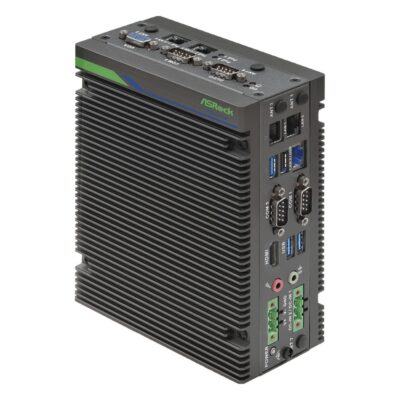
-
iEP-7041E-025
iEP-7041E-025 with Core Ultra 5 225H, isolated 8DI/8DO, 4DI/4DO and three COM -
iEP-7041E-020
iEP-7041E-020 with Core Ultra 5 225H, three 2.5GbE, 4DI/4DO, three COM and Wi-Fi option -
iEP-7041E-021
iEP-7041E-021 with Core Ultra 5 225H, two 802.3af PoE ports and five LAN in total -
iEP-7041E-022
iEP-7041E-022 with Core Ultra 5 225H, five LAN ports, three COM and Wi-Fi option -
iEP-7041E-023
iEP-7041E-023 with Core Ultra 5 225H, five LAN ports and 5G or 4G LTE option -
iEP-7041E-024
iEP-7041E-024 with Core Ultra 5 225H, optional 5G or 4G LTE, Wi-Fi and three 2.5GbE
- CPU: Intel Core Ultra Series 2 Arrow Lake-H
- GPU / AI Accelerator: Intel NPU
- AI Performance: 13 TOPS
- Memory: 2x DDR5 5600MHz SO-DIMM Slot, 96GB
- OS: Linux, Windows 11
- Display Outputs: 1x HDMI, 1x VGA
- USB: 1x USB 2.0 [Type A], 3x USB 3.2 Gen 2 [Type A]
- Serial: 3x RS232/422/485 [DB9]
- M.2: 1x M.2 B-Key [PCIe/USB] [3042/3052], 1x M.2 E-Key [PCIe x1 Gen3/USB 2.0] [2230/2260], 1x M.2 M-Key [PCIe x4 Gen4] [2280]
- Storage: 1x M.2 SSD, 1x Micro SD
- Temp: -25°C to 50°C [-13°F to 122°F]
- Certification: CE, FCC, LVD
- Mounting Options: DIN Mount
- Ethernet: 3x 2.5 GbE LAN [RJ45]
- Power: 9-36V DC Input [Terminal Block]
- Mounting Options: VESA Mount, Wall Mount
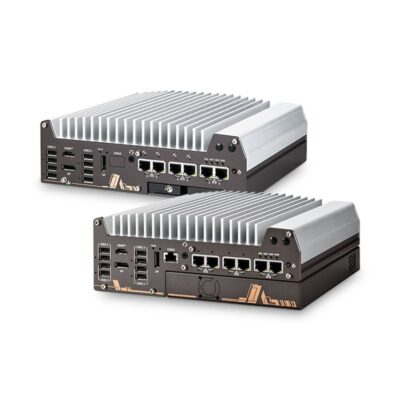
-
Nuvo-11006E
NUVO-11000 with single-slot PCIe Cassette, 6 LAN ports, PoE+ and 10GbE options -
Nuvo-11002E
NUVO-11000 with single-slot PCIe Gen4 x16 Cassette, 2.5GbE plus GbE -
Nuvo-11002LP
NUVO-11000 with hot-swap 2.5" drive tray, 2.5GbE plus GbE -
Nuvo-11006DE
NUVO-11000 with dual-slot PCIe Cassette, 6 LAN ports, PoE+ and 10GbE options -
Nuvo-11006LP
NUVO-11000 with hot-swap 2.5" drive tray, 6 LAN ports, PoE+ and 10GbE options
- Mounting Options: DIN Mount
- CPU: Intel Core Ultra Series 2 Arrow Lake-S
- GPU / AI Accelerator: Intel NPU
- AI Performance: 13 TOPS
- Memory: 2x DDR5 6400MHz SO-DIMM Slot, 64GB
- OS: Linux, Windows 10, Windows 11
- Serial: 2x RS232 [DB9], 2x RS232/422/485 [DB9]
- mPCIe: 2x mPCIe [PCIe/USB]
- RAID: RAID 0, RAID 1
- Power: 8-48V DC [Terminal Block]
- Ignition Sensing: Supports Ignition Control
- Certification: CE, EN55032, FCC
- Mounting Options: Wall Mount
- Display Outputs: 1x HDMI, 2x Display Port
- Ethernet: 1x 10 GbE LAN [RJ45], 1x GbE LAN [RJ45], 5x 2.5 GbE LAN [RJ45]
- USB: 1x USB 2.0 [Type A], 8x USB 3.2 Gen 2 [Type A]
- M.2: 1x M.2 M-Key [PCIe x4 Gen5] [2280]
- PCIe: 1x PCIe [x16 Slot] [1x16 Signal or 2x8 Signal] [Gen4]
- Storage: 1x M.2 SSD [PCIe], 2x 2.5" HDD/SSD [SATA]
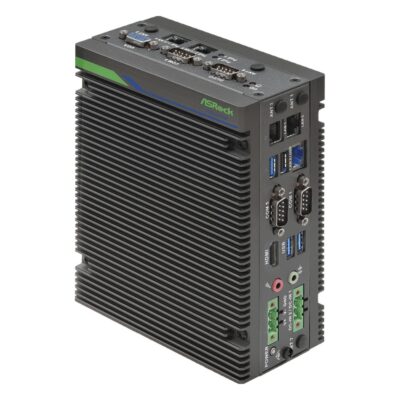
-
iEP-7040E-025
iEP-7040E-025 with Core Ultra 7 255H, isolated 8DI/8DO, 4DI/4DO and three COM -
iEP-7040E-020
iEP-7040E-020 with Core Ultra 7 255H, three 2.5GbE, 4DI/4DO, three COM and Wi-Fi option -
iEP-7040E-021
iEP-7040E-021 with Core Ultra 7 255H, two 802.3af PoE ports and five LAN in total -
iEP-7040E-022
iEP-7040E-022 with Core Ultra 7 255H, five LAN ports, three COM and Wi-Fi option -
iEP-7040E-023
iEP-7040E-023 with Core Ultra 7 255H, five LAN ports and 5G or 4G LTE option -
iEP-7040E-024
iEP-7040E-024 with Core Ultra 7 255H, optional 5G or 4G LTE, Wi-Fi and three 2.5GbE
- CPU: Intel Core Ultra Series 2 Arrow Lake-H
- GPU / AI Accelerator: Intel NPU
- AI Performance: 13 TOPS
- Memory: 2x DDR5 5600MHz SO-DIMM Slot, 96GB
- OS: Linux, Windows 11
- Display Outputs: 1x HDMI, 1x VGA
- USB: 1x USB 2.0 [Type A], 3x USB 3.2 Gen 2 [Type A]
- Serial: 3x RS232/422/485 [DB9]
- M.2: 1x M.2 B-Key [PCIe/USB] [3042/3052], 1x M.2 E-Key [PCIe x1 Gen3/USB 2.0] [2230/2260], 1x M.2 M-Key [PCIe x4 Gen4] [2280]
- Storage: 1x M.2 SSD, 1x Micro SD
- Temp: -25°C to 50°C [-13°F to 122°F]
- Certification: CE, FCC, LVD
- Mounting Options: DIN Mount
- Ethernet: 3x 2.5 GbE LAN [RJ45]
- Power: 9-36V DC Input [Terminal Block]
- Mounting Options: VESA Mount, Wall Mount
Beyond the Rail: Industrial and Embedded PCs
 Industrial PCsBox, mini and fanless systems for the plant floor when the computer can sit on a wall, shelf or machine frame instead of the rail.
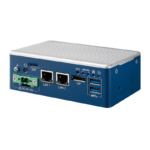 Industrial Mini PCsSpace-saving computers for kiosks, machine housings and shelves where room is tight and there is no rail to clip onto.
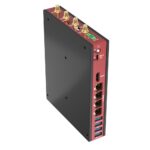 Fanless Industrial PCsSolid-state industrial systems with more memory, storage and PCIe expansion than a slim rail-mounted case can hold.
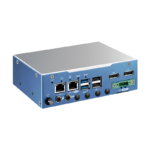 Embedded PCsSealed, fanless box computers built into machines and equipment, many of them with a DIN rail kit as an option.
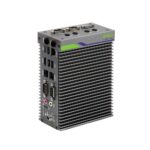 Industrial IoT GatewaysLow-power Arm and x86 gateways that read Modbus, CAN and digital I/O and pass the data on, many of them made for the rail.
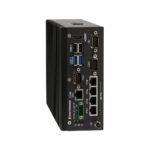 PoE ComputersComputers whose LAN ports power IP cameras, scanners and access readers, so each device needs only one cable.
 Industrial Ethernet SwitchesManaged and unmanaged rail-mount switches, with PoE options, that link the PC, cameras and controllers in the same cabinet.
 Industrial Panel PCsTouch screen computers for the cabinet door or operator station, when the HMI and the computer need to be one device.
DIN Rail Industrial PC vs PLC vs Box PC
A DIN rail PC, a PLC and a box PC often end up in the same project, doing different jobs. The PLC runs deterministic machine control, the DIN rail PC runs full software beside it on the rail, and the box PC takes the heavier workloads.
| Feature | This categoryDIN Rail PC | PLC | Box PC |
|---|---|---|---|
| Mounting | Clips onto the TS35 top-hat rail beside the PLC and power supplies |
Clips onto the same rail, with I/O modules added alongside |
Wall, VESA or bracket mounting, with DIN rail kits on some models |
| Processing | Atom and Arm up to Core Ultra, Ryzen and Jetson, often with an NPU |
Dedicated controller sized for the control program |
Up to Core Ultra and Ryzen with GPU and NPU options |
| Software | Windows or Linux for HMI, databases, vision and AI |
IEC 61131-3 programs in a fixed scan cycle |
Windows or Linux, with room for virtual machines and containers |
| Field I/O | Serial, isolated DIO, CAN and several LAN ports on the front |
Plug-in digital, analogue and safety I/O modules |
Serial and DIO, plus PCIe and expansion slots on larger models |
| Timing | TSN and Intel TCC on selected models |
Deterministic by design for real-time control |
General-purpose timing, with real-time Linux as an option |
| Power | 24 V DC from the cabinet supply, with wide 9 to 36 V inputs on many |
24 V DC from the cabinet supply |
Wide DC inputs, with higher wattage for GPU and PoE loads |
| Choose it when | the computer must share the cabinet rail with the PLC and run Windows or Linux software beside it. | the job is deterministic machine control with plug-in I/O and certified safety functions. | the workload needs more cores, a GPU, PCIe expansion or storage than a rail-mounted case holds. |
When the workload needs more cores, a GPU or PCIe cards than a rail-mounted case can hold, an embedded box PC on a wall or shelf in the same cabinet is usually the better fit. A PLC is also only one kind of DIN rail controller: edge controllers and DIN rail PCs running a soft PLC can take the same role.
Inside Rugged DIN Rail Mount PCs
Not every cabinet is a clean factory panel. These features turn a standard model into a rugged DIN rail computer for vehicles, rail, outdoor plant and hazardous areas.

Shock and Vibration Testing
Selected models are tested to MIL-STD-810H or to IEC 60068-2-27 and IEC 60068-2-64, which matters in cabinets on mobile machinery, rail vehicles and plant mounted beside heavy drives and compressors.
Locking and M12 Connectors
Screw-lock USB and locking RJ45 ports keep cables seated when the cabinet door slams, and vehicle and camera builds move the LAN onto X-coded M12 connectors that vibration cannot work loose.
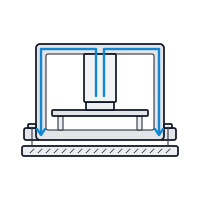
Conduction Cooling
Some designs bolt flat to a cold plate or the cabinet wall, so heat leaves through the metal instead of the trapped air in a sealed enclosure, which suits panels with no ventilation at all.
Hazardous Area Approvals
For process plants where flammable gas may be present, Class I Division 2 and ATEX Zone 2 rated models are non-incendive, so the computer matches the approval of the rest of the panel.
Rail and Vehicle Approvals
Models for rolling stock and vehicles add EN 50155 approval, E-Mark, ignition control and wide DC inputs, so the same rail-mounted design can work trackside or on board.
Edge AI on the Rail
NPUs in Ryzen and Core Ultra processors, Hailo M.2 accelerators and NVIDIA Jetson modules run detection on camera feeds inside the cabinet, so only results travel over the plant network.
How to Choose an Embedded PC for DIN Rail
Choosing an embedded DIN rail PC starts with the space on the rail and the cabinet around it, then the power, the field connections and the software it has to run.
Rail Space and Mounting
Check the free width on the rail and the depth behind the door, and look for front-facing I/O so cables can be reached without unclipping the computer. Narrow book-style designs suit crowded rails, while wider ones carry more ports.
Power and Temperature
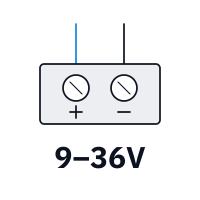
Match the input to the cabinet supply, usually 24 V DC, and look for wide 9 to 36 V inputs, terminal-block power and surge protection where the feed is noisy. Check the rating at the top of the cabinet, where the air is hottest.
Field I/O and Networks
List every device the PC will talk to: RS-232 and RS-485 meters and drives, isolated digital inputs and outputs, CAN, and the networks it must keep apart. Count the LAN ports, and the PoE ports if it powers cameras.

Processor and Software
Atom and Arm processors suit gateways, logging and HMIs. Core Ultra and Ryzen add headroom for vision and an NPU, and Jetson handles several cameras with AI. Confirm Windows 11 IoT Enterprise, Ubuntu or Yocto support before you decide.
The top-hat rail standard in EN 60715 that PLCs, power supplies and DIN rail PCs clip onto. What Is a DIN Rail?
DIN Rail PC Manufacturers We Work With
We work with the leading DIN rail PC manufacturers, and the series below are our hand-picked selections: the DIN rail embedded PCs we specify most often for control cabinets, machine builds, utilities and transport. Every card names the processor, I/O and mounting that made it our choice, so you can compare series side by side or ask us for a shortlist.
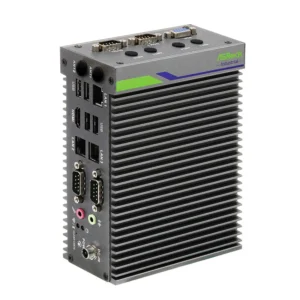
Neousys rugged DIN rail computers are designed and built by a Taipei manufacturer that specialises in rugged embedded computing for machine vision, vehicles and robotics. Its computers run on Intel, AMD, NVIDIA Jetson and Arm processors, with wide-temperature operation standard across the range.
SolidRun DIN rail PCs are designed and manufactured in Acre, Israel, by a company that has built embedded computers since 2010. Its Bedrock line pairs AMD Ryzen processors with a conduction-cooled chassis rated −40 to 85 °C and a wide DC input.
Forecr DIN rail computers are designed in Tallinn, Estonia, by a company that builds only on NVIDIA Jetson. The same Jetson module runs through its whole line-up, from a bare industrial carrier board to a sealed MIL-STD mission computer, with no change of software.
ASRock Industrial DIN rail PCs are designed in Taipei by a company that began as ASRock’s industrial division and has run independently within the Pegatron group since 2018. Its range runs from NUC and Mini-ITX boards to fanless box PCs and Jetson Orin systems.
DFI embedded DIN rail PCs are designed by a manufacturer that has built industrial motherboards and embedded computers in Taipei since 1981, now part of the Qisda and BenQ Group. DFI backs its boards and systems with up to 15 years of long-term support.
Winmate fanless DIN rail PCs are designed and manufactured in New Taipei City by a company that has built rugged computers since 1996. Its range is built in Taiwan to IP, MIL-STD-810 and ATEX requirements for logistics, maritime, defence, healthcare and process industries.
Premio DIN rail mini PCs are designed by a company that has built computers in Greater Los Angeles since 1989. Research and engineering for its rugged range sit in Taipei, where C&T Solution became Premio Taiwan in January 2026.
Sintrones rugged DIN rail PCs are designed in Taiwan by a manufacturer that focuses on vehicles, rail and transport. Most of its range is designed to E-Mark, EN 50155 or EN 45545-2 requirements, with ignition sensing, wide DC input and M12 connector options.
Axiomtek DIN rail box PCs are designed by one of Taiwan’s major manufacturers of industrial and embedded computers. Its range spans fanless box PCs, panel PCs and HMIs, railway and in-vehicle computers, single board computers and edge AI systems on Intel, AMD and NVIDIA Jetson.
Diamond Systems DIN rail edge AI computers are designed and manufactured in Sunnyvale, California, by a specialist in rugged, I/O-rich embedded computing. Products are qualified across their full temperature range during design and backed by lifecycles of seven years or more.
EverFocus DIN rail edge computers are designed in Taiwan by a company known for surveillance and edge AI vision platforms for transport, retail, fleets and mobile robots. Its range includes edge AI cameras, mobile video recorders and vision computing platforms on NVIDIA Jetson.
Vecow DIN rail PCs are designed in Taiwan by a manufacturer of rugged edge AI and embedded computing for machine vision, robotics, rail and vehicles. Its wider range runs on Intel, AMD, NVIDIA Jetson, Qualcomm and NXP processors, with fanless, wide-temperature designs across much of it.
Arestech DIN rail computers come from a Taiwanese maker of fanless systems, touch monitors and IP-rated panel PCs founded in 2011. Its CB line clips onto the control-cabinet rail, pairing Elkhart Lake processors with several COM ports, dual displays and a slot for a 4G or 5G module.
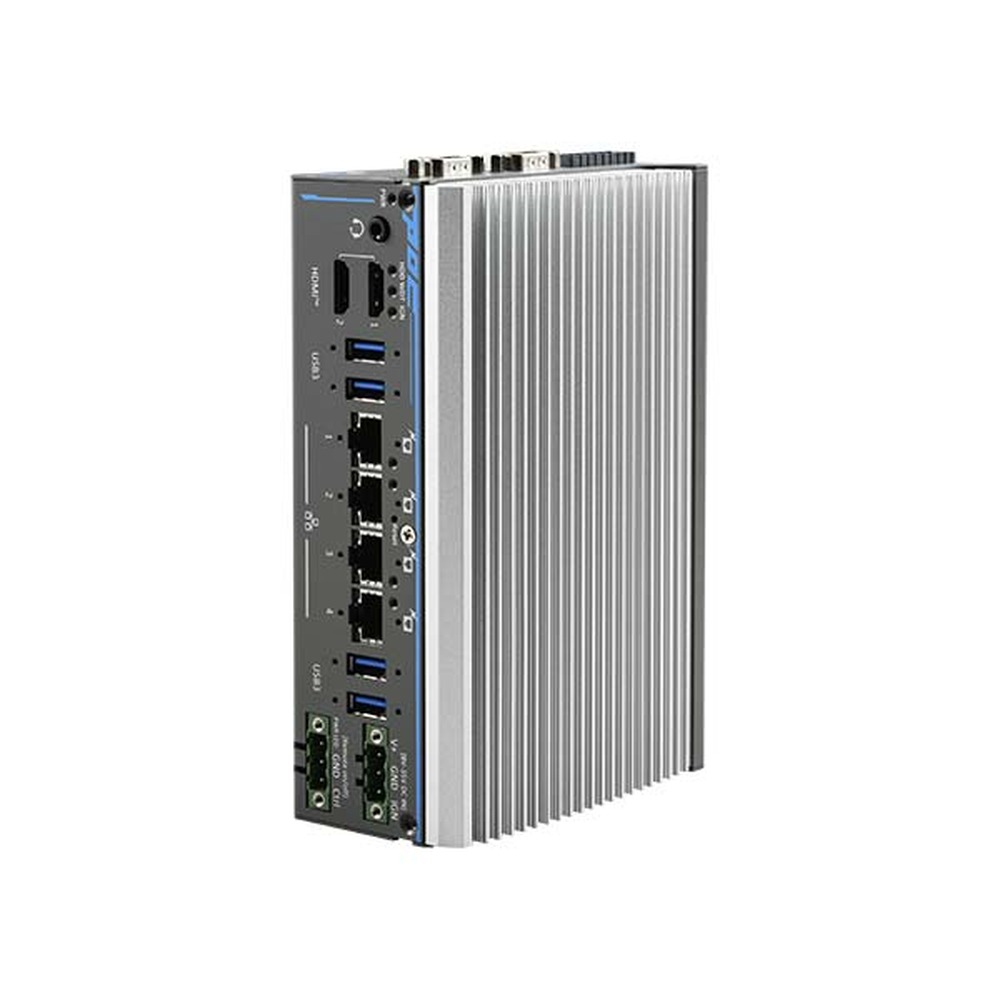
POC-900 Neousys DIN Rail PC
Our lead Neousys pick, with the most compute in the POC line: a six-core Ryzen PRO 8640U and Radeon graphics for two 4K screens, its NPU running detection on site, beside screw-lock USB, PoE+ and four serial ports.
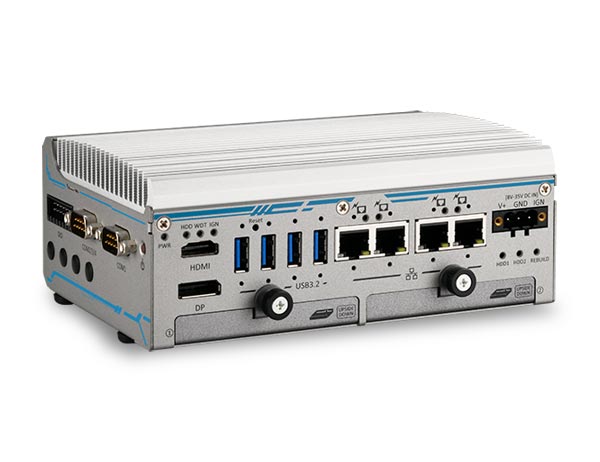
POC-764VR Neousys Rugged DIN Rail PC
Built for recording on the move, it pairs an eight-core Core i3-N305 with hardware RAID 1 across two SSDs, four PoE+ camera ports, ignition power control and MIL-STD-810H vibration testing, on a DIN rail mount as standard.
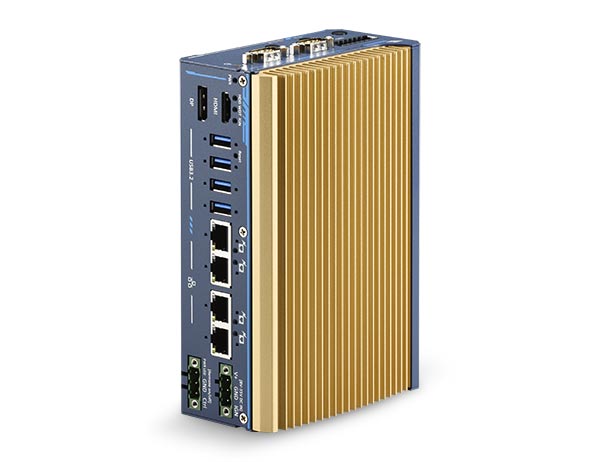
POC-700 Neousys Industrial DIN Rail PC
Chosen for cabinets that must carry UL-listed parts, with UL 62368-1 builds on an Atom x7425E, four screw-lock Gigabit ports for machine and plant networks, serial ports and isolated digital I/O in a fanless case.
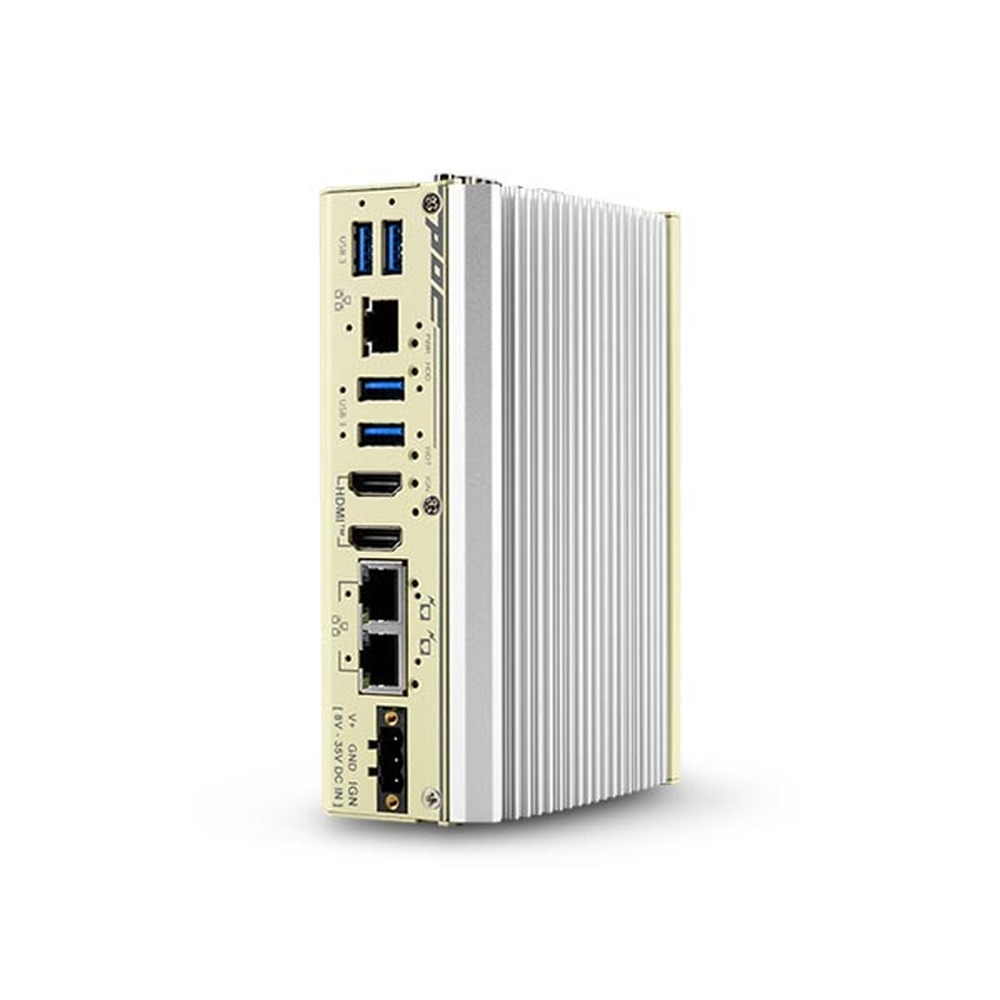
POC-600 Neousys DIN Rail Computer
A slim Atom x7425E system for protocol gateways and cabinet HMIs, with three 2.5GbE ports that keep machine, plant and uplink networks apart, dual HDMI for two local screens and a programmable RS-232/422/485 port.
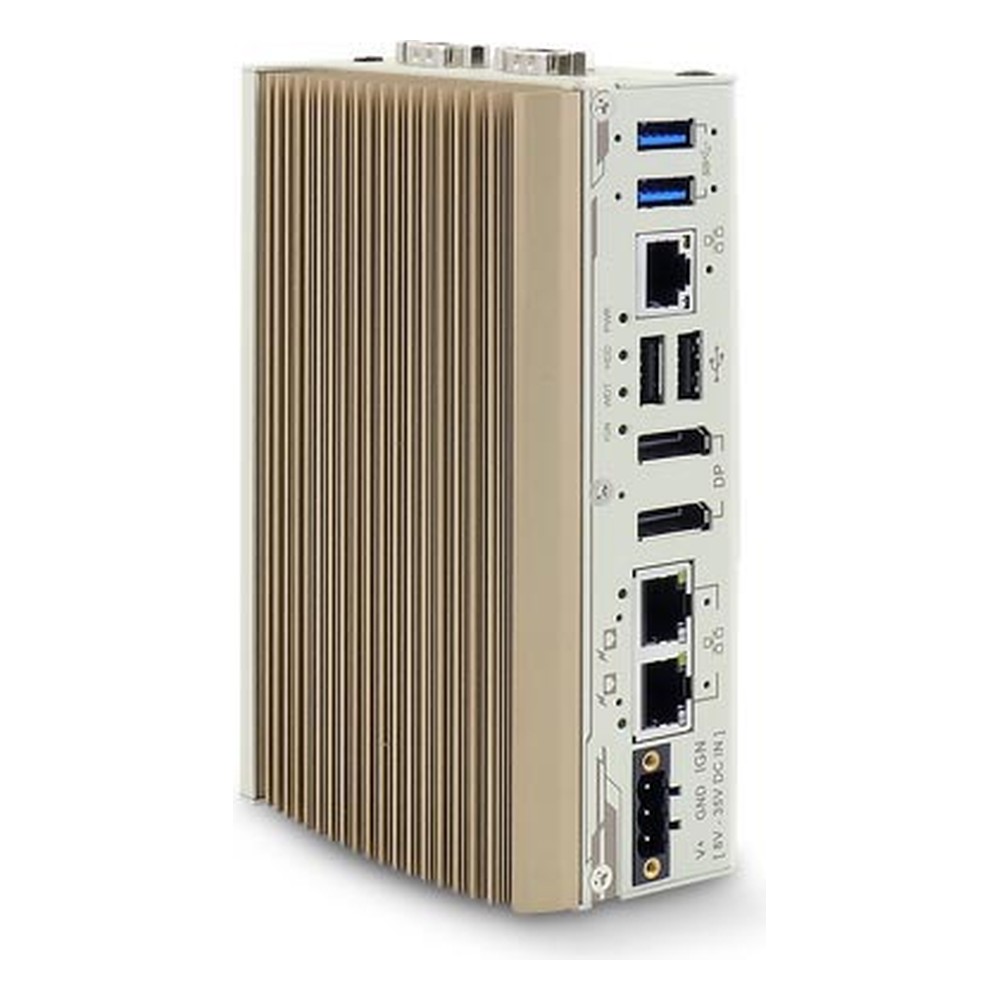
POC-400 Neousys Embedded DIN Rail PC
Picked when the cabinet may need more I/O later, since MezIO modules extend the Elkhart Lake Atom x6425E, which already carries three 2.5GbE ports, four COM ports and two 4K DisplayPort outputs on its front face.
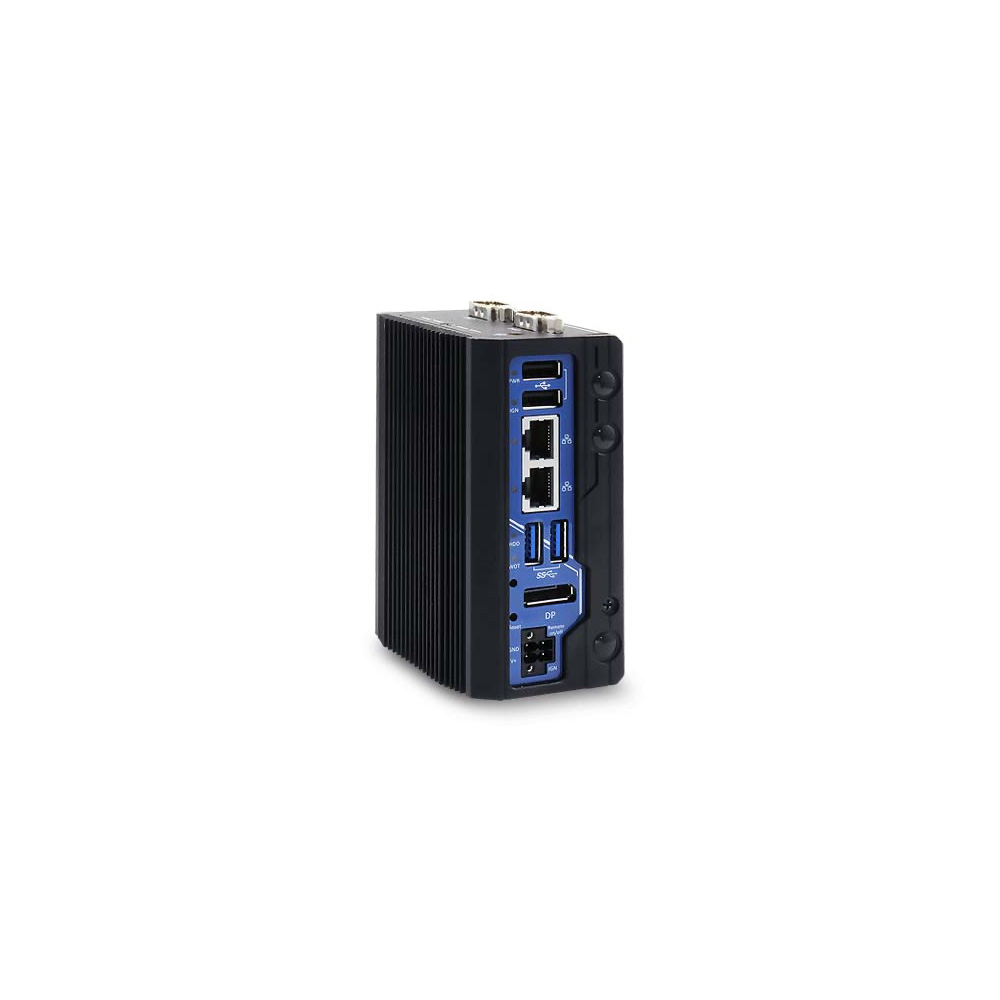
POC-40 Neousys DIN Rail Mini PC
The smallest POC for crowded rails, its Atom x6413E reads meters and drives over an isolated RS-422/485 port, switches alarms through isolated DIO and takes a cellular module in its mini PCIe socket.
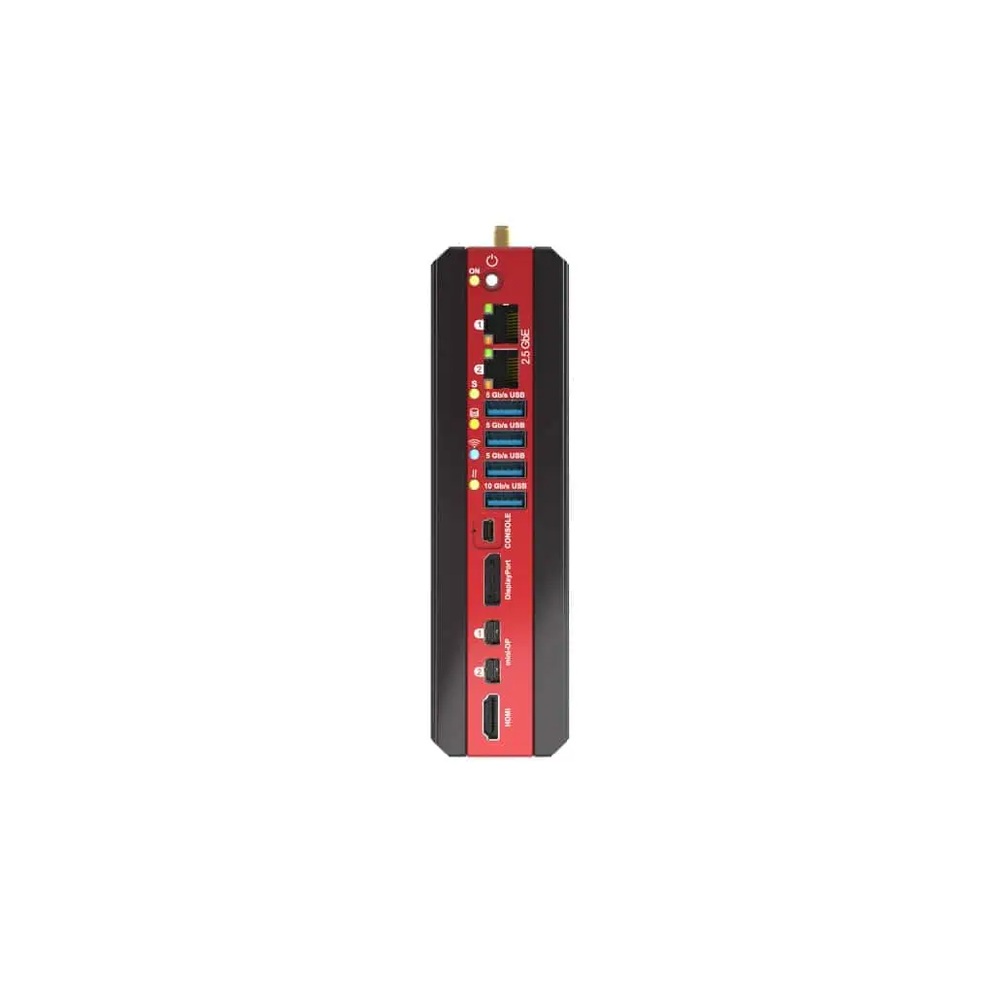
Bedrock R8000 SolidRun Industrial DIN Rail PC
Our lead SolidRun pick for vision and control on one rail, with eight-core Ryzen Embedded 8000 processors, a 16 TOPS NPU, up to 96 GB of ECC memory and sockets for Hailo-8 or Hailo-10 modules and 5G.
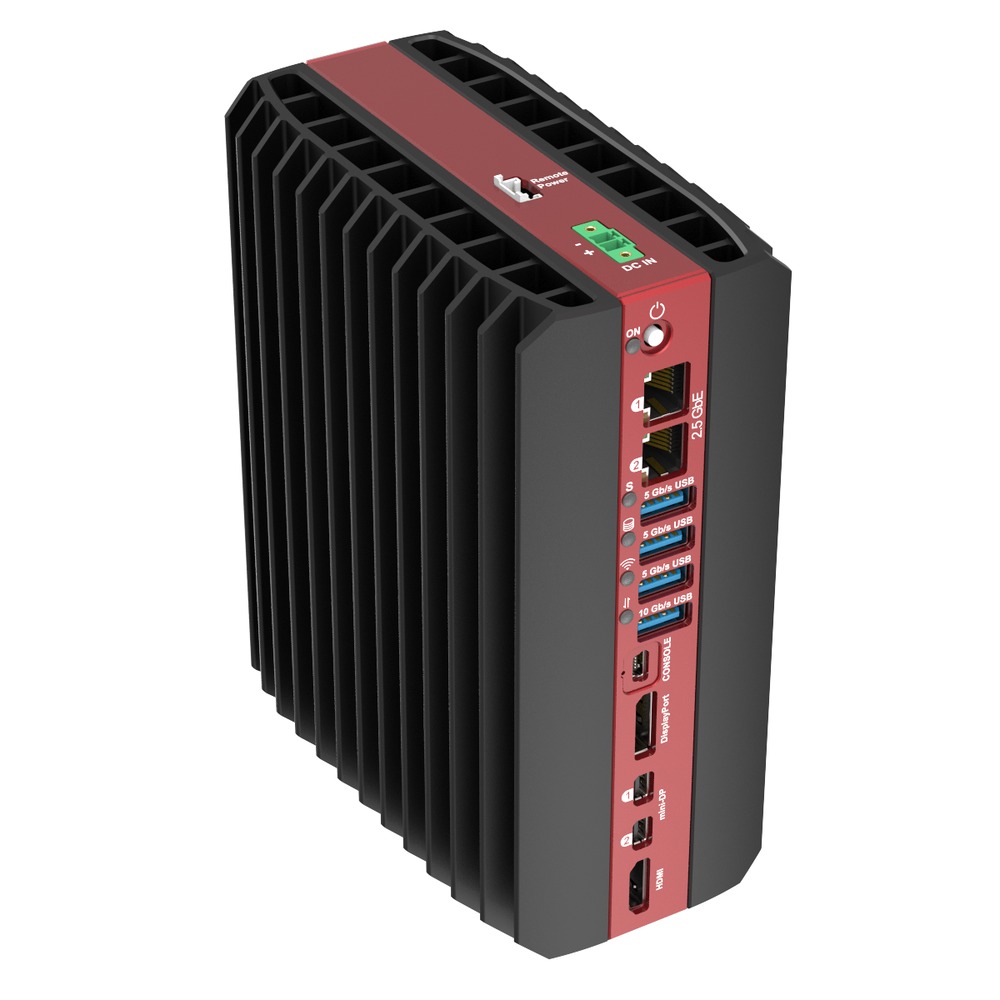
RAI300 SolidRun DIN Rail Edge AI Computer
The newest Bedrock, picked for heavier AI in the cabinet: a Ryzen AI 9 HX 370 with twelve Zen 5 cores and a 50 TOPS NPU, up to 128 GB of DDR5 and two sockets for Hailo modules.
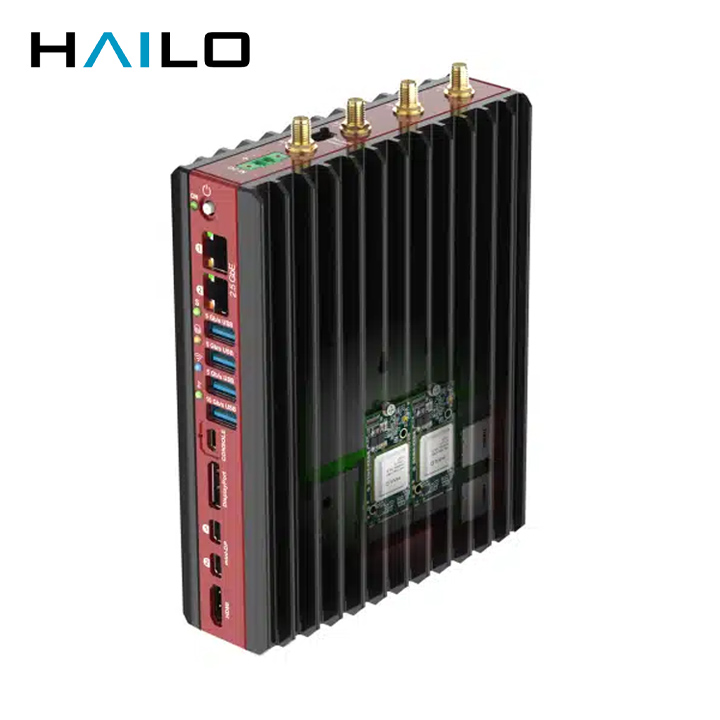
BEDROCK R7000 EDGE AI SolidRun Fanless DIN Rail Computer
Chosen for sealed panels, as the conduction-cooled TILE version fixes to a cold plate while up to three Hailo-8 modules and a Ryzen 7 7840U with its own NPU handle the camera analytics.
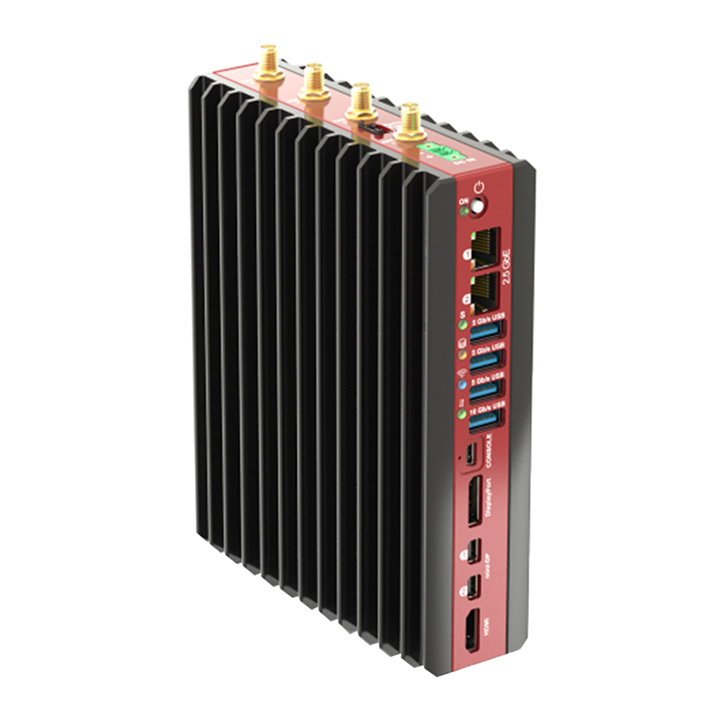
BEDROCK R7000 BASIC SolidRun Embedded DIN Rail Computer
A general-purpose Ryzen 7 7840U computer for cabinets with no airflow, with CPU power set from 8 to 54 W in the BIOS, up to four displays and NVMe drives cooled through the enclosure.
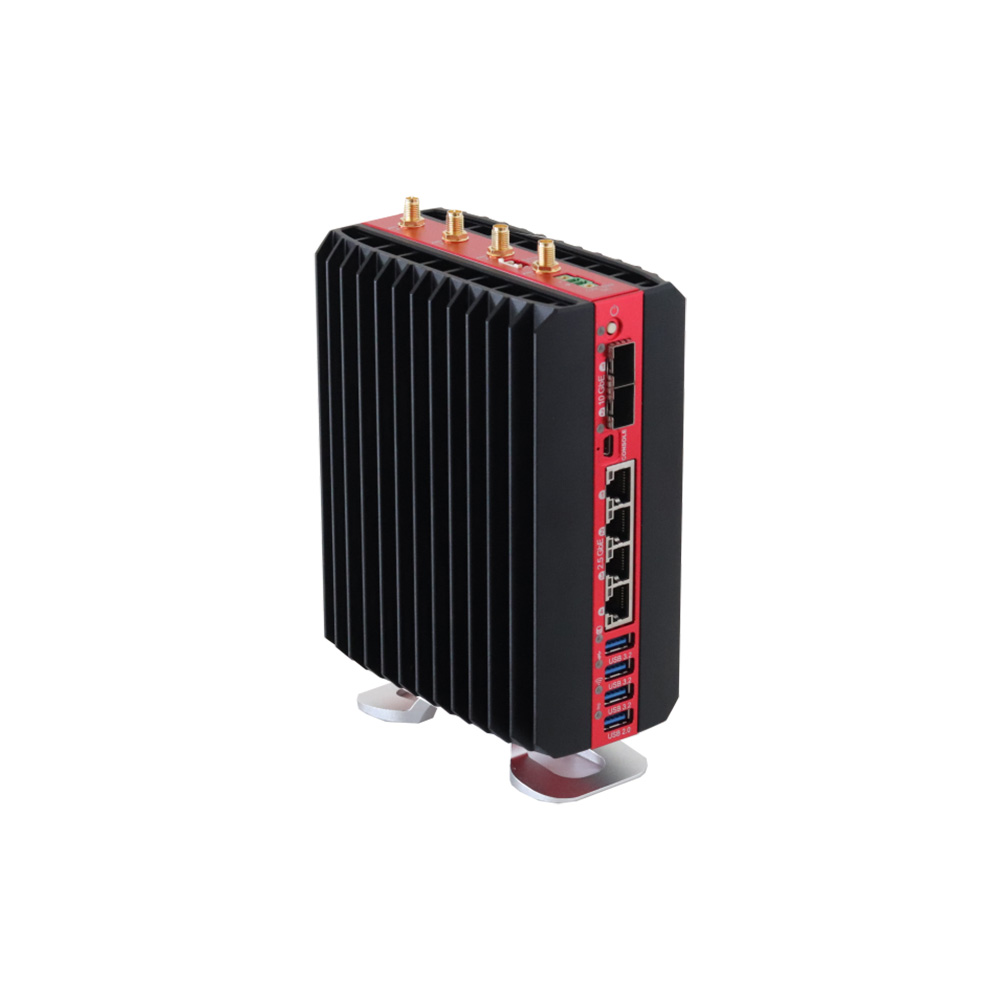
BEDROCK V3000 BASIC SolidRun DIN Rail Edge Computer
Our pick when the DIN rail computer is really a network appliance: a headless Ryzen Embedded V3000 with ECC memory, two 10GbE SFP+ cages for fibre uplinks and four 2.5GbE ports for the plant side.
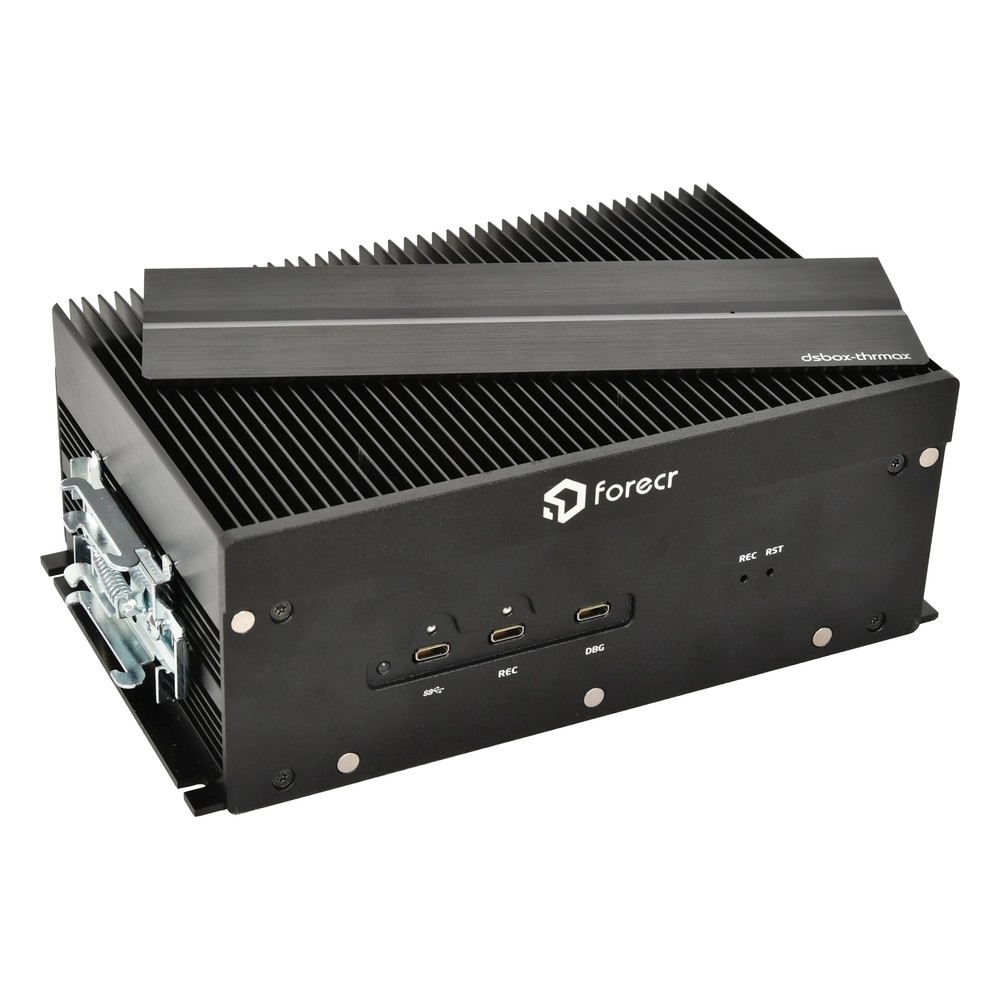
DSBOX-THRMAX Forecr Industrial DIN Rail Computer
Picked when robots or autonomous machines need large models in the cabinet, with NVIDIA Jetson Thor modules and up to 128 GB of memory, 25GbE links over QSFP28, CAN FD on terminal blocks and a DIN rail clip.
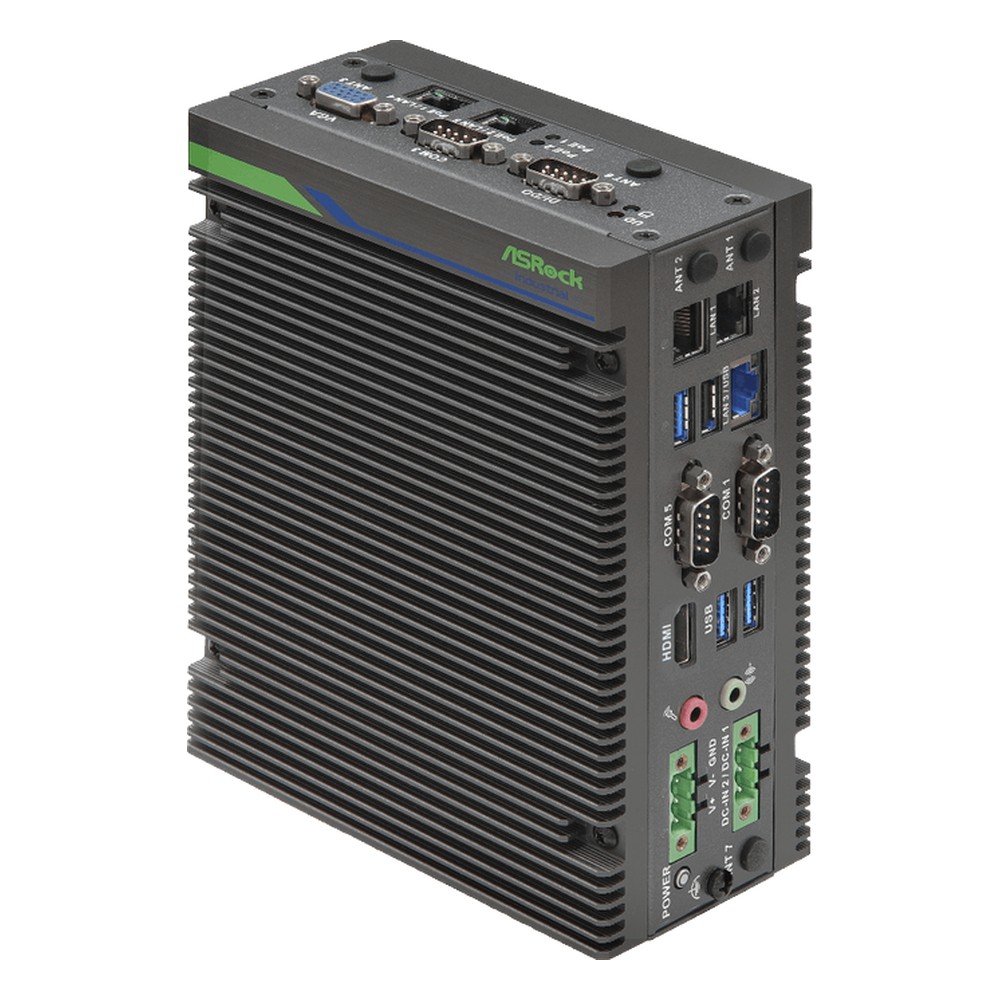
iEP-7040E ASRock Industrial DIN Rail Industrial PC
Our lead ASRock Industrial pick for control with discrete signals, as the 8DIO build wires isolated inputs and outputs straight to an Arrow Lake Core Ultra with an NPU, three 2.5GbE ports and up to 96 GB of ECC memory.
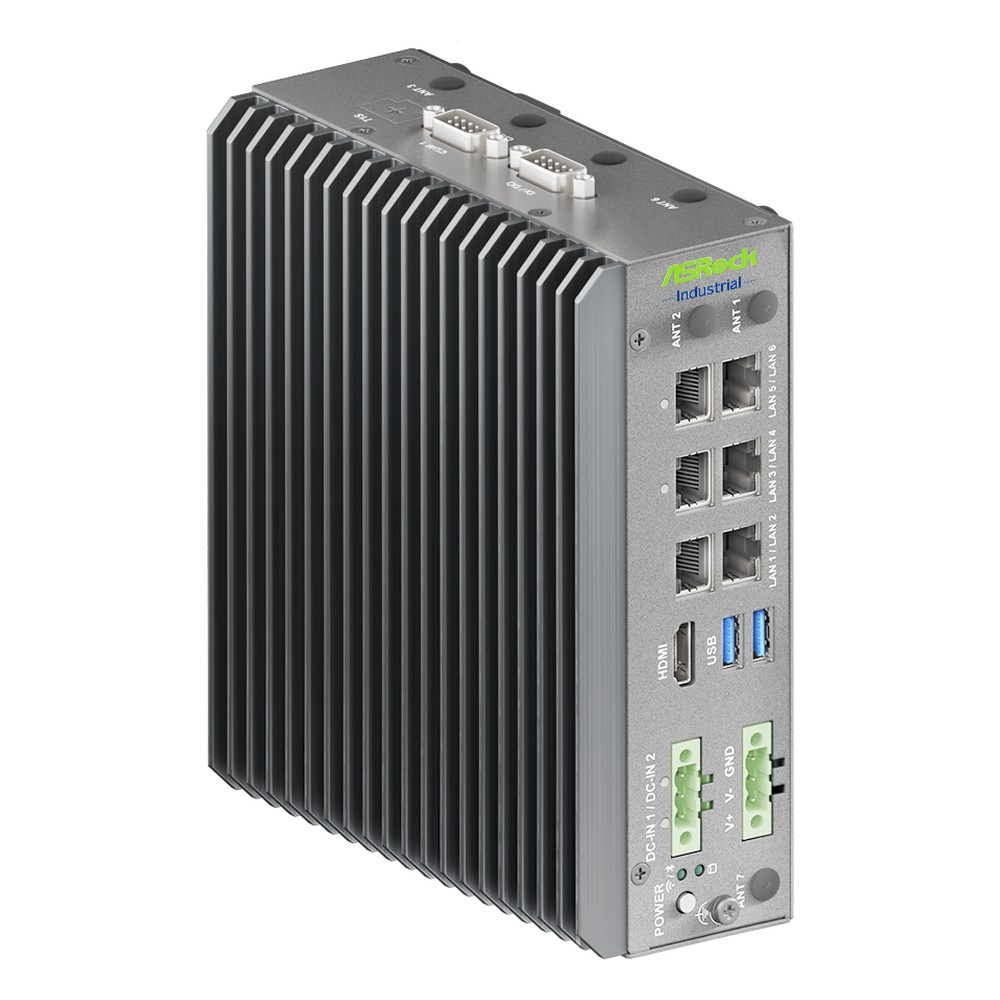
iEP-7050E ASRock Industrial Fanless DIN Rail PC
The newest processor on this page, a Panther Lake Core Ultra X7 with an NPU and DDR5 7200, plus a dedicated out-of-band management port so a remote cabinet can still be reached when the operating system hangs.
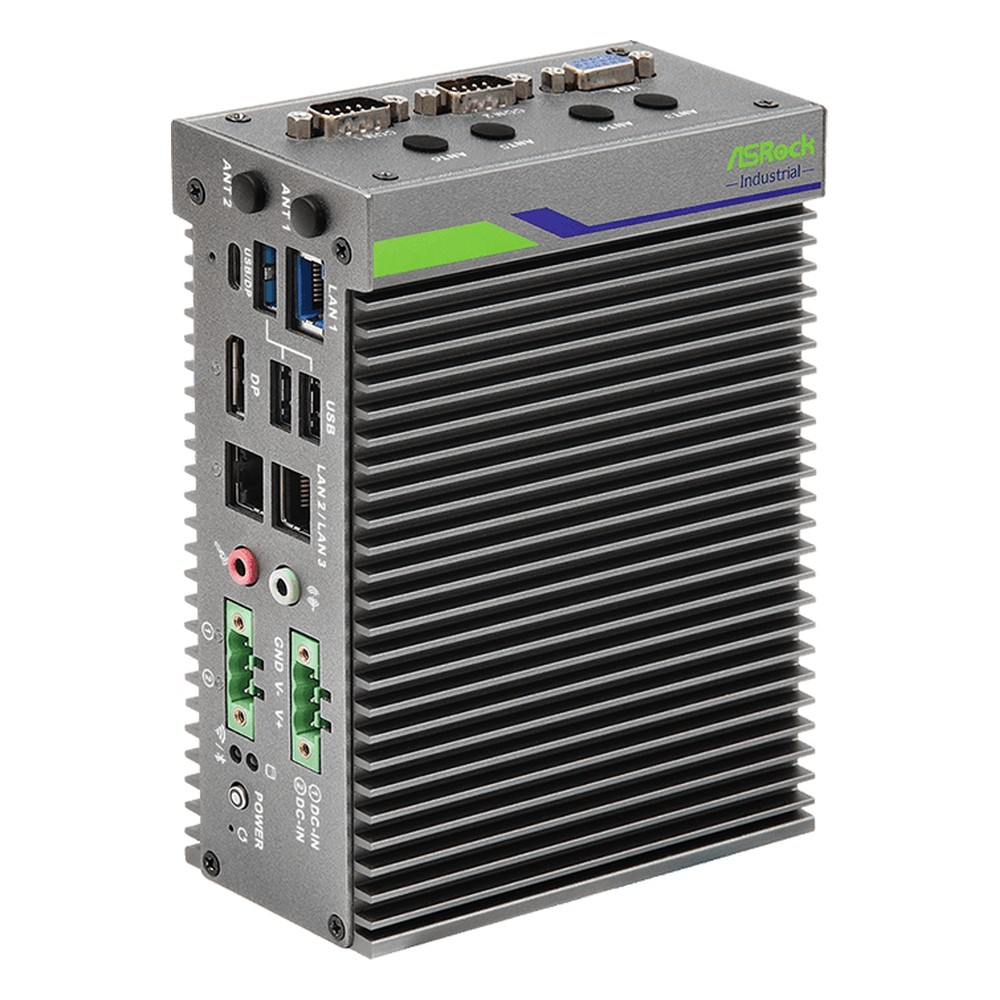
iEP-5020G ASRock Industrial Embedded DIN Rail PC
A low-power Amston Lake Atom x7433RE build for logic beside the machine, with sink or source isolated 8DI/8DO, TSN on one port under Ubuntu, TPM 2.0 and a watchdog timer in a fanless case.
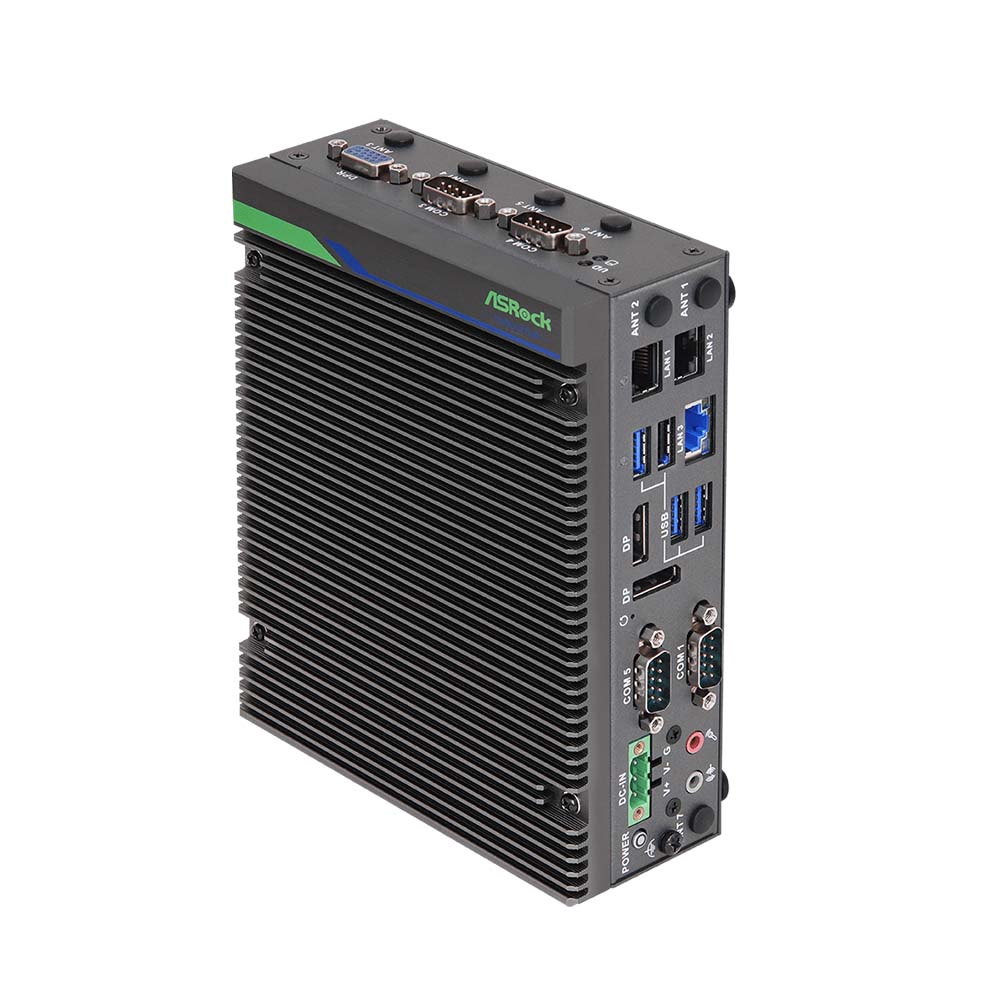
iEP-7020E ASRock Industrial DIN Rail Controller
Chosen where several networks meet in one cabinet, with five independent LAN ports, a 13th Gen Core i5 or i7, four RS-232/422/485 ports and TSN with Intel TCC for time-sensitive traffic between them.
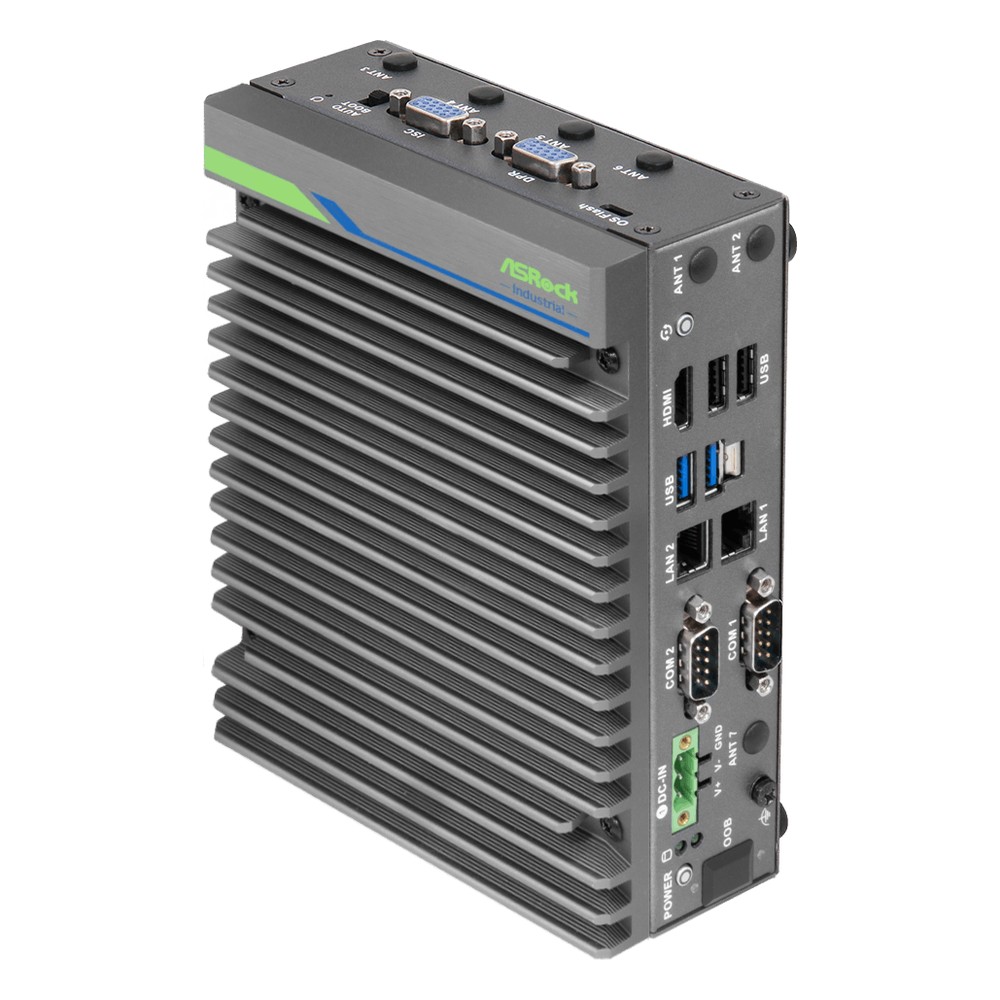
iEP-6022E ASRock Industrial DIN Rail Edge AI Computer
For outstations with power but no wired network, a Jetson Orin Nano 8GB runs detection on site and reports only events over a 5G or 4G LTE module, with JetPack 6.2 and TPM 2.0 on board.
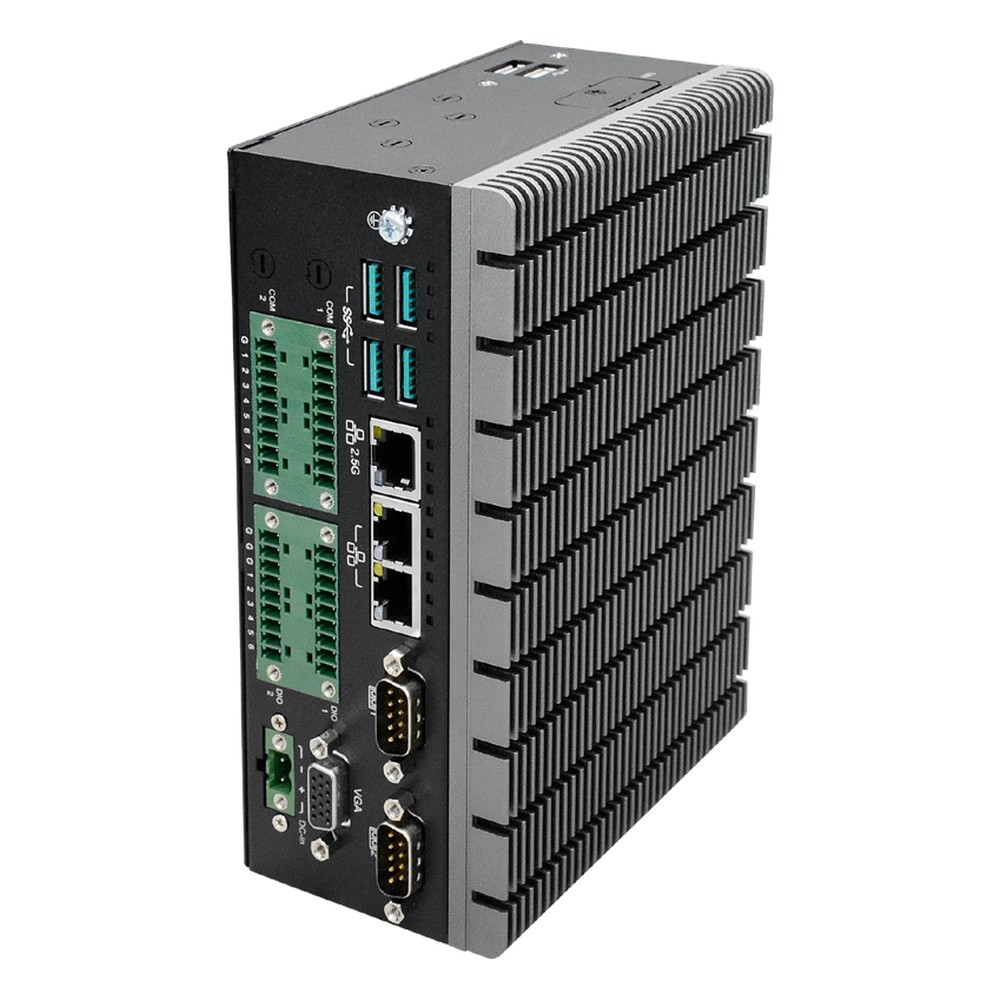
ED700-EHL DFI DIN Rail PC
Our lead DFI pick for utility and outdoor cabinets, rated from −40 °C, with an Atom x6425RE and Intel TCC for deterministic loops over its 2.5GbE TSN port, plus isolated serial and digital I/O.
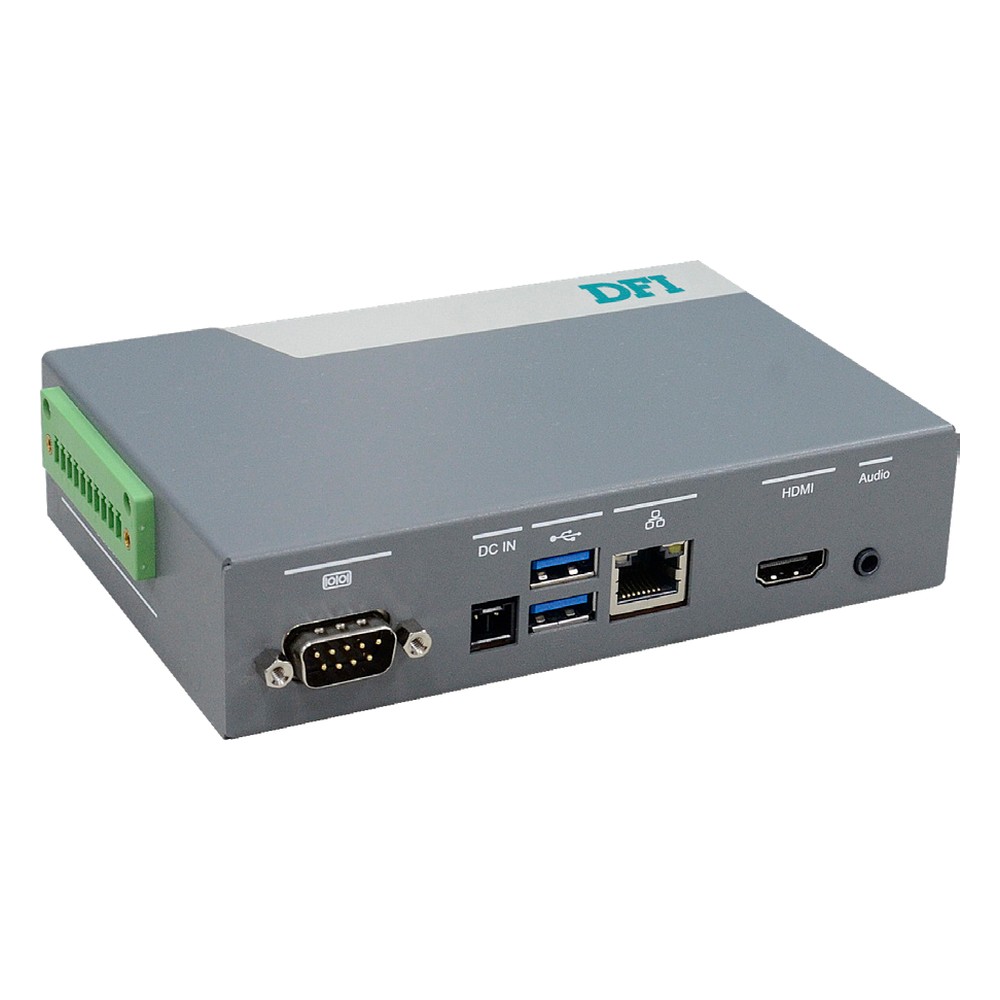
EC900-QCS DFI Embedded DIN Rail Computer
An Arm option for AI on a small power budget, with an eight-core Qualcomm QCS6490 rated at 12 TOPS, Yocto Linux and a 5 V DC supply in a small fanless case that clips to the rail.
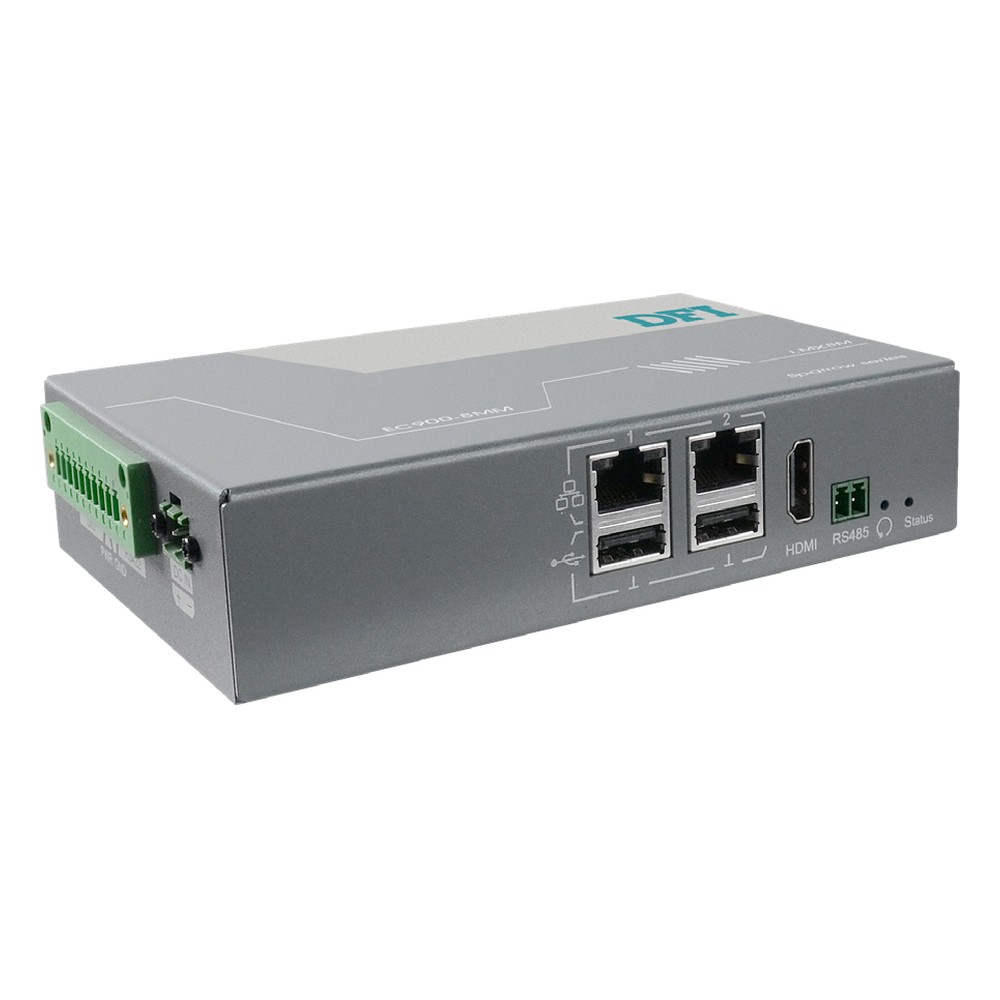
EC900-8MM DFI Embedded DIN Rail PC
Picked for gateways that must hold their keys in hardware, as the secured build adds TPM 2.0 and TrustZone to a quad-core i.MX 8M Mini with four serial ports and a −40 to 70 °C rating.
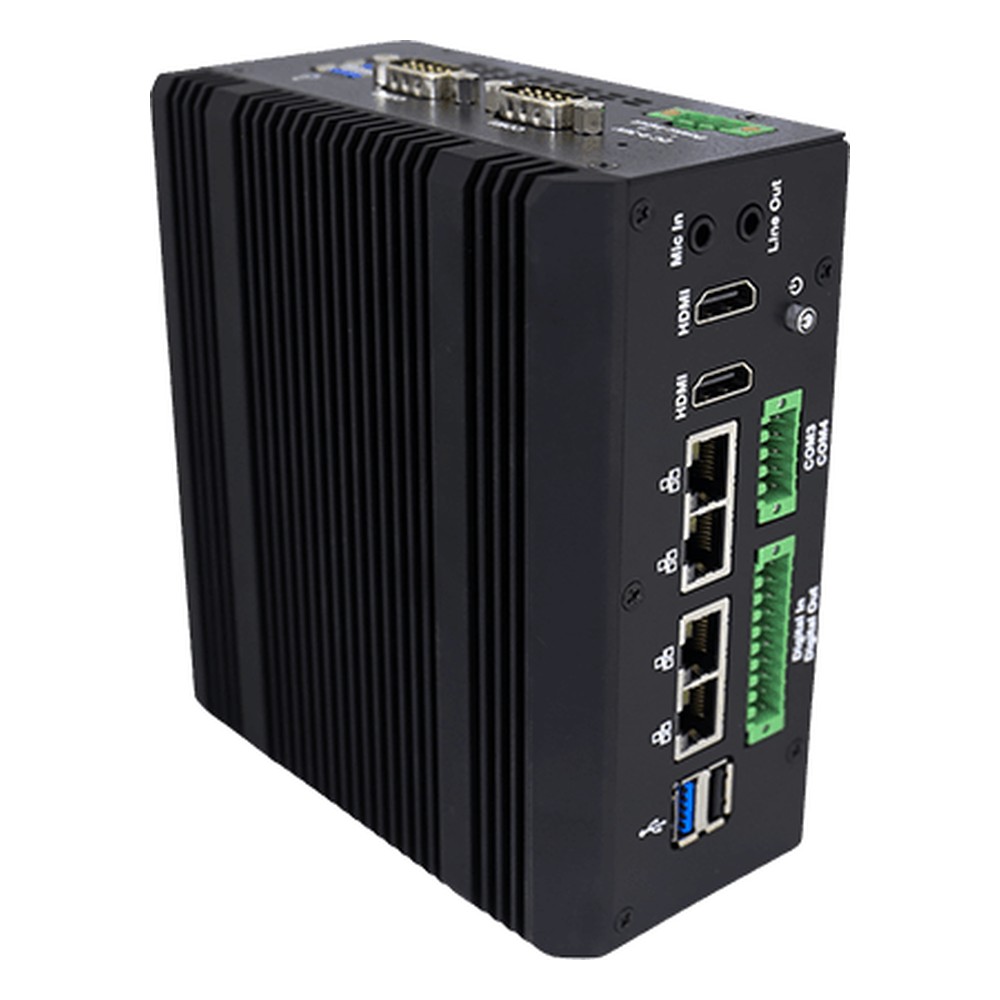
IRDRW500 Winmate DIN Rail Box PC
Our lead Winmate pick when one cabinet computer has to reach plenty of field wiring: four isolated RS-232/422/485 ports, isolated 8DI/8DO and four 2.5GbE ports on a Core i5-1335U, from a 9 to 36 V DC feed.
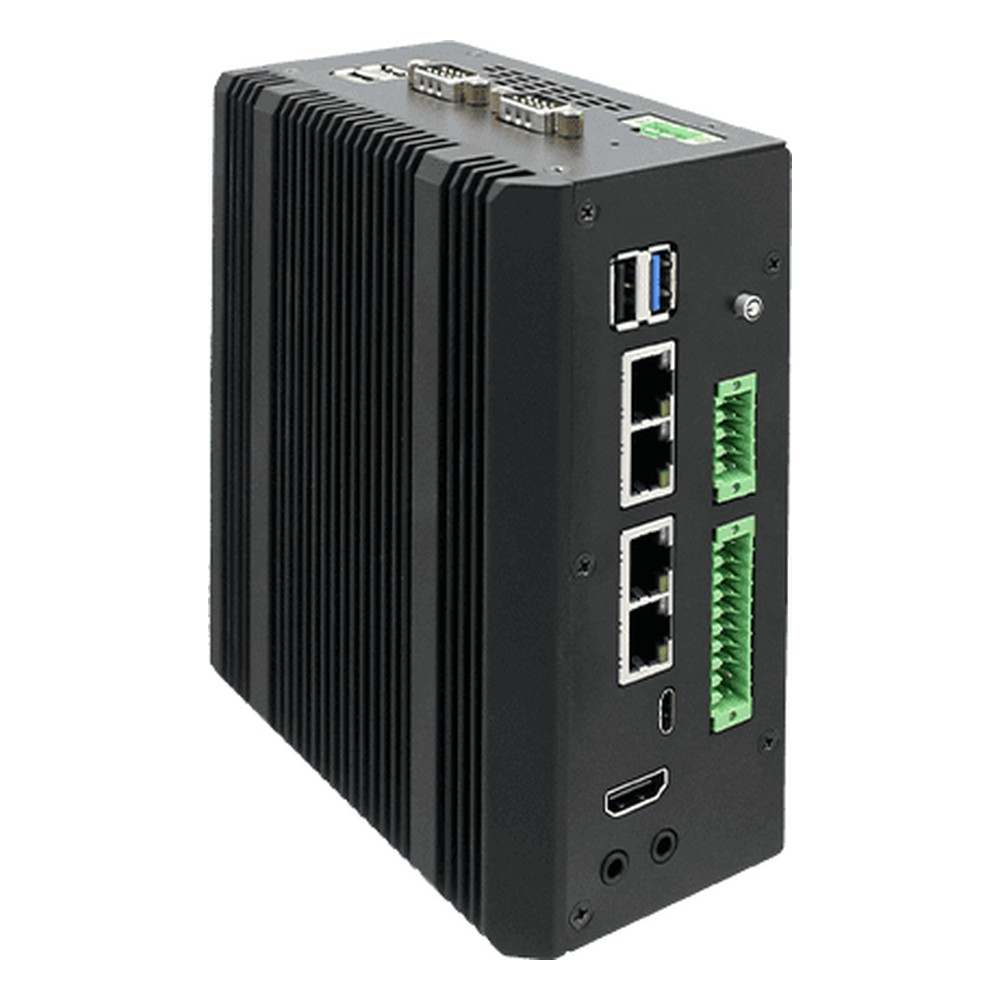
NTDRW100 Winmate DIN Rail Edge Computer
Chosen when AI has to squeeze in beside the PLC and drives: a Jetson Orin Nano 8GB that Winmate rates at 67 TOPS, two isolated serial ports on terminal blocks, CAN FD and isolated 8DI/8DO.
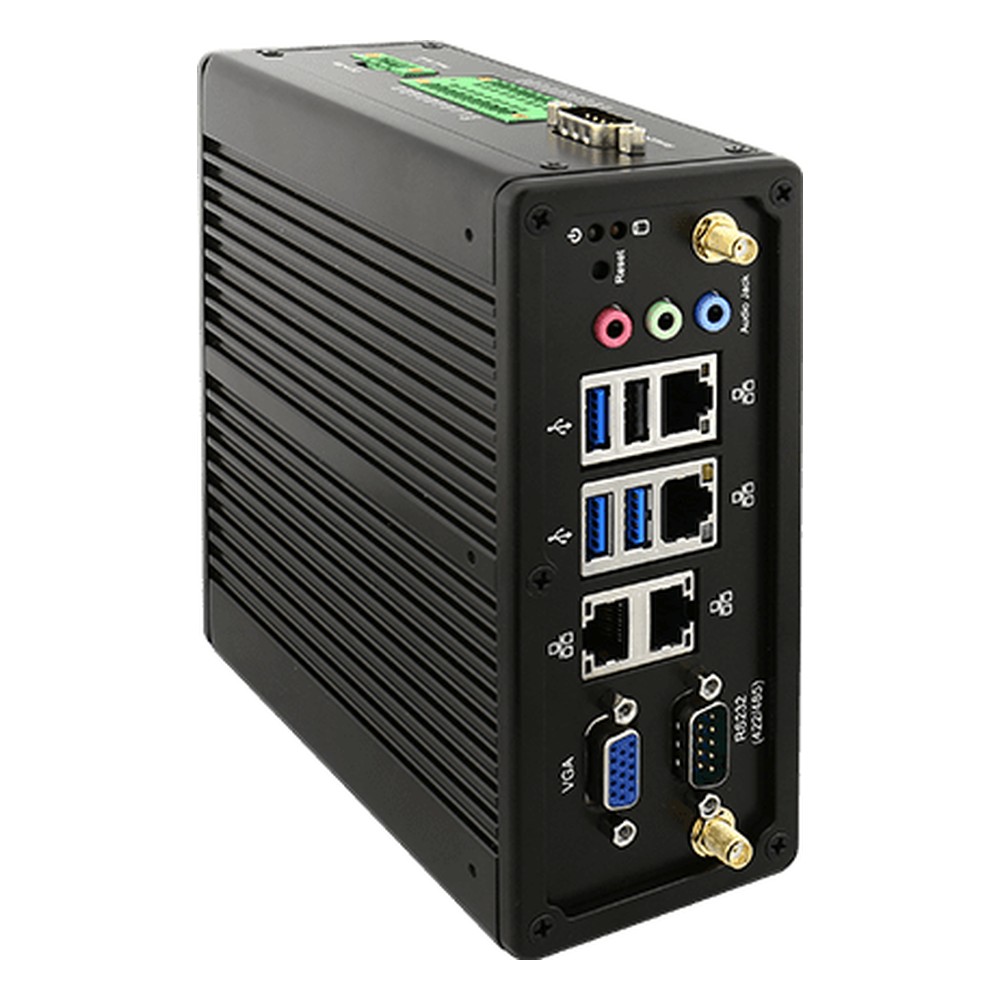
IBDRW100-EL Winmate Fanless DIN Rail PC
A Celeron N6211 model for protocol conversion, logging and gateway software, with four 2.5GbE ports, an isolated RS-422/485 port and nine isolated inputs and nine outputs on a terminal block.
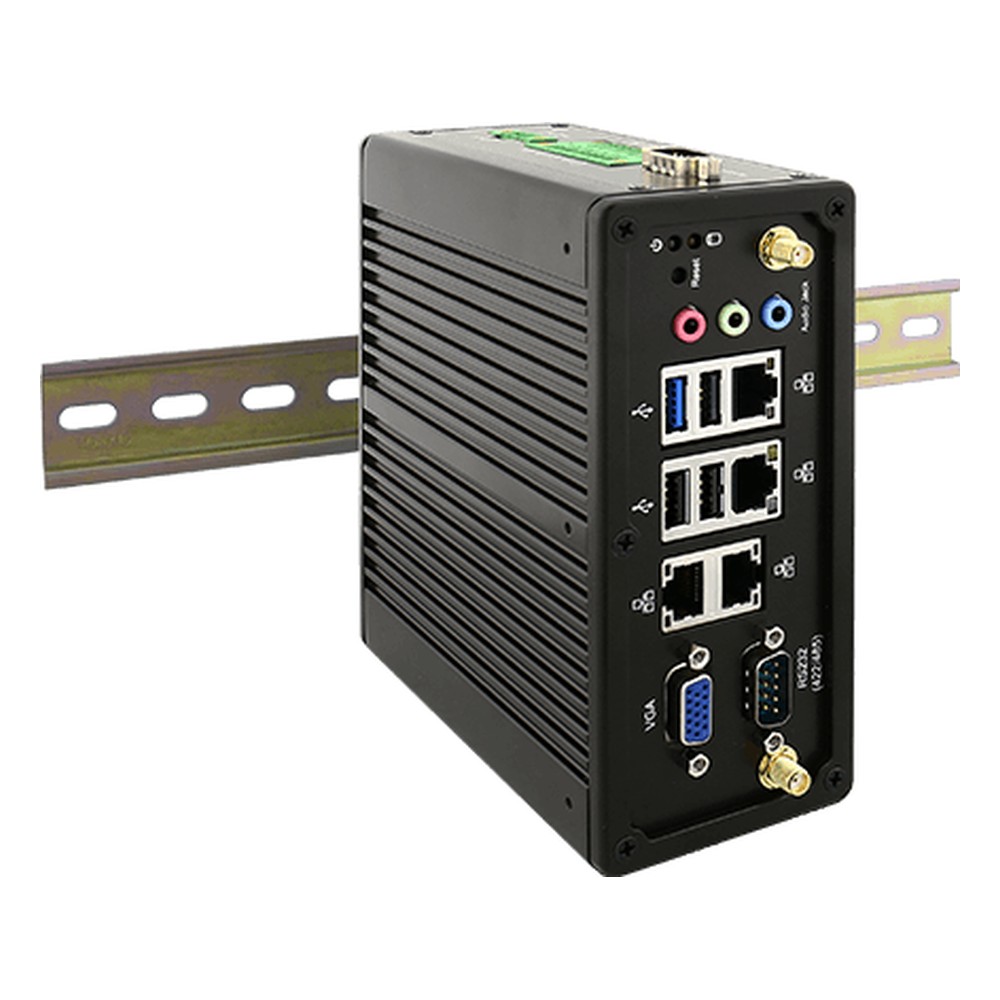
IBDRW100-EX Winmate DIN Rail Box PC
For process areas where flammable gas may be present, it is non-incendive equipment listed for Class I Division 2 and ATEX Zone 2, on a Celeron N2930 with four Gigabit ports and an isolated RS-422/485 port.
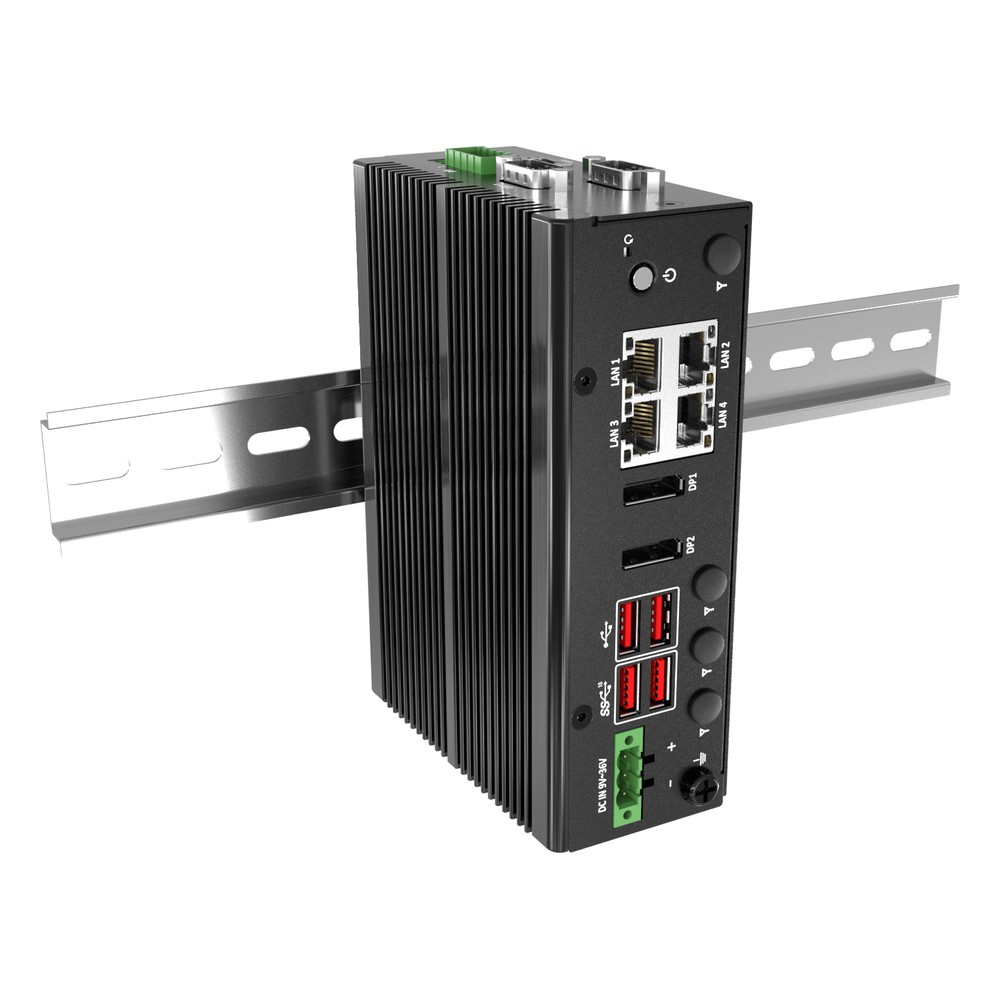
DCO-1000-ASL Premio Industrial DIN Rail PC
Our pick from Premio for tidy panels: an Amston Lake Atom with up to eight cores, four 2.5GbE ports with TSN on one, isolated DIO, two 4K DisplayPort outputs and In-Band ECC memory support.
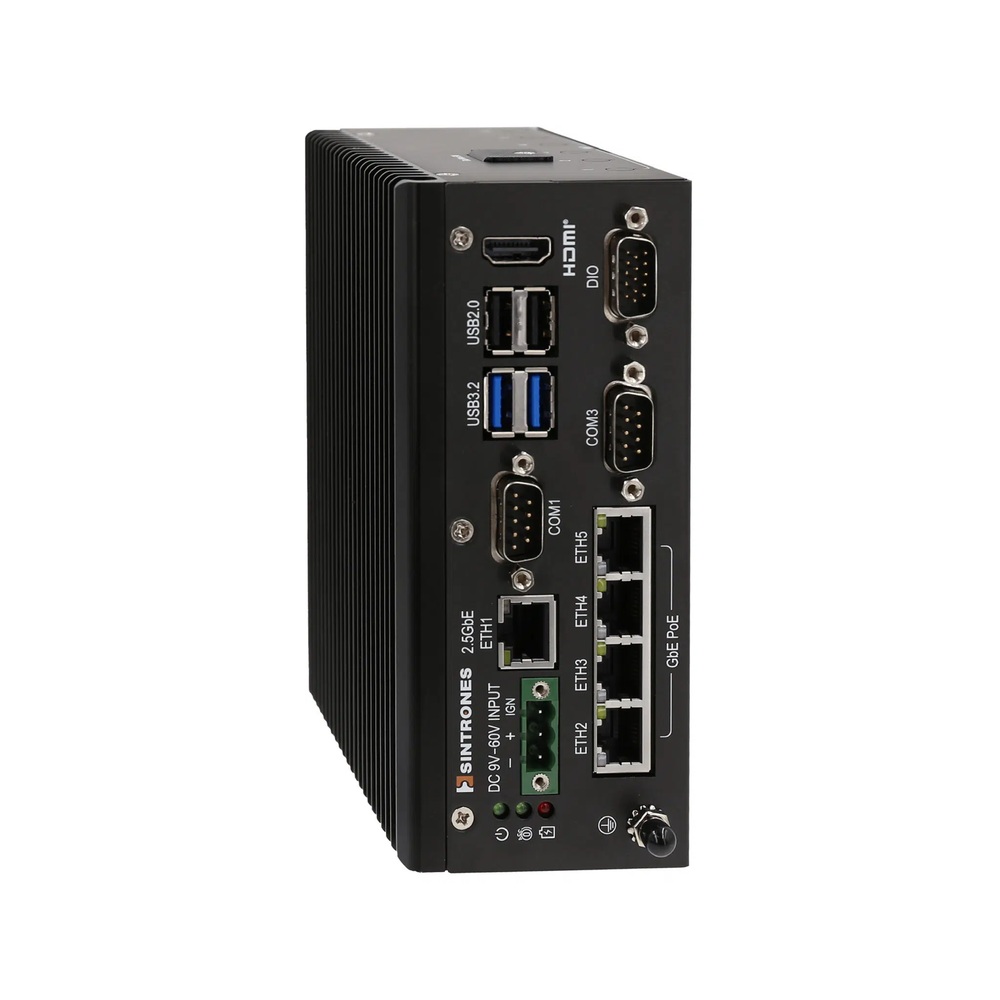
VBOX-3132 Sintrones Rugged DIN Rail Computer
Our lead Sintrones pick for buses and trains, with four PoE camera ports and a 2.5GbE uplink on X-coded M12, an Amston Lake Atom, CAN FD and two M.2 drives to keep the system and video apart.
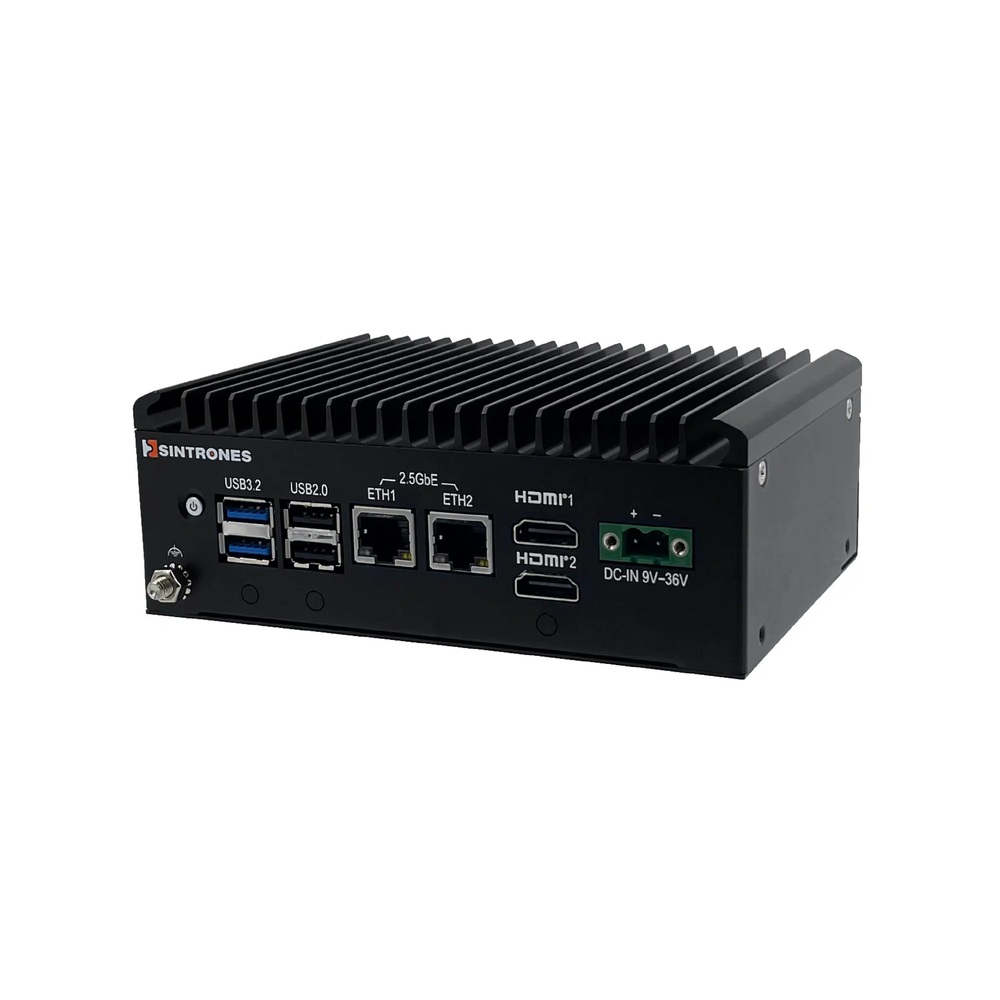
SBOX-2625 Sintrones DIN Rail Mini PC
A small serial gateway on Intel N150, Core 3 N355 or Atom x7433RE, with RS-232/422/485 ports, two 2.5GbE ports and a slot for a 4G or 5G module, mounted on the rail, a wall or VESA.
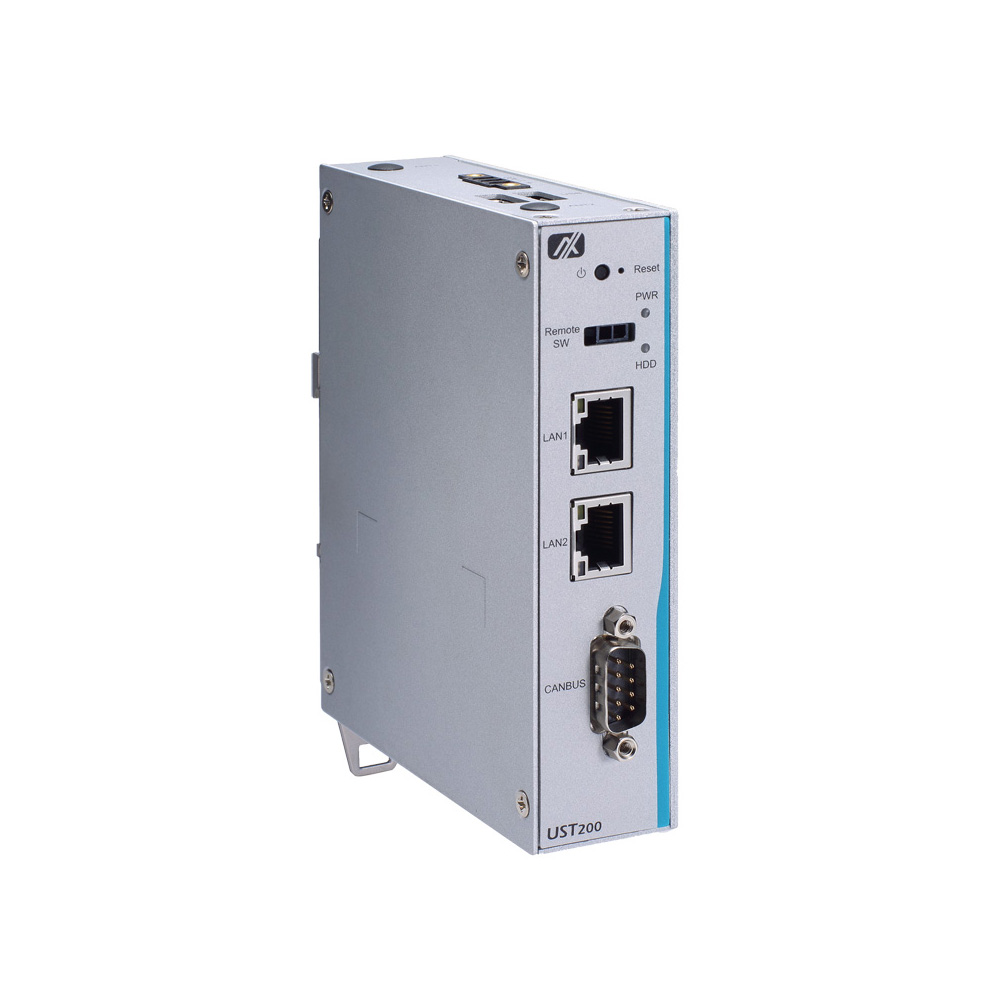
UST200-83H-FL Axiomtek Rugged DIN Rail PC
Our lead Axiomtek pick for serial devices on vehicles, with an Atom x5-E3930 at 6.5 W, an RS-232/422/485 port, two GbE ports, programmable DIO and an LTE Mini Card slot in a very slim housing.
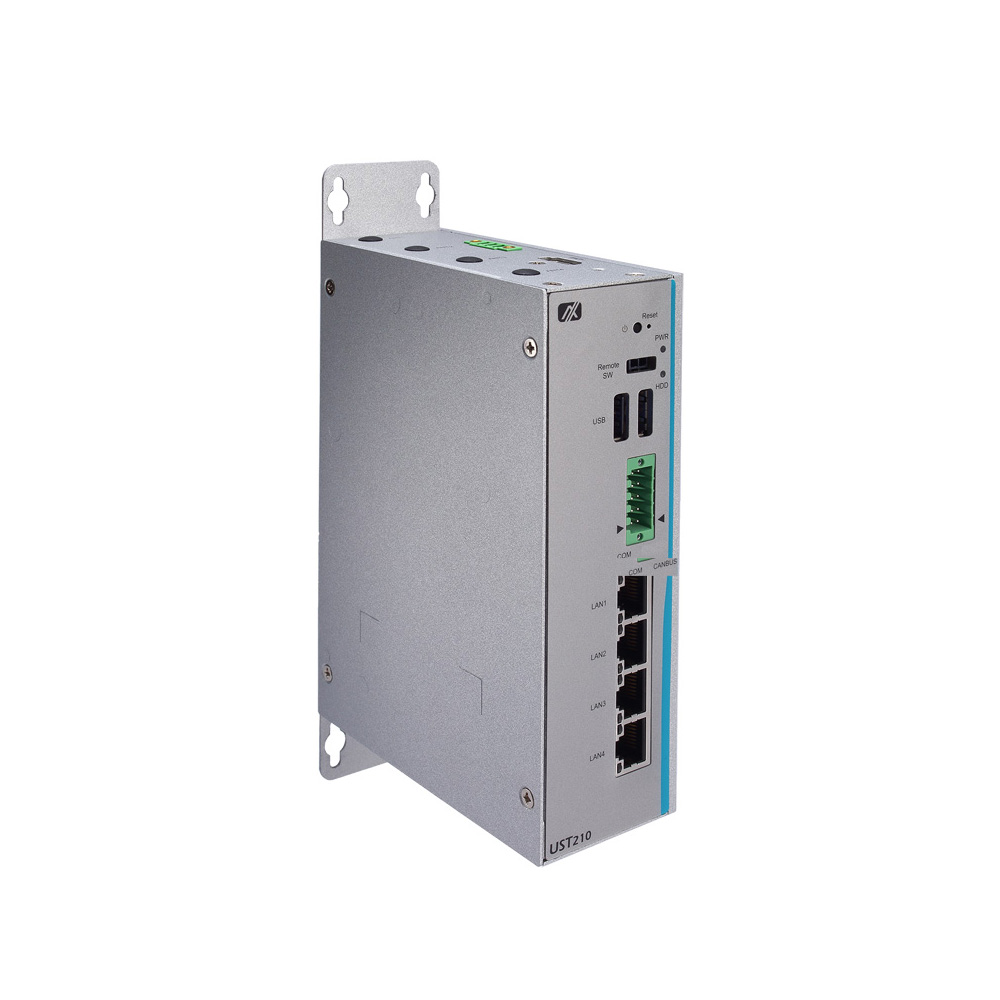
UST210-83K-FL Axiomtek DIN Rail Computer
Chosen for on-board camera systems, as all four GbE ports supply PoE or PoE+ from an Atom x5-E3940, with two terminal-block serial ports and recording to an internal SATA drive.
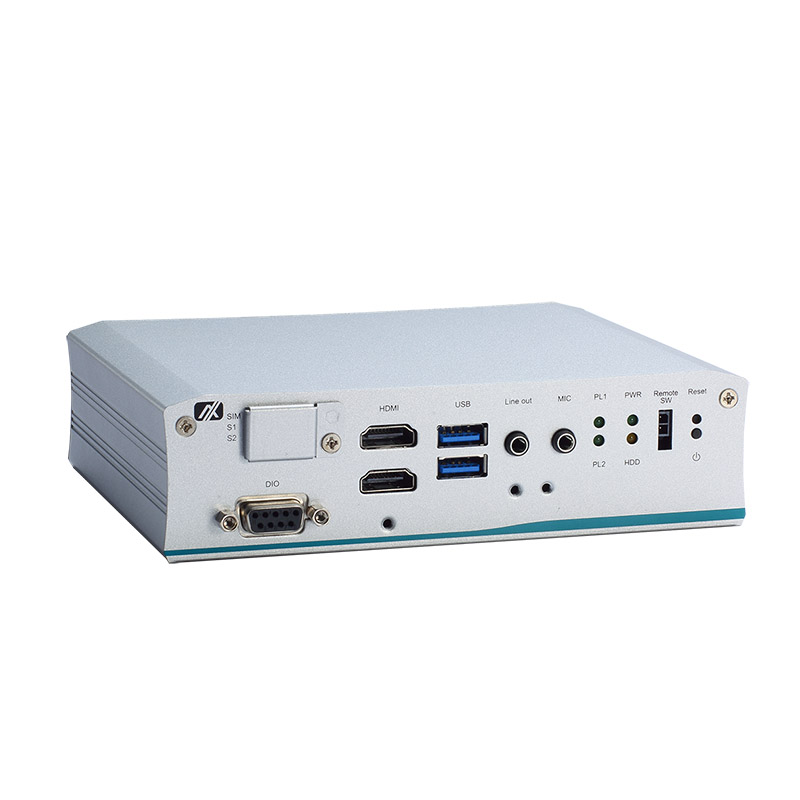
tBOX110 Axiomtek Rugged DIN Rail Computer
For rolling stock, an EN 50155 railway computer on an Atom x5-E3940, with M12 LAN, four isolated RS-232/422/485 ports, isolated DIO and a wide-input build rated 24 to 110 V DC.
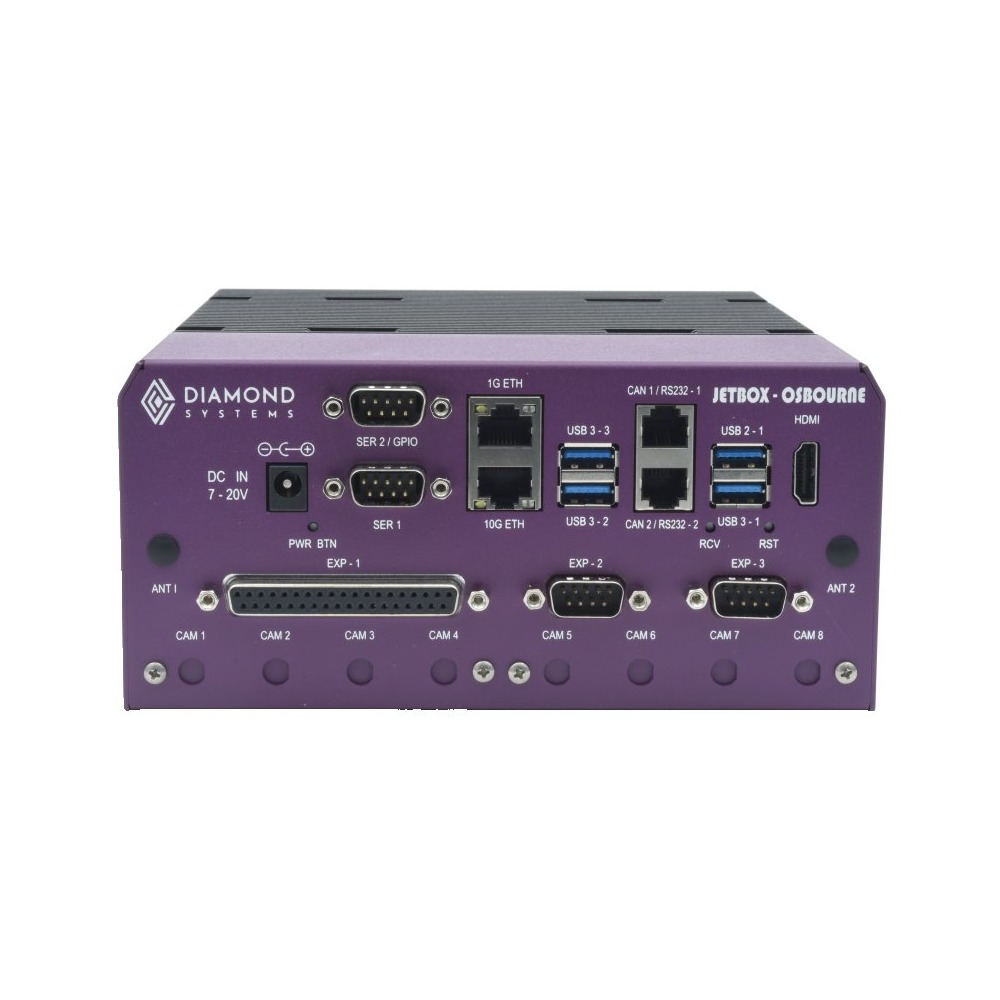
JETBOX-OSBOURNE Diamond Systems DIN Rail Edge AI Computer
Our lead Diamond Systems pick for cold outdoor and trackside cabinets, with the Jetson AGX Orin Industrial module, held at full load up to 65 °C in Diamond’s thermal testing, plus 10GbE for cameras or storage.
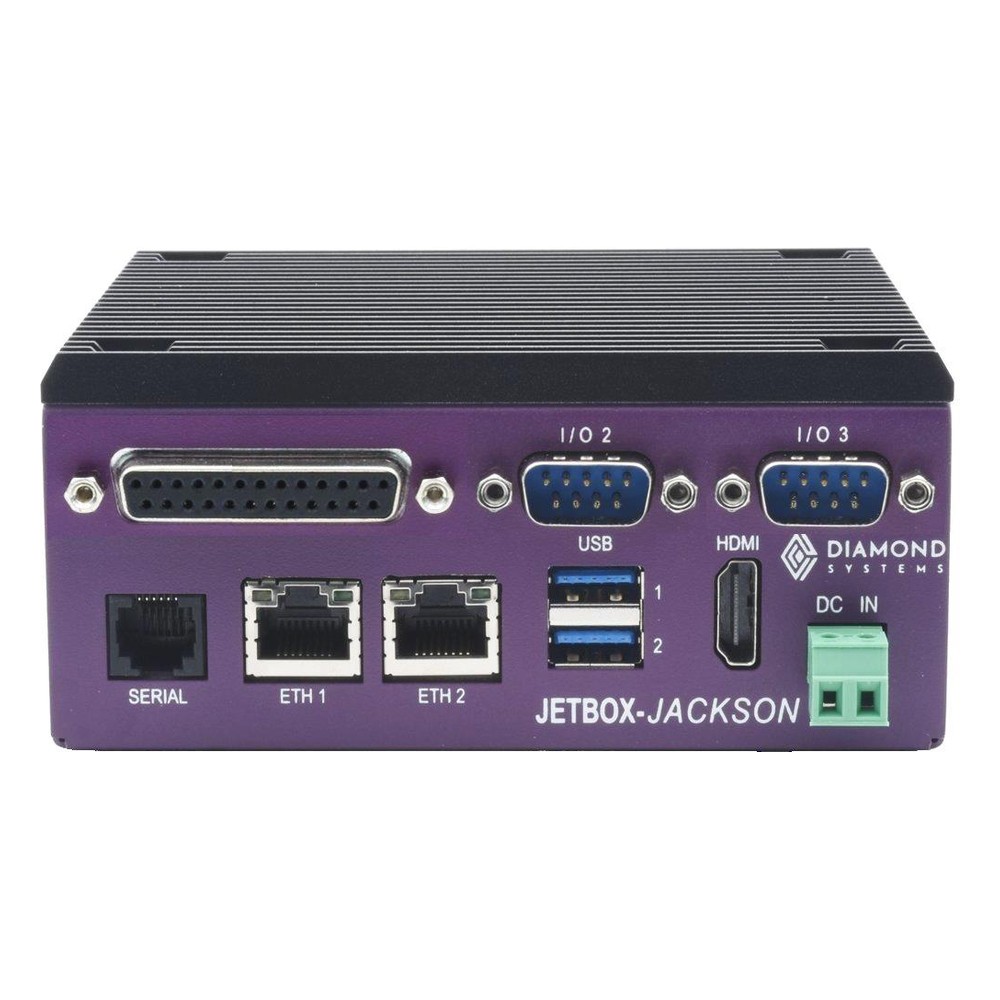
JETBOX-JACKSON Diamond Systems Fanless DIN Rail PC
Picked for light vision on a production line, with a Jetson Orin Nano 8GB, a 1 TB NVMe SSD with Linux, RS-232 and RS-232/485 ports and 16 GPIO lines in a steel and aluminium case.
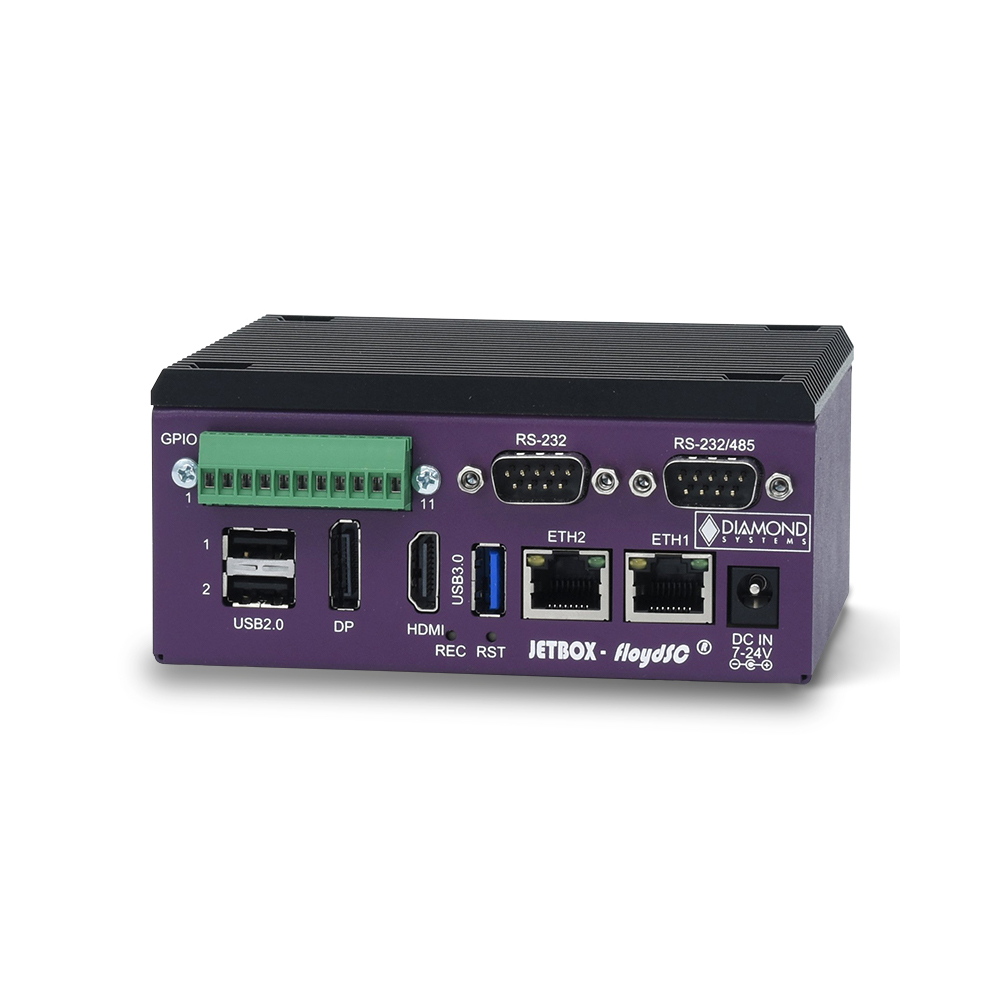
JETBOX FLOYD-SC Diamond Systems DIN Rail Embedded PC
A kit for teams that buy Jetson modules separately: carrier, enclosure and DIN rail mounting for Nano, TX2 NX or Xavier NX, with serial ports, GPIO on screw terminals and an M.2 NVMe socket.
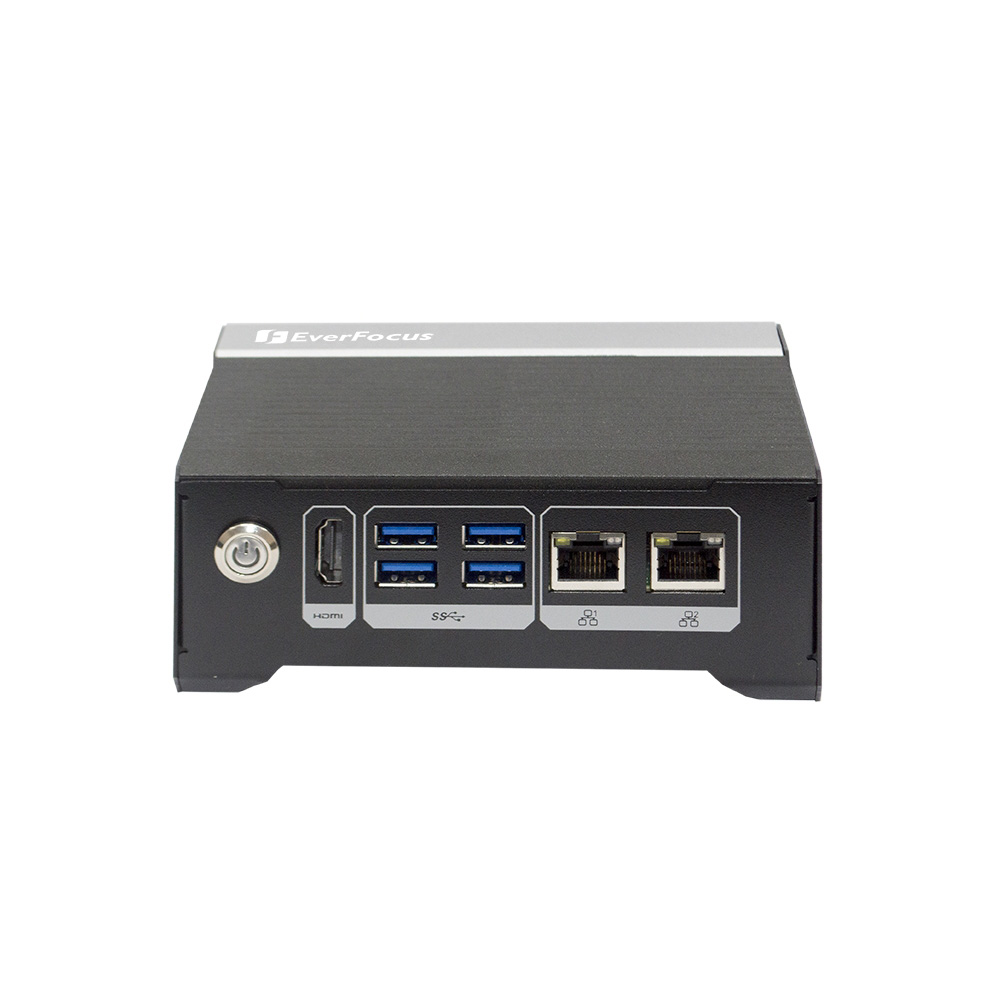
eNVP-JOX-AI EverFocus DIN Rail Edge Computer
Our lead EverFocus pick when several detection models run at once, with a Jetson Orin NX 16GB, RS-485 and CAN FD on terminal blocks, two Gigabit ports and an optional 4G LTE module.
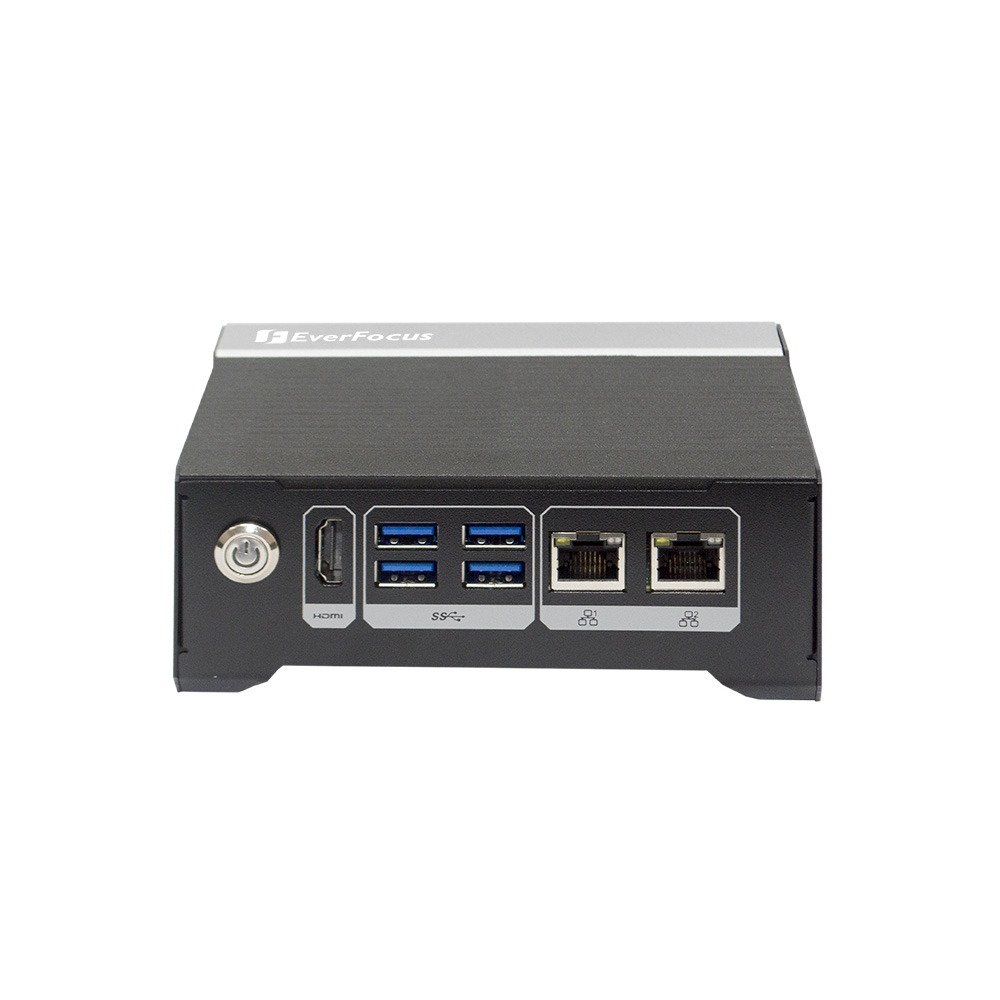
eNVP-JON-AI EverFocus DIN Rail Computer
A Jetson Orin Nano 8GB system for single-line vision checks beside the controller, with JetPack 5.1 and above, an NVMe slot for models and images, and separate camera and plant networks.
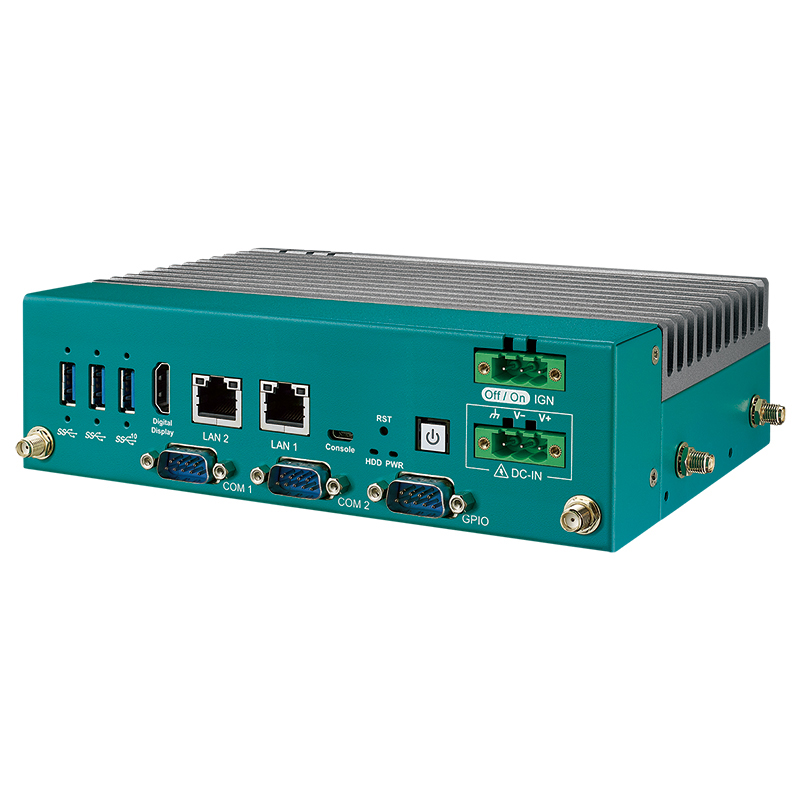
EAC-6000 Vecow DIN Rail Mini PC
Picked for kiosks, carts and crowded cabinets that need edge AI, with a Jetson Orin NX 16GB rated by Vecow at up to 100 TOPS, two RS-232/422/485 ports and optional X-coded M12 LAN.
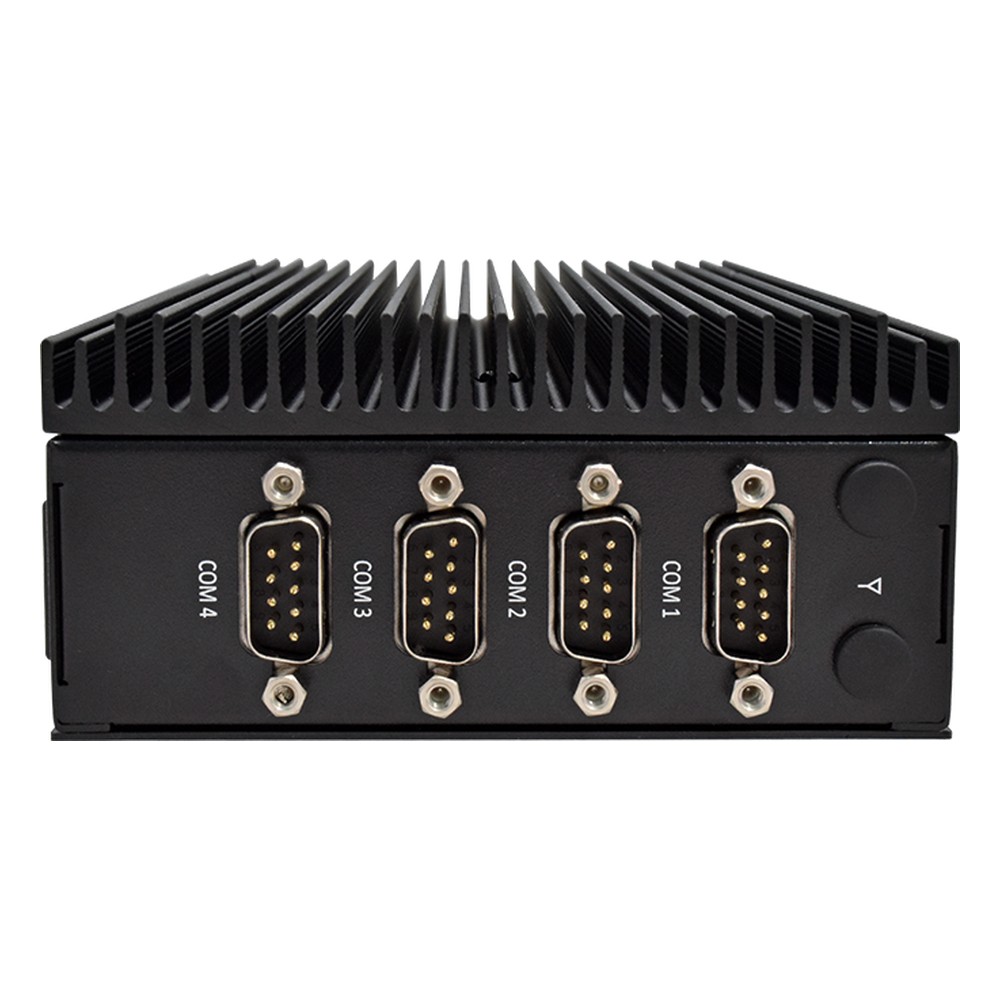
CB-2264 Arestech DIN Rail PC
A straightforward Elkhart Lake Celeron J6412 model for monitoring and control, with four COM ports, dual 4K HDMI, two Gigabit ports, NVMe and SATA storage and a mini PCIe slot for 4G or 5G.
Not sure which range fits? Tell us the application and we will recommend the right model.
Industrial DIN Rail PC Projects and Guides











Embedded DIN Rail PC FAQs
What is a DIN rail PC?
A DIN rail PC is an industrial PC: DIN rail mount clips hold it on the standard top-hat rail inside a control cabinet, beside PLCs, relays and power supplies. Also called a DIN mount PC or DIN computer, it runs Windows or Linux, usually fanless, from the cabinet’s 24 V DC supply, with field I/O on the front.
What is an embedded computer?What is the difference between a DIN rail PC and a PLC?
A PLC runs one control program in a fixed scan cycle, built around plug-in I/O and safety functions. A DIN rail PC runs a full operating system for HMI, logging, vision and AI, and with a soft PLC runtime it can run control code too. Most cabinets use both on the same rail.
DIN rail PC vs PLC: when to use eachCan a DIN rail PC run Linux and Windows?
Yes. x86 models run Windows 11 IoT Enterprise or Ubuntu, and many support both, so existing software moves across unchanged. Arm models usually ship with Yocto or Debian Linux, and Jetson systems run Ubuntu with NVIDIA JetPack. For DIN rail Linux builds, check kernel support for the serial, CAN and digital I/O drivers before you choose.
What is embedded Linux?Can a fanless DIN rail PC cope with a hot control cabinet?
Yes, if it is rated for the air at the top of the cabinet, which is often much hotter than the room. Many fanless models run to 60 or 70 °C, and wide temperature builds start from −40 °C for unheated and outdoor enclosures. Leave the specified clearance above and below so heat can escape.
How does a fanless PC work?Do industrial DIN rail computers have isolated I/O?
Many do. Isolated digital inputs and outputs, and isolated RS-232 or RS-485 ports on selected models, block ground loops and surges between the field wiring and the computer. Check the isolation voltage, whether outputs sink or source, and how the terminals are wired before you specify, adding remote I/O where many more channels are needed.
Isolated DIO vs GPIO explainedCan a DIN rail industrial PC handle real-time control?
For many tasks, yes. Selected models support Intel Time Coordinated Computing and Time-Sensitive Networking on a 2.5GbE port, which keeps timing predictable for motion and synchronised I/O, and real-time Linux kernels are available. Safety-rated control still belongs in a PLC, with the PC handling supervision, data and vision alongside it.
What is Time-Sensitive Networking?When do you need a rugged DIN rail PC?
When the cabinet sits on a vehicle, a train, mobile machinery or outdoor plant. Rugged DIN rail PCs add shock and vibration testing, locking or M12 connectors, wide DC inputs and wide temperature ratings, with EN 50155 or E-Mark approvals on rail and vehicle models. A clean, climate-controlled factory panel rarely needs more than an industrial model.
Can a DIN rail edge computer run AI models?
Yes. NPUs in current Ryzen and Core Ultra processors handle lighter models, Hailo M.2 modules add dedicated inference to x86 models, and NVIDIA Jetson systems run several camera streams at once. Running AI inside the cabinet keeps video on site and sends only results over the network, which suits inspection, counting and safety zones.
What is an edge device?What power does a DIN rail mounted PC need?
Most run from the 24 V DC supply already in the cabinet, through a terminal-block input. Wide 9 to 36 V inputs tolerate dips and surges, some models take redundant feeds, and vehicle builds add ignition control. Size the supply for the PC’s maximum power plus any PoE load.
How to size a power supply for a DIN rail PCDo you offer TAA and NDAA compliant DIN rail PCs?
Yes, where the manufacturer declares it. Some DIN rail PC makers publish TAA or NDAA declarations for selected models, which matters for US federal, utility and defence projects. No DIN rail PC here is sold as made in the USA or as Buy American Act compliant. Share the contract clause with us and we will compare it with each maker’s declaration.
What does TAA compliant mean?Can you supply DIN rail PCs configured and tested?
Yes. Integration is standard: every DIN rail PC we supply is configured and tested before it ships. Memory, storage and wireless modules go in first, then the operating system image, serial and I/O settings and network setup, with DIN rail clips, terminal-block plugs and cabinet power supplies matched to the panel, so each computer arrives ready to fit.
What is a DIN rail power supply?Speak to an Industrial DIN Rail Computer Specialist.
Tell us the space on the rail, the cabinet supply and temperature, and the devices the computer must connect to. We will recommend the right DIN rail PC for the panel and the software it runs.