
 UK
UK 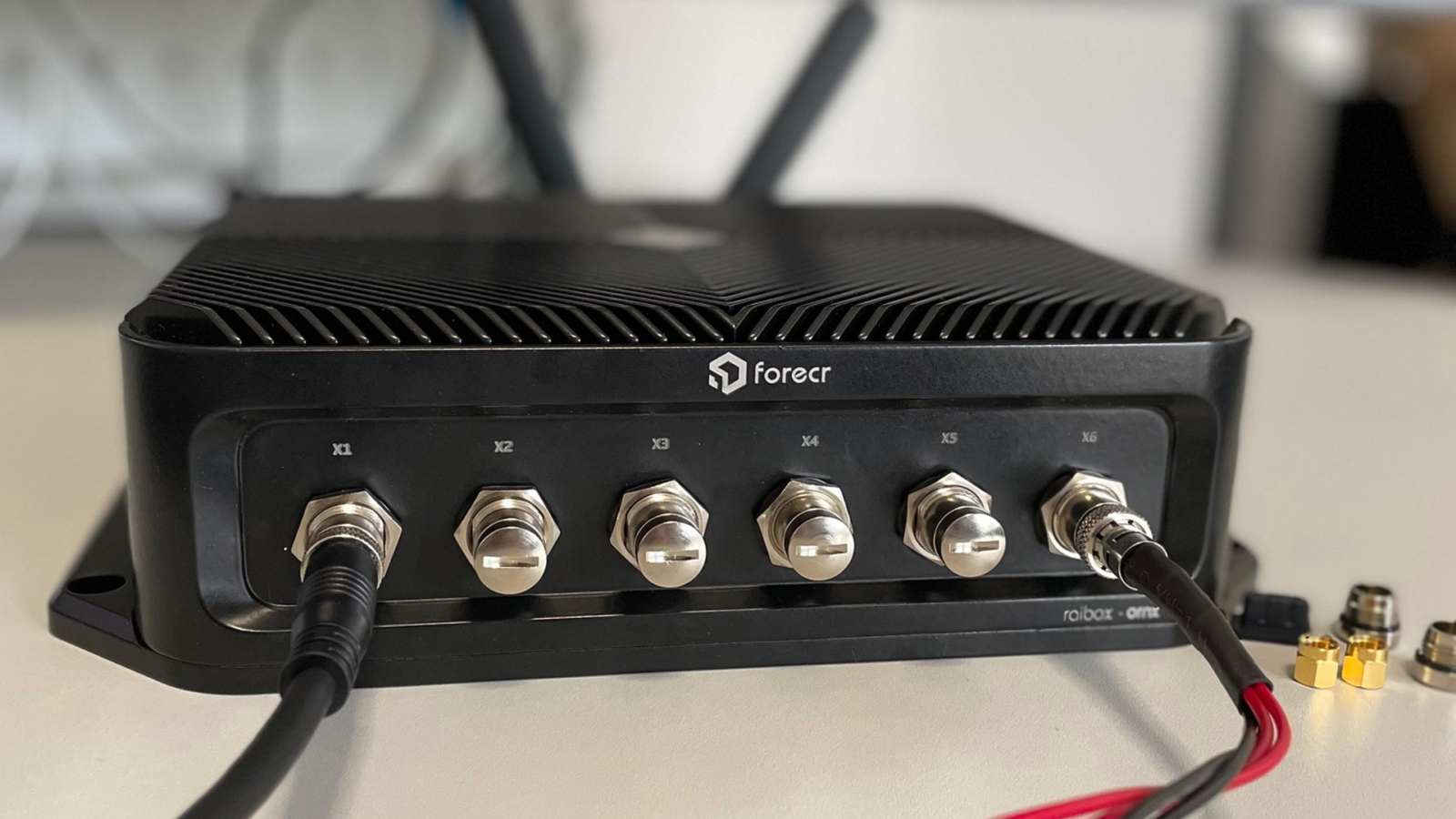
You have probably used an embedded computer today without noticing. The terminal at the supermarket self-checkout. The screen on the platform showing the next train. The kiosk in the bank foyer. The control panel on the production line at the factory you drive past. None of these look like computers, but each one has one inside — sized, specified, and certified for the job it is doing.
That is the working definition. An embedded computer is a specialised box PC that sits inside a larger machine or system, built around a defined set of tasks rather than a general-purpose workload. The chassis fits the cabinet. The I/O matches the sensors and actuators it talks to. The thermal design fits the environment it lives in. The lifecycle matches the equipment it serves.
Things Embedded has been specifying and building these systems for industrial customers since the company started, and this guide is what we tell people who are buying one for the first time.
What an embedded computer actually is
An embedded computer is a purpose-built industrial PC: typically a sealed box, often fanless, designed to run continuously in environments where a desktop or office computer would not survive. Compared with a desktop, the differences are not cosmetic. They are structural:
The four constraints Andrew names — installation space, continuous operation, harsh environments, and long-term supply — are the four directions every specification conversation eventually pulls on. If a system fails on any one of them, it does not matter how good it is on the others.
-
//
Task-shaped, not general-purpose Specified for a defined role — control loop, vision inference, data aggregation, signage playback — rather than a generic mix of office workloads.
-
//
Designed for continuous operation Expected to run 24/7 for years. Components are selected for endurance, not peak performance.
-
//
Built around the environment Operating temperature range, ingress protection, shock and vibration tolerance are all specification points, not afterthoughts.
-
//
Mechanically integrated DIN-rail, VESA, wall-mount, or vehicle-mount fitments are the norm. The chassis is sized to fit a cabinet or panel someone has already designed.
-
//
Lifecycle-supported A decade or more of supply, parts, and support. Industrial customers cannot redesign their machinery every two years because the PC went end-of-life.
Deploying computers at the edge brings a number of challenges which can be overcome with a system intended for its application and environment. The hurdles are usually space, continuous operation, harsh conditions, and long-term supply.
Seven advantages of embedded computer systems
OEMs and machine builders specify embedded computers over their commercial equivalents for a recurring set of reasons. None of these is unique on its own, but together they are why a separate industry exists.
-
//
Task-specific by design Highly focused on a defined role, which lets them perform that role exceptionally well: quick response, minimal delays, power used wisely. With hybrid CPU architectures, AI acceleration, and 5G edge deployments, today's embedded computers handle far more intricate jobs than the first generation could.
-
//
Cost-effective at the system level Tailored hardware and software meet specific task requirements. Streamlined systems minimise unnecessary features and complexity. The targeted approach reduces production cost and power consumption alongside the performance lift.
-
//
Form, fit, and function consistency An upgraded variant with the same form factor can be procured and installed without redesigning the cabinet around it. Industrial mounting like DIN-rail and VESA, uncommon on commercial counterparts, gives flexibility for control cabinets and machinery.
-
//
Adaptable with legacy hardware Connecting the old and the new is a common Industry 4.0 requirement. Expansion options from the past (PCI, VGA, RS-232) remain accessible in embedded computers, largely due to the durability of the connectors and the persistence of older terminals on industrial sites.
-
//
Wide-range DC power input Wide-range DC input with remote on/off or ignition sensing. Allows power cycling without accessing control panels, and lets a single PSU in a cabinet feed the embedded computer alongside its peripherals.
-
//
Built for demanding environments Stripped of unnecessary components in favour of a lean, efficient architecture that improves reliability and minimises points of failure. Designed to endure exposure to extreme temperatures, moisture, dust, and vibration where the deployment requires it.
-
//
Long-life solutions backed by embedded roadmaps Embedded silicon and component roadmaps run for years rather than months. By specifying parts that follow these roadmaps, our partners commit to maintaining supply, support, and compatibility over a decade or more, which is what industrial equipment lifecycles demand.
Fanless, industrial, or rugged — three buckets
Selecting an embedded computer is mostly a question of matching the housing and components to the environment. Over-specify and the system overpays; under-specify and it fails on reliability, performance, or maintenance cost. We narrow the choice to one of three buckets first.

Fanless embedded computers
Designed for applications that prioritise low maintenance and quiet operation. No moving parts means no fan-related failures and no scheduled cleaning. Suited to kiosks, signage cabinets, and other installations where downtime and maintenance disruption need to be minimised.

Industrial embedded computers
Robustness and compatibility for harsher conditions and seamless integration with existing machinery. Wider operating temperature range, plus the I/O breadth and expansion that industrial automation typically demands when the system has to talk to sensors, actuators, and other devices.
Rugged embedded computers
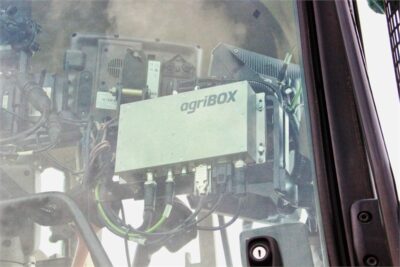
Solid-state design with secure locking I/O and industrial-grade components rated for extended operating temperatures. Shielded against shock, vibration, extreme temperatures, dust, and water — suited to construction sites, mining, marine, outdoor installations, and onboard heavy machinery.
From connectivity to inference — IIoT and edge AI
IIoT and AI have reshaped what industrial applications expect from the edge. The combination, sometimes called AIoT, is now common across manufacturing, agriculture, energy, transport, and logistics. Two product families sit on opposite ends of the same spectrum: gateways collect, edge AI computers decide.

IIoT gateways
Focused on data processing and protocol translation. Right for edge applications that need modest computational capacity, IT and OT protocol compatibility, and cellular or Wi-Fi connectivity. They allow real-time monitoring, data collection, and analysis — improving decision-making and operational efficiency without specifying a heavyweight platform.

Edge AI computers
Embedded computers with GPUs or dedicated AI accelerators that run inference closer to the source. Common silicon includes NVIDIA Jetson modules and AMD Ryzen with on-chip NPU. Suited to vision-guided robotics, machine vision, AGVs, and any application where latency or bandwidth makes round-tripping to the cloud impractical.
Where embedded computers are deployed
The catalogue covers more verticals than any single article can do justice to, but a few examples give a sense of how broadly the term applies.
The catalogue covers more — agriculture, mining, marine, energy, water and wastewater, intrinsically safe deployments, broadcast — each with its own certification baseline and chassis expectations.

Smart manufacturing
High-speed protocols interface with cameras, sensors, actuators, and machinery — controlling and monitoring complex production for greater precision and consistency.

In-vehicle and mobile
Onboard fleets need cellular for real-time data, Wi-Fi for local exchange, and GPS or RTK for high-accuracy positioning — including autonomous driving.

Rail and trackside
Edge computing for signal control, infrastructure monitoring, detection, and passenger infotainment — ensuring train safety through data collection and real-time control.

Defence and surveillance
Mission-critical platforms with shock, vibration, and temperature ratings to MIL-STD-810G. Often paired with locking M12 connectors and conformal-coated boards for harsh operation.

Medical imaging
Imaging workloads produce large datasets that need to move quickly between acquisition, processing, and storage. IEC 60601-1 covers medical electrical equipment.

Signage and information
Continuous-duty playback boxes inside passenger information systems, transit kiosks, and outdoor signage cabinets. Silent operation, dust tolerance, predictable thermal behaviour.
How to choose an embedded computer
Most projects narrow down through four questions, in this order:
Will the device be integrated into an OEM product, or perform a defined role inside a larger machine, especially in a harsh, dusty, remote, or maintenance-limited environment?
If the answer is yes, you are buying an embedded computer rather than a desktop PC, and the four-question framework above is where to start. If the answer is no, a commercial workstation may be fine.
-
//
Environment Operating temperature, ingress protection, shock and vibration tolerance, EMC. The environment usually chooses the form factor (fanless, industrial, or rugged) before any other decision matters.
-
//
Performance Control loop or AI inference? Single workload or mixed? Multi-display? The performance profile chooses the silicon: Intel Core, AMD Ryzen, Jetson, or a tiered selection of these.
-
//
Expansion I/O count and type, GPU slot, PoE ports, fieldbus support, future-proofing. The expansion profile chooses between embedded box PCs, industrial PCs with PCIe slots, and modular MezIO or feature-card platforms.
-
//
Lifecycle How long does the deployment need to run? Embedded silicon roadmaps run for years; commercial silicon can vanish in eighteen months. The lifecycle profile chooses the partner ecosystem and the supply commitment.
