
 UK
Electrical Enclosure Cooling: Heat Load, Cooling Methods and Fanless Computers for Sealed Cabinets
Electrical enclosure cooling keeps the air inside a closed cabinet within the ratings of its drives, power supplies, PLCs and computers. Here are the cooling methods compared, how to calculate heat load with a worked example, and how to choose computers that suit sealed enclosures.
Electrical enclosure cooling is the removal of heat produced inside a closed cabinet or enclosure, by drives, power supplies, PLCs, switches and computers, so the air inside stays within the temperature ratings of the equipment. Heat can leave through the enclosure walls on their own, or with help from filtered fans, heat exchangers, air conditioners, vortex coolers or thermoelectric coolers, and each method trades cost, sealing and maintenance differently.
The question has become more pressing as computing has moved into the cabinet. Machine vision, edge AI, protocol gateways and local data logging now run on industrial edge computers that sit beside the drives and PLCs, often in sealed or waterproof boxes chosen to keep out dust, water and contaminants. A sealed box keeps the dirt out, but it also keeps the heat in.
This guide sets out the cooling methods and how they compare, how to calculate the heat load of an enclosure with a worked example, which temperature to design for, how NEMA and IP ratings limit the choice, and how to choose a computer that adds as little as possible to the problem, including flat-top systems that use the enclosure wall as their heatsink.
Key takeaways
- 01Heat load comes first
- Add up the losses of everything inside, plus solar and ambient gain, before choosing a cooling method.
- 02The walls do some of the work
- A closed steel enclosure sheds roughly 5.5 W for every square metre and degree of difference between inside and outside.
- 03Ambient decides the method
- Fans and heat exchangers only work while the outside air is cooler than the inside; above that you need an air conditioner, vortex or thermoelectric cooler.
- 04Sealing narrows the options
- Filtered fans break a NEMA 4 or IP66 seal; closed-loop methods keep it.
- 05Choose low-loss computers
- Fanless and flat-top computers sized for the cabinet temperature add little heat and need no airflow of their own.
Enclosure cooling methods compared
There are seven common ways to cool an electrical enclosure. The first two exchange air or heat with the room and can only bring the inside down towards the outside temperature; the rest can hold the inside at or below it. The capacities are typical ranges across catalogue products, not limits.
| Method | Keeps the enclosure sealed | Works when outside is hotter | Typical capacity | Maintenance | Typical use |
|---|---|---|---|---|---|
| Natural convection through the walls | Yes | No | Tens of watts on a small cabinet | None | Low-loss control panels and junction boxes |
| Filtered fans and exhaust grilles | No; IP54 typical with filters | No | Hundreds of watts to several kilowatts | Filter changes, fan replacement | Clean indoor plant rooms |
| Air-to-air heat exchanger | Yes, closed internal loop | No | Tens of W/K of temperature difference | Clean the external side | Dusty or oily sites with cooler ambient air |
| Air-to-water heat exchanger | Yes | Yes, with cool water | Up to several kilowatts | Water supply and leak checks | Hot foundries and process plants with chilled water |
| Enclosure air conditioner | Yes, with closed-loop models | Yes | Hundreds of watts to several kilowatts | Coil cleaning, condensate drain | Hot sites and high heat loads |
| Vortex cooler | Yes, slight positive pressure | Yes | Hundreds of watts to around two kilowatts | Compressed air quality | Washdown and hazardous areas with plant air |
| Thermoelectric (Peltier) cooler | Yes | Yes | Tens to a few hundred watts | Little; solid state | Small outdoor and washdown enclosures |
Two questions settle most choices. Is the air outside the enclosure always cooler than you need the inside to be? If it is, natural convection, fans or a heat exchanger can do the job. Does the enclosure have to stay sealed against dust, oil mist or water? If it does, filtered fans are out and the choice is between the closed-loop methods. Everything after that is a matter of capacity, running cost and what utilities the site can provide.
Heaters belong in the same plan. An enclosure that sits in an unheated building or outdoors can fall below the lower rating of its contents or below the dew point overnight, and a small thermostatic heater keeps it above both. Our FAQ on preventing condensation on electronics covers the dew point side of that.
How each cooling method works
Natural convection and filtered fans
With no cooling equipment at all, heat leaves an enclosure by conduction through its walls and by convection and radiation from the outer surface. The amount depends on the wall area, the material and the difference between inside and outside temperature, which is why a closed cabinet that is fine in winter can overheat in July.
Filtered fans push room air through the enclosure and out of an exhaust grille. They move a lot of heat for little cost, but the inside can never be cooler than the room, the filters clog in dusty air and the openings reduce the ingress rating to around IP54 at best. Mount the fan low and the exhaust high so it works with the natural rise of warm air.
Heat exchangers
An air-to-air heat exchanger keeps two separate air loops: internal air circulates across one side of a heat exchange core and ambient air across the other, so heat passes through without the outside air entering. It keeps the enclosure sealed, but like a fan it needs the outside air to be cooler than the inside. An air-to-water heat exchanger replaces the outside air loop with a water circuit, which lets it cool below a hot room if cool water is available.
Air conditioners, vortex coolers and thermoelectric coolers
An enclosure air conditioner uses a refrigeration circuit to hold the inside below the outside temperature, with a closed internal loop that preserves the seal. It handles the biggest loads in the hottest places, but it needs a condensate drain or evaporator, coil cleaning and, like any refrigeration plant, power of its own.
A vortex cooler turns filtered compressed air into a cold stream inside the enclosure, with no moving parts or electrics in the cabinet, which suits washdown and hazardous areas that already have plant air. A thermoelectric cooler uses Peltier modules to pump heat through the wall electrically. It is compact, solid state and works in any orientation, but its efficiency is lower than a compressor, so it suits small loads.
Where the heat in an enclosure comes from
Every watt that a device draws and does not send out of the enclosure as useful work ends up as heat inside it. Power supplies and drives lose a few per cent of what they handle, while computers, PLCs and switches turn almost all of their input into heat. The figures below are typical ranges to start an estimate; use the manufacturer’s stated losses wherever you have them.
| Source | Typical heat loss | Notes |
|---|---|---|
| Variable speed drive | About 2–4% of motor power | A 2.2 kW drive can add 45–90 W; check the datasheet loss figure |
| 24 V DC power supply | About 5–10% of output power | A 240 W supply at 92% efficiency at full load loses about 20 W |
| Industrial computer | Close to its input power | A 12 W gateway adds about 15–20 W in all; a 35 W Core system can add 50–60 W |
| PLC and I/O | From a few watts to tens of watts | Count every I/O module and any 24 V field supply drawn through it |
| Ethernet switch | Roughly 5–20 W | PoE power sent to cameras leaves the enclosure; the switch losses stay |
| Relays, contactors and terminals | A few watts each | Coil power and contact losses add up in a busy panel |
| Sunlight on an outdoor enclosure | Can exceed all the internal sources | Shade, light colours and double walls reduce it |
The computer is often the easiest line in the list to shrink. A low-power gateway on an embedded processor adds a fraction of the heat of a build on a 65 W desktop processor, and a computer that conducts its heat straight into the enclosure wall stops warming the air around the other equipment. Our guide to processor TDP explains how the processor power figure relates to the heat a system really produces.
How do you calculate heat load in an electrical enclosure?
The calculation balances three quantities: the heat produced inside, the heat the walls can pass to the outside at the temperature difference you allow, and the gap between them, which the cooling equipment must cover.
Here k is the heat transfer coefficient of the wall material and A is the effective surface area, the sides that can actually shed heat. A wall-mounted cabinet loses little through its back, and a cabinet in a row loses little through the sides it shares, so sizing guides weight each surface by its position. The method in IEC TR 60890, which IEC 61439-1 allows panel builders to use within limits to verify temperature rise by calculation, works the same way.
| Enclosure material | Typical k, W/(m²·K) | What it means |
|---|---|---|
| Painted sheet steel | About 5.5 | The usual reference figure for control cabinets |
| Stainless steel | About 3.7 | Lower than painted steel; common in food and washdown plants |
| Aluminium | About 12 | Sheds heat well, which helps flat-top computers mounted to it |
| Double-walled aluminium | About 4.5 | The air gap that blocks solar gain also blocks heat loss |
| Polycarbonate or GRP plastic | About 3.5 | Light and corrosion-proof, but a poor heatsink |
These are typical values used in sizing guides; enclosure makers publish their own figures, and they should be used where you have them. Altitude matters too: thinner air carries less heat, so the fan factor rises above sea level and air-cooled equipment may need derating.
Worked example: sizing cooling for a control cabinet
Take a wall-mounted painted steel cabinet 800 mm high, 600 mm wide and 300 mm deep in a factory that reaches 35 °C in summer. It holds a small drive, a PLC, a 24 V supply, a managed switch and a 35 W fanless box PC running vision software.
| Step | Value | How it is worked out |
|---|---|---|
| Internal heat load | 180 W | Computer 50 W, 2.2 kW drive 65 W, power supply 25 W, PLC and I/O 20 W, switch 10 W, relays 10 W |
| Effective wall area | 1.14 m² | Front 0.48 + top 0.18 + two sides 0.48 m²; back on the wall, base not counted |
| Allowed rise (45 °C inside, 35 °C room) | 10 K | Inside held within the drive and computer ratings |
| Heat through the walls | About 63 W | 5.5 × 1.14 × 10 |
| Shortfall to remove | About 117 W | 180 − 63 |
| Filtered fan airflow | About 36 m³/h | 3.1 × 117 ÷ 10, before filter losses |
| Air-to-air heat exchanger | About 12 W/K | 117 ÷ 10, sealed option |
| Air conditioner (room 45 °C, inside 35 °C) | About 245 W | 180 + 5.5 × 1.14 × 10; choose the next size up |
The walls alone remove about a third of the heat, so the cabinet needs help. In a clean room a filtered fan rated comfortably above 36 m³/h with its filter fitted would do; on a dusty floor, a heat exchanger of about 12 W/K keeps the seal. If the same cabinet sat beside a furnace where the air reaches 45 °C, neither would work and an air conditioner of roughly 250–300 W would be needed.
Now change one line. Replace the 50 W box PC with a 15 W-class gateway on an Intel Atom or Processor N part and the internal load falls to about 145 W, cutting the shortfall by roughly a third. Replace it instead with a flat-top computer bolted to the cabinet wall and its heat goes straight into the steel rather than into the air around the drive. The heat still has to leave through the wall, but the PLC and drive see cooler air. This is why the computer is part of the cooling design, not an afterthought.
What temperature should an electrical enclosure be kept at?
Design to the lowest maximum rating of anything inside. Many PLCs and drives are rated for an ambient of 40 to 55 °C inside the enclosure, often with derating above 40 °C, and many panel builders aim to hold the inside at about 35 °C to leave margin. Fanless industrial computers usually reach 50 to 70 °C, so they are rarely the limiting item, but SSDs, batteries and touch displays may be.
Lower is not always better. Cooling the inside far below the room air invites condensation whenever the door opens or the cooler cycles, so set air conditioners no lower than the equipment needs. Electronics also age faster as they get hotter; as a rule of thumb, the life of electrolytic capacitors roughly halves for every 10 °C rise, which is one reason reliability predictions depend on temperature, as our guide to MTBF explains.
| Equipment | Typical upper rating inside the enclosure | What to check |
|---|---|---|
| PLCs and remote I/O | 55 °C, some to 60 °C | Mounting orientation and spacing in the manual |
| Variable speed drives | 40 °C, derated to 50 °C or more | Derating curve and minimum clearances |
| DIN rail power supplies | 60 °C, derated above 50 °C on many | Output derating at high ambient |
| Fanless industrial computers | 50–70 °C, depending on processor option | The processor and SSD options behind the headline rating |
| Industrial Ethernet switches | 60–75 °C on wide-temperature models | PoE budget derating at temperature |
NEMA and IP ratings and the cooling trade-off
An enclosure rating describes what the box keeps out. Any cooling device mounted through the wall has to match it, or it becomes the weak point. NEMA 250 types and IEC 60529 IP codes are tested differently, so they are not exact equivalents; the comparisons below are the ones commonly quoted, and a NEMA type can be said to meet an IP code but not the other way round. Our FAQ on NEMA vs IP ratings covers the differences.
| Enclosure type | Approximate IP code | What it keeps out | Cooling that keeps the rating |
|---|---|---|---|
| NEMA 1 | IP10–IP20 | Fingers and falling dirt indoors | Any method, including filtered fans |
| NEMA 12 | IP52–IP54 | Dust, dripping water and oil indoors | Filtered fans rated NEMA 12, or closed-loop methods |
| NEMA 3R | IP14 | Rain and ice outdoors | Hooded fans or closed-loop methods |
| NEMA 4 | IP66 | Hose-directed water and windblown dust | Heat exchangers, NEMA 4 air conditioners, vortex and thermoelectric coolers |
| NEMA 4X | IP66 plus corrosion resistance | Washdown chemicals and salt spray | Stainless steel versions of the closed-loop methods |
In food and beverage plants the cooling device also has to survive the cleaning regime. A NEMA 4X stainless enclosure with a vortex or thermoelectric cooler is a common answer, and our IP rating chart sets out what each IP level is tested against. Cable entries matter as much as the cooler, since every gland or connector is another possible leak path.
Choosing a computer that needs no enclosure cooling
The best computer for a sealed enclosure is one that runs at the enclosure’s internal temperature without needing air moved across it, and that adds as little heat as the workload allows. In practice that means a fanless design, a processor sized for the sustained load rather than the peak, and a temperature rating that covers the inside of the box rather than the room.
Why there is more computing in the cabinet
Four trends have pushed more processing into closed enclosures. AI accelerators, from GPUs to NPUs built into the processor, let an edge AI computer run inspection, anomaly detection and predictive maintenance beside the machine instead of in a data centre. Compact designs put that compute into spaces that once held only terminals and relays. 5G and low-latency networks make it practical to link many small edge nodes rather than one central server. And low-power processors with dynamic power management let a computer run from a solar or battery supply at a remote site.
Each trend adds a computer, and its heat, to an enclosure that was sized for something else. Choosing an industrial PC with the enclosure in mind avoids most of the trouble.
Finned convection or flat-top conduction
A finned fanless industrial computer sheds heat into the air around it, which in a sealed box is the enclosure air. That works when there is space around the fins and the internal air stays well below the computer’s rating. Our guide to how a fanless PC works covers fin orientation and clearances.
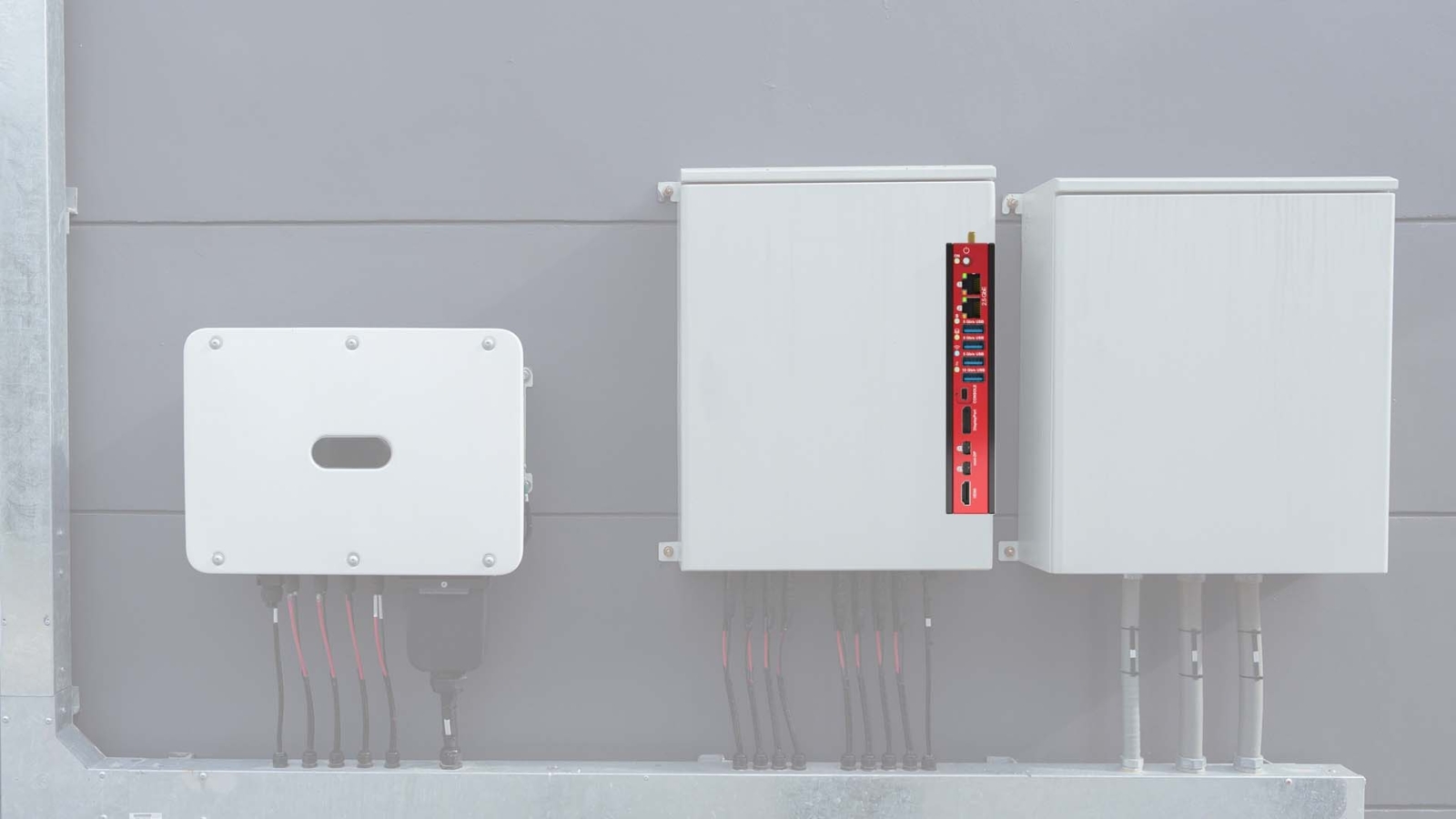
A flat-top computer replaces the fins with a broad, flat heat spreader that bolts to the enclosure wall or a cold plate, turning the cabinet itself into an extended cooling surface. Reserved screw holes in the heat spreader hold it firmly against the wall, and a thermal pad fills the gaps. Mounting to bare metal, ideally aluminium, gives the best result, and the surface area and the air outside the wall decide how much heat it can pass on. A flat-top design is also lower than a finned one, which saves depth in shallow cabinets and machine housings. Our FAQ on conduction cooling explains the principle.
| Design | Where the heat goes | Best for | Watch for |
|---|---|---|---|
| Finned fanless | Into the enclosure air | Cabinets with space and cool internal air | Clearance above and beside the fins |
| Flat-top conduction | Into the enclosure wall | Sealed and waterproof boxes, shallow housings | Flat bare metal mounting face and a good thermal pad |
| Fan-cooled | Into the enclosure air, quickly | Higher power where the enclosure is cooled | Dust, fan wear and the enclosure’s own cooling capacity |
Manufacturers rate flat-top systems on a defined plate, so read the condition behind the number. Neousys rates its NRU-154-JON8 from −25 to 60 °C in its 20 W mode when it is mounted on a 50 × 50 cm metal plate or cabinet, but only to 45 °C without that conduction path. The wall is part of the cooling, and an undersized or painted mounting face changes the result.
Size the processor for the box
Fanless systems are rated for a maximum processor power at a maximum ambient, and the two trade off. Several of our flat-top builds run 65 W desktop processors configured to 35 W for the in-cabinet envelope, and many embedded processors let the power limit be set in the BIOS. A processor that runs steadily within its limit avoids thermal throttling when the cabinet is at its hottest, and our comparison of active vs passive cooling covers when a fan-cooled build is the better fit.
| Processor class | Typical power | Fit for a sealed enclosure | Typical jobs |
|---|---|---|---|
| Intel Atom x7000 and Processor N series | 6–15 W | Runs cool in small sealed boxes, often to 70 °C | Gateways, data acquisition, protocol conversion, light vision |
| Intel Core at 35 W | 35 W sustained | Needs a flat-top wall or a generous finned chassis | Machine vision, quality inspection, traffic analytics |
| AMD Ryzen Embedded 8000 | 15–54 W, configurable | Lower settings suit sealed boxes | Multitasking control, graphics-heavy HMI and signage |
| NVIDIA Jetson Orin modules | 7–60 W by module and power mode | Orin Nano and Orin NX suit flat-top designs | Edge AI inference on camera streams, robotics |
Wide-temperature components finish the job. A system rated to 70 °C often reaches that figure only with industrial temperature SSDs and memory, so specify them with the computer; our wide temperature computers list the rating for each build.
Processor options for sealed enclosures
We build fanless systems for sealed cabinets and waterproof enclosures on Intel, AMD and NVIDIA Jetson processors, from ultra-low-power gateways to AI inference.
-
01

Low-power Intel processors
Intel Processor N and Atom x7000 parts suit IoT gateways, data acquisition and edge sensors where power and heat must stay low, from smart city cabinets to farm monitoring.
View range -
02
Intel Core at 35 W
Core processors at 35 W balance performance and heat for machine vision, quality inspection and traffic monitoring, where video is processed at the edge.
View range -
03
AMD Ryzen 8000 processors
Multi-core processing and strong integrated graphics for control systems and digital signage, without active cooling.
View range -
04
NVIDIA Jetson Orin modules
GPU and deep learning performance in a compact, efficient module for drones, robots and mobile edge devices where AI runs on the spot.
View range
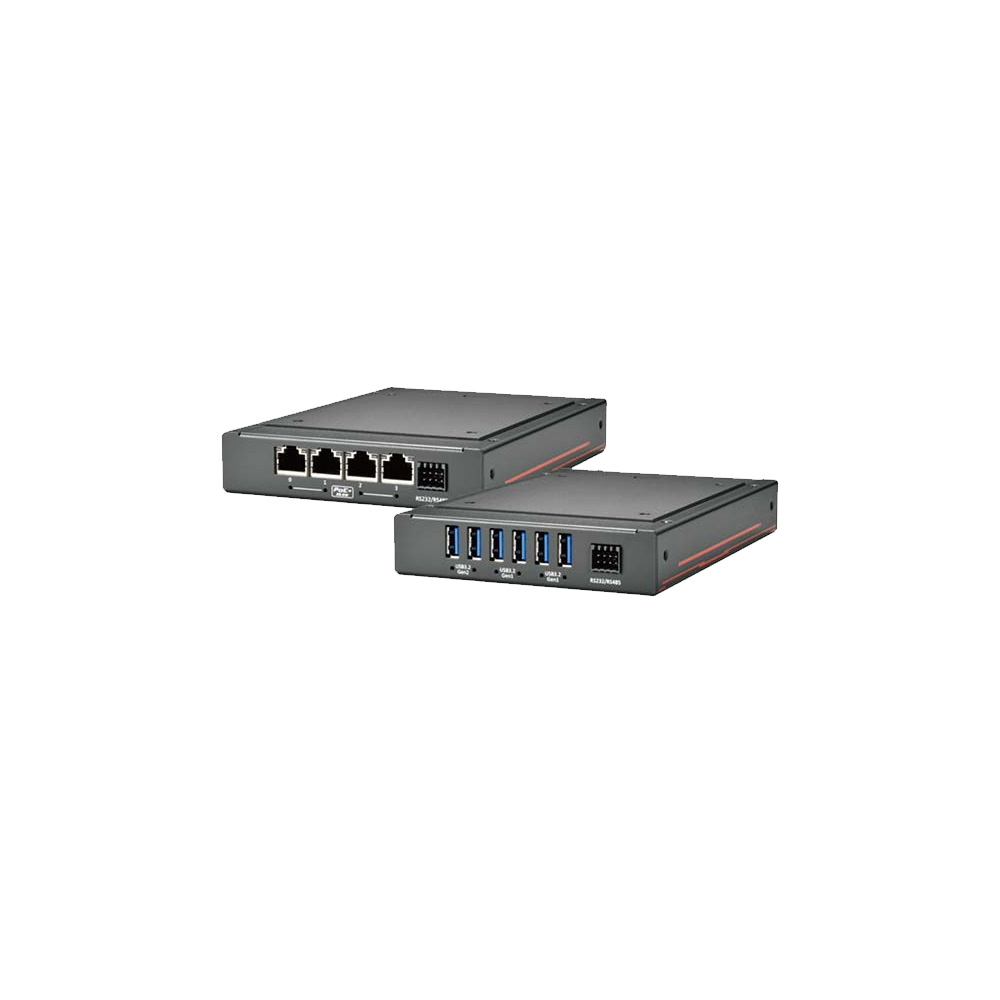
Where sealed-enclosure computing fits in our range
Categories that suit closed cabinets and waterproof enclosures, where the cooling plan includes the computer.
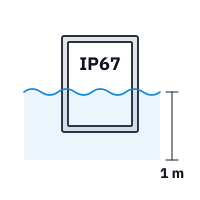
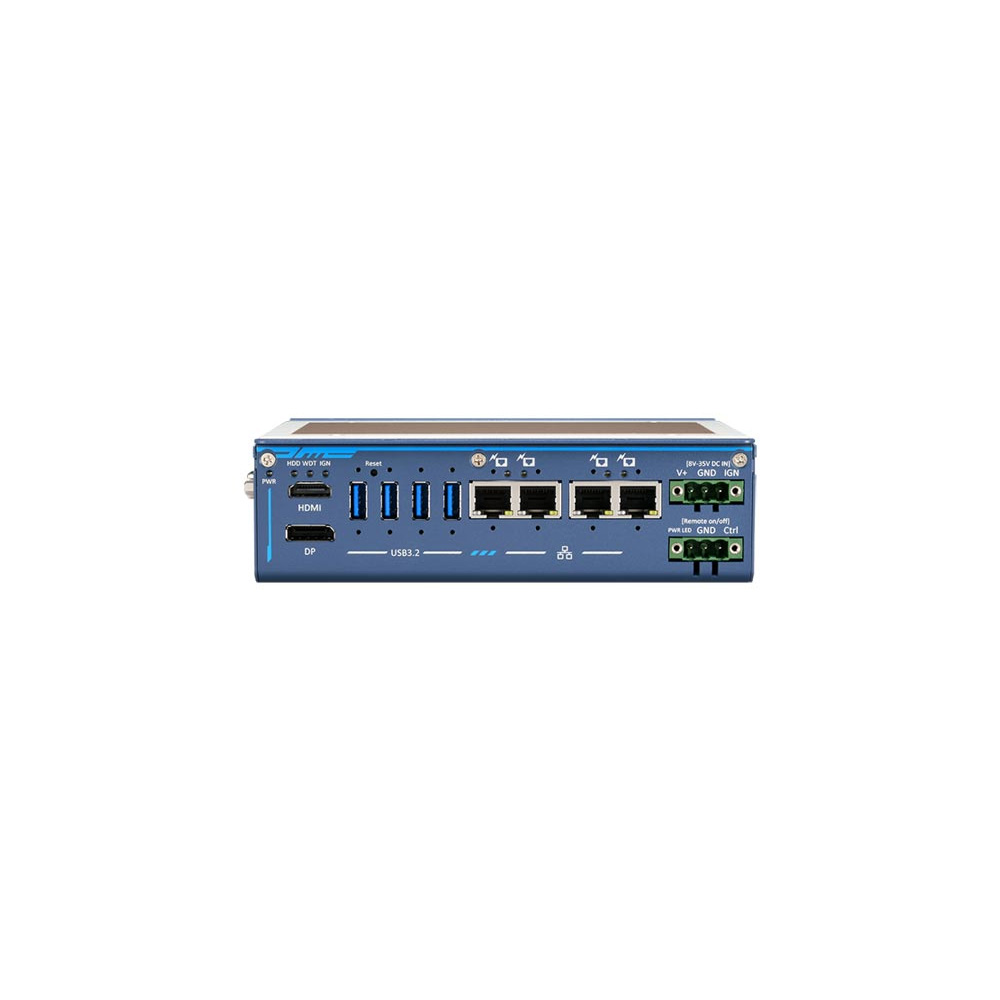
Waterproof computers
Sealed IP65 to IP69K systems that need no separate enclosure, with M12 or sealed connectors.
View range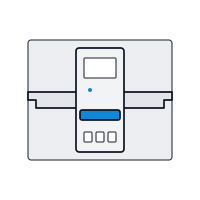
DIN rail PCs
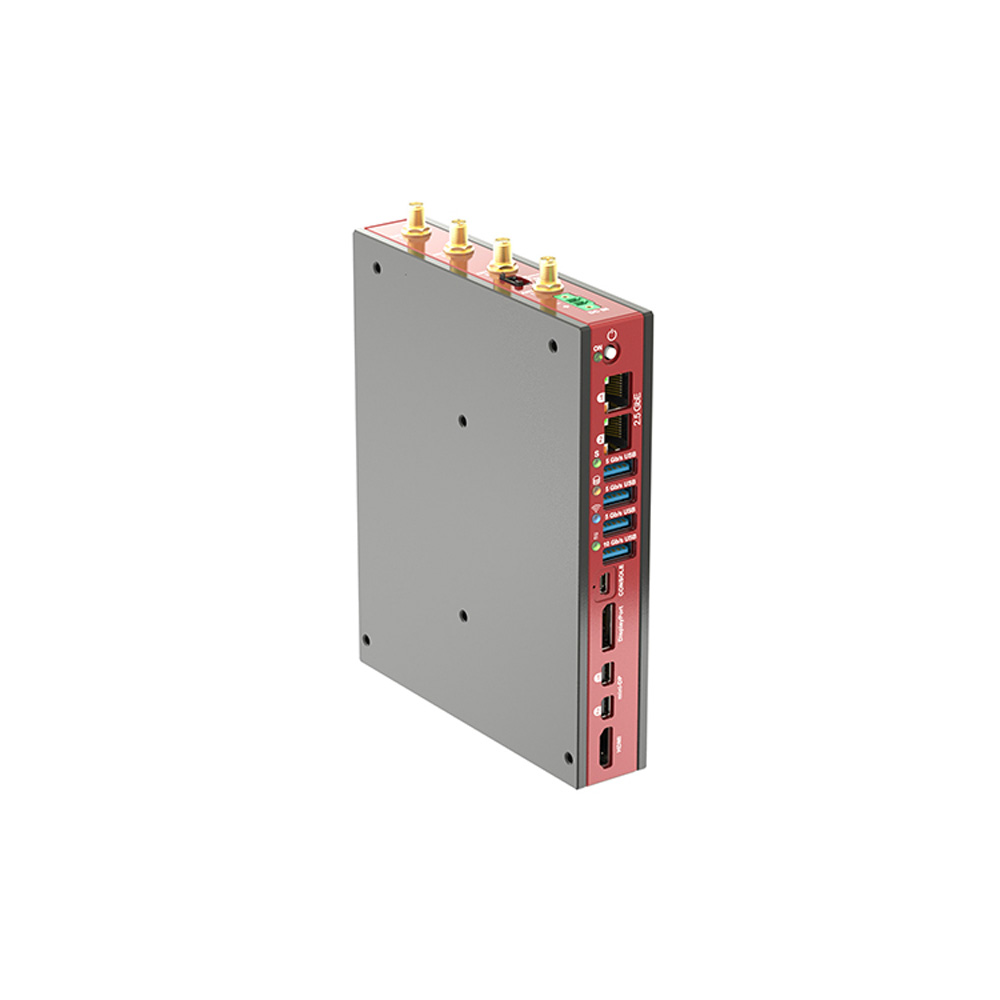
Narrow fanless computers that clip onto the rail beside PLCs and power supplies.
View range
Rugged Jetson computers
Fanless Jetson edge AI systems, including flat-top builds for sealed camera enclosures.
View range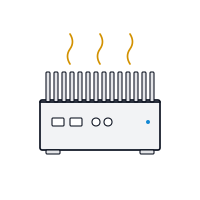
Industrial mini PCs
Compact low-power systems that add little heat to a crowded cabinet.
View range
Industrial power supplies
DIN rail supplies whose efficiency sets part of the enclosure heat load.
View range
Industrial IoT gateways
Low-power protocol and data gateways for remote cabinets and outstations.
View rangeComputers for sealed enclosures from our range
These systems show the approaches above. We configure the BIOS power limits to suit the enclosure, fit wide-temperature memory and storage where the site needs them, image the operating system and test every computer before it ships.
| Approach | Example from our range | Key facts |
|---|---|---|
| Flat-top, very low power | Neousys POC-712-FT | Intel Atom x7425E within 12 W; rated −25 to 60 °C on an aluminium panel; 8–35 V DC; 1.2 kg |
| Flat-top edge AI with PoE+ | Neousys NRU-154-JON8 | Jetson Orin NX 8GB; four 2.5GbE PoE+ ports on a 50 W budget; −25 to 60 °C in 20 W mode on a metal plate |
| Conduction-cooled tile | SolidRun BEDROCK R7000 BASIC TILE | 29 mm thick; AMD Ryzen 7 7840U configurable 8–54 W; industrial builds rated −40 to 85 °C; 12–60 V DC |
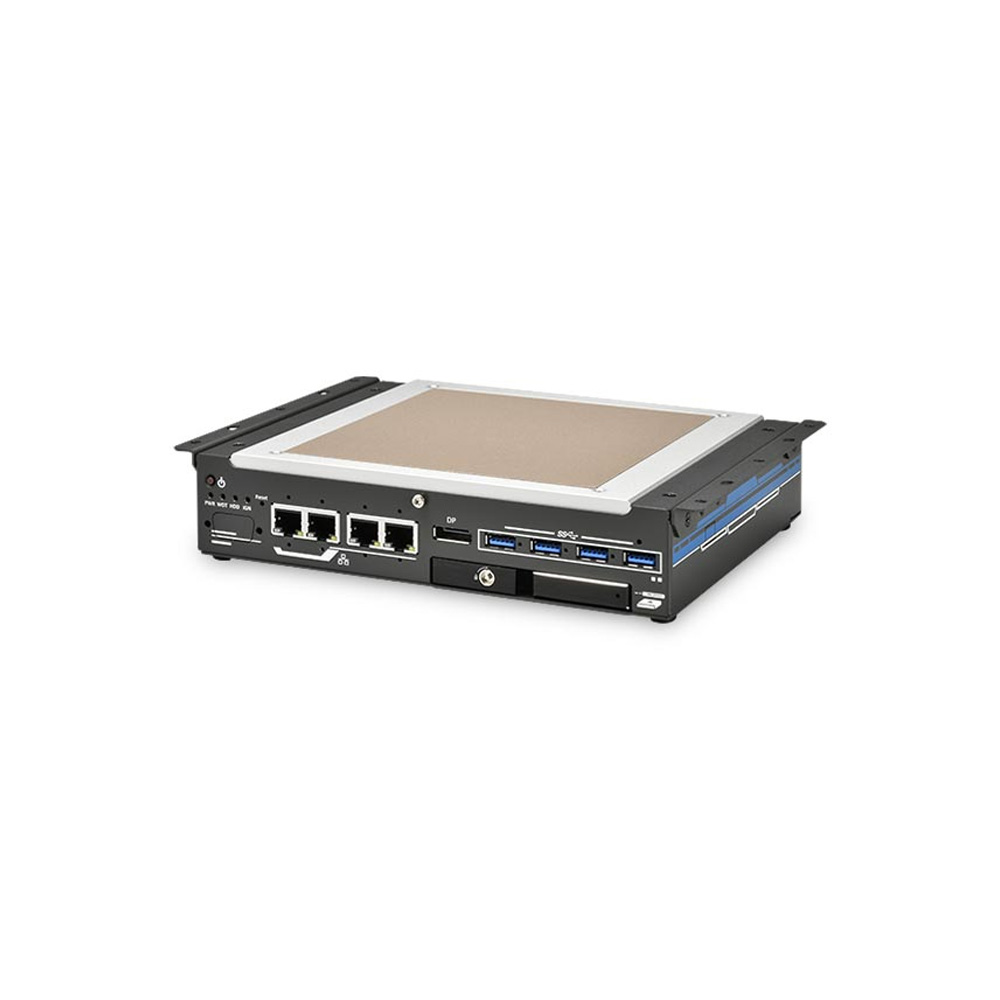
| Flat-top Intel Core with PoE+ | Neousys Nuvo-9531-FT-PoE | 65 W Core processors configured as 35 W; 100 W PoE+ budget; −25 to 60 °C on an aluminium panel |
Where the computer has to sit outside a cabinet altogether, our guide to designing outdoor computer enclosures covers solar gain, sealing and mounting for roadside and pole-top boxes, and ways to mount an industrial computer compares wall, DIN rail and panel mounting. In practice, an outdoor PC for weather monitoring and a waterproof AI computer on autonomous tractors show sealed systems at work.
Computers for sealed cabinets and enclosures
Fanless and flat-top systems that run inside closed cabinets and waterproof enclosures, each one configured with its operating system image and tested before it ships.
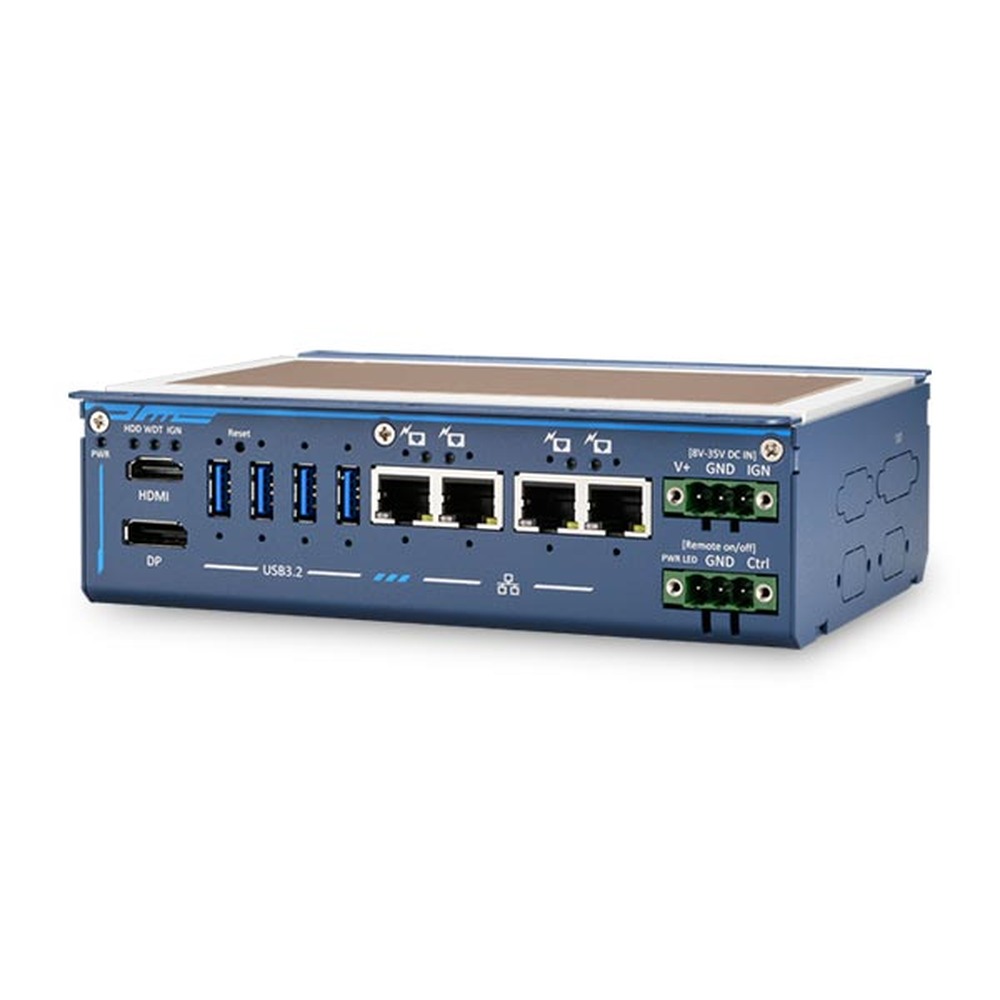
Intel Atom x7425E Flattop-Heatsink Fanless Embedded System with 4x GbE
- CPU
- Intel Atom x7425E (Alder Lake)
- Ethernet
- 4× GbE
- Temp
- −25 to +60 °C
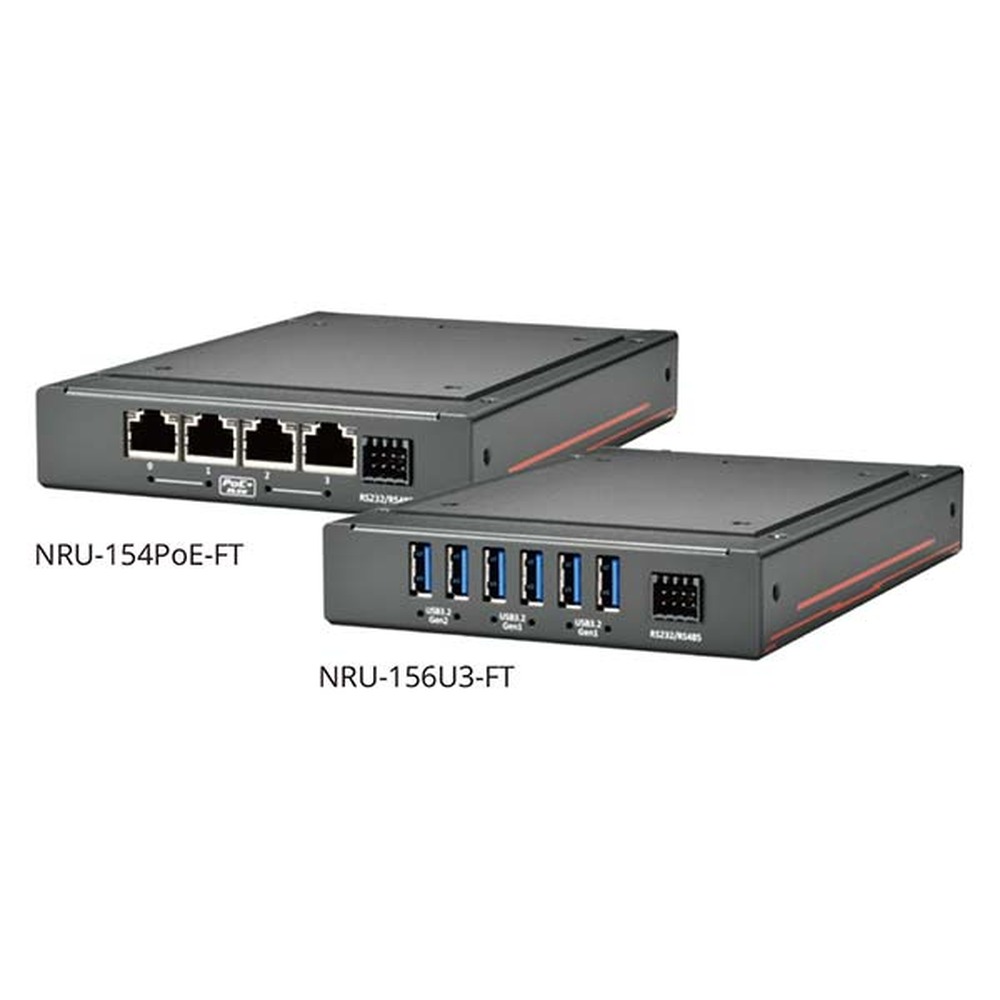
Jetson Orin NX 8GB Flattop Fanless Edge AI Computer with 4x 2.5GbE PoE+
- AI
- 70 TOPS
- SOM
- NVIDIA Jetson Orin NX 8 GB
- Ethernet
- 4× 2.5GbE, 1× GbE (4× PoE)
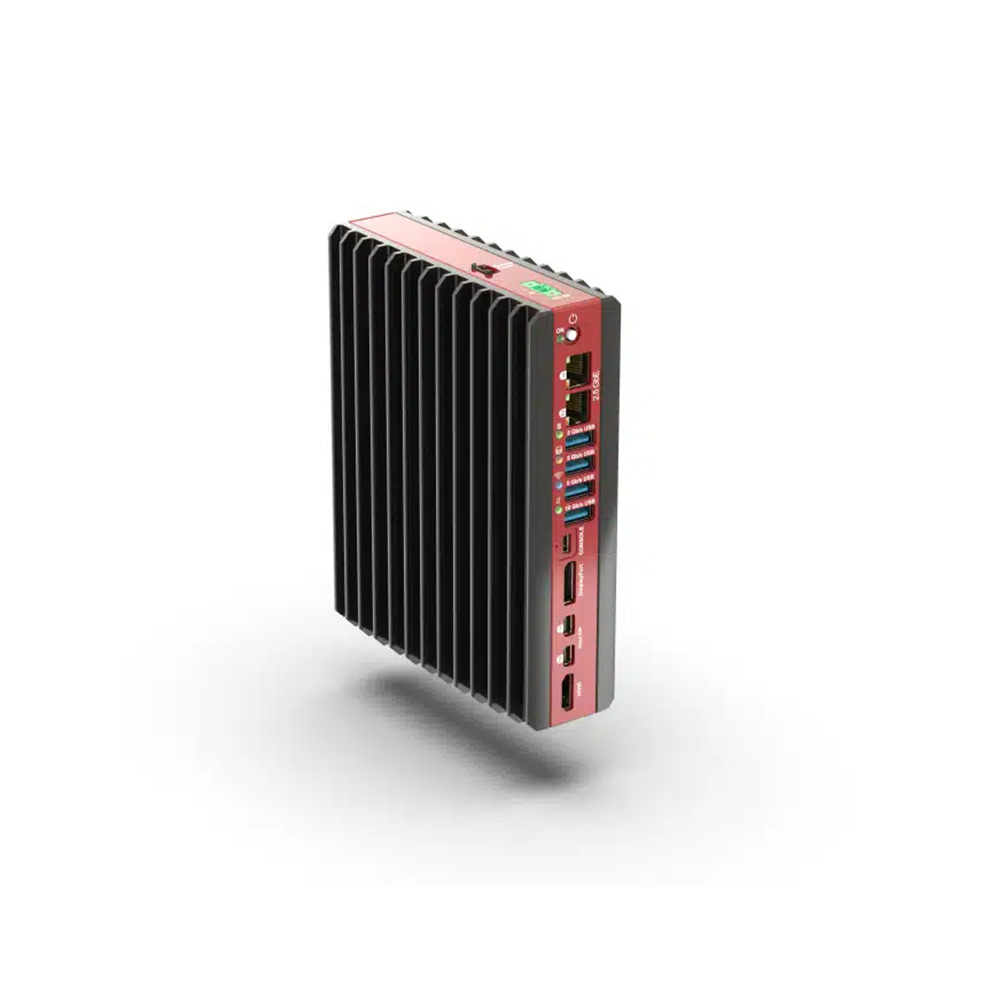
AMD Ryzen 7 7840U Low-Profile Industrial Mini PC with 12-60 V DC and DIN Mount
- AI
- 10 TOPS
- CPU
- AMD Ryzen
- Ethernet
- 2× 2.5GbE
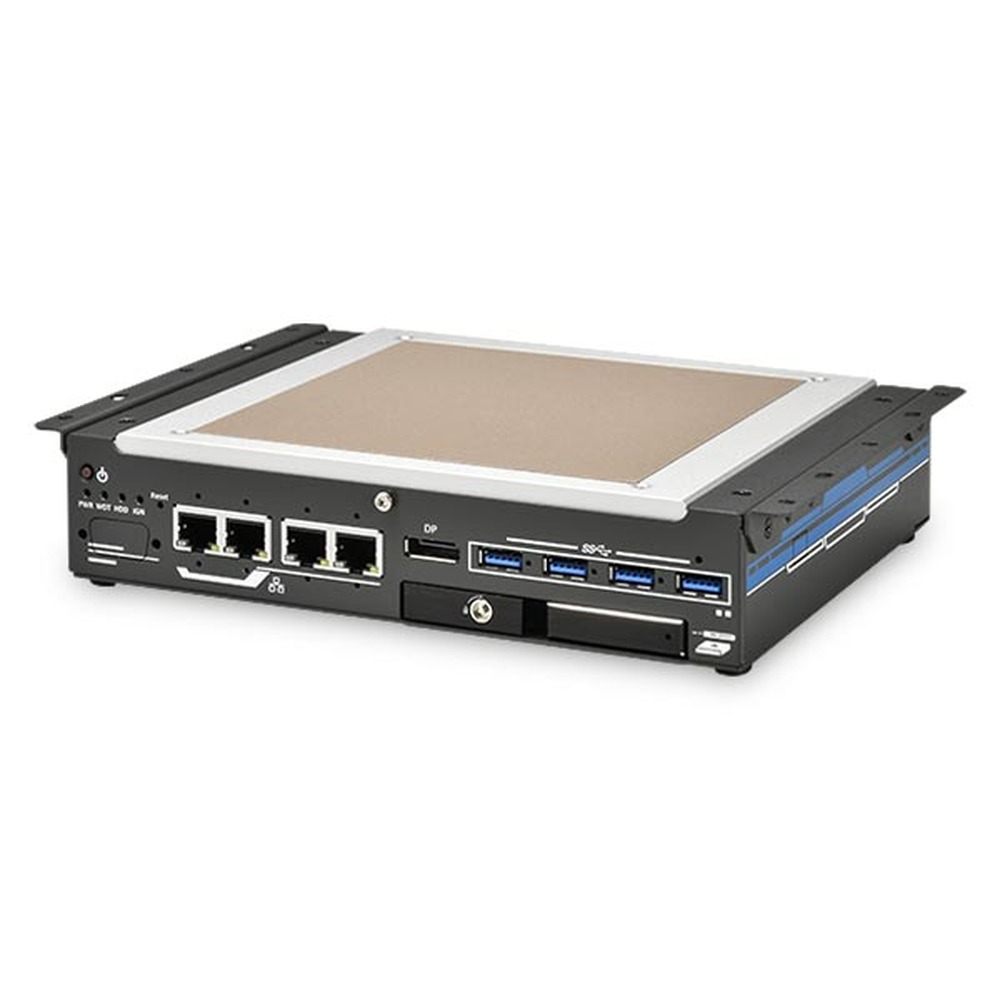
Intel 14th/13th/12th Gen Core Flattop Embedded Industrial PC with 4x 2.5GbE PoE+
- CPU
- Intel Core 13th Gen (Raptor Lake)
- Ethernet
- 4× 2.5GbE (4× PoE)
- Temp
- −25 to +60 °C
Enclosure heat-load checklist
Eight checks to run before you choose a cooling method or a computer for a closed cabinet.
-
01
Losses
List the heat loss of every device inside, from datasheets where possible.
-
02
Ambient
Record the hottest air outside the enclosure, including summer peaks and nearby furnaces or ovens.
-
03
Sunlight
For outdoor boxes, add solar gain and plan shading or light finishes.
-
04
Surface
Work out the effective wall area for the way the enclosure is mounted.
-
05
Target
Set the internal limit from the lowest-rated item inside, with margin.
-
06
Rating
Confirm which cooling devices keep the NEMA or IP rating the site requires.
-
07
Computer
Choose a fanless or flat-top system rated for the internal temperature, with the processor power set to suit.
-
08
Cold
Check the low end too: heaters, dew point and cold-start ratings for SSDs and displays.
Electrical enclosure cooling: common questions
Quick answers
How do you cool an electrical enclosure?
Calculate the heat load, then pick the simplest method that removes it. If the outside air is always cooler than the inside needs to be, the walls, filtered fans or a heat exchanger can do it; if not, use an air conditioner, vortex or thermoelectric cooler.
How do you cool a sealed enclosure?
Use a closed-loop method that never lets outside air in. Air-to-air or air-to-water heat exchangers, enclosure air conditioners, vortex coolers and thermoelectric coolers all keep the seal, and fanless or flat-top equipment inside reduces the load.
How do I calculate heat load in an electrical enclosure?
Add the losses of every device inside, then subtract what the walls can shed. Wall loss is k × A × ΔT, with k about 5.5 W/(m²·K) for painted steel; the remainder is what the cooling equipment must remove.
Heat exchanger or air conditioner: which is better?
A heat exchanger, whenever the outside air is cool enough. It uses far less power and needs little maintenance, but it cannot cool below the ambient temperature. When the room is hotter than the inside must be, only an air conditioner, vortex or thermoelectric cooler will work.
What is a vortex cooler?
A device that turns compressed air into a cold air stream with no moving parts. It suits washdown and hazardous areas with plant air available, keeps the enclosure under slight positive pressure and needs clean, dry air to work well.
Do fanless computers need enclosure cooling?
Not on their own account, if they are rated for the internal temperature. They still add heat to the enclosure, so include them in the heat load; a flat-top system puts that heat into the wall rather than the air around other equipment.
What temperature should an electrical enclosure be kept at?
Below the lowest rating of the equipment inside, often about 35 °C. Many drives derate above 40 °C, so panel builders leave margin; avoid cooling far below the room air, which invites condensation.
Enclosure cooling FAQs
-
NEMA vs IP rating — how the two enclosure systems compare
NEMA and IP are parallel enclosure rating systems used in North America and internationally — they overlap, but they are not equivalent. Here is the practical mapping between them, what each system tests that the other does not, and which to specify when both matter.
-
What Is NEMA 4X?
NEMA 4X is an enclosure type from the NEMA 250 standard for indoor or outdoor equipment. Like NEMA 4, it protects against windblown dust and rain, splashing and hose-directed water, and ice forming on the outside. The X adds corrosion resistance, which is why NEMA 4X enclosures are usually stainless steel, aluminium or plastic.
-
How Do You Prevent Condensation on Electronics?
Condensation forms when a surface is colder than the dew point of the air around it, so moisture in the air turns to water on it. To prevent it on electronics, keep their surfaces above the dew point with steady heat or a heater, seal the enclosure, control humidity with desiccants or breather vents, and protect boards with conformal coating.
-
What Is Conduction Cooling?
Conduction cooling moves heat out of a computer through solid materials rather than moving air. Thermal pads, heat spreaders and heat pipes carry heat from the processor, memory and storage into the metal chassis, which passes it to the surface it is mounted on or to the surrounding air. With no fans or vents, the system can be fully sealed.
-
What Is a Heat Sink?
A heat sink is a block of metal, usually aluminium or copper, that draws heat away from a hot component such as a processor and releases it into the surrounding air. Fins give it a large surface area. A passive heat sink relies on natural airflow; an active one adds a fan to move more air over the fins.
-
What Is the Industrial Temperature Range?
The industrial temperature range is −40 to 85 °C: the grade an electronic component must operate across to be called industrial, compared with 0 to 70 °C for commercial parts. Rugged computers built from industrial-grade components typically run from −25 or −40 °C up to 70 °C as a complete system.
Planning a computer for a sealed enclosure?
Tell us the size and material of the enclosure, what else is inside it, the hottest ambient on site and the rating it must keep. We will recommend a fanless or flat-top system with the right processor power, then configure, image and test it before it ships.