
 UK
UK 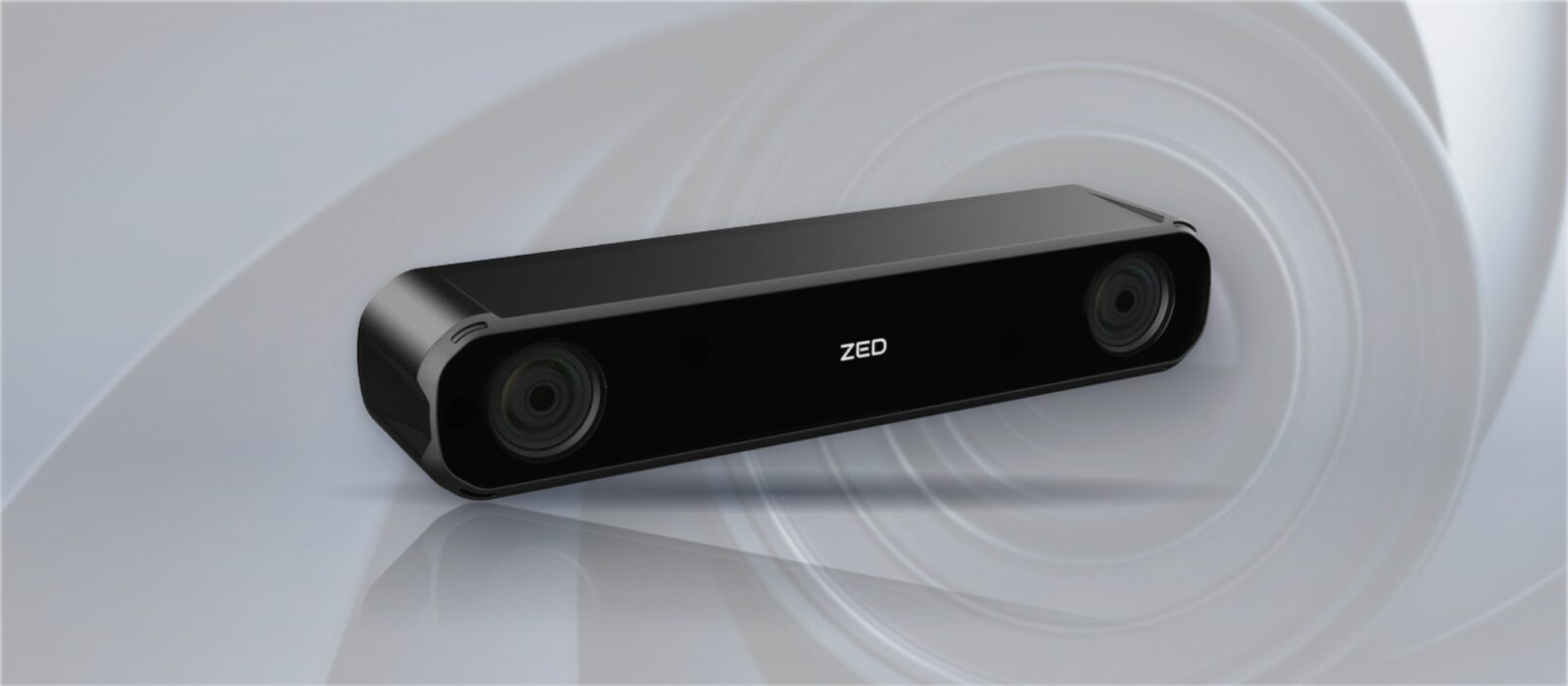
Global Shutter vs Rolling Shutter: Choosing a Camera for Robotics and Machine Vision
A global shutter captures the whole frame at once; a rolling shutter reads it line by line. Here is what that difference does to moving images, depth and detection, and how to choose between them for a robot or vision system.
Global shutter vs rolling shutter is the difference between an image sensor that starts and stops the exposure of every pixel at the same instant and one that exposes and reads the frame one row at a time from top to bottom. With a global shutter each frame is a single snapshot in time; with a rolling shutter the bottom of the image is captured slightly later than the top.
For a still scene the two look the same. When the camera or the subject moves, the difference shows up as bent verticals, wobble and smeared edges on a rolling shutter, and that matters for robots, vehicles and inspection lines, where software has to measure what it sees rather than just display it.
This guide explains how each shutter reads the sensor, what the rolling shutter effect looks like and how to calculate it, where pseudo-global shutter and strobes fit, how noise and dynamic range compare, and which shutter suits robotics, SLAM and machine vision. It finishes with sensor examples, the Stereolabs ZED range as a worked case and a checklist.
Key takeaways
- 01Global shutter freezes motion
- Every pixel is exposed together, so fast movement is captured without skew, wobble or partial exposure.
- 02Rolling shutter reads row by row
- The delay between the first and last row distorts fast-moving scenes but costs nothing on a static one.
- 03Rolling shutter brings resolution
- Rolling shutter sensors usually reach higher pixel counts and dynamic range for the price and size.
- 04Stereo depth prefers global
- Matching two images taken while a robot moves is more reliable when every pixel was captured at the same moment.
- 05Match the shutter to the motion
- Decide by how fast things move relative to the camera, then by lighting, resolution and budget.
Global shutter vs rolling shutter compared
The table sets the two side by side. Entries describe typical sensors of similar size and cost; individual sensors vary.
| Feature | Global shutter | Rolling shutter |
|---|---|---|
| Exposure | All pixels at the same instant | Row by row, top to bottom |
| Readout | Charge held in each pixel, then read out | Each row read as its exposure ends |
| Fast motion | Captured without skew or wobble | Skew and wobble during readout |
| Strobes and flashes | Lights the whole frame evenly | Can light only part of the frame |
| Pulsed LED lighting | No banding | Can print horizontal bands |
| Resolution for the cost | Typically lower | Typically higher |
| Noise and dynamic range | Good, depending on the sensor; historically a little noisier | Often better at the same price, with HDR options |
| Frame rate | High; short exposures are easy with strong light | High, but readout time sets the distortion window |
| Sensor cost | Higher for the same resolution | Lower |
| Typical uses | Robots, AMRs, vehicles, stereo depth, barcode reading on the move, high-speed inspection | Detail, reading text, surveillance, static inspection, slower scenes |
Neither shutter is better in general. The right one depends on how much the scene moves relative to the camera during a frame, and on whether the system measures the image or only looks at it.
How each shutter reads the sensor
Every image sensor collects light in its pixels and then reads the charge out row by row. A rolling shutter staggers the exposure to follow that readout, so each row starts and ends its exposure a little after the row above. The time it takes to read the whole frame, often a few milliseconds up to tens of milliseconds, is the window in which motion can distort the image.
A global shutter sensor adds storage in each pixel, so the whole array can stop exposing at once and hold its charge while the rows are read out. That extra circuitry is why global shutter pixels have tended to be larger and the sensors more expensive for the same resolution, although the gap has narrowed as sensor technology has improved.
Exposure time matters as well as shutter type. A short exposure reduces motion blur on either sensor, but on a rolling shutter it does not remove skew, because the rows are still read at different times. Bright, even lighting lets a global shutter camera use short exposures freely, which is one reason vision systems pair them with strobes or high-power LED lighting.
| Timing | Global shutter | Rolling shutter |
|---|---|---|
| Exposure start | All rows together | Row 1 first, last row one readout time later |
| Exposure end | All rows together | Staggered by the same readout time |
| Time difference, top to bottom | None | The frame readout time, typically about 5–30 ms |
| What a short exposure fixes | Motion blur | Motion blur only; skew remains |
What is the rolling shutter effect?
The rolling shutter effect is the distortion that appears whenever something moves noticeably during the frame readout. The common forms are worth recognising before they appear in your data.
- Skew. Vertical lines lean when the camera pans or a vehicle drives past, because each row sees the scene a moment later.
- Wobble. Vibration on a vehicle or drone makes the whole image ripple, often called the jello effect.
- Partial exposure. A short flash or strobe lights only some rows, leaving bright and dark bands across the frame.
- Flicker banding. Pulsed LED lighting can print horizontal stripes across the image.
- Spinning objects. Fans, propellers and rollers appear bent or broken into curved segments.
To a person watching a video these are cosmetic. To a perception model or a measurement algorithm they are errors, because an edge that bends or moves between rows gives the wrong position or size.
How to calculate it. The skew between the top and bottom of the frame is the speed of the image across the sensor, in pixels per second, multiplied by the readout time. The table works three cases with a 1920-pixel-wide sensor and a 15 ms readout, a typical figure for a full-resolution rolling shutter sensor.
| Case | Image speed on the sensor | Skew over a 15 ms readout | Blur from a 1 ms exposure |
|---|---|---|---|
| Conveyor at 1 m/s, 0.5 m field of view | About 3,840 px/s | About 58 px | About 4 px |
| AMR turning at 60° per second, 110° lens | About 1,050 px/s | About 16 px | About 1 px |
| Robot arm sweeping a camera at 0.3 m/s past parts 0.4 m wide in view | About 1,440 px/s | About 22 px | About 1–2 px |
The skew is several times the blur in every case, which is why shortening the exposure does not cure a rolling shutter problem. A useful rule: if the skew works out at more than a pixel or two for the edges the software measures, start with a global shutter, or reduce the readout time by using a region of interest.
Pseudo-global shutter and strobe sync
There is a middle way for systems that control their own lighting. In a pseudo-global, or global reset, mode, a rolling shutter sensor starts the exposure of every row at the same time, then reads the rows out in turn. If the scene is dark apart from a strobe, and the strobe fires only while every row is exposing, each row records the same brief flash. The strobe duration becomes the effective exposure, and the image is free of skew.
It works when three conditions hold: the exposure must be longer than the readout so all rows overlap, the strobe must fit inside that overlap, and ambient light must be low enough that it adds little to the image before and after the flash. That suits enclosed inspection tunnels and some barcode readers. It does not suit robots and vehicles working in daylight, where a true global shutter is the dependable choice.
| Approach | Needs | Suits |
|---|---|---|
| True global shutter | Global shutter sensor | Any lighting, moving cameras and scenes |
| Global shutter plus strobe | Trigger output and strobe controller | Very fast parts, short effective exposures |
| Pseudo-global (global reset) plus strobe | Sensor with global reset mode, dark enclosure, strobe | Enclosed inspection with a higher-resolution rolling sensor |
| Rolling shutter, short readout or region of interest | Fast sensor readout or cropped frame | Moderate motion where some skew is acceptable |
Do global shutter cameras have more noise?
Often slightly more, though the gap is closing. The storage element in each global shutter pixel takes space and adds a source of read noise, so for the same pixel size a global shutter sensor has traditionally had a little more noise and less dynamic range than a rolling shutter one. Light leaking into the storage node during readout, known as parasitic light sensitivity, can also add faint smear on bright objects; manufacturers quote it as shutter efficiency.
Back-illuminated designs and newer pixel structures have narrowed the difference, and most machine vision systems use enough light that it rarely decides the choice. The Stereolabs product data shows the typical trade-off: the 2.3MP global shutter ZED X One GS quotes 71.4 dB of dynamic range, while the 8.4MP rolling shutter ZED X One 4K quotes 85 dB with HDR. Where a scene has deep shade and bright sun together, that extra range can matter more than motion.
Which shutter is best for robotics, AMRs and SLAM?
Choose a global shutter when the camera moves or the subject moves fast. Autonomous mobile robots and vehicle systems see the world sweep past while they drive and turn; drones vibrate; parts on a conveyor pass the camera at speed; robot arms swing the camera with the gripper. Stereo depth is a particular case, because the camera computes distance by matching the same point in two images, and that matching is most reliable when both images and every row in them were captured at the same instant. This is why global shutter sensors are common in depth cameras for robotics.
Visual odometry and visual-inertial SLAM add a further reason. Most algorithms, including the visual SLAM packages common in ROS, assume each frame was captured at one instant and fuse it with IMU data at that timestamp. On a rolling shutter the rows have different timestamps, so fast turns introduce errors that show up as drift unless the software models the readout. A global shutter camera with a hardware-synchronised IMU removes that source of error, which is why depth cameras for navigation pair the two.
Choose a rolling shutter when detail, dynamic range and low light matter more than motion. Reading labels and text, inspecting fine features on a part that stops under the camera, monitoring a scene from a fixed mount, or recording in mixed lighting all suit the higher resolution and HDR that rolling shutter sensors often bring.
Multi-camera systems add one more reason to prefer a global shutter. When several cameras around a vehicle or robot are hardware-synchronised, each frame from each camera represents the same instant, so software can stitch surround views or fuse depth from several viewpoints without correcting for row timing. Where cameras on separate computers must agree, IEEE 1588 PTP aligns their clocks. If a system mixes the two, keep measurement and fusion on the global shutter cameras and use the rolling shutter camera for detail and recording. Our explainers on sensor fusion and LiDAR vs camera cover how cameras combine with other sensors.
| Application | Usually | Why |
|---|---|---|
| AMR navigation and obstacle detection | Global shutter | Turning and driving cause skew; depth needs synchronised rows |
| Visual SLAM and odometry | Global shutter with a synchronised IMU | One timestamp per frame keeps pose estimates consistent |
| Pick and place, robot arm cameras | Global shutter | The camera moves with the arm |
| Barcode and label reading on a moving line | Global shutter, or rolling with strobe in an enclosure | Codes must not shear across rows |
| High-speed inspection | Global shutter with strobe | Short effective exposure, no partial exposure |
| Static inspection of fine detail | Rolling shutter | More pixels and dynamic range for the cost |
| Fixed surveillance and recording | Rolling shutter | Slow scenes; HDR and low light matter more |
| Drone mapping | Global shutter for navigation; rolling acceptable for slow survey passes | Vibration causes wobble on rolling shutters |
Sensor examples
Sensor makers offer both types across the range. These are examples from published sensor families; check the current data sheet for each part, as resolutions and modes vary.
| Sensor | Maker and family | Shutter | Resolution | Typical use |
|---|---|---|---|---|
| IMX296 | Sony Pregius | Global | 1.6MP | Compact machine vision and robot cameras |
| IMX264 | Sony Pregius | Global | 5MP | Industrial inspection cameras |
| AR0234 | onsemi | Global | 2.3MP | Robotics and AR/VR tracking cameras |
| IMX477 | Sony STARVIS | Rolling | 12.3MP | High-resolution embedded cameras |
| IMX678 | Sony STARVIS 2 | Rolling | 8.3MP | 4K cameras with HDR for mixed lighting |
Sensor size and pixel size matter as much as the shutter. Larger pixels gather more light, which supports shorter exposures on a moving machine, and the lens has to resolve the pixel pitch. Our computer vision explainer covers how the image feeds the model.
Shutter choices in the Stereolabs ZED range
The Stereolabs range covers both, which makes it a useful worked example. The ZED X, ZED X Mini and ZED X Nano stereo cameras use dual 2.3MP global shutter sensors with 3 µm pixels, as do the ZED X One GS and ZED X One S monocular cameras and the board-level ZED X One Core, all built for moving robots and vehicles. The USB ZED 2i and ZED Mini use 4MP rolling shutter sensors, and the ZED X One 4K uses an 8.4MP rolling shutter sensor with HDR for detail and difficult lighting.
| Camera | Shutter | Interface | Output | Built for |
|---|---|---|---|---|
| ZED X | Global, 2 × 2.3MP | GMSL2 | 1920 × 1200 at 60 fps, 960 × 600 at 120 fps | AMRs and vehicles, depth to 20 m (wide) |
| ZED X Mini | Global, 2 × 2.3MP | GMSL2 | Depth from 0.1 m (wide lens) | Arms and small robots |
| ZED X One GS | Global, 2.3MP | GMSL2 | 1920 × 1200 at 60 fps | Surround views and custom rigs |
| ZED X One 4K | Rolling, 8.4MP, HDR | GMSL2 | 3840 × 2160 at 15 fps | Detail, inspection, barcodes |
| ZED 2i | Rolling, 2 × 4MP | USB 3.0 | 2208 × 1242 at 15 fps, 720p at 60 fps | Indoor robots and spatial analytics |
| ZED Mini | Rolling, 2 × 4MP | USB 3.0 | Depth 0.1–15 m | Mapping and prototypes in an enclosure |
A common pattern is to use global shutter GMSL2 cameras for navigation and depth on a moving machine, and add a high-resolution rolling shutter camera where the job is to read or record detail rather than measure motion. The GMSL link matters too: it carries hardware frame-sync to every camera, so several global shutter cameras expose at the same moment. Our guide to the GMSL camera interface explains how ZED X cameras connect to a Jetson, and our explainer on GMSL3 covers the bandwidth that 4K cameras at high frame rates need.
How to choose a shutter for your system
Work through four questions in order.
- Motion. How far does the scene move relative to the camera during one frame readout? If it is more than a pixel or two, start with a global shutter.
- Measurement. Does software measure positions, depth or sizes from the image? Measurement is less forgiving of distortion than viewing.
- Lighting. Will strobes, flashes or pulsed LEDs light the scene, or does the camera face bright sun and deep shade? Strobes favour global shutter; high contrast may favour an HDR sensor.
- Resolution and budget. If the scene is slow and detail matters, a rolling shutter gives more pixels for the cost.
We specify cameras together with the computer and interface that run them, and we configure, image and test the whole system as standard. The computer matters because several global shutter streams plus depth processing need GPU capacity: our rugged Jetson computers and ZED Box Mini are the usual hosts. Our guide to setting up a ZED X robotics stack on Jetson covers the software that turns those images into depth and odometry, and our robot computer guide covers the rest of the onboard compute.
Cameras and vision computers in our range
Global and rolling shutter cameras, and the computers that run them.

Cameras
Stereo, mono and 4K cameras with global or rolling shutter sensors.
View range
Stereolabs
ZED X, ZED X One, ZED 2i and ZED Box Mini for depth and perception.
View range
Frame grabbers
GMSL2, Ethernet and USB capture cards for vision systems.
View range
Jetson Orin NX computers
Compact Jetson computers for two to six cameras.
View range
Jetson AGX Orin computers
Systems with up to eight GMSL2 cameras for surround perception.
View range
Jetson PoE systems
Jetson computers that power GigE cameras over PoE.
View rangeGlobal and rolling shutter cameras
Global shutter ZED X stereo and ZED X One cameras for moving machines, a 4K rolling shutter camera and a USB ZED 2i for detail, and a ZED Box Mini to run them.
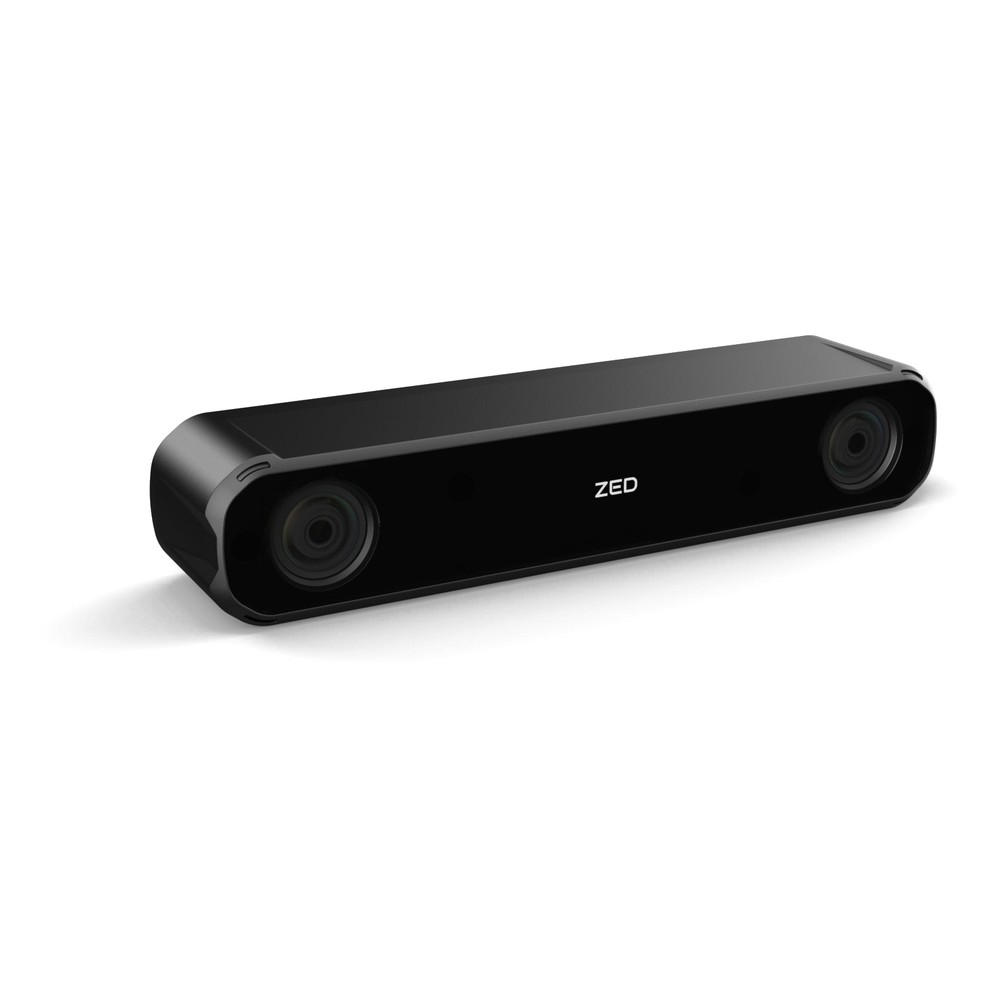
GMSL2 IP67 Stereo Camera with Wide 2.2 mm Lenses, Global Shutter and Up to 20 m Depth
- IP Rating
- IP67
- Temp
- −20 to +60 °C
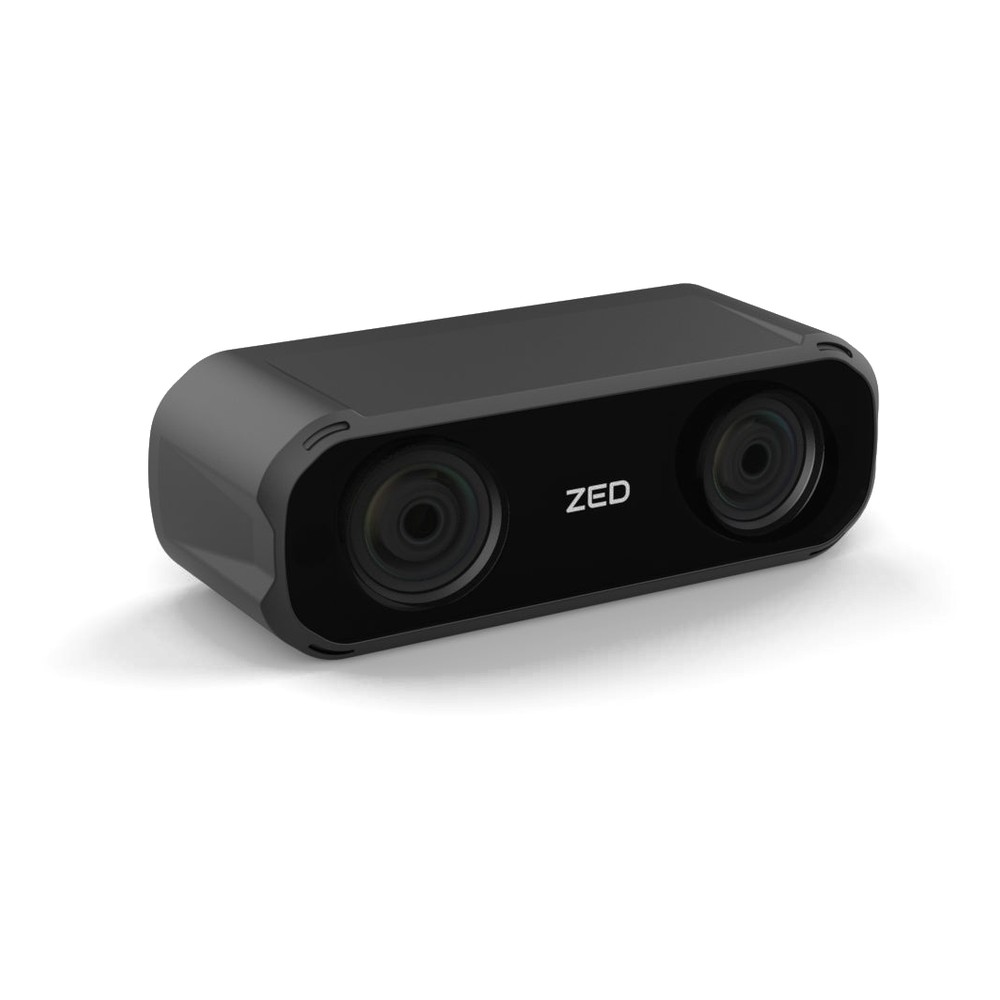
IP67 GMSL2 3D Depth Camera with Wide 2.2 mm Lenses, 5 cm Baseline and Depth from 0.1 m
- IP Rating
- IP67
- Temp
- −20 to +60 °C
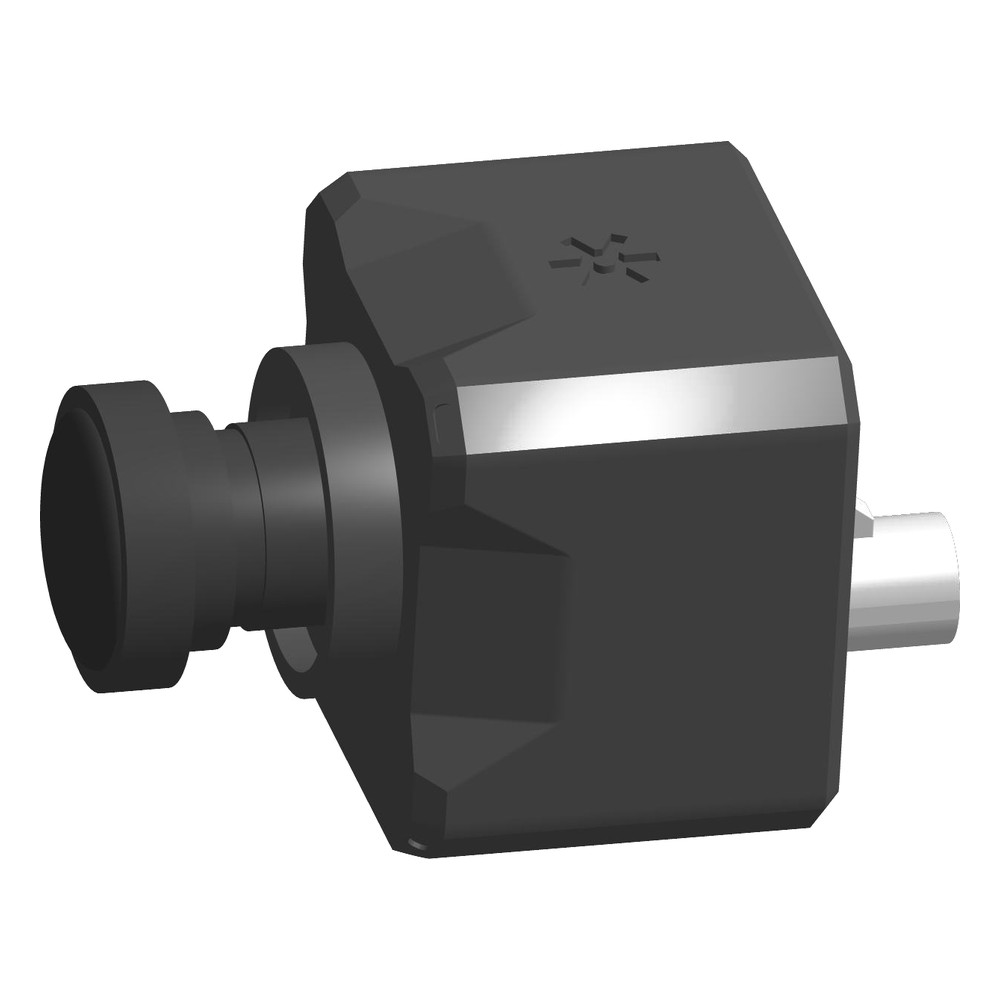
Full HD GMSL2 Global Shutter Camera with Wide 2.2 mm Lens, 110° Field of View and Hardware Sync
- Temp
- −20 to +55 °C
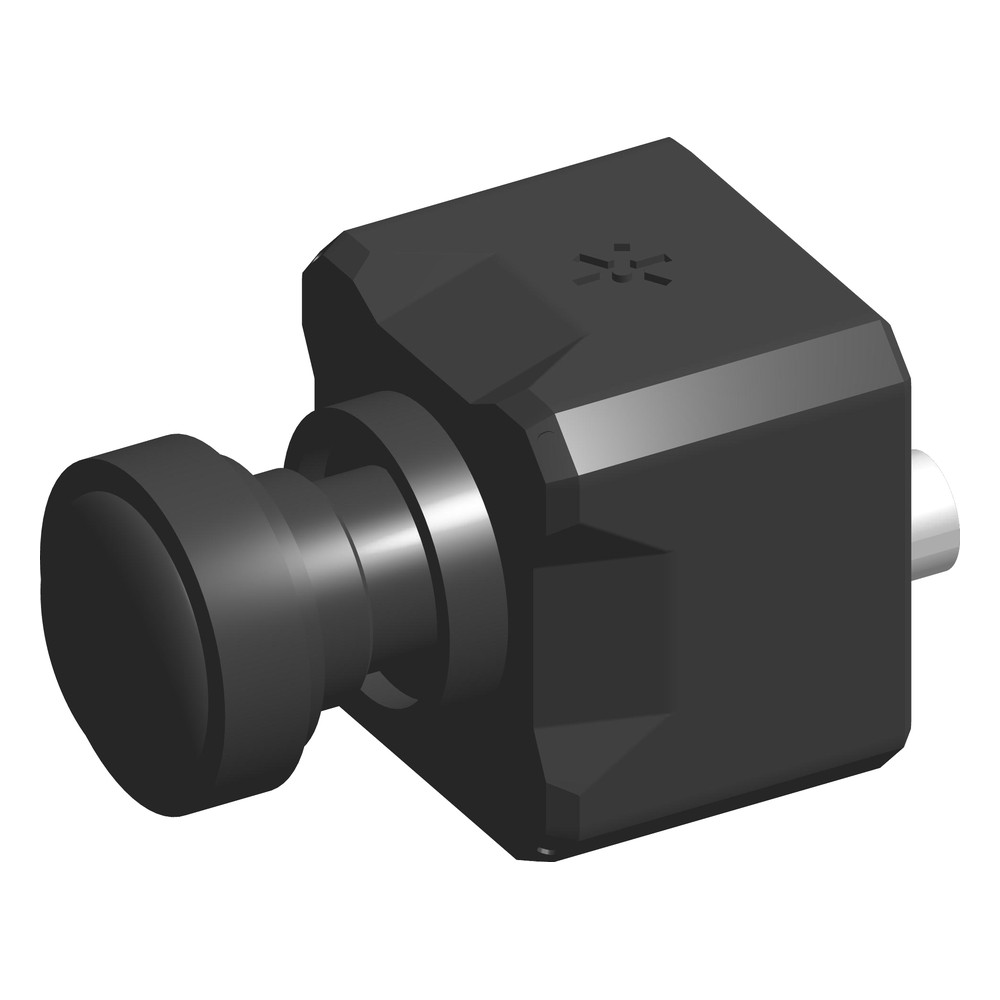
8.4MP GMSL2 4K HDR Camera with Wide 3.1 mm Lens, 110° Field of View and Hardware Sync
View product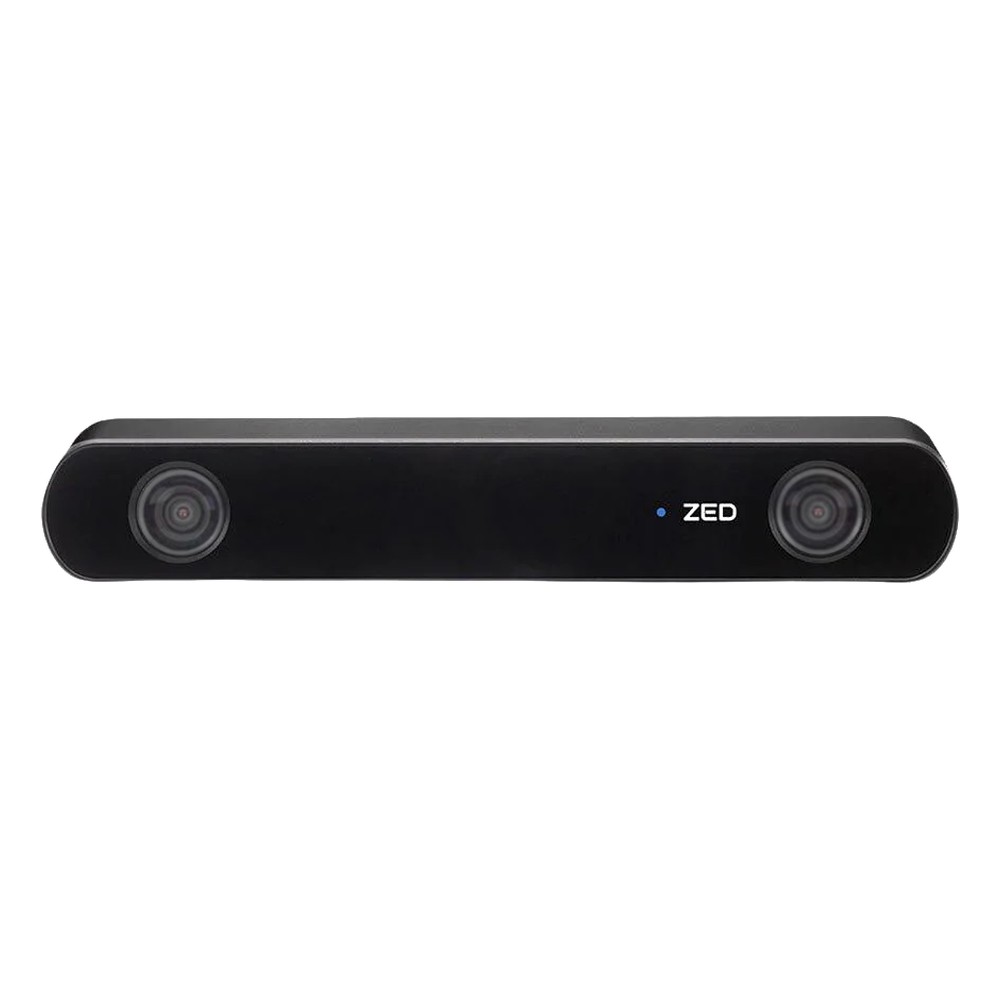
USB 3.0 Stereo Depth Camera with Wide 2.1 mm Lenses, 120° Field of View and IP66 Enclosure
- IP Rating
- IP66
- Temp
- −10 to +45 °C
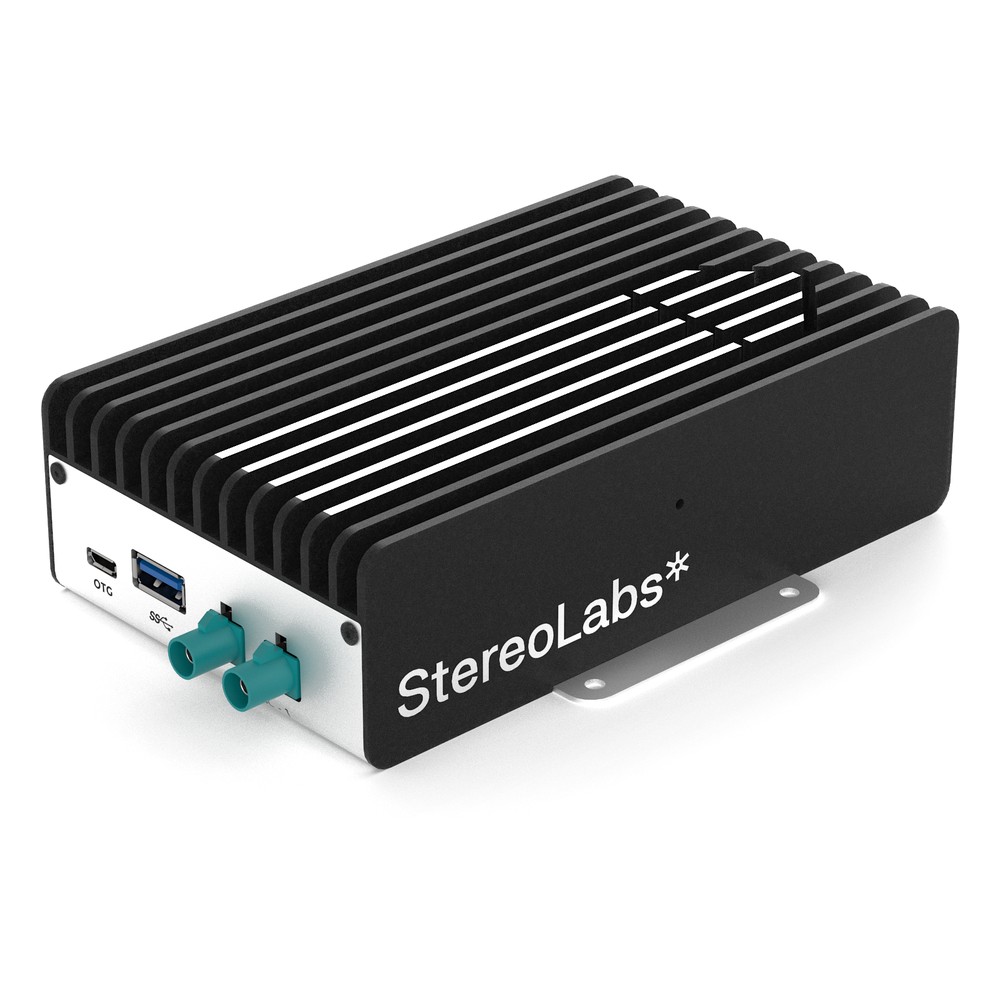
NVIDIA Jetson Orin NX 16GB Embedded Box PC with 2x GMSL2 Cameras, 100 TOPS and -20 °C Operation
- AI
- 100 TOPS
- SOM
- NVIDIA Jetson Orin NX 16 GB
- Cameras
- 2× GMSL
Choosing global or rolling shutter
Seven checks that settle the sensor before cameras are ordered.
-
01
Motion speed
Estimate how fast the scene moves across the image, in pixels per second.
-
02
Readout time
Multiply by the sensor’s readout time; more than a pixel or two of skew points to global shutter.
-
03
Measurement or viewing
If software measures position, size or depth, favour global shutter.
-
04
Lighting
List strobes, pulsed LEDs and sun; plan strobe sync or HDR to match.
-
05
Resolution
Set the pixels needed on the smallest feature, then compare sensors.
-
06
Synchronisation
For several cameras or an IMU, use hardware sync over GMSL or trigger lines.
-
07
Computer
Size the Jetson or GPU for every stream plus depth and models.
Global and rolling shutter: common questions
Quick answers
What is the difference between global shutter and rolling shutter?
When each row is exposed. A global shutter exposes every pixel at the same instant; a rolling shutter exposes and reads rows one after another, so the bottom of the frame is captured later than the top.
What is the rolling shutter effect?
Distortion from row-by-row capture. Skew, wobble, partial flash exposure and LED banding appear when the camera or scene moves during the readout.
Is global shutter better than rolling shutter?
For motion, yes. For static scenes, detail and dynamic range, a rolling shutter often gives a better image for the cost.
Which shutter type is best for robotics?
Global shutter, in most cases. Moving robots, stereo depth and SLAM need every pixel captured at one instant. Rolling shutter cameras suit detail tasks on the same robot.
Do global shutter cameras have more noise?
Often slightly more. The storage element in each pixel adds read noise and can reduce dynamic range, though newer sensors have narrowed the gap.
What is a pseudo-global shutter?
A rolling sensor used like a global one. All rows start exposing together and a strobe fires while every row is exposing, so in a dark enclosure the flash sets one exposure for the whole frame.
Camera and vision FAQs
-
What Is a Stereo Camera?
A stereo camera is a camera with two image sensors a fixed distance apart, like a pair of eyes. By finding the same point in both images and measuring how far it shifts between them, it calculates the distance to every pixel, so one device gives a robot or vehicle a 3D depth map as well as a colour image.
-
What Is Machine Vision?
Machine vision is the use of cameras, lighting and a computer to inspect, measure, identify or guide objects automatically. In industry it checks products for defects, reads codes, verifies assembly and guides robots, faster and more consistently than a person can, and today it increasingly runs AI models on edge computers beside the line.
-
What Is Computer Vision?
Computer vision is the branch of AI that lets computers interpret images and video: naming what is in a frame, locating objects, outlining them pixel by pixel and following them over time. Modern systems use deep learning models such as CNNs and vision transformers, and many run on edge computers next to the cameras they read.
-
What Is GMSL2?
GMSL2 (Gigabit Multimedia Serial Link 2) is a high-speed serial link that carries uncompressed camera video, power and control data over one coaxial cable of up to around 15 metres. Developed for automotive cameras, it is now widely used on robots, autonomous machines and drones with NVIDIA Jetson computers.
-
LiDAR vs Camera: What Is the Difference?
LiDAR measures distance directly with laser pulses, giving accurate 3D depth in any light. A camera captures colour, texture and fine detail at low cost, but needs light and has to work out depth indirectly, through stereo vision or AI. Many autonomous machines use both, combining the camera’s detail with LiDAR’s depth.
-
What Is an Autonomous Mobile Robot?
An autonomous mobile robot (AMR) is a robot that moves through a building or site on its own. It builds a map with lidar and cameras, works out where it is, plans a route and steers around people and obstacles, so it needs no tape, wires or fixed tracks. AMRs move goods, tow carts, clean, inspect and deliver.
-
What Is a GigE Vision Camera?
A GigE Vision camera is an industrial camera that sends images and takes commands over standard Ethernet, following the GigE Vision interface standard. It runs over long, low-cost network cables, can be powered by PoE, and lets many cameras share one network through a switch, which makes it a common choice for machine vision on lines and vehicles.
Choosing cameras for a moving machine?
Tell us how fast your machine moves, the light it works in and what the cameras have to see. We will recommend the sensor, lens and Jetson host, then configure, image and test the system with your cameras before it ships.