
 UK
UK 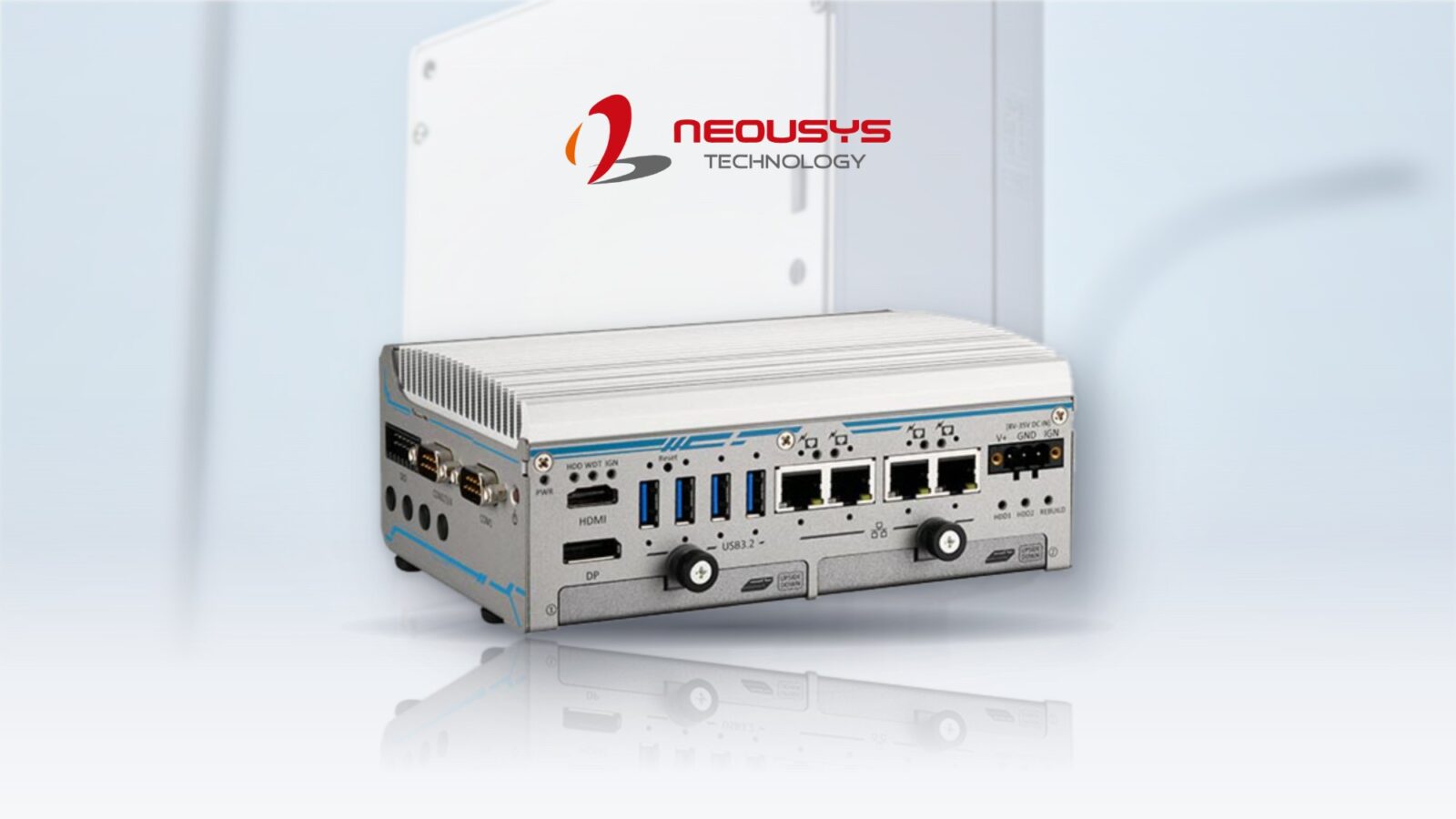
A Small Form Factor Industrial PC Verifies Multi-Gigabit Last-Mile Fibre
An open-access fibre developer needed to verify symmetrical multi-gigabit service remotely, from the cabinet. We build a compact industrial PC with a 2.5GbE port, a fitted 4G modem and industrial-grade memory and storage, ready to deploy.
A North American open-access fibre-to-the-home developer is building symmetrical multi-gigabit networks across several US states. To prove and monitor the service it sells, it needs to measure the real line rate out at the network, at the cabinet, on the multi-gigabit tiers it provisions, without sending an engineer to each site whenever a check is needed.
We supply Neousys’s POC-764VR as a small form factor industrial PC, built and configured as a permanent test point for each cabinet. It is the kind of full fibre project we support from the network edge.
What the test point had to do
Two things made remote verification hard, and the hardware had to solve both.
-
01
Measure past a gigabit
A standard 1 Gigabit test port cannot measure a multi-gigabit service, so the test tool itself becomes the limit.
-
02
Live in the cabinet
The device has to stay permanently in a network cabinet, which rules out a laptop on a bench.
-
03
Be reachable remotely
Engineers need to run and read checks without visiting the site.
-
04
Wide operating temperature
Cabinets heat up in summer and cool down in winter, so the build needs a wide operating temperature to run reliably through every season.
Why 2.5GbE is the hard requirement
The bottleneck is the network interface. Gigabit Ethernet delivers around 940 Mbps of usable throughput after overhead, so a 1GbE port pointed at a 2 Gbps symmetrical service reports roughly 940 Mbps each way, capped by the port rather than the line. The reading is meaningless above a gigabit.
| Test port | Usable throughput | Reading on a 2 Gbps service |
|---|---|---|
| 1GbE | About 940 Mbps | About 940 Mbps: capped by the port |
| 2.5GbE | About 2.35 Gbps | The full 2 Gbps, as delivered |
2.5GbE is the first standard step past that ceiling and runs over the cabling already in the cabinet. For an operator selling multi-gig internet tiers on XGS-PON, that is the difference between proving the service and hoping it is right. For heavier loads such as multi-camera edge AI, 2.5GbE has its own ceiling; our 2.5GbE to 10GbE FAQ sets out when 10GbE becomes the next step.
Built and configured before it ships
Each PC is built to a fixed specification, so it arrives ready to drop into a cabinet.
-
Connect
4G modem and SIMWe fit a 4G modem in the mini PCIe slot and install the SIM, so the device has its own cellular management link the moment it powers on.
-
Harden
−20 to 70 °C componentsWe fit 8 GB of memory and a 256 GB NVMe SSD, both industrial grade and rated from −20 to 70 °C, so they comfortably exceed the computer’s own operating range.
-
Image
ConfiguredEach PC is imaged and checked before it ships.
-
Deploy
Power and mountInstallation is a power-and-mount job; the operator then remotes in to run and read a speed check.
Choosing and provisioning the right cellular module is a task in itself, which our guide to integrating 4G, LTE and 5G connectivity covers.
The Neousys POC‑764VR
An ultra-compact, fanless DIN rail PC with an Intel Core i3-N305 and an Intel I226 2.5GbE port.
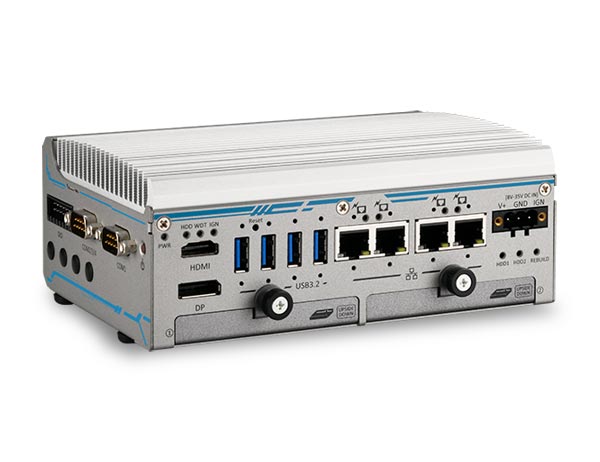
POC‑764VR
Intel Core i3-N305 Fanless Surveillance PC with 4x PoE+ and RAID 0/1 SSD Bays
- Processor
- Intel Core i3-N305 (Alder Lake)
- Networking
- 1× 2.5GbE, 4× GbE (4× PoE)
- Operating temp
- −10 to +55 °C
- Power Input
- 8–35 V DC [Terminal Block]
- Memory
- 1× DDR5-4800 SO-DIMM, up to 16 GB
Why this platform fit
- 012.5GbE line-rate testing
- An Intel I226 2.5GbE port reads the full provisioned speed of a multi-gigabit service, where a 1GbE port would cap the result.
- 02Fits the cabinet
- An ultra-compact, fanless chassis that mounts on a DIN rail inside a network cabinet, with no fan to draw in dust.
- 034G remote access
- A fitted 4G modem and SIM give each PC a cellular link, so engineers remote in instead of driving to site.
- 04Eight-core Intel Core i3-N305
- Plenty of processing for test software and remote management at 15 W.
- 05Industrial memory and storage
- Memory and SSD rated from −20 to 70 °C keep the device reliable through cabinet temperature swings.
What the operator gained
A standard test point in every cabinet, managed from the office.
-
Outcome 01
Remote verification
Engineers confirm multi-gigabit line rate over the cellular link, with no truck roll to each cabinet.
-
Outcome 02
Deployed ready to run
The PCs arrive with the modem, SIM, memory and storage fitted and imaged.
-
Outcome 03
Components that won't hold it back
Industrial memory and SSD rated beyond the computer's own range.
-
Outcome 04
Consistent across the network
A single standard build gives the same verification method in every cabinet as the rollout scales.
Fibre network FAQs
-
Single-Mode vs Multimode Fibre: What Is the Difference?
Single-mode fibre has a narrow core of about 9 microns that carries one path of laser light, so it reaches tens of kilometres. Multimode fibre has a wider 50 or 62.5 micron core that carries many light paths, which limits it to a few hundred metres at high speeds but allows lower-cost optics. The SFP transceiver must match the fibre.
-
What Is Multi-Gig Internet?
Multi-gig internet is broadband faster than 1 Gbps, typically sold in 2, 5, 8 or 10 Gbps tiers over full fibre. To use or measure it, the router, switch and computer need ports faster than Gigabit Ethernet, such as 2.5GbE, 5GbE or 10GbE, because a 1GbE port tops out at around 940 Mbps of real throughput.
-
What Is FTTP?
FTTP (fibre to the premises) is broadband that runs on optical fibre all the way into a home or business, with no copper in the final connection. It is often called full fibre, and FTTH (fibre to the home) means the same for homes. With no copper bottleneck, it supports gigabit and multi-gigabit speeds, often symmetrical.
-
GPON vs XGS-PON: What Is the Difference?
GPON and XGS-PON are passive optical network standards that share one fibre between many premises. GPON delivers about 2.5 Gbps down and 1.25 Gbps up, shared across the users on that fibre. XGS-PON delivers 10 Gbps in both directions, which makes multi-gigabit and symmetrical tiers practical. Both can run on the same fibre.
-
What Is a Truck Roll?
A truck roll is sending a technician in a vehicle to a site to install, check or fix equipment. The term is common in telecoms, utilities and field service, where each visit costs labour, fuel and time. Reducing truck rolls, through remote monitoring and management, is one of the main ways operators cut costs.
-
When should you upgrade from 2.5GbE to 10GbE?
Upgrade from 2.5GbE to 10GbE when a workload needs more than about 2 Gb/s of sustained traffic per link, such as several uncompressed camera streams, multi-sensor fusion, multi-node inference or latency-sensitive control. The best time is usually the next platform refresh, specifying RDMA-capable network cards from the start.
Need test points at the edge of your network?
Tell us the throughput you need to verify, the environment and the I/O, and we'll recommend a small form factor industrial PC that fits the deployment.