
 UK
Solid State Computers: How to Choose a Solid State Industrial PC
A solid state computer has no moving parts: passive cooling instead of fans and flash storage instead of a spinning drive. Here is how it compares with a conventional PC, how to choose its storage, the cooling options when you need more performance and how to size one for the workload.
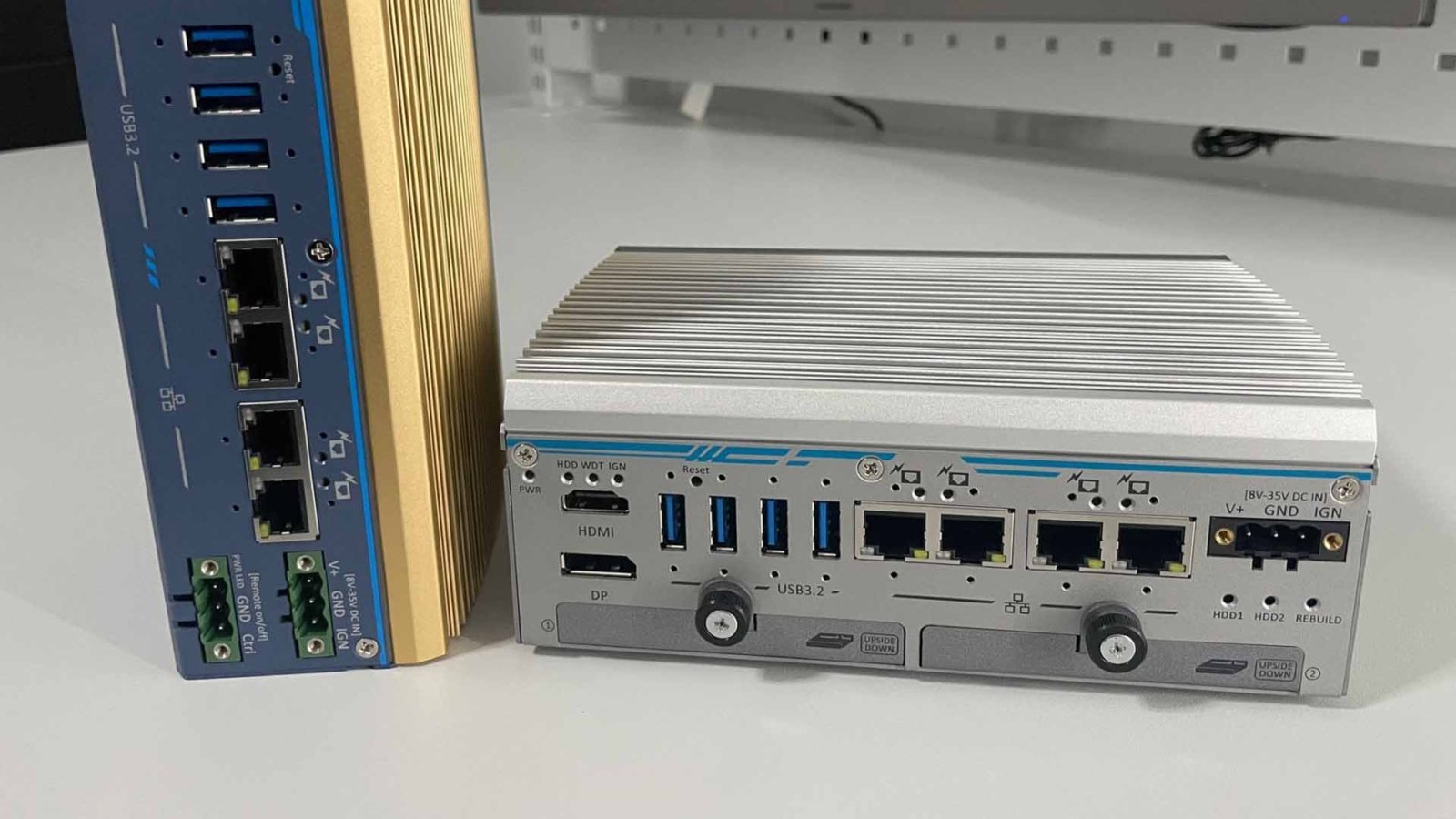
A solid state computer is a computer with no moving parts: it is cooled passively instead of by fans, stores data on flash memory such as an SSD or eMMC instead of a spinning hard drive, and in industrial designs keeps internal cables to a minimum. With nothing to spin, wear or work loose, it resists dust, shock and vibration and needs little maintenance.
The term is easy to confuse with a solid state drive, which is only the storage part; our FAQ on what an SSD is covers the drive itself. When choosing an industrial PC for edge computing, the real decision is between a solid state design and a conventional system with fans, discrete GPUs and spinning disks. A solid state industrial PC uses a fanless chassis, solid state storage and integrated components, often with energy-efficient embedded processors and industrial-grade parts rated for wider temperatures. A conventional system can deliver more performance, but it has more parts that wear, needs more maintenance and may struggle in harsh conditions. This guide explains what makes a computer solid state, compares it with a conventional PC, covers storage and cooling options, and shows how to choose one for the workload.
Key takeaways
- 01No moving parts
- Fanless cooling plus flash storage removes the fans and drives that wear out first.
- 02Not the same as an SSD
- An SSD is one component; a solid state computer is the whole system built without moving parts.
- 03Storage choice still matters
- Industrial SSDs add wide temperature ratings, endurance and power loss protection.
- 04Size the processor for the chassis
- A fanless chassis is rated for a maximum processor power at a maximum ambient temperature.
- 05Options for more power
- Conduction cooling, an external fan module or a separate GPU cassette extend the solid state approach.
Solid state vs conventional PC
Each type of industrial PC has its own advantages, and the right choice depends on the application. The table compares the two approaches.
| Solid state computer | Conventional PC with fans and a hard drive | |
|---|---|---|
| Moving parts | None | Fans, hard drive, sometimes an optical drive |
| Cooling | Passive: fins, heat pipes and conduction | Active: fans and vents |
| Storage | SSD, NVMe or eMMC flash | Spinning hard drive, or SSD |
| Dust tolerance | Sealed, ventless chassis; dust has no way in | Fans pull dust in; filters need cleaning |
| Shock and vibration | High; no heads, bearings or loose cables | Lower; drive heads and fan bearings are vulnerable |
| Sealing | Can be sealed to IP65 and above | Limited by vents |
| Noise | Silent | Fan and drive noise |
| Maintenance | Little beyond keeping the fins clear | Fan and filter replacement, drive failures |
| Main failure drivers | Heat over the rated range, storage wear | Fan bearings, drive mechanics, clogged filters |
| Performance ceiling | Set by the chassis’s thermal rating | Higher; fans can remove more heat |
For example, a compact solid state industrial PC suits monitoring and controlling IoT sensors at a remote oilfield, where durability, low power and resistance to harsh conditions come first. A high-performance industrial GPU computer, by contrast, may be essential on a vehicle running machine learning for real-time object detection, where heavy processing and fast decisions are needed. Our guide to active vs passive cooling looks at the trade-off in more depth.
What makes a computer solid state?
An industrial PC with a solid state design is built for durability and minimal maintenance. Three design choices take out the moving parts and the weak points.
| Design choice | What it replaces | Benefit |
|---|---|---|
| Fanless passive cooling | CPU and case fans, vents and filters | A ventless chassis keeps out dust and debris; many models meet IP5X dust-protected or IP6X dust-tight ratings |
| Solid state storage | Spinning hard drives | No heads or platters to fail under shock and vibration |
| Cableless, ruggedised build | Internal cable assemblies and loose modules | Soldered or locked memory and board-to-board connectors stay seated under vibration |
| Low-power embedded processors | High-power desktop processors | Less heat to remove, so stable temperatures in factory cabinets and at the edge |
Manufacturers and integrators use these techniques together, replacing hard drives with solid state storage, soldering components such as memory to the board and removing internal cables, so the computer withstands continuous shock and vibration. The advantages of fanless computers FAQ sums up the benefits, and our guide to the benefits of fanless computers covers them in detail.
Choosing solid state storage
Flash storage removes the most fragile moving part, but not all flash is equal. For a computer that runs around the clock, check the interface, the temperature rating, the endurance and what happens when the power is cut.
| Storage | Interface | Strengths | Watch for |
|---|---|---|---|
| eMMC | Soldered to the board | No connector to loosen; low cost and power | Smaller capacities and lower speed; cannot be swapped |
| M.2 SATA SSD | SATA through an M.2 slot | Widely available, moderate power | Slower than NVMe |
| M.2 NVMe SSD | PCIe Gen3 or Gen4 through an M.2 slot | High speed for video recording and AI datasets | More heat; may need a heat spreader |
| 2.5 inch SATA SSD | SATA bay or hot-swap tray | Easy to replace or remove for data offload | A tray or cable adds a connector |
| Industrial SSD | Any of the above | Wide temperature, higher endurance, power loss protection | Specify it; standard SSDs may not start below 0 °C |
Our FAQs compare eMMC vs SSD and SSD vs HDD, and explain power loss protection and SSD TBW endurance ratings. Our guide to M.2 key types explains which slots take which drives. Some fanless systems state that a wide-temperature SSD is needed below 0 °C, which is worth checking for any cold site.
How a solid state industrial PC stays cool
A typical solid state industrial PC uses natural convection to remove heat without fans. The chassis is usually aluminium, a good conductor, with external fins that add surface area. Heat from the processor or GPU travels to the chassis through heat sinks, heat pipes and thermal pads, and then into the surrounding air, where warm air rises and cooler air flows in to replace it in a continuous cycle. Removing moving parts improves reliability, cuts noise and suits places where dust, vibration or maintenance access are a problem.
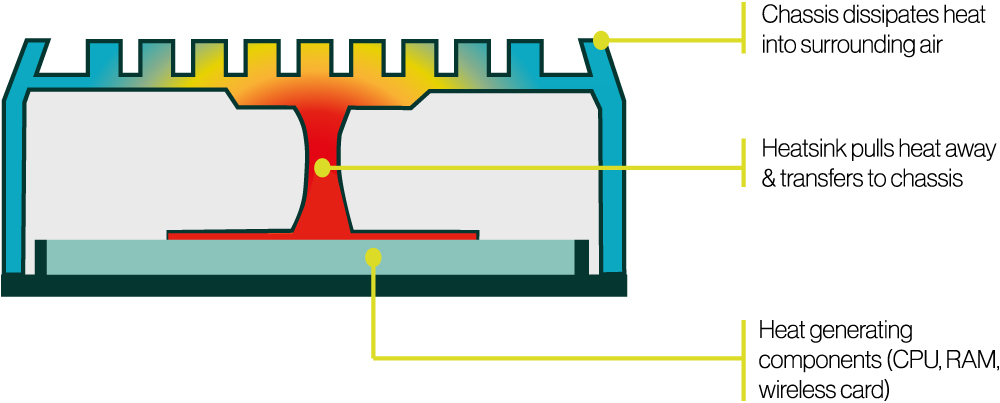
Our guide to how a fanless PC works follows the heat path step by step, and the heat pipes FAQ explains the part that does most of the work.
Options when you need more performance
Passive cooling sets a ceiling on processor power. Three approaches extend it while keeping the core of the computer solid state.
Passively cooled industrial PCs with external fans
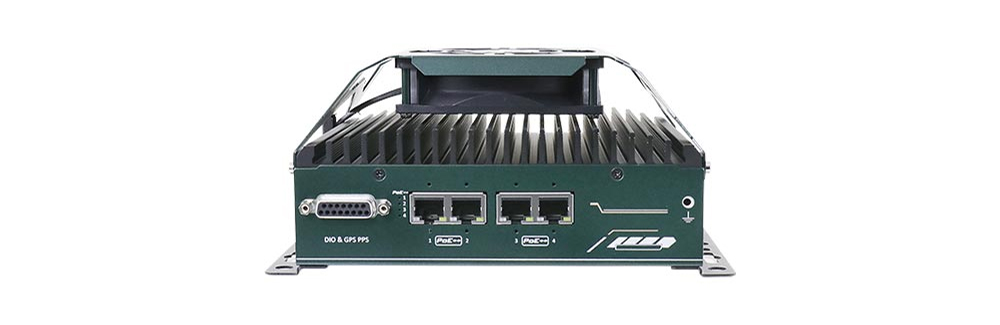
For high-performance edge computing, adding an external fan to a passively cooled industrial PC can help where cooling becomes the limit. The fan blows across the outside of the sealed heatsink, so it removes heat faster and lets the computer hold its performance without throttling under heavy or continuous load, while the electronics stay sealed from dust. The fan is a moving part that needs occasional checks, but it sits outside the sealed chassis, away from the electronics.
Solid state industrial PCs with conduction cooling
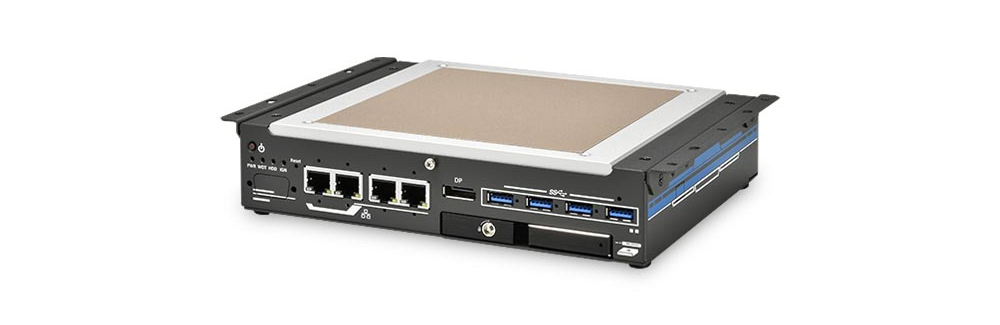
Conduction cooling couples the computer to a larger conductive surface. A flat heat spreader replaces the fins and mounts directly against a cabinet or enclosure wall, which becomes an extended heatsink. That keeps the inside of the cabinet from heating up and puts less stress on the computer. Our guide to electrical enclosure cooling shows how conduction-cooled computers suit confined, sealed and waterproof enclosures.
Industrial GPU computers with external PCIe cassettes
GPU computers with a PCIe cassette hold the GPU or add-in card in a separate compartment of the chassis with its own heat path, connected to the main computer over PCIe. That keeps the GPU’s heat away from the processor and other components and protects them from dust. With damping brackets, these systems run AI inference, deep learning and real-time processing in places with continuous shock and vibration, such as on vehicles; see our edge AI computers and industrial GPU computers.
| Approach | Moving parts | Performance headroom | Where it fits |
|---|---|---|---|
| Finned, natural convection | None | Low to moderate processor power | Cabinets, machines and vehicles with free air |
| Flat-top conduction | None | Moderate; depends on the wall it is bolted to | Sealed or crowded cabinets |
| Finned with external fan | One fan, outside the sealed chassis | Higher sustained power, or higher ambient | Warm cabinets, continuous heavy loads |
| GPU in a cassette | None, or a fan on high-power cards | Highest; a discrete GPU | Vision and AI on vehicles and in plants |
How to choose a solid state computer for the workload
Low-power embedded processors and good thermal design let solid state industrial PCs hold stable temperatures under continuous load. The processor’s power is the main thing to match to the chassis, because every fanless chassis is rated for a maximum processor power at a maximum ambient temperature; our guide to TDP explains the figure.
| Processor class | Typical power | Typical workloads | Solid state fit |
|---|---|---|---|
| Intel Atom, N-series, Arm SoCs | 6–15 W | Gateways, data logging, HMIs, protocol conversion | Small fanless chassis, wide temperature |
| Intel Core Ultra U-series, AMD Ryzen U-series | 15–28 W | Vision, light AI with an NPU, multi-display HMIs | Compact fanless, often to 70 °C or more |
| Socketed Intel Core, 35 W | 35 W | Machine control, multi-camera vision, edge analytics | Larger finned chassis, typically to 70 °C |
| Socketed Intel Core, 65 W | 65 W | Heavier compute and virtualisation | Fanless with derating, or an external fan |
| Discrete GPU | 70 W and up | Deep learning inference across many cameras | GPU cassette, conduction or fan-assisted |
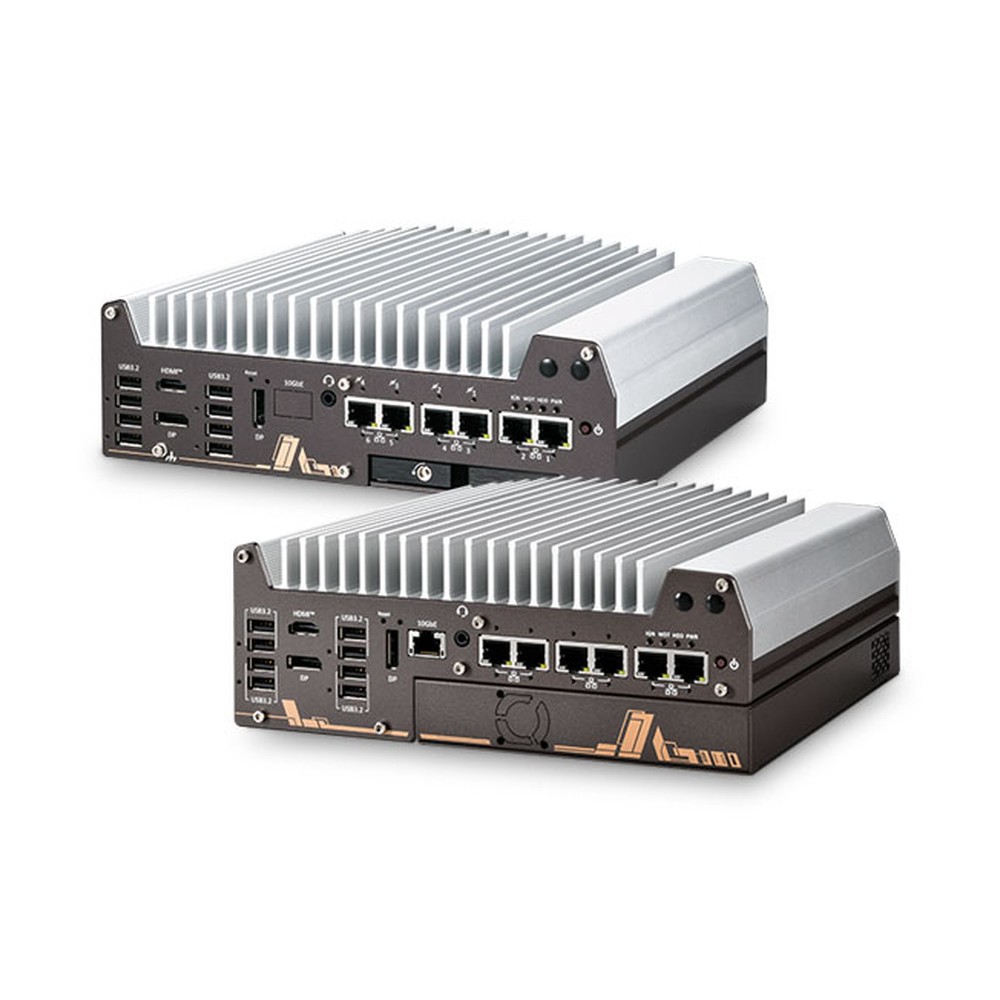
Two Vecow SPC-9000 builds show the choice in practice. The SPC-9100-165U is fanless, with a full finned heatsink, and is rated from −40 to 75 °C with airflow. The SPC-9200-135U swaps the heatsink for a fan sink, rated from −40 to 70 °C, for packaging lines and vending machines under constant load. Both use the same I/O, so the cooling becomes a choice for the site rather than a redesign.
Reliability claims depend on more than moving parts. Our guide to MTBF explains how failure rates are calculated, and our fanless mini PC guide covers the smallest solid state systems. In practice, our rugged fanless PC on a smart factory floor runs real-time AI inference with no moving parts.
Solid state computers from our range
These computers show the solid state approach at different power levels. We configure, image and test each one, with industrial storage fitted to suit the site.
| Example from our range | Cooling | Key facts |
|---|---|---|
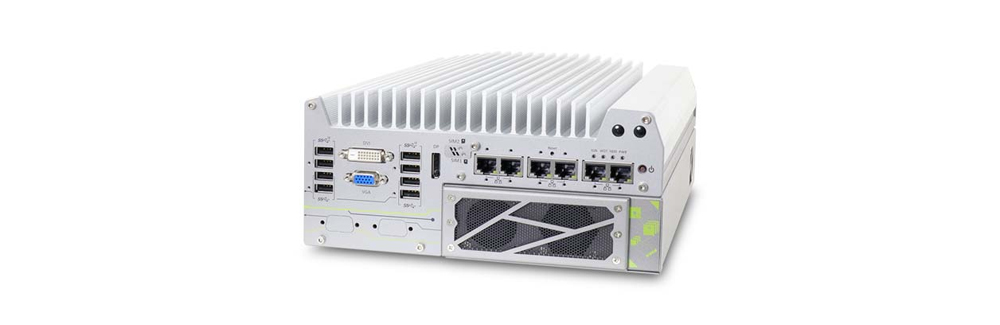
| Neousys Nuvo-11002E | Fanless, finned, with a PCIe cassette | Intel Core Ultra 200S; up to 36 TOPS; −25 to 70 °C with 35 W CPUs, to 50 °C at 65 W; 8–48 V DC |
| Neousys Nuvo-9531-FT | Flattop, conduction to a cabinet wall | Intel 14th/13th/12th Gen Core at 35 W; hot-swappable 2.5 inch tray; −25 to 60 °C on an aluminium panel |
| Vecow SPC-9100-165U | Fanless, full finned heatsink | Intel Core Ultra 7 165U with 11 TOPS NPU; −40 to 75 °C with airflow; 9–55 V DC |
| Vecow SPC-9200-135U | Fan sink | Intel Core Ultra 5 135U; −40 to 70 °C; the fan-cooled option for constant heavy load |
Browse fanless industrial computers for the full range, or rugged GPU computers for higher-power AI.
Solid state computers to start from
Three fanless computers with no moving parts and one fan-cooled sibling for comparison, each supplied configured and tested.
Intel Core Ultra 200S Fanless Rugged Industrial Computer with Single-Slot PCIe Cassette
- AI
- 13 TOPS
- CPU
- Intel Core Ultra 2 Arrow Lake-S
- Ethernet
- 1× 2.5GbE, 1× GbE
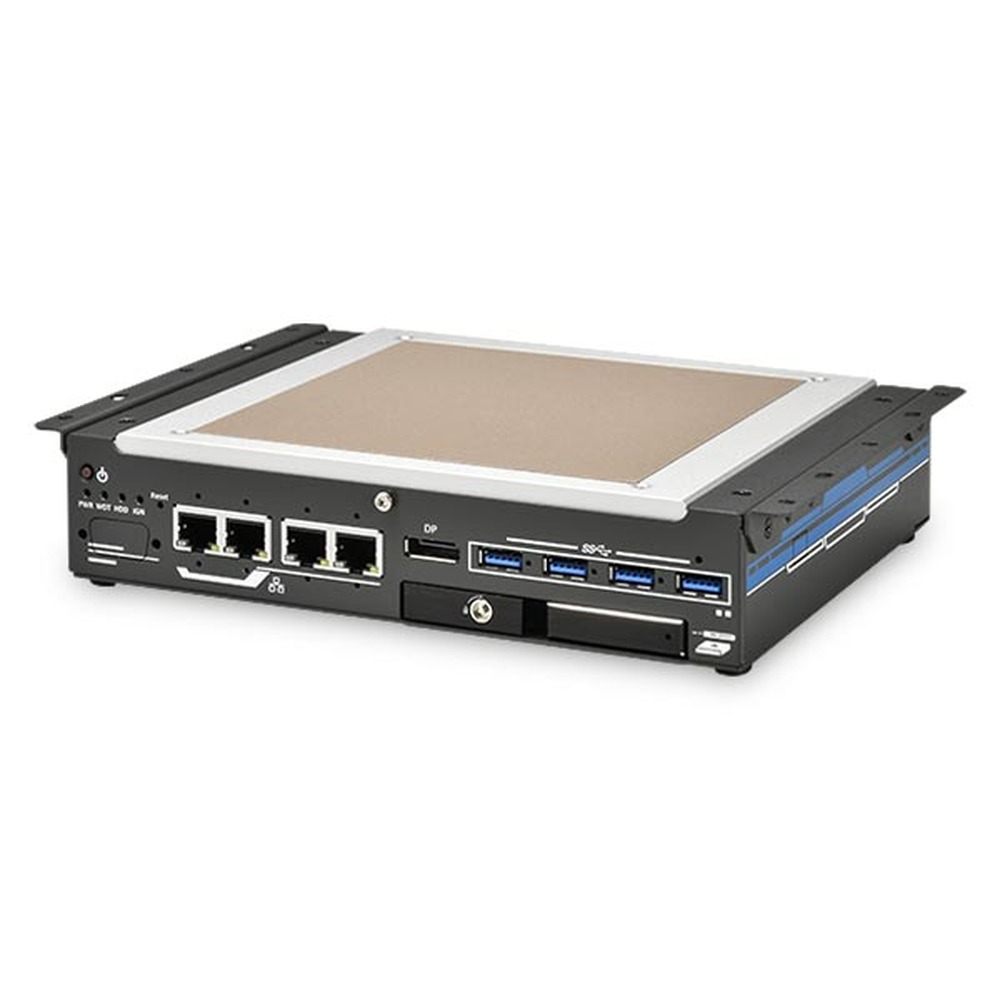
Intel 14th/13th/12th Gen Core Flattop Embedded Industrial PC with 4x 2.5GbE
- CPU
- Intel Core 13th Gen (Raptor Lake)
- Ethernet
- 4× 2.5GbE
- Temp
- −25 to +60 °C
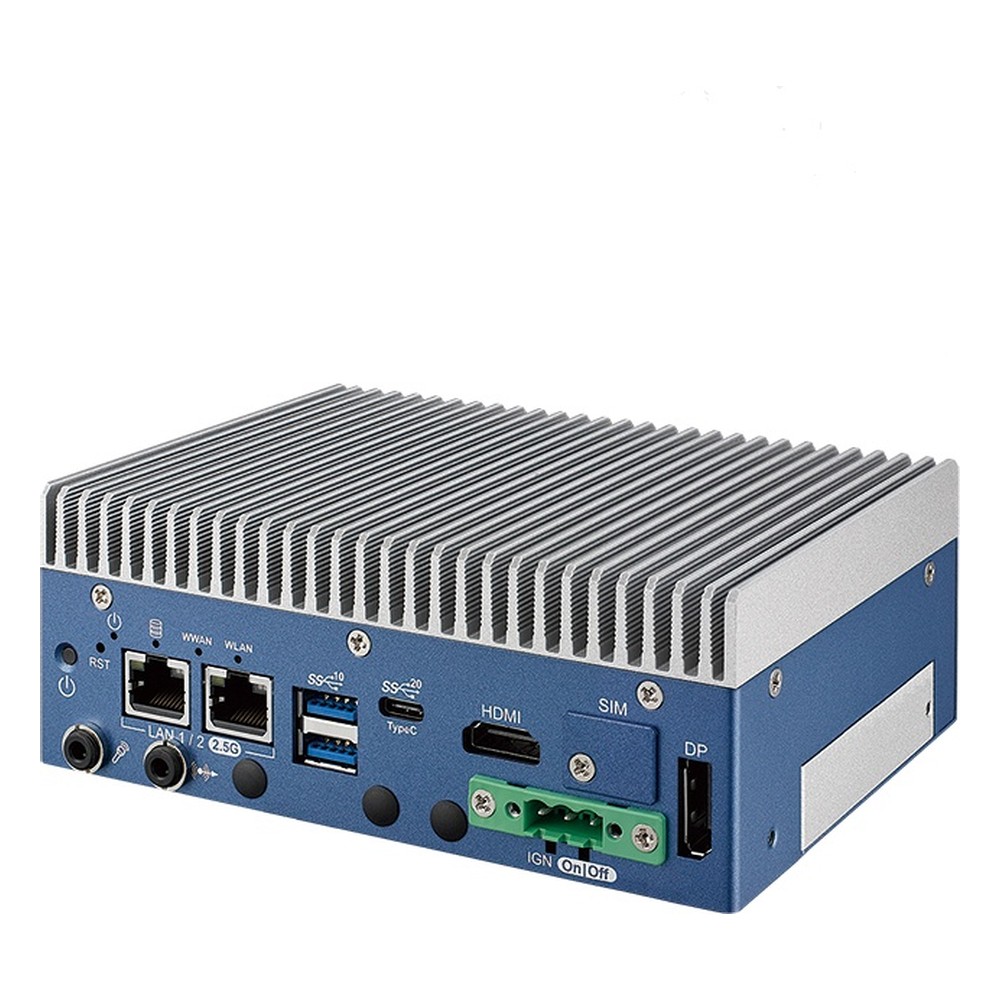
Intel Core Ultra 7 Mini Industrial PC with Fanless Heatsink, Dual 2.5GbE TSN and -40 to 75 °C
- AI
- 11 TOPS
- CPU
- Intel Core Ultra 1 (Meteor Lake)
- Ethernet
- 2× 2.5GbE
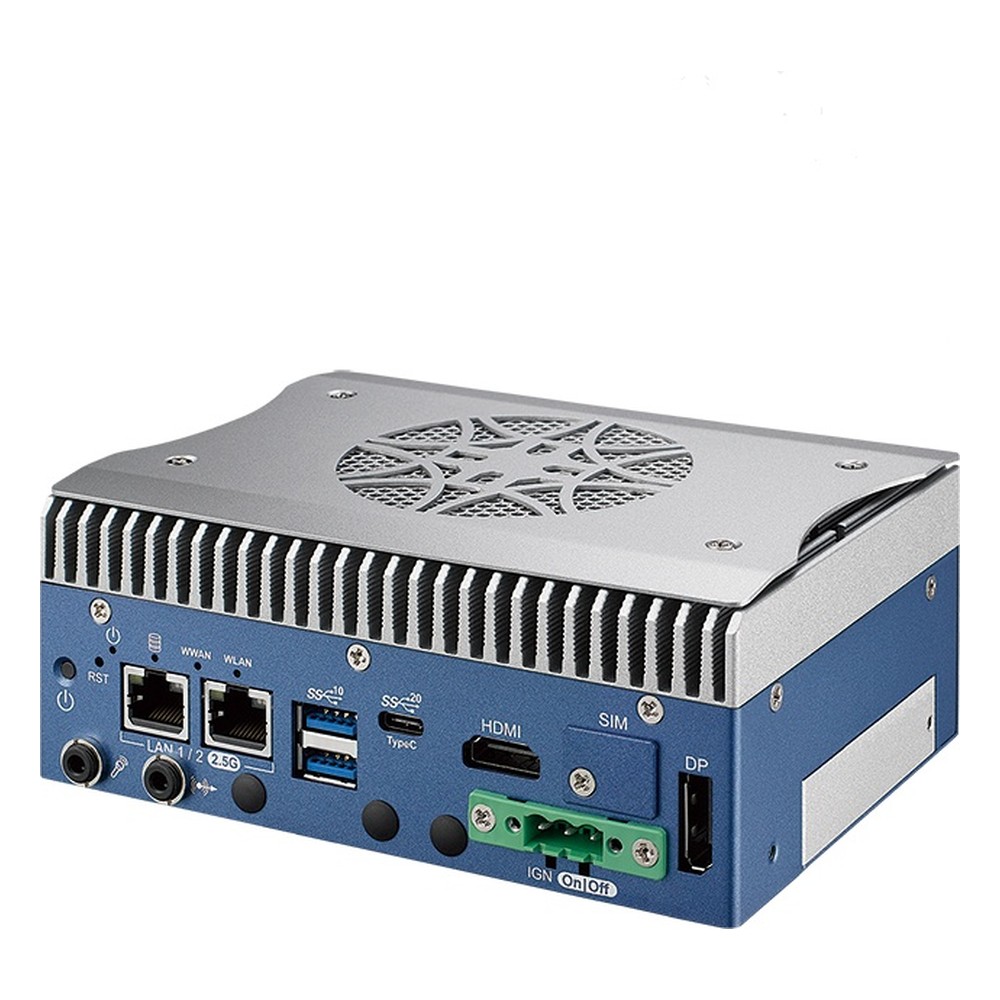
Intel Core Ultra 5 Mini Industrial PC with Fan-Cooled Design, Dual 2.5GbE TSN and Extended Temperature
- AI
- 11 TOPS
- CPU
- Intel Core Ultra 1 (Meteor Lake)
- Ethernet
- 2× 2.5GbE
Solid state features to look for
The design points that make a computer solid state.
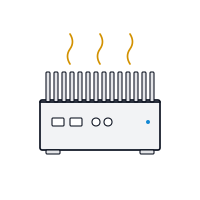
Fanless cooling
Passive heat path with no fans or vents.
View range
Shock and vibration
No moving parts and locked connectors for vehicles and machines.
View range
Wide temperature
Industrial components rated for cold starts and hot cabinets.
View range
Industrial mini PCs
Small fanless computers for cabinets, machines and kiosks.
View range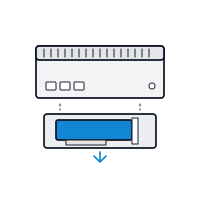
Expansion cassette
Separate compartments for GPUs and add-in cards.
View rangeSpecifying a solid state computer
Six checks before you choose.
-
01
Moving parts
No fans inside the sealed chassis and no spinning drives.
-
02
Storage
Industrial SSD or eMMC with the temperature range, endurance and power loss protection the site needs.
-
03
Processor power
Within the chassis rating at the hottest air it will see.
-
04
Cooling path
Fins with free air, or a flat-top bolted to a conductive wall.
-
05
Ruggedisation
Locked or soldered memory, no internal cables and locking external connectors.
-
06
Headroom
An external fan, cassette or GPU option if the workload may grow.
Solid state computers: common questions
Quick answers
What is a solid state computer?
A computer with no moving parts. It is cooled passively and stores data on flash memory, so there are no fans or spinning drives to wear out.
Is a fanless PC a solid state computer?
Usually, if it also uses flash storage. A fanless PC with a spinning hard drive still has a moving part; most industrial fanless PCs use SSDs or eMMC.
What are the advantages of a computer with no moving parts?
Higher reliability, sealing against dust and water, silence and less maintenance. It also tolerates shock and vibration better than a computer with fans and hard drives.
What is the difference between an SSD and a solid state computer?
An SSD is a storage drive; a solid state computer is a whole system. The computer uses SSD or eMMC storage and also removes fans and other moving parts.
Do solid state computers need maintenance?
Very little. Keep the fins clear of dust and debris, check temperatures occasionally and watch storage health on write-heavy systems.
Can a solid state computer run AI?
Yes, within its power rating. NPUs in current processors add AI inference without a fan, and larger workloads use GPU cassettes or conduction-cooled GPU computers.
Solid state computer FAQs
-
What Are the Advantages of Fanless Computers?
Fanless computers cool themselves passively, through a finned heatsink chassis and heat pipes, instead of a fan. With no moving parts and no airflow drawing in dirt, they are more reliable in dusty or vibrating places, silent, low maintenance and easy to seal, which is why they are the standard choice for industrial and embedded use.
-
What Is an SSD?
An SSD (solid-state drive) is a storage drive that keeps data on NAND flash memory chips instead of spinning magnetic platters. With no moving parts it reads and writes far faster than a hard drive, draws less power and copes better with shock and vibration. It connects over SATA or over PCIe using NVMe.
-
SSD vs HDD: What Is the Difference?
An HDD (hard disk drive) stores data magnetically on spinning platters read by a moving head. An SSD (solid-state drive) stores it on flash chips with no moving parts. SSDs are much faster, quieter and more tolerant of shock, vibration and heat. HDDs still cost less per terabyte, so they suit large archives and video retention.
-
eMMC vs SSD: What Is the Difference?
eMMC and SSDs both store data on NAND flash. eMMC is a single chip soldered to the board on a slower 8-bit bus, up to around 400 MB/s, while an SSD is a replaceable drive on SATA or PCIe NVMe, from around 550 MB/s to several GB/s. eMMC costs less and uses less power; SSDs are faster, larger and upgradeable.
-
What Is Power Loss Protection in an SSD?
Power loss protection (PLP) is a feature in industrial and enterprise SSDs that keeps data safe if power is cut suddenly. On-board capacitors store enough energy to finish writing any data held in the drive’s cache to its flash memory, so files and the drive’s internal mapping are not corrupted when the supply drops without warning.
-
What Is SSD TBW?
TBW (terabytes written) is an SSD’s endurance rating: the total amount of data the manufacturer guarantees can be written to the drive over its warranty before the flash wears out. A 1 TB SSD rated at 600 TBW, for example, is warranted for 600 TB of writes. DWPD expresses the same limit as full-drive writes per day.
-
What Is Conduction Cooling?
Conduction cooling moves heat out of a computer through solid materials rather than moving air. Thermal pads, heat spreaders and heat pipes carry heat from the processor, memory and storage into the metal chassis, which passes it to the surface it is mounted on or to the surrounding air. With no fans or vents, the system can be fully sealed.
Need help choosing a solid state computer?
Tell us what the computer has to run, where it will be installed and the hottest and coldest air it will see. We will recommend a solid state computer to suit, then configure, image and test it before it ships.