
 UK
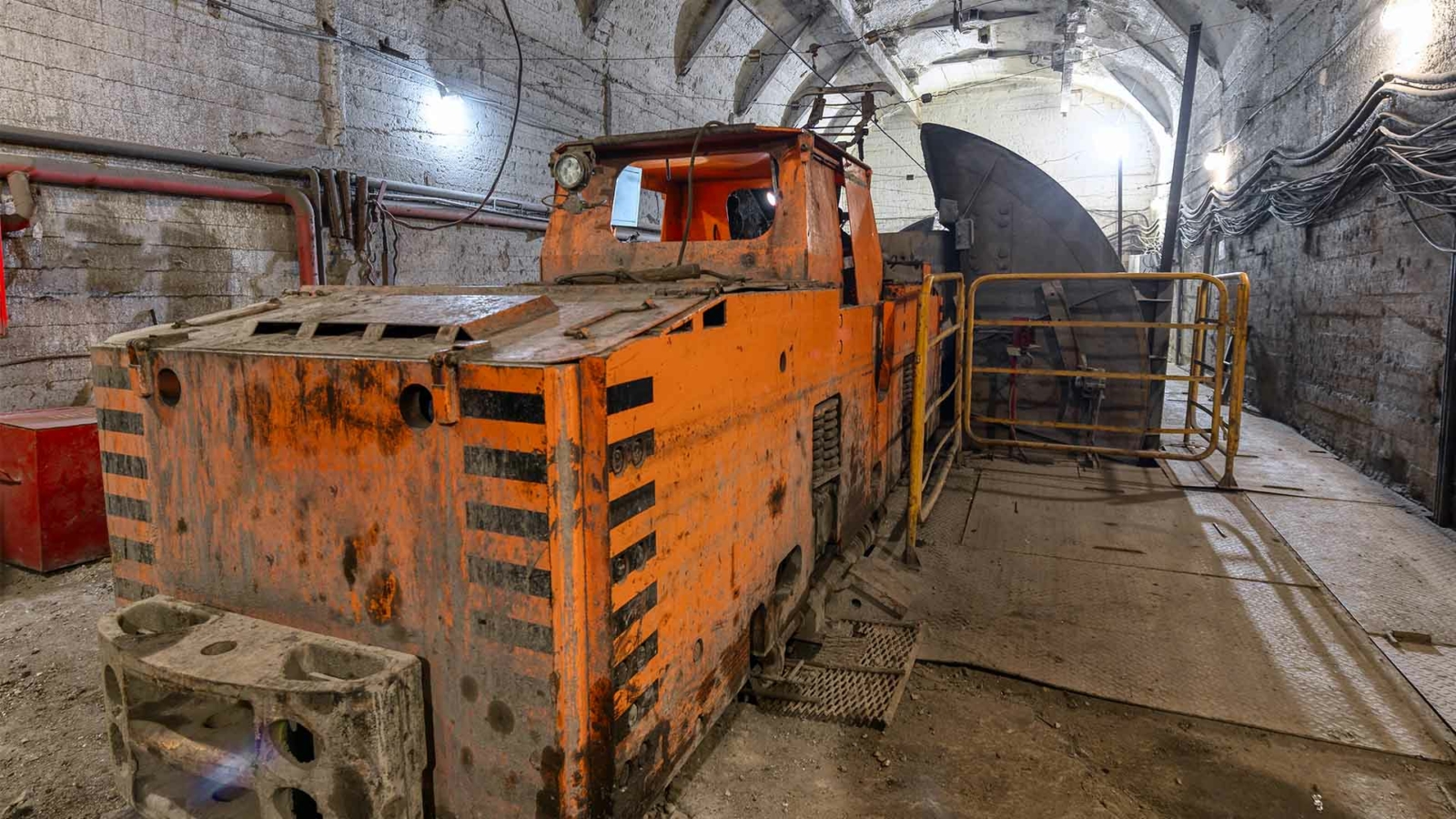
What Is an Industrial Grade Computer? Industrial vs Rugged Embedded PCs
Every rugged embedded computer is industrial, but not every industrial computer is rugged. Here is what makes a computer industrial grade, from component grades and lifecycle to EMC and safety testing, what the rugged layer adds and how to choose between them.
An industrial grade computer is a PC built from components rated for wider temperatures and continuous operation, kept to a controlled bill of materials for years, and tested to industrial EMC, safety, shock and vibration standards, so it runs 24 hours a day in factories, cabinets and vehicles where an office PC would not last. A rugged computer goes a step further, adding sealing, extended temperature, shock ratings and locking connectors for vehicles, the outdoors and defence.
It is often said that every rugged embedded computer is industrial, but not every industrial embedded computer is rugged. The distinction matters at the edge, where the choice decides whether a deployment runs for years without a visit or fails in its first hot summer. Industrial PCs suit controlled industrial settings and fit into existing processes and systems; rugged embedded computers are built for in-vehicle, military and outdoor work where the environment itself is the threat.
This guide sets out what “industrial grade” means in practice, from component grades to lifecycle and certification, what the rugged layer adds on top, and how to choose between them. For a shorter primer on what makes a computer rugged and which test standards define it, start with our overview.
Key takeaways
- 01Grade is about components and process
- Industrial grade means wide-temperature parts, a fixed bill of materials and testing to industrial standards, not just a metal case.
- 02Built for 24/7
- Industrial computers are designed for continuous duty from wide-range DC supplies, with long-life embedded processors.
- 03Rugged adds the environment
- Sealing, extended temperature, shock and vibration ratings and locking connectors take an industrial design into vehicles and the outdoors.
- 04Lifecycle is part of the grade
- The same build stays available for five years or more, with notice before anything changes.
- 05Match the grade to the site
- A clean control room needs industrial grade; a mining truck or a washdown line needs rugged.
Commercial vs industrial grade vs rugged computers
Most comparisons stop at temperature and the case. The differences that decide whether a computer lasts are often less visible: how its parts are graded, how its design is controlled and what it has been tested against. The values below are typical; individual models vary, and our guide to rugged computers compares the three classes by environmental rating.
| Characteristic | Commercial grade | Industrial grade | Rugged |
|---|---|---|---|
| Component temperature grade | Commercial, about 0 to 70 °C at the part | Industrial parts, often −40 to 85 °C, on wide-temperature builds | Industrial or automotive grade throughout |
| Operating temperature | About 0 to 35 or 40 °C | About −20 to 60 °C; −40 to 70 °C on wide-temperature builds | −40 to 70 °C typical, some wider |
| Duty cycle | Office hours | Continuous, 24/7 | Continuous, through shock, vibration and power transients |
| Power input | Mains or fixed adapter | 12 or 24 V DC, often 9–36 V or 9–48 V | Wide DC with ignition control and vehicle or rail transient protection |
| Bill of materials | Changes without notice | Fixed, with revision control and change notices | Fixed, with revision control and change notices |
| Product lifecycle | About 12 to 18 months | Five years or more, tied to embedded processors | Five to ten years or more |
| EMC standard | EN 55032 and EN 55035 for IT equipment | Plus EN 61000-6-2 and EN 61000-6-4 for industrial sites | Plus EN 50155, E-Mark or MIL-STD-461 as required |
| Shock and vibration | Not specified | IEC 60068-2 tested on many models | MIL-STD-810H, EN 61373 or IEC 60068 at higher levels |
| Ingress protection | Vented, about IP20 | IP20 to IP40, fanless | IP65 to IP69K sealed |
| Connectors | Consumer USB, HDMI, RJ45 | Screw-lock USB and LAN, terminal-block power, serial | M12 and MIL-DTL-38999 circular connectors |
| Firmware control | Consumer BIOS, frequent updates | Configurable power limits, watchdog, auto power-on | As industrial, plus ignition and power sequencing |
An industrial grade computer is therefore defined as much by what does not change as by what it can withstand. Our guide to embedded computers explains how fixed-function systems differ from general-purpose PCs.
What makes a computer industrial grade?
Component grades
Semiconductors are sold in temperature grades. Commercial parts are typically specified from 0 to 70 °C at the component, industrial parts from −40 to 85 °C, and automotive parts qualified to AEC-Q100 go higher still. An industrial grade computer uses industrial parts where the rating depends on them, especially memory, storage and power circuitry, so a stated operating range of −40 to 70 °C is backed by the parts inside rather than by a sample that happened to pass.
| Grade | Typical component range | Where you see it |
|---|---|---|
| Commercial | 0 to 70 °C | Office PCs, consumer mini PCs |
| Extended | −20 or −25 to 85 °C | Many industrial boards and SSDs |
| Industrial | −40 to 85 °C | Wide-temperature computers, rail and outdoor systems |
| Automotive (AEC-Q100 Grade 1) | −40 to 125 °C | Vehicle electronics and some embedded processors |
Design for continuous duty
Industrial computers are designed to run all day, every day. That shows in fanless cooling sized for the sustained processor power, wide-input DC supplies with surge and reverse-polarity protection, solid capacitors, error-correcting ECC memory on many processor options, and watchdog timers that restart a system that stops responding. Running cooler also improves reliability, which our guide to MTBF explains.
Lifecycle and revision control
When an OEM deploys hundreds of computers, it validates one build and one operating system image and expects to buy the same thing for years. Industrial grade computers are built on embedded processors with long availability, keep a fixed bill of materials, and come with notice before any component change and a last-time-buy window before the end of life. A consumer PC can change its chipset, network controller or SSD between batches, and each change can break software that was proven on the earlier build.
Certification and testing
Industrial computers are tested for the electrical environment of a factory as well as an office. EN 61000-6-2 sets immunity levels for industrial sites and EN 61000-6-4 emission limits, beyond the IT equipment standards a commercial PC meets; our FAQ on EMC testing explains the difference. Safety follows IEC 62368-1, with UL certification on some models for North American control panels, and shock and vibration are tested to IEC 60068-2-27 and IEC 60068-2-64 on many industrial models.
Industrial vs rugged: what the rugged layer adds
Rugged embedded systems have extra design characteristics that keep them working in extremely severe conditions. They start from an industrial design and harden it against the environment.
- Extended temperature. Industrial computers typically run fanless across a range that suits factories; rugged ones commonly run from −40 to 70 °C, and some boards to 85 °C, for cold depot starts and hot engine bays.
- Sealing. A rugged computer can be sealed to IP65 to IP69K for outdoor and washdown use; our IP rating chart explains each level.
- Shock and vibration. A stiffer chassis, solid-state storage and secured components protect the most common failure points under impact and vibration, and many rugged systems are tested to MIL-STD-810H, the US military test standard that replaced MIL-STD-810G.
- Locking connectors. Screw-lock and circular connectors keep cables seated under vibration, and GPU locking brackets hold expansion cards in place; our guide to M12 connectors explains why they suit harsh environments.
- Vehicle and rail power. Ignition control, wide DC input and protection against transients, with E-Mark for road vehicles and EN 50155 for rolling stock.
- Mounting. Wall and DIN rail mounting suit industrial settings, while rugged computers often come with damping brackets that absorb shock and vibration.
| Deployment | Usually enough | Why |
|---|---|---|
| Control room or clean plant room | Industrial grade | Stable temperature, no water, little vibration |
| Control cabinet on the factory floor | Industrial grade, fanless, wide temperature | Warm cabinet air and dust, but no impacts |
| On a machine or conveyor | Industrial grade with shock and vibration ratings | Continuous vibration, occasional knocks |
| Food and beverage washdown | Rugged, IP69K, stainless steel | High-pressure hot water and chemicals |
| Road vehicles and mobile plant | Rugged, E-Mark, ignition control | Shock, vibration, cold starts and supply transients |
| Rolling stock and trackside | Rugged, EN 50155 and EN 50121 | Rail power and EMC requirements |
| Defence and field systems | Rugged, MIL-STD-810H and MIL-STD-461 | Shock, climate and electromagnetic requirements |
One processor, three grades
The difference is easiest to see when the processor stays the same. These three DFI systems all use the eight-core Intel Atom x7835RE at 12 W, yet each is built for a different environment.
| DFI EC700-ASL-x7835RE | DFI VC700-ASL-x7835RE-8G | DFI ECX700-ASL2020A-X35 | |
|---|---|---|---|
| Class | Industrial fanless computer | Rugged in-vehicle computer | Rugged sealed computer |
| Operating temperature | −40 to 60 °C with 0.2 m/s airflow | −40 to 70 °C | −40 to 70 °C with 0.6 m/s airflow |
| Power | 9–36 V DC on a DC jack | 9–36 V DC terminal block with ignition control | 9–36 V DC on an M12 D-coded connector |
| Connectors | RJ45, DB9 serial, USB-A and USB-C | M12 X-coded LAN, DB9 serial and CAN | M12 LAN, sealed USB and circular serial and CAN |
| Ingress | Not sealed | Not sealed | IP68 and IP69K |
| Shock and vibration | MIL-STD-810G | MIL-STD-810G | IEC 60068-2-27, IEC 60068-2-64 and MIL-STD-810H |
| Approvals | CE, FCC, UKCA | CE, FCC, E-Mark (E24), ITxPT, UKCA | CE, FCC Class A |
| Typical home | Edge gateways and cabinets | Bus and coach fleets | Construction and mining vehicles |
The processor, memory and software can be identical across all three. What changes is the power entry, the connectors, the sealing and the approvals, and that is exactly what “rugged” adds to “industrial”.
Types of rugged embedded PC from our range
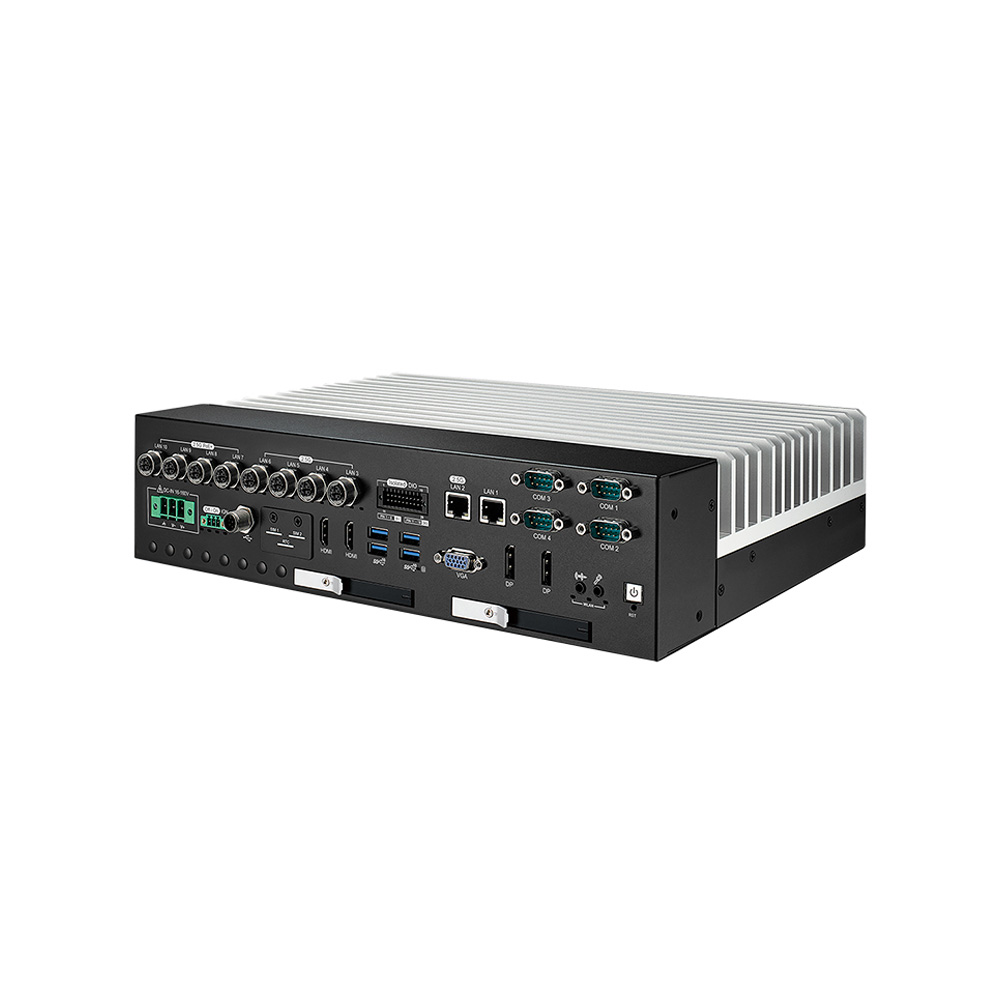
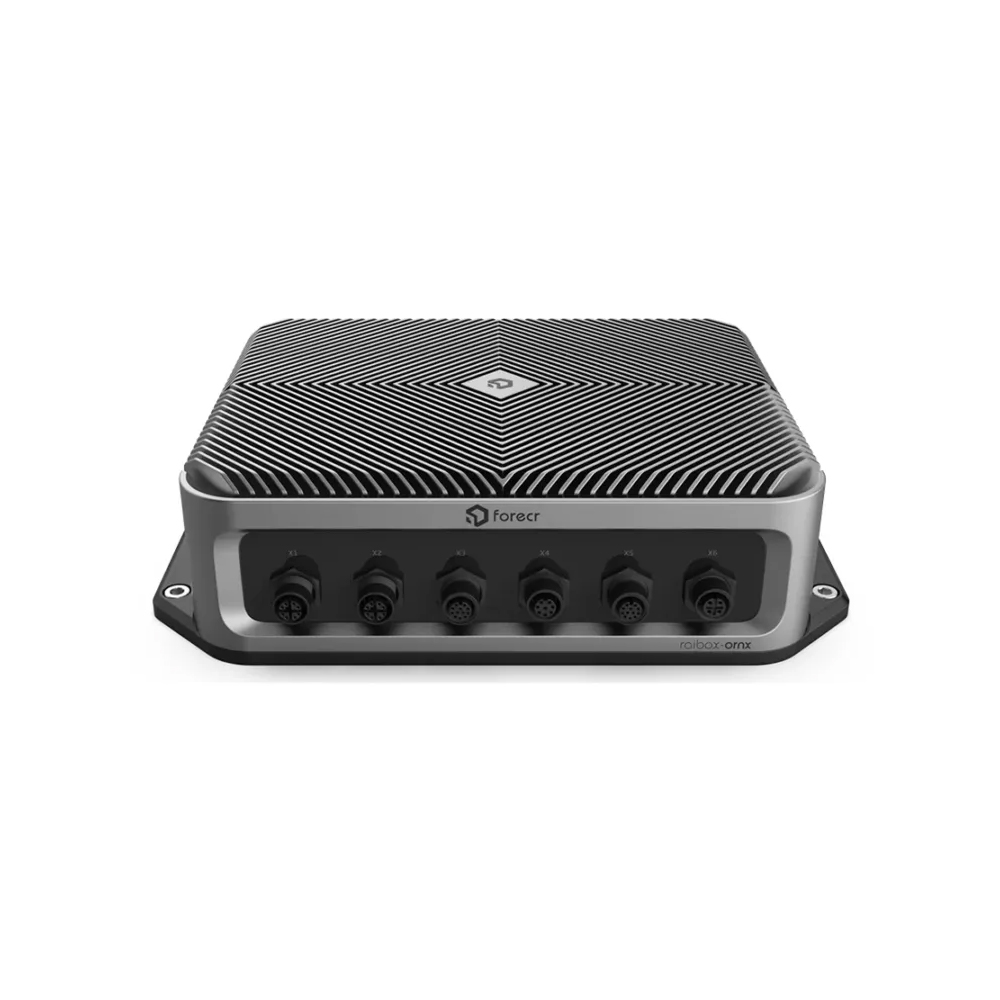
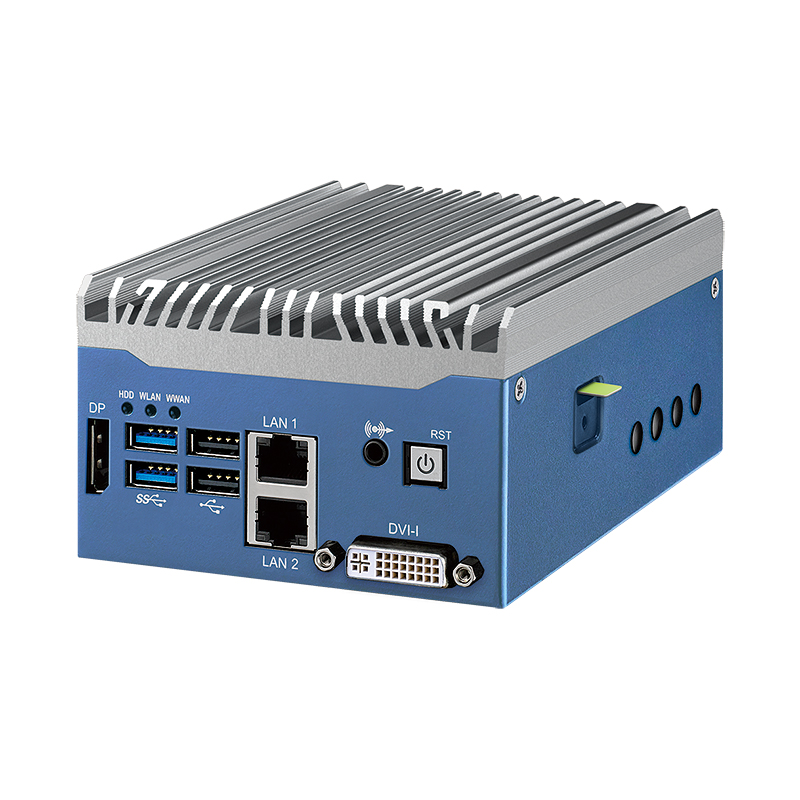
Where industrial grade is not enough, these are the rugged families we supply.
-
01

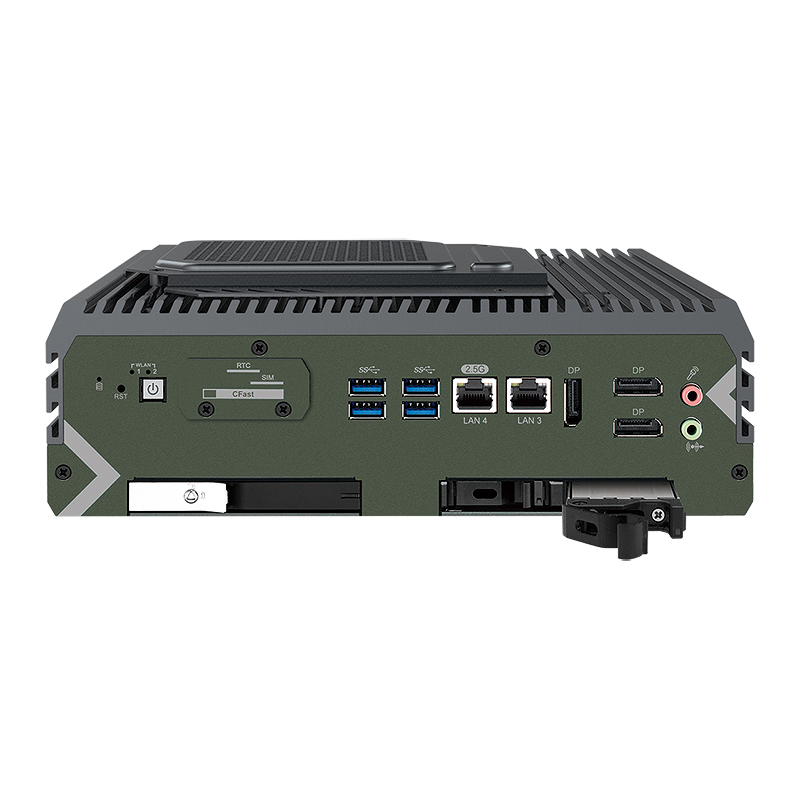
Rugged embedded computers
Fanless, wide-temperature systems with shock and vibration ratings for harsh sites.
-
02
Rugged GPU computers
Discrete GPU systems with locking brackets for AI on vehicles and machines.
View range -
03
Mini rugged embedded PCs
Compact rugged systems for tight spaces and light loads.
View range -
04
Rugged in-vehicle computers
Ignition control, wide DC input and E-Mark for road vehicles.
View range -
05
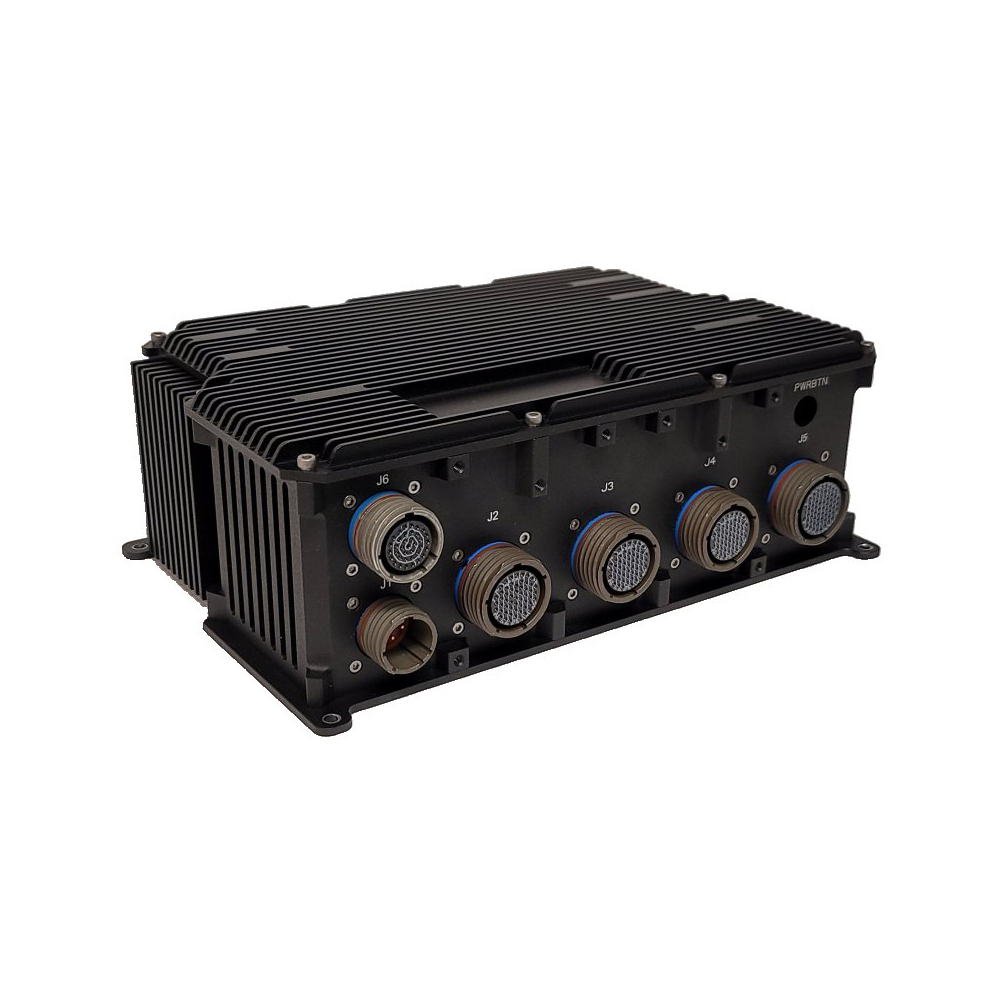
Rugged mission computers
Sealed, conduction-cooled systems for defence and field platforms.
View range -
06
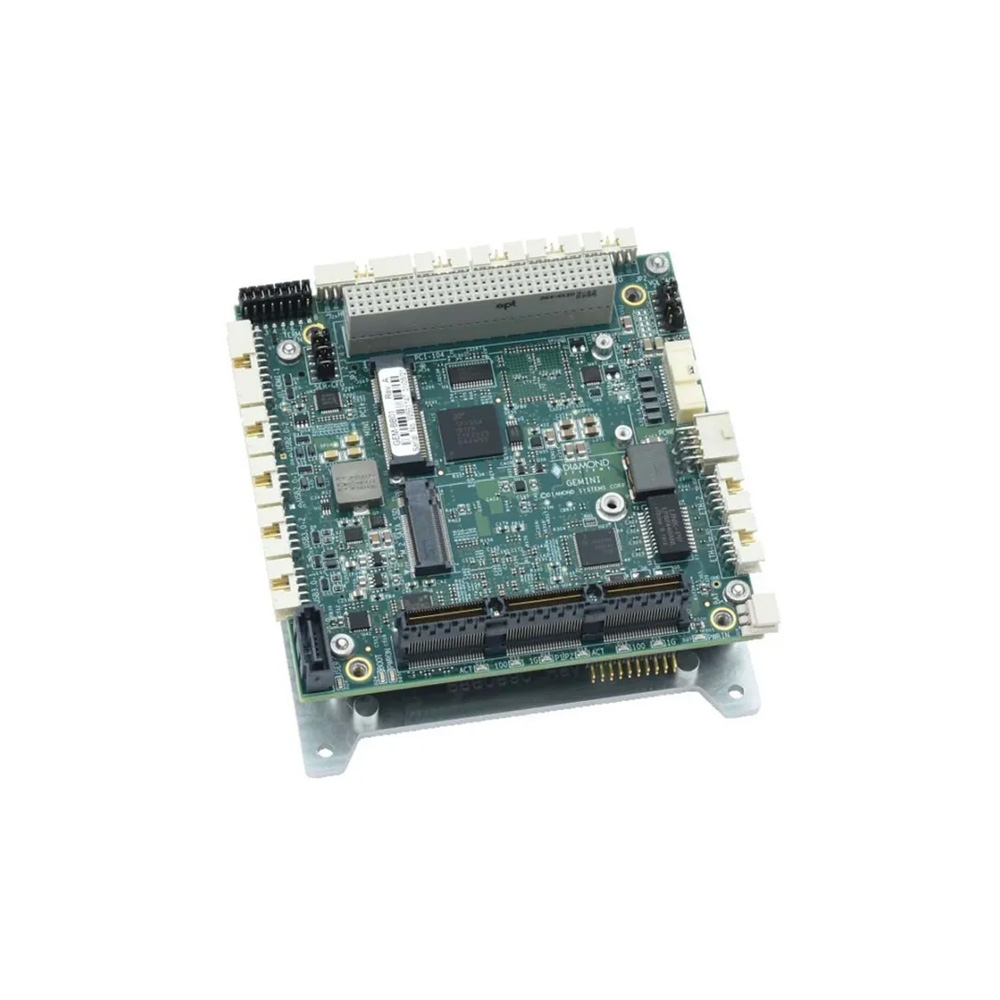
Rugged embedded SBCs
Wide-temperature boards for builders who design their own enclosure.
View range
Choosing an industrial or rugged embedded computer
Choosing well starts with a clear picture of the workload and the place the computer will live. Four questions cover most decisions.
| Question | What to establish | How it affects the grade |
|---|---|---|
| Performance | Sustained processing, memory and storage for the workload | Sets the processor power, and so the cooling the chassis needs |
| Connectivity and expansion | Number and type of ports, PCIe slots for GPUs or I/O cards | Locking I/O and GPU brackets where there is vibration |
| Environment | Temperature range, humidity, dust, water, chemicals, vibration | Decides between industrial grade and rugged |
| Lifecycle and support | How many systems, over how many years, and who supports them | Embedded processors, fixed builds and a supplier who manages change |
Start with performance. Size the processor for the sustained load rather than the peak; our guide to how performance affects embedded system reliability explains the link between processor power, heat and lifetime. Then check the connectivity: the quantity and type of ports, and expansion slots for future upgrades. Many industrial embedded computers take PCIe cards for specific I/O or GPUs, and rugged versions add locking I/O and GPU brackets so connections cannot work loose.
Next, the environment. Industrial embedded computers typically run fanless across a wide range for factory installations; rugged counterparts extend that, add waterproofing for outdoor use and withstand severe vibration. Finally, think about mounting and support. Assess the space and mounting options, and choose a supplier who will keep the same build available and support it for the life of the project, because these systems often run critical processes where downtime has real cost. Our guide to harsh environment computers starts from the environment rather than the computer.
Why do industrial PCs cost more, and how long do they last?
Industrial grade computers cost more than consumer PCs of similar processing power because of what sits behind the specification: wide-temperature components, lower production volumes, fanless chassis machined to carry heat, wide-input power stages, industrial EMC and safety testing, and the cost of keeping one build available, documented and supported for years.
In return they typically stay in service far longer. An office PC is often replaced after three to five years; an industrial grade computer in a cabinet commonly runs for seven to ten years or more, and the processor families inside are usually available for seven years or longer from launch. Our FAQ on how long computers last compares typical lifetimes, and in practice a rugged fanless PC on a smart factory floor shows the payback of fewer site visits.
Industrial grade computers in our range
Industrial grade categories for factories, cabinets and machines, before the rugged layer is needed.
Fanless industrial computers
Box PCs from low-power gateways to 65 W Intel Core systems, cooled without a fan.
View range
Wide temperature computers
Builds rated from −40 °C upwards, with industrial memory and storage.
View range
DIN rail PCs
Narrow fanless computers for control cabinets.
View range
Industrial panel PCs
Touchscreen computers for HMI and operator stations.
View range
Industrial motherboards
Long-life boards for OEMs building their own systems.
View range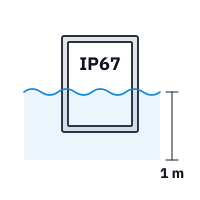
Waterproof computers
Sealed systems where the site needs IP65 and above.
View rangeIndustrial and rugged computers compared
The three DFI grades above plus a UL-certified fanless Intel Core system, each supplied with its operating system image installed and tested before it ships.
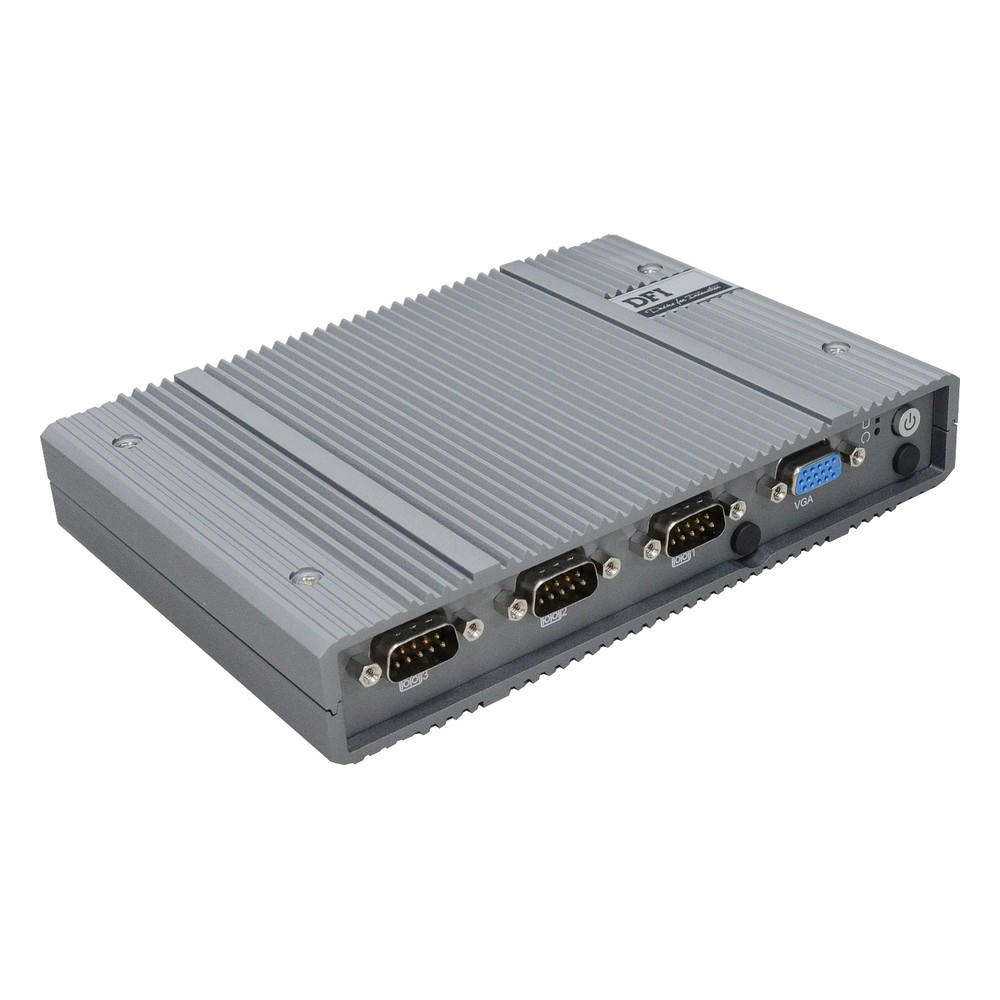
8-Core Intel Atom x7835RE Fanless Industrial Computer with OOB and -40 to 60 °C
- CPU
- Intel Atom x7835RE (Amston Lake)
- Ethernet
- 2× 2.5GbE, 1× GbE
- Temp
- −40 to +60 °C
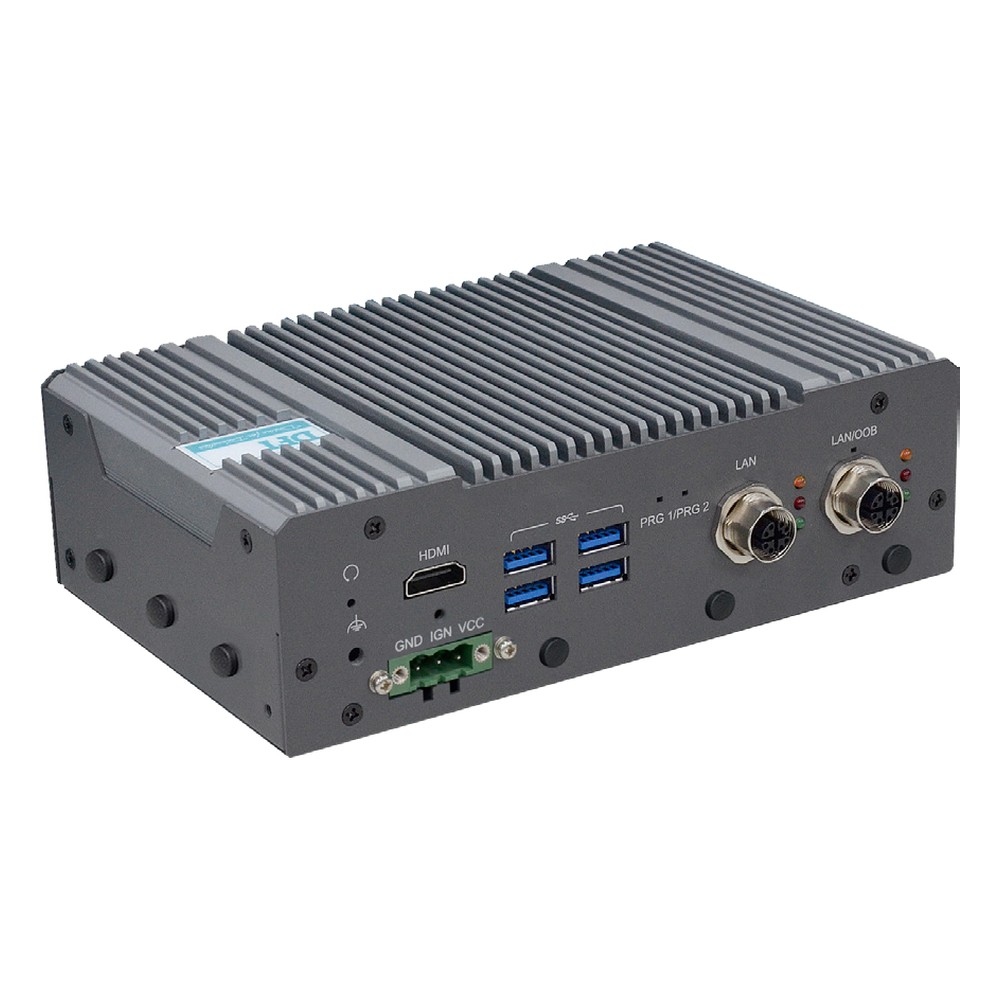
8-Core Intel Atom x7835RE Rugged Embedded PC with 8GB, M12 LAN and -40 to 70 °C
- CPU
- Intel Atom x7835RE (Amston Lake)
- Ethernet
- 2× GbE
- Temp
- −40 to +70 °C
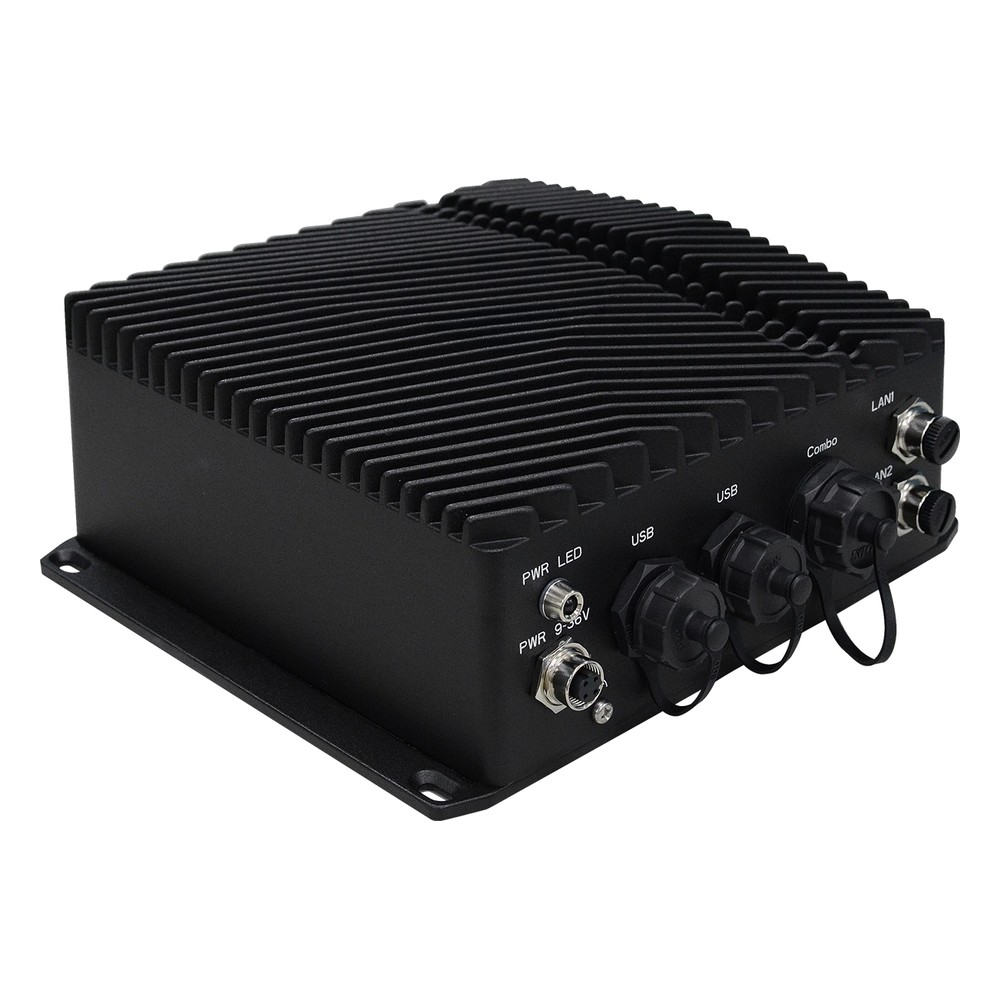
8-Core Intel Atom x7835RE Rugged Fanless PC with IP68 and Extended Temperature
- CPU
- Intel Atom x7835RE (Amston Lake)
- Ethernet
- 2× 2.5GbE
- IP Rating
- IP68, IP69K
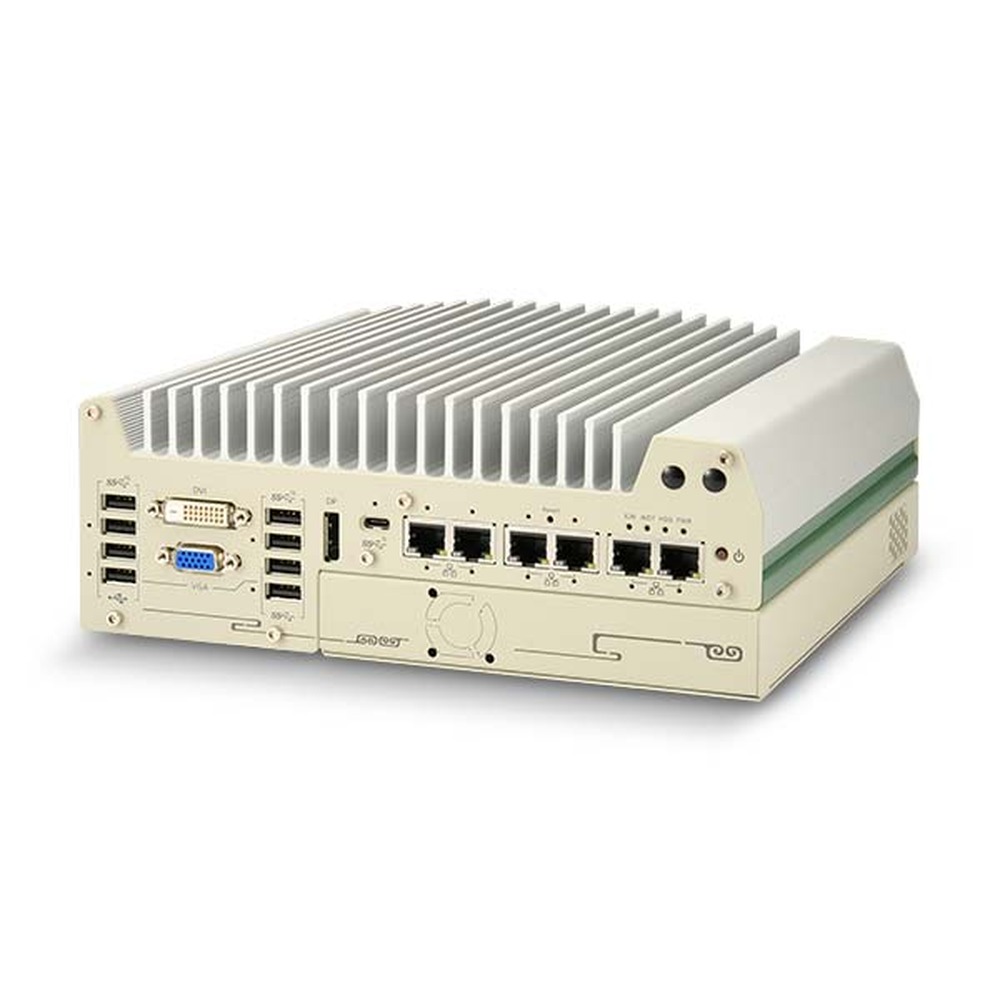
UL-Certified Intel 14th/13th/12th Gen Core Fanless Rugged Computer with Single-Slot Cassette
- CPU
- Intel Core 13th Gen (Raptor Lake)
- Ethernet
- 1× 2.5GbE, 1× GbE
- Temp
- −25 to +70 °C
Is it really industrial grade?
Seven things to check on a datasheet before you accept the label.
-
01
Temperature
An operating range that covers the installation, with the airflow and processor conditions stated.
-
02
Components
Industrial temperature memory and storage on wide-temperature builds.
-
03
Power
Wide-range DC input with surge, over-voltage and reverse-polarity protection.
-
04
EMC
EN 61000-6-2 and EN 61000-6-4, or the sector standard the site needs.
-
05
Safety
IEC 62368-1, with UL certification where the panel needs it.
-
06
Shock and vibration
Named test standards and levels, not just “rugged”.
-
07
Lifecycle
Stated availability, revision control and last-time-buy notice.
Industrial grade computers: common questions
Quick answers
What is an industrial grade computer?
A computer built and tested for continuous use in industrial environments. It uses wide-temperature components, wide-range DC power and a fixed bill of materials, and is tested to industrial EMC, safety, shock and vibration standards.
What is the difference between an industrial PC and a regular PC?
Temperature range, power input, I/O, testing and lifecycle. An industrial PC runs 24/7 from a DC supply in a cabinet or on a machine, and the same build stays available for years; a regular PC is designed for an office and changes often.
Is a rugged computer the same as an industrial computer?
Every rugged computer is industrial, but not every industrial computer is rugged. Rugged models add sealing, extended temperature, shock and vibration ratings and locking connectors for vehicles, the outdoors and defence.
Why are industrial PCs so expensive?
Wider-rated parts, lower volumes, extra testing and long-term availability. The price also covers keeping one validated build available and supported for years, which avoids requalifying software on every new batch.
How long do industrial PCs last?
Commonly seven to ten years or more in service. Embedded processors are usually available for seven years or longer, and fanless designs remove the part most likely to wear out.
What is a wide temperature industrial PC?
One rated to run across a wider range than standard, often −40 to 70 °C. It uses industrial temperature components and storage so it can start in the cold and keep running in hot cabinets.
Industrial grade computer FAQs
-
What Is IEC 62368-1?
IEC 62368-1 is the international safety standard for audio/video, information and communication technology equipment, including computers, monitors, network equipment and their power supplies. It replaced IEC 60950-1 and IEC 60065 with a hazard-based approach that classifies energy sources and specifies safeguards. It is adopted as EN 62368-1 in Europe and the UK and as UL 62368-1 in North America.
-
What Is EMC Testing?
EMC testing checks that an electronic product is electromagnetically compatible: its emissions stay under legal limits, and it keeps working when exposed to static discharge, radio fields, transients and mains surges. It is carried out to standards such as CISPR 32 and IEC 61000-4, and is required before most products can be sold in the UK, EU and US.
-
What Is MIL-STD-810H?
MIL-STD-810H is the current revision of the US Department of Defense standard for environmental engineering and laboratory testing. It describes test methods for temperature, shock, vibration, humidity, altitude, sand, rain and more, and explains how to tailor them to the conditions equipment will meet. It is a test method standard, not a certification, so claims should name the methods used.
-
What Is Conformal Coating?
Conformal coating is a thin protective film, tens of microns thick, applied over an assembled circuit board so that it follows the shape of the components. It protects the electronics from moisture, condensation, dust, salt and chemicals, and is common on rugged computers, vehicle electronics and boards used outdoors.
-
What Is the Industrial Temperature Range?
The industrial temperature range is −40 to 85 °C: the grade an electronic component must operate across to be called industrial, compared with 0 to 70 °C for commercial parts. Rugged computers built from industrial-grade components typically run from −25 or −40 °C up to 70 °C as a complete system.
-
How Long Do Computers Last?
Most consumer laptops last around three to five years and desktops around five to eight. Industrial and embedded computers typically stay in service for seven to ten years or more, because they use fanless cooling, industrial components and processors from long-life embedded roadmaps. Heat, workload, storage wear and software support decide the rest.
Want help choosing an industrial or rugged computer?
Tell us what the computer has to run, where it will be installed and the approvals the project needs. We will recommend an industrial or rugged system to suit, then configure, image and test it before it ships.