RUGGED COMPUTING · TECHNICAL GUIDE

M12 Connectors Explained: Coding, Pinouts and Uses in Industrial Computers

M12 connectors carry power, sensor signals and Ethernet through a sealed, screw-locked circular connector built for vibration, water and dirt. Here is how M12 coding, pin counts and sizes work, and why rugged and waterproof computers use them.

TypeWhite paper
Published16 Sep 2022
AuthorAndrew WhitehouseManaging Director
Reading time25 min

The Short Answer

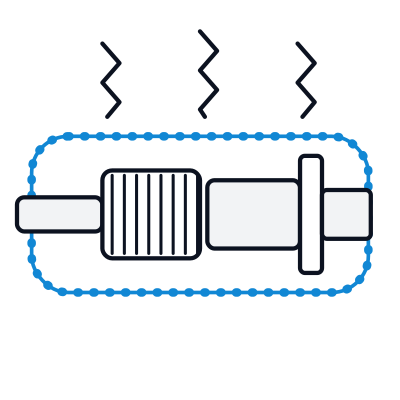
An M12 connector is a circular industrial connector with a 12 mm (M12 x 1) screw-locking thread, standardised in the IEC 61076-2 series. It carries power, sensor signals and Ethernet in one sealed format, rated IP67 or higher when mated, and uses coding (A, B, D, X and others) so that incompatible plugs and sockets cannot be connected.

Key points · 4 points

Key Takeaways

01Coding decides the job
A-coded for sensors, signals and DC power; B for PROFIBUS; D and X for Ethernet; L, S, K and T for power.
02D or X for Ethernet
D-coded is 4-pin 10/100 Mbps; X-coded is 8-pin Gigabit and 10 Gigabit, and the two are not interchangeable.
03Sealed only when mated
An M12 socket is IP67 or better with a plug or a cap fitted; an open, unused socket is not.
04Built for vibration
The threaded coupling cannot shake loose like an RJ45 clip, which is why vehicles, trains and machines use it.

What Is an M12 Connector?

An M12 connector is a round, threaded industrial connector named after its metric thread: 12 mm in diameter with a 1 mm pitch, written M12 x 1. It started out on sensors and actuators in factory automation and now carries industrial Ethernet, fieldbus and power as well. The IEC 61076-2 series of standards defines the shapes, codings and pin layouts, so connectors from different makers mate with each other when their coding and pin count match.

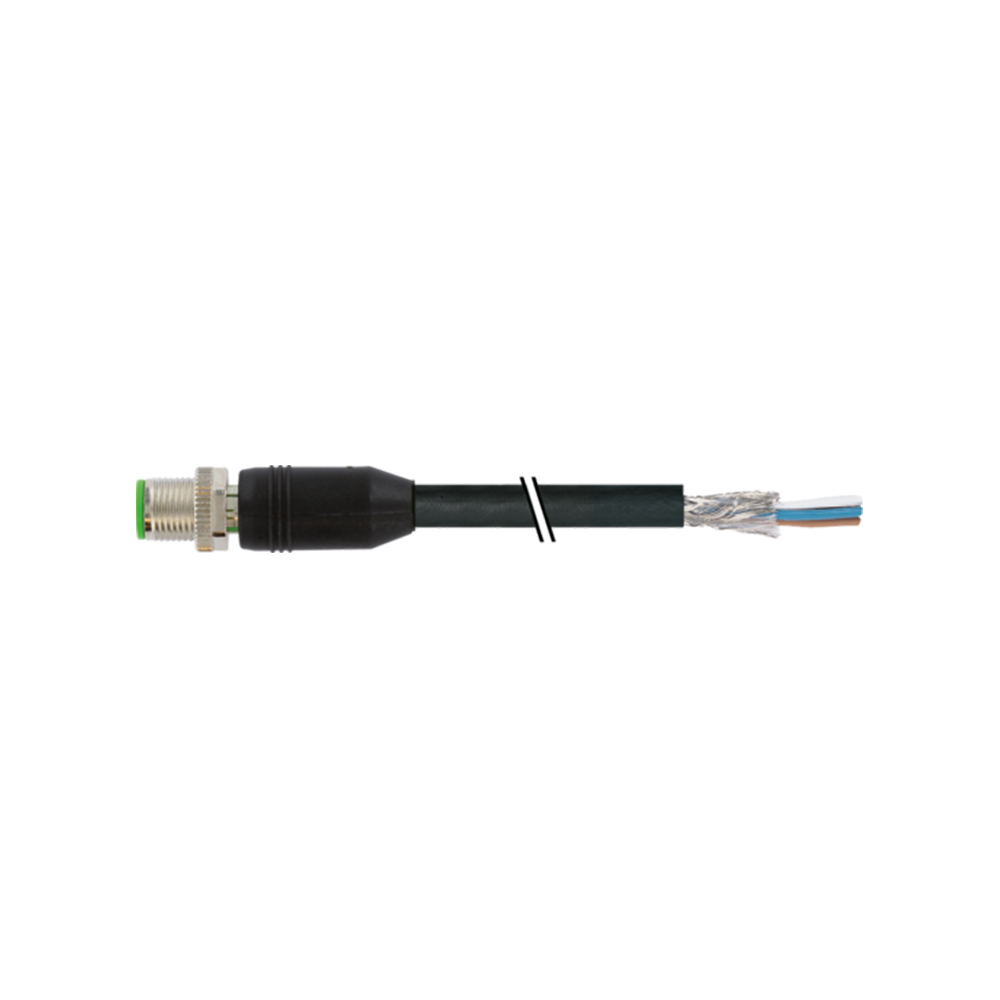
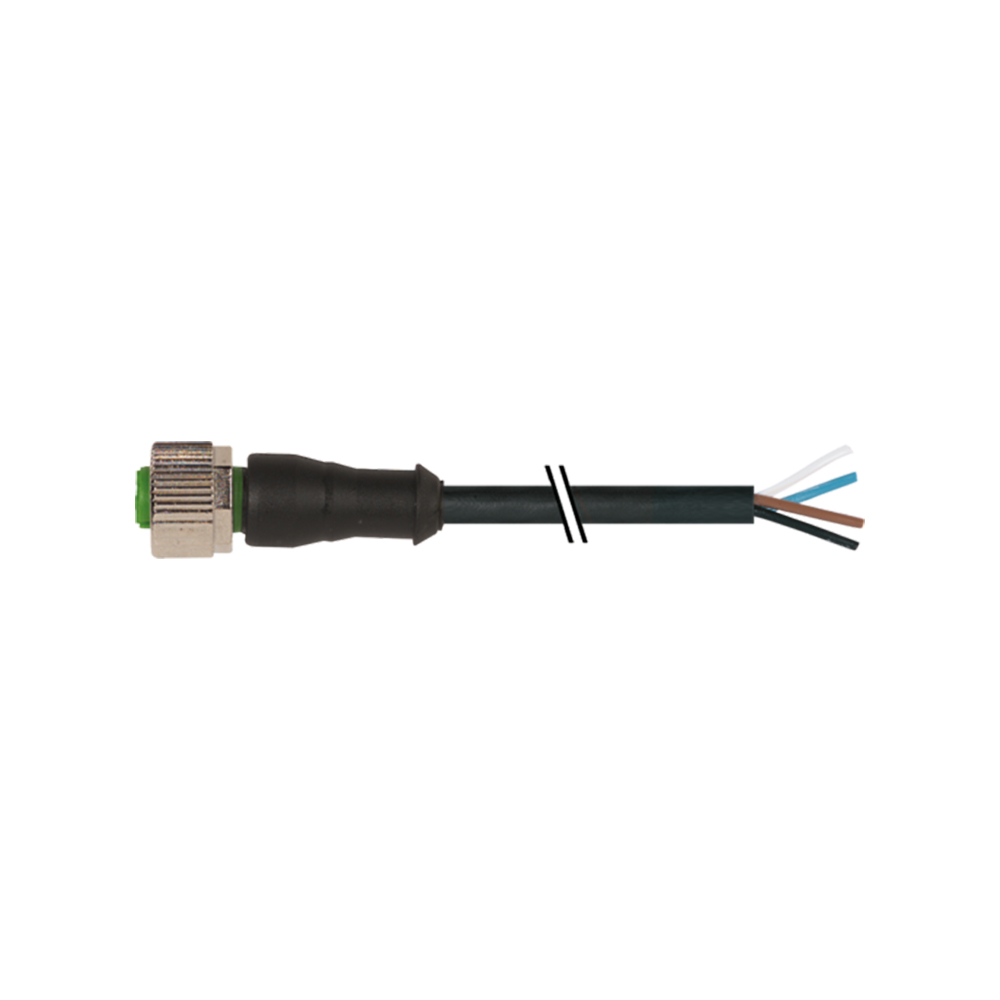
Each connection pairs a male plug, with pins, and a female socket, with contacts. Cables are usually fitted with plugs or sockets moulded or field-wired on, while devices use panel-mount sockets. A knurled coupling nut screws the two halves together and compresses a seal, which is what makes M12 dependable where standard connectors work loose or let water in. Straight and right-angle versions suit tight installations, and shielded versions protect data against electrical noise.

M12 is one of a family of metric circular connectors; the difference between M8 and M12 is mainly size, pin count and power capacity.

Points · 9

M12 coding explained

Every M12 connector shares the same thread, so M12 coding adds a key and a pin layout for each use. A plug only mates with a socket of the same coding, which stops a sensor cable being screwed onto an Ethernet port or a power socket.

M12 A-coded connectors

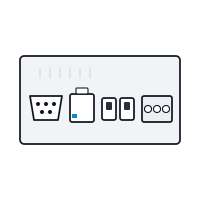
The most common coding (more on A coding), used for sensors, actuators, DC power and general signals, with 3 to 12 pins. On industrial computers, A-coded connectors carry serial ports, USB, digital I/O and DC power input, each with its own pin count.
M12 B-coded connectors

Reserved for PROFIBUS fieldbus networks, usually with 5 pins (more on B coding). B coding keeps fieldbus cables separate from sensor and Ethernet cables on the same machine.

M12 C-coded connectors

Used for AC sensors and some AC power connections, with 3 to 6 pins. For higher AC power, the newer S and K power codings are replacing it.

M12 D-coded connectors

The original M12 Ethernet coding: 4 pins carrying 10/100 Mbps Ethernet, used for PROFINET and EtherNet/IP devices and for many rail and vehicle networks. See M12 D-coded connectors for the pinout.

M12 X-coded connectors

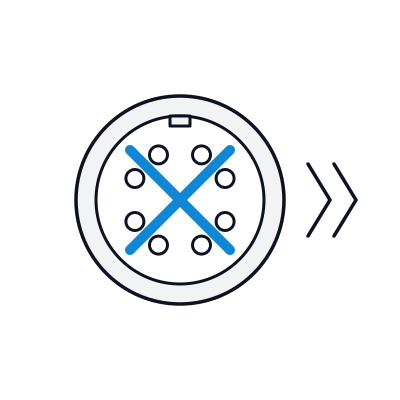
8 pins in four shielded pairs, carrying Gigabit and 10 Gigabit Ethernet. X coding is what most modern rugged computers use for their Gigabit ports, and it can carry Power over Ethernet with a suitable cable. See M12 X-coded connectors.

M12 L-coded connectors

A power coding for DC supplies up to 16 A at 63 V, used to feed PROFINET devices and field I/O modules in place of larger power connectors. See M12 L-coded connectors.

M12 T-coded connectors

A 4-contact power coding for DC supplies up to 12 A at 63 V, for devices that need more current than an A-coded connector carries. The M12 power codings FAQ compares it with L coding.

M12 S-coded connectors

An AC power coding for supplies up to 630 V, with a protective earth contact, replacing C coding for AC power on newer equipment.

M12 K-coded connectors

An AC power coding with four contacts and earth for supplies up to 630 V, including three-phase supplies to motors and drives.

M12 Coding at a Glance

The newer power codings carry supply currents that signal codings cannot; the L-coded and other M12 power codings have their own FAQs. Pin counts and ratings vary between makers, so always check the datasheet of the connector and the device.

Coding Typical pins Used for
A 3, 4, 5, 8, 12 Sensors, actuators, DC power, serial, USB, digital I/O
B 5 PROFIBUS fieldbus
C 3 to 6 AC sensors and AC power (older designs)
D 4 10/100 Mbps Ethernet, PROFINET, EtherNet/IP
X 8 Gigabit and 10 Gigabit Ethernet, PoE
L 5 Higher-current DC power, including PROFINET device power
T 4 DC power
S 3 + PE AC power
K 4 + PE AC power, including three-phase

M12 for Ethernet: D-Coded vs X-Coded

Industrial Ethernet is now the main job of M12 on computers. D-coded M12 carries 10/100 Mbps on two pairs and is common on PROFINET and EtherNet/IP devices, sensors and older rail networks. X-coded M12 carries all four pairs, in a shielded cross-shaped layout, for Gigabit and 10 Gigabit Ethernet.

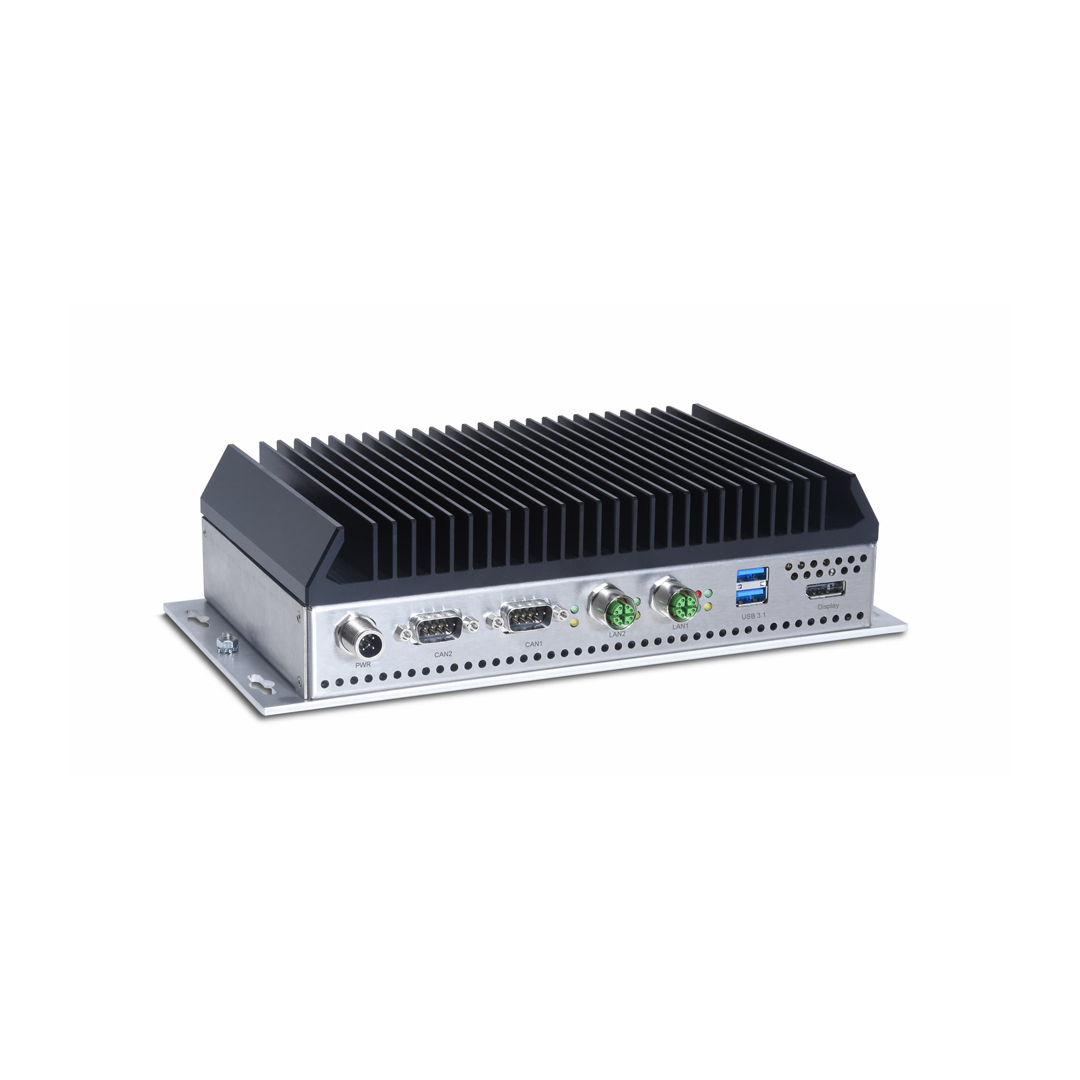
Most rugged and waterproof computers now ship with Gigabit, 2.5 Gigabit or 10 Gigabit ports on M12, and many edge AI computers and NVRs add M12 ports with Power over Ethernet to power cameras and sensors over the same cable. To join an M12 device to a standard network, use a cable or adaptor of the same coding; the M12 to RJ45 FAQ shows how the pins map.

M12 Pin Counts and Pinouts

M12 connectors are specified by coding and pin count together: a 4-pin A-coded connector and a 4-pin D-coded connector will not mate. The most common layouts are:

4-pin A-coded. The standard sensor layout: pin 1 is the supply (brown), pin 3 is 0 V (blue), and pins 2 (white) and 4 (black) carry signals. The same connector is widely used for DC power input on computers.

5-pin and 8-pin A-coded. Extra pins for more signals, serial ports (RS-232 or RS-485) and USB, whose data pairs and power share one connector.

4-pin D-coded Ethernet. Pins 1 and 3 form the transmit pair and pins 2 and 4 the receive pair, mapping to RJ45 pins 1, 2, 3 and 6.

8-pin X-coded Ethernet. Four pairs, one per quadrant of the cross-shaped shield, mapping to all eight RJ45 pins.

Serial and USB pin assignments on M12 are not fully standardised between computer makers, so always check the device datasheet before wiring a cable.

M12 Connector Sizes and Dimensions

All M12 connectors share the M12 x 1 thread. The coupling nut on the cable end is usually around 14 to 16 mm across, and straight connectors are typically 40 to 70 mm long including the cable strain relief, depending on the maker and whether the connector is moulded or field-wireable. Right-angle versions trade length for height where space behind a panel is tight.

Panel-mount sockets on a computer are usually fitted front or rear through a round hole, with a PG9 or M16 mounting thread depending on the design, so check the cut-out on the datasheet when fitting M12 to your own enclosure. The smaller M8 connector uses an 8 mm thread and is used where space matters more than capacity.

Male, Female and Adaptors

Always match coding and pin count as well as gender when choosing M12 cables and adaptors.

  1. 01

    M12 Male Connectors

    Plugs with exposed pins, usually on the cable end, that screw onto a female socket on the device.

  2. 02

    M12 Female Connectors

    Sockets with contacts, usually on the device or panel, that accept a male plug.

  3. 03

    M12 Adaptors

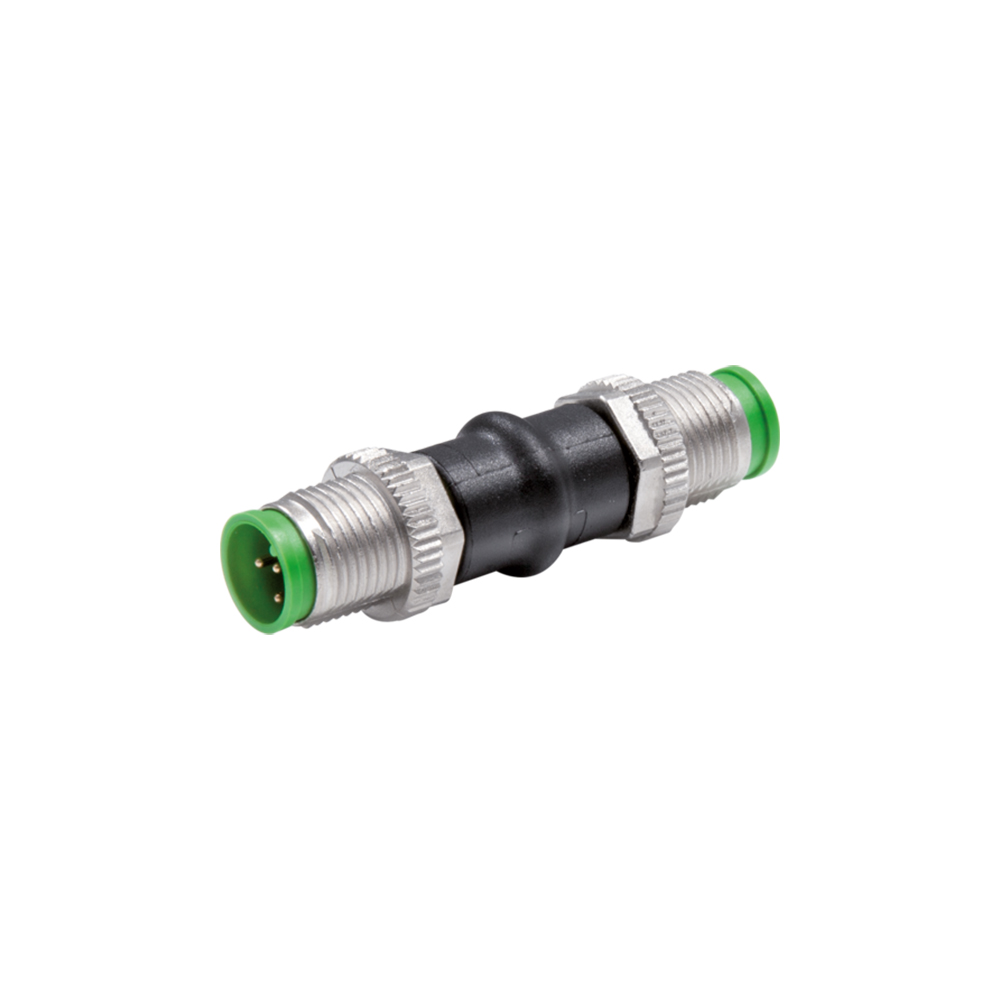
    Gender changers, M12 to RJ45 adaptors and Y or T splitters for joining different cables and devices.

Points · 4

How to specify M12 on an industrial computer

Four decisions cover almost every M12 specification. Browse our waterproof computers and waterproof panel PCs, or read our guide to IP ratings for what each sealing level covers.

List every connection

Ethernet, serial, USB, digital I/O and power each need an M12 port of the right coding and pin count. Write the list before choosing a computer, so every port is on board rather than added through adaptors later.

Match the network speed

Choose X-coded ports for Gigabit and above, and D-coded only where the network runs at 100 Mbps. Check whether cameras or sensors will be powered over the same cable, and specify PoE on the M12 ports that need it.

Plan the power

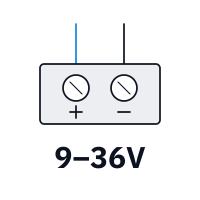
Check the DC input range and the power connector on the datasheet, particularly on vehicles and trains, where supplies run from 9 V to 110 V and a sealed M12 power input keeps the whole unit rated.

Order the cables and caps

Specify M12 cable assemblies of the right coding and length, M12 to RJ45 patch leads for commissioning, and caps for every spare port, at the same time as the computer.

FAQ · 9 questions

Frequently Asked Questions

  1. What Is M12 Coding?

    M12 coding is the shape of the key inside an M12 connector that stops incompatible plugs and sockets being mated. Each coding is reserved for a job: A for sensors, DC power and general signals, B for PROFIBUS, D and X for Ethernet, and L, S, K and T for power. A plug only fits a socket with the same coding.

  2. What Is an M12 A-Coded Connector?

    An M12 A-coded connector is the most common M12 coding, used for sensors, actuators, low-voltage DC power and general signals. It has a single key and comes with 3, 4, 5, 8 or 12 pins, defined in IEC 61076-2-101. On industrial computers, A-coded connectors carry DC power input, serial ports, USB and digital I/O.

  3. What Is an M12 D-Coded Connector?

    An M12 D-coded connector is the 4-pin M12 coding for 10/100 Mbps Ethernet. It is used for PROFINET, EtherNet/IP and other industrial Ethernet networks, and for many rail and vehicle networks. Pins 1 and 3 carry the transmit pair and pins 2 and 4 the receive pair.

  4. What Is an M12 X-Coded Connector?

    An M12 X-coded connector is the 8-pin M12 coding for Gigabit and 10 Gigabit Ethernet. Its four twisted pairs are separated by a cross-shaped shield that controls crosstalk at high speed, and it can carry Power over Ethernet with a suitable cable. It is defined in IEC 61076-2-109.

  5. How Do You Connect M12 to RJ45?

    An M12 Ethernet port connects to an RJ45 network with an M12 to RJ45 cable or adaptor that matches the port's coding. A 4-pin D-coded M12 carries 10/100 Mbps Ethernet on RJ45 pins 1, 2, 3 and 6; an 8-pin X-coded M12 carries Gigabit Ethernet on all eight RJ45 pins.

  6. What Is the Difference Between M8 and M12 Connectors?

    M8 and M12 are circular industrial connectors named after their thread size: 8 mm and 12 mm. M8 is smaller, with 3 to 8 pins, and suits compact sensors and low-power signals. M12 is larger, with up to 12 pins and more coding options, and carries higher power and Ethernet, which is why industrial computers use it.

  7. What Is an M12 B-Coded Connector?

    An M12 B-coded connector is the M12 coding reserved for PROFIBUS fieldbus networks. It usually has 5 pins and a key in a different position from A coding, so a fieldbus cable cannot be connected to a sensor or power port by mistake.

  8. What Is an M12 L-Coded Connector?

    An M12 L-coded connector is an M12 power coding for DC supplies, rated up to 16 A at 63 V, defined in IEC 61076-2-111. It is used mainly to distribute 24 V power to PROFINET devices and field modules, replacing larger 7/8 inch power connectors, with 4 or 5 contacts.

  9. Which M12 Codings Are Used for Power?

    M12 power connectors use dedicated codings. L and T coding carry DC power, up to 16 A and 12 A at 63 V; S and K coding carry AC power up to 630 V. The older C coding was used for AC sensors and power. Low-current DC supplies, such as a computer's power input, often use A coding.

// NEXT STEP

Specifying a Computer With M12 Connectors?

Tell us which devices the computer connects to, the environment it runs in and how it is powered. We will recommend a platform with the right M12 ports and coding, and build it into a system ready to install.

Phone · UK +44(0)1785 558 300