
 UK
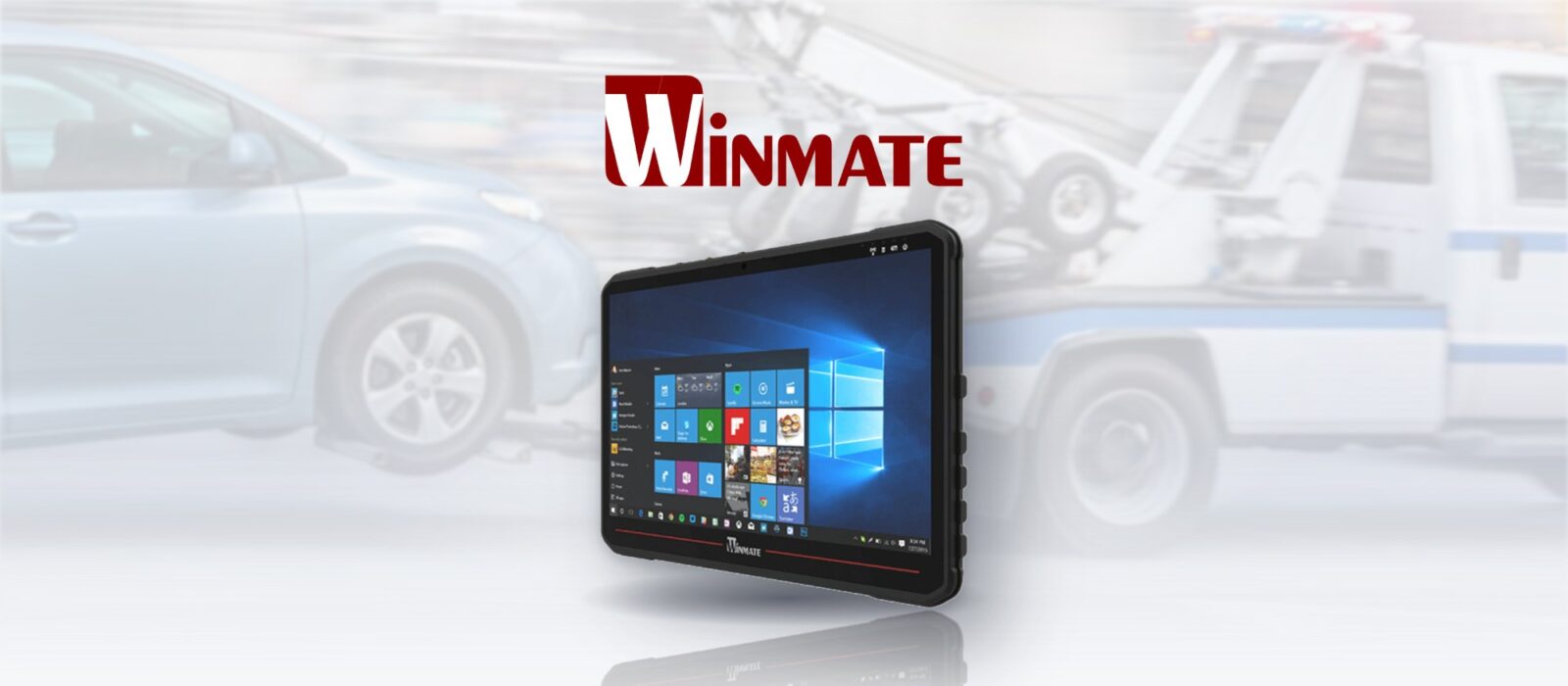
NYC Towing Services Upgrade Fleet with New Ruggedised Vehicle Mount Computers
One of New York City’s growing vehicle recovery services was losing time and money to its in-cab hardware. Over the years it had used a mix of commercial notebooks and tablets, and drivers kept losing contact with headquarters through hardware failures, connectivity problems and loss of power in the field.
We moved the fleet onto Winmate’s FM14E-V, a rugged vehicle computer with a built-in sunlight-readable display, working as each truck’s mobile data terminal. It is the kind of system we supply for in-vehicle computing.
Why the notebooks kept failing
Consumer hardware was never designed for life in a recovery truck.
-
01
Hardware failures
Shock, vibration and temperature swings took their toll on commercial notebooks and tablets.
-
02
Awkward to use
Notebooks were hard to operate from the driver's seat, even when mounted on the centre console.
-
03
Crowded, exposed cabs
Console-mounted laptops filled the cabin and were easily damaged.
-
04
Drained batteries
Running through 12 V inverters, notebooks left on overnight flattened the vehicle battery.
-
05
Washed-out screens
Even without direct sun, bright cabin light made low-brightness screens hard to read.
-
06
Lost contact with HQ
Failures, power loss and poor connectivity cut drivers off from dispatch.
Moving our customer to a rugged mobile computer built for heavy-duty vehicles was a no-brainer. It needed a rugged design for repeated shock and vibration, wide temperature operation for seasonal swings in cabin temperature, and programmable ignition settings to stay connected to HQ. Industry-standard RAM mounts made installing it across a growing fleet of different vehicle classes easy.
The Winmate FM14E-V
The 14 inch (14") vehicle mount computer deployed across the fleet, with the Core i5 FM14AD-V for more demanding software.
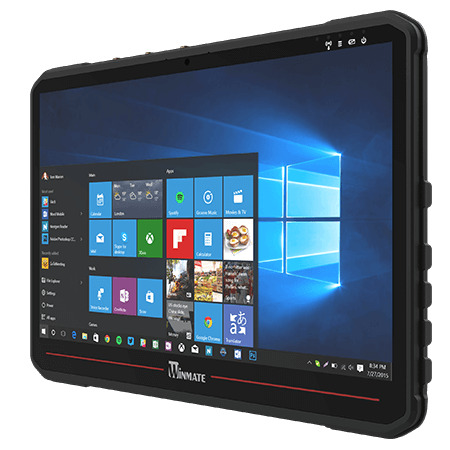
14″ IP65 Vehicle Mount Computer with Intel Atom x6425E and Bonded FHD Display
- Display
- 14″ (16:9, 1920×1080, FHD)
- Brightness
- 700 nits
- Touch
- Multi Touch PCAP
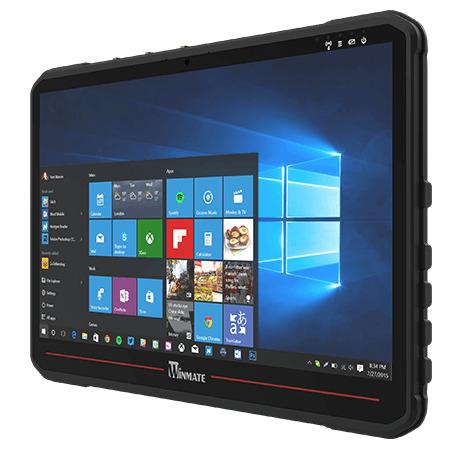
14″ IP65 Vehicle Mount Computer with Intel Core i5-1235U and Bonded FHD Display
- Display
- 14″ (16:9, 1920×1080, FHD)
- Brightness
- 700 nits
- Touch
- Multi Touch PCAP
Why the FM14E-V suited the trucks
- 0114 inch, 700 nit bonded FHD
- An optically bonded, sunlight-readable display makes routes, street information and dispatch messages easy to read.
- 02Glove-friendly touch and keys
- PCAP multi-touch and programmable function keys simplify common tasks without removing heavy gloves.
- 03Intel Atom x6425E
- An efficient Elkhart Lake processor runs routing and dispatch software at low power.
- 04IP65, IK07, MIL-STD-810H
- A rugged aluminium, solid-state design withstands daily shock, vibration, dust and water.
- 0510–60 V DC with ignition control
- Runs from the vehicle supply, with programmable start-up and shutdown.
- 06LTE, Wi-Fi and GPS options
- Cellular, wireless and positioning for a constant link to headquarters.
How ignition control protects the battery
Wired straight to the vehicle battery, the computer follows the engine instead of relying on the driver.
-
Detect
Ignition onThe computer senses the ignition signal when the engine starts.
-
Boot
Programmed delayIt powers on after a set delay, avoiding the voltage dip of cranking.
-
Run
ConnectedRoutes, jobs and messages stay live with headquarters throughout the shift.
-
Shut down
Soft shutdownWhen the engine stops, it shuts down cleanly after a set time, so the battery is never drained.
Boot and shutdown delays are set to suit each vehicle; our ignition control guide shows how they are configured. Computers fitted to road vehicles are also commonly specified with E-Mark approval, which our E-Mark guide explains. Installation used RAM mounts, so the same computer fitted every class of vehicle.
What changed for the drivers
A purpose-built computer in every cab replaced a mix of failing consumer devices.
-
Outcome 01
Readable in any cab light
Bright, bonded displays replaced washed-out notebook screens.
-
Outcome 02
No more drained batteries
Ignition control powers the computers on and off with the engine.
-
Outcome 03
Tidier, safer cabs
RAM-mounted all-in-one computers freed the centre console.
-
Outcome 04
A constant link to HQ
Rugged hardware and built-in connectivity keep drivers in touch with dispatch.
Vehicle computer FAQs
-
What Is a Mobile Data Terminal?
A mobile data terminal (MDT) is a computer mounted in a vehicle cab that connects the driver to a control or dispatch centre. It shows jobs, routes and messages, captures forms and status updates, and usually adds GPS and cellular connectivity. Emergency services, taxis, recovery fleets, logistics and utilities use them every day.
-
What Is Fleet Telematics?
Fleet telematics combines GPS location, data from the vehicle itself and mobile connectivity to monitor and manage a fleet. It shows where every vehicle is, how it is being driven and how it is performing, so operators can plan routes, dispatch jobs, cut fuel use, schedule maintenance and keep records for compliance.
-
What Is a RAM Mount?
A RAM mount is a ball-and-socket mounting system, from RAM Mounts by National Products Inc., widely used to fix computers, tablets and displays in vehicles. A rubber-coated ball on the base and another on the device clamp into a double-socket arm, so the screen can be angled exactly and locked in place, while the rubber absorbs vibration.
-
What Makes a Display Sunlight Readable?
A sunlight readable display stays clear in bright light because it combines high brightness, typically 1,000 nits or more for direct sun, with low reflection. Optical bonding removes the air gap behind the cover glass, and anti-reflective or anti-glare treatment cuts surface glare, so contrast holds up outdoors and in bright vehicle cabs.
-
MIL-STD-810G vs MIL-STD-810H: What Is the Difference?
MIL-STD-810G (2008) and MIL-STD-810H (2019) are successive revisions of the US military environmental test standard. 810H is the current version; it refined and reorganised test methods and tightened guidance, but both define test methods rather than a pass or fail certificate.
-
What Is an IK Rating?
An IK rating grades how well an enclosure resists mechanical impact, from IK00 (no protection) to IK10, which withstands a 20 joule impact. It is defined by IEC 62262 (EN 62262) and is used alongside the IP rating to specify displays, panel PCs and enclosures for public and industrial sites.
Equipping a fleet with in-cab computers?
Tell us about your application and a member of our team will get right back to you.