
 UK
UK 
Screen size and format
Bigger screens make touch targets easier to hit and data easier to read at a distance. Widescreen full HD suits modern HMI software; 4:3 screens keep older applications drawn at 1024 × 768 edge to edge.
Your Quote List ()

An industrial HMI is the screen your operators use to run a machine, a line or a vehicle. Here is how panel PCs, touch monitors, operator panels and vehicle HMIs compare, how they connect to PLCs, the software they run and the specification choices that decide whether an HMI lasts in the field.
An industrial HMI (human-machine interface) is the touch screen, computer and software an operator uses to monitor and control a machine, a production line or a vehicle, built to keep working in dust, water, heat, cold and vibration. The hardware is usually a panel PC, a touch monitor connected to a computer in the cabinet, or a dedicated operator panel, and it talks to the machine’s PLC over Ethernet or serial.
Choosing one is partly a hardware decision and partly a software one. The screen has to suit the operators and the place it is installed; the computer behind it has to run the HMI software the site uses and speak the PLC’s protocol; and the whole build has to stay available for as long as the machine is in service. This guide compares the five common forms of industrial HMI, explains how an HMI fits with PLCs and SCADA, covers protocols, software, environment, screen size and processor choices, and ends with a specification checklist.
HMI stands for human-machine interface: what HMI means in practice is the screen through which a person sees what a machine is doing and tells it what to do next. An industrial HMI shows live values, alarms, trends and recipes, and sends the operator’s commands to the PLC that runs the machine.
HMIs sit at every level of an automated site: on the door of a machine, at the end of a packaging line, in a forklift cab and on the wall of a control room. What makes an HMI industrial is where it has to work. A commercial all-in-one PC with a fan will not last long next to hot, humid, dusty or hosed-down machinery, so industrial HMIs are fanless, sealed at the front or all round, rated for wider temperatures and built for long availability.
There are five common ways to build an industrial HMI, and the right one depends on the software, the machine and how the site is likely to change. The table is the quick reference.
| Operator panel | Panel PC | Touch monitor + box PC | Vehicle mount computer | Rugged tablet | |
|---|---|---|---|---|---|
| What it is | Dedicated HMI terminal | Touch screen with a built-in industrial PC | Industrial touch monitor with a PC in the cabinet | Rugged touch computer fixed in a vehicle cab | Battery-powered handheld computer |
| Operating system | The PLC maker’s own runtime | Windows, Linux or Android | Windows or Linux on the separate PC | Windows, Linux or Android | Windows or Android |
| Runs HMI software locally | Yes, one vendor’s tools | Yes, any HMI, SCADA, MES or vision software | Yes, on the box PC | Yes, usually a client or WMS application | Usually a web or mobile client |
| PLC protocols | The vendor’s own, plus a few others | Any the software supports | Any the software supports | Mostly Wi-Fi to servers; CAN bus on vehicles | Wi-Fi to servers |
| Front sealing | Front IP65 typical | Front IP65 to full IP69K | Front IP65 to IP69K on the monitor | IP65 typical | IP65 to IP68 typical |
| Mounting | Panel cut-out | Panel, VESA, open frame or rack | Panel or VESA; PC on a DIN rail or wall | Vehicle frame or RAM-style mount | Hand-held or docked |
| Typical sizes | 4 inch to 15 inch (4″ to 15″) | 7 inch to 24 inch (7″ to 24″), larger on request | 7 inch to 32 inch (7″ to 32″) | 7 inch to 15 inch (7″ to 15″) | 8 inch to 12 inch (8″ to 12″) |
| Upgrade path | Replace the panel | Replace the panel PC in the same cut-out | Upgrade the PC without the screen | Replace the terminal on the same mount | Replace the tablet |
| Best for | Simple machines on one PLC family | Most machines and lines; one system to mount | Hot or cramped fronts; long-life screens | Forklifts, cranes, mobile machinery | Inspection and maintenance rounds |
Panel PCs are the most flexible: one sealed computer on the machine that can run the HMI, log data, connect to MES and host a vision application at the same time. Where the front of the machine is too hot or too tight for a computer, a sealed panel mount touch monitor on the door with a DIN rail PC inside the cabinet does the same job, and the computer can be upgraded later without touching the door.
For a recent example, Axiomtek’s rugged GOT321B and GOT315B touch panel PCs pair a PCAP touch screen with an IP65 front bezel and flush or VESA mounting.
An HMI runs one machine or process; SCADA supervises many. The difference between HMI and SCADA is mostly one of scope, and the two often share software and screens. The layers below are the usual way an automated site is organised.
| Level | Typical device | What it does |
|---|---|---|
| Field | Sensors, drives, valves, motors | Measure and act on the process |
| Control | PLC, motion controller, remote I/O | Runs the control logic in a fast, repeating cycle |
| Operator | Industrial HMI at the machine | Shows live values and alarms; sends commands and setpoints |
| Supervisory | SCADA servers and control room clients | Gathers data from many PLCs, stores history, manages alarms across the site |
| Enterprise | MES and ERP | Production orders, quality records and traceability |
An HMI does not need SCADA: a stand-alone machine with its own panel PC is complete on its own. But when a machine joins a SCADA system, the same panel PC often runs a SCADA client as well as the local HMI, which is one reason a general-purpose panel PC is chosen over an operator panel.
The HMI reads values from the PLC, known as tags, and writes setpoints and commands back. It does that over an industrial protocol that both ends support, and the protocol decides which ports the HMI hardware needs.
| Protocol | Physical link | Where it is common | What the HMI hardware needs |
|---|---|---|---|
| Modbus RTU | Serial, usually RS-485 | Older PLCs, drives, meters | An isolated RS-485 or RS-232/422/485 port |
| Modbus TCP | Ethernet | Many PLC families and gateways | A Gigabit Ethernet port |
| PROFINET | Ethernet | Siemens and many European PLCs | Ethernet, plus HMI software with a PROFINET or S7 driver |
| EtherNet/IP | Ethernet | Rockwell and many North American PLCs | Ethernet, plus software with a CIP driver |
| OPC UA | Ethernet | Vendor-neutral links to PLCs, SCADA and MES | Ethernet; enough processing for encryption |
| MQTT | Ethernet or cellular | Sending data to cloud and IIoT platforms | Ethernet or a cellular module |
Our explainer on Modbus RTU vs Modbus TCP covers the most common choice, and the guide to OPC UA vs MQTT explains how HMI data reaches plant and cloud systems.
Plan the ports before choosing the hardware. Two separate Ethernet ports let the HMI sit on the machine network and the plant network without bridging them, isolated serial ports protect against ground loops on long RS-485 runs, and USB covers scanners and printers. The Winmate R17ITWS-MHM1 in the products block below, for example, has two Gigabit LAN ports, two RS-232/422/485 ports and a PCIe x16 slot wired with x4 signals for a fieldbus or I/O card.
The software decides as much about the hardware as the machine does. A vendor’s operator panel runs only that vendor’s runtime, while a panel PC can run any of the options below. The examples are common, not exhaustive.
| Software type | Examples | Runs on | What the hardware needs |
|---|---|---|---|
| PLC maker’s HMI runtime | Siemens WinCC, Rockwell FactoryTalk View, Schneider EcoStruxure Operator Terminal Expert | The maker’s operator panels, or a Windows panel PC with a PC runtime licence | Windows, enough memory for the project, the PLC’s network port |
| PC-based HMI and SCADA | Ignition, AVEVA, WinCC Unified, FactoryTalk View SE clients | Windows or Linux panel PCs and box PCs | Core-class processor for large projects, 8 GB or more of memory, SSD |
| IEC 61131-3 visualisation | CODESYS visualisation, soft PLC runtimes | Windows or Linux panel PCs | Real-time capable Linux or Windows, Ethernet to I/O |
| Web HMIs | HTML5 clients of SCADA systems, Node-RED dashboards | Any panel PC or touch monitor with a browser | A browser in kiosk mode; modest processor |
| Android apps | Custom HMI and kiosk apps | Android panel PCs and vehicle terminals | Android with kiosk lockdown |
For Windows builds, Windows IoT Enterprise is the usual choice because it can be locked down to the HMI application, and the LTSC editions are supported for ten years; our guide to Windows 11 IoT Enterprise LTSC covers editions and support dates. Embedded Linux suits web HMIs and soft PLC runtimes, and Android panel PCs run app-based HMIs with kiosk mode keeping operators inside the app.
Panel PCs are computers, so we configure, image and test them with the operating system, drivers and settings the HMI software needs. Touch monitors are configured and tested with the host computer they will run from.
Where an HMI is installed decides most of its specification. The table sets out typical requirements for the settings we build for most often; the cards below link to the matching ranges. The IP rating chart explains the sealing levels.
| Environment | Sealing | Screen and touch | Temperature and power | Standards to check |
|---|---|---|---|---|
| Dry factory floor | Front IP65 | 300 to 400 nits; PCAP or resistive | 0 to 50 °C; 12 or 24 V DC | CE, UKCA, EMC |
| Washdown food and beverage | IP69K all round, 316 stainless | Flat-front PCAP with rain and glove modes | 0 to 40 °C or so; sealed M12 power | Hygienic design, cleaning chemicals |
| Cleanroom and pharma | Front IP65 or IP66, smooth sealed front | Flat PCAP for gloved use | Fanless, no vents | Cleanroom class of the area |
| Outdoor and daylight | Front IP65 or IP66 | 1,000 nits or more, optical bonding | Wide temperature, often −20 to 60 °C | UV and condensation |
| Hazardous area | Front IP65 or more | PCAP or resistive | As certified | Class I, Division 2 or ATEX zone marking |
| Marine | IP66 or front IP66 | Bright, dimmable screens | Wide range, vessel DC supplies | IEC 60945 and type approvals |
| Rail | IP65 typical | Bright screens for driver desks | 24 to 110 V DC, often −40 to 70 °C | EN 50155, EN 50121, EN 45545-2 |
| Vehicles and cold stores | IP65 typical | Bright PCAP or resistive, glove use | Wide DC input, ignition control, heaters for cold starts | E-mark, vibration and shock |
Two figures are worth checking on every datasheet. The operating temperature range should cover the coldest start and the hottest day inside the enclosure, not just the room; our explainer on the industrial temperature range gives the usual bands. And the brightness should match the light: our guide to choosing a sunlight readable display sets out the nits each setting needs.
These are the environments we build for most often, and what each one asks of the screen.
Front IP65 panel PCs mounted in a cabinet door or on a VESA arm beside the machine, most often 15 to 21.5 inch PCAP screens with fanless cooling and Gigabit Ethernet to the PLC.
View range
IP69K stainless steel HMIs for high-pressure, high-temperature washdown every shift, with a flush glass front, sealed M12 connectors and mounting that can be hosed behind.
Read guide
Fanless, vent-free panel PCs with smooth, sealed fronts that add no particles and tolerate daily wipe-downs, with glove-ready PCAP touch and flush wall mounting.
Read guide
Sunlight readable panel PCs with 1,000 nit screens for yards, docks, fuel points and kiosks, with optical bonding to cut reflections and stop the glass fogging.
View range
Panel PCs for areas where flammable gas, vapour or dust may be present, with Class I, Division 2 and ATEX or IECEx Zone 2 models. Match the HMI’s marking to the zone.
View range
Marine panel PCs for bridges, engine rooms and decks, sealed to IP66 or front IP66, with 1,000 nit screens on many models. Check the type approval each vessel needs.
View range
Railway panel PCs for driver desks and passenger areas, compliant with EN 50155, taking 24 to 110 V DC train supplies through sealed M12 connectors.
View rangeThese are the choices that decide whether an HMI suits the machine and lasts in the field, and the ones we work through with you before recommending a system.
Bigger screens make touch targets easier to hit and data easier to read at a distance. Widescreen full HD suits modern HMI software; 4:3 screens keep older applications drawn at 1024 × 768 edge to edge.

Projected capacitive (PCAP) gives a flush glass front and multi-touch; resistive works with thick gloves and ignores water. Our guide to touch technology compares every option.

Panel mount into a cabinet door, VESA on an arm or pole, open frame inside a machine enclosure, or rack mount in a 19 inch console.
Front IP65 is the usual minimum for a panel-mount HMI; IP66 all round for spray, and IP69K stainless steel panel PCs where lines are hosed down every shift.
A fanless design has no vents to clog and no fan to fail, which is why nearly every industrial HMI is passively cooled.

Most HMIs are rated 0 to 50 °C. Cold stores, outdoor sites and vehicle cabs need wide-temperature models; check the datasheet rating against the coldest start and the hottest day.
Gigabit Ethernet for the PLC and SCADA, isolated serial for older devices, USB for scanners, and sealed M12 connectors or PoE where cabling is exposed or power is hard to reach.
Standard screens wash out in daylight. Outdoor and in-cab HMIs need 1,000 nits or more, ideally with optical bonding to cut reflections.
Screen size follows from how much the operator needs to see at once and how far away they stand. Touch targets matter as much as the picture: a button large enough for a gloved finger takes more of a small screen.
| Screen size | Typical resolution | Common use |
|---|---|---|
| 7 inch (7″) | 800 × 480 or 1024 × 600 | Small machines, vehicle terminals, door entry |
| 10.1 to 12.1 inch (10.1″ to 12.1″) | 1280 × 800 | Compact machine HMIs, washdown stations |
| 15 inch (15″) | 1024 × 768 (4:3) | The classic machine HMI; replacing older panels |
| 15.6 to 18.5 inch (15.6″ to 18.5″) | 1366 × 768 or 1920 × 1080 | Line HMIs with trends and recipes |
| 21.5 to 23.8 inch (21.5″ to 23.8″) | 1920 × 1080 | Line overviews, SCADA clients, MES terminals |
| 27 to 32 inch (27″ to 32″) | 1920 × 1080 or 3840 × 2160 | Control rooms and line-side dashboards |
Match the resolution to the HMI project rather than the other way round: an application drawn for 1024 × 768 looks stretched on a widescreen panel unless it is redrawn. The 15 inch panel PCs and 21.5 inch panel PCs are the two sizes we supply most often for machine and line HMIs.
Match the processor to the software, not the other way round. A single-machine HMI runs well on an efficient low-power processor; a SCADA client, MES terminal or vision station needs more cores and memory, and should still be fanless.
| Workload | Processor class | Memory | Notes |
|---|---|---|---|
| Single-machine HMI or web client | Intel Celeron or Atom class, or an Arm processor | 4 to 8 GB | Low heat, fanless in a slim panel |
| Line HMI with trends, recipes and data logging | Intel Core i3 or i5 class | 8 to 16 GB | SSD sized for logs and history |
| SCADA client, MES terminal, several applications | Intel Core i5 or i7 class | 16 GB or more | Check the software maker’s minimums |
| Vision inspection or edge AI at the machine | Intel Core with integrated graphics, or a GPU or NVIDIA Jetson module | 16 GB or more | See edge AI panel PCs |
Lifecycle matters as much as performance. Machines stay in service for ten years or more, so choose a model with long availability, so that a replacement fits the same cut-out and runs the same software image without requalifying the machine. Our guide to MTBF explains how reliability figures are quoted. A TPM 2.0 chip is worth asking for on any HMI that connects to the plant network.
Most HMIs are fixed to the machine they control, but some have to move with the operator. How the HMI is mounted decides much of its specification.
Panel mount puts a sealed front flush in a cabinet door with the rear protected inside. VESA mounting puts the HMI on a swing arm, pole or wall where operators can reach it from more than one position. Open frame panel PCs build into a machine’s own enclosure, and rack mount displays fit 19 inch consoles in control rooms. Fixed HMIs usually run from the machine’s DC supply with a wired connection to the PLC.

Forklifts, reach trucks, cranes and agricultural machines use vehicle mount computers: rugged, fanless terminals that take a wide DC supply straight from the vehicle, use ignition control to start and shut down with the engine and run in cold stores. They mount on the vehicle frame, connect over Wi-Fi to warehouse management software and are sealed against dust and rain. See our logistics and warehousing solutions.

Where operators walk the line, inspect equipment or record readings and photos away from the machine, a rugged tablet is usually the right HMI. It trades screen size and wired connections for mobility and runs from a battery, so it suits inspection and maintenance rather than continuous machine control.
Panel PCs, touch monitors and vehicle-mount HMIs, configured for the machine, the environment and the software your operators run.
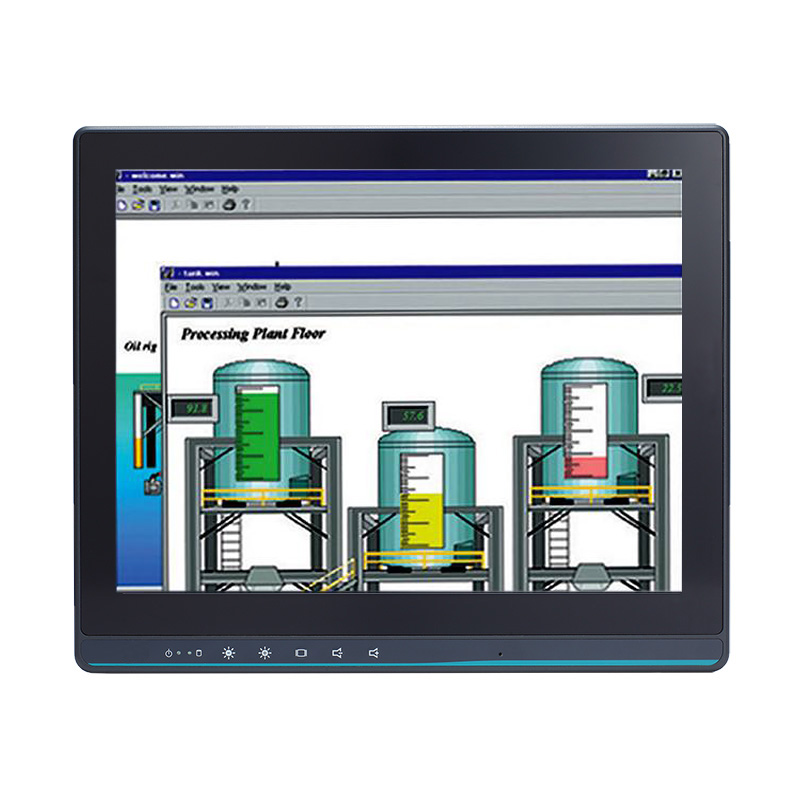
Fanless touch screen computers from 7 to 24 inches for machines and lines.
View range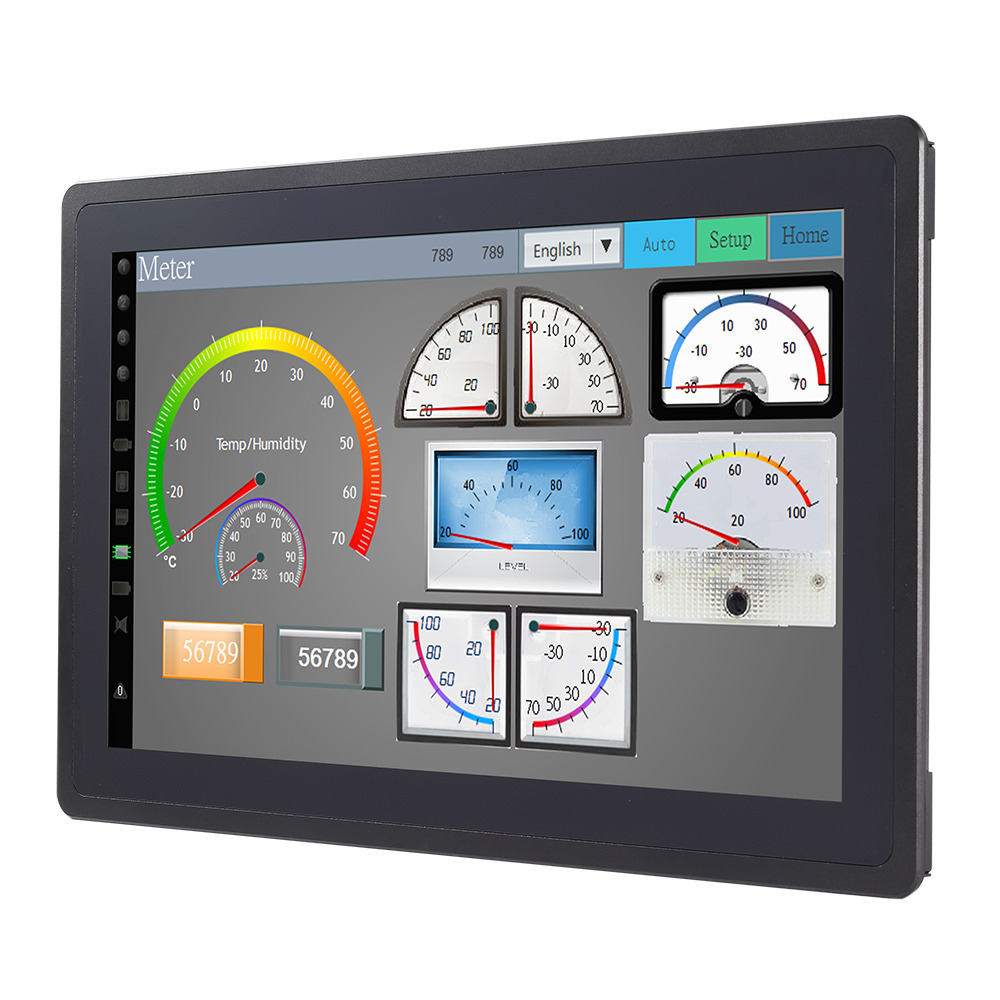
PCAP, resistive and SAW touch displays for HMIs driven by a cabinet PC.
View range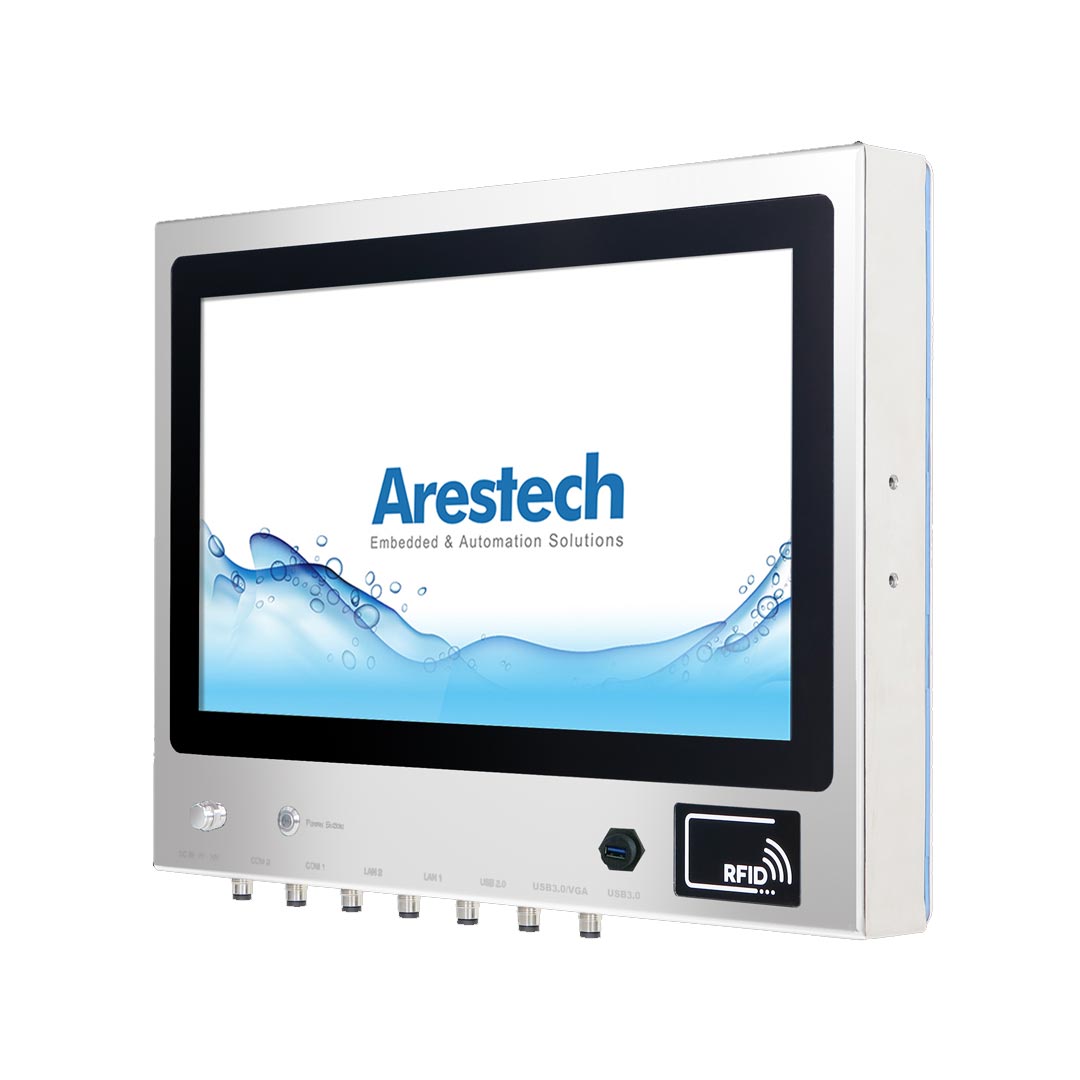
Stainless steel HMIs sealed for high-pressure, high-temperature cleaning.
View range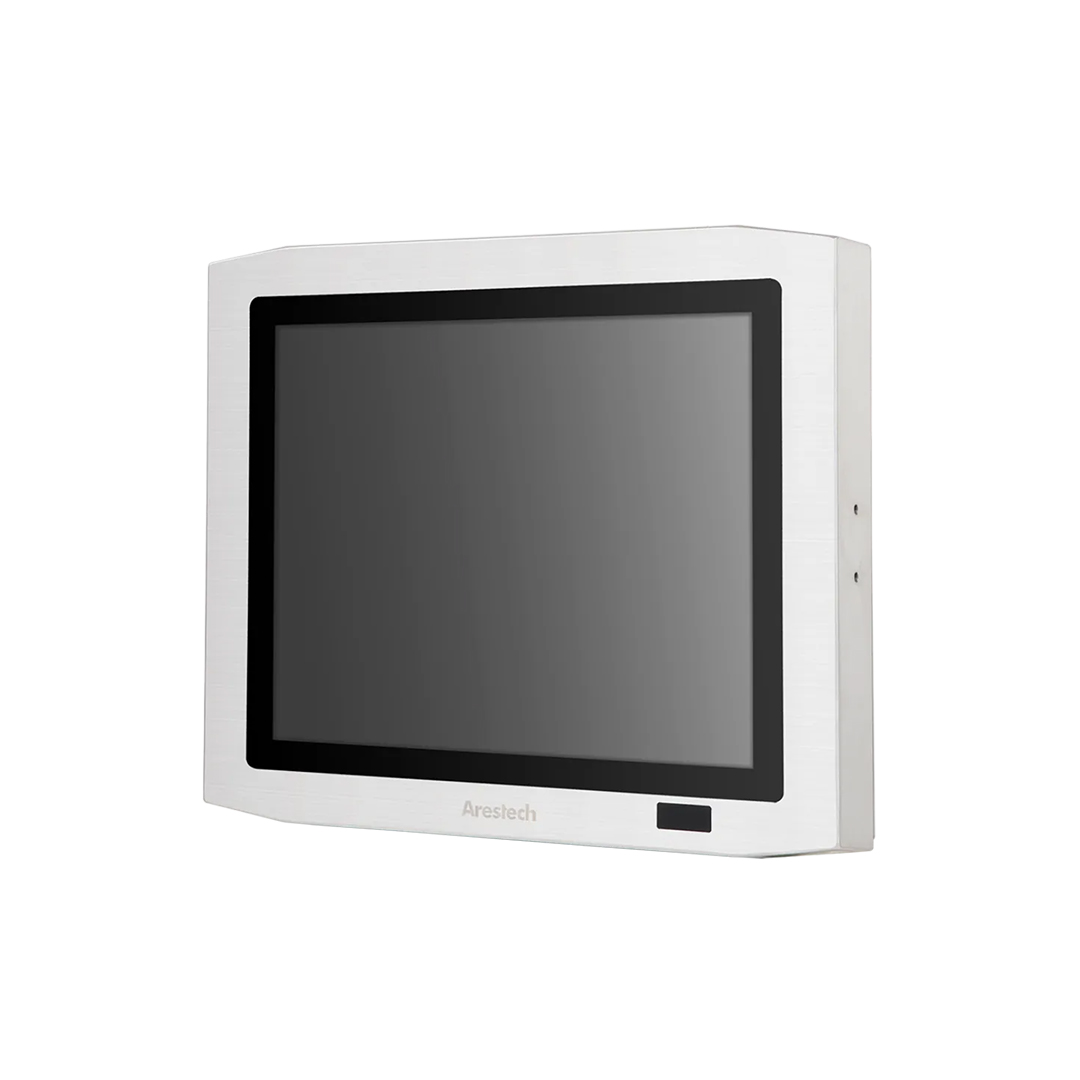
Stainless steel monitors sealed to IP66 or IP69K for hygienic areas.
View range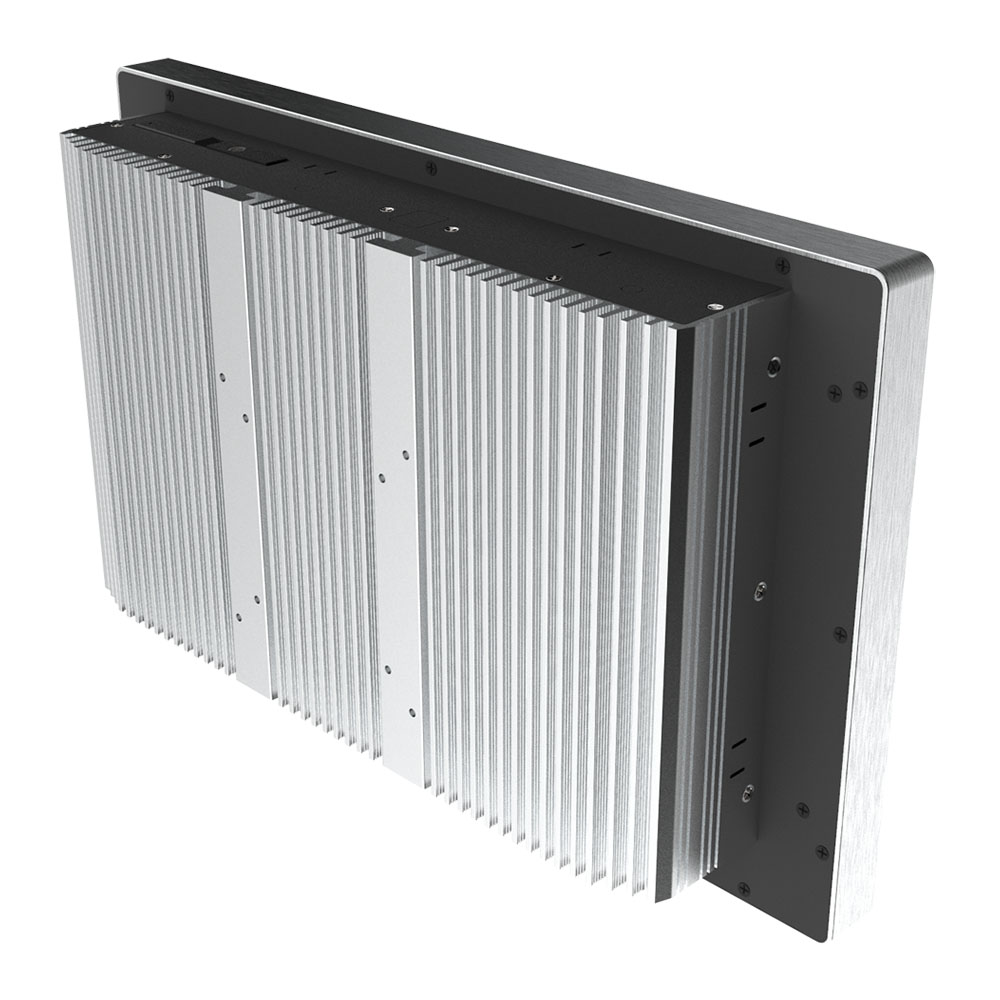
Wide-temperature, shock-resistant HMIs for heavy industry and outdoor sites.
View range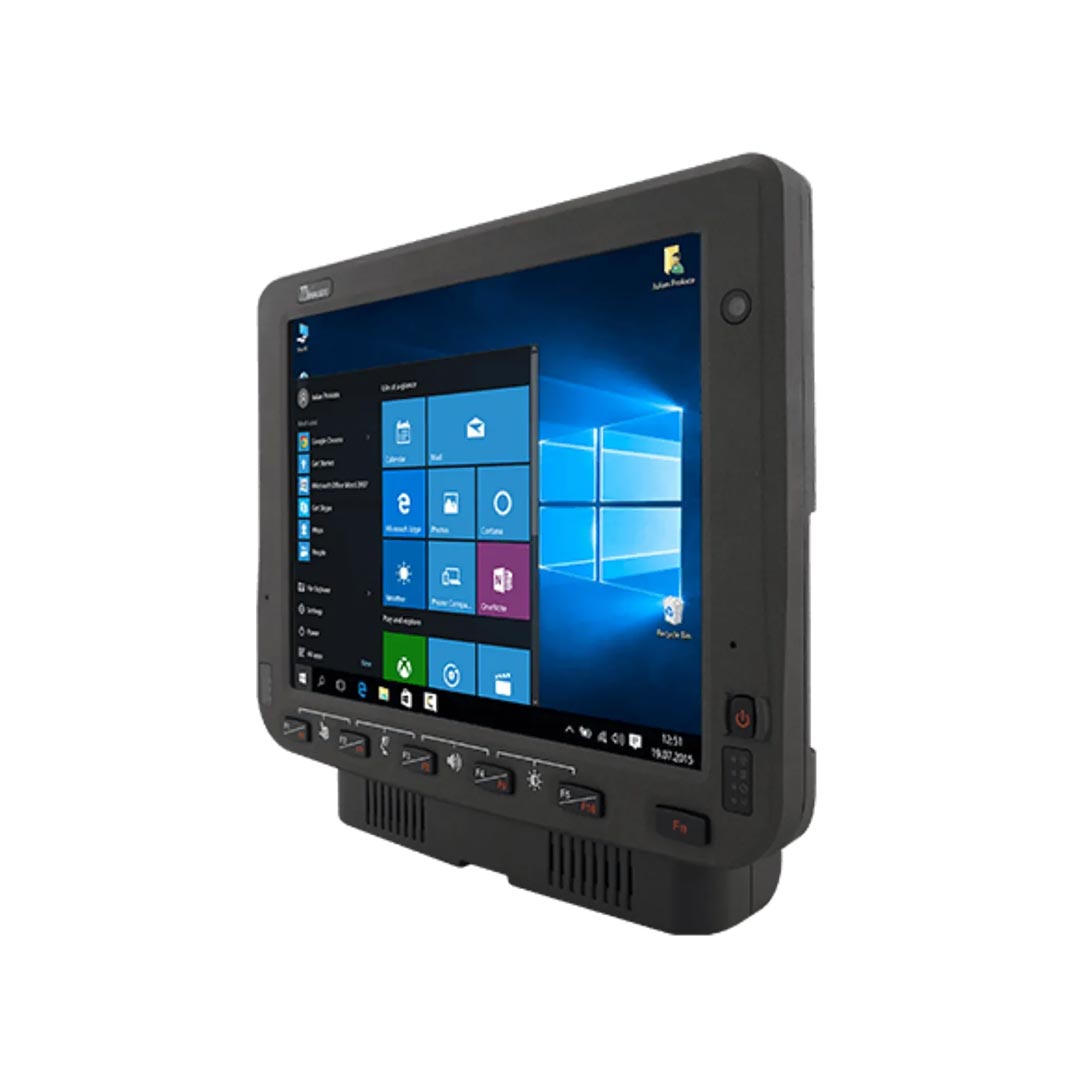
Rugged terminals for forklifts, cranes and mobile machinery.
View rangeFour starting points: a 17 inch (17") HMI panel PC with an 11th Gen Intel Core i5, a PCIe slot and a 9 to 29 V DC input; a 23.8" IP69K stainless steel washdown panel PC with PCAP glove and rain modes; a 21.5 inch full HD PCAP panel mount monitor for a computer in the cabinet; and a 7" forklift computer with a 1000 nit screen and ignition control.
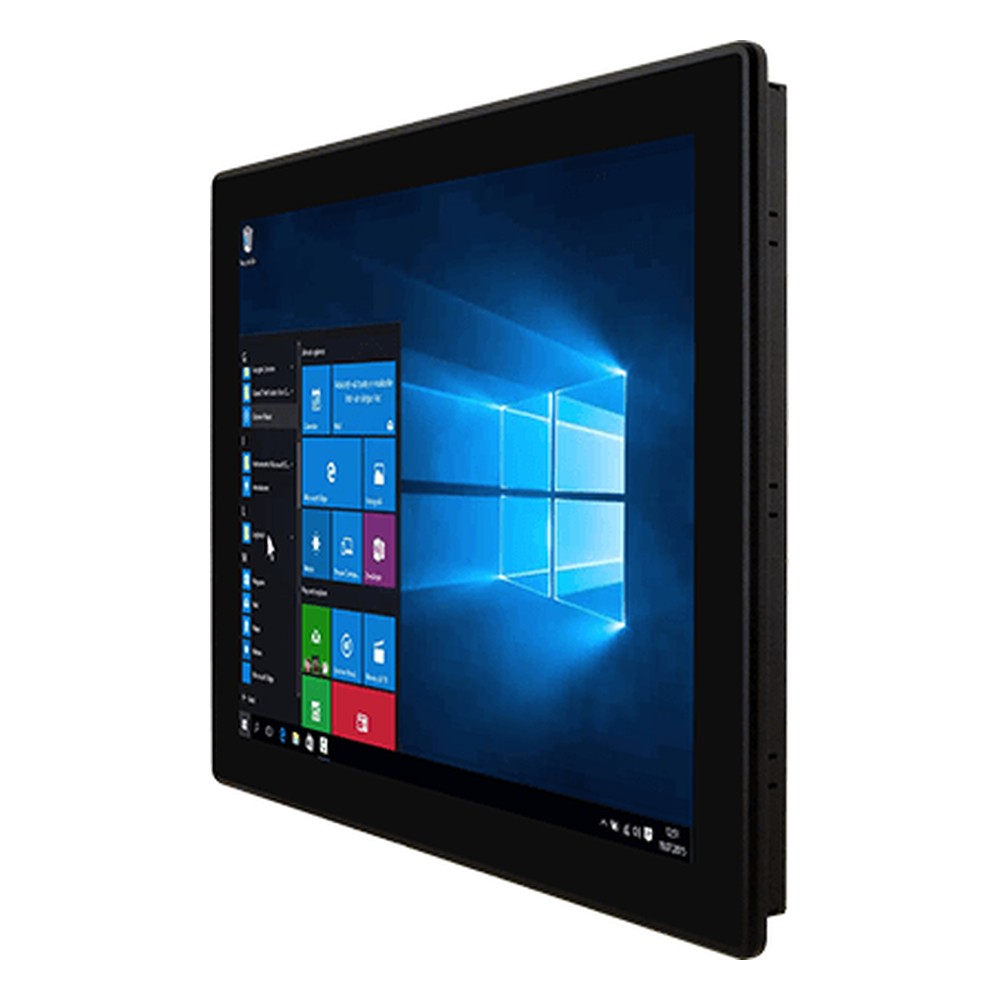
17″ M Series HMI Panel PC with Intel Tiger Lake Core i5-1135G7 and 9 to 29V DC
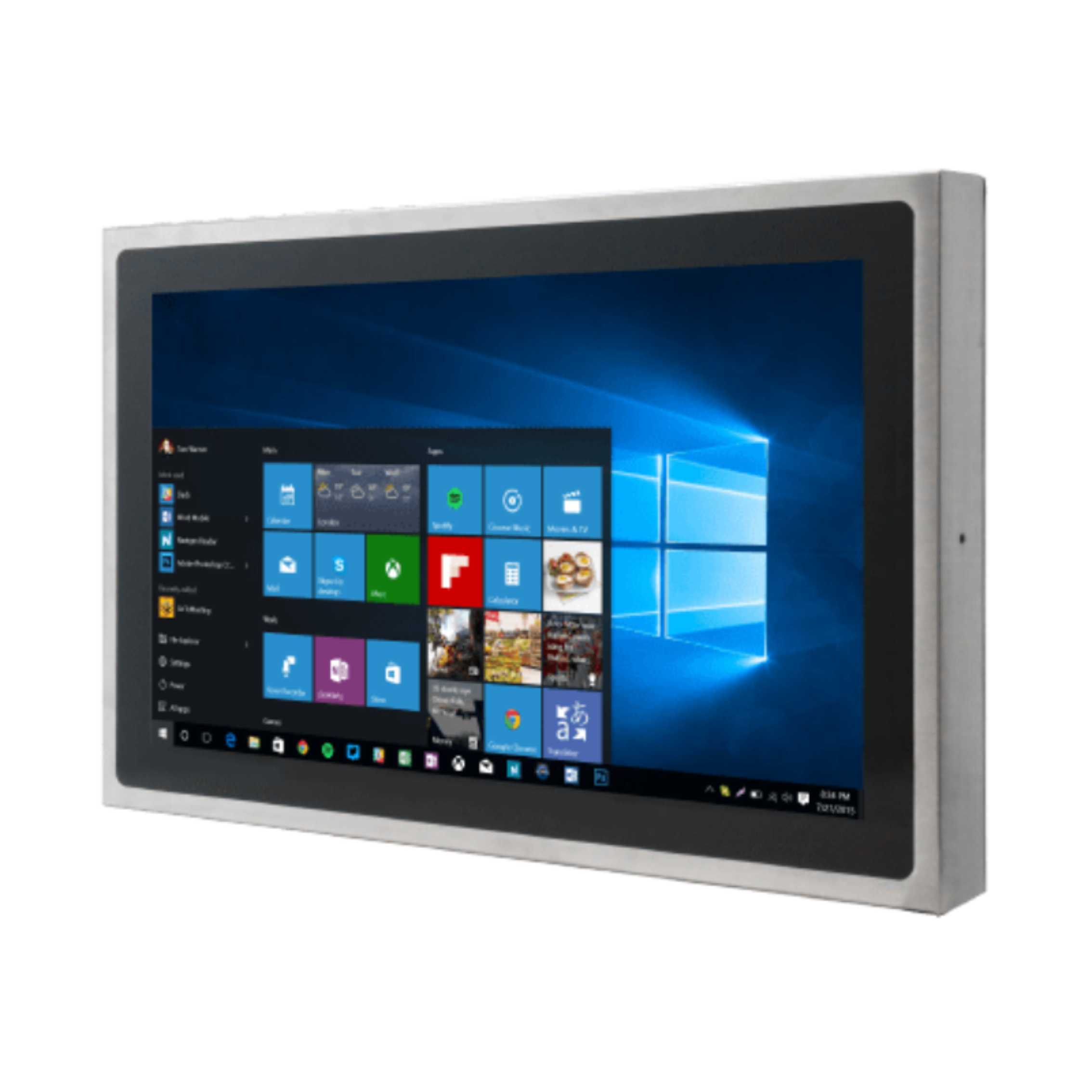
23.8″ Full HD IP69K Stainless Steel Washdown Panel PC with Intel Celeron N6211
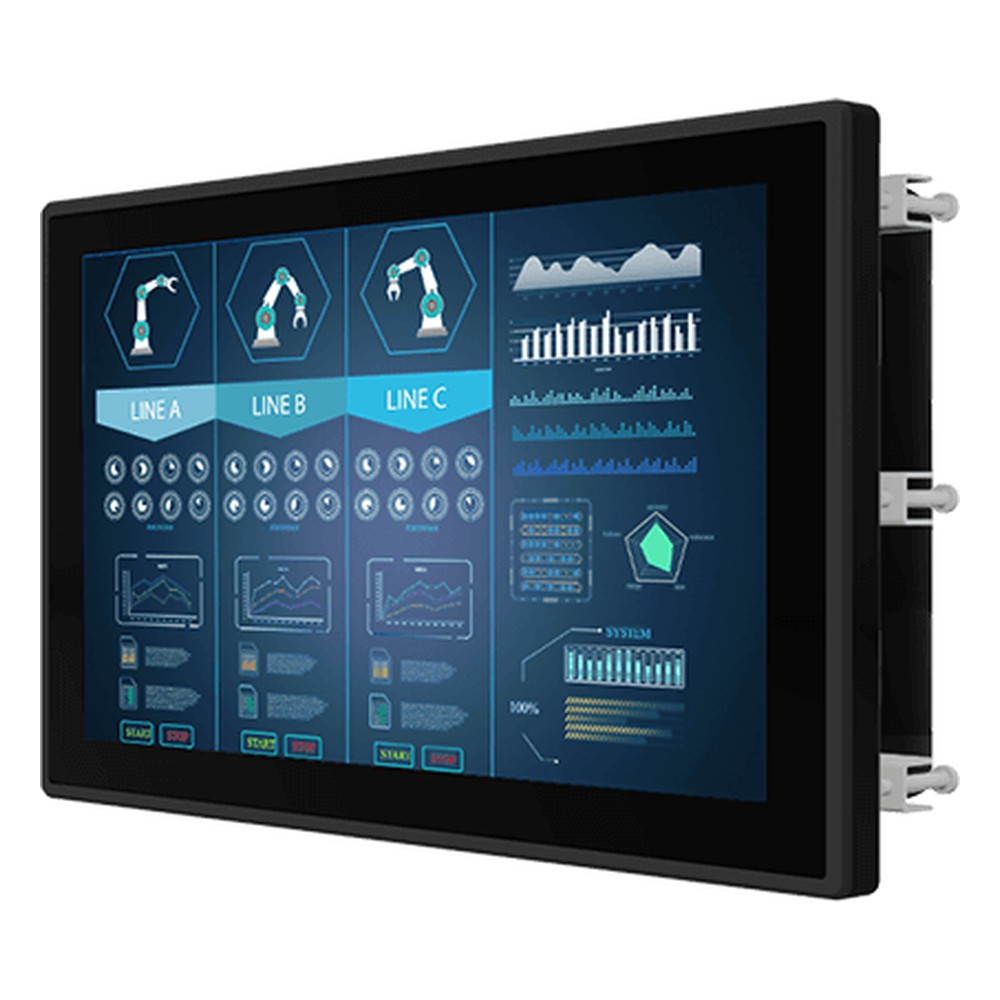
21.5″ PCAP Panel Mount Monitor with FHD LCD and 250 Nits
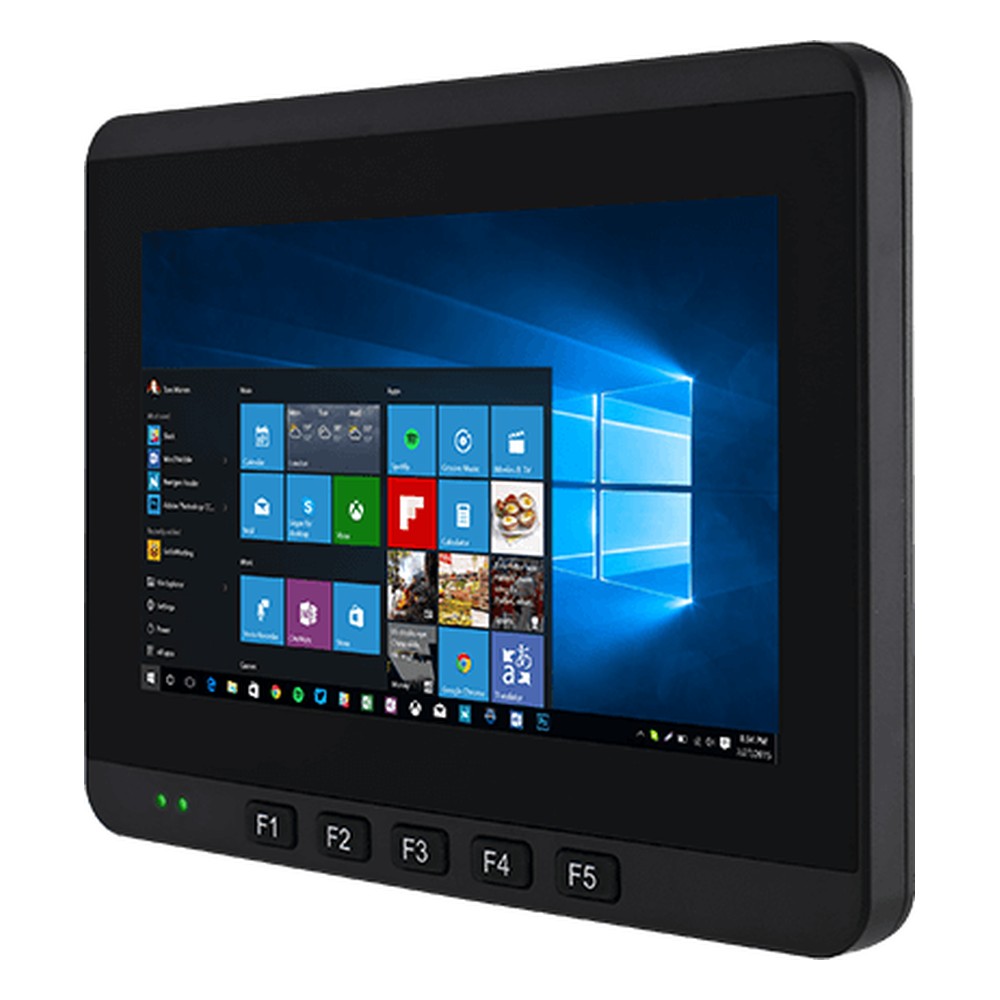
7″ Forklift Computer with Intel Apollo Lake Celeron N3350 or Pentium N4200 and MIL-STD-810G
These projects show the choices above in practice: stainless steel HMIs for food and beverage manufacturers, intrinsically safe HMIs for wastewater treatment in hazardous areas, and a 10 inch HMI touch screen gateway collecting IIoT data in supermarkets.
Eight questions that settle the form, the screen, the computer and the build.
Operator panel, panel PC, touch monitor with a separate PC, vehicle terminal or tablet?
Which HMI or SCADA software, which version and which operating system does it need?
Which PLC and protocol: Modbus, PROFINET, EtherNet/IP or OPC UA, over Ethernet or serial?
Front IP65, IP66 or IP69K; temperature range; sunlight; hazardous area marking?
PCAP or resistive, and what gloves operators wear?
Screen size in inches, aspect ratio, the existing cut-out, VESA, open frame, rack or vehicle mount?
DC supply range, Ethernet and serial ports, USB, wireless, M12 connectors?
How long the machine will be in service, and whether the model will still be available for spares?
Quick answers
The operator’s screen for a machine or process. It combines a touch screen, a computer or terminal and HMI software, built for dust, water, temperature and vibration, and connected to the machine’s PLC.
Human-machine interface. It covers the screen, software and controls through which a person monitors and operates a machine.
Scope. An HMI is the screen for one machine or process; SCADA gathers data from many PLCs and sites, stores history and manages alarms. SCADA uses HMI screens, but an HMI can work without SCADA.
Over an industrial protocol. Usually Ethernet with Modbus TCP, PROFINET, EtherNet/IP or OPC UA, or serial RS-485 with Modbus RTU. The HMI reads tags and writes setpoints and commands back.
An HMI is a role; a panel PC is hardware. A panel PC is a touch screen with a built-in computer, and it is the most common hardware for an HMI. It can also run SCADA clients, MES or vision software.
Vendor runtimes, PC-based HMI and SCADA, or web HMIs. Operator panels run the PLC maker’s own runtime. Panel PCs can run that or packages such as Ignition, AVEVA or CODESYS visualisation, or a browser-based HMI.
Screens wherever an operator controls equipment. A touch panel on a packaging machine, a washdown screen at a filling line, a forklift terminal, a control room SCADA client and a touch monitor on a pump skid.
HMI stands for human-machine interface: the screen, software and controls through which a person monitors and operates a machine or process. In industry, an HMI is usually a touch screen panel PC or operator panel connected to a PLC, showing live values, alarms and controls for a machine, line or plant.
An HMI is the operator screen for one machine or process. SCADA (supervisory control and data acquisition) is a system that gathers data from many PLCs and sites, stores history, manages alarms and lets operators supervise a whole plant or network. SCADA includes HMI screens, but an HMI does not need SCADA.
A PLC runs a machine’s control logic; the HMI is the screen operators use to see and change it. The HMI connects to the PLC over an industrial network, usually Ethernet with Modbus TCP, EtherNet/IP, PROFINET or OPC UA, or over RS-485 serial, reading values and writing setpoints and commands back.
A PLC (programmable logic controller) is a rugged industrial computer that controls machines and processes. It reads inputs from sensors and switches, runs a control program in a fast repeating cycle and switches outputs such as motors, valves and lamps. PLCs replaced hard-wired relay panels and now run most factory, utility and building automation.
SCADA (supervisory control and data acquisition) is a control system that gathers data from PLCs, RTUs and sensors across a plant or a wide area, shows it to operators, raises alarms, logs history and lets staff send commands back to the equipment. Water, power, oil and gas, rail and factories use it to supervise processes they cannot watch by hand.
Modbus RTU and Modbus TCP carry the same Modbus messages over different links. Modbus RTU sends compact binary frames over serial lines, usually RS-485, with a CRC checksum on each frame. Modbus TCP wraps the messages in TCP/IP packets over Ethernet, normally on port 502. Gateways translate between them so serial devices can join Ethernet networks.
EtherNet/IP (Ethernet Industrial Protocol) is an industrial network protocol that carries the Common Industrial Protocol (CIP) over standard Ethernet and TCP/IP. Managed by ODVA, it links PLCs, remote I/O, drives and HMIs, using TCP for configuration and UDP for real-time I/O. The IP means Industrial Protocol, not Internet Protocol.
Tell us about the machine, the software it runs and where the screen will be mounted. We will recommend the right panel PC or touch monitor, then configure and test it, with panel PCs imaged with your software, before it ships.