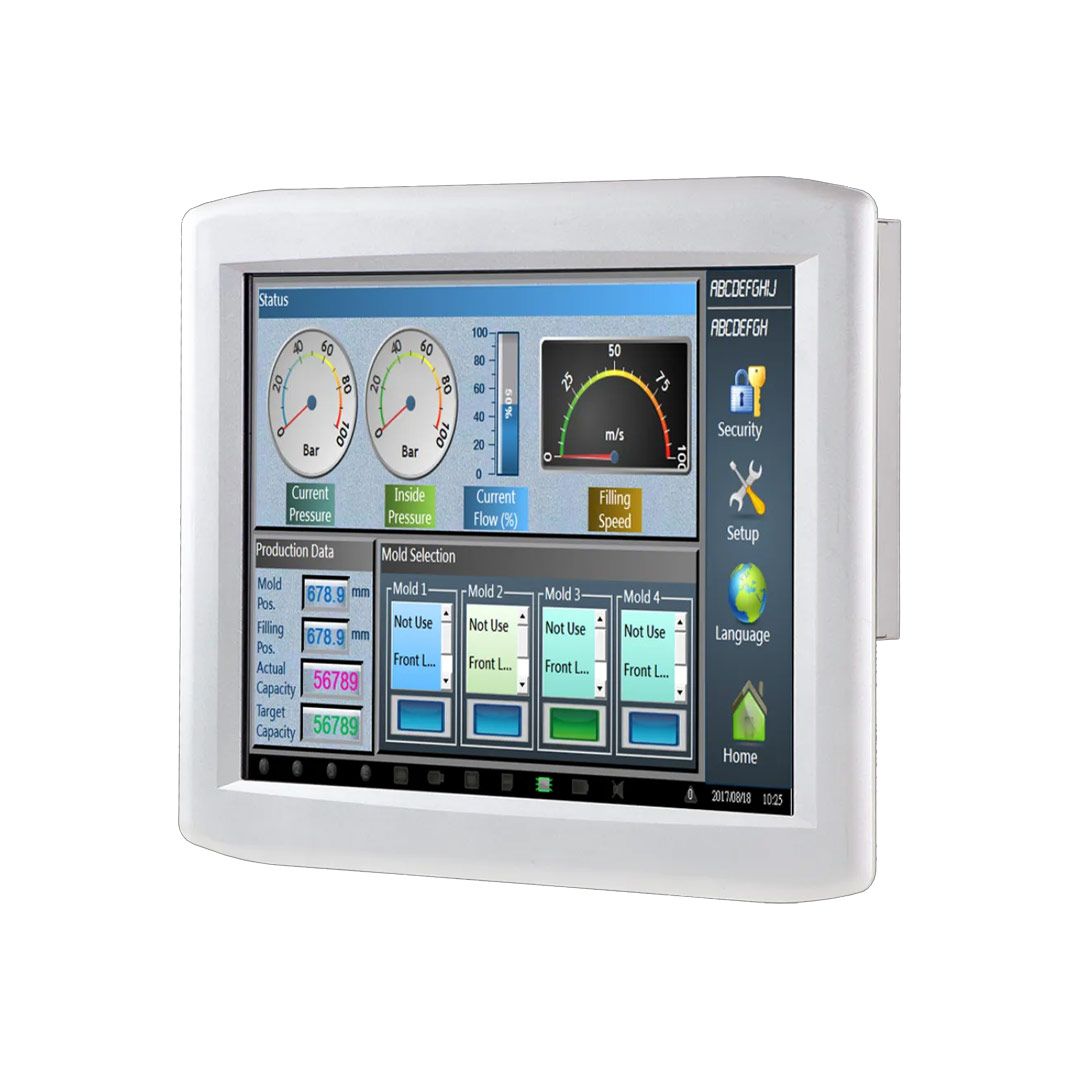
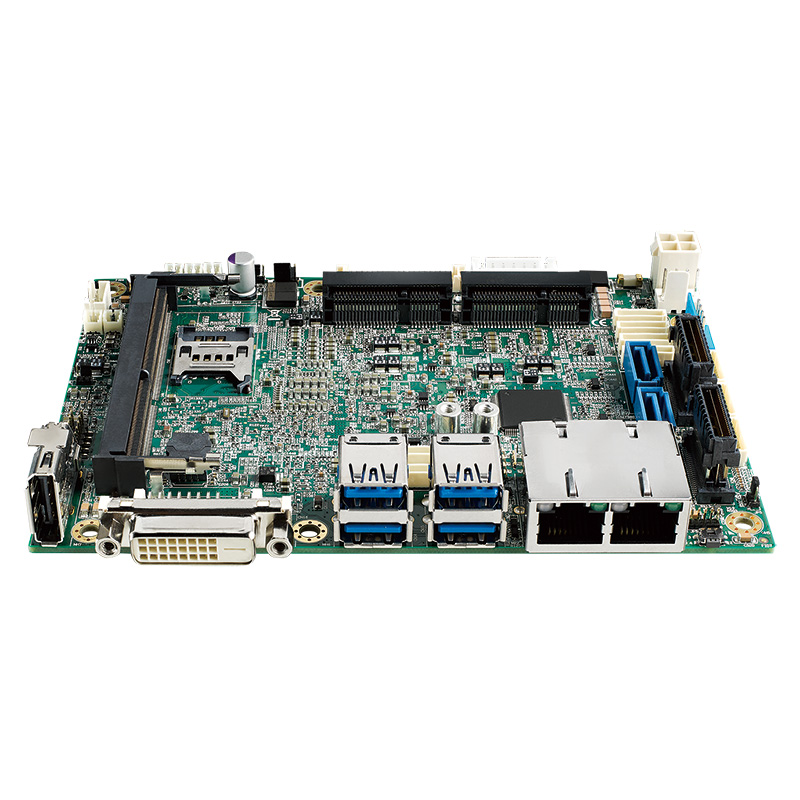

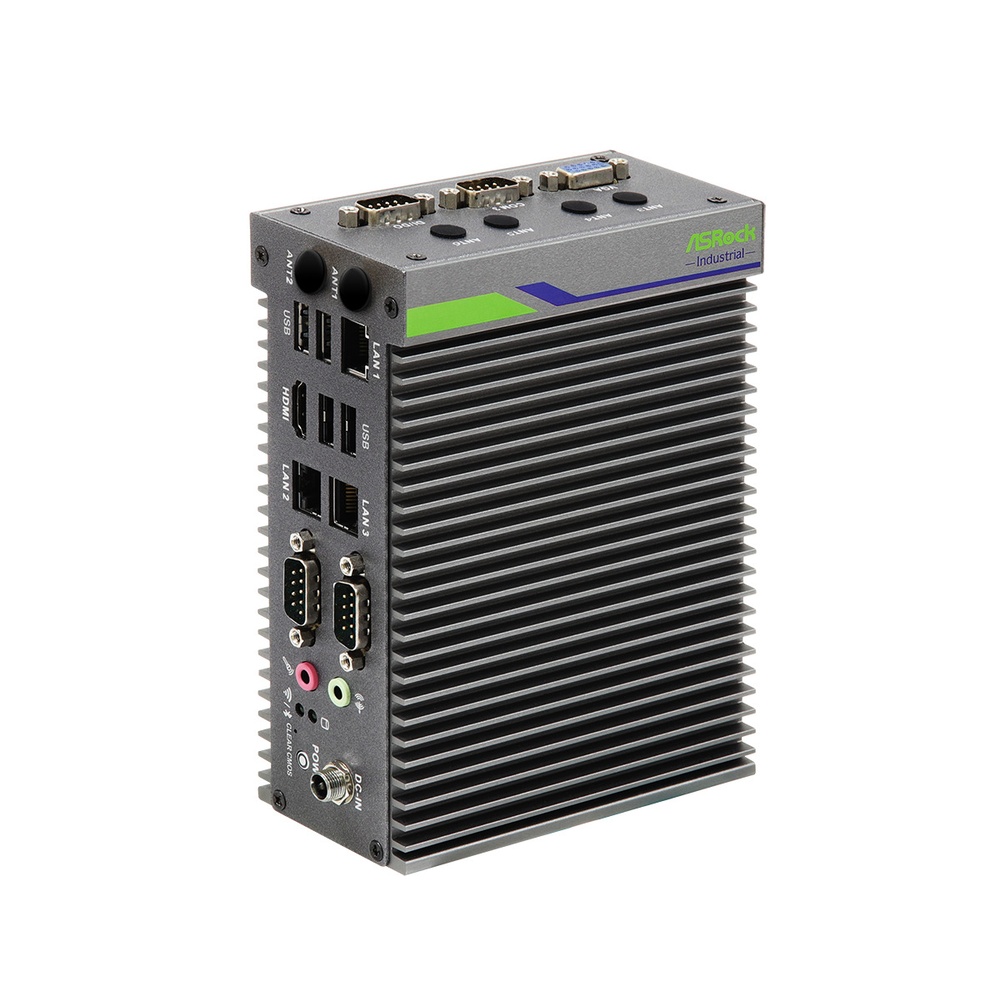
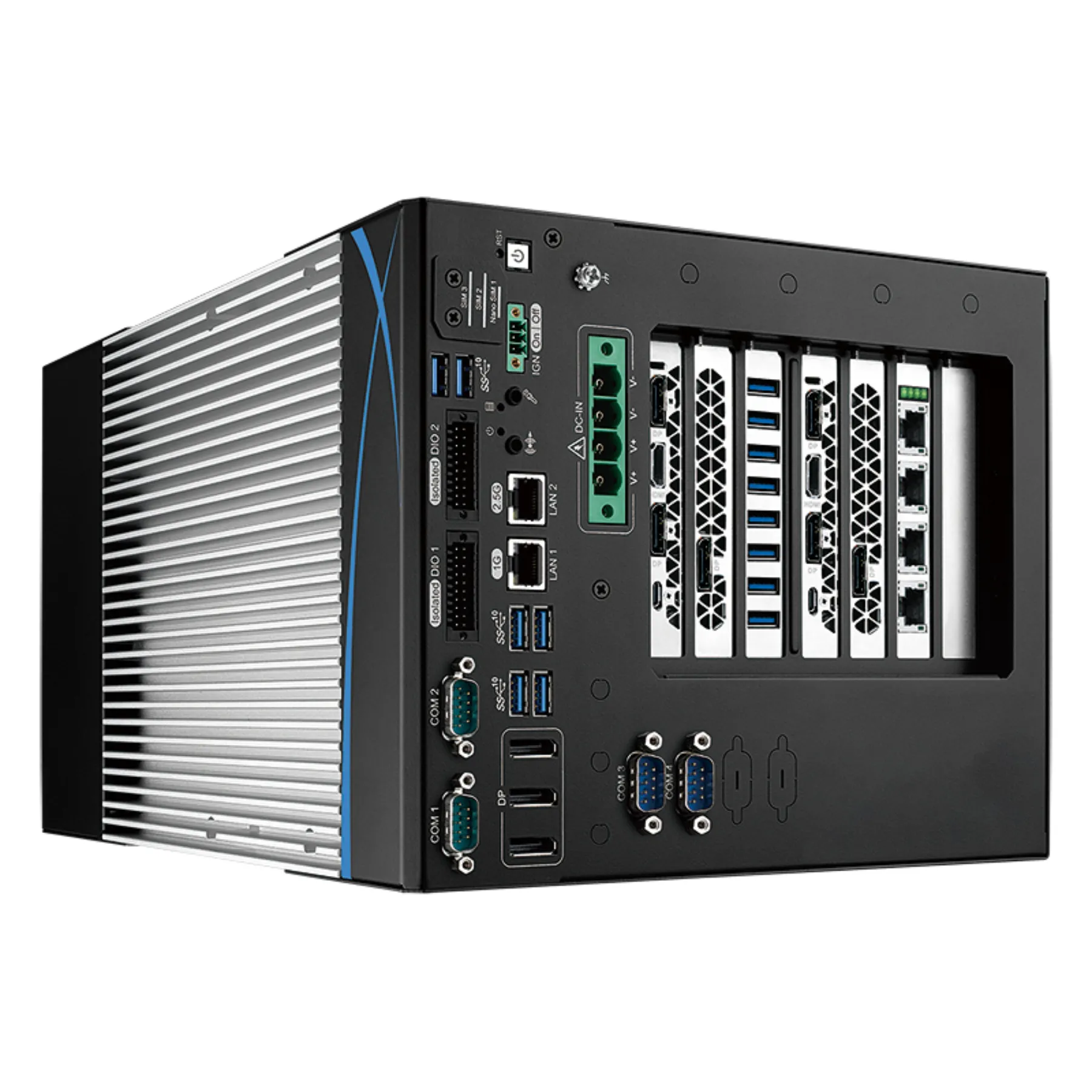

What is an embedded computer?

An embedded computer is a computer built into a larger machine or system to do one defined job. This guide covers how it differs from a desktop PC, the main types, where they are used and how to choose one.

TypeWhite paper
Published13 May 2026
AuthorAndrew WhitehouseManaging Director
Reading time34 min

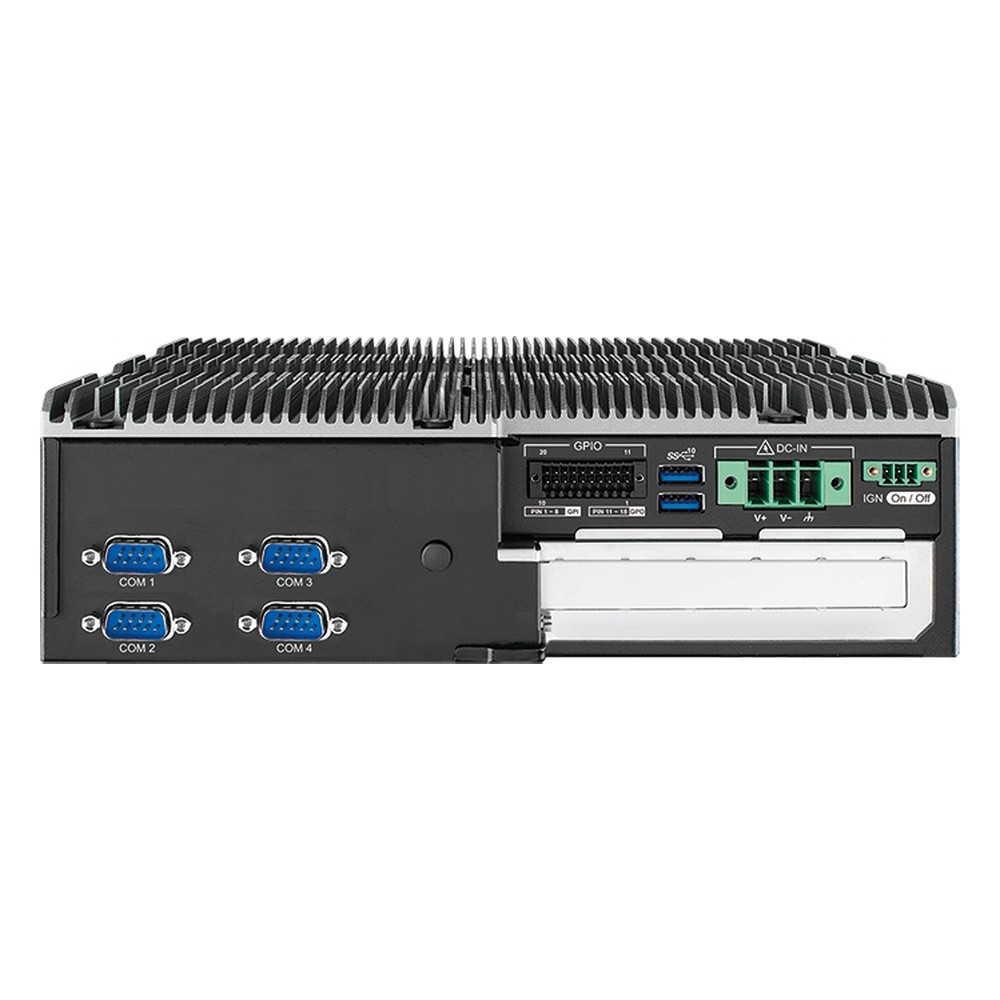
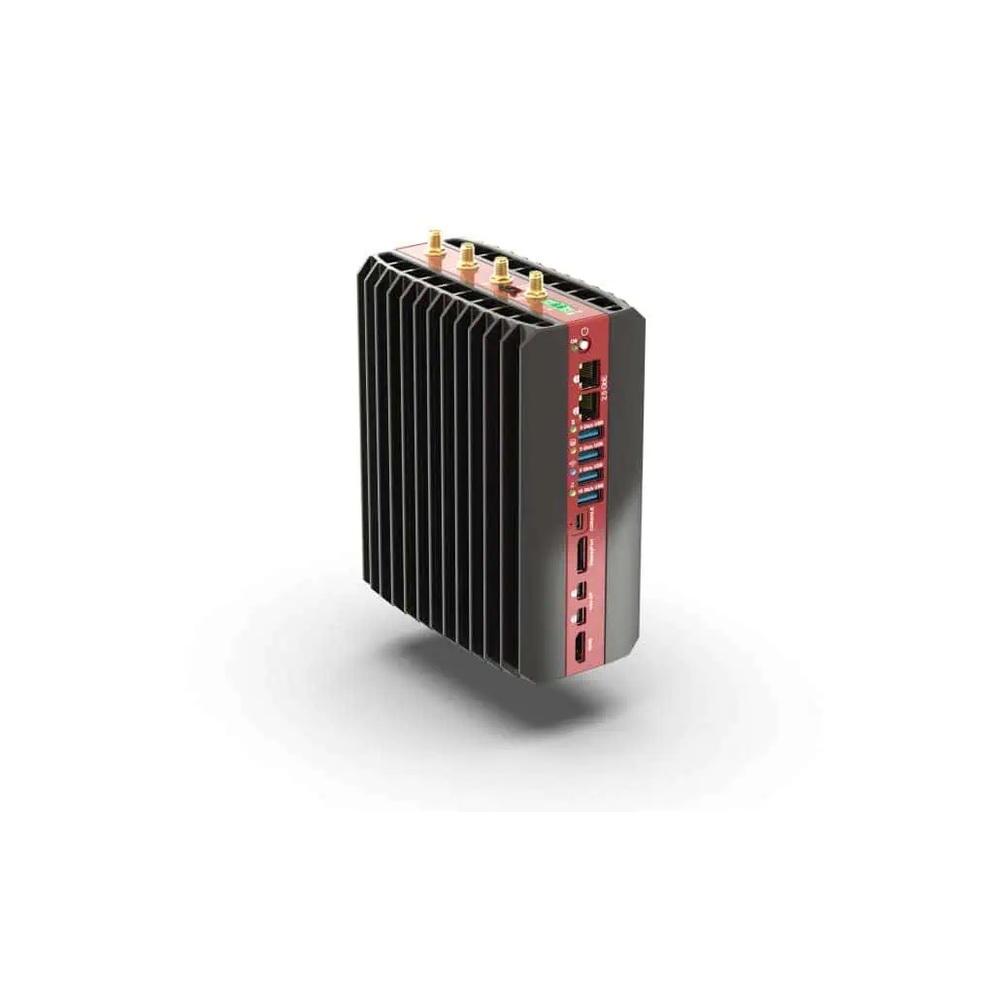
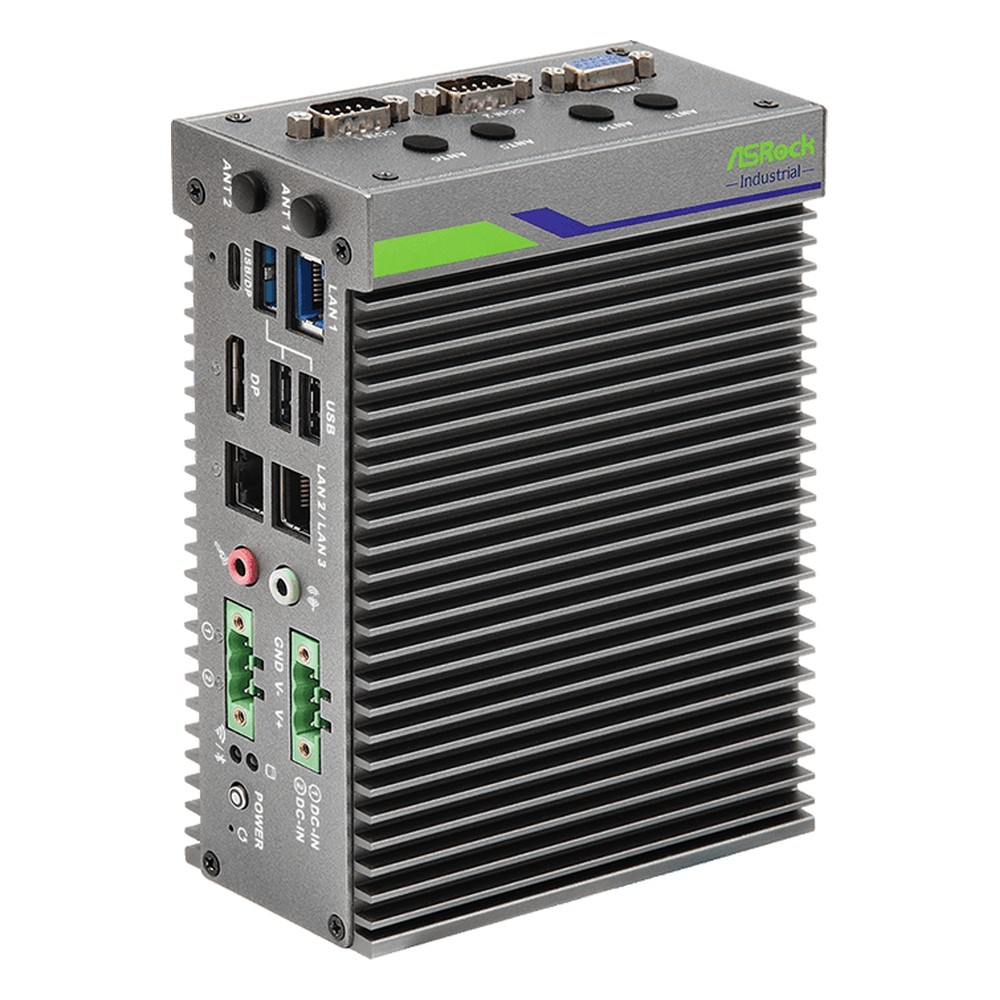
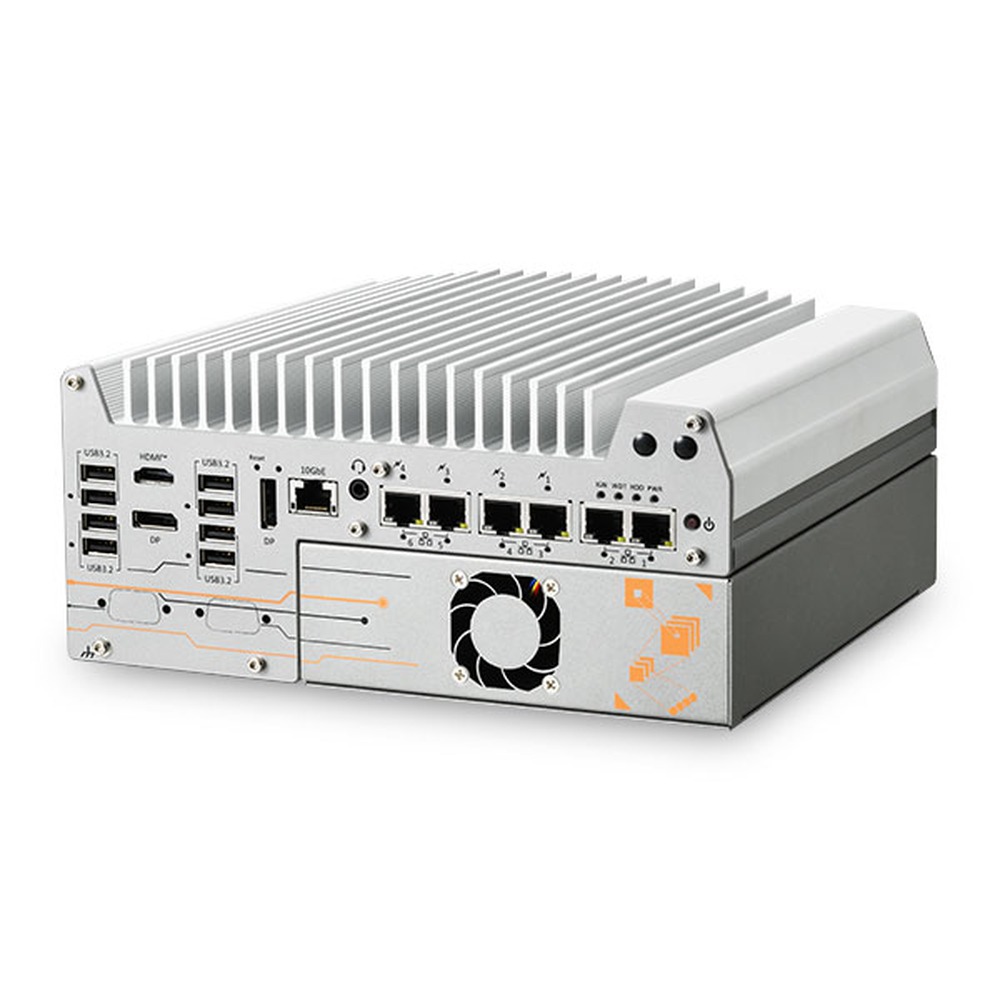
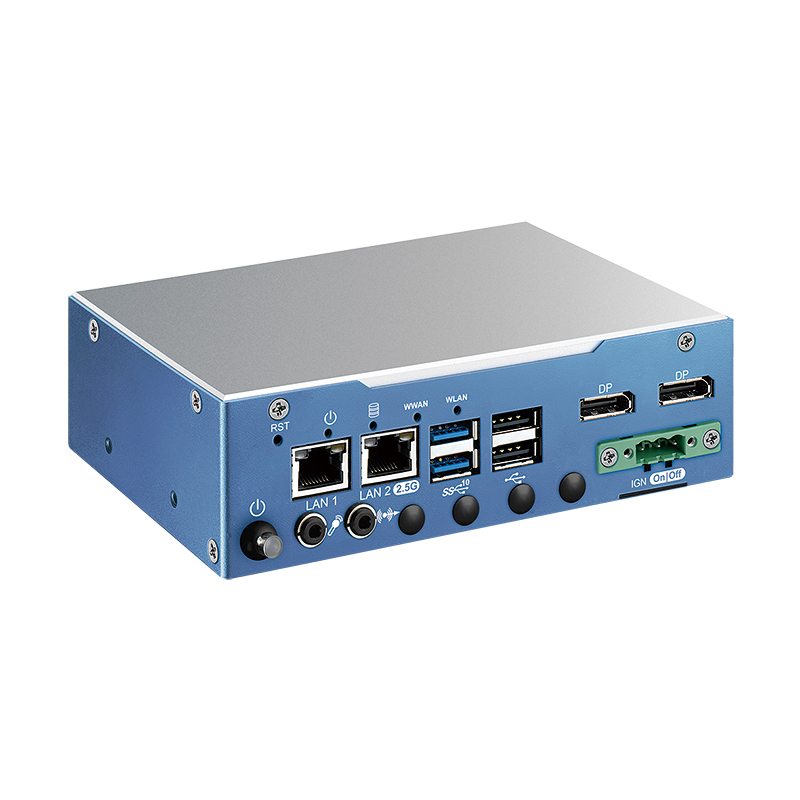
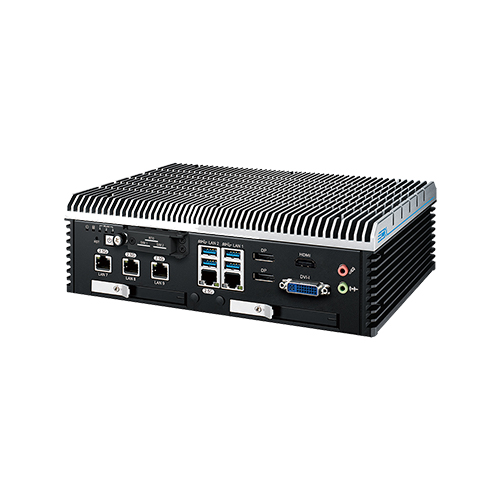
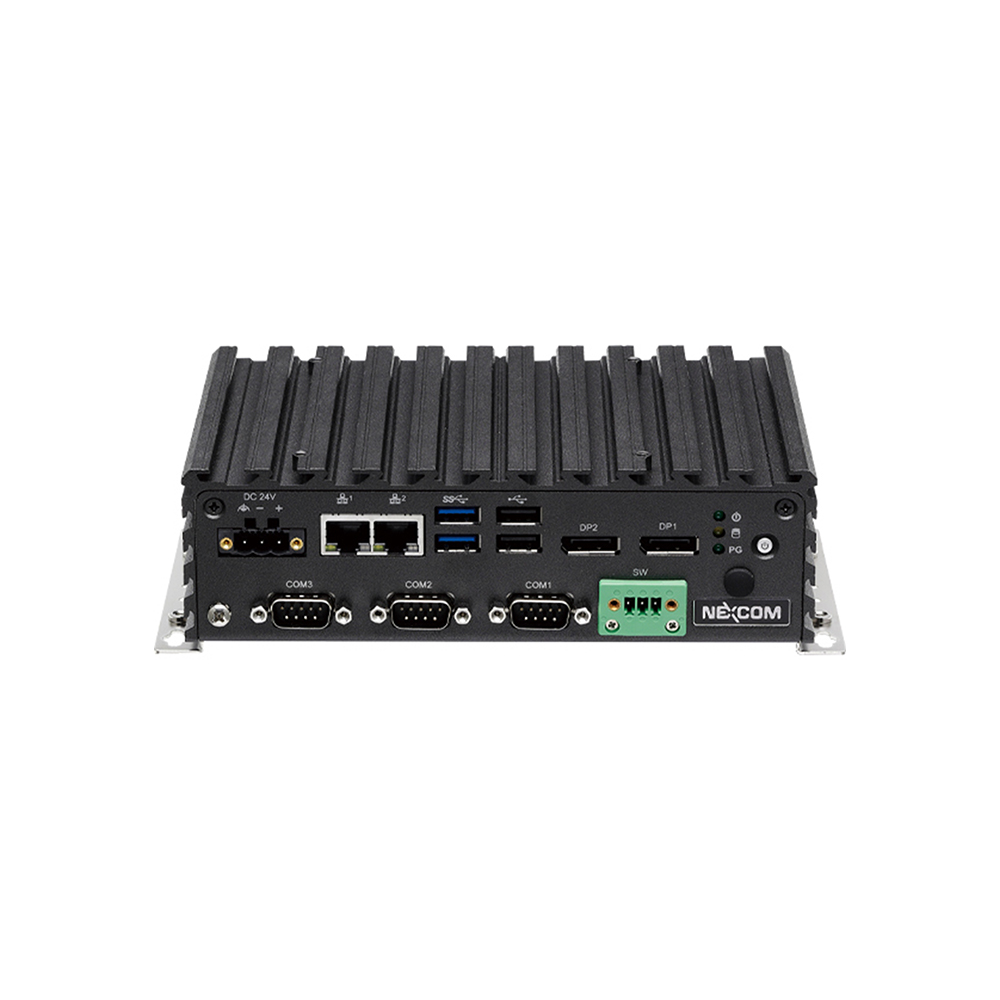
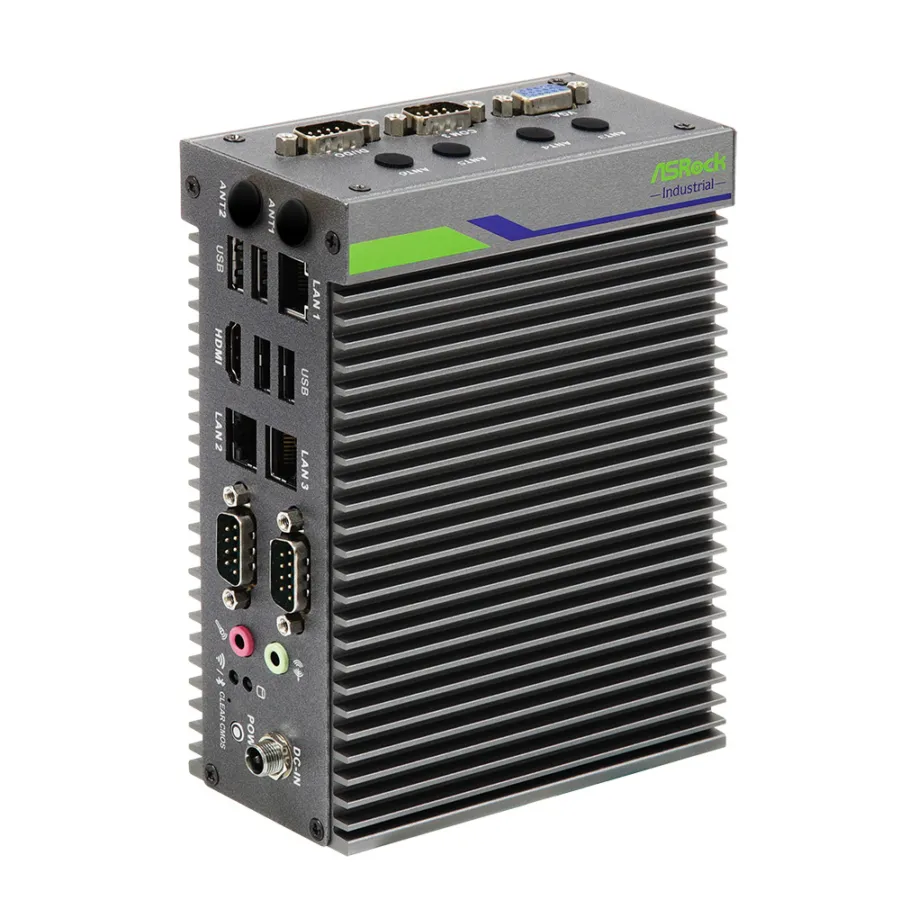
An embedded computer is a computer built into a larger machine or system to do one defined job, such as controlling a process, collecting data, playing signage or running AI inference, rather than serving as a general-purpose desktop. It is usually a compact, sealed box or board, often fanless, specified around the space, power and environment of the equipment it lives in.

You have probably used one today without noticing. The self-checkout at the supermarket, the departure screen on a station platform, the kiosk in a bank foyer and the control panel on a production line all have one inside. None of them looks like a computer, but each one is sized, specified and often certified for the job it does.

In industry the term usually means a PC-class system running a full operating system: an embedded box PC, a panel PC or a board built into a machine. This guide covers what sets an embedded computer apart from a desktop, the main types, where they are used and how to choose one.

Key points · 5 points

Key takeaways

01Built for one job
Specified for a defined role, such as a control loop, vision inspection, data collection or signage, rather than a general mix of office work.
02Designed for continuous operation
Expected to run around the clock for years, so components are chosen for endurance rather than peak performance.
03Shaped by its environment
Operating temperature, ingress protection, shock and vibration are part of the specification, not afterthoughts.
04Mechanically integrated
DIN rail, VESA, wall, panel and vehicle mounting are the norm, so the computer fits a cabinet someone has already designed.
05Supported for the long term
Embedded processors and boards follow published roadmaps, so the same build can be supplied for many years.

Edge deployments bring challenges a desk never sees: tight installation space, round-the-clock operation, heat, vibration and interference, and equipment that has to stay in service for a decade or more. A system built for its application and environment handles all four.

Andrew Whitehouse Managing Director, Things Embedded
02Compared

Embedded computer vs desktop PC

The differences between an embedded computer and a desktop are structural rather than cosmetic. These are the ones that matter when the computer has to live inside a machine.

Feature Embedded computer Desktop PC
Purpose One defined job inside a machine or system General-purpose office or home use
Cooling Often fanless and sealed Fans and open vents
Operating temperature Typically 0 to 50 °C; wide-temperature models −20 to 60 °C or −40 to 70 °C Typically around 10 to 35 °C
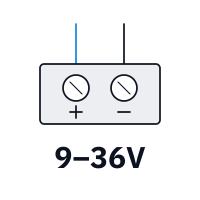
Power input Wide-range DC, such as 9–36 V or 9–48 V, often with ignition sensing Mains AC through an internal supply
Mounting DIN rail, wall, VESA, panel or vehicle Desk or tower
I/O Serial (RS-232/422/485), CAN, isolated digital I/O, several LAN ports, PoE USB, display outputs and one LAN port
Lifecycle Embedded processors with long availability and revision control Consumer cycles; parts change often
Operating system Windows IoT Enterprise LTSC, Linux or a real-time OS Windows Home or Pro

Embedded computer vs embedded system

An embedded system is any computing built into a product, from a microcontroller in a washing machine to a full PC inside a packaging line. An embedded computer sits at the PC-class end of that range: an x86 or Arm processor, memory, storage and a full operating system, often built around a system on chip. Our comparison of x86 vs Arm explains how the two processor families divide the work.

Embedded, industrial and rugged overlap as terms. An industrial PC is usually an embedded computer with a wider temperature range and more I/O, and a rugged computer adds tested resistance to shock, vibration, dust and water. Our guide to rugged embedded vs industrial computers sets out where each one fits.

Types

Fanless, industrial or rugged

Selecting an embedded computer is mostly a question of matching the housing and components to the environment. Over-specify and the project pays for protection it does not need; under-specify and it pays later in failures and maintenance. Most projects narrow the choice to one of three groups first.

  • Fanless embedded computers suit clean and indoor installations that need low maintenance and silent operation, such as kiosks and signage cabinets.
  • Industrial embedded computers add a wider operating temperature range and the I/O breadth automation needs to talk to sensors, actuators and controllers.
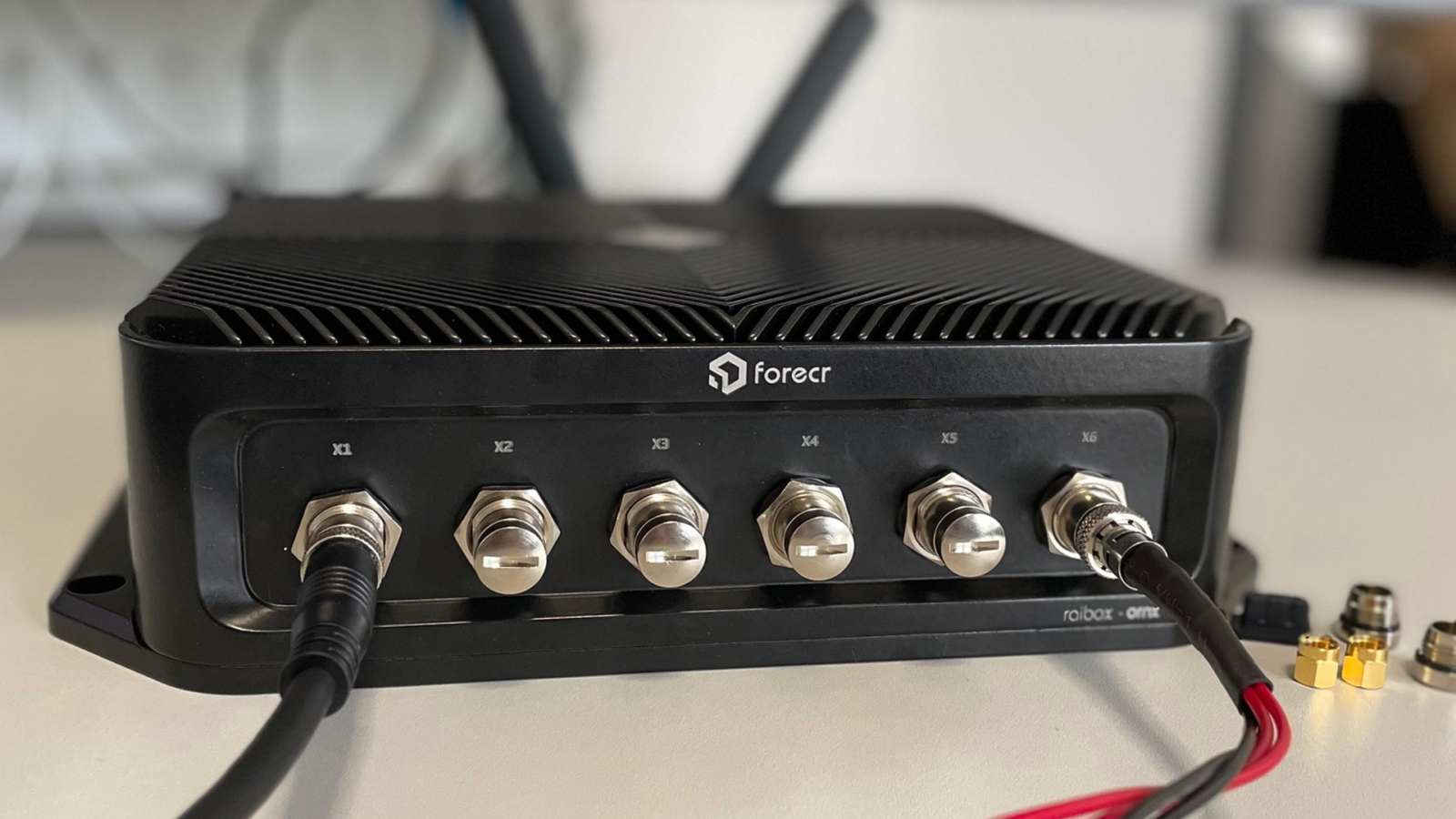
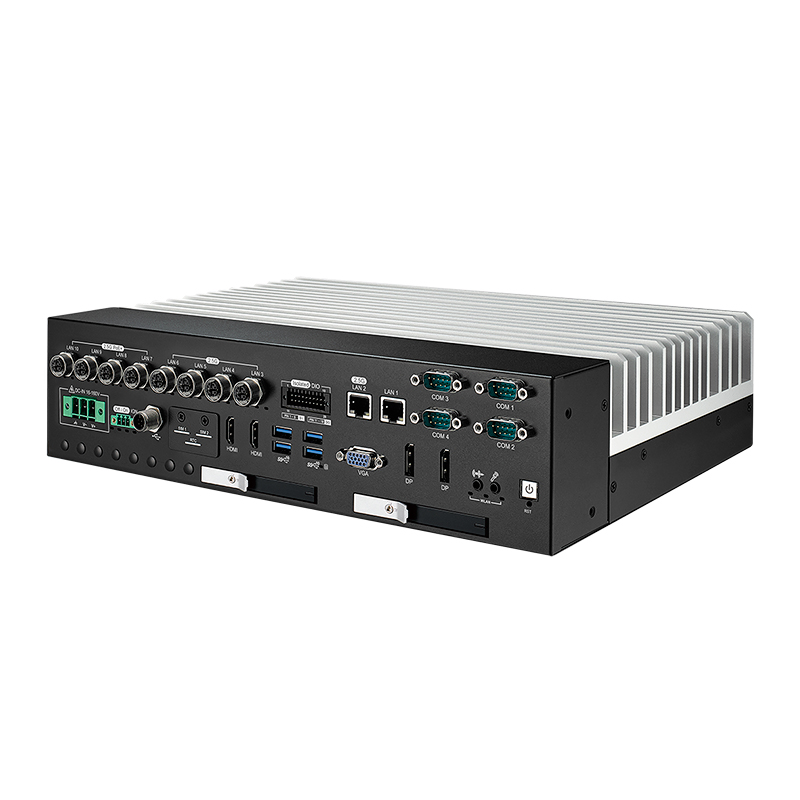
  • Rugged embedded computers add locking connectors, sealing and shock and vibration testing for vehicles, mining, marine and outdoor sites.

Two further families sit across all three. IIoT gateways handle protocol translation and data collection where the compute load is light, and edge AI computers add a GPU, NPU or NVIDIA Jetson module to run inference close to the cameras and sensors. Our explainers on IIoT gateways and edge AI cover each in more depth.

Advantages · 6Advantages

Why OEMs and machine builders choose embedded computers

None of these advantages is unique on its own, but together they are why embedded computing is a separate industry from desktop PCs.

Task-specific by design

An embedded computer is specified for its role, so it responds quickly, avoids unnecessary features and uses power efficiently. Hybrid CPU architectures, on-chip AI acceleration and 5G now let one system take on several jobs that once needed separate boxes.
Fanless and sealed

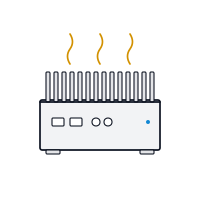
Removing the fan removes the part that fails first in dusty or damp environments, and a sealed case keeps contaminants away from the electronics. Lower-power processors make this possible without giving up the performance most control and data tasks need.

Form, fit and function

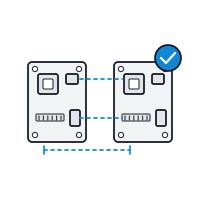
When a machine is updated, a newer embedded computer with the same size, mounting and I/O layout can drop into the same space. That avoids redesigning the cabinet and keeps the cabling the same, which cuts engineering time on every revision.

Legacy and industrial I/O

Industrial sites keep older equipment running for decades, so embedded computers still offer RS-232, RS-485, CAN, isolated digital I/O and sometimes PCI expansion alongside current USB, 2.5GbE and PoE. Connecting old and new is a routine Industry 4.0 job.

Wide-range DC power

A wide DC input lets the computer share a cabinet supply with its peripherals or run straight from a vehicle battery. Remote power switching and ignition sensing allow controlled start-up and shutdown without opening the panel.

Long-life supply

Embedded processor and board roadmaps run for years rather than months. Specifying parts that follow them keeps supply, support and compatibility stable over the life of the equipment. Our guide to embedded processors explains how those roadmaps work.

06Examples

Examples of embedded computers

Examples of embedded systems are everywhere once you look for them. At the small end, a microcontroller runs a washing machine programme, a thermostat or a car’s engine control unit. At the PC-class end, an embedded computer runs a self-checkout, a ticket machine or a vision inspection station. The table gives common examples by sector, with the job the embedded computer does in each.

Sector Examples What the computer does
Retail and hospitality Self-checkouts, ordering kiosks, payment terminals Runs the touch screen, scanner and payment devices
Transport Ticket machines, departure boards, on-train passenger information Drives displays and validators around the clock
Road vehicles and fleets Telematics, in-cab terminals, dashcam recorders Logs location and vehicle data, records cameras
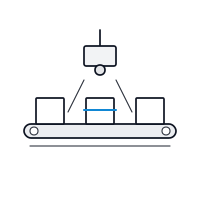
Manufacturing Machine controllers, vision inspection, operator HMIs Controls, inspects and reports on the line
Energy and utilities Substation gateways, remote terminals, EV chargers Collects field data and forwards it securely
Healthcare Imaging carts, patient monitors, lab analysers Captures and processes clinical data
Security Network video recorders, ANPR cameras, access control Records and analyses video at the edge
Home and consumer Washing machines, smart thermostats, home routers, car engine management Usually a microcontroller or SoC rather than a PC

What links them is a fixed job inside a larger product. Nobody installs office software on a ticket machine; it is specified once, for one task, and expected to keep doing it. In industry the PC-class examples usually run on industrial IoT gateways for data collection, industrial NVRs for video and panel PCs for operator screens.

Specify · 6 checksEmbedded computer

How to choose an embedded computer

Work through these six questions in order and the shortlist usually falls out.

  1. 01

    Environment

    Operating temperature, ingress protection, shock, vibration and EMC. The environment usually decides between fanless, industrial and rugged before anything else.

  2. 02

    Workload

    Control loop, data logging, signage or AI inference, and how many displays or cameras. The workload chooses the processor: Intel, AMD, Arm or NVIDIA Jetson.

  3. 03

    I/O and expansion

    Serial, CAN, digital I/O, LAN and PoE counts, plus any PCIe, M.2 or GPU slot the project needs now or later.

  4. 04

    Power

    Supply voltage, ignition behaviour, isolation and the power budget the cabinet or vehicle can provide.

  5. 05

    Mounting and space

    DIN rail, wall, VESA, panel or vehicle mounting, and the space left for cables and airflow around the case.

  6. 06

    Lifecycle and software

    How long the system must be supplied and supported, and the operating system it runs, such as Windows IoT Enterprise LTSC or Linux.

08FAQs

Embedded computers: common questions

Quick answers

What is an example of an embedded computer?

A self-checkout, a ticket machine or a machine controller. Anything that has a computer built in to do one job counts: kiosks, passenger information screens, vision inspection stations, vehicle telematics and medical carts.

Is an embedded computer the same as an embedded system?

Not quite. An embedded system is any computing built into a product, including tiny microcontrollers. An embedded computer is the PC-class end of that range, running a full operating system.

What is the difference between an embedded PC and an industrial PC?

Mostly emphasis. Both are built into equipment. An industrial PC usually stresses a wider temperature range and more I/O; an embedded PC stresses compact size and a defined task.

What operating system does an embedded computer run?

Usually Windows IoT or Linux. Windows IoT Enterprise LTSC and long-term-support Linux releases are the most common, chosen because they stay supported for as long as the hardware.

Do embedded computers need a fan?

Most do not. Many embedded computers are fanless, cooling through a finned case. Higher-power processors and GPUs may need a fan or a narrower temperature range.

How long are embedded computers available?

Usually several years. Embedded processors and boards follow published roadmaps, and manufacturers give last-time-buy notice, so a build can often be supplied for many years with revision control.

FAQs

Embedded computer FAQs

  1. What Are the Advantages of Fanless Computers?

    Fanless computers cool themselves passively, through a finned heatsink chassis and heat pipes, instead of a fan. With no moving parts and no airflow drawing in dirt, they are more reliable in dusty or vibrating places, silent, low maintenance and easy to seal, which is why they are the standard choice for industrial and embedded use.

  2. What Is an IIoT Gateway?

    An IIoT (Industrial Internet of Things) gateway is a rugged edge computer that connects industrial equipment, such as PLCs, sensors, meters and machines, to a network or the cloud. It collects their data, translates between industrial and IT protocols, processes and secures it at the edge, and forwards the results.

  3. What Is Edge AI?

    Edge AI means running trained artificial intelligence models on computers close to where data is created, such as beside cameras, machines or vehicles, rather than in the cloud. Decisions happen locally in milliseconds, less data crosses the network, sensitive data stays on site, and the system keeps working if the connection drops.

  4. What Is a DIN Rail?

    A DIN rail is a standard metal rail used to mount electrical and control equipment inside cabinets. The most common type is the 35 mm top-hat rail defined in EN 60715. Circuit breakers, power supplies, PLCs, terminal blocks, network switches and compact industrial PCs clip onto it side by side, which keeps wiring tidy and makes parts quick to swap.

  5. What Is TPM 2.0, and Why Do Industrial PCs Need It?

    A TPM, or Trusted Platform Module, is a security chip or processor function that stores encryption keys and records whether a computer started with untampered firmware. TPM 2.0 is the current version. Windows 11 requires it, and it underpins disk encryption, measured boot and device identity on industrial PCs.

  6. What Are the COM Express Module Types?

    COM Express is a PICMG standard for computer-on-modules, and its pin-out types define which interfaces a module provides. Type 6 is the most common, with display outputs, USB and PCIe for general embedded systems. Type 7 is headless, with up to four 10GbE ports for edge server use. Type 10 is a smaller, lower-power pin-out for Mini modules.

  7. What Is a Motherboard?

    A motherboard is the main circuit board in a computer. It carries the processor socket, memory slots, chipset, firmware and power circuitry, and it links storage, expansion cards and every external port so the parts work together as one system.

// Next Step

Need help choosing an embedded computer?

Tell us the job, the environment, the I/O and how long the system must be supplied, and we will recommend an embedded computer and configure it to match.

Phone · UK +44(0)1785 558 300