
 UK
UK 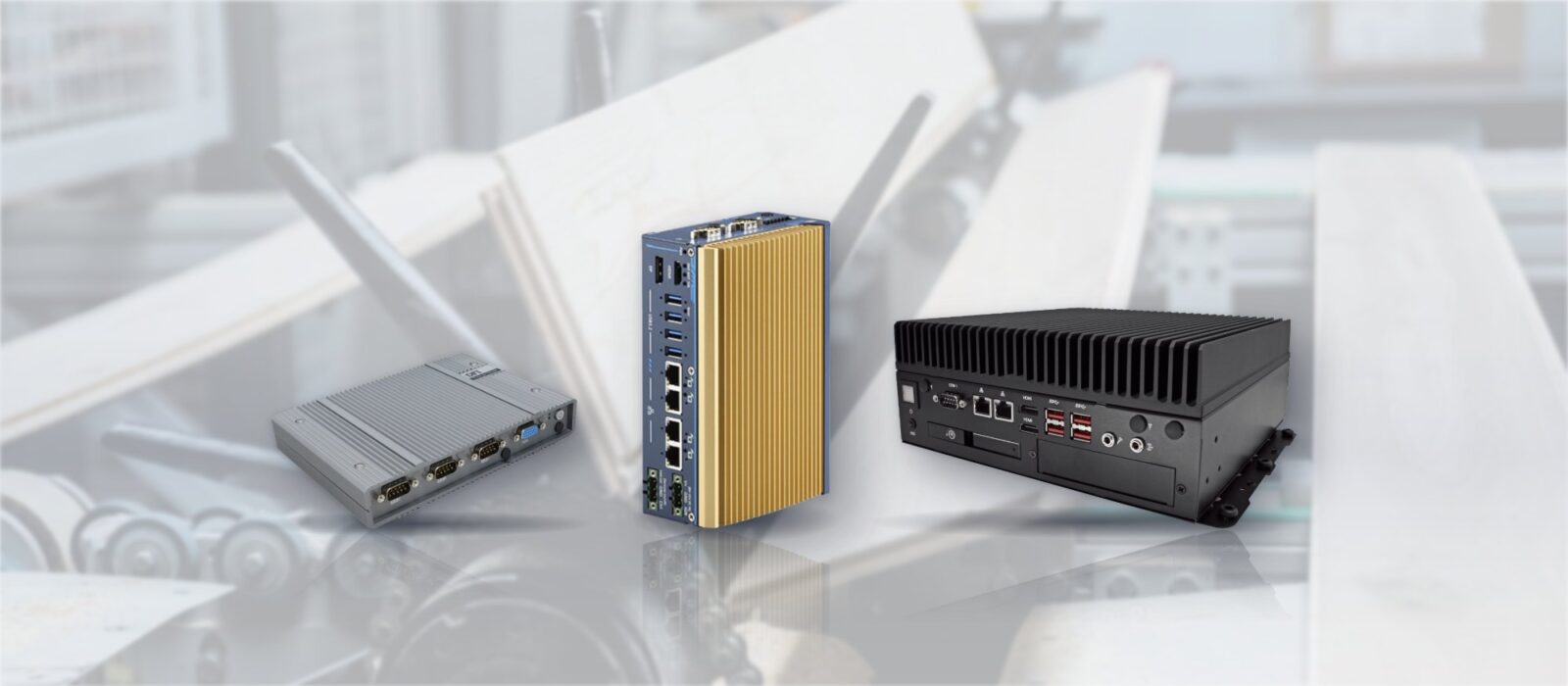
Dustproof Computers Prevent Downtime for Wooden Floor Production Line
An American wooden floor manufacturer came to us with two aims for the computers on its production line: reduce the time spent maintaining them, and stop them causing production downtime. On a line that machines timber all day, the threat to a standard computer is the dust.
Our answer was ventless, dustproof computers: fanless industrial computers with sealed enclosures, no fans and no vents for wood dust to get into. It is the kind of system we supply across manufacturing and factory automation.
Why wood dust stops ordinary computers
Cutting, profiling and sanding timber fill the air with fine dust. A conventional computer cools itself by pulling that air through vents with a fan, so the dust comes in too. It settles on heatsinks and circuit boards, clogs filters and fans, and the computer runs hotter until it slows down or stops.
Keeping that hardware running means regular cleaning, filter changes and replacement fans, and every failure that slips through stops the part of the line the computer controls. A ventless design removes the airflow altogether; our guide to how a fanless PC works explains how the heat gets out without it.
What the line needed from its computers
The manufacturer's two aims set the brief for the hardware.
-
01
No vents
A sealed enclosure, so wood dust has no path to the electronics inside.
-
02
No fans
Nothing to draw dust in, clog or wear out on a line that runs all day.
-
03
Less maintenance
No filters to change or fans to clean and replace, so engineers spend less time on the computers.
-
04
No downtime
Computers that keep running in the dust, so they are not the reason the line stops.
How a ventless computer keeps dust out
- 01Sealed enclosure
- With no vents or fan openings in the case, dust stays outside instead of building up on the boards.
- 02Cooling through the chassis
- Heat moves from the processor into the metal enclosure and its fins, a form of conduction cooling that needs no airflow.
- 03No moving parts
- Without fans there is nothing to clog or wear out, which removes the most common failure point in a dusty plant.
- 04Solid-state storage
- SSDs instead of spinning hard drives complete the solid-state design.
- 05Configured before delivery
- We configure each system before it ships, so it goes onto the line ready to work.
How dustproof is dustproof?
The first digit of an IP rating describes protection against solids: 5 means dust protected and 6 means dust tight. Our IP rating chart sets out each level, and our FAQ on the advantages of fanless computers covers the wider benefits beyond dust.
Fanless computers for dusty lines
Fanless industrial computers we specify today for production lines where dust is the main threat.
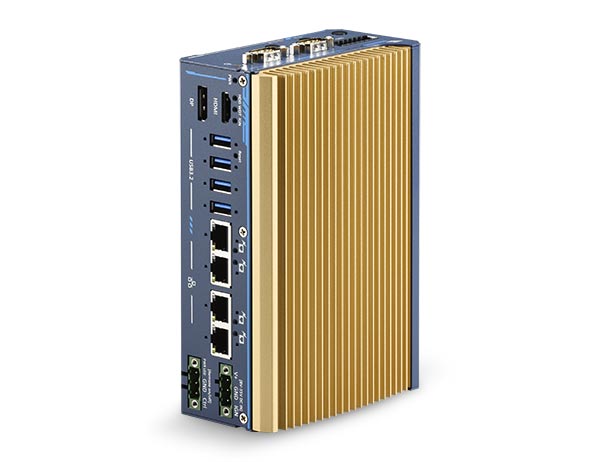
UL-Certified Intel Atom x7425E Ultra-Compact Fanless Embedded Computer with 4x GbE
- CPU
- Intel Atom x7425E (Alder Lake)
- Ethernet
- 4× GbE
- Temp
- −25 to +70 °C
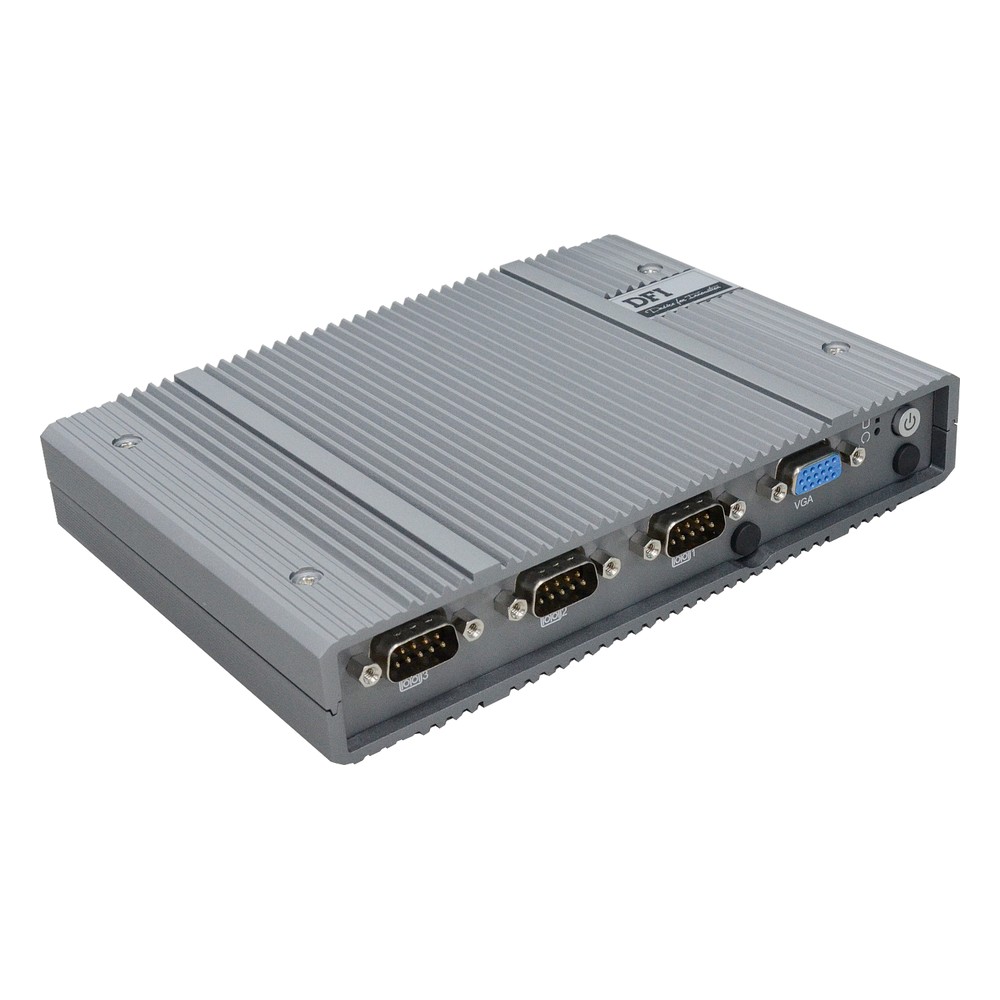
8-Core Intel Atom x7835RE Fanless Industrial Computer with OOB and -40 to 60 °C
- CPU
- Intel Atom x7835RE (Amston Lake)
- Ethernet
- 2× 2.5GbE, 1× GbE
- Temp
- −40 to +60 °C
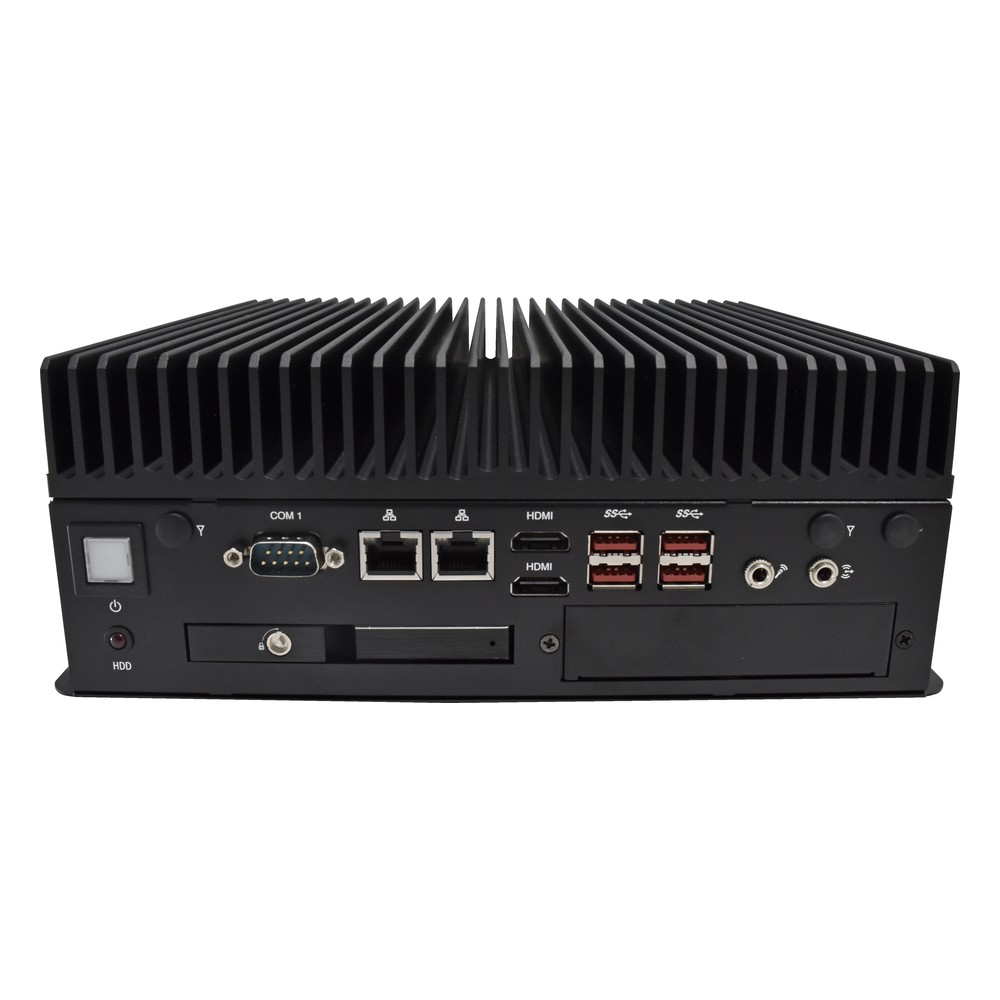
12th Gen Intel Core i5 Fanless Box PC with 4x COM and Isolated DIO
- CPU
- Intel Core 12th Gen (Alder Lake)
- Ethernet
- 2× 2.5GbE
- Temp
- −20 to +60 °C
What changed on the line
Ventless, dustproof computers took dust out of the equation for the line's computing.
-
Outcome 01
Less computer maintenance
With no fans or filters, the routine cleaning and part changes a fan-cooled computer needs in wood dust are gone.
-
Outcome 02
Downtime prevented
Dust no longer builds up inside the computers, so they are not the cause of stoppages on the line.
-
Outcome 03
Sealed against wood dust
The ventless enclosures give the dust from cutting and sanding no way in.
Dustproof computer FAQs
-
IP5X vs IP6X: What Is the Difference?
IP5X means an enclosure is dust protected: some dust can get in, but not enough to stop the equipment working. IP6X means it is dust tight: no dust gets in at all. The X shows the enclosure has not been rated for water, so a dust-tight computer for wet areas needs a full rating such as IP65 or IP67.
-
What Are the Advantages of Fanless Computers?
Fanless computers cool themselves passively, through a finned heatsink chassis and heat pipes, instead of a fan. With no moving parts and no airflow drawing in dirt, they are more reliable in dusty or vibrating places, silent, low maintenance and easy to seal, which is why they are the standard choice for industrial and embedded use.
-
What Is Conduction Cooling?
Conduction cooling moves heat out of a computer through solid materials rather than moving air. Thermal pads, heat spreaders and heat pipes carry heat from the processor, memory and storage into the metal chassis, which passes it to the surface it is mounted on or to the surrounding air. With no fans or vents, the system can be fully sealed.
-
What does IP65 mean?
IP65 defines the minimum waterproof rating for any “weather-resistant” claim — dust-tight against all particle ingress, and protected against low-pressure water jets from any direction. Here is what that means in practice, how it is tested, and when it is the right specification.
-
What does IP66 mean?
IP66 is the rating above IP65 — dust-tight, and protected against powerful water jets. It is the standard specification for outdoor industrial computing in storm-exposed locations, marine deck equipment and light wash-down food handling, equivalent to NEMA 4 / 4X in North American markets.
-
NEMA vs IP rating — how the two enclosure systems compare
NEMA and IP are parallel enclosure rating systems used in North America and internationally — they overlap, but they are not equivalent. Here is the practical mapping between them, what each system tests that the other does not, and which to specify when both matter.
Running computers on a dusty production line?
Send us the application, the deployment environment, and the lifecycle expectation. We'll come back with a platform recommendation, a BOM, and a service stack matched to it.