
 UK
ATEX Tablets and Handhelds
Intrinsically Safe Tablets and Handhelds for Zone 2 Sites
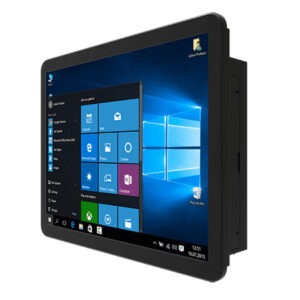
An ATEX tablet lets inspection and maintenance teams carry a computer into a Zone 2 area instead of leaving it at the boundary, so readings, permits and photos are captured where the work happens. The range covers 10.1" Windows tablets and 6 inch Android handhelds, sealed to IP65 or better, with Ex ic protection, the Zone 2 level of intrinsic safety.
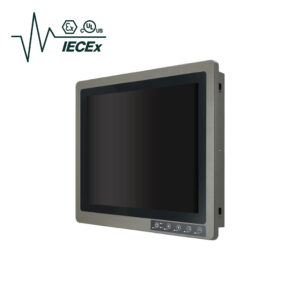
Options include ATEX and IECEx Zone 2 markings, a Class I, Division 2 listing on the tablet, built-in or optional 1D/2D barcode readers, hot-swappable batteries, 4G or 5G and GPS, suited to oil and gas, chemical processing and fuel handling sites where a flammable atmosphere is not expected in normal operation. Neither device is rated for Zone 1.
Speak to a hazardous area specialist to match the marking, screen size and scanning to your zone classification.


Browse Our Hazardous Area Tablets and Handhelds
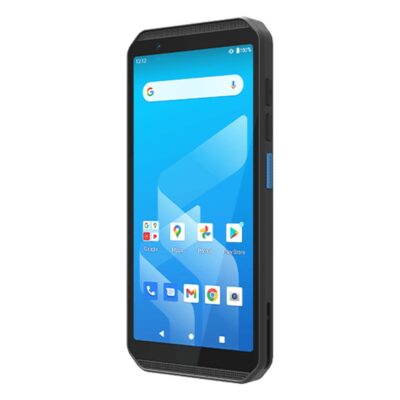
- Display: 6"[18:9, 2160 x 1080, FHD+]
- Touch: Multi Touch PCAP
- Brightness: 600
- Format: Widescreen
- CPU: QCM4490
- Memory: 6GB Soldered On-board
- OS: Android 16.0, Android 14.0
- USB: 1x USB 3.0 [Type C]
- Storage: 1x Micro SD
- Power: 9V [USB-C]
- Temp: -10°C to 50°C [14°F to 122°F]
- IP Rating: IP68, IP65
- Certification: ATEX Zone 2, BQB, BSMI, CE, FCC, IECEx, JATE, MIL-STD-810, NCC, RCM, TELEC, VCCI
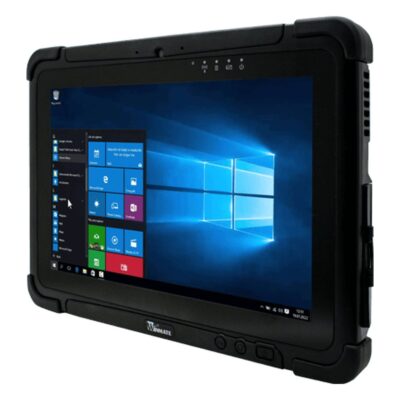
- Display: 10.1"[8:5, 1920 x 1200, WUXGA]
- Touch: Multi Touch PCAP
- Brightness: 800
- Viewing Angle: Wide Viewing Angle
- Format: Widescreen
- CPU: Intel Core 12th Gen Alder Lake
- OS: Windows 11
- Display Outputs: 1x USB Type C
- Ethernet: 1x GbE LAN [RJ45]
- USB: 1x USB 3.0 [Type A], 1x USB 3.0 [Type C]
- Storage: 1x Micro SD
- Power: 19V DC, 20V [USB-C], AC Power Supply Included
- Temp: -10°C to 50°C [14°F to 122°F]
- IP Rating: IP65
- Certification: ATEX Zone 2, CE, FCC, IECEx, KCs, MIL-STD-810, UL Class 1 Division 2
Beyond Zone 2: Rugged Mobile Computers
ATEX Tablet Ranges Configured by Things Embedded
We work with the leading manufacturers of rugged mobile computers, so the ranges below are the ones we specify for inspection, maintenance and operations teams on classified sites. Compare them by marking, operating system and scanning, then browse the models above or ask a hazardous area specialist which range suits your zone.
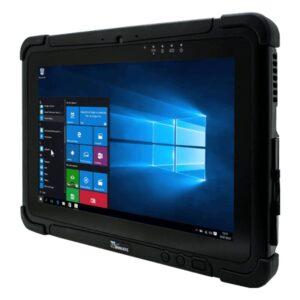
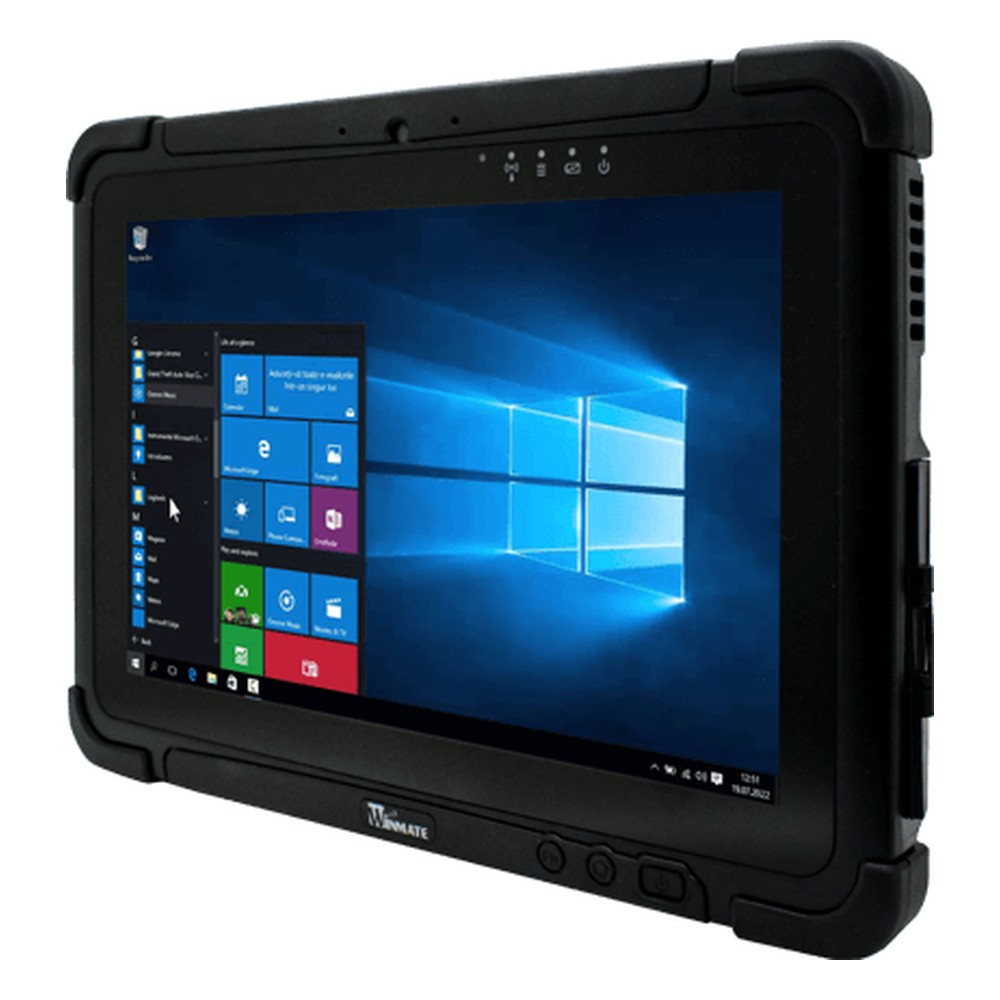
Winmate Zone 2 Windows Tablet
A 10.1 inch Windows 11 IoT Enterprise tablet on the Core i5-1235U, marked for ATEX and IECEx Zone 2 and listed for Class I, Division 2, with an 800 nit bonded screen.
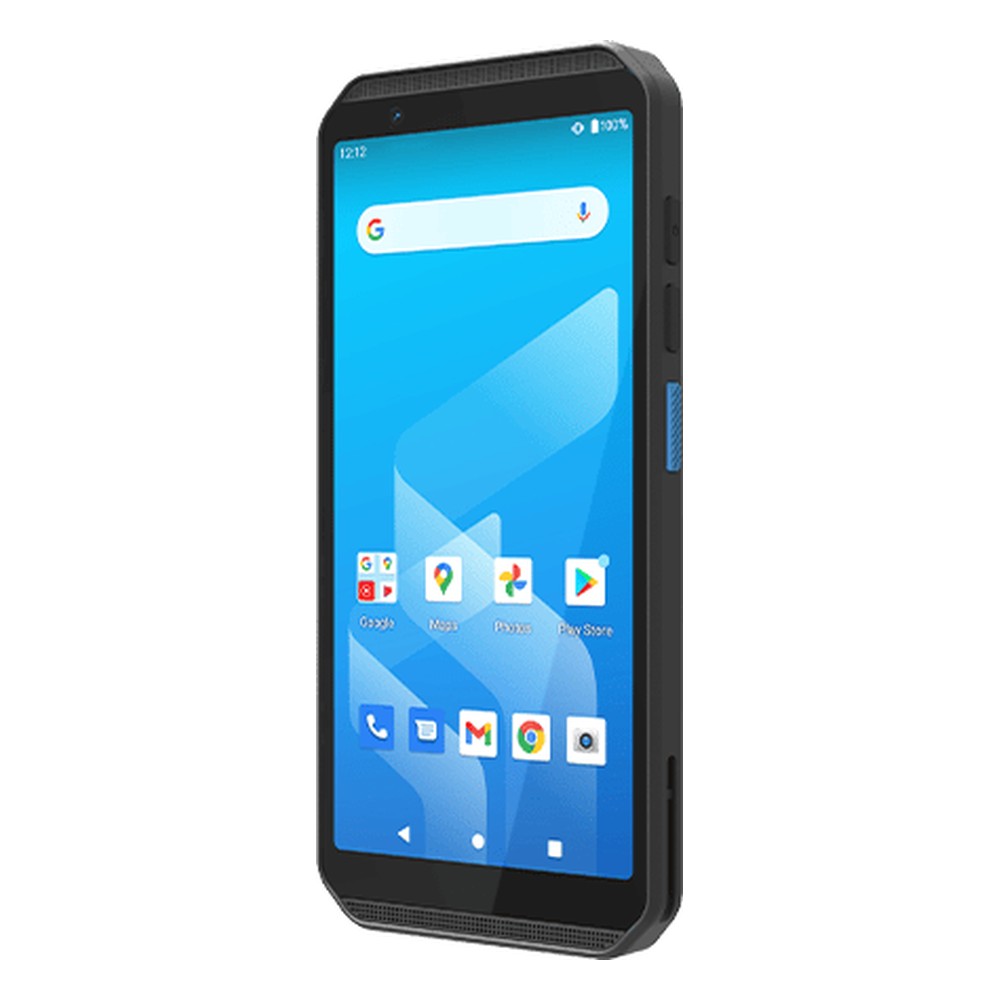
Winmate Zone 2 Android Handheld
A pocketable 6" Android 14 data terminal on the Qualcomm QCM4490, marked ATEX and IECEx Zone 2 for gas and dust, with a built-in 1D/2D scanner and IP68 sealing.
Not sure which range fits? Tell us the application and we will recommend the right model.
What to Specify in a Class 1 Div 2 or Zone 2 Tablet
Our hazardous area specialists specify every Ex tablet and handheld against the zone, the gas or dust group and the work your team does on site. These are the choices that decide whether a device can go through the gate, and the ones we work through with you before recommending a range.
Zone and Marking
Ex ic for Zone 2, with the gas group and temperature class listed per model. Zone 1 calls for a higher protection level.

North American Listing
Class I, Division 2, Groups A to D on the Windows tablet, for sites classified under the Class and Division system.

Sealing and Dust
IP65 on the tablet, IP65 and IP68 on the handheld, which also carries a dust marking for Zone 22 areas.

Barcode and Tags
A built-in 1D/2D reader on the handheld and an optional one on the tablet, with NFC or HF RFID for tags and permits.

Operating System
Windows 11 IoT Enterprise for desktop inspection software, Android 14 for app-based workflows and scanning.

Power Options
A hot-swappable battery on the tablet and a full-shift battery on the handheld; confirm where docks and chargers may be used on site.
ATEX Tablet and Handheld FAQs
What is the difference between an ATEX tablet and a rugged tablet?
A rugged tablet is sealed and drop tested, but it can still produce a spark or hot surface that could ignite gas. An ATEX tablet is also assessed and marked for use in a potentially explosive atmosphere, with a protection type, gas group and temperature class on its label. Many ATEX models start as a rugged tablet and are then redesigned and certified for the zone.
What is ATEX?Do I need an ATEX tablet if the device only enters the zone occasionally?
Usually, yes. If an area is classified as Zone 2 or Division 2, electrical equipment taken into it should normally be suitable for that classification, however briefly it is there. Some sites allow uncertified devices under a hot work permit with gas testing, but that adds supervision every time. Your site's area classification and safety rules decide this, so check them with the duty holder.
Can a Zone 2 tablet be used in Zone 1?
No. Zone 2 equipment, including Ex ic devices, is assessed for areas where an explosive atmosphere is not expected in normal operation and would only be present briefly. Zone 1 needs equipment with a higher protection level, such as Ex ib or Ex ia intrinsic safety, marked Gb or better. Always check the label against the zone drawing.
ATEX zones explainedIs a Zone 2 tablet slower than a standard rugged tablet?
Not necessarily. Protection for Zone 2 limits ignition sources in normal operation, so a Zone 2 tablet can keep a mainstream mobile processor and a bright bonded screen. Devices for Zone 1 and Zone 0 limit energy much further, which usually means lower power processors and smaller batteries. Battery and accessory choices can be narrower on any certified model.
What does Ex ic IIC T4 Gc mean on a tablet?
It is the marking string on the label. Ex ic is the protection type, intrinsic safety at the level used for Zone 2. IIC is the gas group, which covers hydrogen and acetylene as well as less demanding gases. T4 means surface temperatures stay at or below 135 °C, and Gc is the equipment protection level for Zone 2.
Intrinsically safe vs non-incendiveIs an ATEX tablet the same as an explosion-proof tablet?
Not always. Explosion-proof, or flameproof Ex d, equipment contains an internal explosion inside a strong enclosure. Most ATEX tablets instead stop ignition happening at all, through intrinsic safety or limited energy, which keeps them light enough to carry. Search terms often mix the two, so judge a device by its marking rather than its name.
Does an ATEX handheld also need a dust rating?
Only if the area is classified for combustible dust, as Zones 20, 21 and 22, such as grain, flour or powder handling. Dust markings use group IIIA, IIIB or IIIC and a maximum surface temperature in degrees Celsius, separate from the gas marking. A device can carry both, so check each line of the label against the gas and dust zones on your drawing.
Is Class I Division 2 the same as ATEX Zone 2?
They cover similar conditions in different systems. Class I, Division 2 is the North American classification for gas present only under abnormal conditions, while Zone 2 is the IEC and ATEX equivalent. Some tablets carry both, but a Division 2 listing on its own does not meet the UK or EU rules, and an ATEX marking on its own does not meet North American ones.
What is Class 1 Division 2?How do I choose an ATEX tablet or handheld?
Start with the zone drawing: gas or dust, the zone number, the gas group and the temperature class. Then choose the form, a tablet for forms, drawings and inspection software or a handheld for scanning and quick entries, and the operating system your applications need. Finally check sealing, battery life across a shift and which accessories the certificate allows.
Can ATEX tablets be supplied ready to use?
Yes. We supply every ATEX tablet and handheld with the operating system installed and set up to your requirements, including applications, Wi-Fi and mobile data profiles and device management enrolment. We work within the certified configuration, so any accessory or internal option has to be one the certificate allows.
Speak to a Hazardous Area Specialist.
Tell us the zone classification, gas group and temperature class of your site, the software your team runs and how they work on their rounds. We will recommend a tablet or handheld whose marking matches the zone, then configure, image and test it before it ships.