
 UK
UK 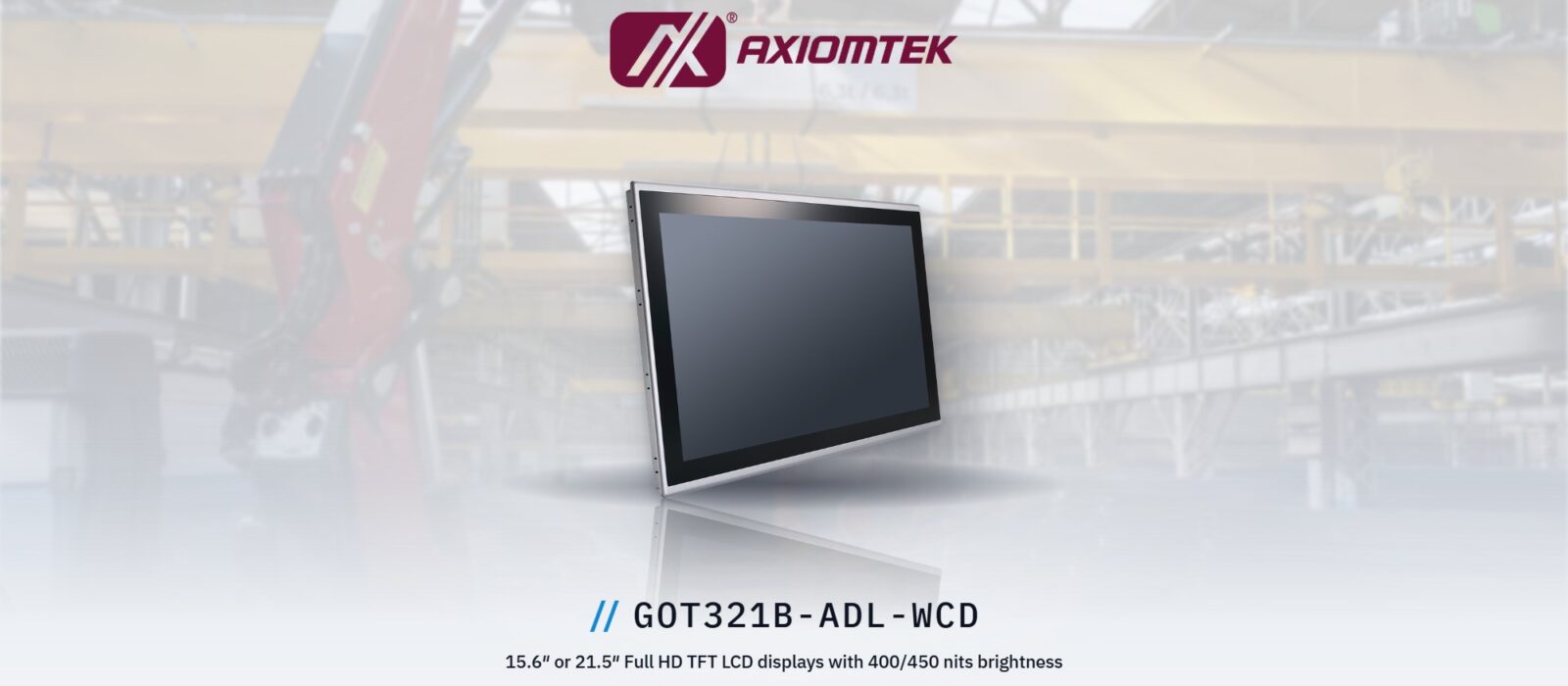
Axiomtek GOT321B and GOT315B: fanless IP65 touch panel PCs for industry
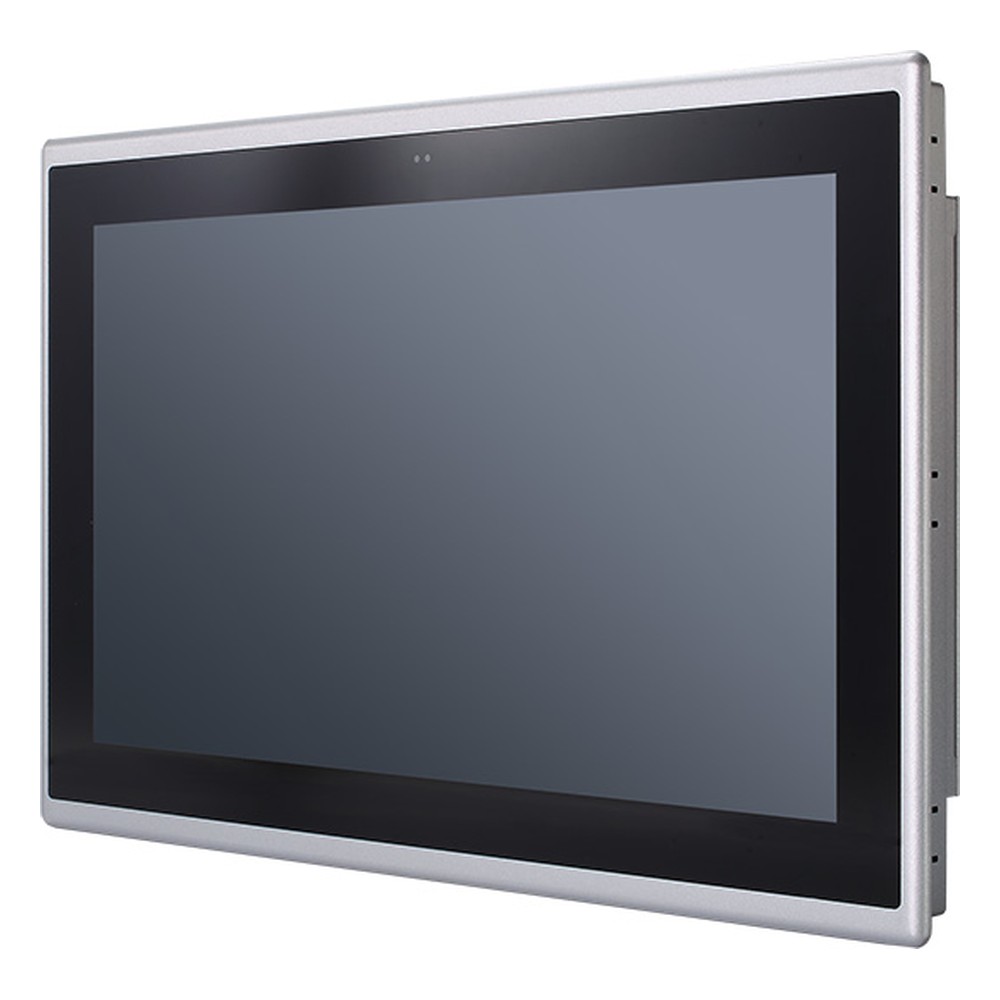
The Axiomtek GOT321B-ADL-WCD and GOT315B-ADL-WCD are fanless touch panel PCs for factory automation and machine-side HMIs. The 21.5 inch (21.5″) and 15.6 inch (15.6″) models share one platform: a socketed 12th to 14th Gen Intel Core processor up to 35 W behind a Full HD projected capacitive touch screen and a flat IP65 front bezel.
Because the processor sits in an LGA1700 socket, the same panel can be built from a Pentium for a simple operator screen up to a Core i9 for vision or data-heavy dashboards. Both models run from 10–36 V DC with ignition sensing and operate from −10 to 50 °C.
We supply both as part of our rugged panel PC range from Axiomtek, configured and tested before they ship.
What the GOT321B and GOT315B bring
- 01Full HD PCAP touch
- 21.5 inch at 400 nits or 15.6 inch at 450 nits, both 1920 × 1080 with projected capacitive multi-touch.
- 0212th to 14th Gen Intel Core
- Socketed LGA1700 Core i3 to i9 or Pentium up to 35 W on an Intel H610 chipset, with UHD Graphics 770.
- 03IP65 front, fanless
- A flat IP65-rated front bezel for wipe-down panel mounting, with a finned rear heatsink and no fan to clog with dust.
- 04Dual LAN and serial
- One Gigabit and one 2.5GbE port, four USB ports, two DB9 serial ports and two HDMI 1.4b outputs.
- 0510 to 36 V DC with ignition
- Terminal block DC input with ignition sensing for timed start-up and shutdown, plus TPM 2.0 on board.
The two models
One platform in two screen sizes: pick the panel that fits the machine or the cabinet door.
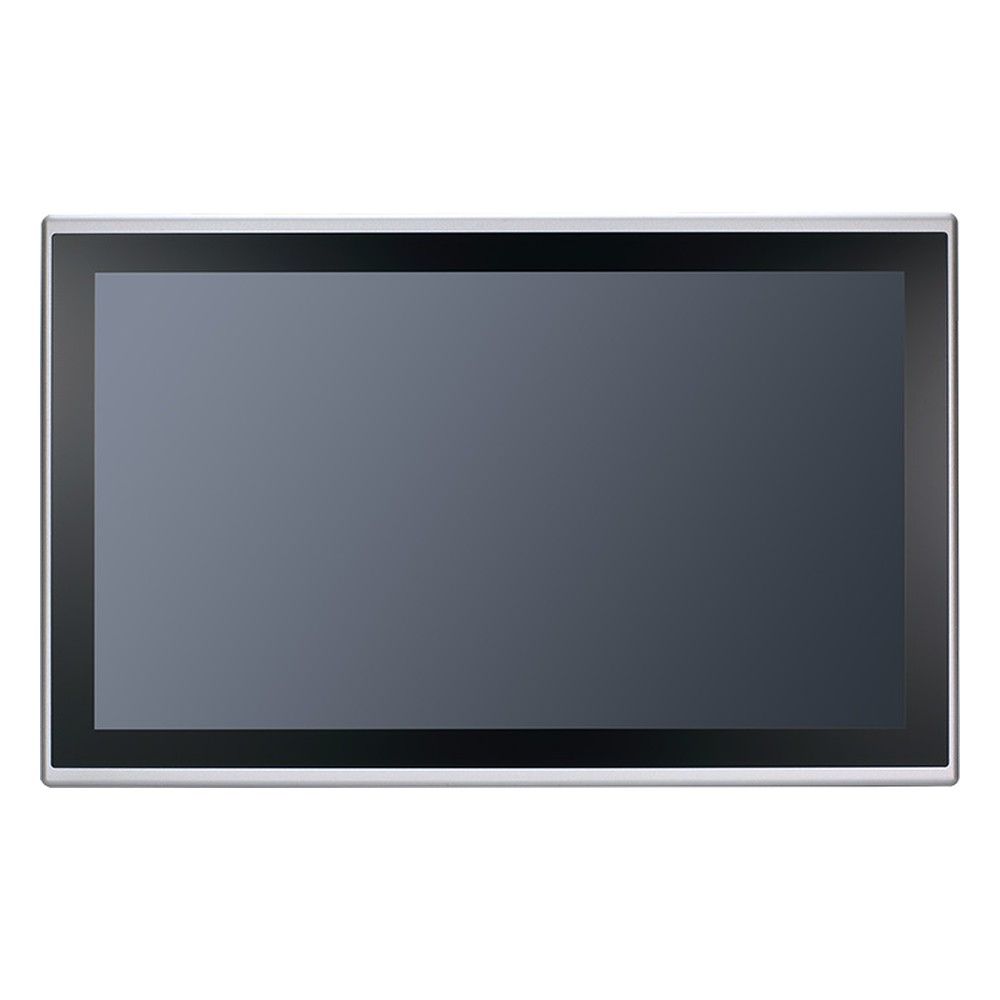
21.5″ Fanless Front IP65 Panel PC with 12th to 14th Gen Intel Core and 10-Point PCAP Touch
- Display
- 21.5″ (16:9, 1920×1080, FHD)
- Brightness
- 400 nits
- Touch
- 10-Pt PCAP Multi Touch
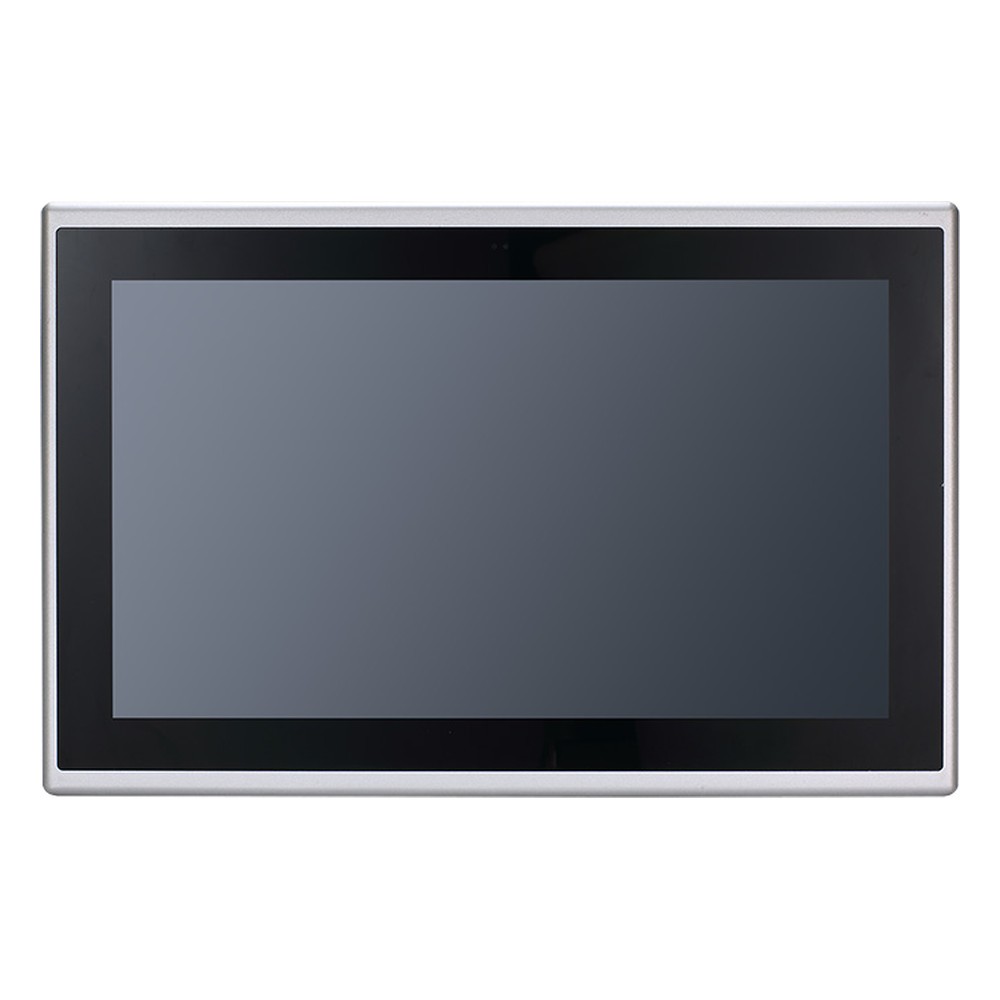
15.6″ Full HD Industrial Touch Panel PC with Intel Core i3 to i9 LGA1700 and 10-36 V DC
- Display
- 15.6″ (16:9, 1920×1080, FHD)
- Brightness
- 450 nits
- Touch
- Multi Touch PCAP
Specification highlights
| Specification | GOT321B-ADL-WCD | GOT315B-ADL-WCD |
|---|---|---|
| Display | 21.5″ Full HD (1920 × 1080), 400 nits | 15.6″ Full HD (1920 × 1080), 450 nits |
| Touch | 10-point PCAP | PCAP multi-touch |
| Processor | LGA1700 12th–14th Gen Intel Core i3–i9 or Pentium, up to 35 W; Intel H610 | |
| LAN | 1× GbE, 1× 2.5GbE | |
| I/O | 4× USB, 2× DB9 serial, 2× HDMI 1.4b | |
| Storage | 1× 2.5″ SATA HDD/SSD | |
| Front protection | IP65 front bezel | |
| Power | 10–36 V DC terminal block, ignition sensing | |
| Operating temperature | −10 to 50 °C | |
| Security | TPM 2.0 | |
An optional flexible I/O window adds a further COM port and digital I/O, so the panel can talk to older machine controls without a separate converter.
A closer look
-
01

GOT321B front
The 21.5 inch Full HD PCAP touch screen behind its flat IP65 front bezel.
View range -
02
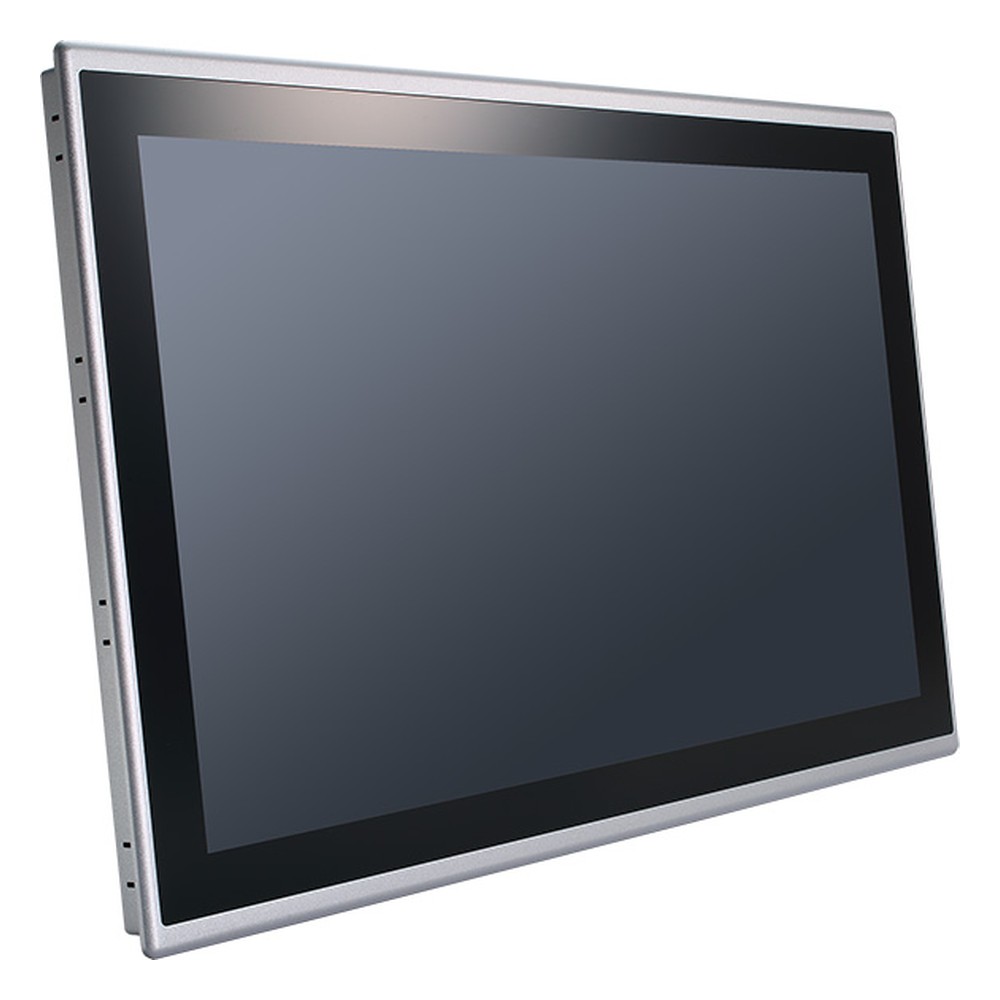
GOT321B angled view
Slim profile for panel or VESA mounting on a machine or cabinet door.
View range -
03
GOT315B front
The 15.6 inch Full HD touch screen, for machine-side HMIs where space is tighter.
View range -
04
GOT315B angled view
The same fanless platform and IP65 front in the smaller screen size.
View range
Where they fit
Industrial screens that need PC-class compute, a sealed front and a DC supply rather than a desktop power brick.
Factory automation HMIs
Operator screens for production lines, running SCADA or HMI software next to the machine it controls.
Read answer
Wipe-down machine panels
The flat IP65 front seals against dust and splashes when the panel is mounted into a machine or enclosure door.

Line and process overviews
The 21.5 inch model gives room for dashboards, trends and camera views across a whole line.
DC-powered machinery
10–36 V DC input with ignition sensing suits machines and installations with a switched DC supply.
Panel PC or touch monitor?
A panel PC puts the computer behind the screen, so one sealed box replaces a monitor, a PC and the cable between them. Our guide to choosing an industrial HMI compares panel PCs with touch monitors and rugged tablets, and our comparison of touch technologies for industrial displays explains how PCAP differs from resistive touch. For a deployment example, see rugged touch panel PCs deployed in heavy industry.
15.6 or 21.5 inch?
Both models share the same processor, I/O and power input, so the choice comes down to the screen and the space it goes into.
-
01
Viewing distance
An operator standing at the machine reads a 15.6 inch (15.6") screen comfortably; a screen read from across the line needs the 21.5 inch (21.5") model.
-
02
Information on screen
Single-machine HMIs fit the 15.6 inch model. Line overviews, trends and camera views benefit from the larger 21.5 inch panel.
-
03
Panel space
Check the cut-out or VESA space in the cabinet door or machine guard before choosing, as the 21.5 inch model needs the larger opening.
-
04
Brightness
The 15.6 inch model runs at 450 nits and the 21.5 inch at 400 nits; both suit indoor factory lighting rather than direct sunlight.
-
05
Build
Whichever size you choose, we configure the processor, memory, storage and software image, and test the system before it ships.
A socketed panel PC lets one screen design serve every machine on the line, from a simple operator panel to a vision station. Tell us the application and the cabinet, and we’ll configure the right build.
Panel PC FAQs
-
What Does HMI Mean?
HMI stands for human-machine interface: the screen, software and controls through which a person monitors and operates a machine or process. In industry, an HMI is usually a touch screen panel PC or operator panel connected to a PLC, showing live values, alarms and controls for a machine, line or plant.
-
How Does an HMI Work With a PLC?
A PLC runs a machine’s control logic; the HMI is the screen operators use to see and change it. The HMI connects to the PLC over an industrial network, usually Ethernet with Modbus TCP, EtherNet/IP, PROFINET or OPC UA, or over RS-485 serial, reading values and writing setpoints and commands back.
-
What does IP65 mean?
IP65 defines the minimum waterproof rating for any “weather-resistant” claim — dust-tight against all particle ingress, and protected against low-pressure water jets from any direction. Here is what that means in practice, how it is tested, and when it is the right specification.
-
What Are the Advantages of Fanless Computers?
Fanless computers cool themselves passively, through a finned heatsink chassis and heat pipes, instead of a fan. With no moving parts and no airflow drawing in dirt, they are more reliable in dusty or vibrating places, silent, low maintenance and easy to seal, which is why they are the standard choice for industrial and embedded use.
-
What Is an IK Rating?
An IK rating grades how well an enclosure resists mechanical impact, from IK00 (no protection) to IK10, which withstands a 20 joule impact. It is defined by IEC 62262 (EN 62262) and is used alongside the IP rating to specify displays, panel PCs and enclosures for public and industrial sites.
-
What Is the Difference Between HMI and SCADA?
An HMI is the operator screen for one machine or process. SCADA (supervisory control and data acquisition) is a system that gathers data from many PLCs and sites, stores history, manages alarms and lets operators supervise a whole plant or network. SCADA includes HMI screens, but an HMI does not need SCADA.
Specifying a panel PC for the line?
Tell us about your application and a member of the team will get right back to you.