
 UK
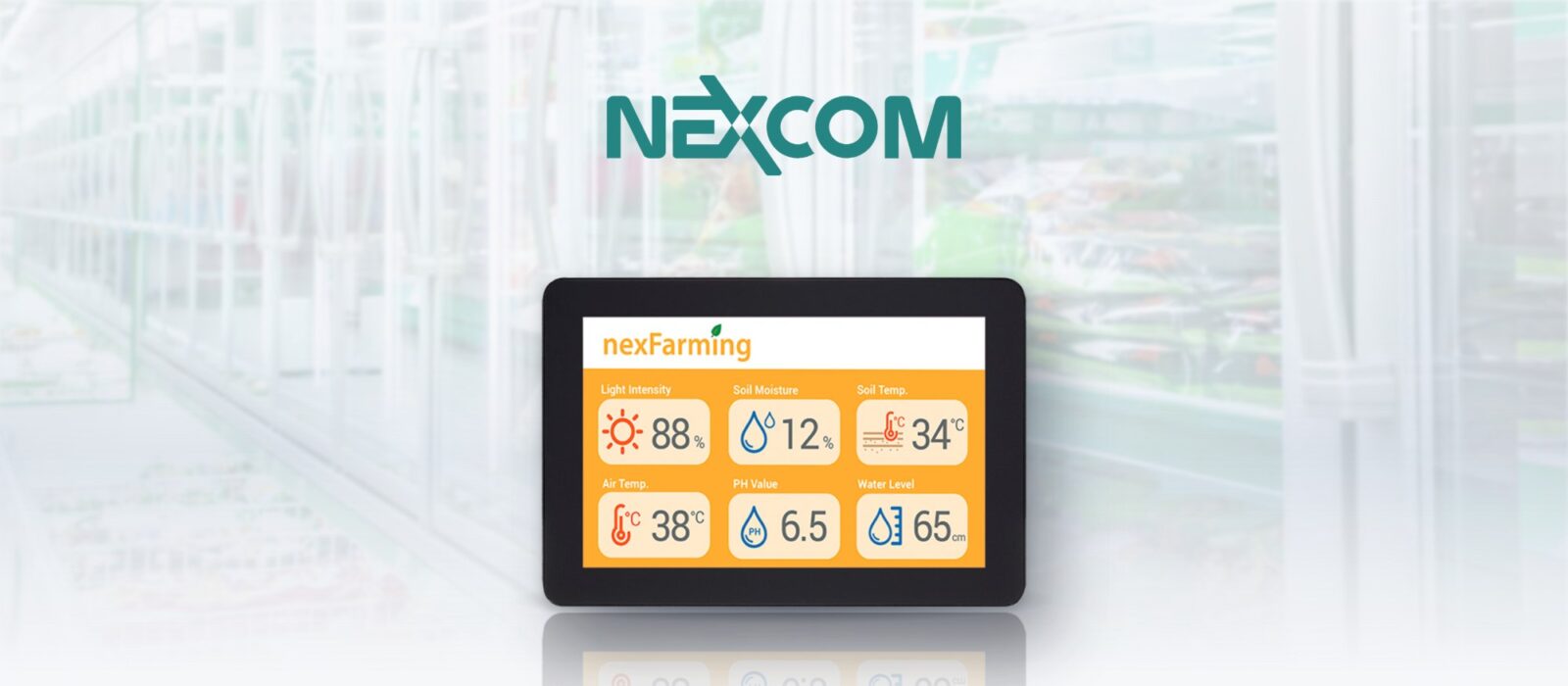
10 Inch HMI Touch Screen Gateway Powers IIoT In Supermarkets
Every supermarket runs dozens of fridges and freezers, and each one has to hold the right temperature to keep food fresh and safe while using as little energy as possible. That means constant monitoring, regular defrosting and maintenance, and quick action when something drifts out of range. Done by hand, it is slow, and problems are easy to miss.
For national supermarket chains, we supplied NEXCOM’s XPPC 10-100, a 10 inch (10″) HMI touch screen that also acts as an IIoT gateway for the refrigeration. It is part of our work in retail and food and beverage.
What an HMI gateway does
- 01Bridges systems
- Connects refrigeration controllers, sensors and the cloud, so staff can monitor and control equipment from one screen.
- 02Translates protocols
- Converts data from one format to another, so devices that speak different protocols can understand each other.
- 03Controls locally
- Detects temperature changes and overrides control on site, without waiting for the cloud.
- 04Secures access
- Authentication and authorisation make sure only approved staff can change settings.

Processing and control happen on the gateway itself, which reduces reliance on the cloud and keeps the fridges managed even if the connection drops. Our remote temperature monitoring FAQ and cold chain monitoring FAQ explain the wider picture.
From fridge to cloud
One touch screen per store connects the cabinets, the staff and the head office.
-
Connect
RS-485Fridges and freezers connect to the HMI over RS-485 serial, the bus widely used for Modbus RTU, reporting temperature, humidity and lighting.
-
Monitor
Real timeStaff see every cabinet on the touch screen and spot changes in temperature, humidity or lighting straight away.
-
Control
SchedulesSettings can be adjusted on screen, and pre-configured to follow store opening hours, cutting labour and energy.
-
Report
Gigabit EthernetAn RJ45 GbE port sends data to the cloud for analysis and performance monitoring across stores.
The NEXCOM XPPC 10-100
A slim, fanless 10.1 inch touchscreen computer with an Intel Celeron J3455 and an IP65 front.
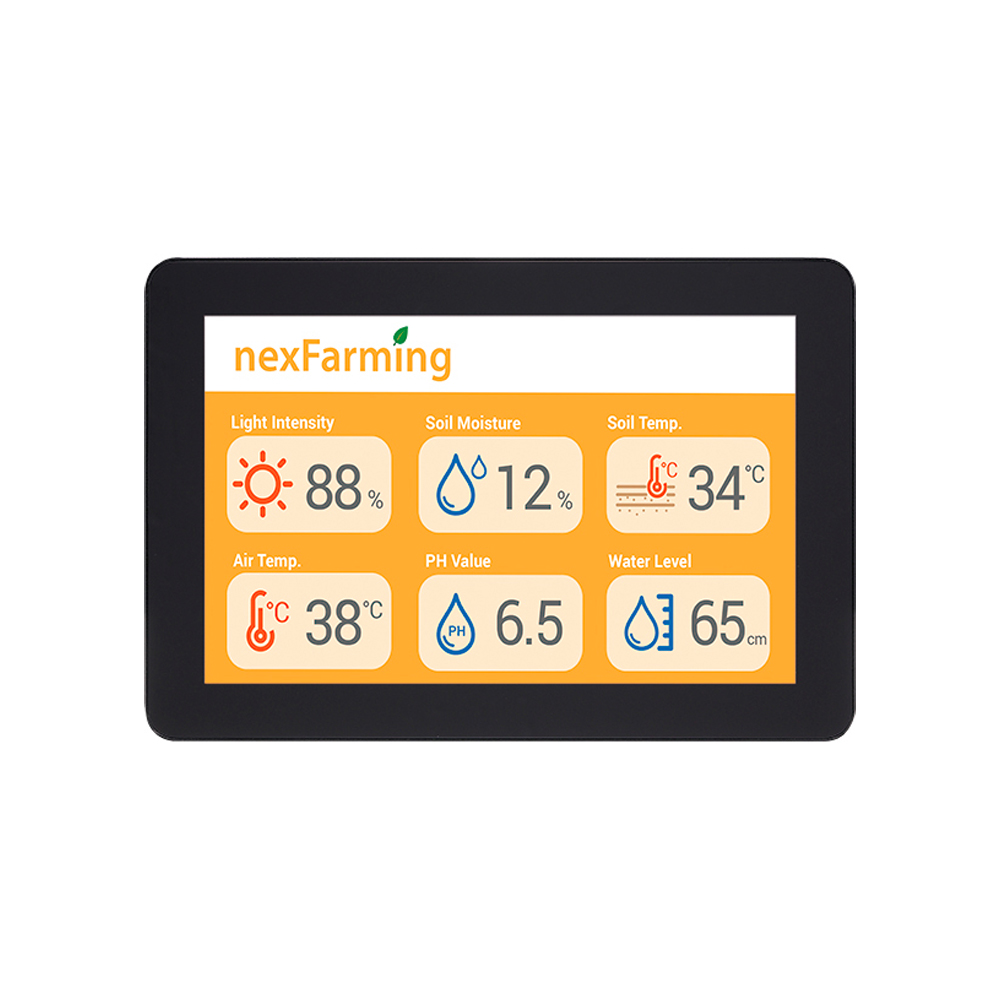
XPPC 10‑100
10.1″ Slim PCAP Touchscreen Computer with Intel Celeron J3455 and Optically Bonded Glass
- Display
- 10.1″ (5:3, 1280×800, WXGA)
- Brightness
- 400 nits
- Touch Controller
- Multi Touch PCAP
- Processor
- Intel Celeron J J3455 (Apollo Lake)
- Ingress Protection
- Front IP65
Why the XPPC 10-100 suited the stores
- 0110.1 inch bonded PCAP
- A 1280×800 widescreen with 10-point touch, optically bonded behind anti-smudge glass for a clear, easy-to-use interface.
- 02Intel Celeron J3455
- Enough processing for monitoring, local control and data handling, with up to 8 GB of DDR3L memory.
- 03IP65 front, fanless
- Dust-proof and water-resistant at the front when panel mounted, with no fan to clog or fail.
- 04Flexible mounting
- VESA as standard, with panel-mount and open-frame options for walls, counters and cabinets.
- 05Wired or wireless
- Gigabit Ethernet to the cloud, plus a mini-PCIe socket and SIM slot for Wi-Fi or LTE where there is no cabling.
A panel PC that doubles as the gateway is one HMI format among several; our guide to choosing an industrial HMI weighs panel PCs against touch monitors and operator panels. Where stores need more processing or a larger screen, the XPPC range scales up to Intel Core i3 and i5 models and a 15.6 inch display.
The wider XPPC range
10.1 and 15.6 inch slim touchscreen computers with 11th Gen Intel Core i3 and i5 processors.
10.1″ Slim PCAP Touchscreen Computer with Intel Core i5-1145G7E and WXGA Bonded Display
- Display
- 10.1″ (5:3, 1280×800, WXGA)
- Brightness
- 400 nits
- Touch
- 10-Pt PCAP Multi Touch
10.1″ Slim PCAP Touchscreen Computer with Intel Core i3-1115G4E and WXGA Bonded Display
- Display
- 10.1″ (5:3, 1280×800, WXGA)
- Brightness
- 400 nits
- Touch
- 10-Pt PCAP Multi Touch
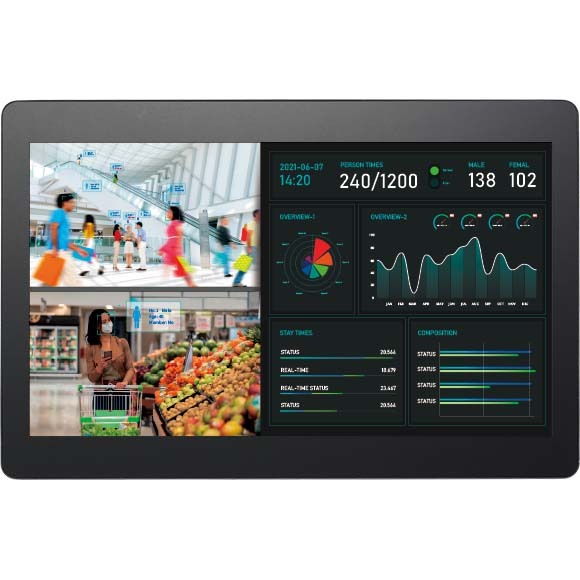
15.6″ Slim PCAP Touchscreen Computer with Intel Core i5-1145G7E and FHD Bonded Display
- Display
- 15.6″ (16:9, 1920×1080, FHD)
- Brightness
- 450 nits
- Touch
- 10-Pt PCAP Multi Touch
15.6″ Slim PCAP Touchscreen Computer with Intel Core i3-1115G4E and FHD Bonded Display
- Display
- 15.6″ (16:9, 1920×1080, FHD)
- Brightness
- 450 nits
- Touch
- 10-Pt PCAP Multi Touch
With an IP65 front and fanless reliability, the 10 inch HMI touch screen stands up to the dust and moisture found in supermarkets, and its open-frame, panel-mount and VESA options give complete flexibility on installation. It gives businesses like supermarkets a dependable way to transition digitally and stay competitive.
What changed in the stores
A single touch screen per store turned manual checks into live monitoring and control.
-
Outcome 01
Food kept at the right temperature
Real-time monitoring catches temperature and humidity changes as they happen.
-
Outcome 02
Energy savings of up to 10%
Settings that follow opening hours help reduce annual energy use by up to 10%.
-
Outcome 03
Less manual work
Pre-configured schedules and remote visibility cut routine checks and labour.
-
Outcome 04
Data-driven decisions
Cloud data supports analysis and performance monitoring across stores.
HMI gateway FAQs
-
What Is Remote Temperature Monitoring?
Remote temperature monitoring uses sensors connected to a gateway or controller that sends readings to a dashboard, so temperatures can be watched from anywhere. When a reading moves outside its limits, the system sends an alert, and every reading is logged. It is widely used for fridges and freezers, cold stores, pharmacies, laboratories, server rooms and plant.
-
What Is Cold Chain Monitoring?
Cold chain monitoring tracks the temperature of chilled and frozen goods, such as food and medicines, as they are stored, transported and displayed. Sensors record conditions continuously, and a monitoring system raises an alarm when a reading goes out of range and keeps a record that shows the goods stayed safe all the way to the shelf.
-
Modbus RTU vs Modbus TCP: What Is the Difference?
Modbus RTU and Modbus TCP carry the same Modbus messages over different links. Modbus RTU sends compact binary frames over serial lines, usually RS-485, with a CRC checksum on each frame. Modbus TCP wraps the messages in TCP/IP packets over Ethernet, normally on port 502. Gateways translate between them so serial devices can join Ethernet networks.
-
What Is Modbus?
Modbus is an open communication protocol that lets industrial devices such as PLCs, sensors, meters, drives and HMIs exchange data. First published by Modicon in 1979, it uses a simple request and response model: one device asks for or writes values, and another replies. It runs over serial lines as Modbus RTU and over Ethernet as Modbus TCP.
-
What Is an IIoT Gateway?
An IIoT (Industrial Internet of Things) gateway is a rugged edge computer that connects industrial equipment, such as PLCs, sensors, meters and machines, to a network or the cloud. It collects their data, translates between industrial and IT protocols, processes and secures it at the edge, and forwards the results.
-
What Is RS-485?
RS-485 is a serial communication standard that sends data as a differential signal over a twisted pair. That makes it resistant to electrical noise and able to run long cables, up to about 1,200 m, with many devices sharing one bus. It is widely used for industrial control, Modbus RTU, building systems and PTZ camera control.
-
What Does HMI Mean?
HMI stands for human-machine interface: the screen, software and controls through which a person monitors and operates a machine or process. In industry, an HMI is usually a touch screen panel PC or operator panel connected to a PLC, showing live values, alarms and controls for a machine, line or plant.
Connecting equipment across your stores?
Tell us about your application and a member of our team will get right back to you.