
 UK
UK 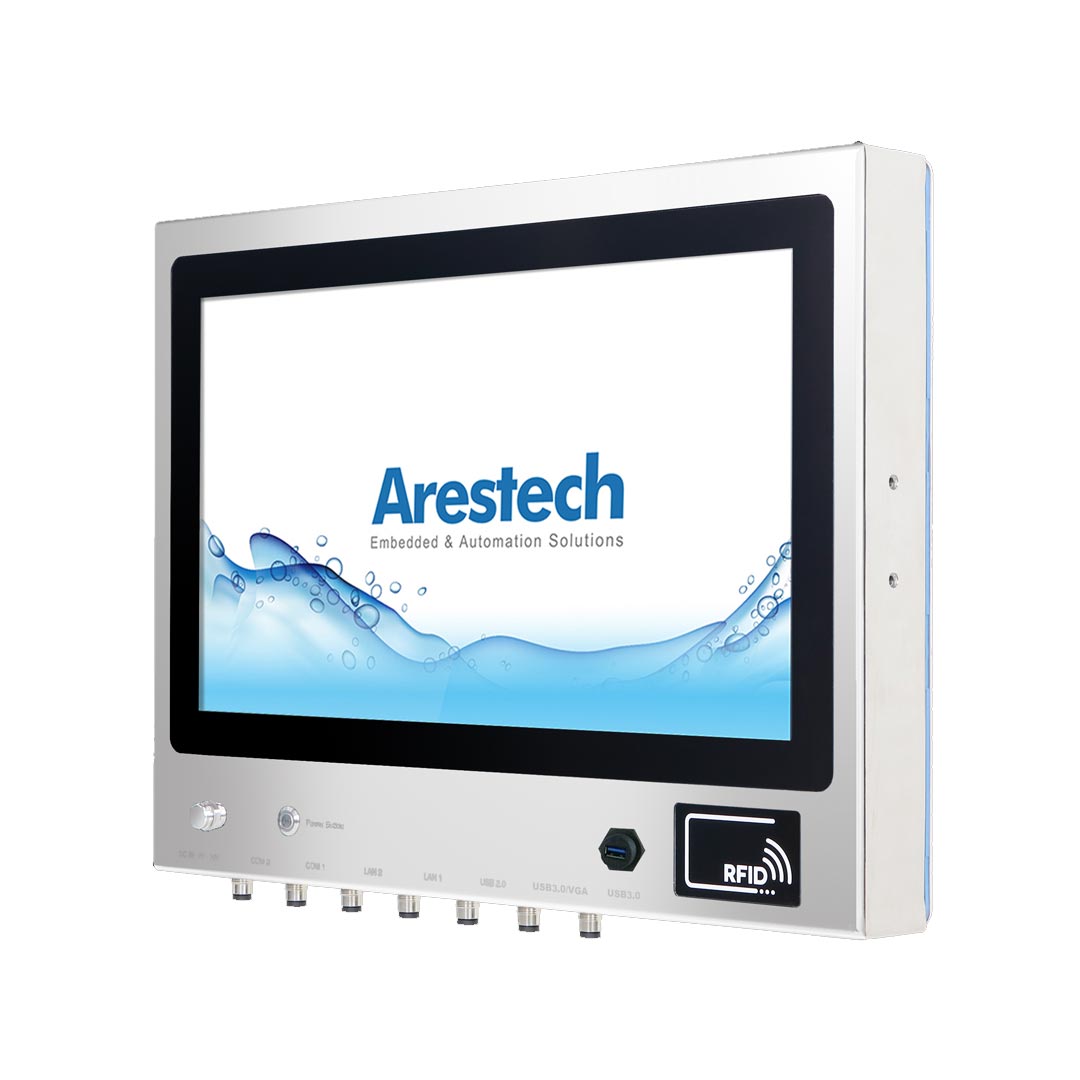
Fanless, vent-free cooling
A fanless design cools through a heatsink or the housing itself, so there are no vents, filters or moving parts. Every stainless steel panel PC we supply is fanless, and wide-temperature models are available.
Your Quote List ()

A clean room computer has to control particles as well as survive cleaning. Here is what separates one from a standard panel PC, how cleanroom classes change the specification and what to ask for in pharmaceutical, electronics and medical device production.
A clean room computer is an industrial PC or panel PC built so that it adds no particles to a controlled environment and survives the disinfectants used to keep it clean. In practice that means a fanless, sealed enclosure with no vents, smooth wipeable surfaces, a flush touch screen that works with cleanroom gloves and connectors that seal, so the computer can sit inside an ISO 5 to ISO 8 room without compromising it.
Cleanrooms run more software every year: electronic batch records in pharmaceutical suites, MES terminals in medical device assembly, tool interfaces in semiconductor fabs and vision inspection on electronics lines. Each of those screens is a potential source of particles and a surface that has to be disinfected every shift, so the computer has to be chosen with the room in mind, not added afterwards.
This guide covers what a clean room is, the ISO 14644-1 classes and EU GMP grades, what makes a computer cleanroom-compatible, why fans are a problem, how cleanroom computers are cleaned, the options for mounting them inside or through the wall, and how the specification changes between pharmaceutical, semiconductor and medical device production.
A clean room, or cleanroom, is a room in which the concentration of airborne particles is controlled to a specified limit. Air is supplied through HEPA or ULPA filters, rooms are held at a positive pressure over their surroundings, and people enter through gowning areas because they are the largest source of particles in the room.
Cleanrooms are used wherever a particle or a microbe can ruin the product: sterile and aseptic pharmaceutical manufacturing, semiconductor and electronics assembly, medical device production, biotechnology and precision optics. That makes them different from the wet food-processing areas covered in our guide to hygienic design for washdown computers, although some pharmaceutical and food facilities need both.
Cleanrooms are classified under ISO 14644-1:2015 by the maximum number of airborne particles per cubic metre at specified particle sizes. The cleanroom classes FAQ explains the scale in full; the table shows the limits at three sizes, with the former US Federal Standard 209E classes that are still widely quoted.
| ISO class | Max particles ≥ 0.1 µm per m³ | Max particles ≥ 0.5 µm per m³ | Max particles ≥ 5 µm per m³ | Former US class | Typical use |
|---|---|---|---|---|---|
| ISO 1 | 10 | – | – | – | Research environments |
| ISO 3 | 1,000 | 35 | – | Class 1 | Leading-edge semiconductor lithography |
| ISO 4 | 10,000 | 352 | – | Class 10 | Semiconductor wafer processing |
| ISO 5 | 100,000 | 3,520 | – | Class 100 | Aseptic filling zones, wafer handling |
| ISO 6 | 1,000,000 | 35,200 | 293 | Class 1,000 | Semiconductor, optics |
| ISO 7 | – | 352,000 | 2,930 | Class 10,000 | Electronics, medical devices, pharmacy |
| ISO 8 | – | 3,520,000 | 29,300 | Class 100,000 | Packaging, gowning, controlled areas |
| ISO 9 | – | 35,200,000 | 293,000 | – | Room air with basic control |
Each step down the scale allows roughly ten times as many particles. In ISO 7 and ISO 8 rooms, a sealed, fanless panel PC with a wipeable front is usually accepted inside the room. In ISO 5 zones, equipment is kept to a minimum, so the screen is often mounted flush in the wall or behind a window with the electronics in the service corridor. The site’s contamination control strategy has the final say, so bring the cleanroom class and the cleaning procedure to the specification from the start.
Sterile medicines manufactured for the European market follow EU GMP Annex 1, revised in 2022, which uses four grades. Each grade has particle limits at rest and in operation, so the same room can sit in a different ISO class depending on whether production is running.
| EU GMP grade | At rest (approximate ISO class) | In operation (approximate ISO class) | Typical activity | Computers in the area |
|---|---|---|---|---|
| Grade A | ISO 5 | ISO 5 | Aseptic filling and open product | Avoided; screens behind glass or isolator walls |
| Grade B | ISO 5 | ISO 7 | Background to Grade A | Flush wall-mounted screens, minimal equipment |
| Grade C | ISO 7 | ISO 8 | Less critical sterile steps | Sealed fanless panel PCs and terminals |
| Grade D | ISO 8 | Not predetermined; set by the site | Preparation and support | Sealed panel PCs, scanners and printers |
Annex 1 also asks every site to have a contamination control strategy that covers equipment, materials and cleaning. Anything brought into a Grade A to C room, including a computer, has to be justified, cleanable and compatible with the disinfection programme. The US FDA’s aseptic processing guidance takes a similar approach with its own classifications.
An ISO 5 cleanroom allows no more than 3,520 particles of 0.5 µm or larger per cubic metre of air, the level once called Class 100. It is the class of the critical zones in aseptic pharmaceutical filling, where it corresponds to EU GMP Grade A, and of many semiconductor process areas. ISO 5 usually needs unidirectional, or laminar, airflow across the work zone, with filtered air sweeping particles away from the product.
For computers, ISO 5 is where the rules tighten most. Anything that disturbs the airflow or adds particles is kept out, so screens are commonly mounted flush in the wall, set behind a window or built into the isolator, and operated through gloves. Where a panel PC does sit in the zone, it must be fanless, sealed and placed so it does not block the airflow over the product.
ISO 7 allows up to 352,000 particles of 0.5 µm or larger per cubic metre, and ISO 8 ten times that, 3,520,000. ISO 7 rooms typically need more air changes, tighter gowning and more frequent cleaning than ISO 8. Medical device assembly and pharmacy compounding commonly run in ISO 7; packaging, gowning rooms and support areas in ISO 8.
For computers the difference is mostly in the cleaning regime. Both classes accept sealed, fanless panel PCs inside the room, but ISO 7 areas are usually disinfected more often and with stronger agents, so the housing and seals need to be checked against that chemistry.
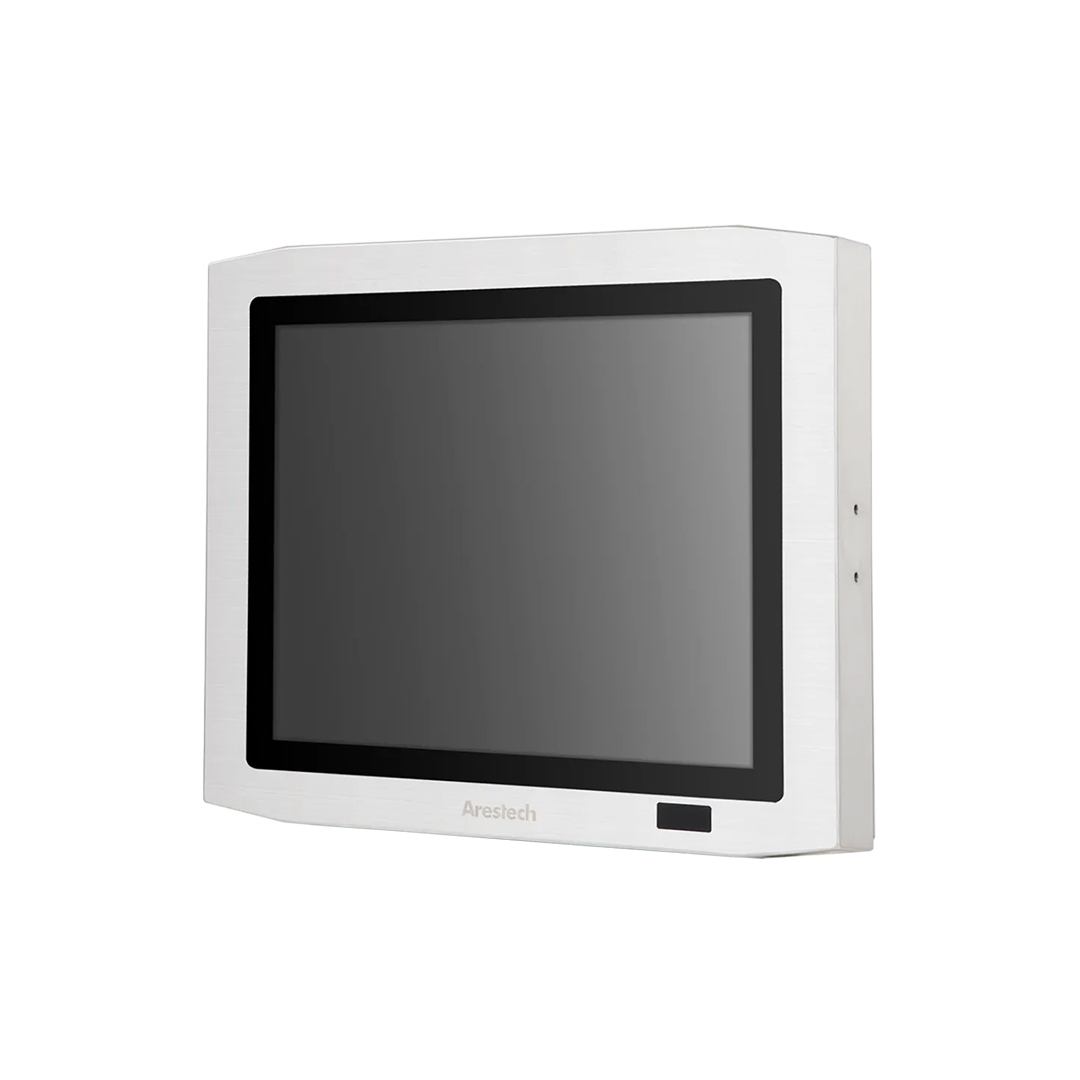
Our stainless steel panel PCs and monitors are fanless and sealed, with flush fronts that can be wiped down with cleanroom disinfectants.
A standard industrial panel PC is built to survive a factory, not to protect a controlled room. Cooling vents and fans move air through the chassis, textured plastic and painted surfaces trap particles and can shed them as they wear, and open USB and LAN ports, a separate keyboard and a mouse all add surfaces that are hard to clean. Every one of those details either generates particles or gives them somewhere to collect.
Cleaning is the second problem. Cleanroom disinfectants are applied every shift, often by wiping and sometimes by fogging, and they soften plastics, craze polycarbonate and attack unsuitable seals. A clean room computer is designed the other way round: the enclosure is sealed and smooth first, and the electronics are fitted to suit it.
| Feature | Standard industrial panel PC | Clean room computer |
|---|---|---|
| Cooling | Fan and vents | Fanless, no vents |
| Housing | Painted steel or plastic, textured | Stainless steel, smooth and sealed |
| Front | Bezel lip, sometimes film overlay | Flush glass, edge to edge |
| Connectors | Open USB, LAN and serial ports | Sealed M12 connectors or sealed conduit |
| Input | Keyboard and mouse | Glove-ready touch screen |
| Sealing | Front IP65 at best | IP65 front to full IP69K, depending on cleaning |
Fans are not banned, but they are avoided in computers inside the room. A fan draws room air through the chassis and exhausts it again, which disturbs the controlled airflow, carries particles from inside the case into the room and stirs up particles that have settled. The dust that builds up inside a fan-cooled computer is released each time the fan speeds up. HEPA fan filter modules are part of the room itself; a computer fan is not filtered in the same way.
That is why fanless design is the default for clean room computers. Heat leaves through the housing or a heatsink, so there are no vents, filters or moving parts to wear. The advantages of fanless computers go beyond cleanrooms, and our guide to active vs passive cooling explains the trade-offs. Where a workload needs more power than a fanless panel PC can cool, the usual answer is to put the computer outside the room and bring only a sealed display inside.
These are the features we work through before recommending a computer for a cleanroom, and the reason each one matters.
| Requirement | Design feature | Why it matters |
|---|---|---|
| No particle generation | Fanless cooling, no moving parts, no textured or painted surfaces | Keeps the room within its class |
| Wipeable surfaces | Smooth stainless steel, flush glass, no exposed fasteners | A single wipe clears the whole face |
| Disinfectant resistance | Stainless housing, chemically resistant seals, glass touch surface | Survives daily alcohol, peroxide and sporicide cleaning |
| Sealing | IP65 front at minimum; IP66 or IP69K where rooms are sprayed or washed | Keeps disinfectant and moisture out |
| Gloved operation | Glove-tuned PCAP or resistive touch | Works through nitrile, latex or double gloves |
| Sealed I/O | M12 connectors, PoE, wireless through sealed antennas | Fewer cable penetrations and open ports |
| ESD control | Housing bonded to the site earth | Protects sensitive electronics production |
| Low outgassing | Stable materials and minimal plastics | Avoids molecular contamination in semiconductor rooms |
| Validation | Controlled bill of materials and long availability | A replacement matches the one you qualified |
ISO 14644-14 provides a method for assessing whether equipment is suitable for use in a cleanroom of a given class by measuring the particles it emits while running. Some equipment makers test to it or to similar schemes; where a site’s quality team asks for this evidence, raise it early, because it is held for specific models.
These are the features that separate a clean room computer from a standard industrial panel PC, and the ones we work through with you before recommending a model.
A fanless design cools through a heatsink or the housing itself, so there are no vents, filters or moving parts. Every stainless steel panel PC we supply is fanless, and wide-temperature models are available.
A sealed front of at least IP65 keeps disinfectant and dust out during wipe-downs. Where rooms are sprayed or washed, choose IP66 or IP69K all round. Our guide to IP ratings explains what each level is tested against.

Stainless steel housings and sealed glass fronts tolerate cleanroom disinfectants well; check the gasket and seal materials against your disinfectant rotation, especially if the room is fogged.

A true flat front with no bezel lip, hygienic fasteners and O-rings seated flush leaves nowhere for particles or residue to settle, and lets a single wipe clear the whole face.

A touch screen removes the keyboard and mouse, two of the hardest items in a room to keep clean. Our guide to touch technology compares the options.

VESA mounting lets a panel PC sit on a swing arm, yoke or pole, clear of work surfaces and easy to clean behind. Panel mounting seals the screen flush into a wall so the electronics sit outside the room.

LAN, serial, USB and power on locking M12 connectors keep contaminants out and cables secure, for barcode scanners, label printers and RFID readers. Wi-Fi and 5G through sealed antenna covers reduce cabling further.
Cleanroom computers are cleaned with the rest of the room, to the site’s written procedure: usually a wipe with a low-lint wipe and an approved disinfectant, working from the cleanest surface to the dirtiest, with a sporicide on a rotation. Some rooms are also decontaminated with vaporised hydrogen peroxide. The computer has to tolerate every agent in the rotation, every day, for years.
| Agent | Typical use | Effect on equipment | What to check |
|---|---|---|---|
| 70% isopropyl alcohol | Daily wipe-down and glove sanitising | Can dry out and craze some plastics | Glass front, stainless housing, compatible seals |
| Hydrogen peroxide | Disinfection and sporicidal wipes | Oxidises some metals and elastomers over time | Seal compound and any exposed coatings |
| Peracetic acid blends | Sporicidal rotation | Attacks soft metals and some rubbers | Stainless grade and seal material |
| Chlorine-based agents | Sporicidal rotation in some sites | Pits 304 stainless if not rinsed | 316 stainless steel and a rinse step |
| Quaternary ammonium compounds | General disinfection | Residue builds up on surfaces | Smooth surfaces that rinse cleanly |
| Vaporised hydrogen peroxide (VHP) | Room or isolator decontamination | Penetrates unsealed enclosures and attacks electronics | Full sealing, or remove or shield equipment during cycles |
The site’s cleaning validation will often ask for the equipment maker’s chemical compatibility statement. We ask the manufacturer for it at the quotation stage. Antimicrobial coatings are sometimes offered on touch glass; they do not replace disinfection, and their use should be agreed with the site’s quality team.
There is more than one way to put a computer into a cleanroom. The right choice depends on the class, the cleaning and how much of the system can sit outside the room.
| Option | Typical sealing | Cleaning compatibility | Mounting | Best suited to |
|---|---|---|---|---|
| Stainless steel panel PC inside the room | IP65 front to full IP69K | Wipe-down and spray | VESA arm, yoke or pole | ISO 7 and ISO 8, Grade C and D |
| Flush wall-mounted panel PC with electronics outside | IP65 or IP66 front | Wipe-down of the front only | Through-wall panel mount | ISO 5 and ISO 6, Grade A and B backgrounds |
| Stainless monitor inside, computer outside | IP66 to IP69K display | Wipe-down and spray | VESA, yoke or flush mount | Rooms where heat or noise must stay out |
| IP69K box computer in an equipment space | Full IP69K | Spray and washdown | Wall or machine mount | Vision and data collection near the line |
| Standard computer in a cleanroom enclosure | Depends on the enclosure | Depends on the enclosure | Floor or wall | Legacy software or special hardware |
| Rugged tablet | IP65 typical | Wipe-down | Handheld or docked | Mobile tasks in ISO 8 and support areas |
For ISO 7 and ISO 8 rooms, a sealed stainless panel PC is usually the simplest answer. For ISO 5, the flush-mount or display-only routes keep heat, cables and moving parts out of the critical zone. Our front IP65 panel PCs are the starting point for through-wall installations.
The cleanroom class tells you how clean the air must be. The industry tells you what else matters, from ESD to data integrity.
| Industry | Typical rooms | Typical uses | What changes the specification |
|---|---|---|---|
| Pharmaceutical and biotech | Grade B to D, ISO 5 to ISO 8 | Electronic batch records, MES terminals, equipment HMIs | Annex 1, disinfectant rotation including sporicides, validated software and data integrity |
| Semiconductor and electronics | ISO 3 to ISO 7 | Tool interfaces, line terminals, inspection | ESD control, low outgassing, particle emission from equipment |
| Medical devices | ISO 7 and ISO 8 | Assembly and packaging stations, traceability | Scanners and label printers on sealed I/O, controlled bill of materials; see what medical grade means |
| Food and beverage high-care areas | Controlled, often with washdown | Line HMIs in high-care and high-risk areas | Particle control combined with hygienic design and IP69K |
| Precision optics and aerospace | ISO 5 to ISO 7 | Assembly, test and inspection | Particle control and ESD; sometimes large displays for inspection images |
In pharmaceutical suites, where EU GMP Annex 1 and the site’s contamination control strategy govern everything that enters the room, see our medical and pharmaceutical solutions. In electronics cleanrooms, ask for the housing to be bonded to the site earth to support ESD control. For the wider production line, see our factory automation solutions.
Environment. Start with the cleanroom class, the disinfectants and whether the room is ever washed or fogged. That sets the sealing, the housing material and where the computer can be mounted.
Performance. Match the processor and screen size to the software, from a simple batch-record terminal to an MES client or a vision inspection station.
Expansion. List every device the computer must connect to and keep each connection sealed, through M12 connectors, PoE or wireless.
Lifecycle. Validated processes make changes expensive. Choose a model with long availability and a controlled bill of materials so a replacement matches the one you qualified.
Browse our IP69K panel PCs for rooms that are sprayed, or our PCAP touch panel PCs for gloved operation.
Categories where fanless, sealed systems for controlled rooms are grouped.

Fanless 304 and 316 panel PCs with flush fronts and M12 I/O.
View range
Sealed displays for rooms where the computer sits outside.
View range Panel mount PCs for flush through-wall installation.
View range
Fully sealed panel PCs for rooms that are sprayed or washed.
View range
Displays for medical device and laboratory settings.
View range Projected capacitive panel PCs for gloved operation.
View rangeThe systems below are fanless and sealed in their manufacturers’ specifications. As your system integrator we configure and test every system before it ships, imaging the panel PCs with your operating system and software; monitors are configured and tested. Cleanroom suitability is decided by your site, so we provide the manufacturer’s materials and sealing details for your assessment.
| Role in the room | Example from our range | Features in its specification |
|---|---|---|
| Batch record or MES terminal | Arestech PPC-Z1912P | Flat front with 7 Mohs PCAP glass, IP66 and IP69K as a whole system, SUS316L option, M12 I/O |
| Large terminal with operator log-in | Arestech TPM-3621PW-B6A1 | 316 stainless, IP66 and IP69K, touch on/off for cleaning, optional RFID reader |
| Overview display or HMI | Winmate W24IAD3S-SPA269 | SUS 316, full IP69K, true flat front, PCAP with glove mode |
Three starting points from the table above: a 19 inch stainless panel PC, a 21.5 inch stainless touch monitor with a cleaning lock and a 23.8 inch SUS 316 panel PC.
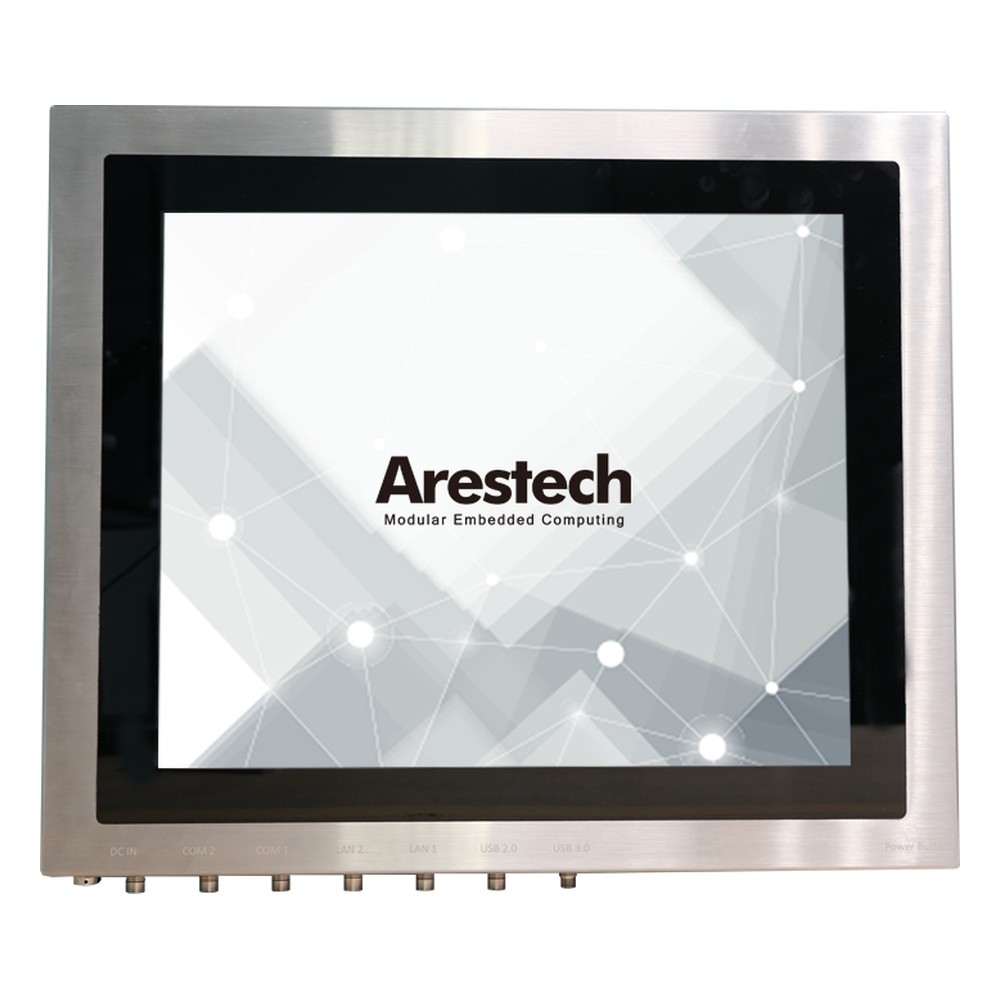
19″ PCAP Stainless Steel Panel PC with Intel Core i5-1235U, Dual 2.5GbE and IP66/IP69K
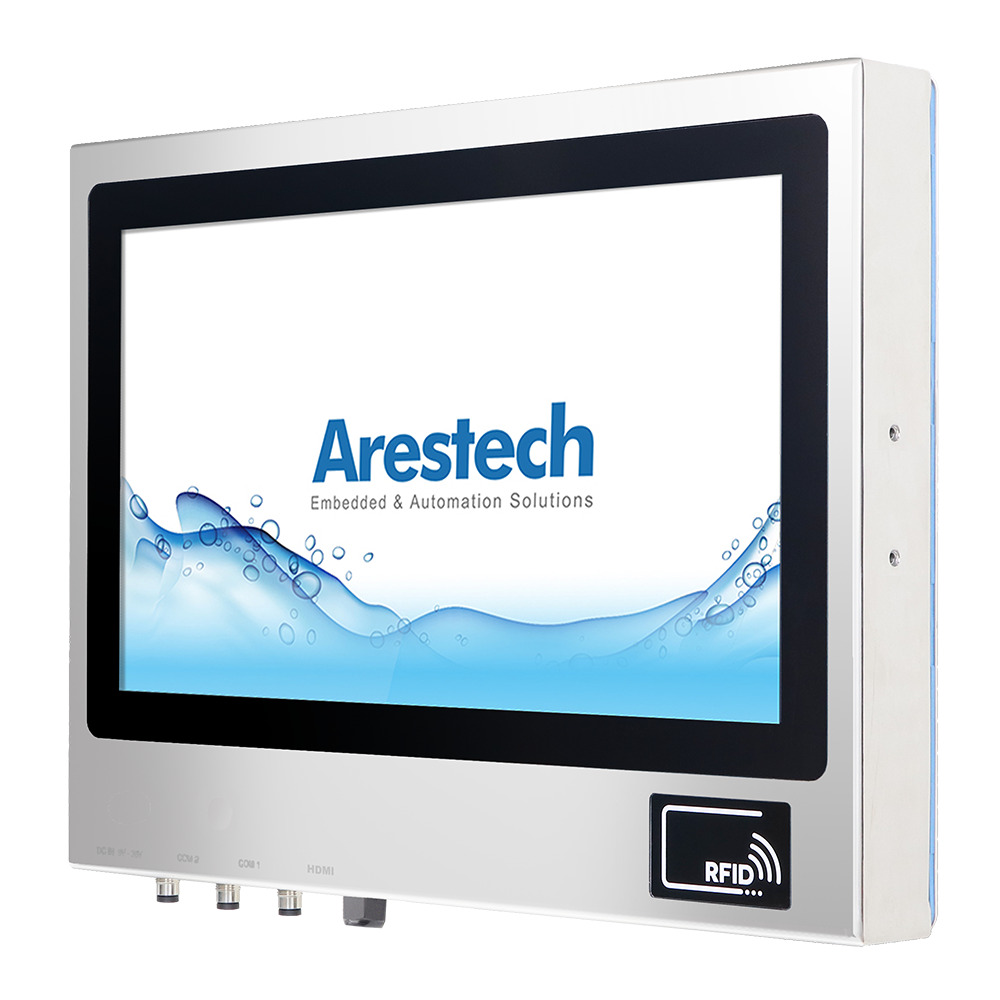
21.5″ PCAP Full HD Stainless Steel Touch Monitor with IP66/IP69K Sealing and M12 Connectors
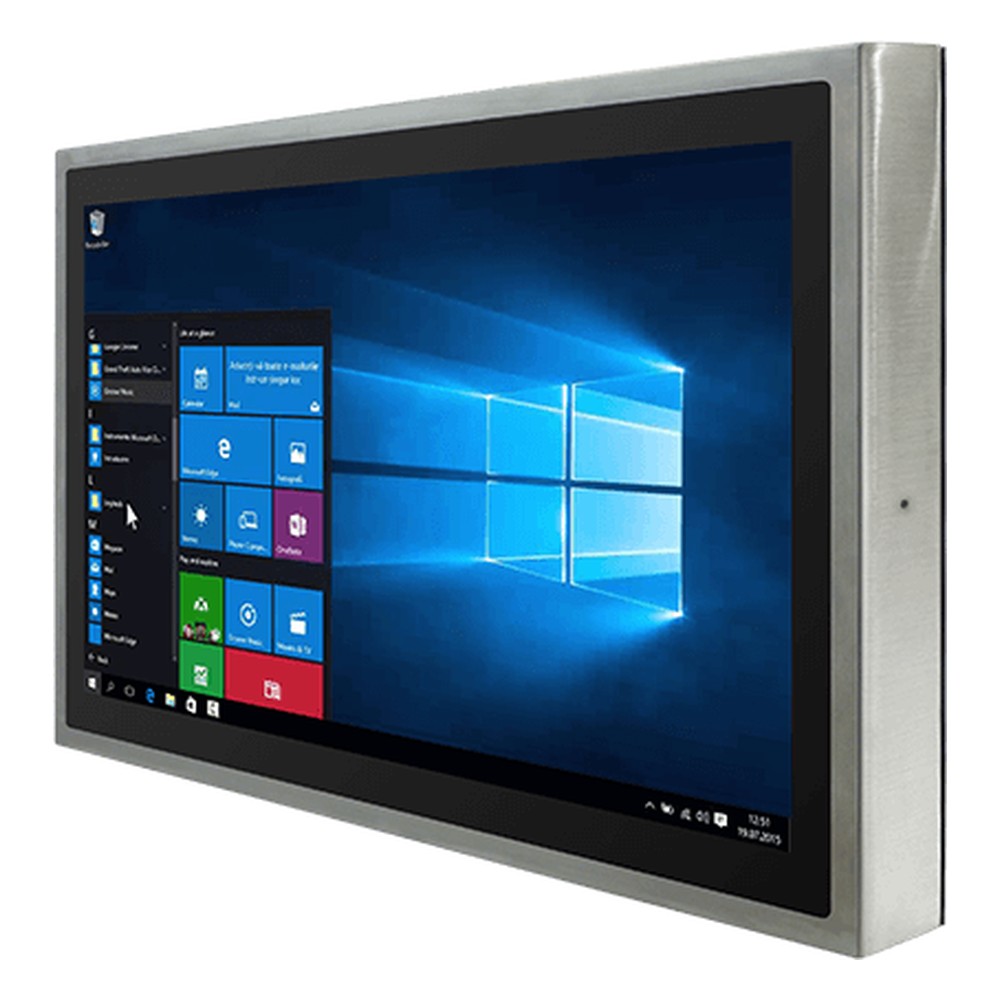
23.8″ Stainless Steel IP69K Panel PC with Intel Alder Lake Core i5-1235U and M12 Connectors
Seven questions to answer before a computer goes into a controlled room.
Which ISO class or GMP grade applies, at rest and in operation?
Will the computer sit inside the room, flush in the wall or outside with only a display inside?
Which disinfectants, sporicides and decontamination cycles are used, and how often?
Is an IP65 front enough, or is the room sprayed, washed or fogged?
What gloves do operators wear, and does the touch screen work through them?
Which scanners, printers and networks connect, and can each be sealed or wireless?
What evidence does the quality team need, and is the model available long enough to stay qualified?
Quick answers
A fanless, sealed computer that adds no particles to a controlled room. It has smooth, wipeable surfaces, a flush glove-ready touch screen and sealed connectors, and tolerates daily disinfection.
Usually IP65 at the front as a minimum. Rooms that are sprayed or washed need IP66 or IP69K all round; flush wall-mounted screens often need only a sealed front.
Not in computers inside the room, as a rule. A fan disturbs the controlled airflow and spreads particles from inside the case, so fanless designs are preferred.
A room with no more than 3,520 particles of 0.5 µm or larger per cubic metre. It was formerly Class 100 and matches EU GMP Grade A in aseptic filling.
By wiping with approved disinfectants to the site procedure. Typical agents are 70% isopropyl alcohol, hydrogen peroxide and sporicides, sometimes with vaporised hydrogen peroxide cycles.
Ten times the particle limit. ISO 7 allows 352,000 particles of 0.5 µm or larger per cubic metre and ISO 8 allows 3,520,000.
Cleanroom classes define how many airborne particles a cleanroom may contain. ISO 14644-1 sets nine classes, from ISO 1, the cleanest, to ISO 9, based on the number of particles of a given size per cubic metre of air. ISO 5 to ISO 8 cover most manufacturing, and EU GMP adds Grades A to D for sterile medicines.
An ISO 7 cleanroom is a controlled room that contains no more than 352,000 particles of 0.5 µm or larger per cubic metre of air, as defined by ISO 14644-1. It is equivalent to the former US Class 10,000 and is widely used for electronics assembly, medical device manufacturing and pharmaceutical preparation.
An antimicrobial coating is a surface treatment that stops bacteria, mould and some viruses from growing on a surface. It works by releasing agents such as silver ions or by killing microbes on contact. On medical computers it is usually built into the housing plastic or cover glass. It reduces contamination between cleans but does not replace disinfection.
Fanless computers cool themselves passively, through a finned heatsink chassis and heat pipes, instead of a fan. With no moving parts and no airflow drawing in dirt, they are more reliable in dusty or vibrating places, silent, low maintenance and easy to seal, which is why they are the standard choice for industrial and embedded use.
A resistive touch screen registers a touch when pressure pushes two conductive layers together, so it works with any finger, glove or stylus. A capacitive touch screen, usually projected capacitive (PCAP), senses a finger’s electrical charge through glass, giving multi-touch, a clearer image and a harder surface that resists scratches.
IP65 defines the minimum waterproof rating for any “weather-resistant” claim — dust-tight against all particle ingress, and protected against low-pressure water jets from any direction. Here is what that means in practice, how it is tested, and when it is the right specification.
IP69K means an enclosure is dust-tight and protected against high-pressure, high-temperature water jets per DIN 40050-9 — 80°C water at 8—10 MPa from close range. It is the food and beverage industry standard for sanitary wash-down on both sides of the Atlantic — and it does NOT imply submersion protection.
Tell us the cleanroom class, the disinfectants your team uses and how each screen will be mounted. We will recommend fanless, sealed panel PCs and displays, then configure and test them, imaging the panel PCs, before they ship.