
Vecow ECX-4000: a rugged edge AI computer with rich I/O

TypeNews
Published18 Oct 2026
AuthorAndrew WhitehouseManaging Director
Reading time17 min

The Vecow ECX-4000 is a family of fanless edge AI computers that keeps one platform and changes the I/O around it. Across ten models, the ECX-4000 runs from two LAN ports to nine. On the PoE builds, four of those 2.5GbE ports also deliver PoE+ to cameras, and other builds add two 10GbE SFP+ uplinks or two front-access SSD trays. The processor, memory, serial ports, displays and expansion stay the same on every model.

Every build is a rugged edge computer: an aluminium fanless chassis rated from −40 °C, IEC 60068-2-27 shock and IEC 60068-2-64 vibration, redundant 9–50 V DC inputs with ignition control, and EN 50155 and EN 50121-3-2 listings that support use as a railway computer. Inside, Intel Core Ultra 200S processors on the W880 chipset pair the CPU with an integrated NPU and Xe LPG graphics for OpenVINO inference without a separate accelerator. We configure each ECX-4000 to the camera count, networks and storage the job needs.

02Models

How the I/O changes across the range

The model code tells you the I/O. The number or suffix sets the Ethernet layout, and an R on the end swaps the internal drive bays for two front-access SSD trays.

Model LAN ports 10GbE SFP+ PoE+ Storage Operating temperature
Vecow ECX-4000-2G 2 (1× 2.5GbE, 1× GbE) – – 2× internal SATA III, M.2 NVMe −40 to 75 °C
Vecow ECX-4000-2R 2 (1× 2.5GbE, 1× GbE) – – 2× front-access SSD trays, M.2 NVMe −40 to 75 °C
Vecow ECX-4000-6G 6 (5× 2.5GbE, 1× GbE) – – 2× internal SATA III, M.2 NVMe −40 to 75 °C
Vecow ECX-4000-6R 6 (5× 2.5GbE, 1× GbE) – – 2× front-access SSD trays, M.2 NVMe −40 to 75 °C
Vecow ECX-4000-PoE 6 (5× 2.5GbE, 1× GbE) – 4× at 25.5 W 2× internal SATA III, M.2 NVMe −40 to 75 °C
Vecow ECX-4000-PoER 6 (5× 2.5GbE, 1× GbE) – 4× at 25.5 W 2× front-access SSD trays, M.2 NVMe −40 to 75 °C
Vecow ECX-4025 9 (8× 2.5GbE, 1× GbE) – 4× at 25.5 W 2× internal SATA III, M.2 NVMe −40 to 70 °C
Vecow ECX-4025R 9 (8× 2.5GbE, 1× GbE) – 4× at 25.5 W 2× front-access SSD trays, M.2 NVMe −40 to 70 °C
Vecow ECX-4071 8 (2× 10GbE, 5× 2.5GbE, 1× GbE) 2× (Intel X710-BM2) 4× at 25.5 W 2× internal SATA III, M.2 NVMe −40 to 55 °C
Vecow ECX-4071R 8 (2× 10GbE, 5× 2.5GbE, 1× GbE) 2× (Intel X710-BM2) 4× at 25.5 W 2× front-access SSD trays, M.2 NVMe −40 to 55 °C

Every model shares 6× USB 3.2 Gen 2, 4× RS-232/422/485, 2× DisplayPort, HDMI 2.0 and DVI-I, 2× M.2 Key B, 1× M.2 Key E and two SIM slots. Sixteen isolated DIO (8 in, 8 out) are standard on all but the ECX-4000-2G and -2R, where DIO is an option. Temperatures for the 2G to PoER builds are with a 35 W CPU; with a 65 W CPU those builds are rated −40 to 55 °C.

Models · 6 points

What every ECX-4000 shares

01Core Ultra 200S processors
Core Ultra 5 245 to Core Ultra 9 285 in 35 W or 65 W versions on the W880 chipset, with an integrated NPU and Xe LPG graphics.
02Up to 96 GB DDR5
Two DDR5 6400 MHz SO-DIMM slots, with ECC as an option.
03Management and security
Intel vPro, TSN, TCC and TPM 2.0 for remote management, deterministic networking and hardware-based security.
04Wireless-ready expansion
Two M.2 Key B sockets, an M.2 Key E socket and two SIM slots for 5G, 4G, Wi-Fi or GPS.
05Vehicle and rail power
Redundant 9–50 V DC terminal-block inputs with 16-mode software ignition control.
06Rugged, fanless build
Aluminium chassis from −40 °C, IEC 60068-2-27 shock and IEC 60068-2-64 vibration, with wall, DIN rail, VESA and rack mounting.
Models

A closer look

  1. 01

    Fanless finned chassis

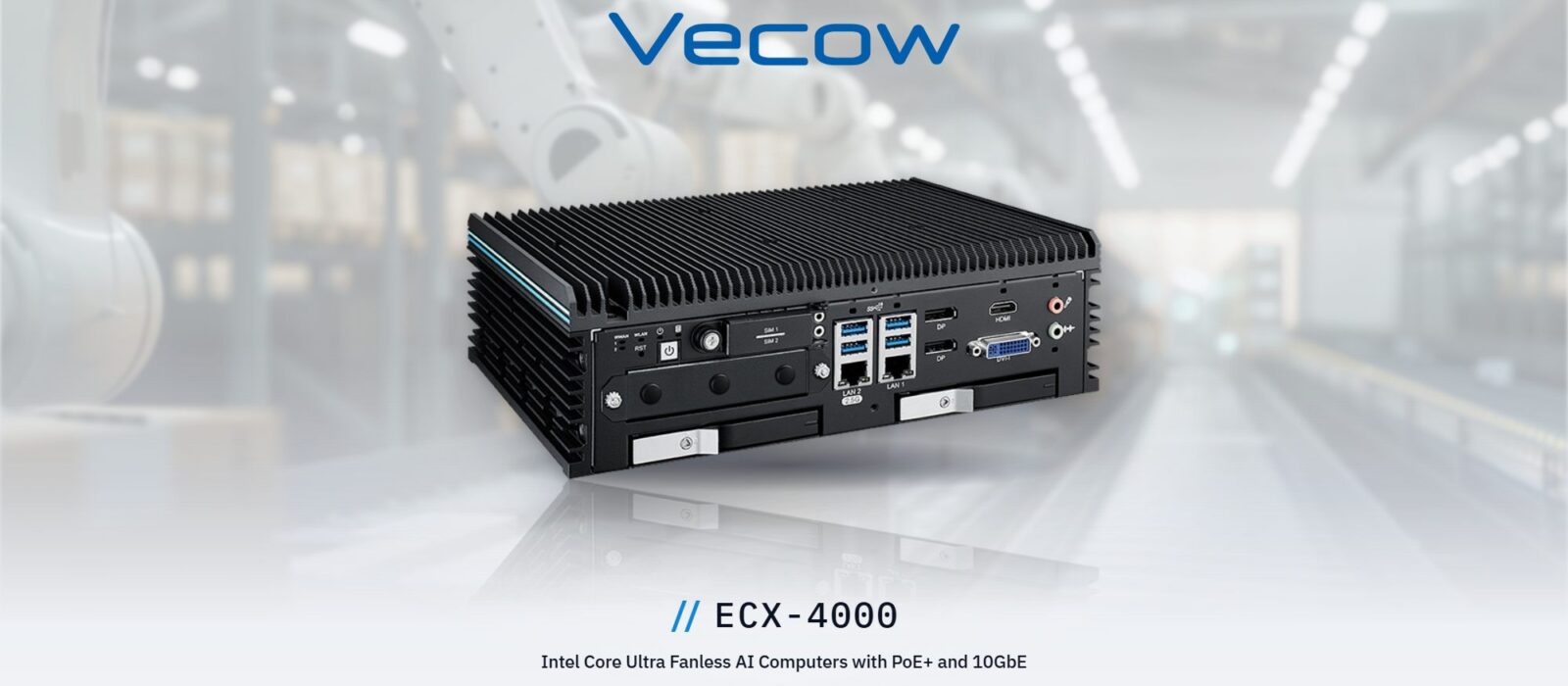
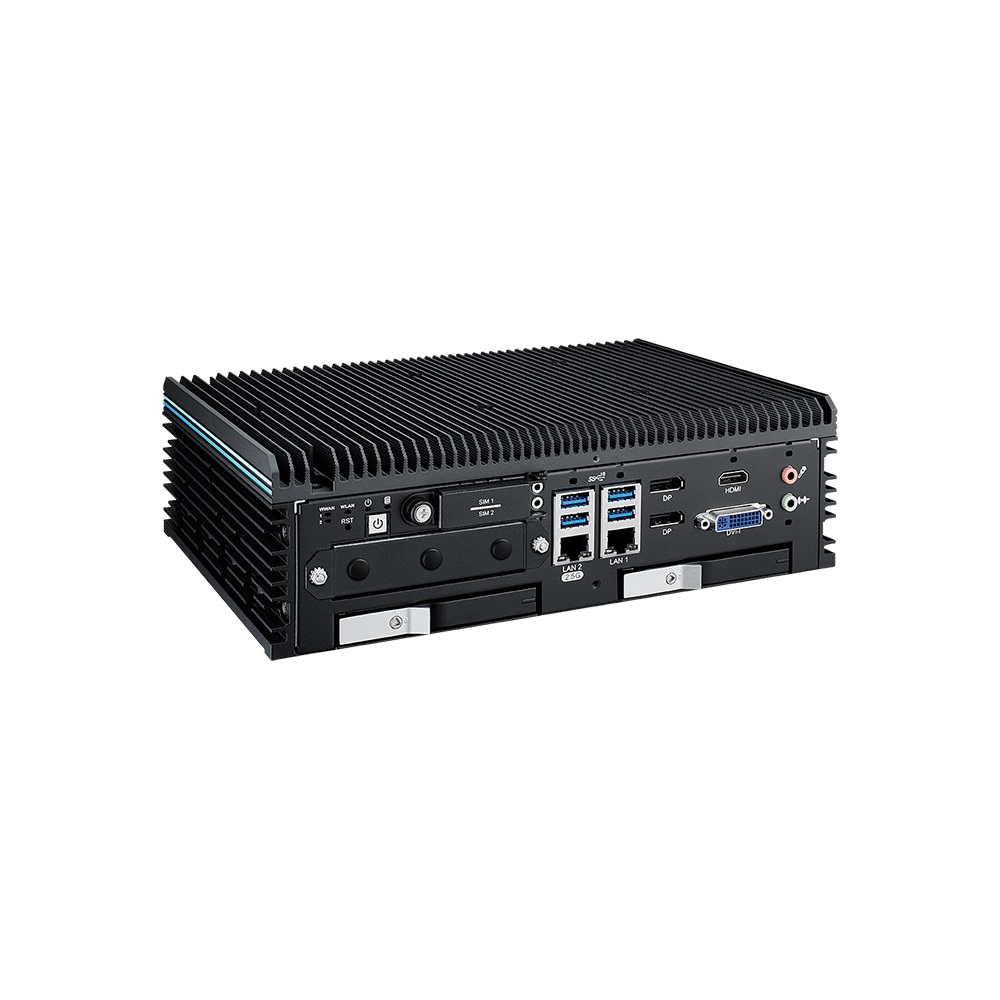
    The ECX-4000 in its finned aluminium enclosure, which cools the Core Ultra processor without a fan.

  2. 02

    Front panel

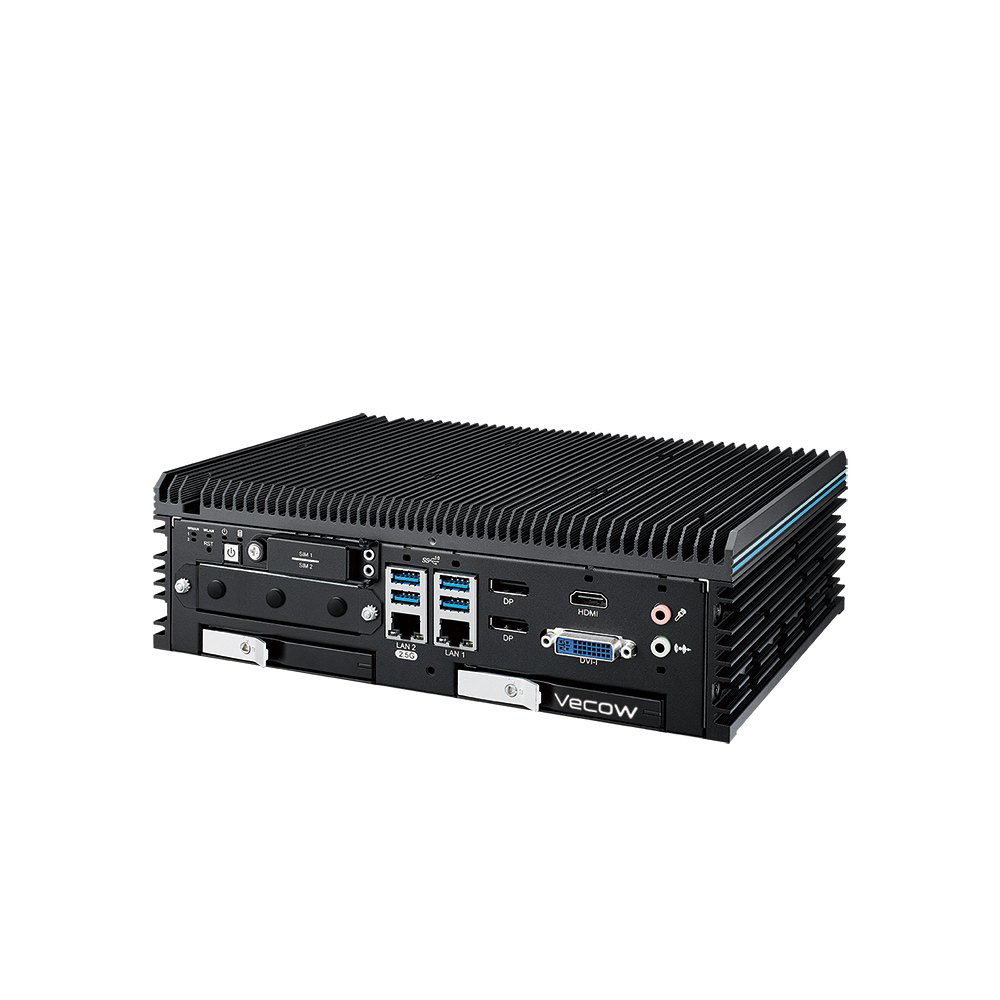
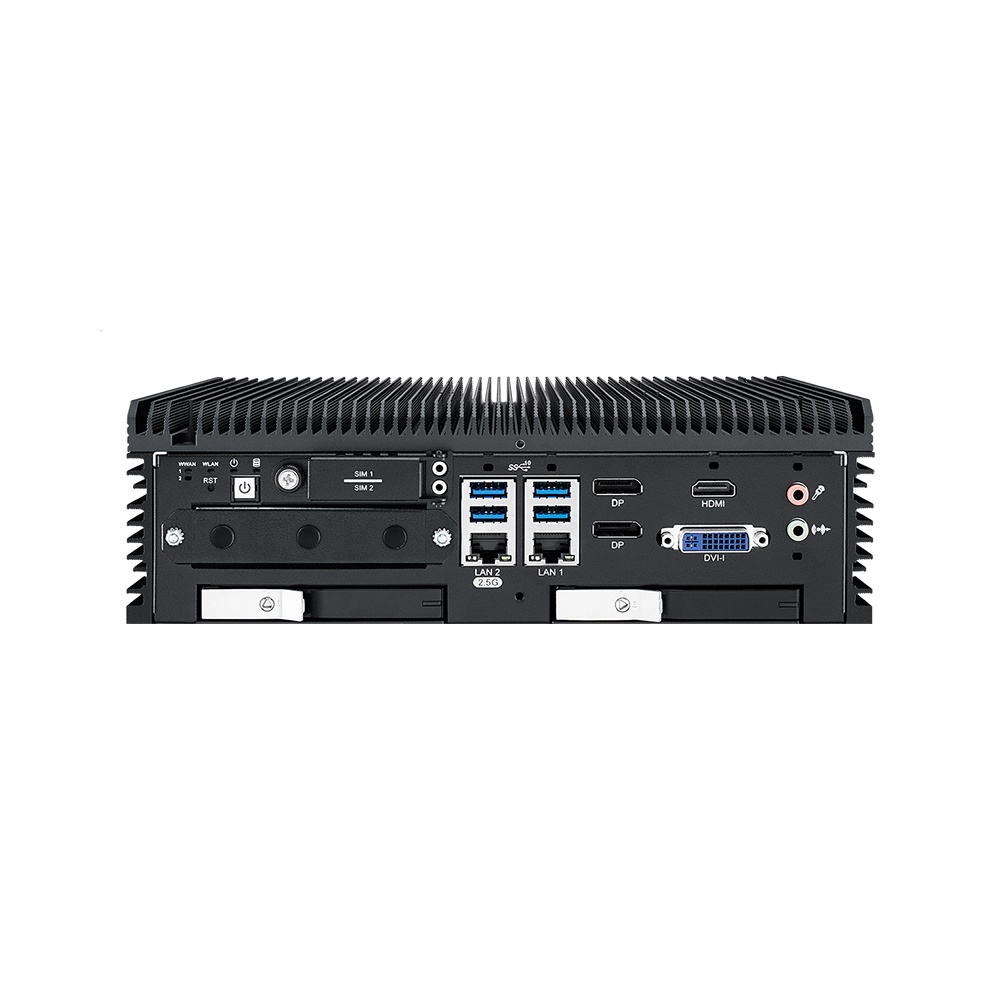
    SIM slots, USB 3.2 Gen 2, the 2.5GbE and GbE ports, DisplayPort, HDMI, DVI-I and audio, with the two front-access SSD trays below.

  3. 03

    Front-access SSD trays

    On the R builds, two trays let drives be swapped from the front without opening the chassis.

  4. 04

    Rear I/O panel

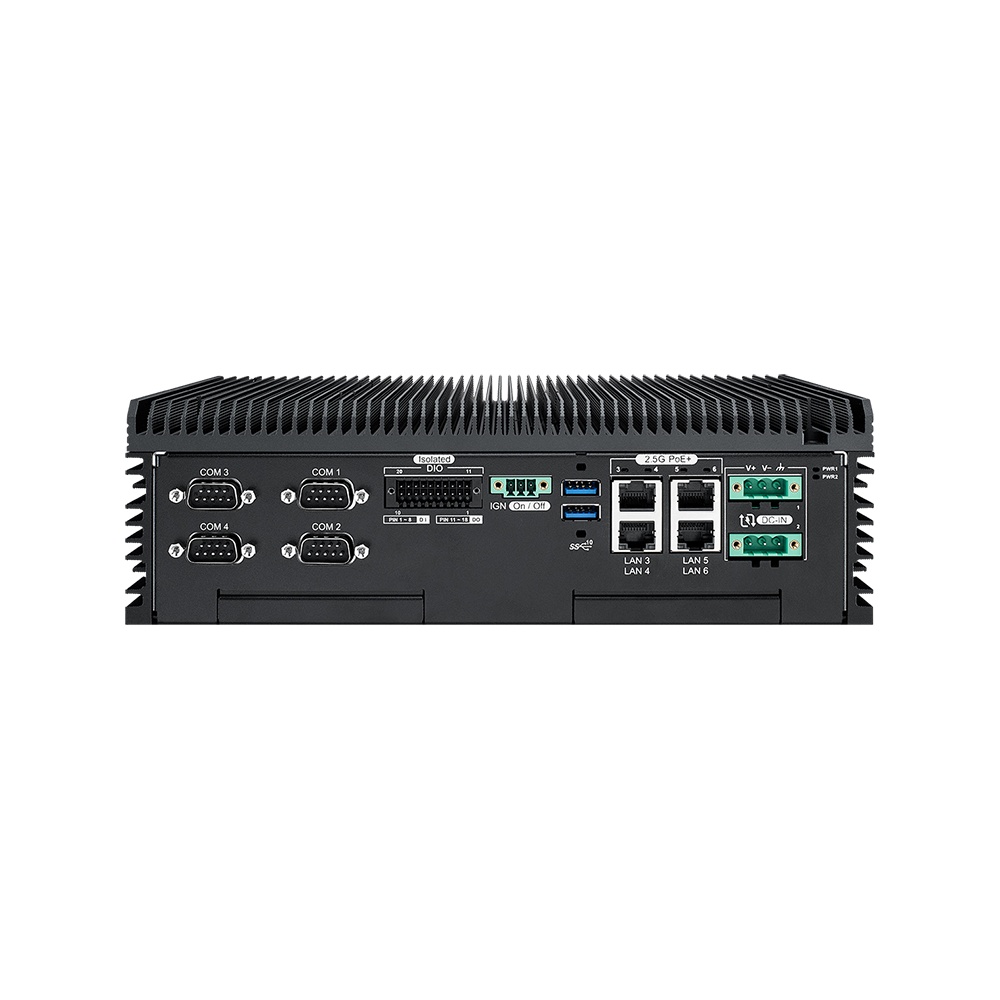
    Four COM ports, isolated DIO, the ignition switch, four 2.5GbE PoE+ ports and the redundant DC inputs.

I/o · 6I/O

What each interface is for

The ECX-4000 range is specified by its ports, so it helps to know what each one does in a real system before choosing a model.

PoE+ camera ports

On six models, four of the 2.5GbE LAN ports also deliver PoE+ to IEEE 802.3at, so IP cameras and other powered devices take data and power over a single cable. That removes a separate camera supply from the cabinet or vehicle. Our guide to PoE power budgeting covers how to plan a multi-camera build.
Separate 2.5GbE networks

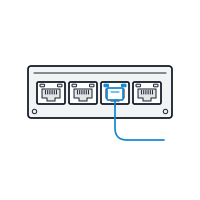
The six- and nine-port builds let camera, control and plant networks stay physically apart for security and determinism. The platform supports TSN for time-critical traffic, and Intel AMT on the GbE port for remote management. Our TSN guide covers deterministic Ethernet.

Serial and isolated DIO

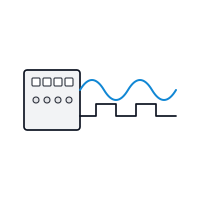
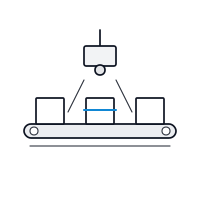
Four RS-232/422/485 COM ports on DB9 connect PLCs, controllers and legacy instruments. Sixteen isolated DIO channels (8 in, 8 out) handle triggers, sensors and interlocks such as starting an inspection camera from a line sensor. DIO vs GPIO explains the difference.

Front-access SSD trays

Every model with an R suffix replaces the two internal SATA III bays with two front-access SSD trays, with software RAID 0 or 1. Drives can be swapped from the front, so recorded footage or captured data can leave site on a drive rather than over a network.

M.2 expansion and wireless

An M.2 Key M PCIe x4 slot takes an NVMe SSD, two M.2 Key B sockets and an M.2 Key E socket take 5G, 4G or Wi-Fi modules, and two SIM slots support cellular links. Our M.2 keys guide covers what each socket accepts.

Applications · 6 uses

Where the ECX-4000 fits

Camera-heavy and network-heavy edge AI, where the choice of model follows the number of ports and the way data leaves site.

Machine vision and inspection

Line-side inspection with separate camera, controller and plant networks, and isolated DIO for triggers.

Video recording and analytics

Multi-camera recording on PoE+ ports, with front-access trays where footage has to be taken away.

Read guide

Ports and logistics yards

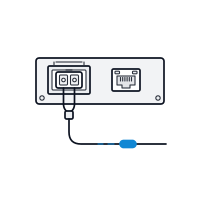
Large sites that run fibre back to a control room, served by the two 10GbE SFP+ ports on the ECX-4071.

Rail

Onboard and depot systems that need EN 50155 and EN 50121-3-2 listings, wide DC input and a fanless build.

Traffic and depots

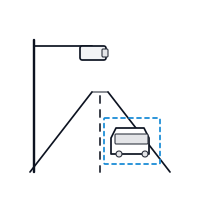
Camera-dense junctions and depots, where the nine-port ECX-4025 keeps up with the camera count.

In-vehicle video

Vehicle video analytics on 9–50 V DC with ignition control, using PoE+ cameras and removable SSD trays.

Choosing · 6 checksECX-4000

Which ECX-4000 model?

Work through the ports and storage first; the processor and memory are the same on every build.

  1. 01

    How many networks

    One camera, a PLC link and an uplink fit the two-port ECX-4000-2G or -2R. Keeping camera, control and plant networks apart points to the six-port ECX-4000-6G or -6R.

  2. 02

    Powered cameras

    For up to four PoE+ cameras, choose the ECX-4000-PoE or -PoER, where four of the five 2.5GbE ports carry PoE+. Where more LAN is needed, the ECX-4025 and ECX-4025R have eight 2.5GbE ports, four of them PoE+.

  3. 03

    Uplink speed

    If aggregated camera traffic goes back over fibre, the ECX-4071 and ECX-4071R add two 10GbE SFP+ ports, with PoE+ on four of the five 2.5GbE ports.

  4. 04

    How data leaves site

    If footage or captured data travels back on a drive, pick an R build for the two front-access SSD trays. Otherwise the internal SATA bays keep storage inside the chassis.

  5. 05

    Ambient temperature

    The 2G to PoER builds run to 75 °C with a 35 W CPU, the ECX-4025 builds to 70 °C and the ECX-4071 builds to 55 °C. A 65 W CPU lowers the upper limit to 55 °C on the 2G to PoER builds.

  6. 06

    Digital I/O

    Sixteen isolated DIO channels are standard from the six-port builds upwards. On the 2G and 2R, specify DIO at order if the system needs triggers or interlocks.

06FAQs

ECX-4000 FAQs

  1. Intel Core Ultra vs Core i7: What Is the Difference?

    Core Ultra is the brand Intel introduced with Meteor Lake, replacing Core i5, i7 and i9 on its newest chips. Core Ultra 7 sits where Core i7 did, but adds a built-in NPU for AI and Intel Arc or Xe graphics. Core i7 ended with the 14th Gen, and newer non-Ultra chips are named Core 5 and Core 7.

  2. What Is EN 50121-3-2?

    EN 50121-3-2 is the European standard for electromagnetic compatibility of electrical and electronic equipment fitted to railway rolling stock. It limits the interference a device may emit and sets how well it must withstand interference from the train, so a computer neither disrupts nor is disrupted by signalling and traction systems.

  3. What Is Intel vPro?

    Intel vPro is a platform for business and edge processors that adds hardware-based remote management, through Intel Active Management Technology (AMT), plus security and stability features for fleets of computers. With AMT, an administrator can power on, restart, reach the BIOS or reinstall a computer over the network, even when its operating system has stopped responding.

  4. PoE vs PoE+ vs PoE++: The 802.3af, 802.3at and 802.3bt Standards

    PoE, PoE+ and PoE++ are the three generations of IEEE Power over Ethernet. PoE (802.3af) supplies about 15 W per port, PoE+ (802.3at) about 30 W, and PoE++ (802.3bt) 60 W (Type 3) or 90 W (Type 4). PoE and PoE+ use two of the four cable pairs; PoE++ can use all four.

  5. How Much Power Does PoE Deliver?

    PoE delivers up to about 15 W per port (802.3af), PoE+ up to about 30 W (802.3at), and PoE++ up to 60 W or 90 W (802.3bt), all at around 48 V DC (44 to 57 V). Some power is lost in the cable, so the device receives a little less than the source supplies.

  6. SFP+ vs RJ45 for 10GbE — what’s the difference?

    SFP+ and RJ45 are the two ports used for 10GbE. SFP+ is a cage that takes a plug-in fibre transceiver or a direct-attach copper cable, so one port can reach hundreds of metres or more. RJ45 (10GBASE-T) runs over Cat 6a twisted pair to 100 m and reuses existing copper cabling.

  7. When should you upgrade from 2.5GbE to 10GbE?

    Upgrade from 2.5GbE to 10GbE when a workload needs more than about 2 Gb/s of sustained traffic per link, such as several uncompressed camera streams, multi-sensor fusion, multi-node inference or latency-sensitive control. The best time is usually the next platform refresh, specifying RDMA-capable network cards from the start.

// Next Step

Which ECX-4000 build fits your I/O?

Tell us the cameras, networks, serial devices and storage the job needs, and we'll match the ECX-4000 model and configure it to suit.

Phone · UK +44(0)1785 558 300