
 UK
AI Edge Computing: Deploying Rugged Edge Computers for AIoT
AI edge computing is the practice of running artificial intelligence models on computers installed close to the cameras, sensors and machines that produce the data, rather than sending that data to a cloud data centre. The edge computer runs inference locally, acts on the result in milliseconds and sends only events, metadata or summaries upstream.
The Artificial Intelligence of Things (AIoT) is now a practical reality. AIoT applications generate large data sets, mostly video, that put strain and cost on cloud networks. Moving the processing into a rugged computer near the source relieves that strain. Edge computing has grown from instrumentation and simple, low-power gateways into computers with GPUs, NPUs and AI accelerators that run models once reserved for the data centre.
Our edge AI explainer covers the definition. This guide is about deployment: the hardware tiers available and how to choose between them, the architecture from device to cloud, what changes when an AI computer leaves the server room, how models get from training to a fielded system, real industrial examples, and a checklist for specifying a rugged edge AI computer.
Key takeaways
- 01Inference runs at the edge, training usually does not
- Models are trained on servers or in the cloud, optimised, then deployed to edge computers that run inference on live data.
- 02Match the accelerator to the model
- CPU NPUs suit light models, Hailo accelerators suit efficient vision, Jetson suits multi-camera and larger models, GPU servers suit the heaviest.
- 03The environment decides the computer
- Temperature, vibration, DC input, ingress and camera interfaces narrow the choice before TOPS do.
- 04Plan for operation, not just deployment
- Remote management, model updates, monitoring and lifecycle matter as much as the first install.
- 05Send results, not raw video
- Local inference cuts bandwidth and latency, keeps data on site and keeps working when the link drops.
How does AI edge computing work?
Most industrial AI systems use three tiers. The split between them is the main design decision, because it sets latency, bandwidth, cost and what happens when the network fails.
| Tier | Hardware | What runs there | Typical latency to the sensor |
|---|---|---|---|
| Device edge | Smart cameras, sensors, PLCs | Capture, simple filtering, triggers | Microseconds to milliseconds |
| Near edge | Edge AI computers beside the line, in the vehicle or in the cabinet | Inference on live data, control decisions, local storage | A few milliseconds |
| Site or regional edge | Edge servers in a site room or a regional data centre | Heavier models, aggregation across cameras, retraining on site data | Tens of milliseconds |
| Cloud | Data centre GPUs and storage | Model training, fleet analytics, dashboards | Tens to hundreds of milliseconds |
In a typical deployment a camera streams to an edge AI computer that runs AI inference on every frame, raises an alarm or adjusts the process when it finds something, and sends an event with a cropped image to the site or cloud tier. The model itself is trained in the cloud or on a training server, the split explained in AI inference vs training, and pushed to the fleet when it improves.
Edge AI vs cloud AI for deployment
The edge AI vs cloud AI comparison is usually framed as a choice, but most systems use both. The table shows which tier suits which requirement.
| Requirement | Edge AI | Cloud AI |
|---|---|---|
| Latency | Milliseconds; suits control loops and safety | Tens to hundreds of milliseconds plus network variation |
| Bandwidth | Sends events and metadata only | Needs the raw data uploaded |
| Connectivity | Keeps working when the link drops | Stops when the link drops |
| Privacy and data sovereignty | Images can stay on site | Data leaves the site |
| Compute scale | Fixed by the installed hardware | Elastic |
| Model updates | Pushed to each system; needs fleet management | Updated centrally |
| Running cost | Mostly up-front hardware | Ongoing compute and data transfer |
Edge AI brings real-time analytics with lower latency, reduced bandwidth and cloud storage, better data security and scalable processing at the device level. Systems built around modules such as NVIDIA Jetson provide accelerated GPU computing in low-power, fanless designs. For applications that need an end-to-end response within a few milliseconds, a round trip to a distant cloud region is often too slow and too variable, whatever the network technology.
What hardware is used for edge AI?
Edge AI hardware falls into four tiers. TOPS figures are the maker’s peak INT8 or sparse ratings and are useful for comparing within a family, not for predicting the frame rate of a particular model. Power figures are typical module or card ranges, not system totals.
| Tier | Examples | AI performance | Typical power | Software stack | Suits |
|---|---|---|---|---|---|
| NPU in the CPU | Intel Core Ultra, AMD Ryzen 7040 and Ryzen AI | About 10–50 TOPS from the NPU, plus the integrated GPU | 15–45 W for the whole processor | OpenVINO, ONNX Runtime, Ryzen AI software | One to a few cameras, light models beside other software |
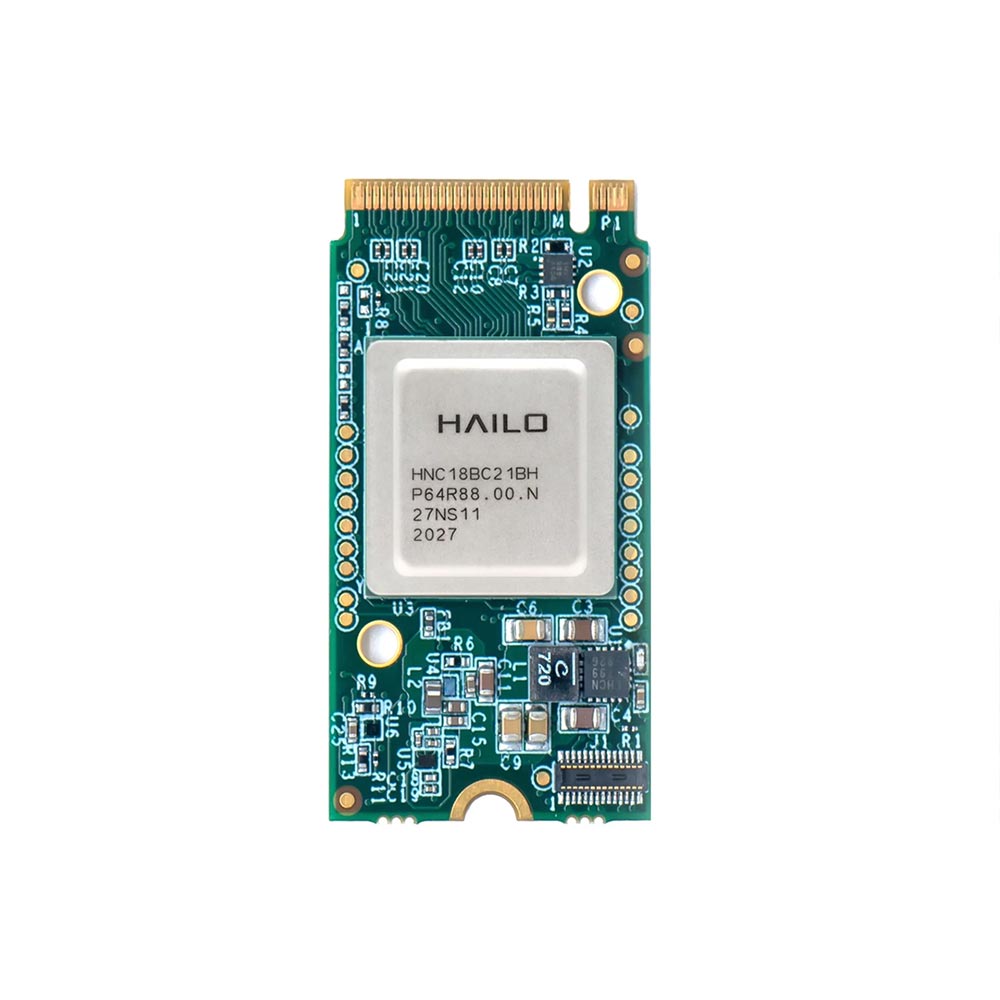
| M.2 AI accelerator | Hailo-8, Hailo-8L, Hailo-10H | 13 TOPS (Hailo-8L), 26 TOPS (Hailo-8), 40 TOPS (Hailo-10H) | A few watts per module | Hailo Dataflow Compiler, TAPPAS | Efficient vision on low-power x86 or Arm hosts |
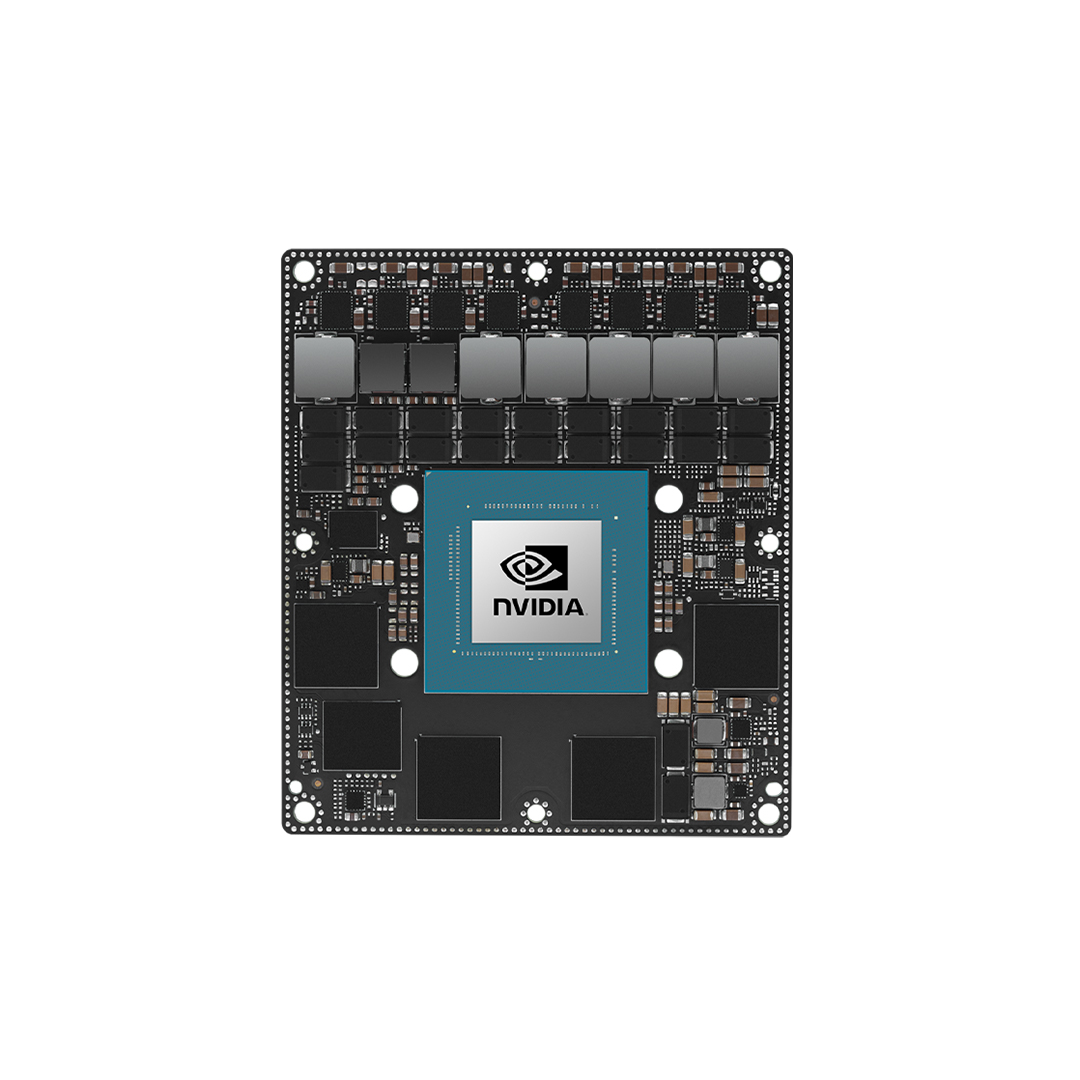
| NVIDIA Jetson module | Orin Nano, Orin NX, AGX Orin, Thor | Up to 67 TOPS (Orin Nano Super) to 275 TOPS (AGX Orin); Thor up to 2,070 FP4 TFLOPS | 7–60 W for Orin; more for Thor | JetPack, CUDA, TensorRT, DeepStream | Multi-camera vision, robotics, sensor fusion |
| Discrete GPU edge server | NVIDIA L4, RTX PRO Blackwell cards | Hundreds to thousands of TOPS | From about 70 W per card to over 600 W | CUDA, TensorRT, Triton | Many streams, large models, local LLMs and retraining |
Our comparison of GPU vs NPU for edge AI explains where each architecture wins, and which NVIDIA Jetson module compares the Jetson tiers. AI accelerators such as Hailo add inference to a low-power host without a GPU; the Hailo-10H extends that to small generative models. For the heaviest site workloads, NVIDIA L4 systems put a data centre inference GPU in an edge server.
Configuring rugged edge computers with AI accelerators
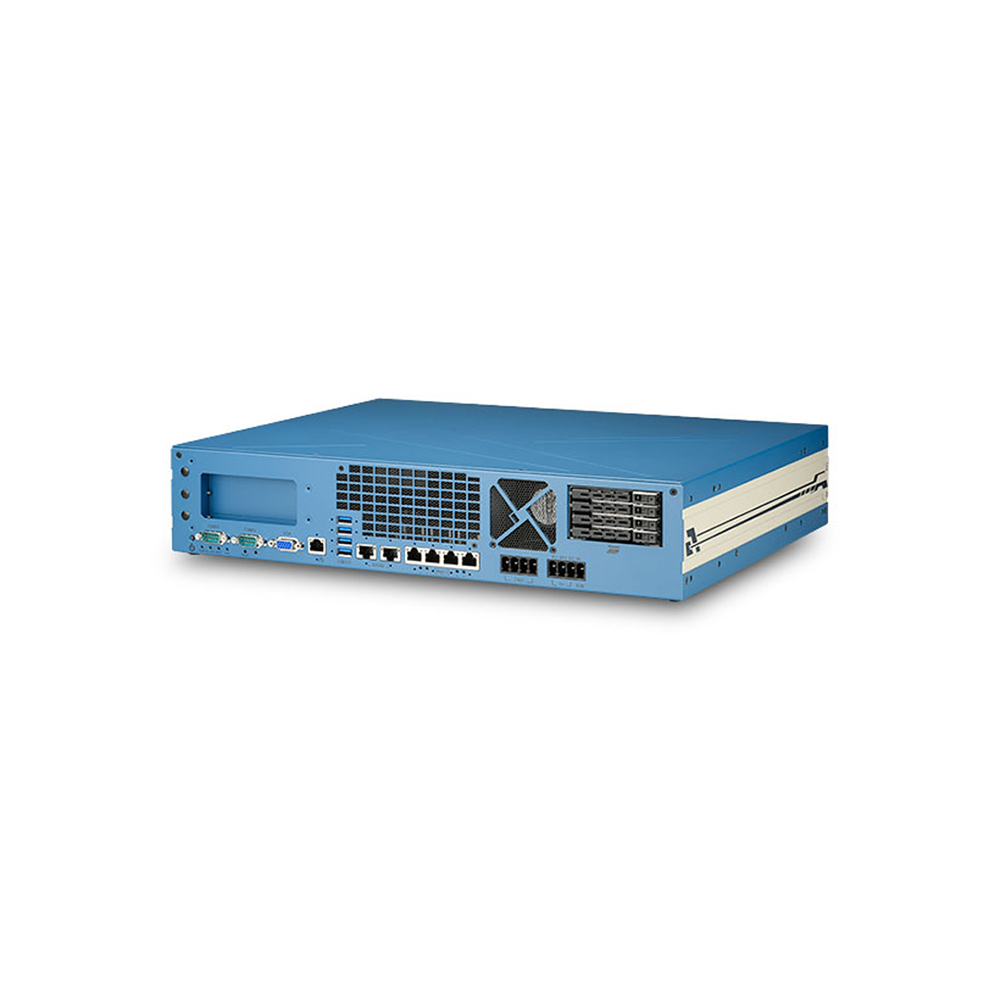
Rapid development in chips, boards and system-on-modules has put AI acceleration into every form factor, from board-level designs and small embedded box PCs to 19-inch rack-mount systems. Our edge AI systems are configured with either a GPU or an AI accelerator on board, and preconfigured with your choice of operating system and edge AI software before dispatch.
Sizing an edge AI computer: a worked example
TOPS alone do not size a system. A better method starts from the workload and works back to the hardware.
| Step | Question | Example: eight-camera loading bay |
|---|---|---|
| 1. Streams | How many cameras, at what resolution and frame rate? | Eight 1080p cameras at 15 frames per second |
| 2. Model | Which model and input size, at what precision? | An object detector at 640 pixels, quantised to INT8 |
| 3. Throughput needed | Streams × frame rate | 120 inferences per second, plus tracking |
| 4. Decode | Can the hardware decode all streams? | Eight H.265 streams need hardware decode |
| 5. Benchmark | Measured throughput on the candidate hardware | Test on Jetson Orin NX and AGX Orin, and on a Core Ultra NPU |
| 6. Headroom | Margin for model growth and temperature | Choose hardware that runs at well under full load |
| 7. Environment | Temperature, power, mounting, camera interface | −20 to 55 °C, 24 V DC, PoE cameras |
Quantising a model to INT8, explained in INT8 quantization, and compiling it with TensorRT on Jetson or OpenVINO on Intel often changes throughput more than moving up a hardware tier. Exporting through ONNX keeps the model portable between them. We benchmark the customer’s own model on candidate hardware where possible, because published figures rarely match a specific pipeline.
From training to the field: the edge AI software pipeline
A model that works on a developer’s workstation is not yet a deployed system. Between the two sit export, optimisation, packaging and a way to update the fleet. Each hardware tier has its own toolchain, so the choice of accelerator also decides the software path.
| Stage | What happens | Jetson | Intel NPU and GPU | Hailo |
|---|---|---|---|---|
| Train | Model trained on labelled data, usually in PyTorch or TensorFlow | Training server or cloud | Training server or cloud | Training server or cloud |
| Export | Model exported to a portable format | ONNX | ONNX or OpenVINO IR | ONNX or TensorFlow Lite |
| Optimise | Quantised and compiled for the target | TensorRT, INT8 or FP16 | OpenVINO, INT8 | Hailo Dataflow Compiler, INT8 |
| Pipeline | Decode, pre-process, infer, track, post-process | DeepStream or GStreamer | OpenVINO with GStreamer or custom code | TAPPAS or GStreamer |
| Package | Fixed image or containers per fleet | JetPack image plus containers | Windows or Linux image plus containers | Host OS image plus runtime |
| Update | New models pushed and rolled back safely | OTA or container registry | OTA or container registry | OTA or container registry |
Two habits make edge AI fleets easier to run. First, fix the operating system, drivers and runtime versions for each fleet, and change them deliberately, because a driver update can change model behaviour. Second, log inference health on each computer, such as frame rate, latency, temperature and confidence, so that a model drifting on new data or a system throttling in summer shows up before the results go wrong.
Security belongs in the pipeline too. A trained model is valuable intellectual property, and images from a site can be sensitive. Encrypted storage, Secure Boot and a hardware root of trust protect both, and keeping raw video on site is often what makes an AI project acceptable to a customer’s data protection team in the first place.
Rugged edge AI deployment requirements
AI computers and edge servers are rarely installed in forgiving, climate-controlled server rooms. To be close to the data they sit in the same conditions as the rest of the operation: dust and water, temperature swings, electromagnetic interference, and repeated shock and vibration. In those places industrial, ruggedised hardware is the way to avoid failures. Our guide to rugged computers covers the general principles; the table lists what changes for AI systems.
| Requirement | Why it matters for AI | What to specify |
|---|---|---|
| Temperature | Accelerators throttle when hot, cutting inference throughput | Rated range at the AI workload, often −20 to 60 °C or wider, with derating stated |
| Cooling | Fans clog in dust; fanless designs have a power ceiling | Fanless up to the thermal limit, sealed fans or conduction cooling above it |
| Shock and vibration | Vehicles, rail and plant loosen connectors and modules | MIL-STD-810H, IEC 61373 or EN 50155 testing as relevant |
| Power input | Vehicles and cabinets run 12, 24, 48 or 110 V DC with transients | Wide DC input, ignition control, surge protection, E-mark for vehicles |
| Ingress | Outdoor, washdown and mining sites | IP65 to IP69K enclosures with M12 connectors |
| Camera interfaces | Cameras are the data source | PoE ports, GMSL2 inputs, MIPI CSI-2 or USB, with enough bandwidth |
| Connectivity | Results and updates need a path | Ethernet, Wi-Fi, 4G or 5G with dual SIM |
| Remote management | Systems are hard to reach | Watchdog, out-of-band management, OTA updates |
| Security | Models and data are valuable | TPM 2.0, Secure Boot, encrypted storage |
| Lifecycle | Fleets are rebuilt to the same specification for years | Module and processor availability, revision control |
In-vehicle and rail
Edge AI gives moving vehicles real-time processing for driver assistance, V2X communication, infotainment and predictive maintenance, and the same applies to autonomous unmanned systems and trains. Our AI railway computers are used for track condition monitoring, helping to monitor the health of railway lines and report vegetation before it becomes a problem. Vehicle computers are built to the UNECE Regulation 10 E-mark and rolling stock computers to EN 50155, with wide-range DC input so data stays accessible, safe and actionable wherever it is needed. Our track inspection project shows rugged railway computers at work.
Connectivity and 5G
Rugged edge computers and 5G work together for real-time AI applications such as smart city video analytics for surveillance and security. 5G adds throughput, lower latency, more connected devices and network slicing, and on a private network it keeps traffic on site. Our guide to private 5G at the edge covers the network side.
Managing a fleet
An AI computer that cannot be reached cannot be updated. Plan model updates through the operating system or a container platform, monitor inference health, and add a watchdog and out-of-band management so a hung system can be recovered without a visit; our guide to Intel AMT and out-of-band management covers the options. On Jetson, JetPack versions should be fixed per fleet and updated deliberately.
Deploying AI at the edge in five steps
From a trained model to a fleet of rugged computers in the field.
-
Scope
Workload and siteDefine cameras, models, response time, environment, power and connectivity for each installation.
-
Select
Hardware tierChoose NPU, accelerator, Jetson or GPU from the workload, then the rugged form factor from the site.
-
Optimise
Model and pipelineQuantise and compile the model for the chosen accelerator, and benchmark the full pipeline on the target hardware.
-
Build
Image and testBuild a fixed operating system and software image, then configure and test every computer with its cameras and I/O before it ships.
-
Operate
Update and monitorPush model updates, monitor inference health and recover systems remotely over the life of the fleet.
What are examples of edge AI in industry?
Edge AI use cases span most industries that run cameras or sensors. The examples below come from industrial deployments, several of them our own projects.
| Industry | Application | Typical edge hardware |
|---|---|---|
| Food and manufacturing | Machine vision quality inspection on the line | Fanless GPU or Jetson vision computers |
| Manufacturing and utilities | Predictive maintenance from vibration, current and thermal data | Gateways and box PCs with NPU or accelerator |
| Logistics | Autonomous mobile robots, parcel sorting, dock monitoring | Jetson Orin computers on the robot or beside the dock |
| Transport | Traffic analytics, bridge strike warning, ANPR | IP66 Jetson computers in roadside cabinets |
| Rail | Track and overhead line inspection, passenger counting | EN 50155 GPU and Jetson computers |
| Retail | Shelf monitoring, footfall and queue analytics | Compact AI gateways and signage players |
| Agriculture | Spot spraying and crop monitoring | Waterproof Jetson AGX Orin computers |
| Maritime and subsea | Surveillance, obstacle detection, seabed mapping | IP69K GPU computers |
| Healthcare | Endoscopy video, patient monitoring | Medical-grade edge PCs with capture cards |
Smart manufacturing
Edge AI analytics help manufacturers improve inventory and compliance. Connecting sensors from equipment on the floor gives more accurate data for maintenance, and our guide to AI predictive maintenance explains how. Visual inspection with AI models replaces manual checks for defects on assembly and food lines, saving time while improving consistency: see how our industrial GPU computers command edge AI inference systems for an automated food factory.
Transport and smart cities
Roadside AI spots over-height vehicles before they hit a low bridge in our bridge strike warning project, and video analytics at junctions counts and classifies traffic without sending video off site.
Maritime and subsea
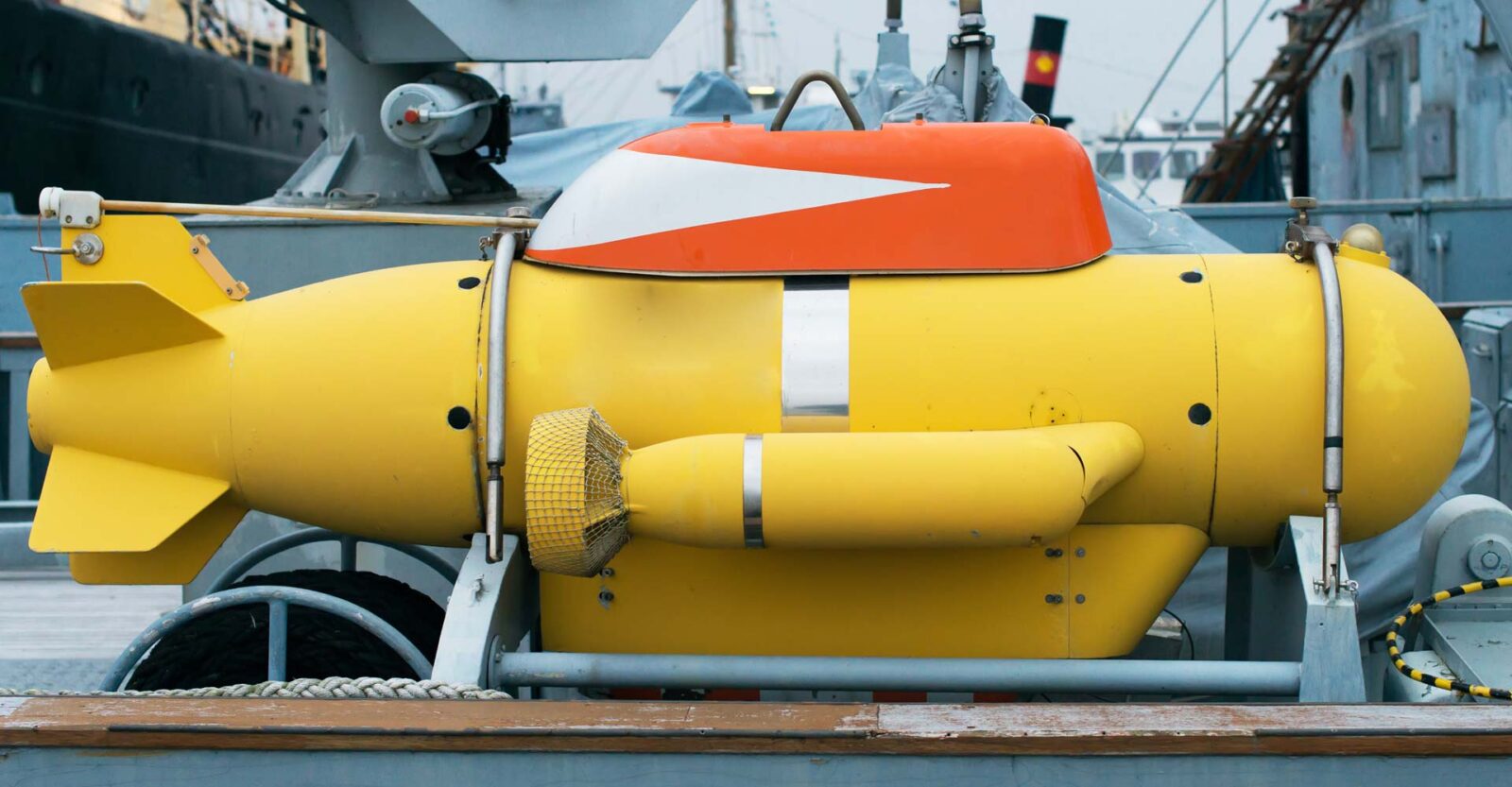
High-resolution cameras on ships and subsea vehicles record exploration, model the seabed for safe passage and recognise obstacles to avoid. Data is processed and analysed on board before results are sent to the cloud, and improved models are then pushed back to every vessel in the fleet.
Healthcare
Processing data locally in patient monitoring means only critical data is stored, which saves space and gives clinicians a simpler dashboard. Learn how a telemedicine-focused OEM uses AI for endoscopy with medical edge PCs and customised video capture cards.
Retail
In stores, an AI gateway turns cameras, scanners and displays into analytics on site, as our edge AI gateways in retail project shows.
Edge AI computing for embedded and industrial applications
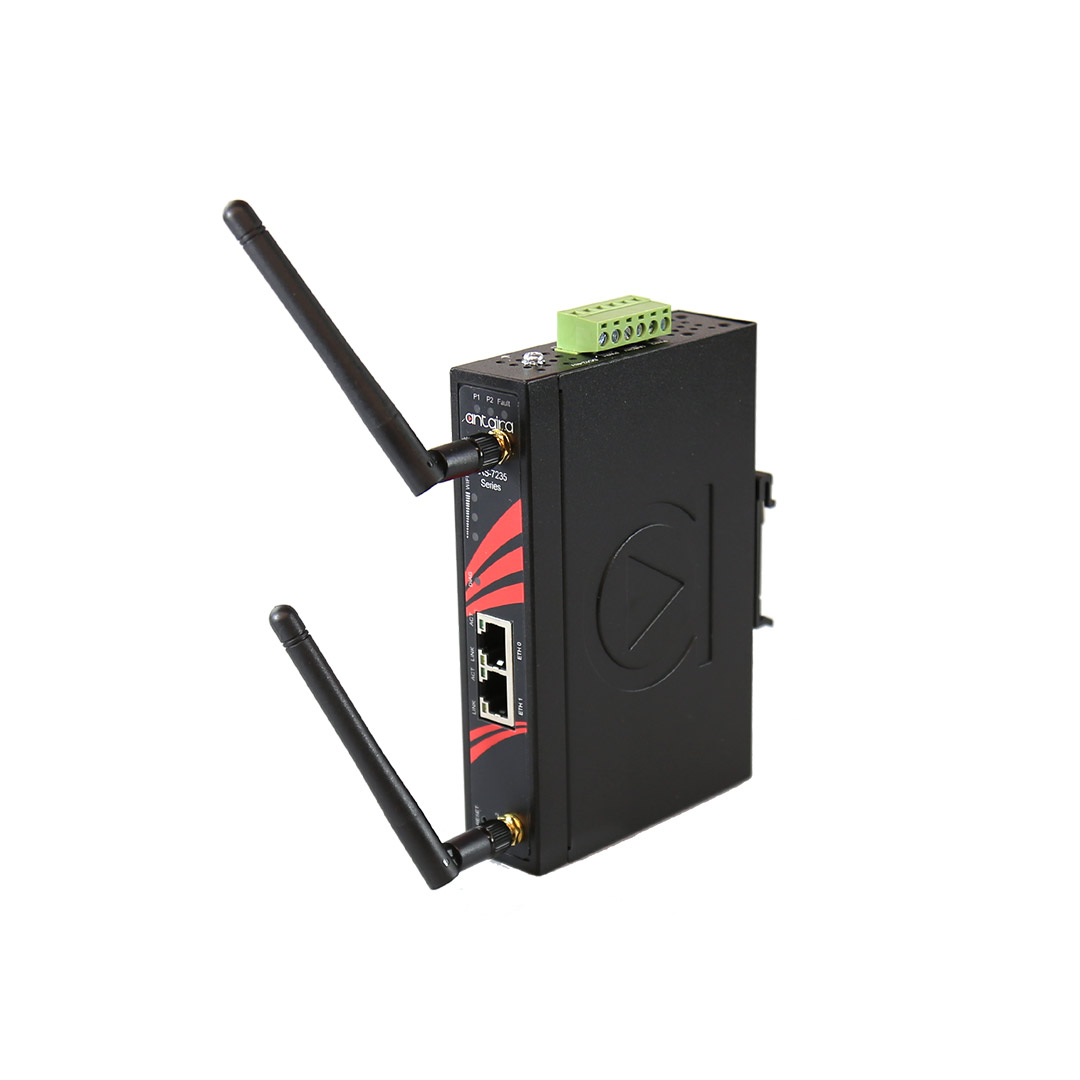
Where AI edge computing fits in our range
These ranges carry GPUs, NPUs or AI accelerators for specific installation types.
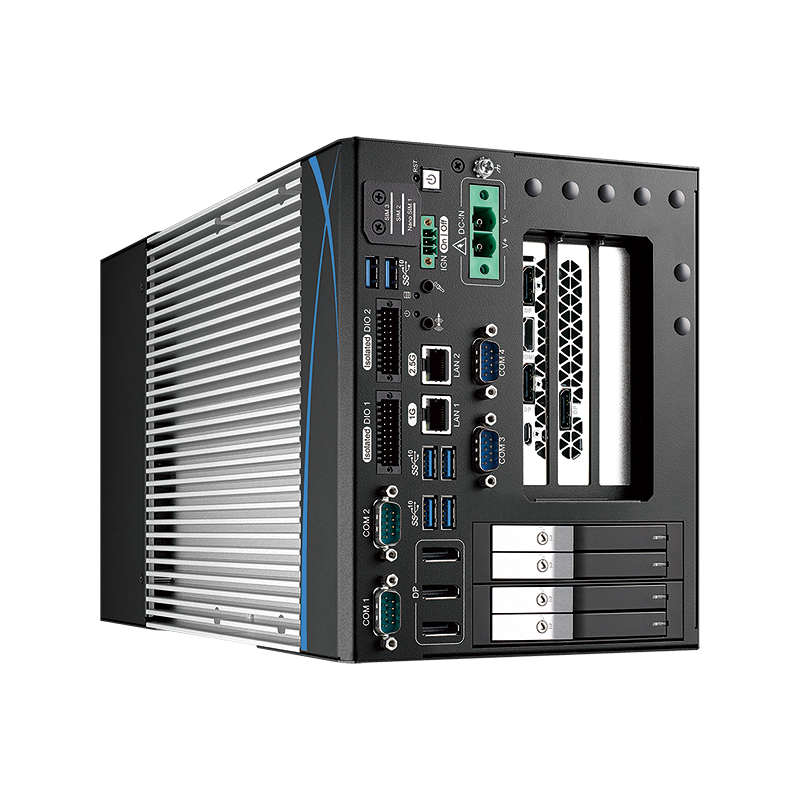
Industrial GPU computers
Systems with a discrete GPU for many cameras and larger models.
View range
Rugged GPU computers
Wide-temperature, shock-rated GPU systems for vehicles and outdoor sites.
View range
Rugged Jetson computers
Jetson Orin and Thor systems with PoE or GMSL camera inputs.
View range
In-vehicle computers
Ignition-controlled AI computers for fleets, plant and rail.
View range
Industrial NVR
Recorders with AI analytics for multi-camera sites.
View range
Edge AI panel PCs
Touch panel PCs with AI acceleration for operator stations.
View rangeEdge AI computers from our range
These systems cover the hardware tiers above. We configure each one with the operating system, drivers, AI runtime and your model, fit the cameras’ interfaces and any cellular module, and test the complete system under load before it ships.
| Computer | AI hardware | Key features | Rated range |
|---|---|---|---|
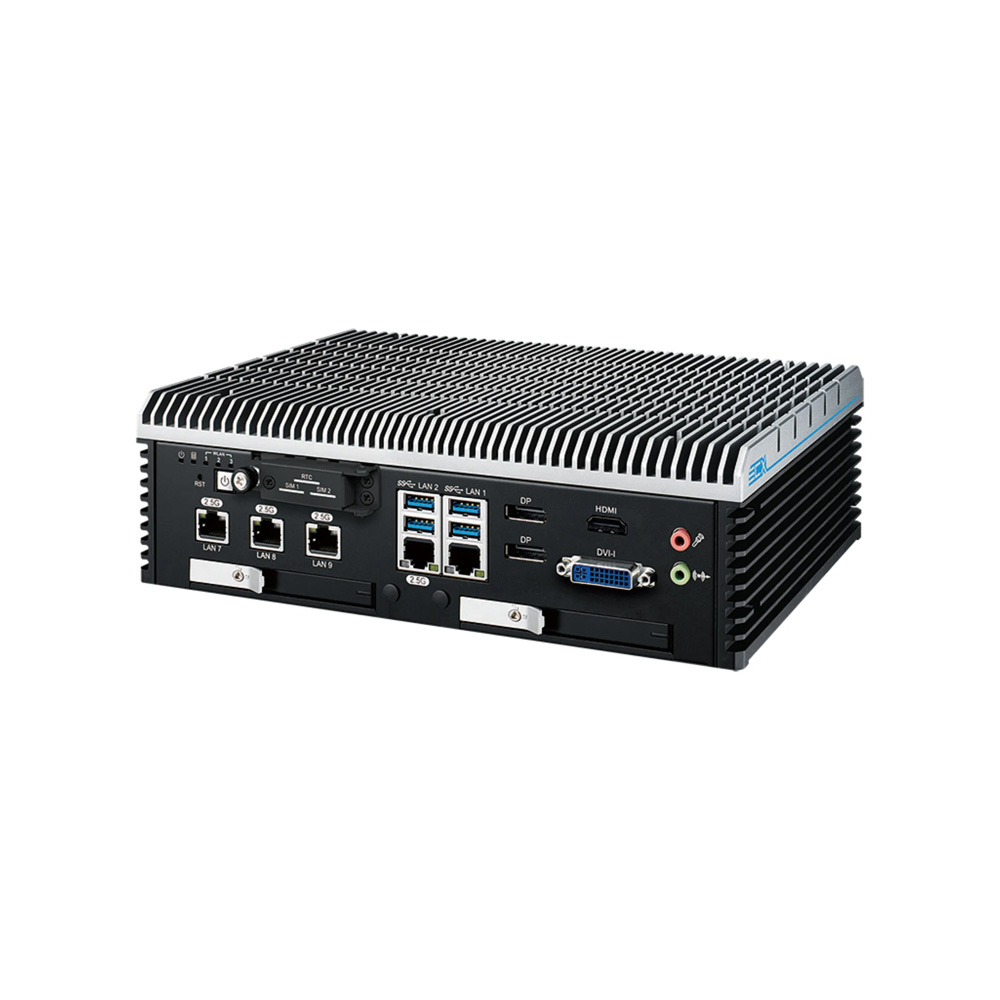
| Premio BCO-500-MTL-155U | Intel Core Ultra 7 155U with NPU up to 11 TOPS | Fanless, 3× 2.5GbE, 4G or 5G option | −20 to 60 °C |
| SolidRun BEDROCK R7000 EDGE AI 30W | AMD Ryzen 7040 with 10 TOPS NPU on 7840U and 7840HS, plus up to three Hailo-8 at 26 TOPS each | 45 mm wide, fanless, 12–60 V DC, DIN rail | −40 to 85 °C on industrial builds |
| ASRock Industrial iEP-6022E-000 | NVIDIA Jetson Orin Nano 8GB, up to 67 TOPS with Super Mode | Fanless, CAN, DIO, 12–36 V DC | −25 to 60 °C with airflow |
| Premio WCO-3000-EHL-x6425E | Intel Atom x6425E with optional Hailo-8 at 26 TOPS | IP68 and IP69K, M12 connectors, 9–36 V DC | −40 to 60 °C |
For washdown and outdoor sites, IP69K computers carry AI accelerators in sealed enclosures. For help choosing between an NPU and an accelerator, see what is an NPU and how many TOPS an NPU needs.
Edge AI computers by tier
Four starting points from the table: a Core Ultra NPU system, a Hailo-8 DIN-rail box, a Jetson Orin Nano computer and an IP69K Hailo-8 computer for washdown areas.
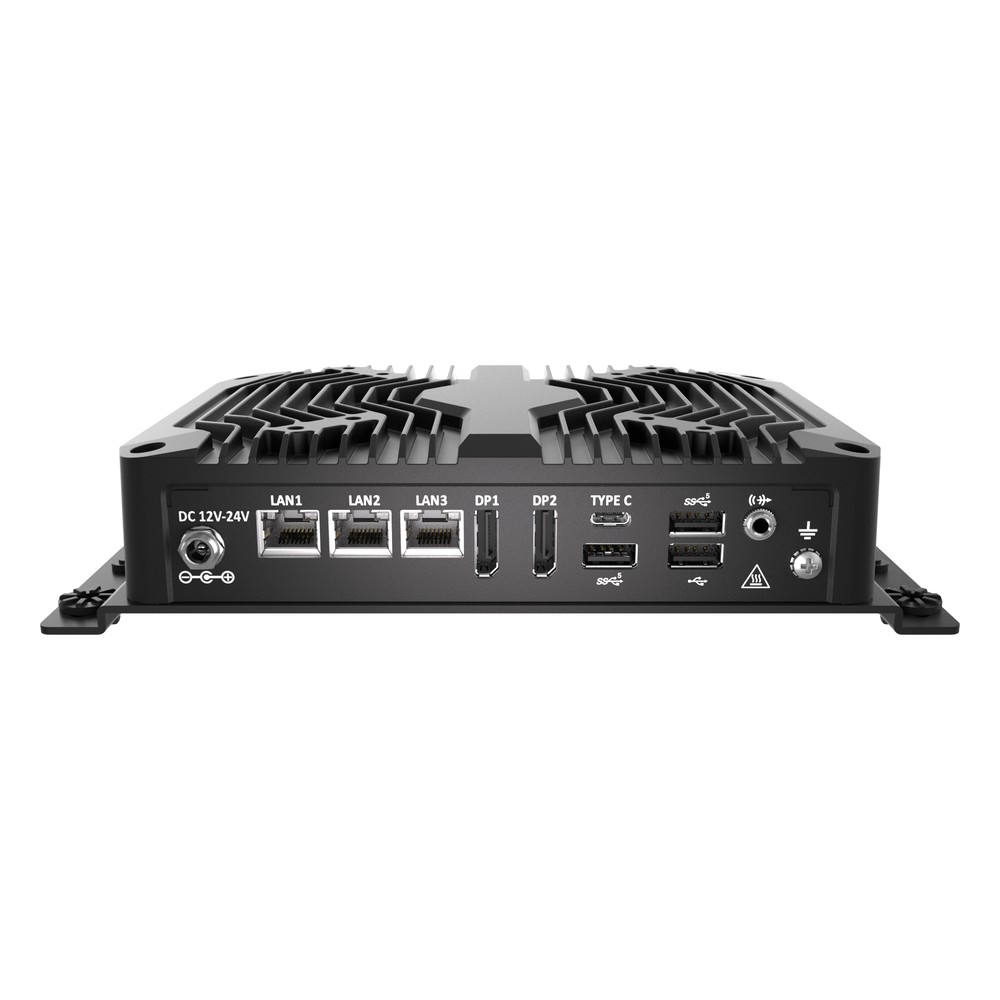
Intel Core Ultra 7 155U (Meteor Lake) Fanless Embedded PC with NPU and Triple 2.5GbE
- AI
- 11 TOPS
- CPU
- Intel Core Ultra 1 (Meteor Lake)
- Ethernet
- 3× 2.5GbE
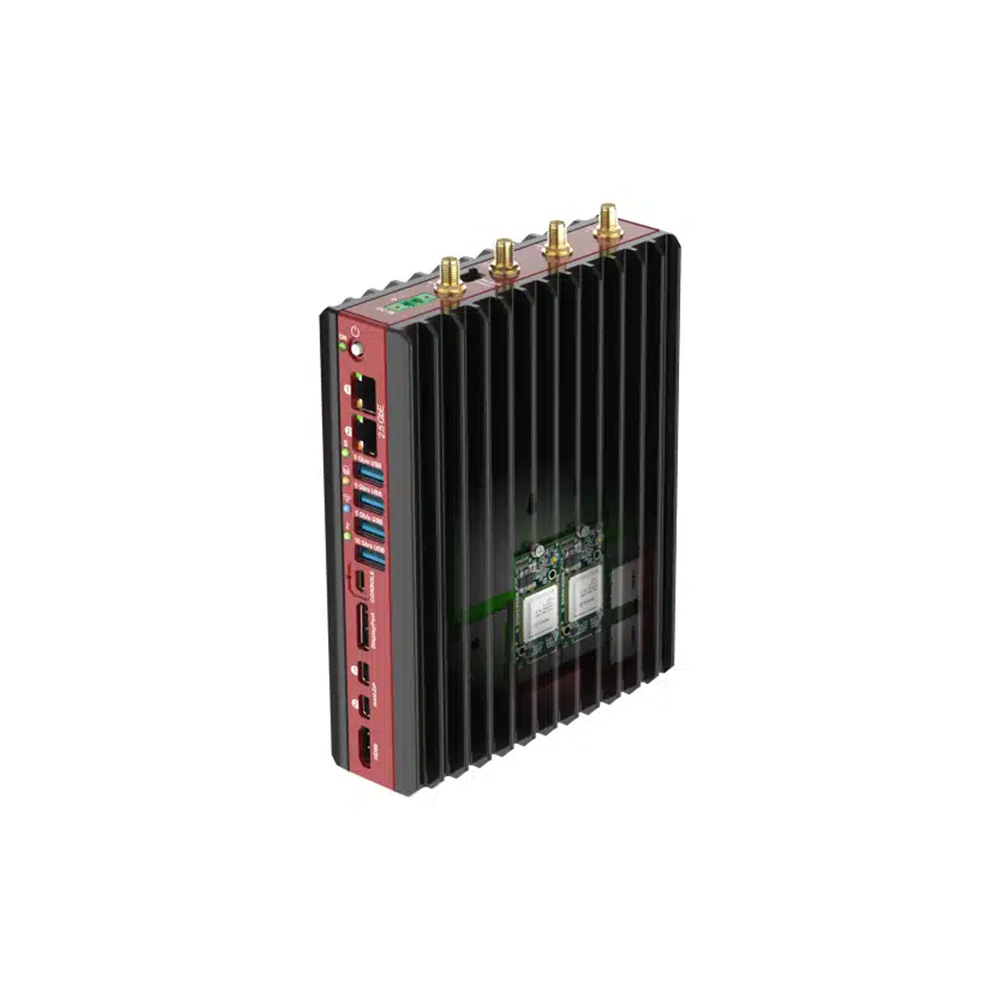
AMD Ryzen 7040 Series Fanless Edge AI Box PC with Hailo-8 and 2x 2.5GbE
- AI
- 10–26 TOPS
- CPU
- AMD Ryzen
- Ethernet
- 2× 2.5GbE
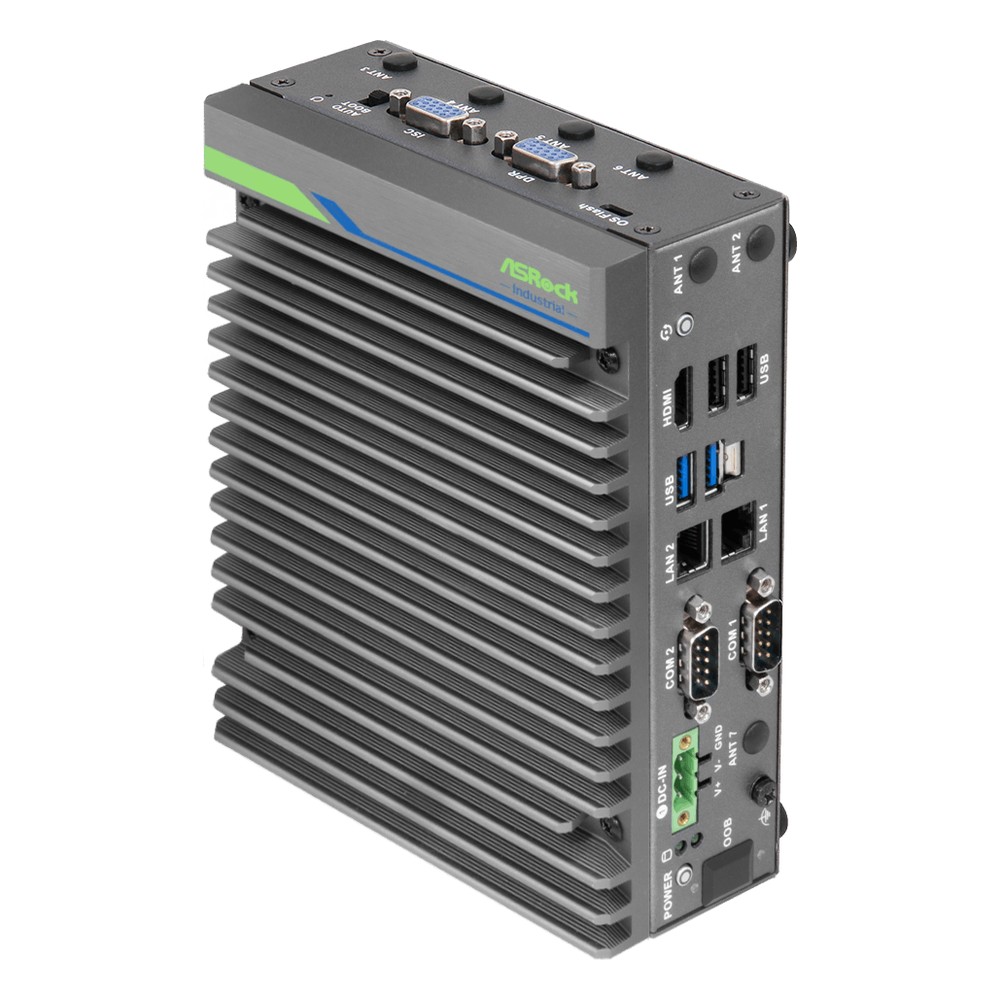
NVIDIA Jetson Orin Nano 8GB Fanless Edge AI Computer with Dual GbE and CAN
- AI
- 40 TOPS
- SOM
- NVIDIA Jetson Orin Nano 8 GB
- Ethernet
- 2× GbE
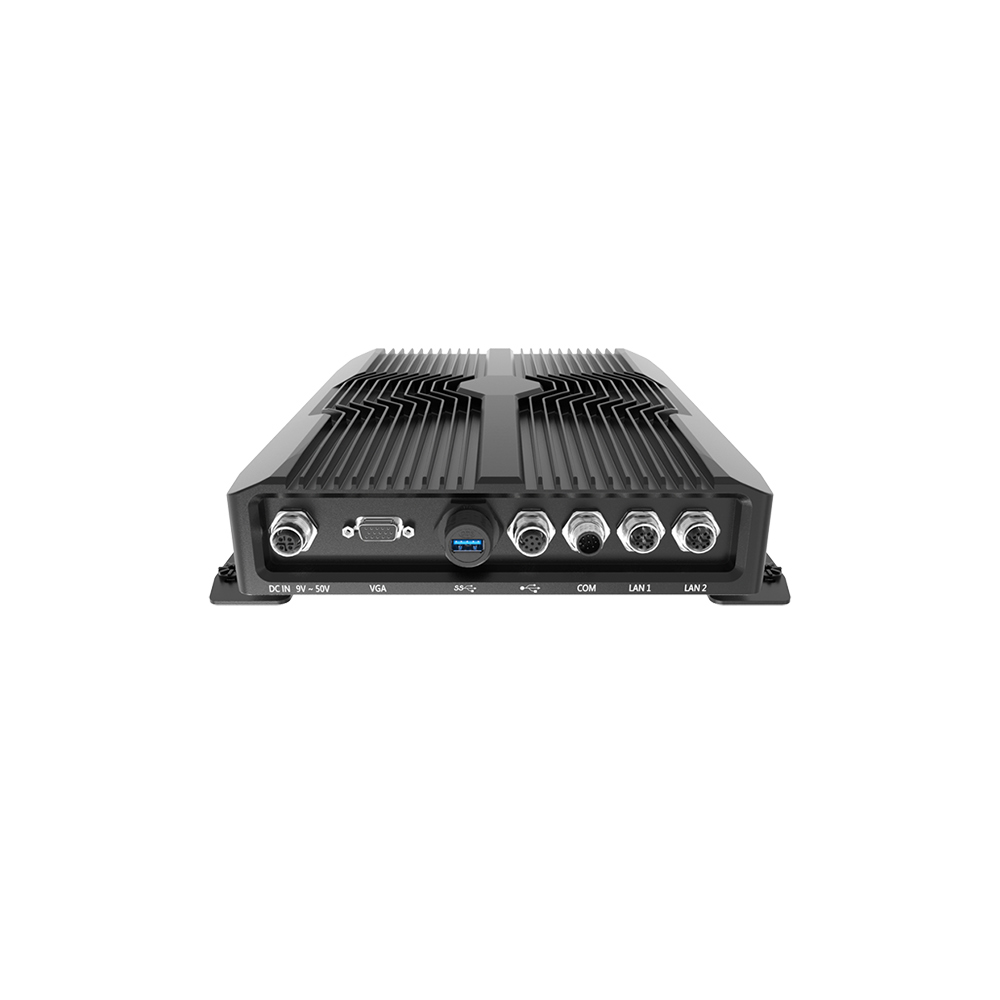
Intel Atom x6425E Hailo-8 IP68/IP69K Waterproof Computer with 9-36 V DC Input
- AI
- 26 TOPS
- CPU
- Intel Atom x6425E (Elkhart Lake)
- Ethernet
- 1× 2.5GbE, 1× GbE
Specifying a rugged edge AI computer
Eight questions that settle the hardware before an edge AI computer is ordered.
-
01
Cameras and sensors
List the number, resolution, frame rate and interface of every input.
-
02
Model and precision
Name the model, input size and precision, and whether it is already optimised.
-
03
Throughput and latency
State the inferences per second and the response time the application needs.
-
04
Hardware tier
Choose NPU, Hailo accelerator, Jetson or discrete GPU from benchmarks, with headroom.
-
05
Environment
Give the temperature range, vibration, ingress rating and mounting.
-
06
Power
Give the supply voltage, ignition needs and any power budget.
-
07
Connectivity
Decide Ethernet, Wi-Fi, 4G or 5G, and what data leaves the site.
-
08
Fleet operation
Plan model updates, monitoring, remote recovery and the product lifecycle.
AI edge computing: common questions
Quick answers
What is AI edge computing?
Running AI models on computers close to where data is produced. The edge computer performs inference locally and sends only results upstream, cutting latency and bandwidth.
How does edge AI work?
Models trained elsewhere run inference on an edge computer. Cameras and sensors feed the computer, which runs the optimised model on a GPU, NPU or accelerator and acts on the result locally.
What is the difference between edge AI and cloud AI?
Where the model runs. Edge AI runs beside the data for low latency and offline operation; cloud AI runs in data centres with elastic compute. Most systems train in the cloud and infer at the edge.
What hardware is used for edge AI?
NPUs, AI accelerators, Jetson modules and GPUs. CPU NPUs suit light models, Hailo accelerators efficient vision, Jetson multi-camera vision and robotics, and discrete GPUs the heaviest workloads.
What are examples of edge AI?
Visual inspection, predictive maintenance, traffic analytics and robots. Other examples include rail inspection, retail analytics, spot spraying in agriculture and maritime surveillance.
Why is edge AI important for IoT?
IoT devices produce more data than networks can carry. Processing it locally keeps response times low, reduces data costs and keeps systems working when the connection drops.
How many TOPS do I need for edge AI?
It depends on the model, input size and stream count. Benchmark the actual model on candidate hardware; a few TOPS can run one camera, while multi-camera systems often need tens to hundreds.
Can edge AI computers run without a fan?
Yes, up to a thermal limit. Fanless systems typically handle NPUs, Hailo modules and Jetson Orin; higher-power GPUs need fans or conduction cooling.
Edge AI FAQs
-
What Is Edge AI?
Edge AI means running trained artificial intelligence models on computers close to where data is created, such as beside cameras, machines or vehicles, rather than in the cloud. Decisions happen locally in milliseconds, less data crosses the network, sensitive data stays on site, and the system keeps working if the connection drops.
-
Edge AI vs Cloud AI: What Is the Difference?
Edge AI runs models on a computer beside the cameras or machines, so results arrive in milliseconds and the data stays on site. Cloud AI sends data to remote servers, which offer large scale but add delay, bandwidth costs and a dependence on the connection. Many systems combine both: they train in the cloud and infer at the edge.
-
What Is AIoT?
AIoT, the Artificial Intelligence of Things, is the combination of AI with IoT devices. Sensors and cameras collect data, and AI models analyse it, often on an edge computer close to the devices, so the system can recognise what is happening and act on its own instead of only reporting data.
-
What Is AI Inference?
AI inference is the stage where a trained model is put to work: it takes new data, such as a camera frame, a sensor reading or a text prompt, and produces an output such as a label, a detection, a forecast or generated text. It runs every time the model is used, so latency, cost and power matter most.
-
What Is an AI Accelerator?
An AI accelerator is hardware designed to run neural networks faster and more efficiently than a general-purpose CPU. The main types are GPUs, NPUs built into processors, dedicated accelerator chips such as Hailo modules, and FPGAs. Each takes over the repetitive maths of AI inference, so the CPU stays free for the rest of the system.
-
What Does TOPS Mean in AI?
TOPS stands for tera operations per second: the number of trillion simple operations an AI processor can perform each second. It is the headline figure used to compare AI accelerators such as NVIDIA Jetson modules and the NPUs in Intel and AMD processors. It is usually quoted for 8-bit integer (INT8) maths, and sometimes with sparsity, which doubles the figure.
-
How Many TOPS Does an NPU Need?
There is no single figure: the TOPS an NPU needs depends on the model, image resolution, frame rate and number of camera streams. Check whether a rating is for the NPU alone or the whole platform, since vendors often add CPU and GPU TOPS together. The reliable test is to benchmark your own model on the target processor.
Planning an edge AI deployment?
Tell us about the cameras and sensors, the model, the response time you need and where the computers will be installed. We will recommend the hardware tier and form factor, then configure, image and test each system with your model running before it ships.