
 US
US 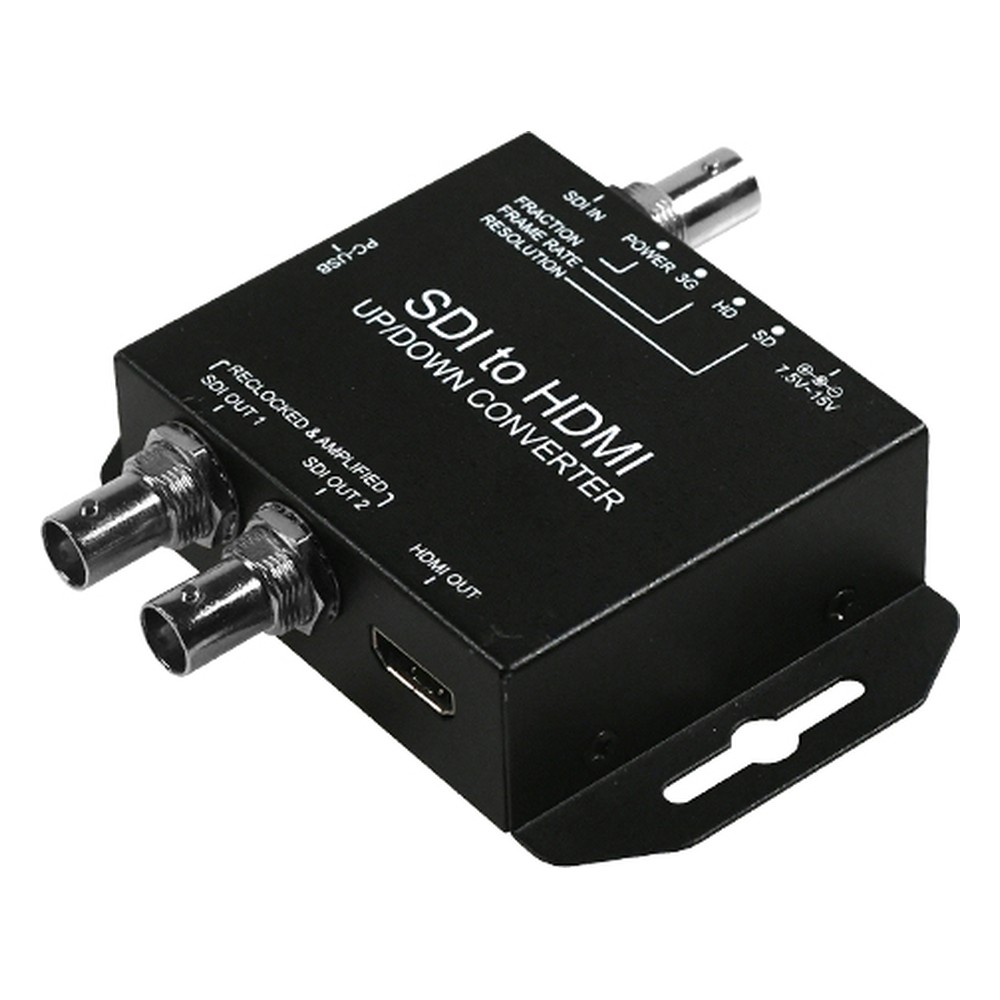

Yuan SDI to HDMI-S SDI to HDMI Converter with Up/Down Scaling, Frame Rate Conversion and Dual Loop-Out
SDI to HDMI-S Overview
An HDMI monitor fed straight from SDI only shows what it can natively handle, and SD or interlaced feeds can look poor. The Yuan SDI to HDMI-S is an SDI to HDMI converter that scales and de-interlaces the source to suit the display, typically for monitoring in broadcast, live events, education and pro AV.
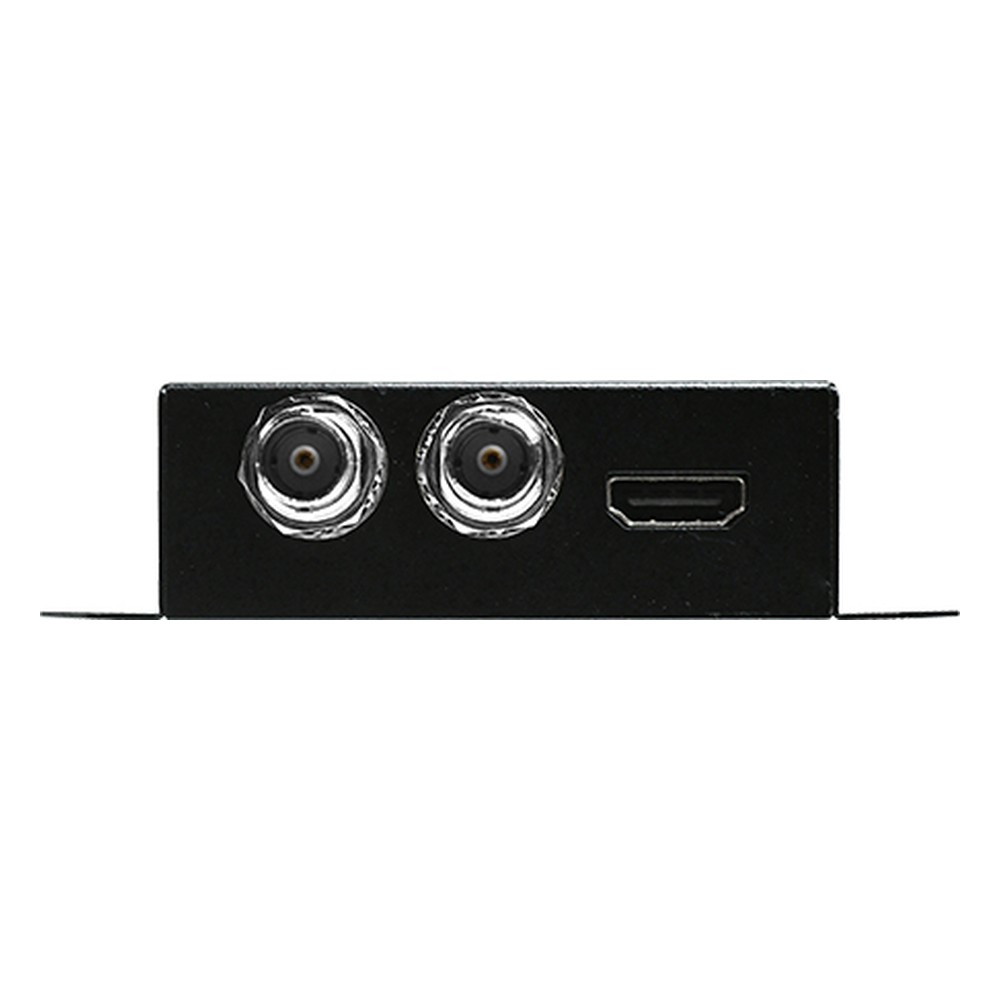
Input is one SDI connection accepting 3G-SDI at 1080p 60/50, HD-SDI at 1080p 30/25/24, 1080i and 720p, and SD-SDI at 480i and 576i. Outputs are one HDMI, up/down converted to 1080p, 1080i, 720p, SD or VESA PC formats from 640×480 to 1280×1024, and two SDI loop-throughs in the input format. Built-in interlacer, de-interlacer, 60 to 59.94 fps and frame rate conversion are included. Embedded audio is up to eight channels, 24-bit, 48 kHz.
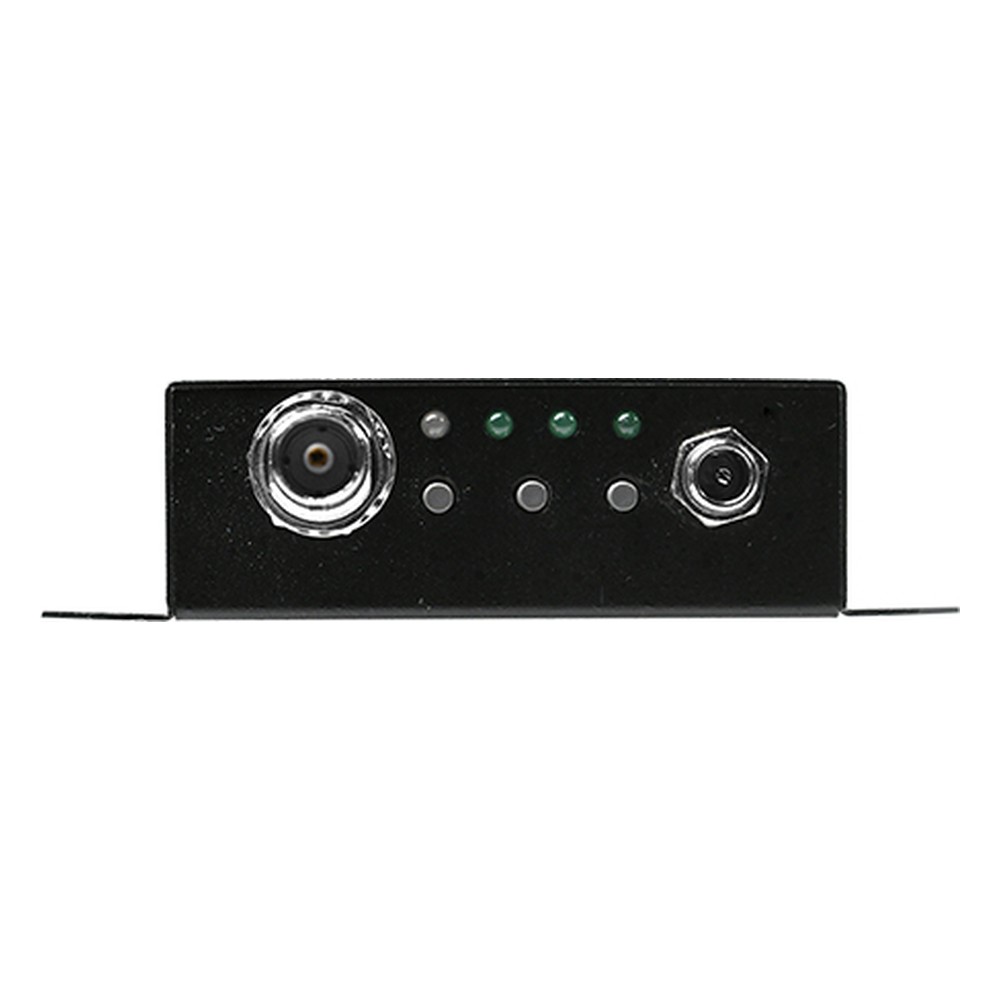
The SDI to HDMI-S is set up with buttons and an OSD menu and runs from a 7.5 to 15 V DC input. If no scaling is needed, the SDI to HDMI is the simpler pass-through converter. For VGA displays, the SDI to VGA-S gives configurable VGA output with the same dual loop.
No operating temperature or certification is published, so we treat it as an indoor unit. If you are not sure which conversion you need, our team can look at the sources and destinations on your system and recommend the converter, cabling and power arrangement that suits. We can also supply spare units for critical signal paths and advise on mounting and power in the rack, so the installation is ready before you go live. We supply the SDI to HDMI-S configured and tested with the SDI sources and HDMI displays it will connect to.
SDI to HDMI-S Specifications
| Overview | |
|---|---|
| Brand & Model | Yuan SDI to HDMI-S |
| Video Capture | |
| Video Input | 1x SDI |
| Video Resolution Input | HD60 [1920x1080p @ 60/50fps] |
| Video Output | 1x HDMI |
| Video Resolution Output | HD60 [1920x1080p @ 60/50fps] |
| Audio Input | 1x SDI Embedded Audio Input |
| Audio Output | 1x HDMI Embedded Audio Output 1x SDI Embedded Audio Output |
| Power | |
| Power Input | 7.5-15V DC |
| Mechanical Properties | |
| Dimensions | 104mm x 64mm x 26mm (4.09" x 2.5" x 1.02") |

Official Yuan USA Distributor
Things Embedded is an official Yuan USA distributor, and we supply the SDI to HDMI-S configured and tested with the sources, displays and network it will connect to. Within the Yuan range, the SDI to HDMI converts without scaling and carries two-channel audio, and the SDI to VGA-S outputs VGA instead of HDMI.
Across our range, the SDI to HDMI-S sits with our SDI and HDMI converters, our SDI video capture cards and our HDMI video capture cards.
Consult. Design. Integrate.
Things Embedded is a leading USA supplier of industrial computing and edge AI systems. We combine technical expertise with a collaborative approach to deliver optimal solutions for your application. Whether it’s an off-the-shelf platform or a custom design, we stay at the forefront of the latest technologies to ensure your success at the edge. Our team works closely with you from concept through deployment, providing guidance, engineering support, and integration expertise every step of the way.
Connect with our solutions experts today to review your requirements and find the ideal solution fit for your application.