
 US
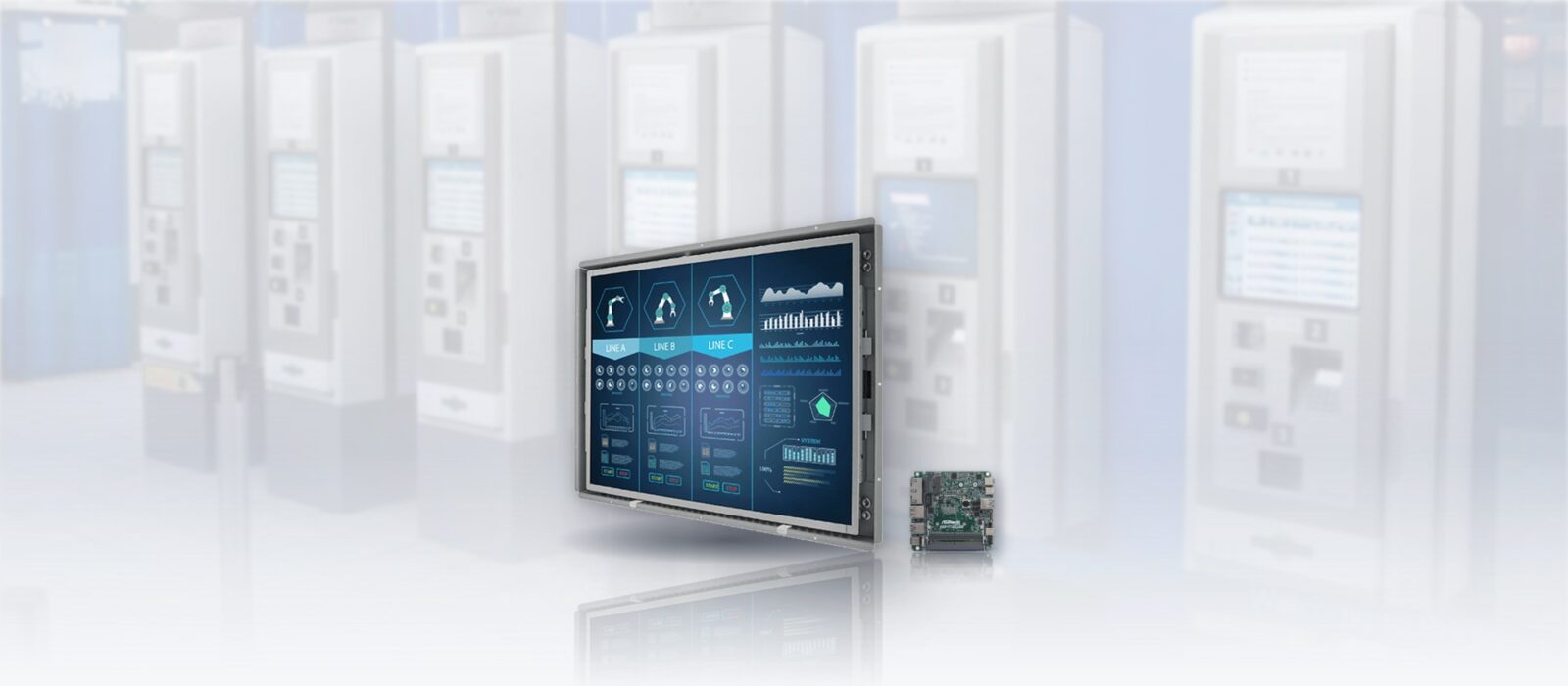
Fully Configured Self-Service Kiosk Computers for OEMs
Manufacturers of self-service kiosks count on us for a range of reliable, repeatable kiosk computers and displays, each meeting the criteria of the environment it will be deployed in. We start by recommending hardware that suits the application, then integrate and sub-assemble it so each kiosk computer arrives paired, touch-enabled and imaged, ready to install.
Kiosks now handle payment, check-in and check-out, ticketing and information across healthcare, retail, grocery, transport and leisure. It is the kind of hardware we supply for retail and self-service kiosks.
Where self service kiosks work
The same kiosk computer platform can be configured for very different counters and sites.

Payment
Card and contactless payment terminals with secure readers and receipt printers.

Check-in and check-out
Hotel, clinic and visitor check-in with barcode and ID scanning.
Ticketing
Ticket sales and collection at stations, transport hubs and venues.

Healthcare
Patient check-in and information points in hospitals and surgeries.
Retail and grocery
Self-checkout, ordering and product information on the shop floor.

Leisure and information
Wayfinding, ticket upgrades and information at amusement parks and attractions.
Three ways to build a kiosk computer
| Route | What you get | Best when |
|---|---|---|
| Panel PC | Computer and touch display in one sealed unit | You want the fastest, simplest install |
| Box PC with an industrial monitor | Separate compute and screen | You need a particular screen size or want to upgrade the computer on its own |
| Single board computer or industrial motherboard with an LCD panel | A kit built into your own enclosure | You want full control of the kiosk’s design and cost |
Board choice sets the kiosk’s I/O, thermal limits and form factor, and our embedded motherboard and SBC guide compares the options by processor, I/O and size.
Kiosk hardware we supply
-
01

Industrial panel PCs
All-in-one touch computers for the simplest kiosk builds.
View range -
02
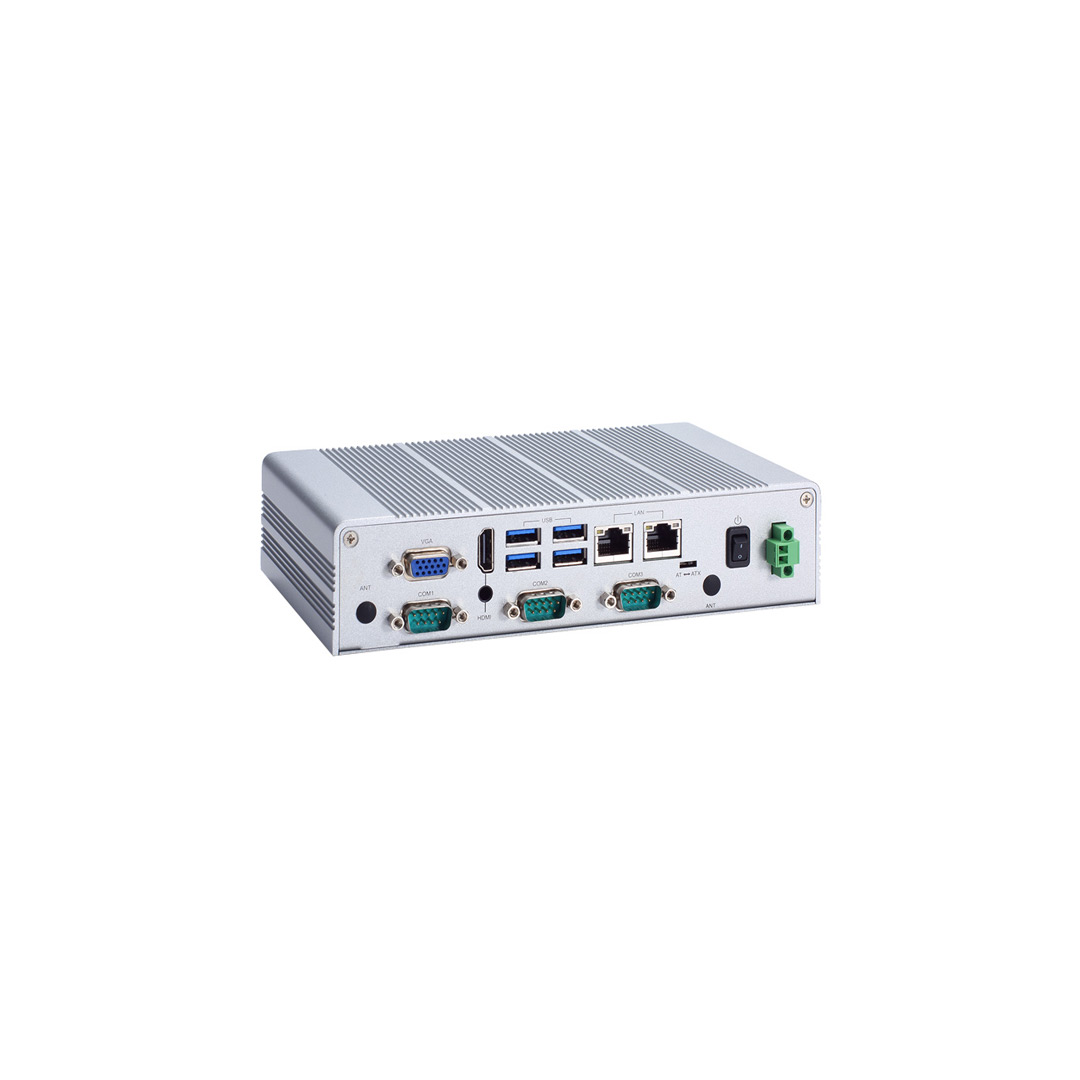
Embedded box PCs
Compact fanless computers to pair with a separate display.
View range -
03
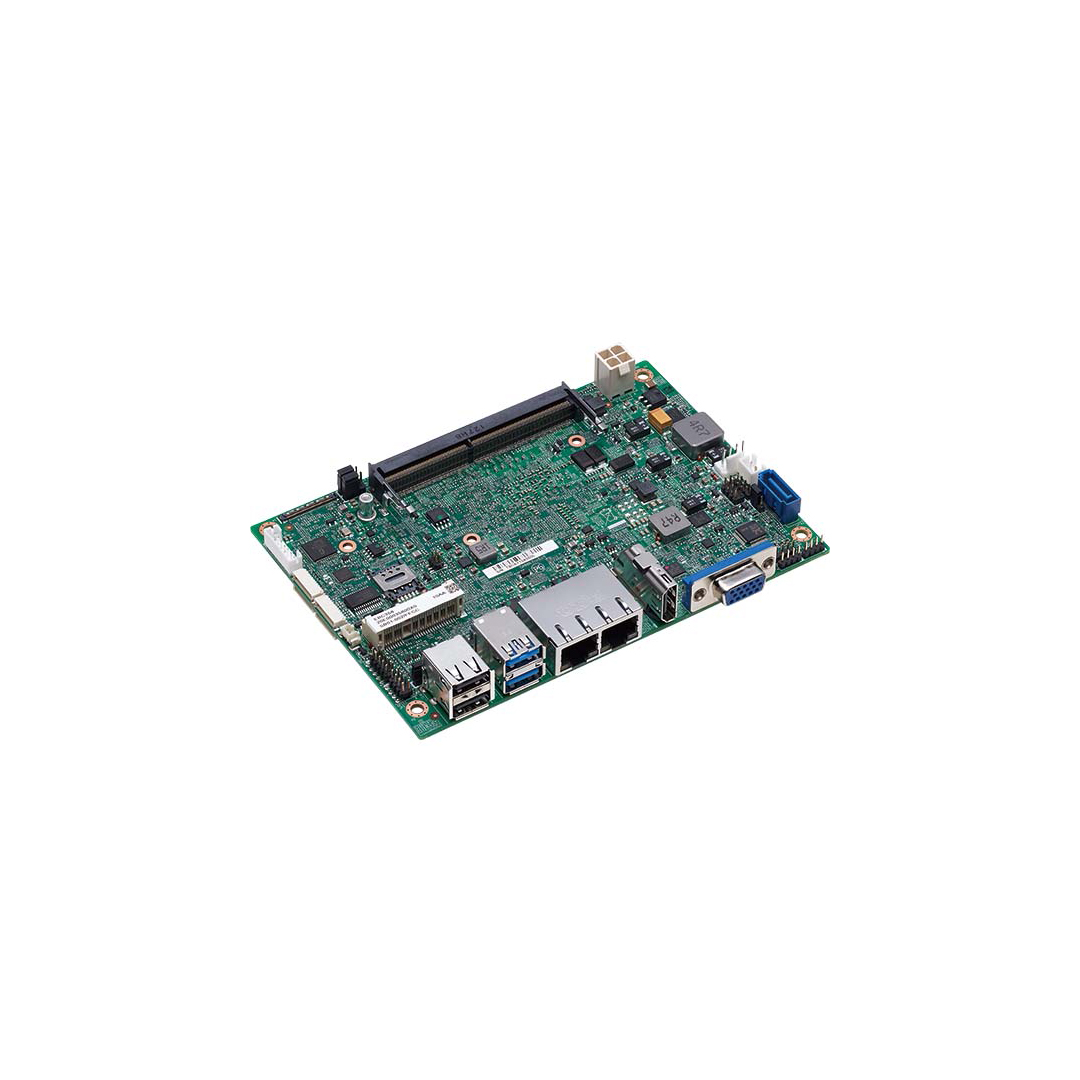
Single board computers
Board-level computers for kiosks built into your own enclosure.
View range -
04
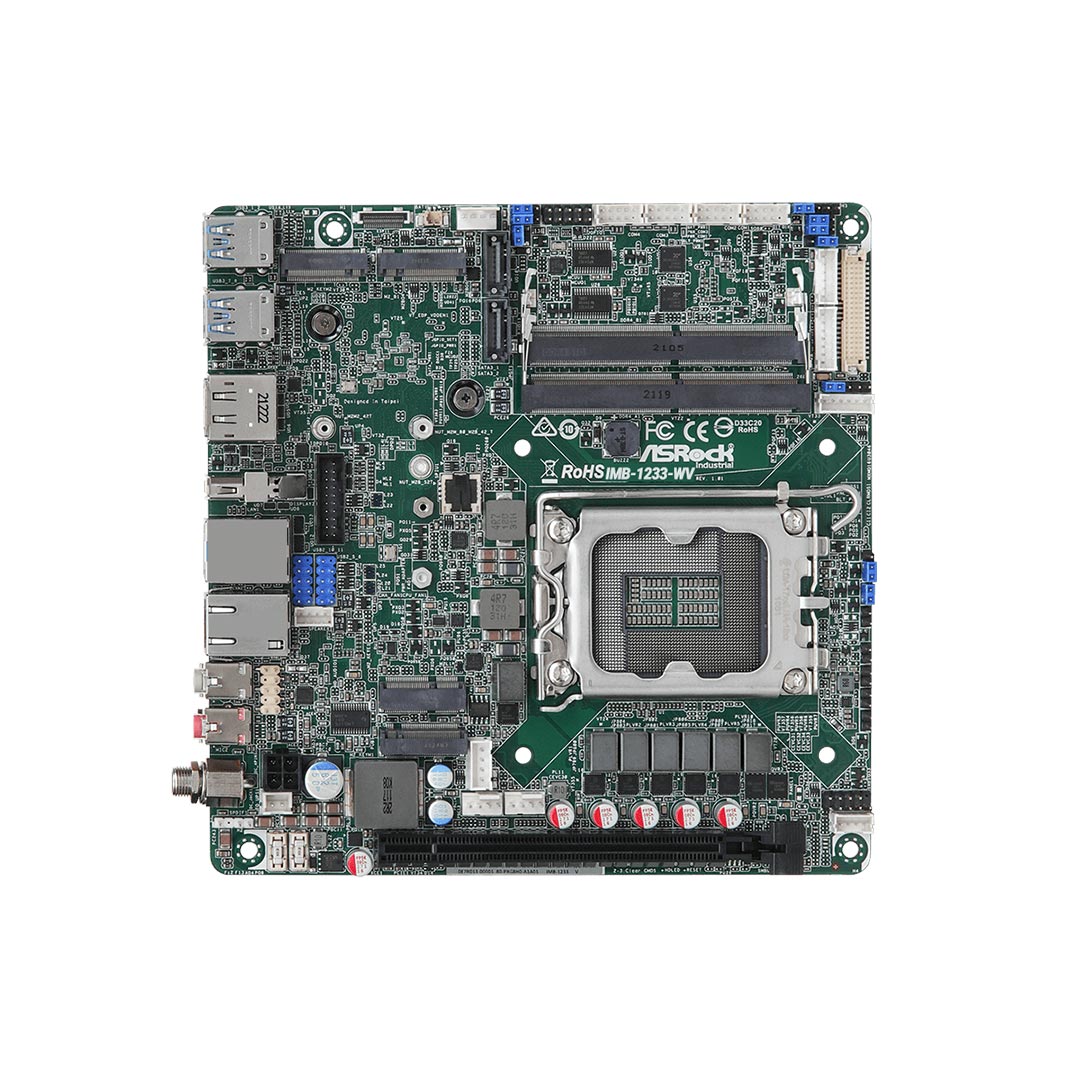
Industrial motherboards
Long-life Mini-ITX and smaller boards for kiosk kits.
View range -
05
Industrial monitors
Touch and non-touch displays to pair with a box PC.
View range -
06
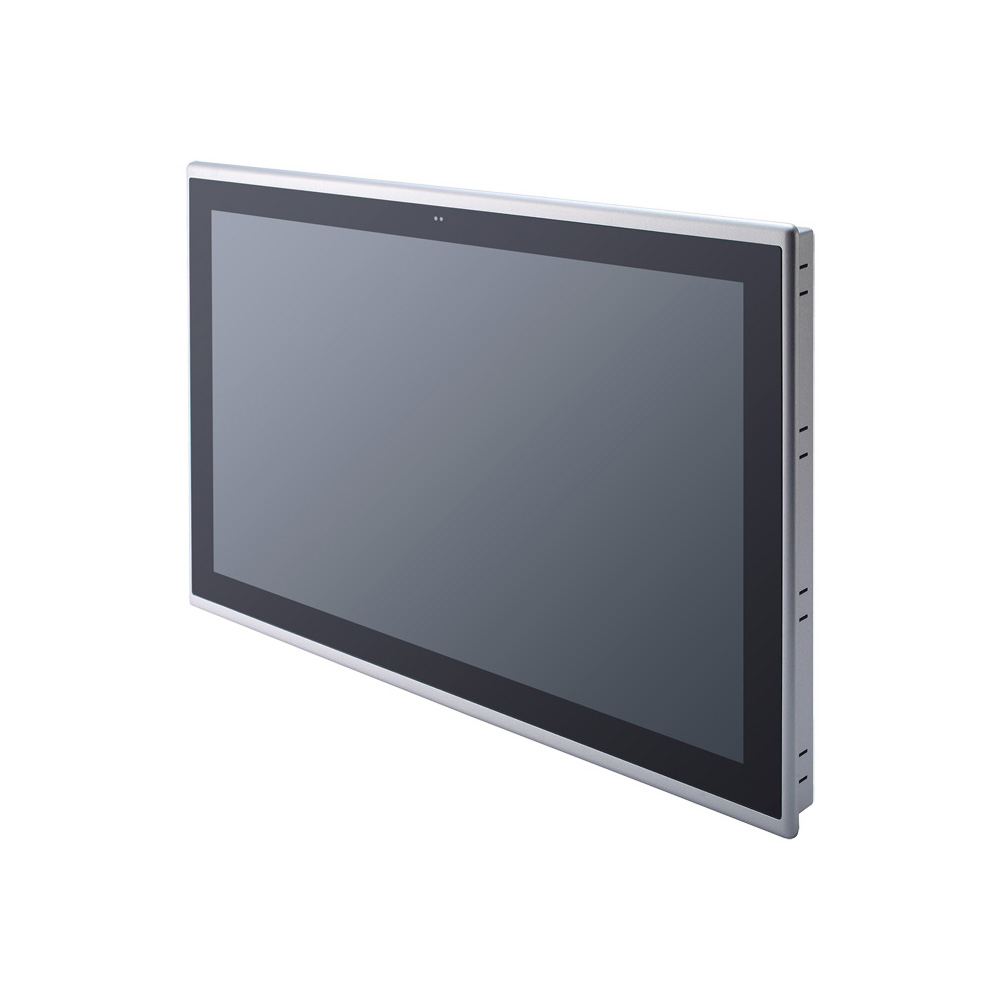
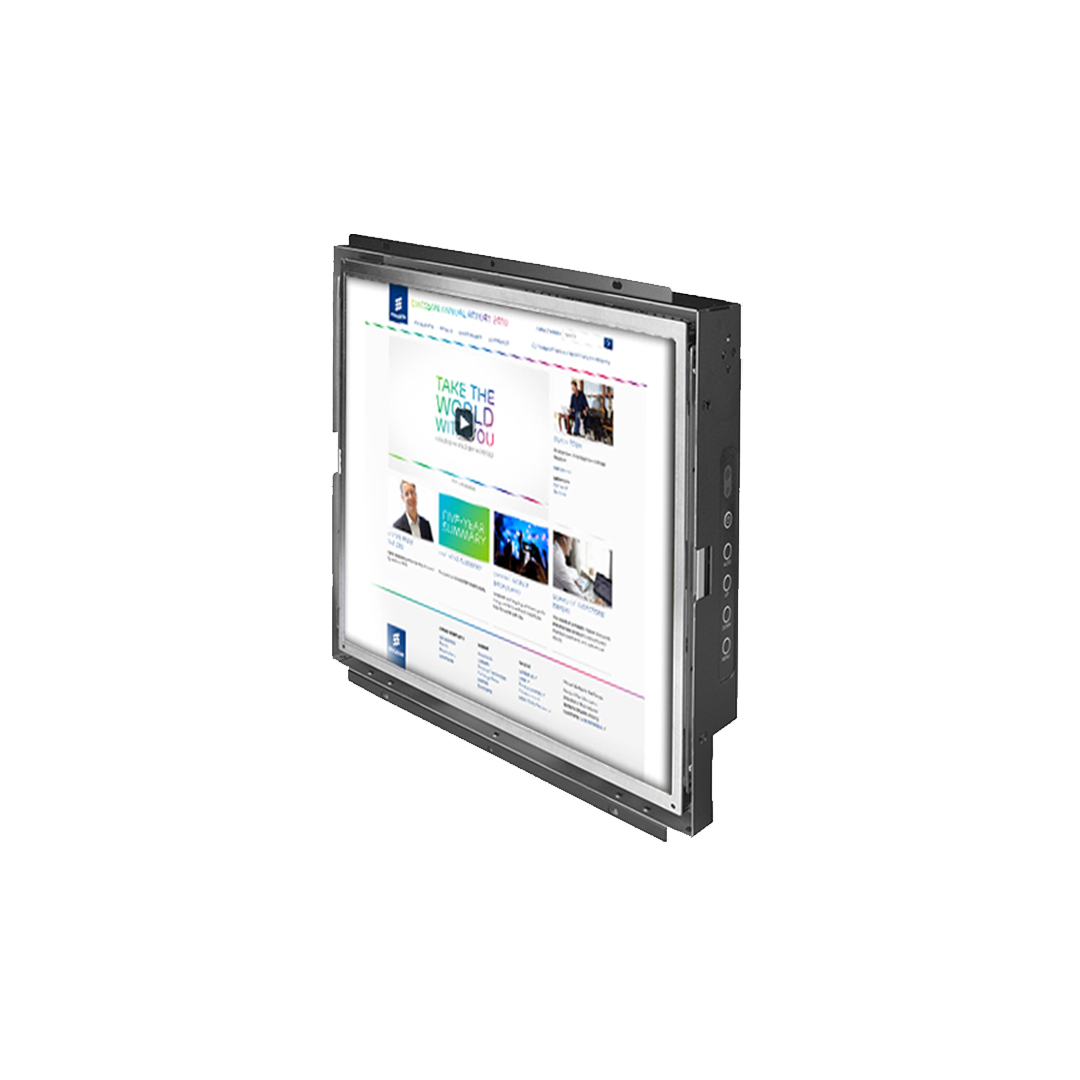
Open frame monitors
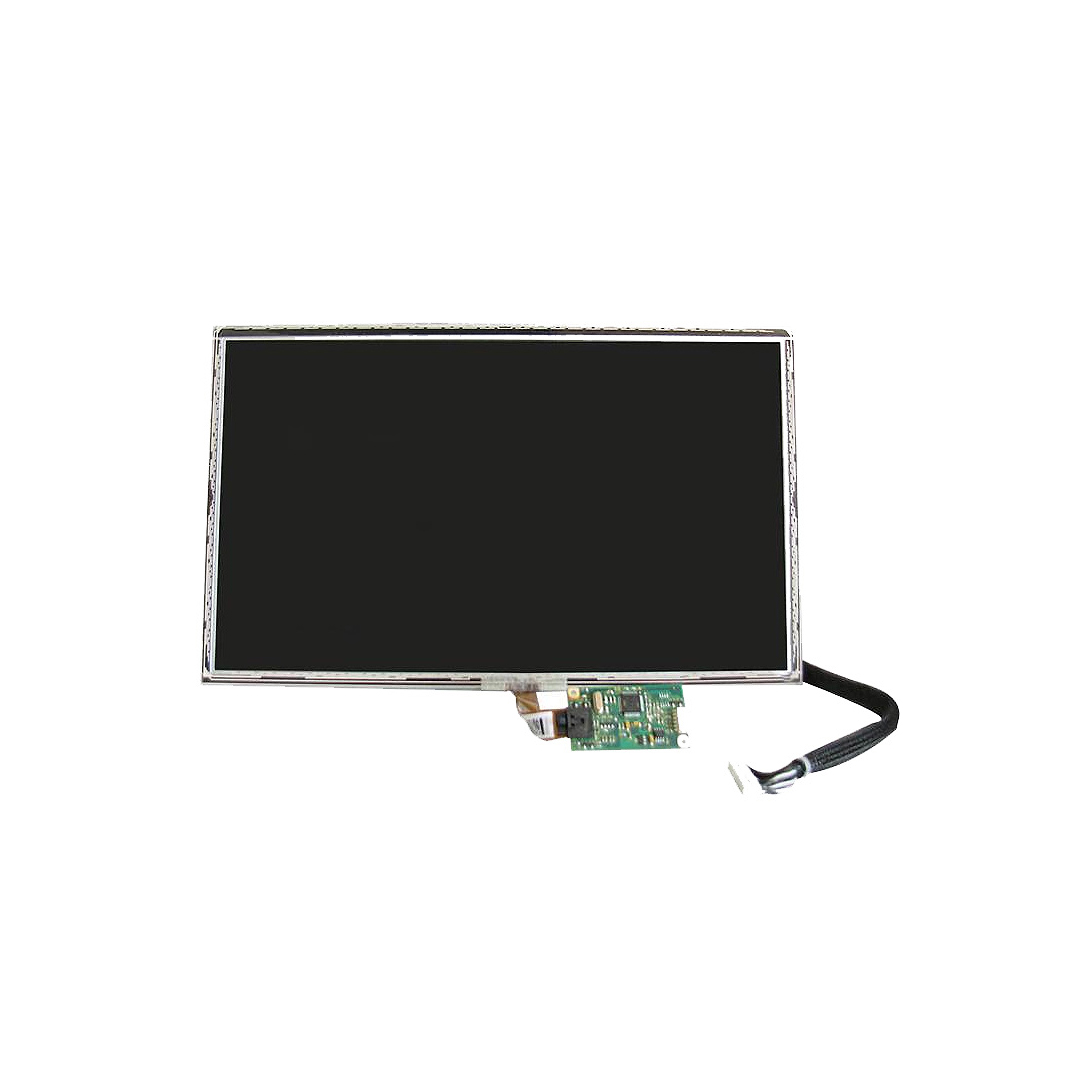
Frameless LCD displays to build into a kiosk enclosure.
View range
What a kiosk computer needs
Most kiosk projects come down to the same six questions.
-
01
Peripheral I/O
Enough USB, serial and expansion for barcode scanners, keypads, card readers and printers.
-
02
Low power, PoE option
Low power consumption, with Power over Ethernet available to simplify installation.
-
03
Fanless
No fan to draw in dust, so the kiosk stays reliable and low maintenance.
-
04
Outdoor-ready display
Sunlight-readable, waterproof and optically bonded displays for kiosks outside.
-
05
Vandal resistance
Strengthened cover glass, specified by IK rating, for unattended public sites.
-
06
Remote management
Cellular or Wi-Fi with remote monitoring, so a kiosk estate can be maintained without site visits.
From specification to a kiosk-ready computer
OEMs keep control of their kiosk's design while we deliver the computer side ready to install.
-
Specify
ApplicationWe recommend the panel PC, box PC or board route that suits the kiosk, its site and its peripherals.
-
Pair
LCD to boardFor kit builds we pair an embedded board or industrial motherboard with the right LCD panel, and hold a controlled bill of materials so every kiosk is built the same.
-
Touch
PCAP overlaysWe recommend and apply a PCAP single or multi-touch overlay, with ingress protection where the kiosk is outdoors.
-
Image
BIOS and OSWe customize the BIOS and load a golden image with your operating system and application software.
-
Connect
Remote managementWe configure cellular and Wi-Fi with remote management hardware and software for secure access to a kiosk estate across the USA.
Choosing the touch and screen
Touch type and screen size shape how a kiosk is used; our HMI guide compares panel PCs, touch monitors and the touch technologies behind them, and our PCAP touch panel PCs cover the most common kiosk sizes.
Kiosk computer FAQs
-
What Is an IK Rating?
An IK rating grades how well an enclosure resists mechanical impact, from IK00 (no protection) to IK10, which withstands a 20 joule impact. It is defined by IEC 62262 (EN 62262) and is used alongside the IP rating to specify displays, panel PCs and enclosures for public and industrial sites.
-
What Is Optically Clear Adhesive (OCA)?
Optically clear adhesive (OCA) is a transparent, double-sided adhesive film used to bond a cover glass or touch panel to a display with no air gap. It is laminated with pressure, often in a vacuum, in a process called dry optical bonding. Its liquid counterpart, LOCA, is dispensed as a liquid and cured with UV light or heat.
-
What does IP65 mean?
IP65 defines the minimum waterproof rating for any “weather-resistant” claim — dust-tight against all particle ingress, and protected against low-pressure water jets from any direction. Here is what that means in practice, how it is tested, and when it is the right specification.
-
What Are the Advantages of Fanless Computers?
Fanless computers cool themselves passively, through a finned heatsink chassis and heat pipes, instead of a fan. With no moving parts and no airflow drawing in dirt, they are more reliable in dusty or vibrating places, silent, low maintenance and easy to seal, which is why they are the standard choice for industrial and embedded use.
-
Can a Computer Be Powered by PoE?
Yes. A PoE powered computer takes its power as a powered device (PD) from the same Ethernet cable that carries its data, so it needs no mains socket or local power supply. Low-power computers, gateways and thin clients run from PoE+ (802.3at); larger systems need PoE++ (802.3bt) at up to about 71 W at the device.
Specifying a kiosk computer for your next build?
Tell us about your application and a member of our team will get right back to you.