EMBEDDED BOARDS · TECHNICAL GUIDE

PC/104 Bus Variants Explained: PC/104, PC/104-Plus, PCI-104, PCIe/104 and PCI/104-Express

Five PC/104 variants share one footprint and differ in the expansion connector. This guide explains what each bus carries, the two PCIe/104 connector types, how to mix generations in one stack and how to choose.

TypeWhite paper
Published24 Sep 2026
AuthorAndrew WhitehouseCEO
Reading time12 min

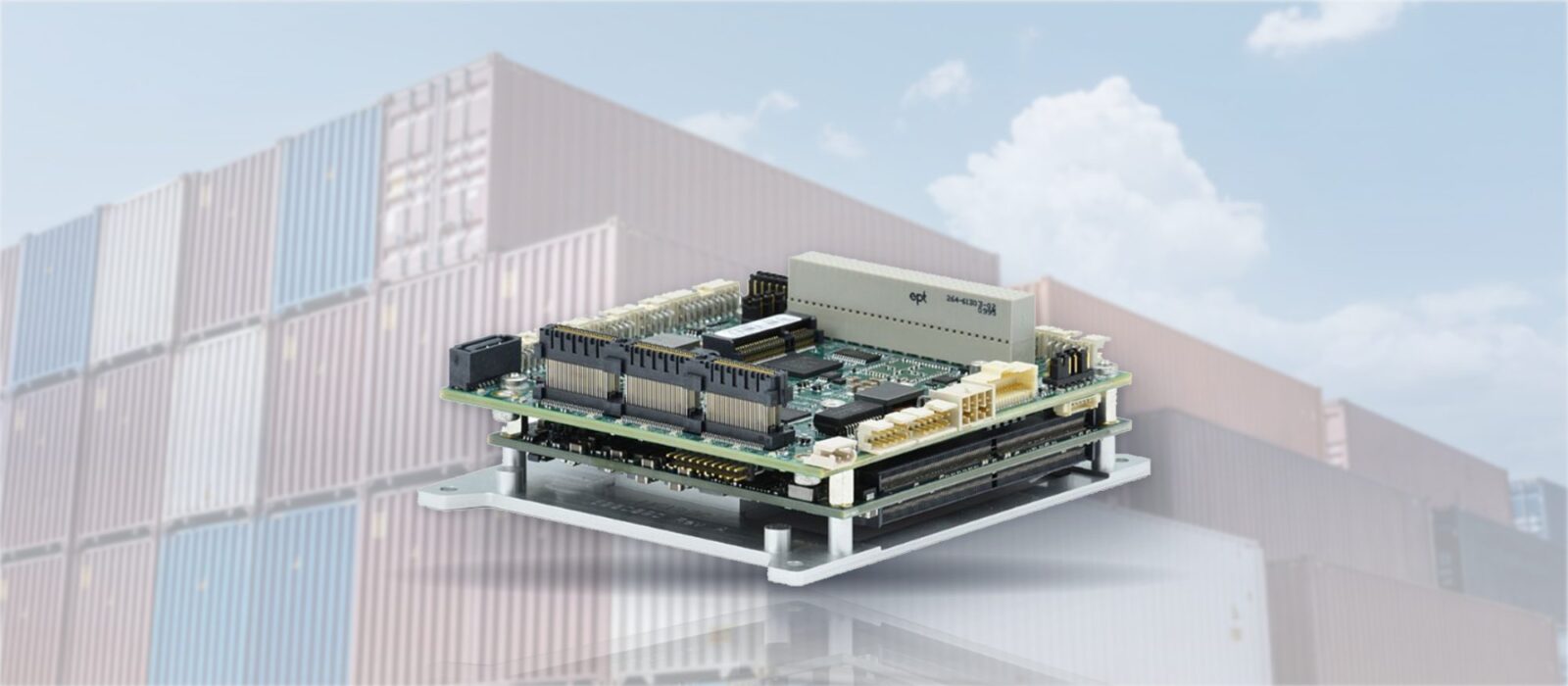
PCIe/104 is the PCI Express generation of the PC/104 standard, and it is one of five bus variants that share the same 90 × 96 mm board. The variants differ only in which expansion connector sits on the board and which bus that connector carries: ISA on the original PC/104, ISA and PCI on PC/104-Plus, PCI alone on PCI-104, PCI Express on PCIe/104, and both PCI and PCI Express on PCI/104-Express. Because the footprint, the mounting holes and the 0.6-inch stack pitch never changed, a board from any generation fits the same stand-offs. What decides whether two boards can talk to each other is the bus.

Choosing the wrong variant is the most common mistake we see in PC/104 designs. An I/O module bought for the ISA connector will not work on a PCIe/104 host, and a PCIe/104 Type 1 module will not find its x16 link on a Type 2 host. This guide sets out what each variant carries, where each is still the right choice and how the standard lets buses be mixed in one stack. For the form factor itself, start with What Is PC/104?.

Key points · 5 points

Key Takeaways

01One footprint, five connectors
All variants are 90 × 96 mm with the same mounting holes and 0.6-inch pitch. Only the expansion connector and the bus it carries change.
02PCIe/104 is PCI/104-Express without PCI
The specification defines PCI/104-Express as the PCIe/104 connector plus the 120-pin PCI connector. Drop the PCI connector and the board is PCIe/104.
03Type 1 and Type 2 are not interchangeable
Both carry four x1 PCI Express links and two USB 2.0 ports. Type 1 adds a x16 link; Type 2 adds two x4 links, two USB 3.0 ports, two SATA ports, LPC and an RTC battery signal.
04Buses can be mixed
A PCI/104-Express host carries PCI and PCIe modules in one stack. ISA modules need a PC/104-Plus host or a bridge module.
05Match the host first
Choose the single board computer’s bus, then buy modules and the power supply to it. Retrofitting a bus is not practical.

The Five Variants Compared

Variant Connector Bus Typical use
PC/104 104-pin ISA, pin-and-socket ISA (IEEE P996) Legacy I/O, low-speed control, long-running programs
PC/104-Plus 104-pin ISA plus 120-pin PCI ISA and PCI Video and communications modules alongside legacy I/O
PCI-104 120-pin PCI only PCI Modules that never needed ISA, on a PCI-capable host
PCIe/104 PCIe/104 connector, Type 1 or Type 2, 0.600 in or 0.866 in height PCI Express Gen 1 to Gen 3, USB, SATA (Type 2) Current designs, high-bandwidth I/O, 10G networking
PCI/104-Express PCIe/104 connector plus 120-pin PCI PCI and PCI Express Stacks that mix PCI and PCIe modules without a bridge

PC/104: The ISA Original

The original PC/104 connector carries the 16-bit ISA bus of the early PC on 104 pins split across a 64-pin and a 40-pin header. It is slow, at a few megabytes per second, and it needs the address and interrupt settings that ISA always needed, but it is simple. A custom I/O module for an ISA stack can be designed with a handful of parts, which is why thousands of PC/104 modules exist and why research groups and defense programs still build to it.

The RMS Consortium’s own description is that PC/104 and PC/104-Plus remain manufactured and in use in slower-speed systems that benefit from modularity and ruggedness. In practice that means host boards with Vortex86 or similar low-power x86 processors that still bring ISA out to the connector, running long-established software on programs that will not be redesigned. New designs should not start here, but existing ones can be kept supplied for years.

PC/104-Plus and PCI-104

PC/104-Plus added a 120-pin PCI connector on the opposite edge of the board while keeping the ISA connector. PCI at 32 bits and 33 MHz raised the available bandwidth by an order of magnitude and made video capture, faster networking and communications modules practical. Bus loading limits the number of PCI modules in one stack, typically to four, and each module is assigned a slot position by a jumper or rotary switch so that its PCI signals do not collide with a neighbour’s.

PCI-104 removed the ISA connector and kept only PCI. It frees board area, lowers cost and simplifies routing, at the price of needing a host that provides PCI. It is the natural home for modules designed after ISA stopped mattering. A PCI-104 module stacks on a PC/104-Plus host, since the PCI connector is the same, but it cannot stack on an ISA-only PC/104 host.

PCIe/104: Type 1 and Type 2

PCIe/104 replaces the parallel buses with PCI Express and, with it, the bandwidth needed for 10G Ethernet, cameras, NVMe storage and accelerators. The connector is defined in two heights, 0.600 in (15.24 mm) and 0.866 in (22.00 mm), so that the stack pitch and signal integrity rules of the older buses are preserved. The initial specification was adopted in March 2008; revision 2.1, approved in February 2013, added the rules for PCI Express Gen 2 and Gen 3.

Two connector types share a common core. Both carry four x1 PCI Express links, two USB 2.0 ports, the ATX power control signals (+5 V standby, power supply on and power OK), the +3.3 V, +5 V and +12 V rails and an SMBus. Type 1 adds one x16 PCI Express link that can be configured as two x8 links or two x4 links, which suits graphics and the highest-bandwidth I/O. Type 2 replaces the x16 with two x4 PCI Express links and adds two USB 3.0 ports, two SATA ports, an LPC bus and an RTC battery signal, which suits storage and general-purpose I/O. A module built for one type will not find the links it expects on a host of the other, so the type is a selection decision, not a detail.

Two features make the bus practical in a stack. Automatic link shifting means each module takes the first PCI Express link presented to it and shifts the remainder to the next connector, so an add-in module needs no configuration and can sit at any position. The specification also supports stack-up and stack-down arrangements, so modules can be placed on either side of the host as the enclosure dictates.

PCI/104-Express: Both Buses on One Board

PCI/104-Express carries the PCIe/104 connector and the 120-pin PCI connector on the same board. The specification puts it plainly: PCIe/104 is PCI/104-Express without the PCI bus. A PCI/104-Express host therefore accepts new PCI Express modules and existing PCI modules in one stack, with the host bridging PCI internally, and it is the usual choice for a program moving from a PC/104-Plus or PCI-104 design that still has PCI modules worth keeping.

Neither PCIe/104 nor PCI/104-Express carries ISA. An ISA module in a stack of this generation needs a bridge module or a different host. Where a stack has no PCI modules at all, a PCIe/104 host saves the cost and board area of the PCI connector.

Mixing Buses in One Stack

The host board defines which buses exist in the stack, and each module needs only its own bus to be present at its position. With that rule, a stack can combine generations as long as the host supplies every bus the modules use. A PCI/104-Express host supports PCIe/104 modules and PCI-104 modules together; a PC/104-Plus host supports PCI-104 and ISA modules together. Bridge modules that add PCI or ISA to a PCI Express host are available from some vendors, though they add a layer and a cost that is often better spent replacing the old module.

Order matters in two ways. PCI Express links shift through each module, so the modules that need the wider links sit nearest the host. Power supplies sit at one end of the stack, usually the bottom, so that their heat and their high-current traces stay away from the analog modules. The stand-off height and the enclosure set the maximum number of layers; a stack that grows past the enclosure is a sign that a host with more on-board I/O, or a 3.5-inch board with PCIe/104 expansion, would be the better base.

Selection guide · 4

Choosing the right variant

Four questions settle the choice for almost every design.

Bandwidth

10G Ethernet, camera capture and NVMe storage need PCI Express: PCIe/104 Type 2 for storage and general I/O, Type 1 where a x16 link for graphics or an accelerator matters. Anything that fits in a few megabytes per second is happy on PCI or even ISA.
Existing modules

A program with PCI modules it wants to keep should choose PCI/104-Express; one with ISA modules should stay on PC/104-Plus. A clean-sheet design has no reason to carry either connector.

Host processor

The processor family and the bus go together. Vortex86 and Geode boards bring out ISA and PCI; Intel Atom and Intel Core boards bring out PCI Express. Choose the processor the software needs, and the bus follows.

Lifecycle and supply

Ask how long each candidate module will remain available and whether a last-time buy is on the horizon. The newest bus generation is usually the safest for a program that will run ten years, and a COM Express module on a PC/104 carrier keeps the processor upgradeable.

Which Boards Use Which Bus

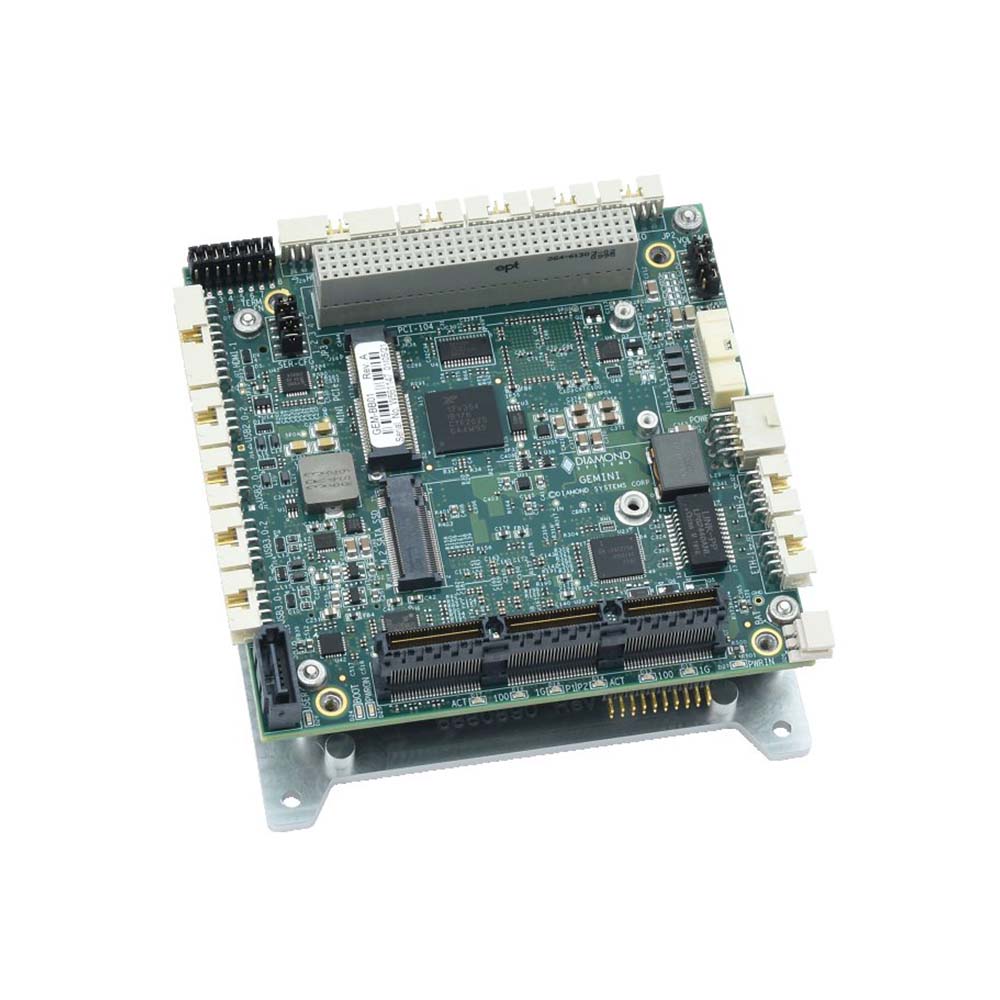
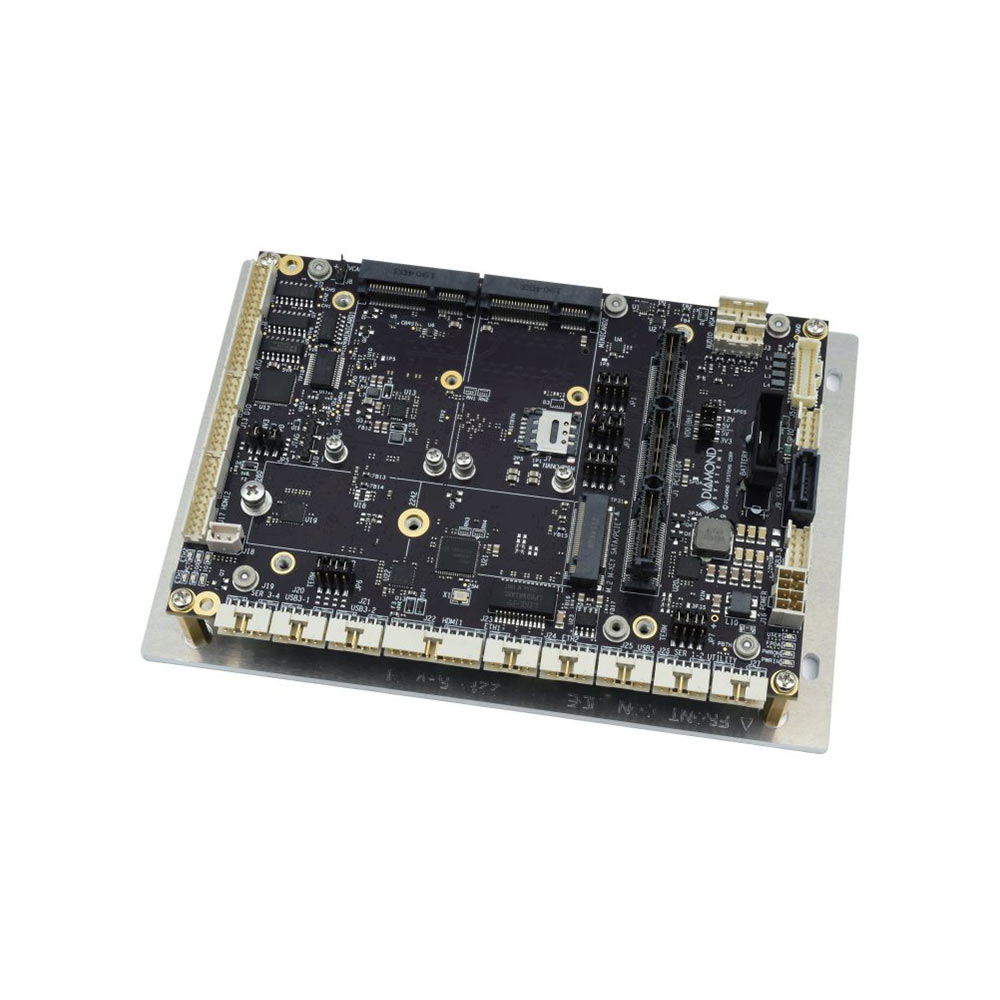
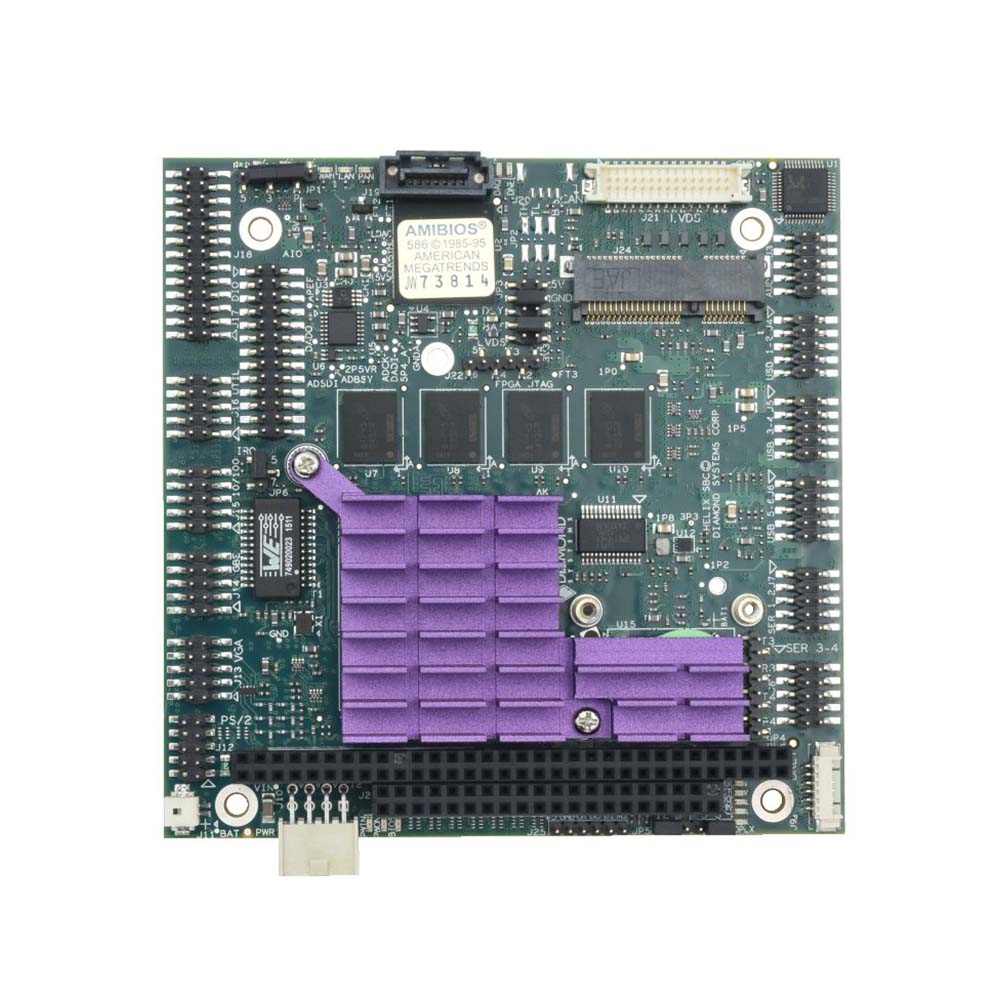
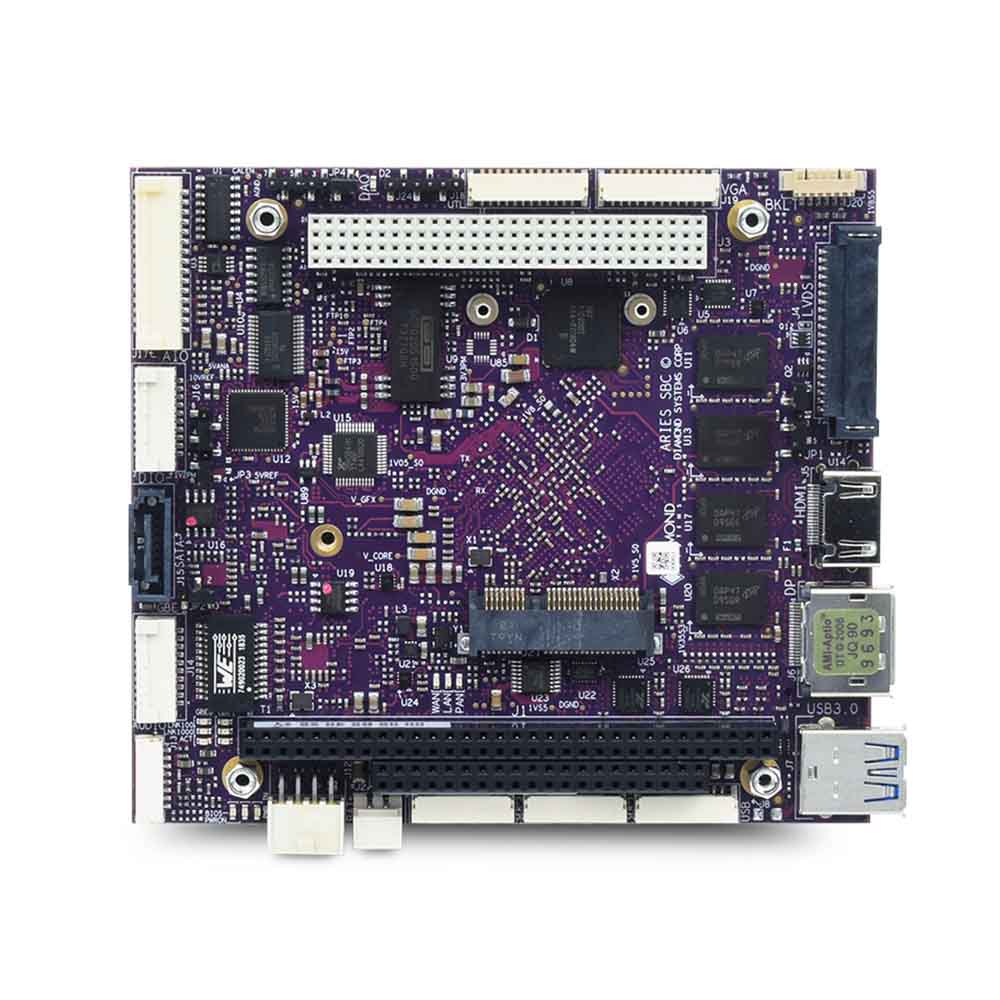
The PC/104 single board computers we supply cover every generation. The Athena IV and Helios boards are PC/104 with ISA, built around Intel Atom and Vortex86 processors with on-board data acquisition. Aries is PC/104-Plus with an Intel Atom E3845. Saturn is PCIe/104 with an Intel Atom x7-E3940 and data acquisition. Gemini is PCI/104-Express and carries a COM Express Type 6 module with an 11th Gen Intel Core i7, so the processor can be changed without touching the carrier. Jasper is a 3.5-inch board with a PCIe/104 connector, for designs that want fixed on-board I/O and a stack.

The I/O modules follow the same split: analog, digital and CAN modules on PC/104 and PC/104-Plus, and the newer serial modules on PCI/104-Express. Power supplies use the PC/104 connector for power delivery and are indifferent to the data bus, so one supply serves a stack of any generation. When we quote a stack we check every module’s bus against the host before anything is ordered, which is the simplest way to avoid the mismatch this guide opened with.

Where This Fits

Pick the bus by working backwards from the I/O the application needs and the modules already in hand, then choose the host board that provides it. For a new design that is almost always PCIe/104 or PCI/104-Express with an Intel Atom or Intel Core host; for a program in service it is whichever bus the existing modules use, with a bridge or a PCI/104-Express host to carry them forward.

We supply the complete PC/104 range and we specify stacks as a set, with the host, the modules and the power supply checked for bus compatibility before they ship. Tell us what the stack has to do and what it has to survive, and we will recommend a bus generation and a board set to start from.

// NEXT STEP

Choosing a PC/104 Bus?

Tell us which modules you already have, the bandwidth you need and the host processor you have in mind, and we will recommend a bus generation and a board set that fit together.

Phone · USA +1 407 214 9446