
 US
US 
What Is Thermal Throttling? Why Computers Slow Down When They Get Hot
Thermal throttling is a processor protecting itself by cutting its clock speed when it gets too hot. Here is why it happens, how TDP and power limits fit in, and how a fanless system is sized so it holds its performance in service.
Thermal throttling is a processor reducing its clock speed, and usually its voltage, when its silicon reaches the maximum temperature it is designed to run at. Lower clocks mean less power and less heat, so the temperature stops rising. The alternative would be damage or a shutdown, so throttling is a safety feature rather than a fault.
The trouble is when it happens. A processor throttles when it is working hardest, which is exactly when an industrial application needs its full performance. A vision inspection system drops frames, inference latency rises, and a control loop that met its cycle time on the bench starts to miss it in a warm cabinet.
Desktop PCs and laptops deal with heat by spinning their fans faster. Fanless PCs have no fan to speed up: their cooling is fixed when the chassis is designed. The way to avoid throttling in a fanless system is to match the processor, the chassis and the installation from the start. This guide explains what triggers throttling, how to recognize and measure it on Windows, Linux and Jetson, why SSDs and GPUs throttle too, and how to choose a system that holds its speed.
Key takeaways
- 01Throttling protects the processor
- When the die reaches Tj max, the processor lowers its clock and voltage to cut the heat it produces.
- 02Power limits usually act first
- Most processors are held to PL1 and PL2 power limits before temperature becomes the limit.
- 03TDP is a cooling target
- It tells the cooling designer how much heat to remove over a sustained period, not the peak the processor can draw.
- 04Ambient temperature uses up margin
- Every degree warmer around the chassis is a degree less headroom between the die and Tj max.
- 05SSDs and GPUs throttle too
- NVMe drives, discrete GPUs and Jetson modules all slow down when they reach their own limits.
- 06Test with sustained load
- Short benchmarks finish inside the turbo window; throttling shows up after the chassis has warmed through.
What triggers throttling?
Several different limits can slow a computer down, and they look alike from the outside: the clock drops and the work takes longer. Telling them apart is the first step to fixing the right thing.
| Trigger | What happens | What you see | How to confirm |
|---|---|---|---|
| Junction temperature (Tj max) | Cores reach their maximum die temperature and step down | Clock falls as package temperature sits near 100 °C | Thermal throttle counters or flags rise |
| PROCHOT signal | The board asserts a hot signal, often from hot voltage regulators | Sudden deep clock drops while the cores are not at Tj max | PROCHOT flag in monitoring tools |
| Long-duration power limit (PL1) | Package power is held to the sustained limit | Clock steps down after the turbo window, temperature moderate | Power-limit flag; package power flat at PL1 |
| Short-duration power limit (PL2 and Tau) | Turbo power is allowed for a time window, then cut | High clocks for seconds or minutes, then a step down | Power drops from PL2 to PL1 after Tau |
| Current and voltage regulator limits | Board power delivery limits current | Lower clocks on heavy multi-core loads | Current-limit flag on supported tools |
| SSD controller temperature | The drive slows its transfers to cool down | Write speed collapses part-way through large transfers | Composite temperature near the drive’s warning threshold |
| GPU or Jetson module limits | Clocks fall at thermal or power caps | Inference frame rate falls after minutes of load | Throttle reasons in nvidia-smi or tegrastats |
Strictly, only the first two are thermal throttling. Power-limit throttling is a deliberate design choice that keeps a processor inside the heat its cooling can remove, and in a well-specified fanless system it is the normal state under sustained load.
Junction temperature and Tj max
Junction temperature is the temperature of the silicon die itself, measured by digital thermal sensors built into the processor. The datasheet gives a maximum, Tj max, which is often around 100 °C for Intel Core processors; embedded and mobile parts vary, so check the datasheet for the exact part.
When a core reaches that limit, the processor’s thermal control steps the frequency and voltage down until the temperature holds. On Intel systems the same mechanism can be triggered from outside the processor through the PROCHOT signal, for example when the voltage regulators on the board run hot. If temperature keeps rising regardless, a critical thermal trip shuts the system down to prevent damage.
The die temperature depends on a chain. Heat leaves the die through the heat spreader and a thermal interface material, into a heatsink or the chassis, and then into the surrounding air. Each step has a thermal resistance, written θ, and the die settles at the ambient temperature plus the power multiplied by the total resistance of the path.
| Temperature | Where it is measured | What it tells you |
|---|---|---|
| Junction (Tj) | Sensors on the die | How close the processor is to throttling; Tj max is the limit |
| Case (Tcase) | The centre of the heat spreader, on parts that have one | A limit the cooling designer works to |
| Chassis surface | The fins or flat top of a fanless case | How hard the case is working; often hot to the touch |
| Ambient (Ta) | The air immediately around the chassis | The starting point for every other temperature |
Take a worked example. A processor running at 28 W through a path of 2 °C per watt sits 56 °C above the air around it. At 25 °C ambient the die is at 81 °C, comfortably below a 100 °C Tj max. In a 45 °C cabinet the same system reaches 101 °C and throttles. Nothing about the computer changed; only the air around it did.
TDP, PL1 and PL2: where power limits fit
TDP, which Intel now calls Processor Base Power, is the average power in watts that a processor dissipates under a sustained, demanding workload at its base frequency. It is the figure a cooling system is designed to remove, and it is not the most power the processor can draw. Our white paper on how processor TDP and base power work goes into the choice of TDP in more depth.
Intel processors manage power with two main limits:
- PL1. The long-duration power limit, normally set to the TDP. The processor can run at this power indefinitely if the cooling can remove it.
- PL2. The short-duration limit, which Intel calls Maximum Turbo Power. The processor may draw up to PL2 for a time window, often called Tau, before dropping back to PL1.
AMD uses its own names for similar limits, such as PPT, TDC and EDC on Ryzen processors, and NVIDIA Jetson modules use selectable power modes that set a power budget for the whole module. On many embedded processors the limit can also be lowered with configurable TDP, so a part fits a smaller thermal budget at a lower but steady speed. On hybrid Intel processors the scheduler also decides which work runs on performance and efficient cores, which our guide to P-cores and E-cores explains.
Dropping from PL2 to PL1 is power-limit throttling, not thermal throttling, although both lower the clock. Thermal throttling is when the cooling cannot hold the die below Tj max even at PL1. Board makers can set PL1, PL2 and Tau in the BIOS, and in an industrial build they are worth setting deliberately rather than left at whatever the board defaults to.
How do I know if my computer is thermal throttling?
Throttling is easy to miss because nothing fails. Look for these signs:
- Performance falls after a few minutes. Frame rate, inference rate or cycle time is fine at first, then drops once the chassis warms through.
- Clocks fall while load stays high. Core frequency sinks well below base while utilization stays near 100%.
- Temperatures sit at a ceiling. Package temperature plateaus just under Tj max instead of continuing to rise.
- It is worse on hot days. The same workload runs fine in winter and struggles in summer, or only in one cabinet.
- Fans run flat out. On an actively cooled computer, fans at full speed under modest load suggest clogged fins or filters.
Monitoring tools confirm it. Each reports clocks, power and temperature over time, and most can show why the processor is limited.
| Platform | Tool | What to look at |
|---|---|---|
| Windows | HWiNFO | Core clocks, package power, temperature and the thermal and power-limit throttling flags |
| Windows | Intel Extreme Tuning Utility (XTU) | Thermal, power-limit and current-limit throttling indicators |
| Linux | turbostat | Per-core frequency, package power and temperature at a set interval |
| Linux | lm-sensors and thermal_throttle counters | Temperatures, and core and package throttle counts under /sys/devices/system/cpu/ |
| Linux | nvme-cli smart-log | SSD composite temperature and time spent above the warning and critical thresholds |
| NVIDIA GPU | nvidia-smi | GPU temperature, power and clock event reasons such as thermal slowdown or power cap |
| NVIDIA Jetson | tegrastats and jtop | CPU and GPU clocks, temperatures, power rails and the active power mode |
Sustained load vs burst: how to test
A short benchmark finishes inside the turbo window and reports the best case. To find out whether a system throttles, test the way it will be used.
- Run a sustained load. Use the real application, or a stress tool such as stress-ng on Linux, and keep it running until the chassis reaches a steady temperature. For a fanless enclosure that can take well over half an hour.
- Log clocks, power and temperature. turbostat on Linux, HWiNFO on Windows and tegrastats on Jetson show core frequency, package power and temperature over time.
- Check the throttle counters. On Intel systems Linux exposes core and package throttle counts under /sys/devices/system/cpu/cpu0/thermal_throttle/. A rising count means the processor has hit its thermal limit.
- Allow for the real ambient. Test in a climatic chamber where you can, or account for the difference between the test room and the hottest day at the installation.
- Compare with the requirement. The question is whether the sustained speed still meets the frame rate, cycle time or latency the application needs.
Can SSDs and GPUs thermal throttle?
NVMe SSDs
Yes. An NVMe SSD reports a composite temperature, and the NVMe specification defines a warning and a critical threshold set by the drive maker, commonly somewhere in the 70s or 80s °C. As the controller approaches them, the drive slows its transfers to cool down, so a long write or a recording stream suddenly falls to a fraction of its rated speed. PCIe Gen4 and Gen5 drives are the most affected, because their controllers draw more power; our guide to PCIe generations covers that heat.
In a sealed fanless chassis there is no airflow across the drive, so the answer is conduction: a thermal pad from the drive to the case, or a heat spreader bonded to the chassis wall. Several of our systems cool their M.2 drives into the enclosure this way. Our guide to M.2 key types covers drive formats, and industrial temperature drives keep their rating at the top of the range.
GPUs and Jetson modules
Discrete GPUs reduce their clocks at a thermal slowdown temperature or when they reach their board power limit, and most GPU systems keep active cooling for that reason; our FAQ on iGPU vs dGPU explains the difference in heat. NVIDIA Jetson modules work within a power mode chosen with nvpmodel, and lower their clocks when the module approaches its thermal limits. A Jetson system that holds 15 W comfortably in a sealed case may throttle in a higher mode such as Jetson Super mode unless the chassis or a fan kit can take the extra heat. Our Jetson thermal design guide covers power modes and heatsink choices in detail.
Why fanless chassis are sized to TDP
In a fanless PC the chassis is the heatsink. A copper block or heat pipes carry heat from the processor to the case, and fins on the outside pass it to still air by natural convection and radiation. Our guide to how a fanless PC moves heat walks through that path in detail. Some rugged designs go further and use conduction cooling, passing heat through the mounting face into a cold plate or the vehicle structure.
The chassis designer chooses the fin area, the mass and the heat path so the system can remove its rated processor TDP at its maximum rated ambient temperature while keeping the die below Tj max with some margin. That is why a fanless chassis lists a maximum processor TDP, and why the same chassis is often offered with lower-power processor options for wider temperature ranges.
Turbo bursts above TDP are absorbed for a while by the thermal mass of the chassis. Once it has warmed through, sustained power settles at what the fins can shed. A well-matched fanless system runs at or near PL1 all day without reaching Tj max. Running cooler helps reliability as well as speed, as our guide to MTBF explains.
| Example from our range | Power setting | Rated ambient | What it shows |
|---|---|---|---|
| Neousys POC-960GC | 15 W TDP, fanless | −25 to 60 °C | The full range at the lower power setting |
| Neousys POC-960GC | 30 W TDP, fanless | Up to 45 °C | Doubling the power costs 15 °C of headroom |
| Neousys POC-960GC | 30 W TDP, optional fan | Up to 60 °C | A fan assembly buys the headroom back |
| DFI EC70A-MTH 125U | 15 W, fanless | −20 to 60 °C | Core Ultra 5 set low for passive cooling |
| DFI EC70A-MTH 125U-FAN | 28 W, fan-cooled | −20 to 70 °C | Same processor, more power and a higher rating with a fan |
These are the makers’ own ratings, and they show the trade-off plainly: for a given chassis, power and ambient temperature pull against each other.
Ambient derating and installation
Every operating temperature range on a datasheet assumes something about the installation. A fanless system rated across the industrial temperature range may reach the top of that range only with particular processor options, only with industrial temperature SSDs and memory, or only with a stated airflow across the fins. Read the footnotes before you rely on the headline range.
Ambient means the air immediately around the chassis, not the room. Common reasons a system runs hotter than expected:
- Enclosed cabinets. The air inside a closed cabinet sits above the room temperature, more so when other equipment shares it; our guide to electrical enclosure cooling shows how to calculate it.
- Mounting. Fins mounted horizontally, pressed against a wall or boxed in by cable trunking lose much of their natural convection.
- Sunlight. Solar gain on a kiosk, vehicle or outdoor enclosure can add far more heat than the processor does.
- Dust. A layer of dust on the fins insulates them and raises the temperature over months.
Is thermal throttling bad, and how do you stop it?
Occasional throttling does no harm: it is the processor protecting itself, and it will not damage the CPU. Persistent throttling is a sign that the system is running at its limit, which costs performance and, because electronics age faster when hot, some reliability. In an industrial system the goal is a design that never needs to throttle at the hottest expected ambient.
| Cause | Fix |
|---|---|
| Processor power too high for the chassis | Lower PL1 and PL2 in the BIOS, or choose a lower-TDP processor that holds its clock |
| Cabinet air too hot | Cool the enclosure, move the computer away from drives and power supplies, or use a flat-top system on the wall |
| Fins obstructed or facing down | Remount with fins vertical and clear space above and below |
| Dust on fins or filters | Clean on a maintenance schedule; on fan-cooled systems, replace filters |
| SSD overheating | Fit a thermal pad or heat spreader to the case, or choose a drive with lower power |
| GPU or Jetson running in too high a mode | Use a lower power mode, add the fan kit or choose a larger chassis |
Choosing a processor and chassis that hold their speed
Avoiding throttling comes down to four questions asked before the hardware is ordered.
- Environment. What is the hottest the air around the computer will get, including cabinet temperature and sunlight?
- Performance. Size the processor for the sustained workload, not the burst. A lower-TDP processor that runs at full speed all day can deliver more than a faster one that spends the afternoon throttled.
- Expansion. GPUs, NVMe drives and add-in cards add heat inside the same chassis, and NVMe SSDs throttle themselves when they get hot.
- Lifecycle. Plan for dust and access. A system with margin on day one keeps that margin as conditions change.
Will the computer run flat out for hours at a time, in a warm cabinet? If it will, thermal headroom belongs in the specification alongside cores and memory. Where the sustained power is beyond what a sealed chassis can shed, our comparison of active vs passive cooling sets out the alternatives, and our guide to fanless mini PCs covers the smallest designs.
We specify fanless industrial computers with the processor matched to the chassis and the installation temperature, set the power limits in the BIOS where the application calls for it, and configure, image and test each system before it ships.
Systems built to hold their speed
Our categories where sustained performance under heat is part of the design.

Wide temperature computers
Builds rated for hot cabinets and cold starts, with the processor chosen for the range.
View range
Rugged Jetson computers
Fanless Jetson systems with power modes matched to the chassis.
View range
Industrial GPU computers
GPU systems with managed airflow for sustained inference.
View range
Industrial mini PCs
Low-power systems that stay well inside their thermal limits.
View range
Waterproof computers
Sealed systems whose processor power is set for no airflow at all.
View rangeSystems sized for sustained load from our range
These systems publish the conditions behind their ratings, which is what you need to judge sustained performance.
| Example from our range | Processor | Thermal facts |
|---|---|---|
| SolidRun BEDROCK R7000 BASIC 60W | AMD Ryzen 7 7840HS | Double-layer walls dissipate up to 60 W by convection with no fan; CPU power set 8–54 W in the BIOS; NVMe drives conduction cooled |
| Neousys NRU-51V+ | NVIDIA Jetson Orin NX or Orin Nano | Fanless −25 to 60 °C in 15 W mode; to 70 °C with the optional fan kit |
| DFI EC70A-MTH4051TC3-125U | Intel Core Ultra 5 125U | Set to 15 W for fanless running; −20 to 60 °C with a wide-temperature SSD |
| Neousys POC-960GC | AMD Ryzen PRO 8640U, 15–30 W | Fanless to 60 °C at 15 W, to 45 °C at 30 W, or 60 °C at 30 W with the fan assembly |
Fanless systems sized for sustained load
Systems whose makers state the power setting and airflow behind each temperature rating, supplied with the power limits set to suit your installation.
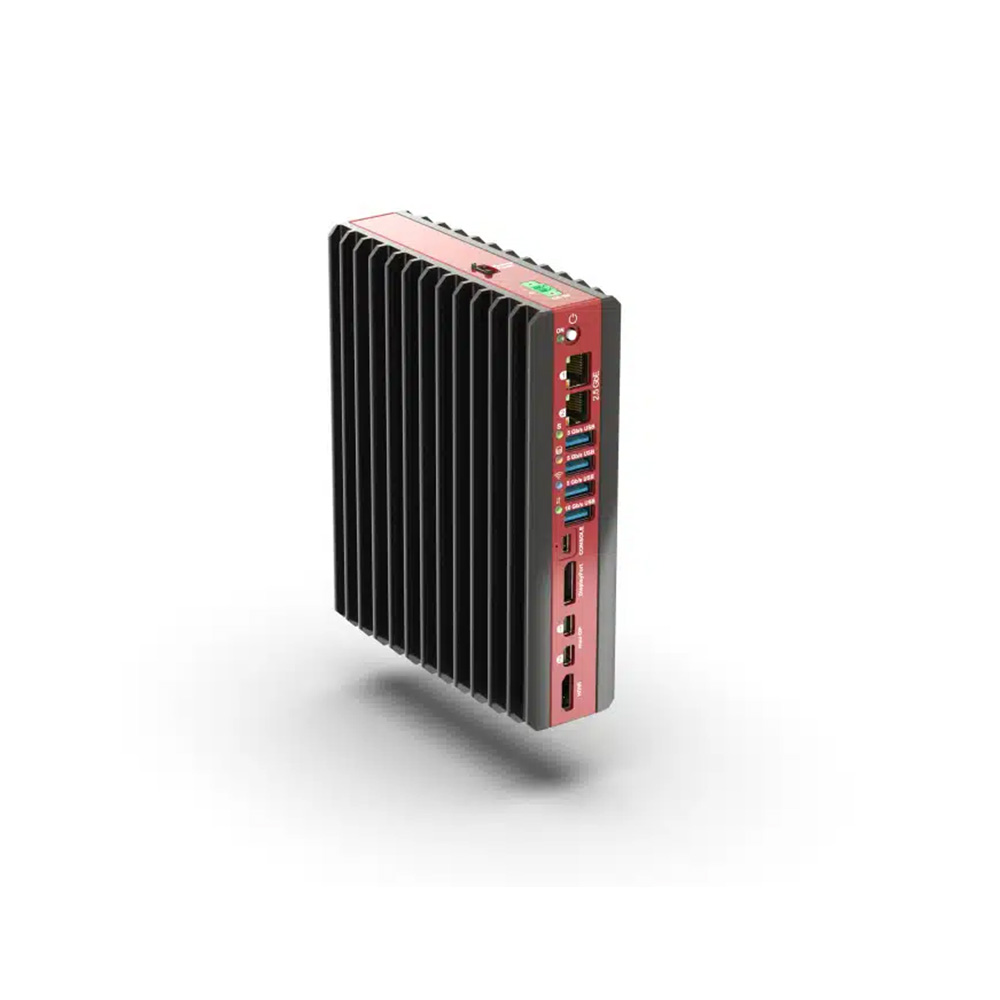
AMD Ryzen 7 7840HS Extended Temperature Industrial Mini PC with Triple M.2 Storage
- AI
- 10 TOPS
- CPU
- AMD Ryzen
- Ethernet
- 2× 2.5GbE
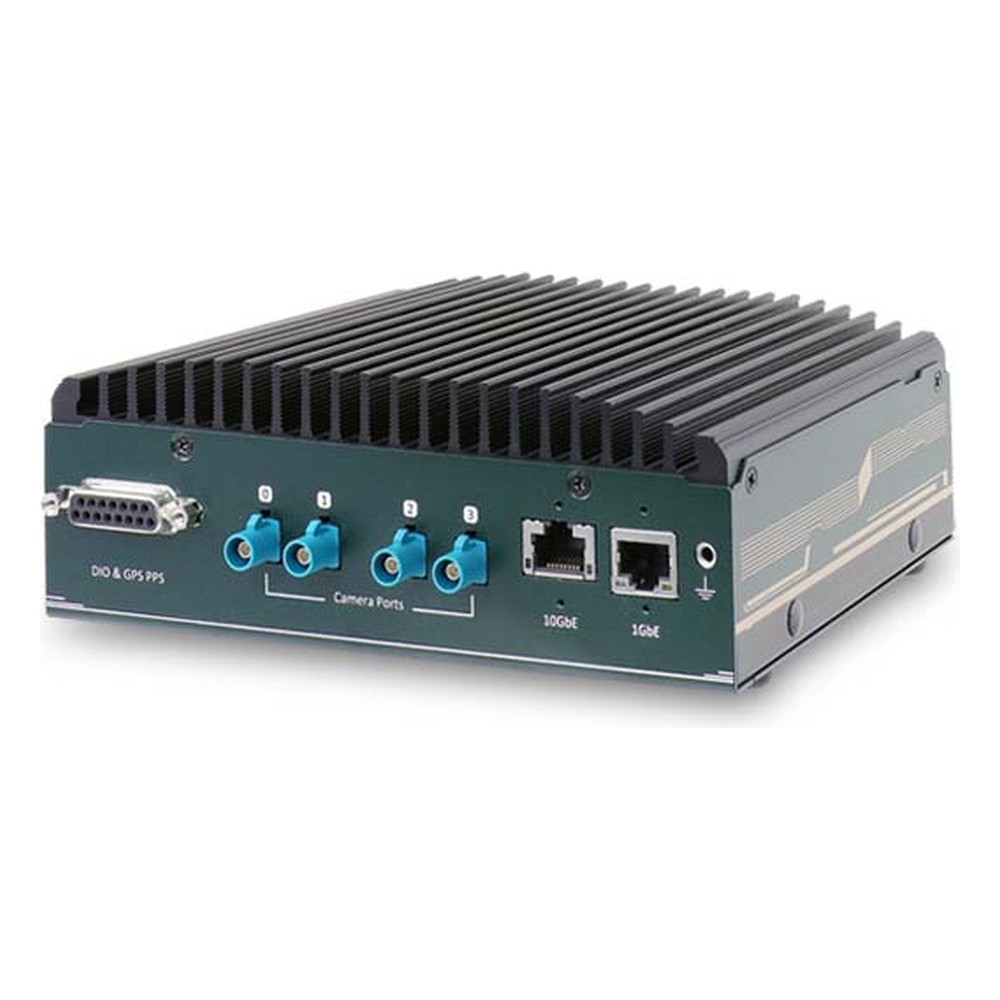
NVIDIA Jetson Orin NX or Orin Nano Rugged Embedded Computer with 4x GMSL2 Cameras and 10GbE
- AI
- 20–100 TOPS
- SOM
- NVIDIA Jetson Orin NX 16 GB
- Cameras
- 4× GMSL
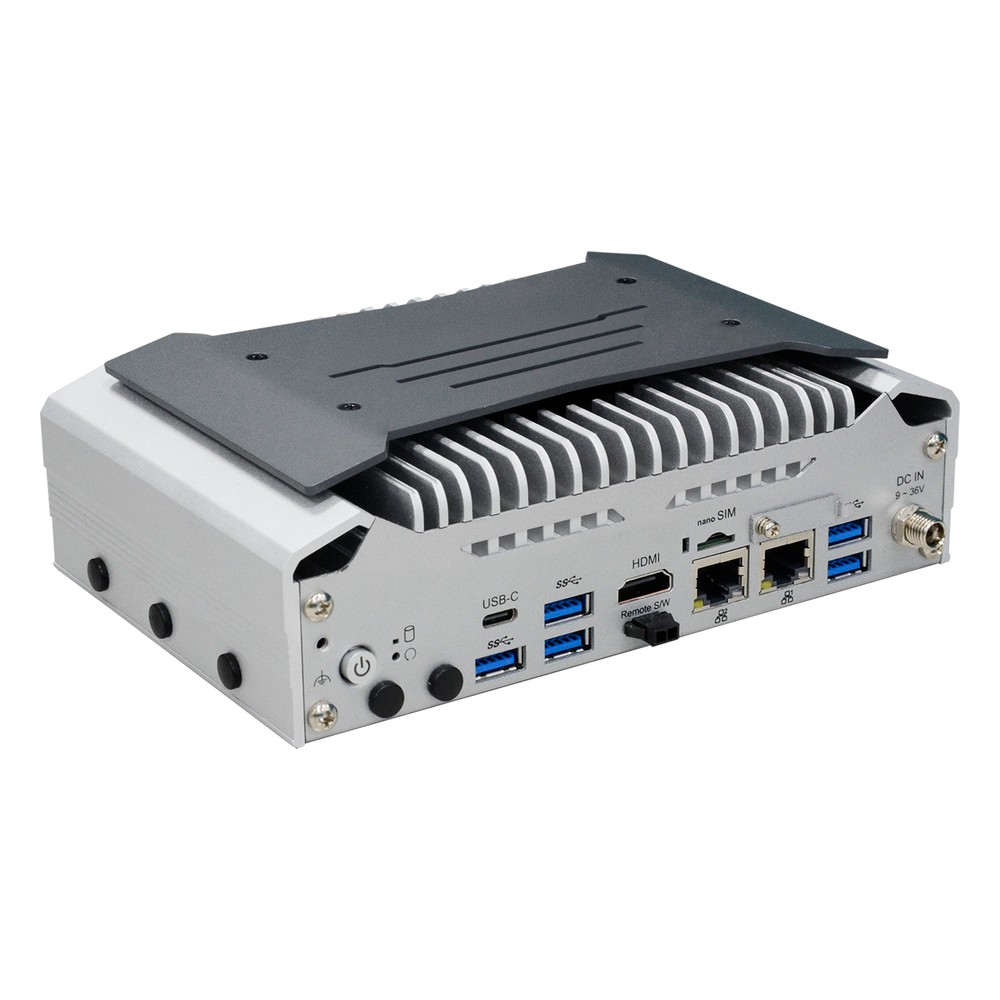
Intel Core Ultra 5 125U Edge AI Computer with 2.5GbE, OOB and -20 to 60 °C
- AI
- 11 TOPS
- CPU
- Intel Core Ultra 1 (Meteor Lake)
- Ethernet
- 2× 2.5GbE, 1× GbE
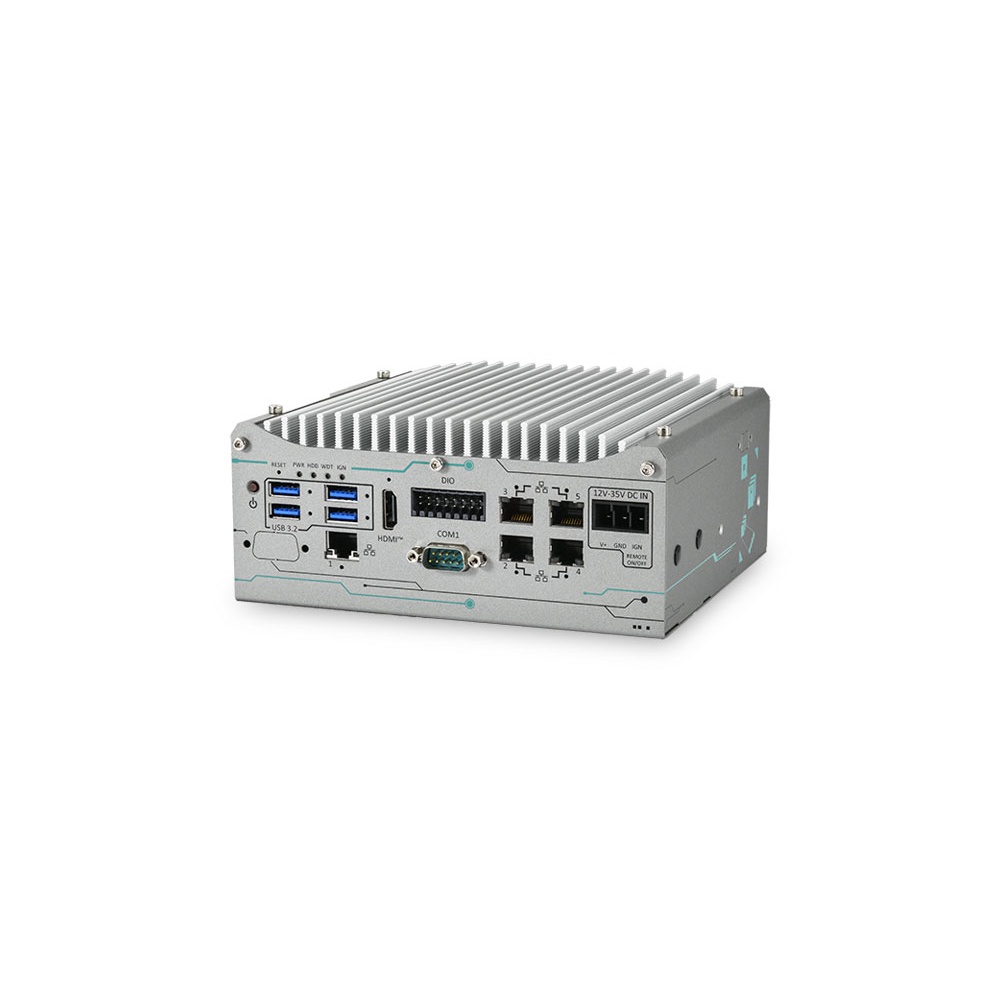
AMD Ryzen PRO 8640U Compact Edge AI Box PC with 70W NVIDIA GPU
- CPU
- AMD Ryzen PRO 8000
- GPU
- NVIDIA RTX PRO 2000 Blackwell
- AI
- 16–545 TOPS
Thermal throttling: common questions
Quick answers
What is thermal throttling?
A processor lowering its clock speed to stay below its maximum temperature. It cuts heat output so the die stops getting hotter, protecting the processor at the cost of performance.
How do I know if my CPU is thermal throttling?
Watch clocks, power and temperature under sustained load. If the clock falls while load stays high and temperature sits near Tj max, or a throttling flag or counter rises, it is throttling.
At what temperature does a CPU throttle?
At its Tj max, often around 100 °C for Intel Core processors. Embedded and mobile parts vary, so check the datasheet; power limits often slow the processor well before that.
What is Tj max?
The maximum junction temperature the processor die is designed to run at. Above it the processor throttles, and beyond a further critical point the system shuts down to prevent damage.
Is thermal throttling bad?
Occasional throttling is harmless; constant throttling means the system is undersized. It costs performance when the application needs it most, so industrial systems are designed to avoid it at the hottest expected ambient.
Does thermal throttling damage the CPU?
No, it exists to prevent damage. Running hot for long periods does age electronics faster, which is why sustained margin matters for reliability.
Can SSDs thermal throttle?
Yes, NVMe drives slow down near their temperature thresholds. Conduction to the chassis through a thermal pad or heat spreader keeps them below the limit in sealed systems.
How do I stop thermal throttling?
Reduce the heat or improve its path out. Lower the power limits, cool the cabinet, clear and reorient the fins, or choose a processor and chassis matched to the ambient.
Related questions
-
How Do Heat Pipes Work?
A heat pipe is a sealed copper tube holding a little working fluid, usually water, under partial vacuum. At the hot end the fluid evaporates and absorbs heat; the vapor travels to the cooler end, condenses and releases that heat into fins or the chassis, and a wick draws the liquid back. It moves heat quickly with no moving parts.
-
What Are the Advantages of Fanless Computers?
Fanless computers cool themselves passively, through a finned heatsink chassis and heat pipes, instead of a fan. With no moving parts and no airflow drawing in dirt, they are more reliable in dusty or vibrating places, silent, low maintenance and easy to seal, which is why they are the standard choice for industrial and embedded use.
-
What Is Jetson Super Mode?
Jetson Super Mode is a set of higher-power operating modes NVIDIA added for Jetson Orin Nano and Orin NX modules with JetPack 6.2. Raising clock speeds and power limits lifts AI performance substantially, for example to up to 67 TOPS on Orin Nano 8GB and up to 157 TOPS on Orin NX 16GB, on the same hardware.
-
iGPU vs dGPU: What Is the Difference?
An iGPU (integrated GPU) is built into the processor and shares the system memory, so it adds little power, heat or cost. A dGPU (discrete GPU) is a separate graphics processor with its own memory, offering far more performance but needing more power, cooling and space. For edge AI, iGPUs suit lighter inference and dGPUs suit heavy workloads.
-
What Is SSD TBW?
TBW (terabytes written) is an SSD’s endurance rating: the total amount of data the manufacturer guarantees can be written to the drive over its warranty before the flash wears out. A 1 TB SSD rated at 600 TBW, for example, is warranted for 600 TB of writes. DWPD expresses the same limit as full-drive writes per day.
-
What Is the Industrial Temperature Range?
The industrial temperature range is −40 to 85 °C: the grade an electronic component must operate across to be called industrial, compared with 0 to 70 °C for commercial parts. Rugged computers built from industrial-grade components typically run from −25 or −40 °C up to 70 °C as a complete system.
Need a fanless system that holds its speed?
Send us the workload, the hottest temperature at the installation and how the computer will be mounted, and we will match the processor to the chassis, set the power limits, then configure, image and test the system before it ships.