
 US
US 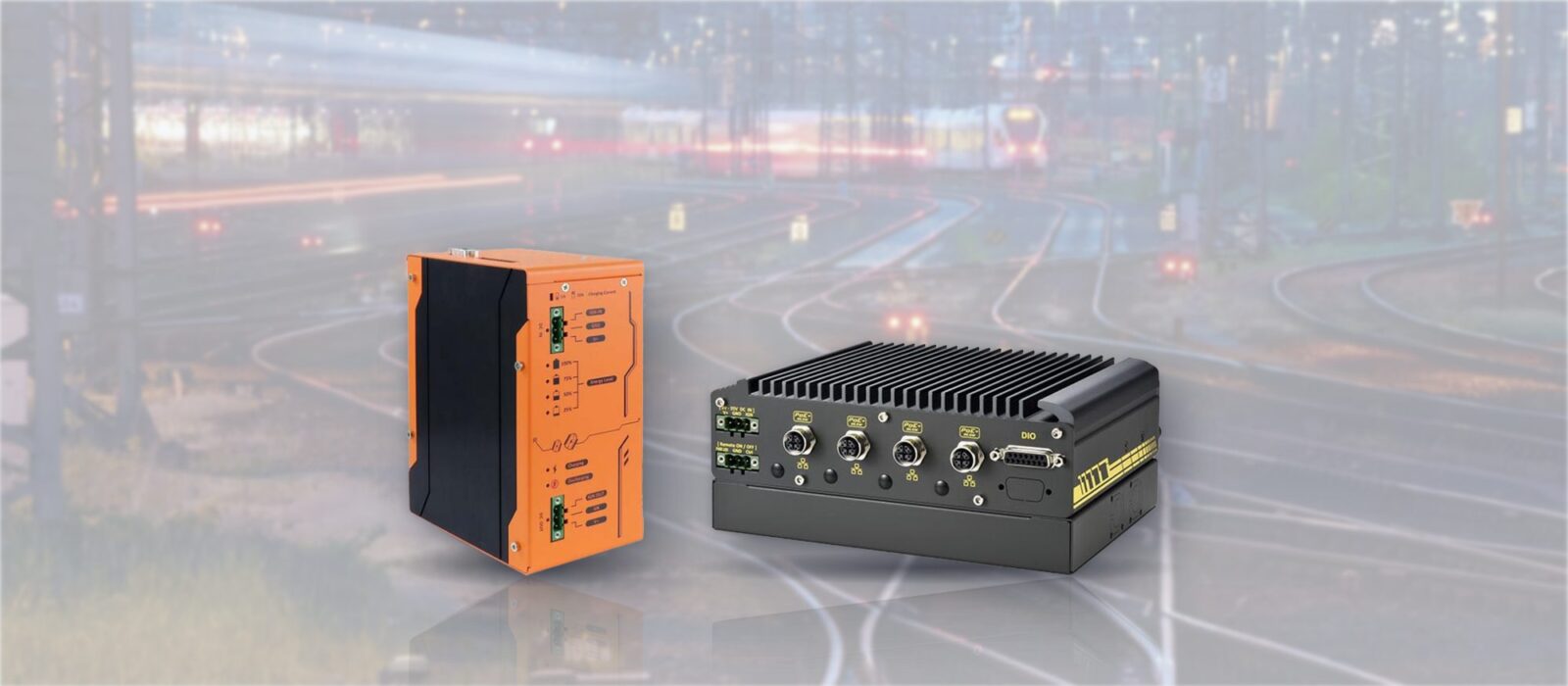
Supercapacitor vs Battery UPS: Ride-Through and Safe Shutdown for Vehicle and Rail Computers
A supercapacitor UPS rides a vehicle or rail computer through supply dips and shuts it down cleanly when the power does not return. Here is how it compares with Li-ion and lead-acid, how to size it, and how to integrate it with ignition control and storage.
A supercapacitor UPS is a DC backup module that stores its energy in supercapacitors instead of a battery, then uses it to carry a computer through supply dips and shut it down cleanly when the power does not come back. It is built for short, frequent events measured in milliseconds to minutes, which is exactly what the supply on a vehicle or a train delivers.
Vehicle and rail computers live on a supply that is switched off at the end of every shift, sags when an engine cranks and drops for a moment as a train runs over points or a level crossing. A computer that loses power mid-write can corrupt its storage, lose a recording or fail to boot the next morning. Ignition control handles the planned power-off; a UPS handles everything else, from a 20 ms interruption to a pulled fuse.
This guide is the implementation view of the supercapacitor vs battery question. It covers the supply events a vehicle or rail computer has to survive, how supercapacitors compare with Li-ion and lead-acid batteries, how to size the stored energy for a stated load, how a module signals the operating system and times the shutdown, and how to integrate it with ignition sensing, power management and storage. The hardware examples come from our range of industrial UPS modules and computers with a supercapacitor UPS built in.
Key takeaways
- 01Seconds to minutes, not hours
- A supercapacitor UPS is sized to ride through dips and complete a clean shutdown. For minutes to hours of runtime, a battery is still the right store.
- 02Life without maintenance
- Supercapacitors are typically rated for hundreds of thousands of charge cycles and more than 10 years, with no battery to replace in a hot cab or cabinet.
- 03Wide temperature range
- They charge and discharge from about −40 °C, where Li-ion cells must not be charged below freezing and lead-acid loses much of its capacity.
- 04Size from the load and the window
- Stored energy follows E = ½CV², but only the part above the converter’s cut-off voltage is usable. Allow for efficiency and ageing.
- 05The signals matter as much as the joules
- The module must tell the operating system to shut down, confirm it has, and agree with the ignition timers, or the stored energy is wasted.
Why vehicle and rail computers need ride-through and safe shutdown
An office PC sees a power cut a few times a year. A computer on a bus, a locomotive or an automated guided vehicle can see dozens of supply events a day, most of them short, a few of them final. The table lists the common ones and what normally deals with each.
| Supply event | Where it happens | Typical duration | Effect on a computer | What handles it |
|---|---|---|---|---|
| Engine cranking | 12 V and 24 V road vehicles, plant and machinery | Tens of milliseconds to a few seconds | A 12 V supply can dip well below 9 V; the computer browns out or resets | Wide-range DC input, power-on delay, UPS ride-through |
| Military starting disturbance | 28 V military ground vehicles | Dips to around 6 V, then cranking near 12 V for up to around 30 seconds (MIL-STD-1275E) | Resets or repeated restarts during engine start | A MIL-STD-1275 input stage plus hold-up energy |
| Ignition off | Every vehicle, at the end of every journey | Permanent until the next start | Power lost mid-write if the computer follows the ignition line directly | Ignition control with a power-off delay |
| Short supply interruption | Rolling stock | 10 ms (EN 50155 class S2) or 20 ms (class S3) | Reset or data loss if the input has no hold-up | The computer’s own hold-up capacitance, rated to the class |
| Supply change-over and gaps | Rolling stock passing points, crossings and section gaps | 100 ms change-over (classes C1, C2) to a few seconds | Brown-out or reboot just as telemetry or recording matters | A UPS between the supply and the computer |
| Complete loss | Battery isolator, blown fuse, loose connector, low battery cut-off | Permanent | Hard power-off and possible storage corruption | A UPS that triggers and confirms a clean shutdown |
What EN 50155 asks of the computer
The rolling stock standard sets out the supply variations and interruptions onboard electronics must handle; our EN 50155 summary covers the wider standard. For interruptions, EN 50155 defines classes S1 (no interruption required), S2 (10 ms) and S3 (20 ms), and supply change-over classes C1 (a dip to 0.6 of nominal voltage for 100 ms) and C2 (the same with a 30 ms interruption). The class is chosen by the vehicle builder, so check which one your specification calls for and in which edition.
These classes are met by hold-up capacitance in the computer’s own power input, and they stop at tens of milliseconds. A gap of several seconds, or a supply that does not come back, needs stored energy outside the computer’s input stage: a UPS module, or a computer with a supercapacitor UPS built in. Our railway computers list the interruption class each one meets.
Vehicle supplies and MIL-STD-1275
Civil road vehicle supplies are described by ISO 16750-2 for voltage dips and starting profiles and ISO 7637-2 for transients, and approvals run through E-Mark. Military ground vehicles use MIL-STD-1275, whose starting disturbance is one of the harshest a computer will meet. A rugged input stage protects the computer from spikes and surges; it does not supply energy when the input collapses, which is where the UPS comes in.
What a hard power cut does
Most of the damage is to data, not hardware. Files being written are left half complete, databases and video containers lose their index, and an SSD without power loss protection can lose cached writes or, rarely, its own mapping. On a vehicle the result is often a computer that will not boot at the start of the next shift, and a site visit to reimage it. A few seconds of stored energy and a correctly timed shutdown remove most of that risk.
Supercapacitor vs battery: Li-ion and lead-acid compared
Supercapacitors, also called ultracapacitors or electric double-layer capacitors, store charge electrostatically at the boundary between a porous carbon electrode and an electrolyte. Batteries store energy in a chemical reaction. That difference explains almost every row of the table: supercapacitors charge in seconds and survive hundreds of thousands of cycles, but hold far less energy for their size. The figures below are typical ranges from cell and module datasheets, not limits, and vary with chemistry, temperature and how hard the store is used.
| Property | Supercapacitor | Li-ion (incl. LiFePO4) | Sealed lead-acid (VRLA) |
|---|---|---|---|
| Energy density | Low: roughly 5–10 Wh/kg at cell level | High: roughly 90–250 Wh/kg | Medium: roughly 30–50 Wh/kg |
| Practical backup time in a compact module | Seconds to minutes | Minutes to hours | Minutes to hours |
| Cycle life | Hundreds of thousands to a million or more | Hundreds to a few thousand, depending on chemistry and depth of discharge | A few hundred to around a thousand |
| Service life | Typically 10 years or more, shortened by heat and high cell voltage | Several years; shortened by heat and time spent fully charged | Often 3–5 years in a warm enclosure; roughly halves for each 10 °C above 25 °C |
| Charge time | Seconds to a few minutes | About 1–3 hours for a full charge | Many hours for a full charge |
| Low temperature | Works to about −40 °C, with higher internal resistance | Must not be charged below about 0 °C without heating; discharge capacity falls in the cold | Capacity falls sharply in the cold |
| High temperature | Typically rated to 65–85 °C, with reduced life at the top of the range | Usually 45–60 °C; heat accelerates ageing | Life shortens quickly above 25 °C |
| Self-discharge | High: days to weeks to empty when not charging | Low: a few per cent a month | Low to moderate |
| State of charge and health | Read directly from the voltage | Needs a battery management system | Estimated from voltage and periodic tests |
| Maintenance | None routine | Periodic capacity checks and planned replacement | Periodic tests and replacement every few years |
| Failure behavior | Gradual capacitance loss and rising resistance | Capacity fade; thermal runaway risk if abused or damaged | Capacity fade; can fail suddenly from dry-out or sulphation |
| Transport | Shipped as electric double-layer capacitors (UN 3499) | Dangerous goods rules for lithium batteries (UN 3480 and UN 3481) | Usually shipped as non-spillable batteries |
Why supercapacitors suit ride-through and shutdown
A vehicle computer’s UPS may cycle every time a door opens, a compressor starts or an engine cranks, and it may sit in a cab that can reach 70 °C in summer and drops below freezing overnight. Those are the conditions in which batteries age fastest and supercapacitors cope best. The Neousys modules in our range are rated for 500,000 charge cycles and more than 10 years, recharge in moments after each event and need no battery change during the life of the vehicle. The usable state of charge is simply the voltage, so the module always knows how much shutdown time it has left. The industrial temperature range explainer covers what the ratings mean.
When a battery is the better store
Batteries win wherever the computer must keep working for minutes or hours rather than shut down: a recorder that must keep filming after a collision, a remote cabinet without mains, or a GPU computer drawing hundreds of watts. The DFI RC300H-CS-UPS railway computer is an example from our range, with a built-in battery kit that holds the system up for at least five minutes at up to 300 W. Some designs use both: a battery for runtime and supercapacitors to absorb the short, frequent events that would otherwise wear the battery out.
Sizing a supercapacitor UPS: a worked example
Sizing starts from the load and the time, not from the capacitance. Work out how long the computer must run on stored energy, convert that into the energy the supercapacitors must deliver, then allow for the part of the stored energy that cannot be used and for ageing. The figures below show the method; use your own measured load and shutdown time.
The energy in a supercapacitor
The energy stored in a capacitor is E = ½CV², where C is the capacitance in farads and V the voltage. A single 370 F cell charged to 3.0 V stores ½ × 370 × 3.0² = 1,665 J (watt-seconds). Cells are connected in series to reach a useful voltage, which divides the capacitance and multiplies the voltage, but the total energy is simply the sum of the cells: four of those cells store about 6,660 J however they are arranged.
The usable window
Unlike a battery, a supercapacitor’s voltage falls steadily as it discharges, so the module uses a DC-DC converter to hold its output at 12 V or 24 V. The converter stops working below a minimum input voltage, and the energy left below that point stays in the cells. The usable fraction is 1 − (Vmin / Vmax)². If the converter works down to half the full voltage, 75% of the stored energy is usable; at one third it is about 89%.
| Step | Calculation | Result |
|---|---|---|
| 1. Load | Measured worst-case draw of the computer and anything else on the UPS output | 40 W |
| 2. Time on stored energy | Ride-through wait before deciding the outage is real, plus the measured shutdown time with margin | 10 s + 60 s = 70 s |
| 3. Energy at the output | 40 W × 70 s | 2,800 J |
| 4. Converter losses | Divide by efficiency, assumed 90% | About 3,110 J from the cells |
| 5. Usable window | Divide by 0.75 for a cut-off at half voltage | About 4,150 J stored |
| 6. Ageing margin | Divide by 0.8 to allow for capacitance falling by about 20% over life | About 5,200 J stored when new |
| 7. Choose the store | Four 370 F, 3.0 V cells store about 6,660 J | Meets the target with some margin |
Reading a module rating instead
With a ready-made module, start from its rated energy and work forwards: hold-up time ≈ rated energy × converter efficiency ÷ load. The Neousys PB-4600J-SA is rated at 4600 W·s from four 370 F cells, about 70% of the 6,660 J those cells store at full voltage, which fits the usable-window logic above, although the datasheet does not state the cut-off voltage. At 40 W and an assumed 90% efficiency that suggests roughly 100 seconds when new and somewhat less late in life, comfortably above the 70 seconds this example needs.
Published figures from other modules follow the same pattern. Diamond Systems quotes about 150 seconds at 20 W and 75 seconds at 40 W for its 3300 J energy pack, which works out at about 3,000 J delivered, or roughly 90% of the rating. Neousys quotes more than 30 seconds for the 2,500 W·s SuperCAP UPS built into the Nuvo-2615RL-H railway computer before it triggers a shutdown. Treat any calculated time as an estimate and confirm it by pulling the supply at full load on the bench.
Temperature and life
Heat and cell voltage set a supercapacitor’s life. A common rule of thumb is that life roughly halves for every 10 °C rise in temperature, and that charging the cells to a slightly lower voltage extends it. Some modules let you make that trade directly: the Neousys PB-9250J-SA can be set to charge to 6525 J instead of its full 9250 W·s, and is then rated for more than 10 years at 65 °C around the clock. In the cold, internal resistance rises and some modules reduce their usable energy, so size for the coldest start as well as the hottest cab.
How a supercapacitor UPS module works
The module sits between the DC supply and the computer. Its controller decides when to bridge a dip, when to start a shutdown and when to cut its own output.
-
Charge
Pass-throughWhile the supply is present, the input passes straight through to the computer and a charger tops up the supercapacitors, typically within seconds to minutes of power returning.
-
Balance
Cell voltagesCells in series never share voltage perfectly, so a balancing circuit keeps each one below its rated voltage. This protects the cells and is a large part of their long life.
-
Bridge
Ride-throughWhen the input falls below a threshold, the module switches to its stored energy and a DC-DC converter holds the output steady. Short dips never reach the computer.
-
Signal
Shutdown requestIf the supply stays off past the ride-through time, or stored energy falls to the level needed for shutdown, the module presses the computer’s power button electronically and raises an alert.
-
Confirm
Power offThe module watches a status line from the computer, cuts its output once the operating system has shut down and, on most modules, starts the computer again when the supply returns.
Signals between the UPS and the computer
The stored energy is only useful if the module and the computer agree on what happens next. Modules differ in the signals they offer, so check them against the computer before wiring. The table uses the signals on the Neousys PB-9250J-110V railway UPS as an example.
| Signal | Direction | What it does |
|---|---|---|
| PWR_BTN# (pulse) | UPS to computer | Presses the ATX power button electronically, so the operating system runs its normal shutdown |
| AT power output (level) | UPS to computer | Switches computers that start and stop on the presence of power, rather than a button |
| SYS_STAT | Computer to UPS | Tells the UPS the computer is still running, so it waits until shutdown has finished before cutting power |
| Discharging alert | UPS to train or vehicle systems | Reports that the UPS is running on stored energy, for logging or a driver display |
| Isolated RS-232 | Both ways | Status, configuration and energy readings for software on the computer or a separate controller |
| IGN input (on 12–35 V models) | Vehicle to UPS | Lets the UPS follow the ignition with its own power-on and power-off delays |
Neousys handles the timing in the module’s own controller, which it calls CAP energy management: it tracks the stored energy and the load, and starts the shutdown while there is still enough energy to finish it, with no driver or software needed on the computer. Other designs report status over USB or serial and leave the decision to software on the host. Both work; the hardware-only approach keeps working if the operating system has hung.
Integrating the UPS with ignition sensing, power management and storage
Most problems with vehicle power come from the parts working against each other: a UPS that shuts the computer down while the ignition controller is still counting, or an operating system that ignores the power button. Settle these points at the design stage and test them as a set.
Decide who owns the ignition timers
Many vehicle computers have ignition control built in, and some UPS modules have it too. Use one set of timers. Either the computer follows the ignition and the UPS works as a plain backup behind it, or the UPS follows the ignition and switches the computer, with the computer set to start on power. Our guide to configuring ignition control covers the delay settings. Wire the supply from a fused permanent battery feed, not the ignition line, and check the low-voltage cut-off so the computer never leaves the vehicle unable to start.
Match the BIOS and the operating system
Set the computer’s BIOS power mode to suit the UPS signal: ATX for a power-button pulse, AT for a level-switched supply. Then make sure the operating system responds to the button: in Windows IoT Enterprise set the power button action to shut down, and on Linux check that systemd-logind’s power key handling is set to power off. Applications should close their files and recordings on the shutdown signal rather than wait to be stopped.
Protect the storage as well
A UPS covers most outages, but not every one: a failed module, a bypassed supply or a forced power-off can still cut power mid-write. Specify an industrial SSD with power loss protection, which keeps the drive’s own cache and mapping safe for the last few milliseconds. For systems that rarely need to write to the operating system drive, a write filter such as Windows Unified Write Filter or a read-only root file system on Linux removes the risk to the system image, with data written to a separate partition or drive.
Measure the shutdown time
Shutdown time is the number that sizes everything else, and it grows as software is added. Measure it at full load with the real application running, add a margin, and repeat the test after major software updates. We configure the BIOS power mode, operating system settings and ignition timers on every vehicle and rail computer we supply, wire and set up the UPS with it, and test the full power sequence before it ships.
Specifying a supercapacitor UPS
Six checks that decide whether the UPS protects the computer or simply delays the hard power-off.
-
01
Supply and standard
Confirm the nominal voltage and range, and the standard the vehicle follows: ISO 16750-2, MIL-STD-1275 or the EN 50155 interruption class.
-
02
Measured load
Measure the computer’s worst-case draw, including cameras, modems and PoE devices fed from it, and keep it inside the UPS output rating.
-
03
Time on stored energy
Add the ride-through wait to the measured shutdown time with a margin, then size the energy for the end of life, not just when new.
-
04
Temperature
Check the UPS rating at the hottest cab or cabinet temperature and the coldest start, and whether capacity is reduced at either end.
-
05
Signals and timers
Match the power-button, status and ignition signals to the computer, and decide which device owns the ignition timers.
-
06
Storage
Pair the UPS with a power loss protected SSD and, where it suits the application, a write-protected system image.
Where supercapacitor UPS modules are used
Anywhere a computer runs from a supply that is switched, shared or interrupted, and a hard power-off would cost data or a site visit.

Rolling stock
Passenger information, CCTV recorders and train telemetry that must ride through gaps at points and crossings and shut down cleanly at the depot.
View range
Buses and coaches
Mobile video recorders, ticketing and fleet telematics that see a cranking dip at every start and an ignition-off at every stop.
View range
Emergency and service fleets
Police, ambulance, refuse and utility vehicles where in-cab computers record evidence and must not corrupt it when the engine stops.
View range
AGVs and AMRs
Robot and vehicle controllers that need to bridge a battery swap or a safety cut-out and keep their maps and logs intact.
View range
Kiosks and self-service
Ticket machines and kiosks on shared or switched supplies, where a hard power-off can leave a transaction or the system image corrupted.
View range
Military vehicles
Mission computers on 28 V vehicle supplies, where MIL-STD-1275 starting disturbances and battery-only operation stress the power input.
View rangeMatching the UPS to the system
There are two ways to add supercapacitor backup: a separate DIN rail module between the supply and an existing computer, or a computer with the UPS built in. A separate module can protect any computer and is easy to replace; a built-in UPS saves space and wiring. The examples below come from our range.
| Requirement | Example from our range | Why it fits |
|---|---|---|
| Box PC up to 180 W on a 12–35 V DC supply | Neousys PB-9250J-SA | 9250 W·s from eight 370 F supercapacitors, 12 or 24 V output, ignition control modes, −25 to 65 °C |
| Compact fanless PC up to 100 W | Neousys PB-4600J-SA | 4600 W·s in the same DIN rail housing, ignition control, −40 to 85 °C at reduced capacity |
| Small controller up to 70 W in a tight cabinet | Neousys PB-2580J-SA | 2580 W·s in a 32.8 mm wide module, three operating modes, MIL-STD-810G shock and vibration |
| Rolling stock on a 110 V battery line | Neousys PB-9250J-110V | 43–160 V DC input, 24 V at up to 120 W, designed to EN 50155:2017 (OT4) and EN 45545-2, −40 to 70 °C |
| Railway computer with the UPS built in | Neousys Nuvo-2615RL-H | 2,500 W·s SuperCAP for more than 30 seconds without supply, isolated 43–160 V DC input, EN 50155 class S3 and C2 |
| Vehicle computer or mobile NVR with the UPS built in | Neousys Nuvo-2611VTC and Nuvo-7250VTC | 2500 W·s SuperCAP UPS, ignition-controlled 8–35 V DC, PoE+ camera ports, −40 to 70 °C |
| Sealed military computer | Neousys SEMIL-1714J | IP67, 2500 W·s SuperCAP UPS, 8–48 V DC with ignition control, MIL-STD-810G |
| PC/104 stack in a vehicle | Diamond Systems JUPITER-MM-7000 | PC/104 power supplies with a UPS input for a supercapacitor energy pack and MIL-STD-1275 input immunity; confirm the energy pack when you specify |
For a worked rail example, our end of train device case study pairs a Neousys POC-551VTC with the PB-9250J-110V on the locomotive and shows how the shutdown signals are wired. The wider ranges of in-vehicle computers and DIN rail PCs cover the computers these modules protect. Every computer and UPS we supply is configured as a pair, with the operating system imaged, the shutdown signals wired and the power sequence tested before it ships.
Neousys SuperCAP UPS modules
Four DIN rail supercapacitor UPS modules: 180 W, 100 W and 70 W versions for 12–35 V DC supplies, and a 110 V railway version.
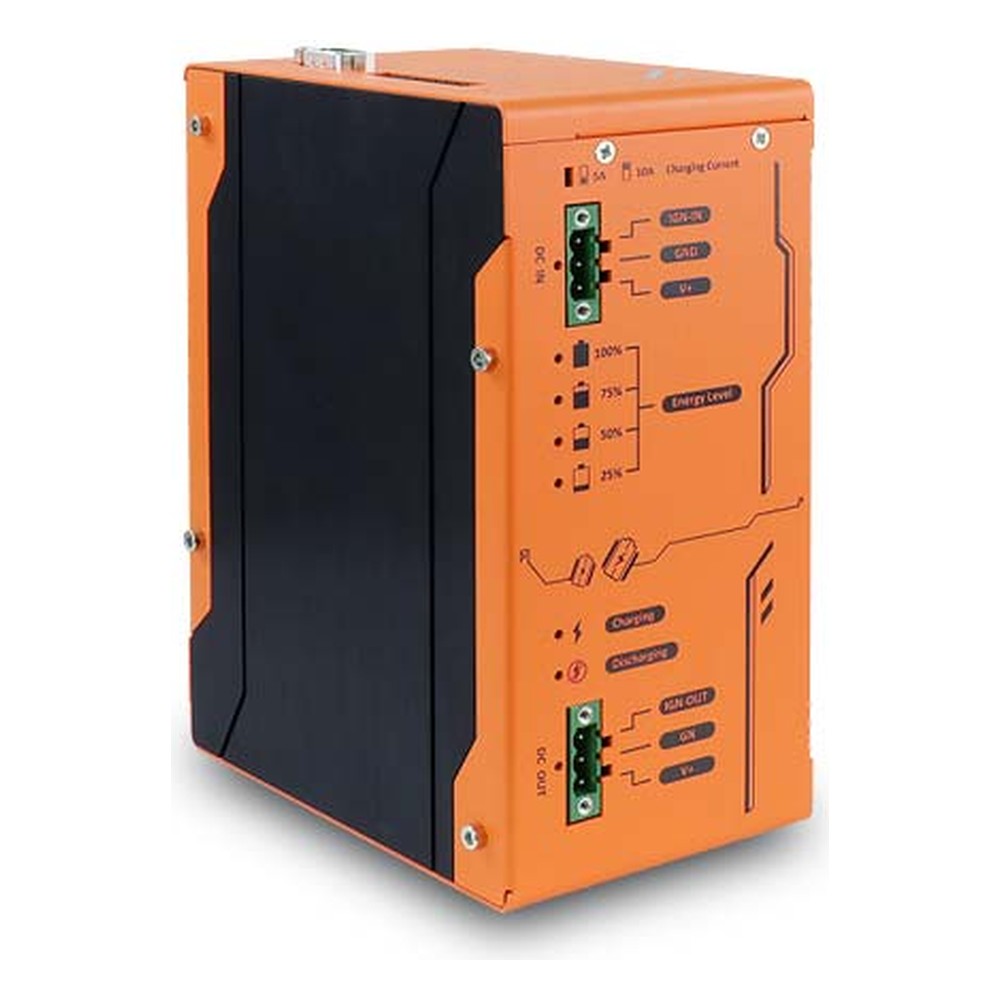
9250 W·s Supercapacitor DIN Rail UPS with 180 W Output, 12 to 35 V DC Input and Ignition Control
- Temp
- −25 to +65 °C
- Power
- 12–35 V DC [Terminal Block]
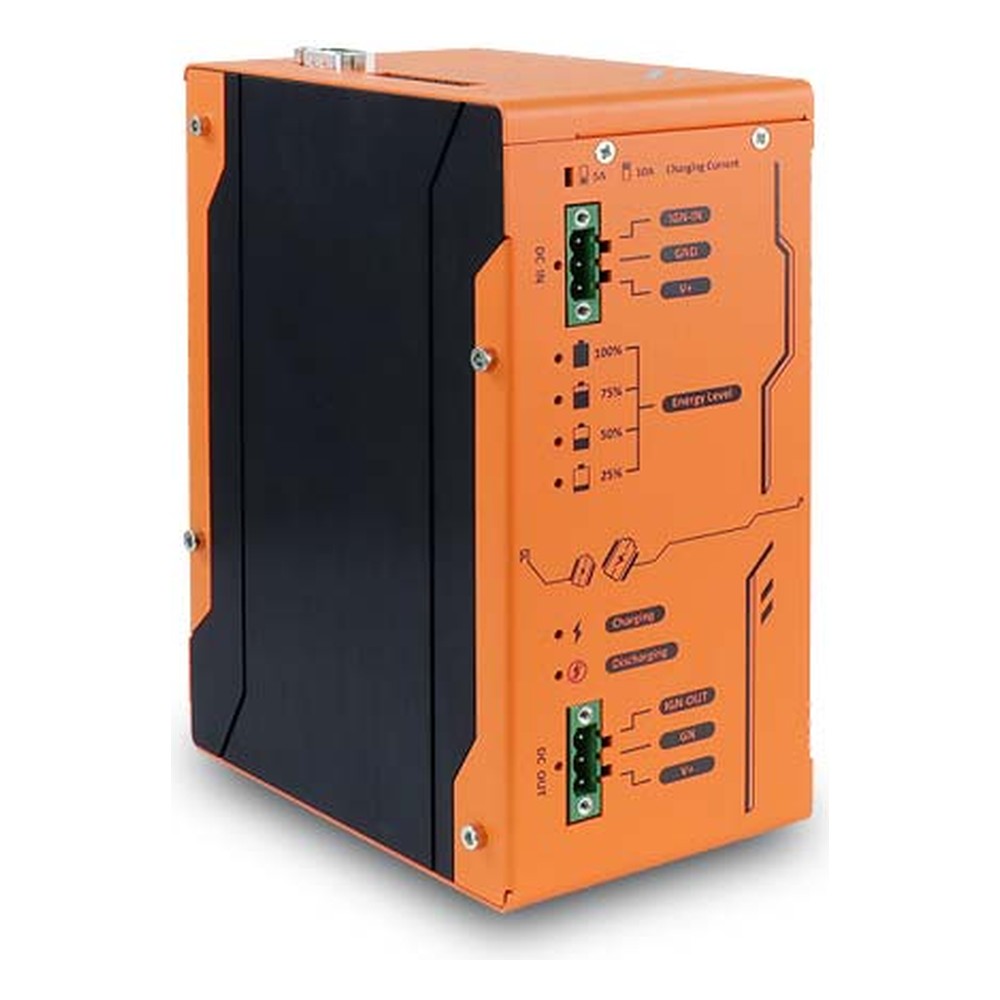
4600 W·s SuperCAP Rugged UPS Module with 100 W Output, Wide Temperature and EN 50155
- Temp
- −25 to +65 °C
- Power
- 12–35 V DC [Terminal Block]
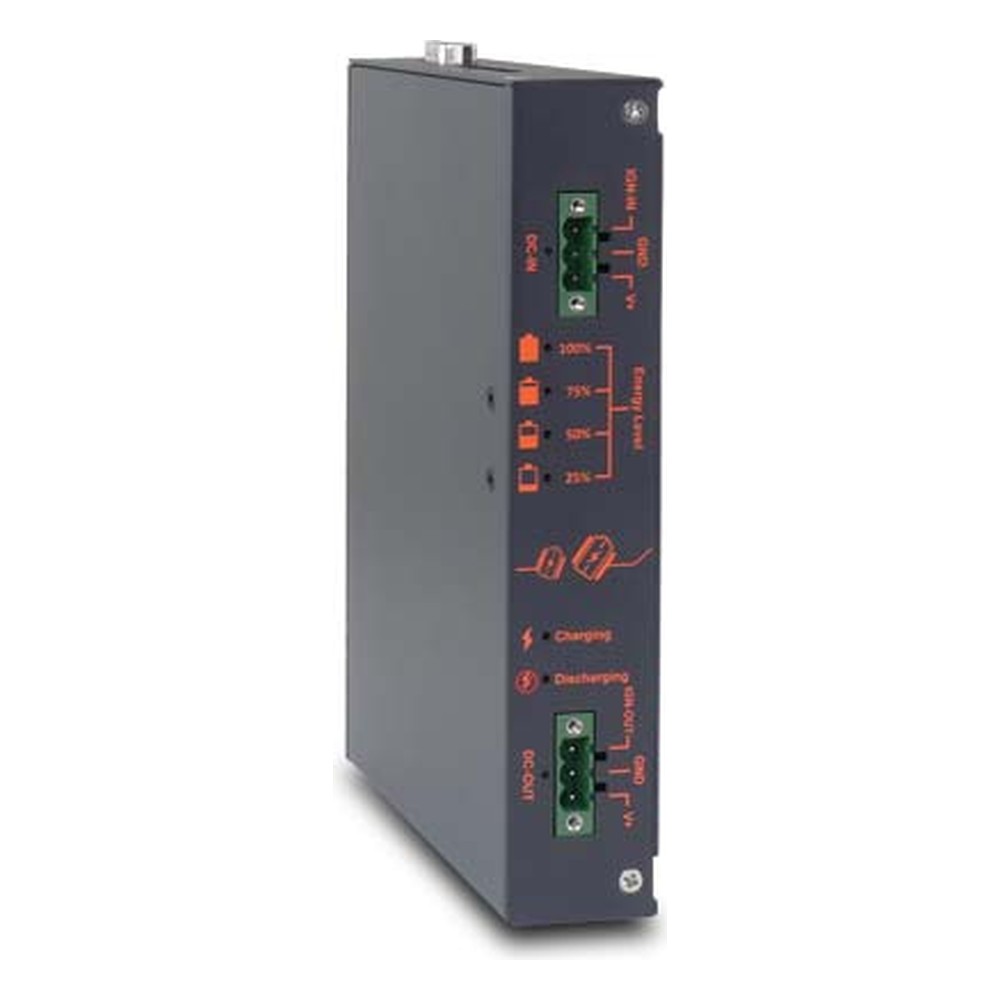
Slim 2580 W·s Supercapacitor DC UPS with 70 W Output, Ignition Control and MIL-STD-810G
- Temp
- −25 to +65 °C
- Power
- 12–35 V DC [Terminal Block]
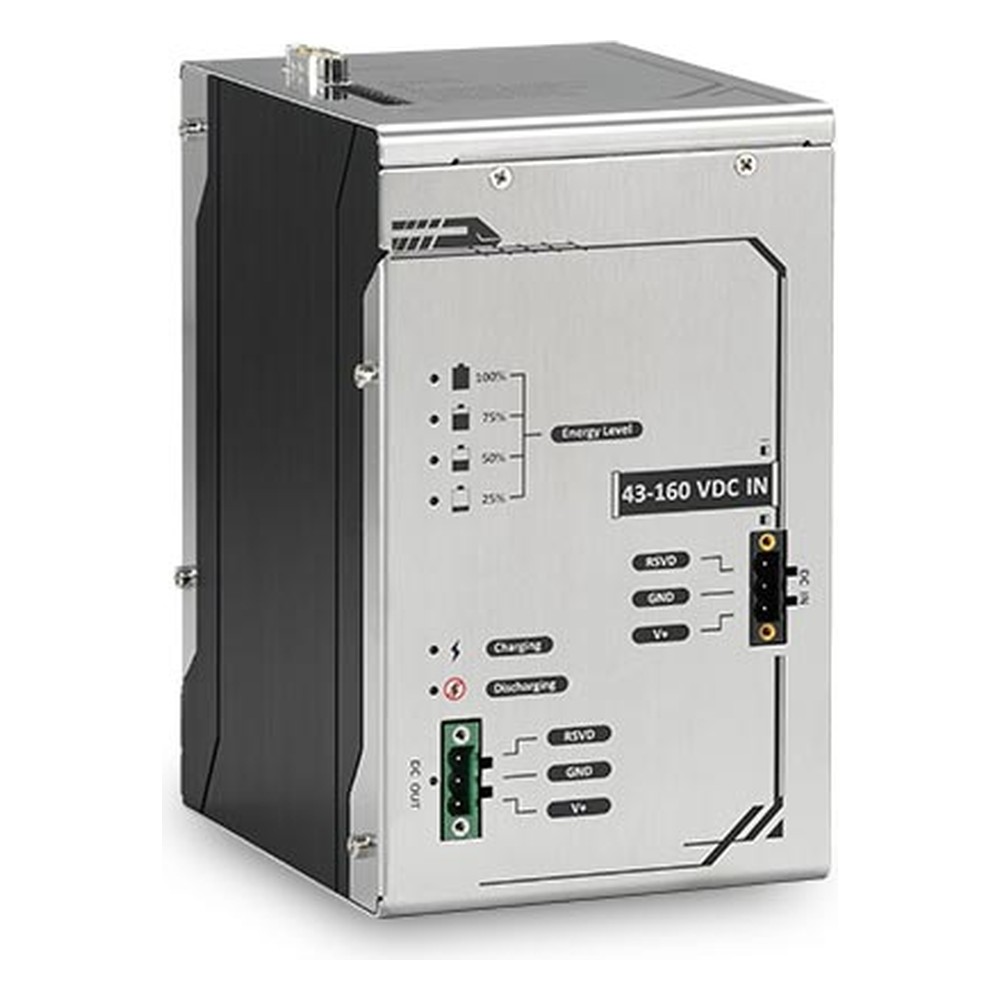
110 V DC Railway UPS with 9250 W·s Supercapacitor Storage, 24 V Output, EN 50155 and EN 45545-2
- Temp
- −40 to +70 °C
- Power
- 43–160 V DC [Terminal Block]
Computers with a SuperCAP UPS built in
Rail, vehicle, mobile NVR and IP67 military computers with a 2,500 W·s supercapacitor UPS inside the chassis.
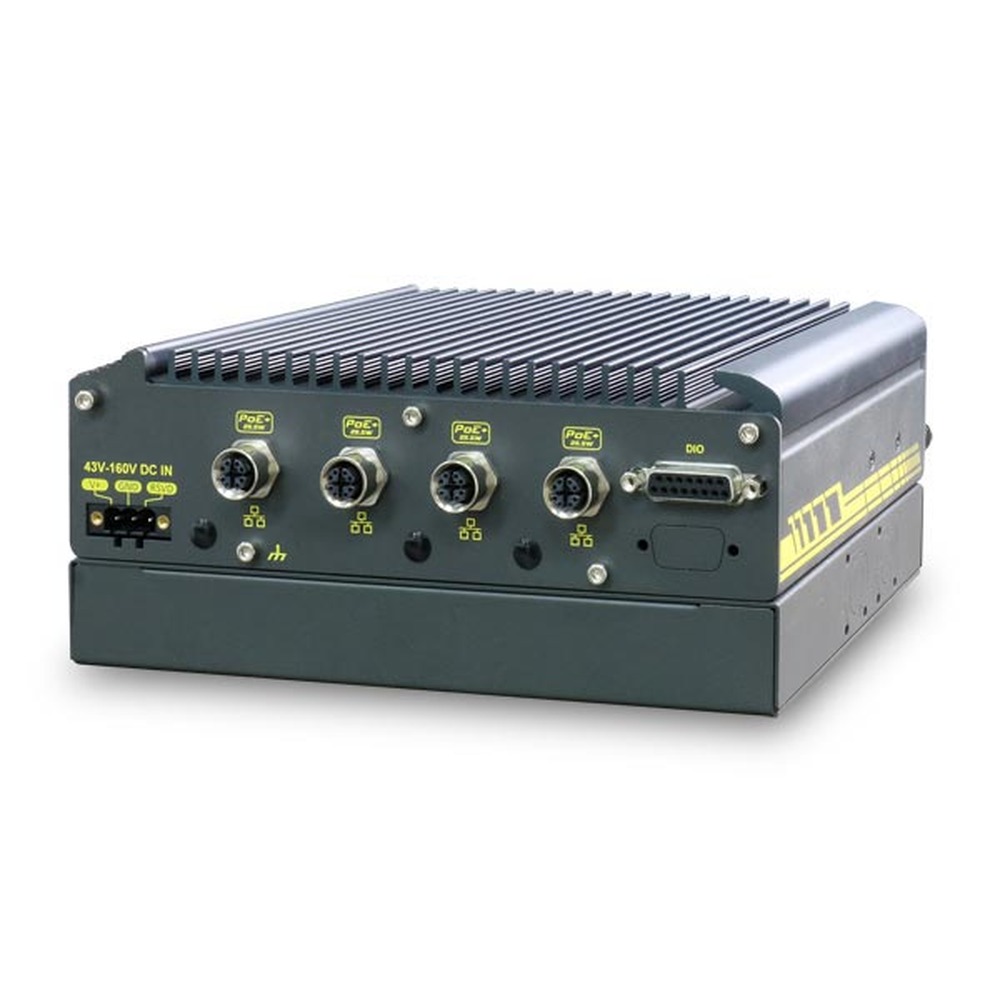
Intel Atom x6425E EN 50155 Rolling Stock Computer with 4x M12 PoE+ and SuperCAP UPS
- CPU
- Intel Atom x6425E (Elkhart Lake)
- Ethernet
- 4× GbE (4× PoE)
- Temp
- −40 to +70 °C
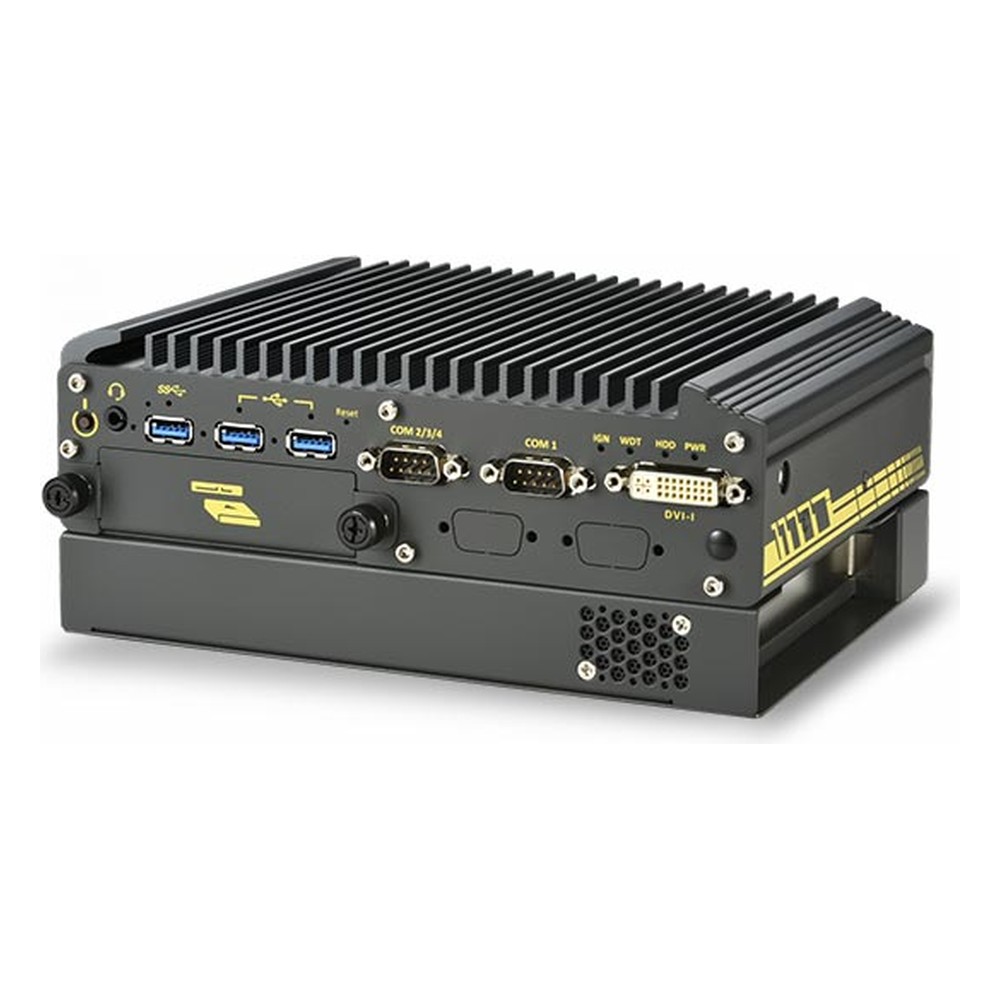
Intel Elkhart Lake Atom x6425E Rugged Fanless PC with 4x M12 PoE+ and SuperCAP UPS
- CPU
- Intel Atom x6425E (Elkhart Lake)
- Ethernet
- 4× GbE (4× PoE)
- Temp
- −40 to +70 °C
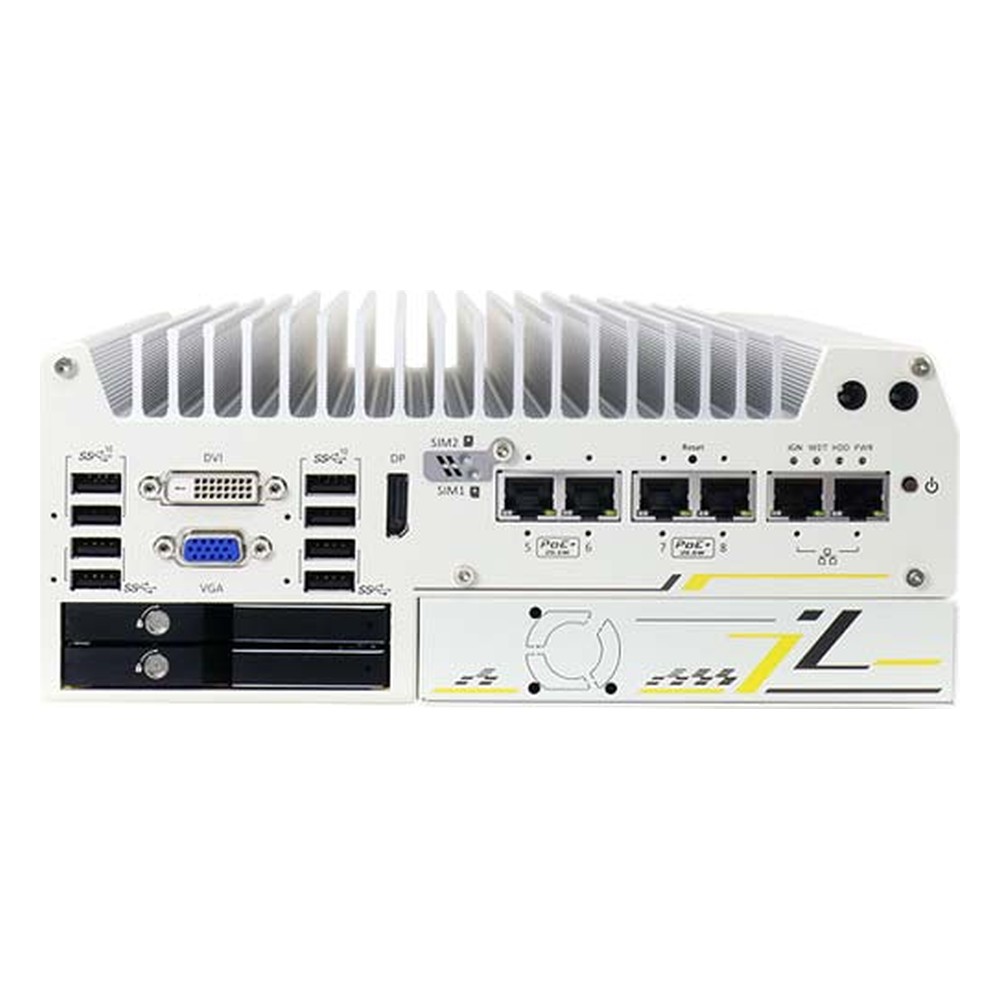
Intel 9th/8th Gen Core Mobile NVR with 4x M12 PoE+ and SuperCAP Power Backup
- CPU
- Intel Core 9th Gen (Coffee Lake)
- Ethernet
- 6× GbE (4× PoE)
- Temp
- −40 to +70 °C
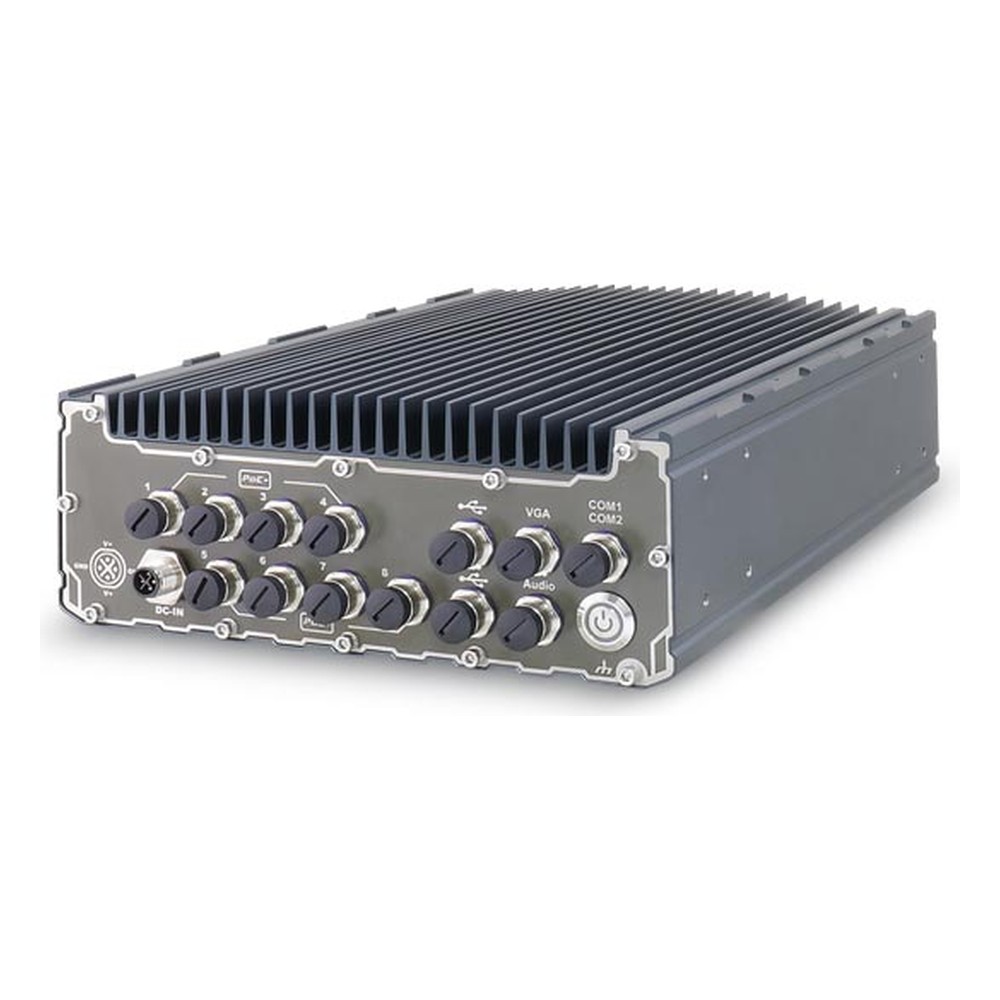
Intel Xeon E or 9th/8th Gen Core IP67 Military Grade Computer with 4x M12 PoE+ and SuperCAP UPS
- CPU
- Intel Core 9th Gen (Coffee Lake)
- Ethernet
- 4× GbE (4× PoE)
- IP Rating
- IP67
Supercapacitor vs battery UPS: common questions
Quick answers
Is a supercapacitor better than a battery for a UPS?
It depends on the runtime. For riding through dips and completing a clean shutdown in seconds to minutes, supercapacitors usually win on life, temperature range and maintenance. For minutes to hours of runtime, a battery stores far more energy for its size.
How long can a supercapacitor UPS keep a computer running?
Seconds to a few minutes. Divide the module’s usable energy, after converter losses, by the load. A module rated at a few thousand watt-seconds typically carries a 40 W computer for one to two minutes when new.
Do supercapacitors wear out?
Slowly. Capacitance falls and internal resistance rises over time, faster in heat and at high cell voltage. Modules are typically rated for more than 10 years and hundreds of thousands of cycles, and sizing should allow for end-of-life capacity.
Do supercapacitors work in the cold?
Yes, to around −40 °C. Internal resistance rises and some modules reduce usable energy at the extremes, but supercapacitors can still charge in conditions where Li-ion cells must not be charged.
Do I still need ignition control if I fit a UPS?
Yes, they do different jobs. Ignition control manages the planned start and shutdown with each journey. The UPS covers unplanned losses and dips. Use one set of ignition timers, in either the computer or the UPS.
Does a UPS replace power loss protection in the SSD?
No, they work together. The UPS keeps the whole computer running long enough to shut down. Power loss protection keeps the drive’s cache and mapping safe in the cases where the UPS is bypassed or exhausted.
What is the difference between a supercapacitor and an ultracapacitor?
None in practice. Both names describe electric double-layer capacitors, and some makers use their own trade names. Datasheets may use any of them for the same technology.
Can a supercapacitor UPS meet EN 50155?
Yes, when designed for it. Railway modules are designed to the standard’s supply, temperature and shock requirements as a whole. The interruption classes S1 to S3 apply to the computer’s own input; the UPS extends protection well beyond them.
Vehicle and rail power FAQs
-
What Is Ignition Control on a Vehicle Computer?
Ignition control lets a vehicle computer follow the ignition key: it starts when the engine starts, and when the ignition is switched off it waits for a set delay and then shuts down cleanly. That protects the data on the computer and stops it draining the vehicle battery while parked.
-
What Is MIL-STD-1275?
MIL-STD-1275 defines the 28 V DC electrical power characteristics on military ground vehicles, including the voltage spikes, surges, ripple and starting dips that onboard equipment must tolerate to run reliably from the vehicle supply.
-
What Is Power Loss Protection in an SSD?
Power loss protection (PLP) is a feature in industrial and enterprise SSDs that keeps data safe if power is cut suddenly. On-board capacitors store enough energy to finish writing any data held in the drive’s cache to its flash memory, so files and the drive’s internal mapping are not corrupted when the supply drops without warning.
-
What Is IEC 61373?
IEC 61373 is the international standard for shock and vibration testing of equipment fitted to railway rolling stock. It sets test levels by where the equipment is mounted, from inside the car body to the bogie and the axle, so a computer can be qualified for the vibration it will actually see on a train.
-
What Is EN 50121-3-2?
EN 50121-3-2 is the European standard for electromagnetic compatibility of electrical and electronic equipment fitted to railway rolling stock. It limits the interference a device may emit and sets how well it must withstand interference from the train, so a computer neither disrupts nor is disrupted by signaling and traction systems.
-
What Is the Industrial Temperature Range?
The industrial temperature range is −40 to 85 °C: the grade an electronic component must operate across to be called industrial, compared with 0 to 70 °C for commercial parts. Rugged computers built from industrial-grade components typically run from −25 or −40 °C up to 70 °C as a complete system.
-
What Is a Power Cycle?
A power cycle is switching a device fully off, removing its power for a short time and switching it back on. Unlike a restart, it cuts power to every component, which clears memory and resets hardware that has locked up. Industrial computers can power cycle themselves through a watchdog timer or be power cycled remotely.
Protecting a vehicle or rail computer?
Tell us the computer, its supply and where it will be installed, and how long it must ride through and shut down. We will size the backup energy, set the ignition and shutdown timing, then configure, image and test the computer and UPS together before they ship.