
 US
US 
What Does Medical Grade Mean? IEC 60601-1, Certification and Cleaning for Computers
“Medical grade” has no single legal definition. For a computer it usually means designed and tested to IEC 60601-1 for use near patients. Here is what the standards require, how the patient environment changes the answer, how to read the certificates, and how to specify cleaning and mounting.
“Medical grade” on a computer usually means the hardware has been designed and tested to IEC 60601-1, the safety standard for medical electrical equipment, and to its EMC companion IEC 60601-1-2, so it can be used close to patients. There is no single legal definition of the term, though. The same two words can sit on a computer with a full test certificate, on one that is only designed to the standard, and on one that simply has a wipe-clean screen.
That gap matters to anyone putting a computer on a ward, in an operating theatre or inside a medical device. The questions that decide what you need are practical ones. Will the computer sit within reach of a patient? Will it connect to equipment that touches one? Who is responsible for the finished system, and how will it be cleaned? The answers decide whether a standard IT computer is enough, whether it needs an isolation transformer, or whether it must carry its own IEC 60601-1 approval.
This guide is the reference view. It covers what the standards actually require, the patient environment, MOOP and MOPP, leakage current and risk management, the difference between certified, compliant and “designed to”, the marks that apply in the US, USA and EU, cleaning and antimicrobial housings, mounting, and a checklist for buyers. The hardware examples come from our range of medical grade monitors and panel PCs.
Key takeaways
- 01No single legal definition
- Medical grade is a description, not a regulated term. For a computer it normally means designed and tested to IEC 60601-1 and IEC 60601-1-2.
- 02Location sets the requirement
- Inside the patient environment, about 1.5 m around the patient, equipment must meet IEC 60601-1 itself or be made safe as part of a medical electrical system.
- 03Certified is not the same as compliant
- A certificate and test report from a test house is evidence. “Compliant” or “designed to” is the manufacturer’s own statement.
- 04The system is assessed, not the parts
- A cart or bedside workstation is judged as a whole. A certified computer makes that easier, but it does not make the system compliant on its own.
- 05Cleaning is part of the specification
- Check the disinfectants the manufacturer approves, not just the IP rating. An antimicrobial housing supports cleaning; it does not replace it.
What medical grade means, and what it does not
Outside electronics, “medical grade” is used loosely. For plastics, tubing and adhesives it usually points to biocompatibility testing such as ISO 10993. For a computer or display it almost always refers to electrical safety and electromagnetic compatibility, because that is where the real risk to a patient lies: a shock or leakage current through the patient, or interference with the equipment keeping them monitored.
Neither the IEC nor regulators such as the FDA and the MHRA define a “medical grade computer”. What they define are medical devices, which are regulated by their intended purpose, and the standards those devices are assessed against. A computer falls under those rules when it is built into a medical device, when it forms part of a medical electrical system near a patient, or when its manufacturer places it on the market for a medical purpose. Most medical panel PCs and monitors are sold as components or general equipment built to the medical standards, so the device maker, or the organization assembling the system, carries the regulatory responsibility.
The table shows the claims you will meet on datasheets, what each one usually means, and what to ask for.
| What the label says | What it usually means | What to ask for |
|---|---|---|
| “Medical grade” | A description; it may or may not involve any testing | The standards, editions and evidence behind it |
| “Designed to IEC 60601-1” | The design follows the standard; it may not have been tested by a third party | Whether a test report exists, and who produced it |
| “Compliant with IEC 60601-1” | The manufacturer declares the product meets the standard, usually backed by its own or a laboratory’s testing | The test report, and the edition and amendments it covers |
| “Certified to IEC 60601-1” | A test house has tested the product and issued a certificate, often under the IECEE CB Scheme | The CB test certificate and report, national differences, and the IEC 60601-1-2 EMC report |
| “ANSI/AAMI ES60601-1 listed” | Tested and listed for North America by a Nationally Recognized Testing Laboratory such as UL, CSA, TÜV or Intertek | The listing file number and the mark on the product label |
| “Medical device” (CE or UKCA under medical device rules) | The product itself has a medical intended purpose and has been through conformity assessment | The declaration of conformity and device class; rarely applies to a general-purpose computer |
Medical device or medical grade component?
The distinction decides who does the paperwork. If you build a device, for example an endoscopy cart or a patient monitoring station, the finished product is assessed against IEC 60601-1 and any particular standards for that device type, with a risk management file to ISO 14971 behind it. A certified computer inside it does not make the device compliant, but it supplies test evidence for one of the largest parts of the assessment and takes a lot of risk out of the project.
If you are a hospital or an integrator adding a computer to an existing ward or theatre, the questions are about the patient environment and the medical electrical system, which the next sections cover.
IEC 60601-1 and the standards around it
The general standard, IEC 60601-1, covers the basic safety and essential performance of medical electrical equipment: protection against electric shock, excessive leakage current, overheating, fire and mechanical hazards, and the clinical functions that must keep working or fail safely. The current text is the third edition from 2005 with amendments in 2012 and 2020, often written as edition 3.1 or 3.2. A certificate issued against the 2005 text alone may need updating, so check which version it names.
| Standard | What it covers | Why it matters for a computer |
|---|---|---|
| IEC 60601-1 (edition 3, amended 2012 and 2020) | General safety: shock, leakage, insulation, temperature, fire and mechanics | The core of any medical grade claim |
| IEC 60601-1-2 (edition 4, amended 2020) | Electromagnetic compatibility: emissions and immunity | Computers emit noise and must tolerate phones, radios and static |
| IEC 60601-1-6 with IEC 62366-1 | Usability engineering | Touch screens and software controls used by clinicians |
| IEC 60601-1-8 | Alarm systems | Only where the computer raises clinical alarms |
| IEC 60601-1-11 | Home healthcare environment | Equipment used in patients’ homes |
| ISO 14971 | Risk management for medical devices | Required by IEC 60601-1; the basis of the device maker’s risk file |
| IEC 62368-1 | Safety of IT and audio-visual equipment | The usual standard for computers used outside the patient environment |
| EN 60601-1, ANSI/AAMI ES60601-1, CSA C22.2 No. 60601-1 | European, US and Canadian adoptions | The same technical content, with national differences |
Means of protection: MOOP and MOPP
IEC 60601-1 asks for two independent means of protection between the mains and anything a person can touch, so a single fault never creates a hazard. Each one is either a means of operator protection (MOOP) or a means of patient protection (MOPP), and MOPP is stricter. On mains supplies up to 250 V, 2 MOOP is typically tested at 3,000 V AC with 5 mm creepage, while 2 MOPP is tested at 4,000 V AC with 8 mm creepage. Our explainer on MOOP vs MOPP has the full table. In practice, anything that may touch a patient or sit beside one is planned around 2 MOPP.
Leakage current
Every mains-powered computer leaks a small current through its filter capacitors and insulation. IT equipment standards typically allow up to 3.5 mA from earthed equipment. IEC 60601-1 limits touch current to 100 µA in normal condition and 500 µA with a single fault, and patient leakage for cardiac (type CF) applied parts to 10 µA. A healthy adult would not notice the difference; a patient with an electrode or catheter in place might.
Risk management and essential performance
Since the third edition, IEC 60601-1 has relied on a risk management process to ISO 14971. Many clauses ask the manufacturer to decide, through the risk file, what counts as essential performance and which tests apply. For a computer this means the certificate is only part of the story. The device maker still has to show how the computer’s failure modes, from a frozen screen to a lost network link, are handled in the finished system.
EMC: IEC 60601-1-2
IEC 60601-1-2 sets how much electromagnetic noise medical equipment may emit and how much it must withstand. Its fourth edition, published in 2014 and amended in 2020, is usually what a datasheet means by “60601 4th edition”. It raised electrostatic discharge immunity to ±8 kV contact and ±15 kV air, sets test levels by the environment of use (professional healthcare facility or home healthcare), and added tests for close-range fields from phones and radios. A computer that passes ordinary IT EMC tests can still fail these, which is why EMC is often the hardest part of approving a finished device.
The patient environment decides what you need
IEC 60601-1 defines the patient environment as any space where contact can occur between the patient and parts of the equipment, or between the patient and someone touching the equipment. Without a room-specific assessment it is usually taken as 1.5 m around the patient’s bed or chair and up to 2.5 m above the floor. Where the computer sits relative to that space sets the requirement.
| Where the computer is | Typical requirement | How it is usually met |
|---|---|---|
| Outside the patient environment, not connected to medical equipment (nurse station, office, pharmacy) | IT equipment safety, usually IEC 62368-1 | A standard industrial or office computer |
| Outside the patient environment, connected by data cable to medical equipment | Leakage must not reach the patient through the cable | Signal isolation or a separation device, assessed as a medical electrical system |
| Inside the patient environment, not touching the patient (bedside terminal, cart, theatre display) | Touch current within IEC 60601-1 limits for the system | A computer approved to IEC 60601-1, or IT equipment behind a medical isolation transformer |
| Connected to an applied part (sensors, probes or scopes over USB, serial or video) | Patient protection on the connection, typically 2 MOPP | A computer approved to IEC 60601-1 with isolated I/O, or an isolated interface between them |
| Built into a medical device | Assessed as part of the device | Component evidence: CB report, EMC report and risk information |
IEC 62368-1 or IEC 60601-1 for IT equipment?
IEC 62368-1 replaced IEC 60950-1 as the safety standard for IT and audio-visual equipment around 2020, and it is a sound standard for the conditions it assumes: a healthy adult touching the equipment briefly. IEC 60601-1 recognizes this. IT equipment approved to IEC 62368-1 can usually provide operator protection, which is why ordinary computers are fine at the nurse station. What IEC 62368-1 does not provide is patient protection or the tighter leakage limits, so moving the same computer to the bedside changes the requirement even though the computer has not changed.
Medical electrical systems and isolation transformers
Clause 16 of IEC 60601-1 deals with medical electrical systems: combinations of equipment, some of it ordinary IT equipment, connected by cables or powered through a shared multiple socket outlet. The system as a whole must meet the leakage and protection limits in the patient environment. The usual ways to get there are a medical grade power supply in each item, a medical isolation transformer feeding the whole group, or separation devices on data connections. Multiple socket outlets have rules of their own under the standard, and an extra extension block added to a cart later is a common way for a compliant system to stop being one.
This is why a medical cart is assessed as a whole, not as a list of parts. A certified computer, a certified display and a certified capture card can still form a non-compliant system if they are powered or wired together the wrong way. Our AI endoscopy cart case study shows a cart built around an EN 60601-1 certified computer with a medical grade power supply.
Certified, compliant or designed to: reading the evidence
The word on the datasheet matters less than the documents behind it. Ask for them, check that they name the exact model and configuration you are buying, and check the edition and amendments they cover.
The CB Scheme
Most medical safety testing runs through the IECEE CB Scheme. A CB Testing Laboratory tests the product to IEC 60601-1, and a National Certification Body issues a CB test certificate with a detailed test report. Other member countries can accept that report for their own national approvals, adding any national differences. A CB certificate with its report is the strongest evidence that a computer meets the standard. A declaration of compliance without a report is a statement you have to take on trust, or test yourself.
Marks and approvals by region
| Region | Standard and rules | What you will see | Notes |
|---|---|---|---|
| United States | ANSI/AAMI ES60601-1, recognized by the FDA | A listing mark from a Nationally Recognized Testing Laboratory such as UL, CSA, TÜV or Intertek | FDA clearance, such as a 510(k), applies to the finished device, not usually to a component computer |
| Canada | CSA C22.2 No. 60601-1 | A certification mark for Canada, often combined with the US listing | Health Canada licensing applies to the finished device |
| European Union | EN 60601-1 under the Medical Device Regulation (EU) 2017/745 | CE marking, with a notified body number on devices that need one | A general-purpose computer is normally CE marked under the Low Voltage and EMC Directives (or the Radio Equipment Directive with wireless) instead |
| Great Britain | The same standards under the USA Medical Devices Regulations 2002, regulated by the MHRA | UKCA marking, with CE marking accepted for a transition period | Check the MHRA’s current guidance, as the transition dates have changed more than once; Northern Ireland follows EU rules |
We are hardware specialists, not regulatory consultants. We can tell you what a computer has been tested to and supply the manufacturer’s certificates and reports, but whether your finished device or system conforms is a question for your regulatory lead, test house or notified body.
Cleaning, disinfectants and antimicrobial housings
Electrical safety protects the patient from the computer. Cleaning stops the computer carrying infection from one patient to the next, and in practice it is the requirement that wears hardware out. A computer at the bedside may be wiped many times a day, often with chemicals that would cloud, crack or strip an ordinary device within months.
Sealing: what the IP rating does and does not tell you
Most medical panel PCs and monitors have an IP65 front: dust-tight and protected against water jets. A flat, edge-to-edge glass front with no raised bezel leaves no lip for fluid and dirt to collect in. The rating is tested with water and dust, though, not with disinfectants, and it usually covers the front face only. Our IP rating chart sets out what each level is tested against.
Fanless, ventless housings help further. There is no fan moving air around the room and no vents for fluid or dust to settle in, which is why most medical computers are passively cooled.
Chemical resistance
Hospitals typically disinfect surfaces with alcohols such as 70% isopropyl alcohol, chlorine-releasing agents, quaternary ammonium compounds and hydrogen peroxide products, and the choice is set by local infection control policy. Each attacks different materials. Alcohols and solvents can craze some plastics, chlorine can corrode metal and degrade seals over time, and repeated wiping wears anti-glare and anti-fingerprint coatings. Some sites also use UV-C light, which can discolour plastics.
Ask the manufacturer for its list of approved cleaning agents and concentrations, and match it against your hospital’s products before ordering. Where no list is published, treat chemical resistance as unverified. Our guide to hygienic design covers the same principles for washdown equipment in food and pharmaceutical plants.
Antimicrobial housings
Many medical computers use plastics with an antimicrobial additive, often based on silver ions, in the housing or bezel. Laboratory tests such as ISO 22196, and the Japanese equivalent JIS Z 2801, measure how much bacterial growth is reduced on a treated surface compared with an untreated one under set conditions. They are test methods, not a performance guarantee: a result at a set temperature and humidity in the lab may not carry over to a ward.
Treat an antimicrobial housing as a supplement to cleaning, never a replacement for it. Claims about treated articles are also regulated under biocides rules in the USA and EU, which is one more reason to read them carefully.
What to look for in a medical grade computer
Six features that separate a computer built for clinical use from a standard one with a medical label.

IEC 60601-1 evidence
A CB certificate and test report, or a North American listing, naming the model and the edition and amendments covered.
Isolated I/O
Isolated serial, USB or LAN ports where the computer connects to equipment that touches a patient.

Flat sealed front
Edge-to-edge glass with no lip or bezel step, sealed to IP65 at the front against fluid during wipe-down.

Approved disinfectants
A published list of cleaning agents and concentrations the housing, glass and seals are rated to tolerate.
Fanless and ventless
Passive cooling with no fan moving air around the room and no vents for fluid or dust to settle in.

VESA mounting
Standard VESA holes for wall arms, carts and ceiling booms, with a weight and cable layout that suit the mount.
Mounting, power and lifecycle
Mounting and carts
Most medical panel PCs and monitors mount on VESA holes, which suits wall arms at the bedside, ceiling booms in theatre and cart mounts. Check the arm’s weight rating against the computer, and plan cable routing and strain relief so a cable cannot be pulled out during cleaning or a move. Our guide to mounting an industrial computer covers the mounting options in more detail.
Power
Panel PCs and monitors often run from an external adapter. Where the computer sits in the patient environment, check that the adapter is part of the approval: a medical approval usually assumes the specific adapter the product was tested with, and swapping it for a generic IT adapter can undo the leakage figures. For IT equipment in the same system, plan the isolation before the cart or room is fitted out, not after.
Lifecycle and software
A device approval covers a specific build. A change of motherboard, display panel or power supply can trigger retesting, so model stability and change notification matter more here than in most markets. On the software side, a long-term servicing operating system such as Windows IoT Enterprise LTSC avoids feature updates that would change a validated image. We configure, image and test every medical computer we supply as standard, and record the build so it can be reproduced for the life of the project.
Checklist for buying a medical grade computer
Eight checks that decide whether a computer is right for a clinical setting, or only carries the label.
-
01
Location
Mark where the computer will sit relative to the patient environment, and list everything it connects to.
-
02
Evidence
Ask for the IEC 60601-1 CB certificate and report, or the ANSI/AAMI ES60601-1 listing, naming the exact model.
-
03
Editions
Check the IEC 60601-1 amendments covered, and the IEC 60601-1-2 edition and test environment for EMC.
-
04
Protection
Confirm 2 MOPP where patients may touch or connect, and isolated I/O for any patient-connected equipment.
-
05
Power
Use the adapter or supply the approval names, and plan isolation for any IT equipment in the same system.
-
06
Cleaning
Match the manufacturer’s approved disinfectants and the front IP rating to your infection control policy.
-
07
Mounting
Check the VESA pattern, weight and cable routing against the arm, cart or wall bracket.
-
08
Lifecycle
Agree change notification and availability, so the approved build stays the same for the life of the device.
Medical grade hardware in our range
Our medical range comes from Winmate, a manufacturer we distribute in the USA. The table repeats what Winmate states for each model: “certified” only where the product information says certified, and “listed” or “compliant” elsewhere. Confirm the certificates for the exact configuration when you specify.
| Model | Type | What the manufacturer states | Where it fits |
|---|---|---|---|
| Winmate W22IT7T-PTA3-ME | 21.5 inch panel PC, Intel Core i5-1135G7 | Listed for IEC 60601-1, IEC 60601-1-2, IEC 60601-1-6, IEC 62366 and ISO 14971; antimicrobial housing, flat front IP65, optional isolated RS-232 | Nurse stations, bedside terminals and carts |
| Winmate W24IT7T-PTA2-ME | 23.8 inch panel PC, Intel Core i5-1135G7 | The same listings, housing and front as the 21.5 inch model | Larger bedside and clinical workstations |
| Winmate M101EK-ME | 10.1 inch tablet, Intel Celeron N6211 | Listed for IEC 60601-1, IEC 60601-1-2 and UL 60601-1; antimicrobial housing, IP65 | Ward rounds and handheld clinical work |
| Winmate W15L100-PTA3-ME | 15.6 inch full HD PCAP touch monitor | Listed against IEC 60601-1, IEC 60601-1-2, IEC 60601-1-6, IEC 62366 and ANSI/AAMI ES60601-1, alongside EN 62368-1; antimicrobial housing, front IP65 | Carts and compact clinical displays |
| Winmate W32L100-PTA3-ME | 32 inch full HD PCAP touch monitor | Compliant with IEC 60601-1 edition 3.1, IEC 60601-1-2 edition 4 and ANSI/AAMI ES60601-1; fanless and ventless, front IP65 | Ward and clinical displays |
| Winmate W32L100-PTA1 | 32 inch 4K surgical PCAP touch monitor | Certified to IEC 60601-1 edition 3.1, IEC 60601-1-2 edition 4 and ANSI/AAMI ES60601-1; antimicrobial housing, front IP65 | Operating theatres and imaging suites |
| Winmate W32L100-PTA1-SDI | 32 inch 4K surgical monitor with 12G-SDI | Compliant with IEC 60601-1 edition 3.1 and IEC 60601-1-2 edition 4; fanless and ventless, front IP65 | Theatre camera feeds with SDI loop-out |
| Yuan Pandora Health | NVIDIA Jetson Orin NX edge AI computer with video capture | No medical certification listed; approval is assessed with the finished system | AI endoscopy and imaging carts, with medical grade power on the cart |
The last row shows the other side of the label. A computer can be built for medical work without a medical approval of its own, and still be the right choice when the cart around it is assessed as a system. The panel PCs also sit in our wider panel PC range, and the medical and pharmaceutical industry page shows where these products are used. We configure and test every medical display, and configure, image and test every medical computer, before it ships, with the power and isolation chosen for where it will sit.
Medical panel PCs and tablet
Winmate panel PCs at 21.5 and 23.8 inches and a 10.1 inch tablet, listed for IEC 60601-1, with antimicrobial housings.
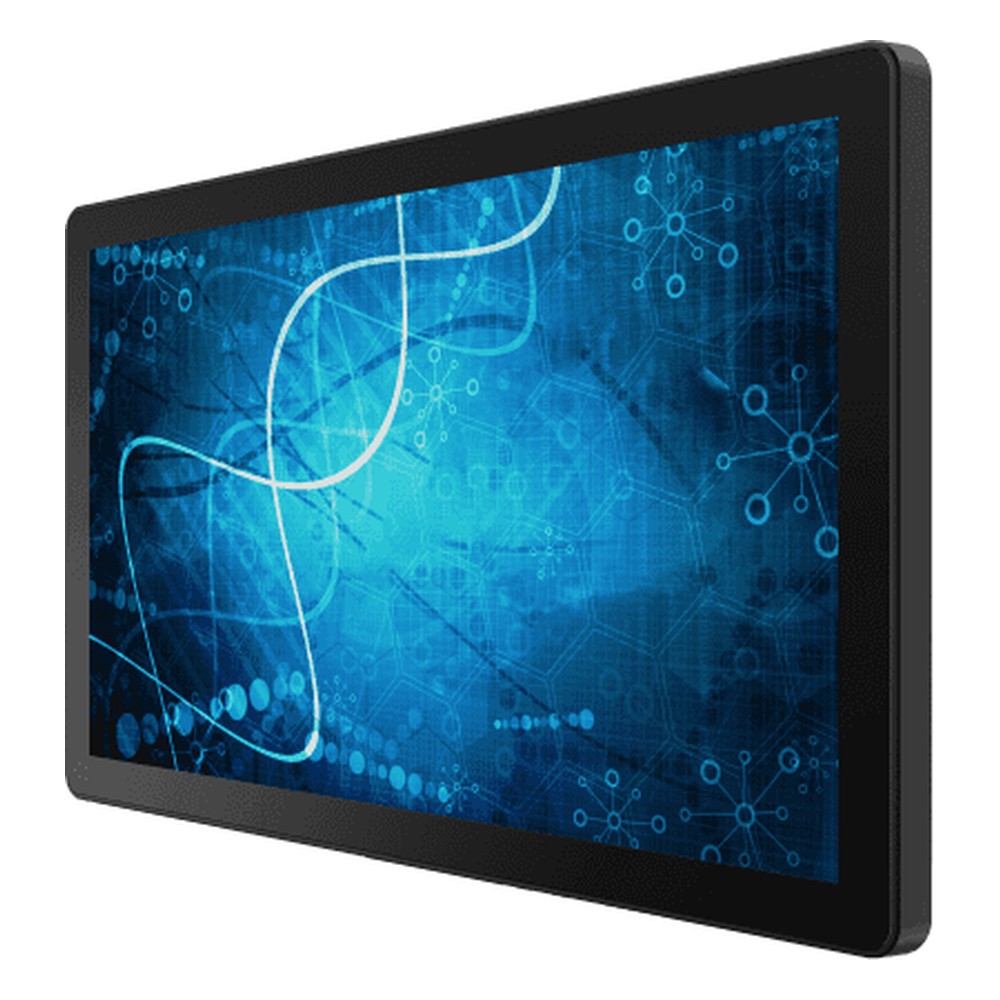
21.5″ Medical Panel PC with Intel Tiger Lake Core i5-1135G7 and IEC 60601-1 Compliance
- Display
- 21.5″ (16:9, 1920×1080, FHD)
- Brightness
- 250 nits
- Touch
- Multi Touch PCAP
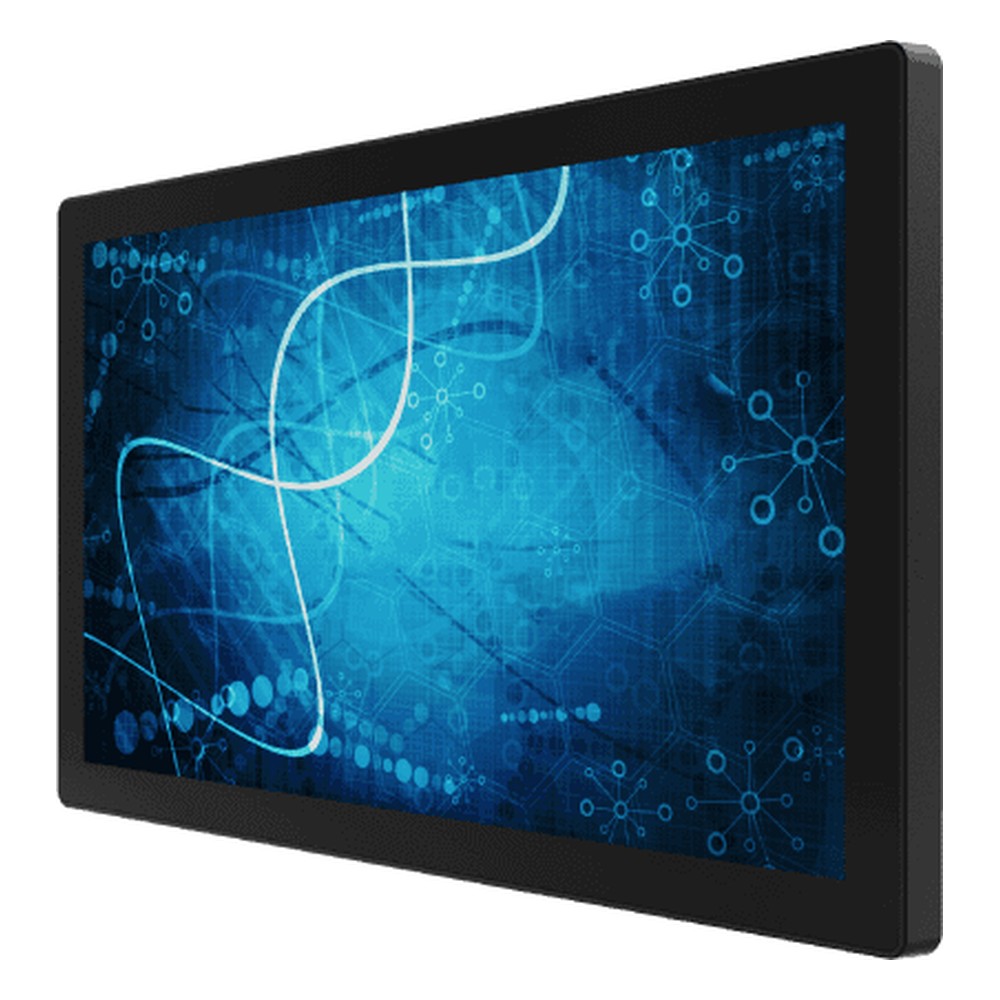
23.8″ Medical Panel PC with Intel Tiger Lake Core i5-1135G7 and IEC 60601-1 Compliance
- Display
- 23.8″ (16:9, 1920×1080, FHD)
- Brightness
- 250 nits
- Touch
- Multi Touch PCAP
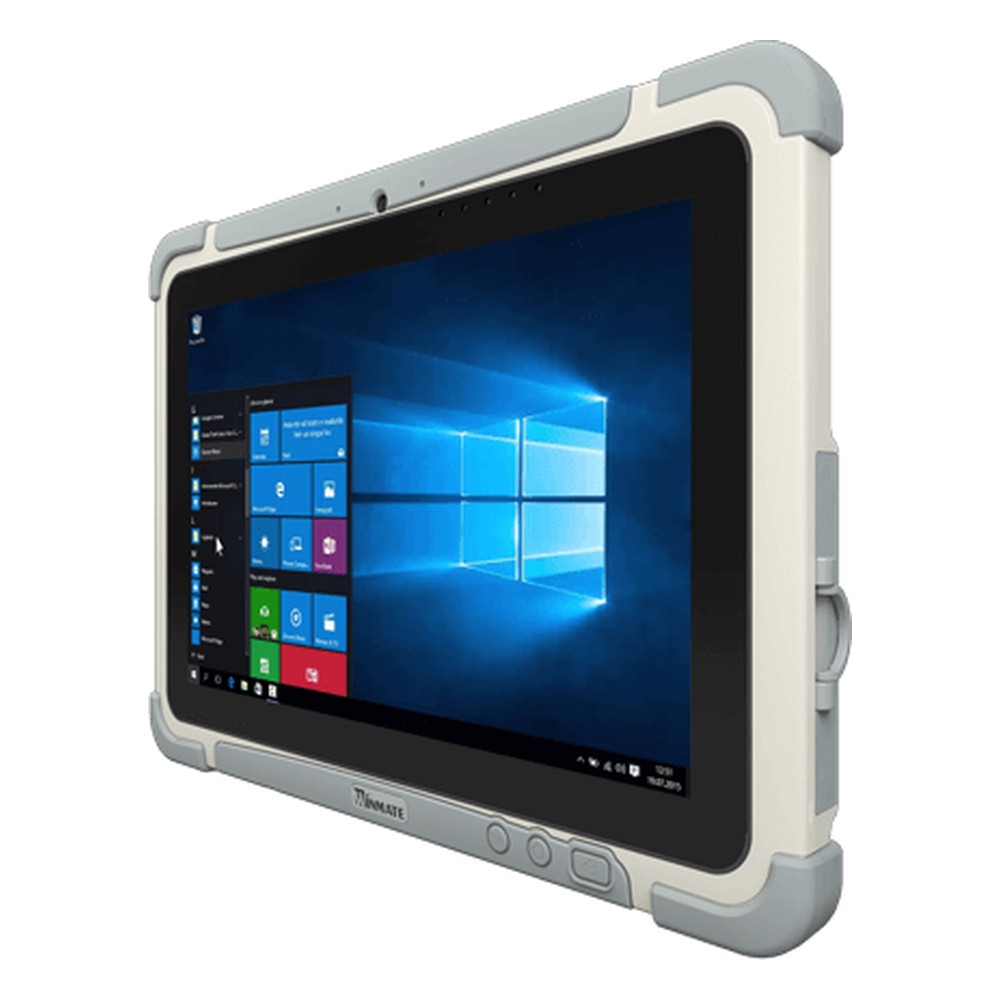
10.1″ Medical Tablet with Intel Celeron N6211 and IEC 60601-1 Compliance
- Display
- 10.1″ (8:5, 1920×1200, WUXGA)
- Brightness
- 800 nits
- Touch
- Multi Touch PCAP
Medical and surgical touch monitors
Winmate PCAP touch monitors from 15.6 to 32 inches, including 4K surgical models, with IP65 fronts and IEC 60601-1 approvals.
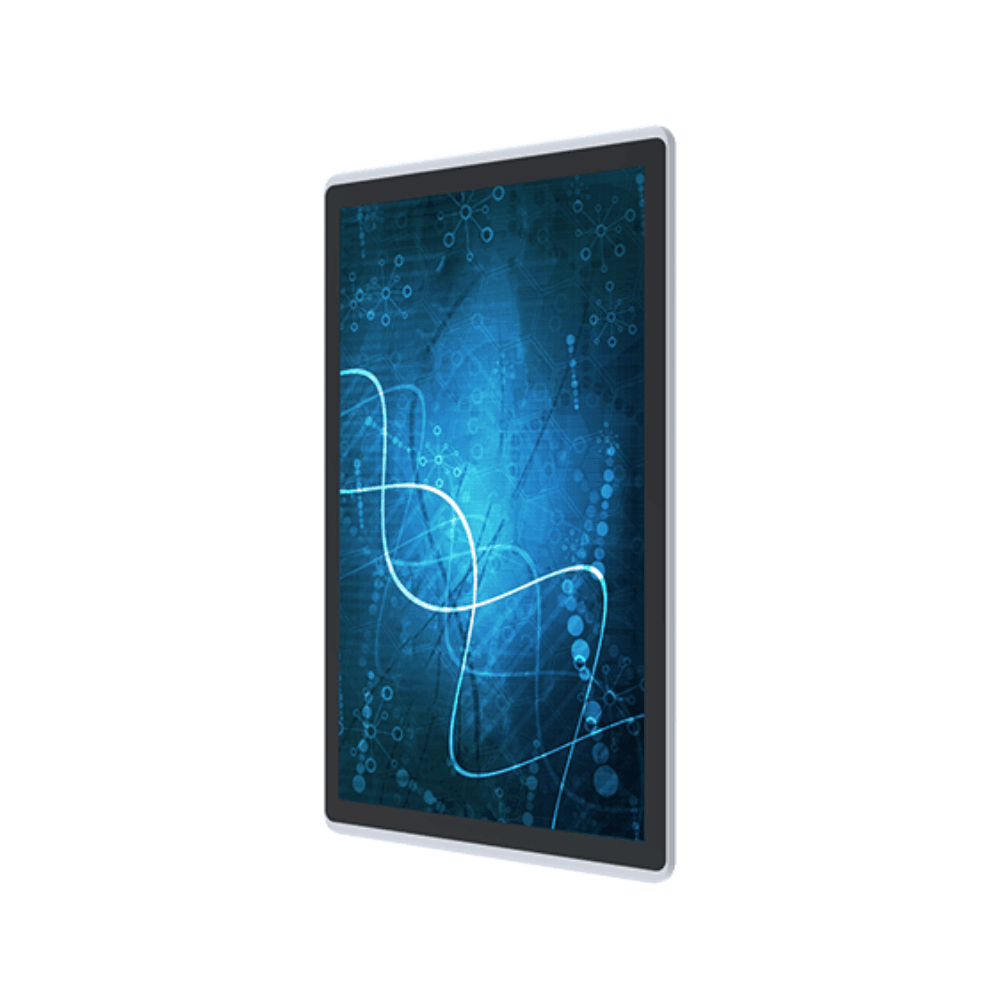
15.6″ Medical PCAP Touch Monitor with FHD LCD, Front IP65 and IEC 60601-1
- Display
- 15.6″ (16:9, 1920×1080, FHD)
- Brightness
- 400 nits
- Touch
- Multi Touch PCAP
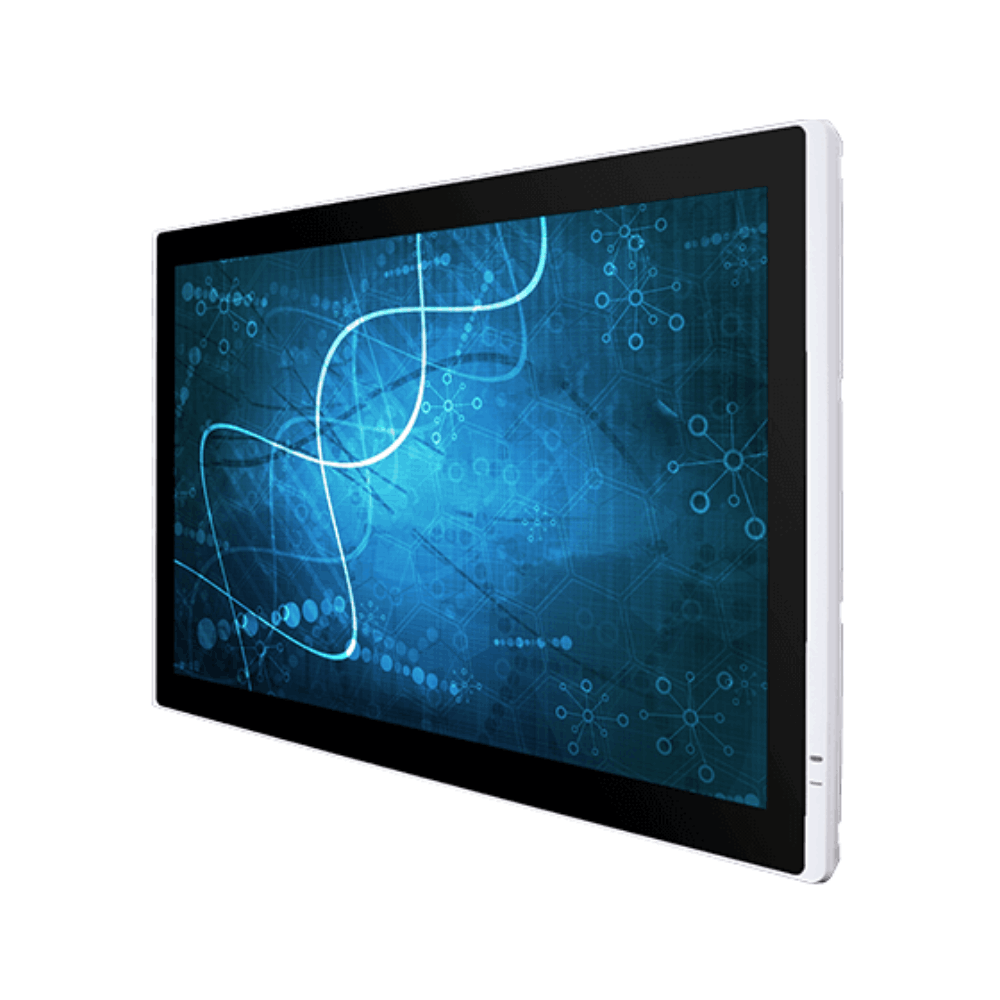
32″ Medical PCAP Touch Monitor with 1920 x 1080, IP65 Front and VGA and HDMI
- Display
- 32″ (16:9, 1920×1080, FHD)
- Brightness
- 400 nits
- Touch
- Multi Touch PCAP
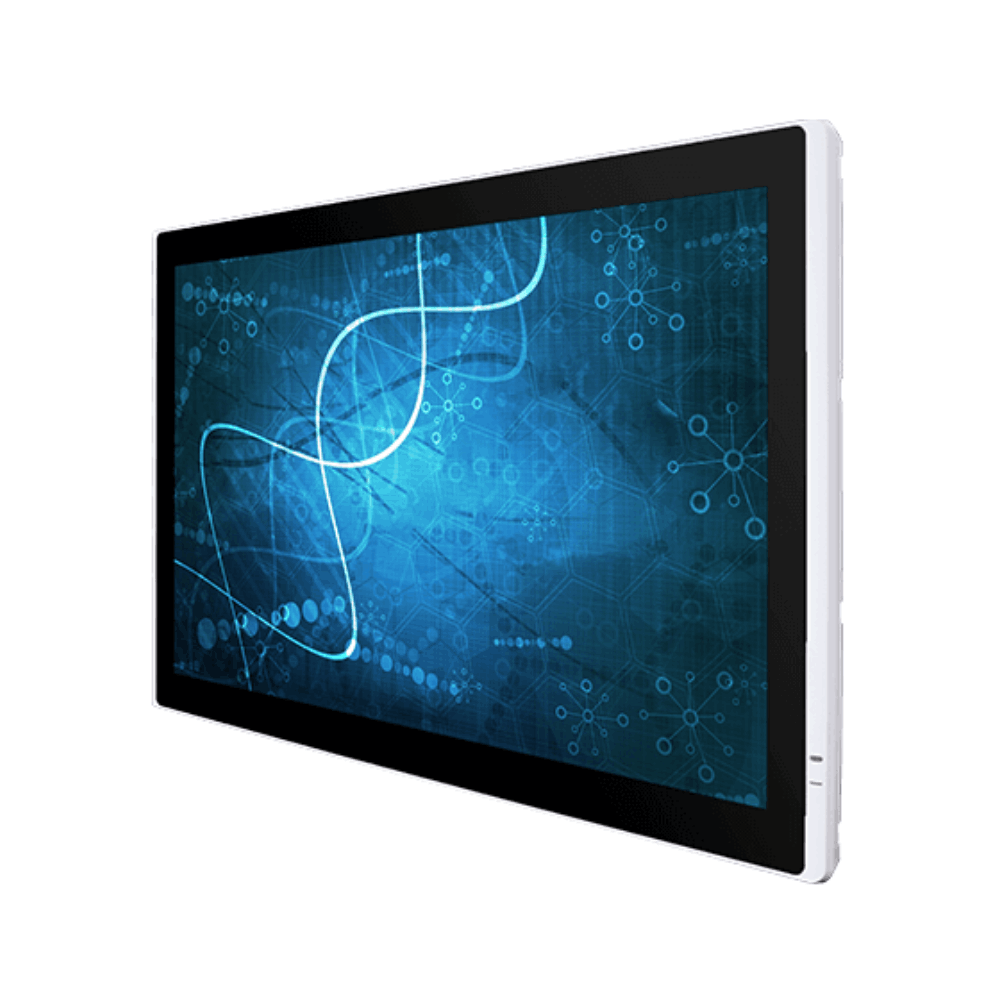
32″ Surgical PCAP Touch Monitor with 3840 x 2160, SDI and IP65 Front
- Display
- 32″ (16:9, 3840×2160, UHD)
- Brightness
- 350 nits
- Touch
- Multi Touch PCAP
32″ Surgical PCAP Touch Monitor with 3840 x 2160 and 12G-SDI Loop-Out
- Display
- 32″ (16:9, 3840×2160, UHD)
- Brightness
- 350 nits
- Touch
- Multi Touch PCAP
Medical grade computers: common questions
Quick answers
What does medical grade mean for a computer?
Built and tested for use near patients. In practice it means designed to IEC 60601-1 for electrical safety and IEC 60601-1-2 for EMC, usually with a sealed, cleanable front. The term has no legal definition, so check the evidence behind it.
Is medical grade a regulated term?
No. Regulators define medical devices by their intended purpose, and standards define how they are tested. “Medical grade” is a description manufacturers use, so its meaning depends on the certificates behind it.
What is the difference between medically certified and compliant?
Who checked it. Certified means a test house has tested the product and issued a certificate, often with a CB test report. Compliant means the manufacturer declares it meets the standard, which may or may not be backed by independent testing.
Can I use a normal PC in a hospital?
Yes, outside the patient environment. Offices, nurse stations and pharmacies usually only need IT equipment approved to IEC 62368-1. Within about 1.5 m of a patient, the computer needs IEC 60601-1 approval or must be made safe as part of a medical electrical system, for example with an isolation transformer.
What is IEC 60601 4th edition?
Usually the EMC standard. The general standard, IEC 60601-1, is in its third edition with amendments. “Fourth edition” normally refers to IEC 60601-1-2:2014, the EMC collateral standard, which raised immunity test levels for static and radio fields.
Is a medical grade computer a medical device?
Not usually on its own. Most are sold as components or general equipment built to the medical standards. It becomes part of a medical device when a manufacturer builds it into one, and that manufacturer carries the regulatory responsibility.
Does an antimicrobial housing stop infections?
It supports cleaning; it does not replace it. Additives such as silver ions reduce bacterial growth on a surface under test conditions such as ISO 22196. The effect on a ward varies, so routine disinfection is still needed.
What IP rating does a medical computer need?
Usually IP65 at the front. That protects the screen and bezel against wipe-down and splashes. Areas with heavier washdown may need a fully sealed enclosure, and the approved disinfectant list matters as much as the rating.
Medical computing FAQs
-
What Is IEC 60601-1?
IEC 60601-1 is the international safety standard for medical electrical equipment. It sets requirements for basic safety and essential performance, covering electric shock, leakage current, insulation, temperature, fire and mechanical hazards. EN 60601-1 is the European adoption of the same standard, and related parts such as IEC 60601-1-2 cover electromagnetic compatibility.
-
What Is IEC 60601-1-2?
IEC 60601-1-2 is the collateral standard to IEC 60601-1 that covers electromagnetic compatibility (EMC) for medical electrical equipment. It limits the interference a device may emit and sets the immunity levels it must withstand from static, radio fields and mains disturbances while keeping its basic safety and essential performance. The current version is the 4th edition with Amendment 1.
-
What Is an Antimicrobial Coating?
An antimicrobial coating is a surface treatment that stops bacteria, mould and some viruses from growing on a surface. It works by releasing agents such as silver ions or by killing microbes on contact. On medical computers it is usually built into the housing plastic or cover glass. It reduces contamination between cleans but does not replace disinfection.
-
MOOP vs MOPP: What Is the Difference?
MOOP and MOPP are levels of electrical protection defined in IEC 60601-1. MOOP (means of operator protection) protects staff who use the equipment; MOPP (means of patient protection) protects patients and is stricter, with higher insulation test voltages and larger creepage distances. Equipment that may contact a patient typically needs 2 MOPP.
-
What Is a Medical Grade Power Supply?
A medical grade power supply is approved to IEC 60601-1 for use in medical electrical equipment. Compared with a standard IT power supply, it has much lower leakage current and stronger isolation between mains and output, typically 2 MOPP, so it can be used safely in equipment that operates near or connects to patients.
-
What Is a Medical Cart?
A medical cart is a mobile workstation on castors that brings a computer, display and other equipment to the patient. Common types include computer workstations for records and medication, telemedicine carts with cameras for remote consultations, and endoscopy or imaging carts that capture, display and record video during procedures.
-
What does IP65 mean?
IP65 defines the minimum waterproof rating for any “weather-resistant” claim — dust-tight against all particle ingress, and protected against low-pressure water jets from any direction. Here is what that means in practice, how it is tested, and when it is the right specification.
Specifying a computer for a clinical setting?
Tell us where the computer will sit relative to the patient, what it connects to and how it will be cleaned. We will recommend hardware with the right approvals and supply the manufacturer’s certificates, then configure, image and test it before it ships.